vscode Memes

I'm Lovin' It

I'm Lovin' It
Someone really said "corporate branding is my passion" and went FULL McDonald's with their entire VS Code setup. Every single folder icon has been replaced with those golden arches, turning their file explorer into what looks like a fast food menu from hell. The best part? They're working on a Terraform provider called "mcbroken" (which tracks broken McDonald's ice cream machines, because of COURSE that's a thing that needs infrastructure-as-code). The commitment to the bit is absolutely unhinged - they've got `.github`, `workflows`, `docs`, `examples`, and even `mcbroken` folders ALL sporting that iconic M logo. Someone spent more time customizing their file icons than actually writing code, and honestly? That's the most relatable thing about being a developer. Priorities? Never heard of her. 🍟

Sad Times

Sad Times
The evolution of text editors told through the lens of broken friendships. We've all been there—you started coding with Notepad++ like it was your ride-or-die, then Sublime Text came along with its sleek UI and multi-cursor magic, and suddenly you're acting like Notepad++ never existed. Now Sublime Text is getting the same treatment because VS Code (represented by that orange Sublime logo) showed up with IntelliSense, integrated terminal, extensions for literally everything, and—oh yeah—it's free. No more "unregistered" popup guilt trips. The crossed-out Notepad++ at the bottom really drives home the point: it's not just replaced, it's erased from memory . The text editor graveyard is real, and we're all guilty of moving on without looking back. RIP to the tools that taught us to code before we got fancy with our IDEs.

Man That Debugging Session Was Not Fun

Man That Debugging Session Was Not Fun
Installing VSCode via Snap on Linux is like choosing to debug in production on a Friday afternoon—technically possible, but you'll regret every second of it. The performance is sluggish, the integration is janky, and suddenly your editor takes 10 seconds to open a file. It's the kind of mistake that haunts you during every coding session afterward. Snap packages are containerized apps that sound great in theory but often deliver a subpar experience compared to native installations. VSCode via Snap is notorious for being slower, having clipboard issues, and generally feeling like you're coding through molasses. Veterans know: always grab the .deb package or use the official Microsoft repo. The debugging session reference? That's the painful 4-hour journey of uninstalling Snap VSCode, cleaning up the mess it left behind, and reinstalling it properly while your deadline looms closer.

Snap Back To Reality

Snap Back To Reality
Nothing kills a developer's zen state faster than a senior engineer appearing with "real work" to do. Junior dev is vibing with his aesthetic setup, probably writing some clean React components, feeling like a 10x engineer. Then reality hits: a legacy C++ module with potential memory leaks that needs manual debugging—no fancy AI tools, no Stack Overflow copy-paste, just raw pointer arithmetic and segfaults. The best part? Senior takes a 2-hour tea break while junior stares at undefined behavior for 6 hours. That's not mentorship, that's hazing with extra steps. Also, the username "@forgot_to_kill_ec2" is chef's kiss—nothing says "us-east-1 Survivor" quite like accidentally leaving AWS instances running and watching your bill go from $50 to $5000. From lo-fi beats to low-level nightmares in one conversation. The flow state didn't just die—it got deallocated without a proper destructor call.

Rate My Setup

Rate My Setup
Someone really looked at their Apple Watch and thought "You know what? This 1.5-inch screen is PERFECT for my 8-hour coding sessions." Because nothing says peak productivity like squinting at VS Code on a display smaller than a postage stamp, frantically trying to debug with your pinky finger while your IDE crashes from sheer confusion. The watch is literally begging you to open a folder—ANY folder—just to justify its existence as a development machine. Next up: deploying to production from a smart fridge. The future is now, and it's absolutely ridiculous.

Crutchless Coding

Crutchless Coding
The evolution from peasant to deity, visualized. Using a cursor? Cute, your brain is on standby. VS Code lights up a few neurons with its IntelliSense and extensions. Then vim/emacs users enter the chat with their galaxy brain energy, thinking they've achieved enlightenment because they memorized 47 keyboard shortcuts to exit a file. But the final boss? Writing code on a whiteboard and using OCR to digitize it. That's not coding anymore—that's performance art. You're basically telling your IDE "I don't even need you to exist" while your brain operates at frequencies only visible to the Hubble telescope. No autocomplete, no syntax highlighting, just raw algorithmic thinking and the faint hope that your handwriting doesn't make the OCR have an existential crisis. Honestly, the whiteboard + OCR crowd probably writes bug-free code on the first try because they've transcended mortal concerns like "testing" and "compilation errors."

Eight Giga Ram Is Minimum

Eight Giga Ram Is Minimum
So apparently launching a text editor in 2014 triggered a decade-long domino effect that's now DEVOURING all our RAM like some kind of Chrome-powered black hole. Thanks, Electron! Who knew that wrapping every single app in an entire Chromium browser would have consequences? Remember when 8GB was considered "enthusiast tier"? Now it's barely enough to run Slack, VS Code, and maybe—MAYBE—a browser with three tabs open before your computer starts making sounds like a jet engine preparing for takeoff. The prophecy has been fulfilled: every app is now secretly a web browser in a trench coat, and your RAM is paying the price. The real tragedy? We can't even be mad because these Electron apps are genuinely useful. We're just... stuck watching our memory usage climb while muttering "it was better in the terminal days" like grumpy old devs.

Have You Ever Seen This

Have You Ever Seen This
When VS Code gets so fed up with your code quality that it straight up roasts you before rage-quitting. Not "syntax error," not "compilation failed"—just a brutally honest assessment followed by immediate termination. No second chances, no stack trace, just pure judgment. The "OK" button is doing some heavy lifting here. Like yeah, what else are you gonna do? Argue with your IDE? Click "Cancel" and pretend it didn't happen? Sometimes you just gotta accept the L and start over. We've all been there—writing code so questionable that even our tools are questioning their life choices. The real mystery is whether this is a custom error message from a frustrated developer or if VS Code actually achieved sentience and chose violence.

Have You Ever Seen This?

Have You Ever Seen This?
When VS Code gets SO fed up with your garbage code that it literally calls it "ass" before rage-quitting on you. Like, not even a polite "syntax error" or "unexpected token"—just straight up roasts your entire existence and terminates the session. The sheer AUDACITY of this error message! Your code was so catastrophically terrible that VS Code had to invent a whole new insult category before dramatically slamming the door shut. The only appropriate response is that big blue "OK" button because what else are you gonna do? Argue with your IDE? It already won.

Same Same But Different

Same Same But Different
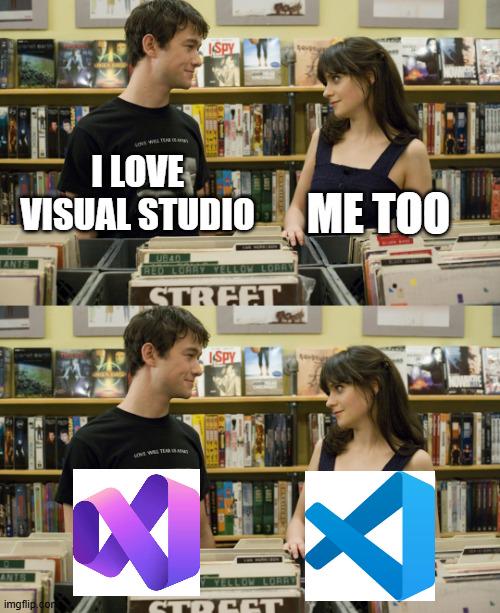
Two people bond over their shared love of coding, but once you peek under the hood, it's a completely different tech stack civil war. One side's rocking Python, VS Code, Git, and Docker like a sensible human being. The other's got... whatever chaotic combination of Deep Learning frameworks, package managers, and tools that probably requires three different terminal windows just to compile "Hello World." It's the developer equivalent of saying "I love pizza" and then finding out one person means authentic Neapolitan margherita and the other means pineapple with ranch dressing. Sure, you both "love coding," but good luck pair programming without starting a holy war over tooling choices.

Anti Gravity

Anti Gravity
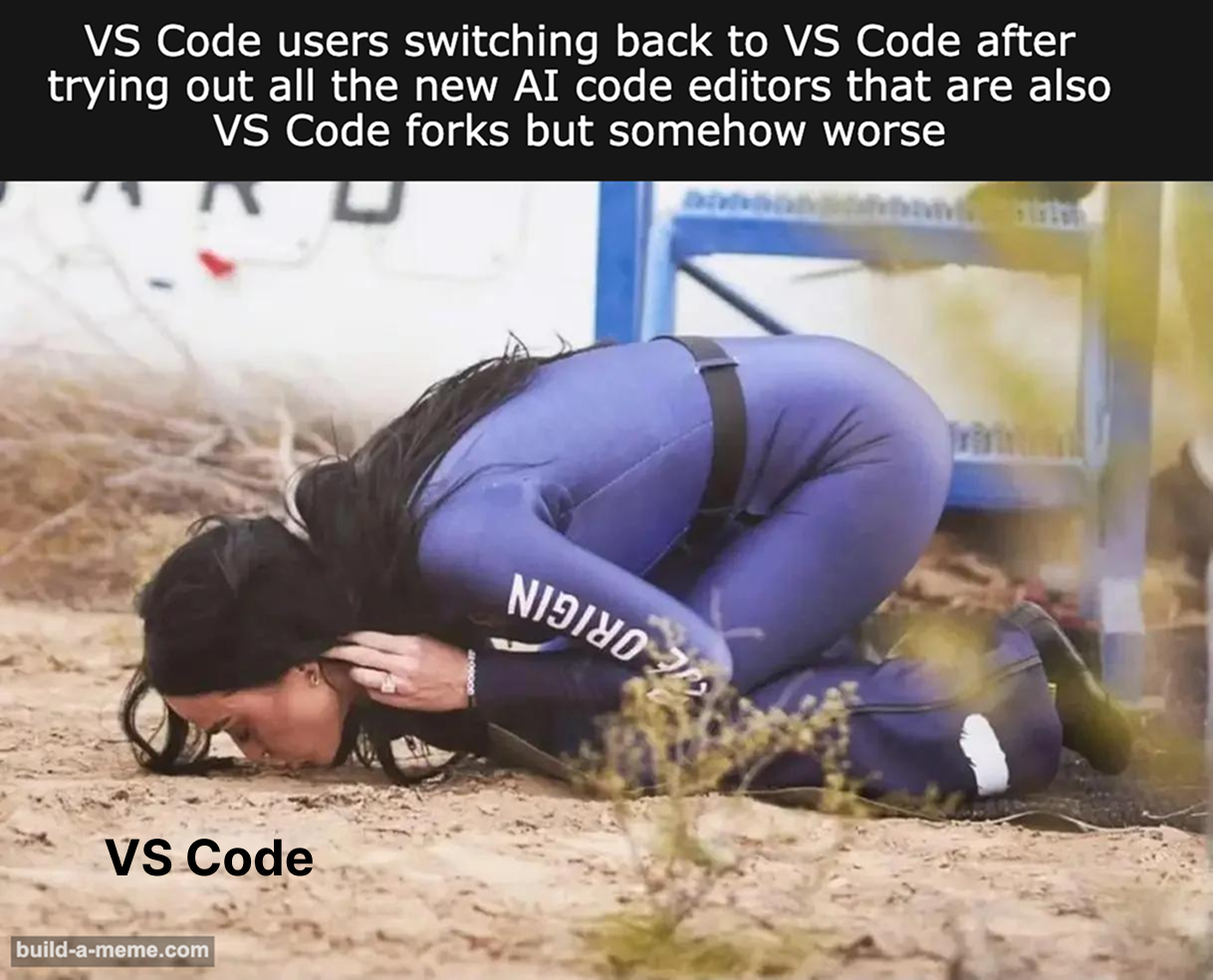
Google really said "let's revolutionize coding with AI!" and then proceeded to create the most EXHAUSTING onboarding experience known to humankind. You're hyped, you download it, and suddenly you're trapped in authentication hell—three login attempts like you're trying to break into Fort Knox. Then BAM, rate limited after 5 prompts because apparently Google thinks you're trying to speedrun the singularity. And the cherry on top? Rumors swirling that Google's own engineers aren't even allowed to use their own creation. The absolute BETRAYAL. So naturally, you crawl back to VS Code with your tail between your legs, defeated by corporate bureaucracy once again. Sometimes the old reliable just hits different.

I Don't Trust Myself

I Don't Trust Myself
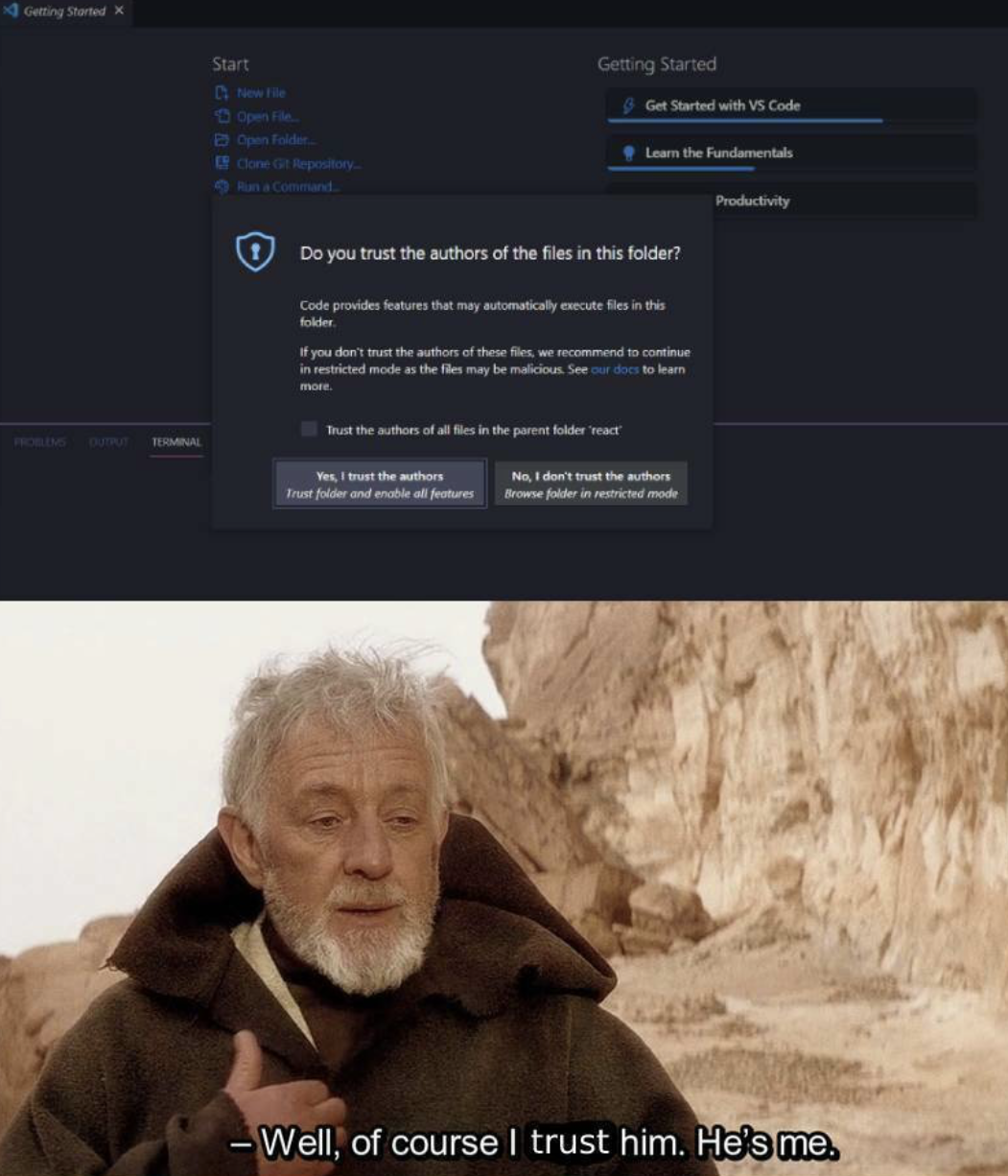
The existential crisis when VS Code asks if you trust yourself. Sure, I wrote this code, but do I trust it? Hell no. That's future me's problem when it inevitably breaks in production. The suspicious side-eye is exactly how I look at my own commit history - like finding a ticking time bomb I planted and forgot about.