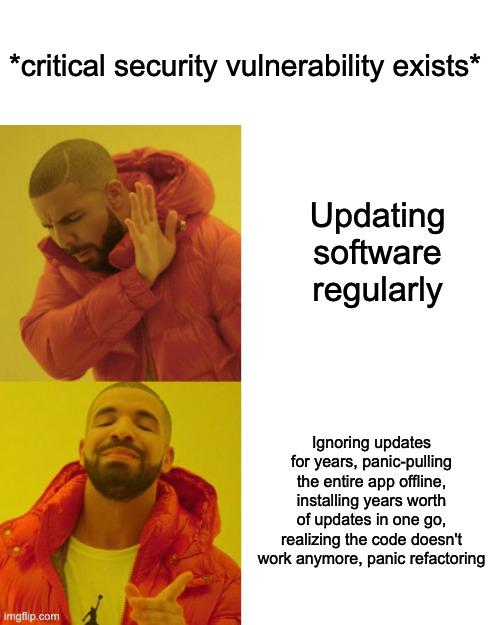
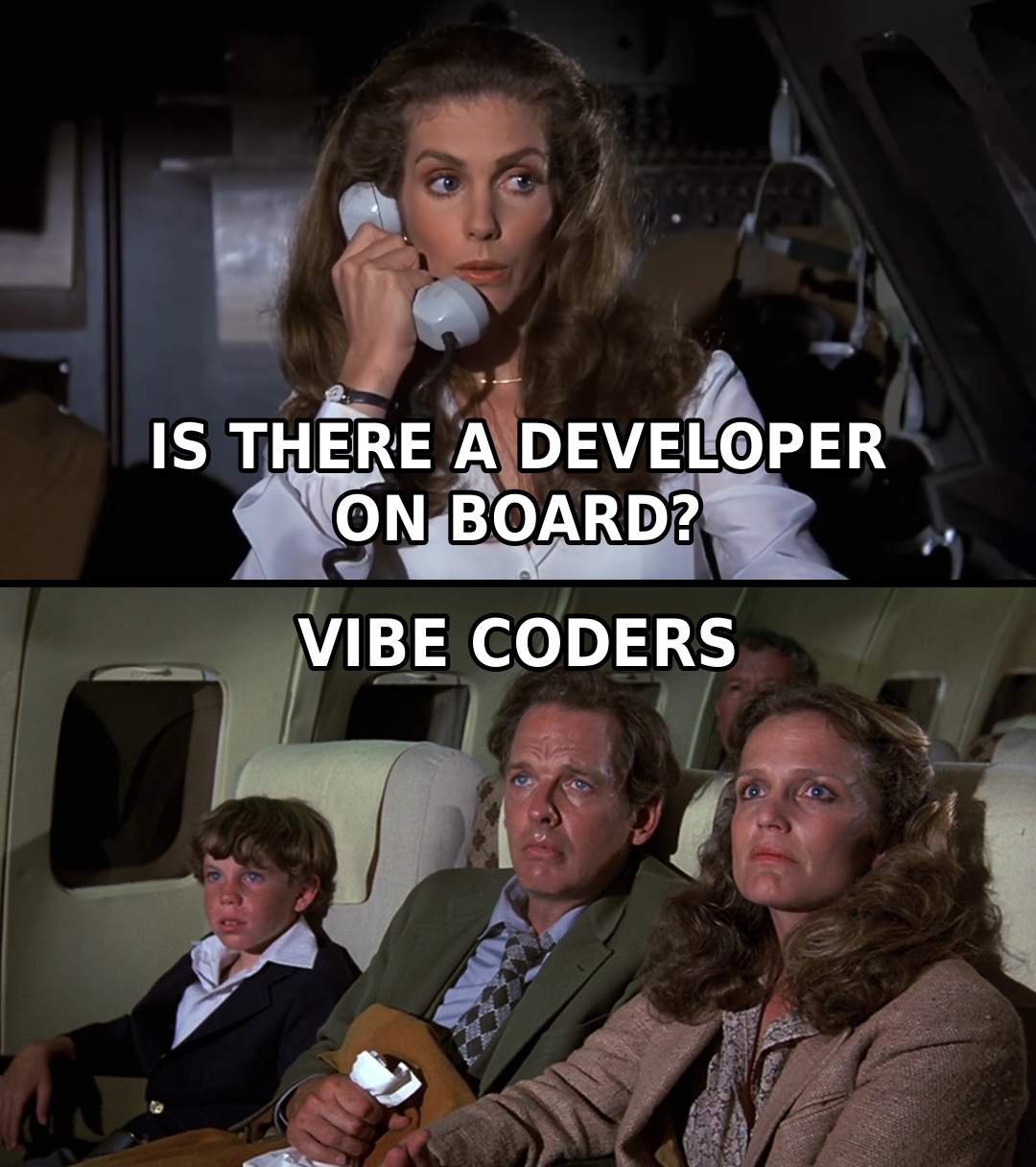
Debugging Memes

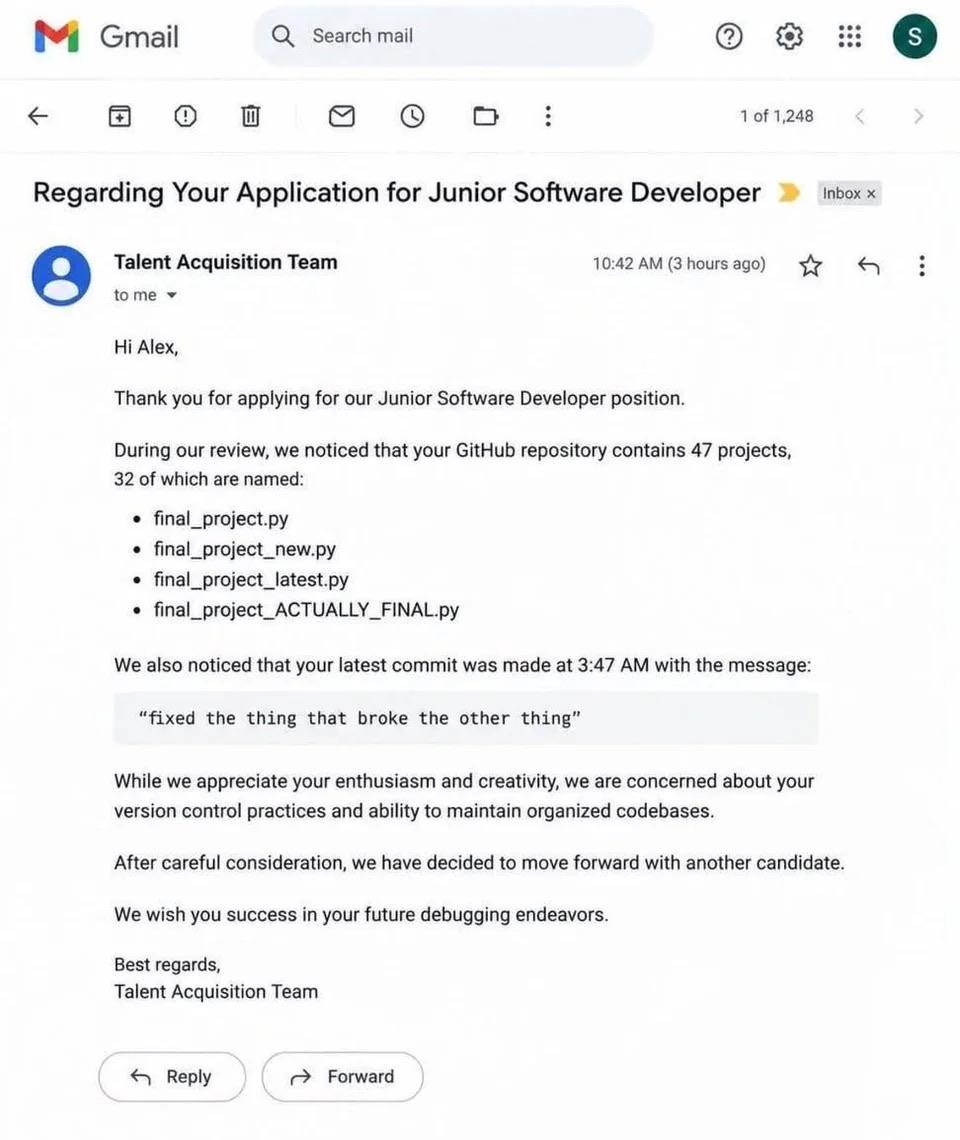
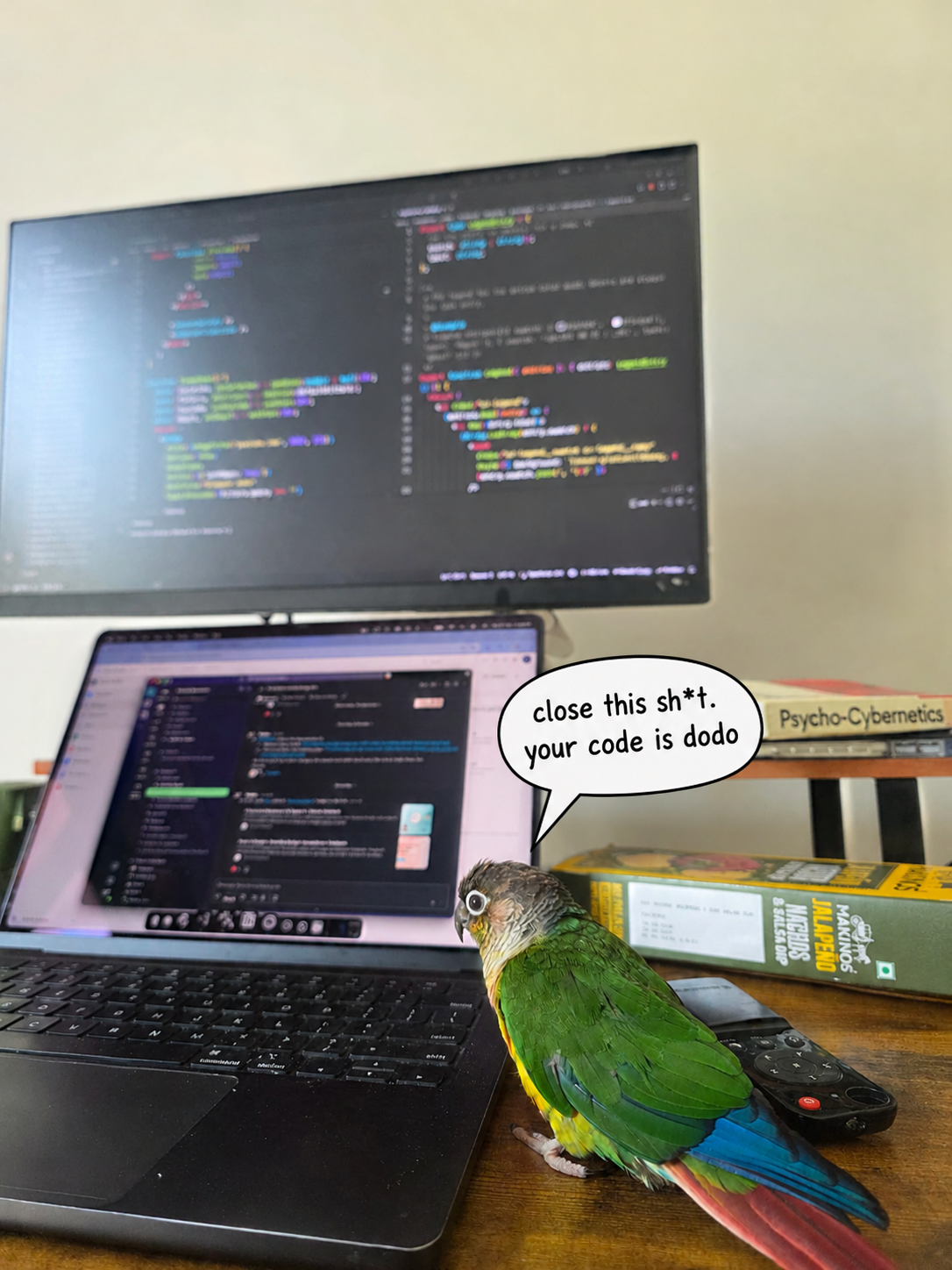
Debugging: that special activity where you're simultaneously the detective, the criminal, and the increasingly frustrated victim. These memes capture those precious moments – like when you add 'console.log' to every line of your code, or when you fix a bug at 3 AM and feel like a hacking god. We've all been there: the bug that only appears in production, the fix that breaks everything else, and the soul-crushing realization that the problem was a typo all along. Debugging isn't just part of coding – it's an emotional journey from despair to triumph and back again, usually several times before lunch.
Impossible

Impossible
That moment when your code compiles on the first try and you just sit there in disbelief, questioning everything you know about the universe. Like Thanos seeing something that defies all logic, you're convinced there's a hidden bug lurking somewhere. No warnings, no errors, just pure success? Yeah right. You'll spend the next 30 minutes running it over and over, checking logs, adding debug statements, because deep down you know the compiler is just messing with you. First-try compilation success is basically a myth, like unicorns or developers who actually read documentation.

Rapid Prototyping With AI

Rapid Prototyping With AI
When you tell the client your AI-powered prototype is "almost done," they see a beautiful Old West town ready for action. Meanwhile, you're looking at a construction site held together by scaffolding, duct tape, and prayers to the TypeScript gods. Sure, the facade looks impressive from the street view, but behind the scenes? It's all exposed beams, missing walls, and architectural decisions that would make any code reviewer weep. That's AI-generated code for you—looks production-ready in the demo, but the moment you peek under the hood, you realize you're basically debugging a half-finished movie set. At least it compiles... sometimes.

I Fixed The Meme

I Fixed The Meme
Someone took the classic bell curve meme format and applied it to debugging methodology, and honestly? They're not wrong. The distribution shows that whether you're a complete beginner frantically spamming print statements everywhere, an average developer who's "too sophisticated" for that (but secretly still does it), or a senior engineer who's transcended all pretense and gone full circle back to print debugging—you're all doing the same thing. The middle 68% are probably using debuggers, breakpoints, and other "proper" tools while judging everyone else, but the truth is that a well-placed print("got here") has solved more bugs than any IDE debugger ever will. The extremes understand what the middle refuses to admit: sometimes the fastest way to find a bug is to just print the damn variable.

No Tear Was Dropped

No Tear Was Dropped
Stack Overflow is dead and literally nobody is mourning. The guy throwing up a peace sign at the grave perfectly captures the developer community's reaction to Stack Overflow's downfall. After years of getting roasted by condescending moderators, having questions marked as duplicates within 0.3 seconds, and being told "this has been asked before" when it absolutely hasn't, developers are celebrating like it's Y2K all over again. The irony? Stack Overflow spent years gatekeeping knowledge and making junior devs feel like absolute garbage for asking "stupid" questions. Now that AI can answer coding questions without the side of passive-aggressive judgment, everyone's moved on faster than you can say "marked as duplicate." The platform that once saved us all became the villain in its own story. RIP to a real one... actually, nevermind.

I Don't Think I've Seen An Error Like This Before...

I Don't Think I've Seen An Error Like This Before...
Python being the most passive-aggressive language ever: "Did you mean: 'sleep'?" Yeah buddy, I definitely meant sleep, not slee. Thanks for the suggestion after throwing an AttributeError at me. The real kicker? You're calling time.slee() which is basically asking Python to take a nap but misspelling it. It's like ordering a "cofee" at Starbucks and the barista correcting your spelling while refusing to serve you. Python's error messages have gotten so good they're now roasting us for typos. Props to whoever implemented these helpful suggestions though—saved countless hours of developers staring at their screen wondering why their code won't work, only to realize they fat-fingered a function name.

Lebron James

Lebron James
Ah yes, the classic floating-point precision nightmare strikes again! LeBron apparently set his user balance to exactly 100 dollars, but because he used a double (floating-point) instead of a proper decimal type for monetary values, the database now cheerfully displays $99.99999999999 instead of a clean $100. The facepalm is well-deserved. Rule #1 of financial applications: never use floating-point types for money! Binary floating-point can't accurately represent decimal fractions like 0.1, leading to these delightful rounding errors that'll have your accounting department hunting you down. Should've used BigDecimal, DECIMAL, or literally anything designed for exact decimal arithmetic. Even the GOAT isn't immune to the IEEE 754 curse. Stick to the fundamentals, King. 👑

This Is Pretty Accurate For Me

This Is Pretty Accurate For Me
Nothing hits quite like desperately searching for a solution to your Unity problem, only to discover that the ONLY documentation available is a Reddit thread from 2018 with three upvotes and a Unity forum post where the last reply is "nvm figured it out" with ZERO explanation. You're standing there like a lost soul facing an army of ancient wisdom that refuses to actually help you, while those 5-year-old posts just stare back menacingly like they hold the secrets to the universe but won't share them. The Unity documentation? Nonexistent. Stack Overflow? Crickets. Your only hope? Archaeological excavation through dead forums where half the links are broken and the other half reference Unity 4.2 features that don't exist anymore. Truly the developer's version of being haunted by ghosts of solutions past.

Based Java Developer

Based Java Developer
Java devs writing exception handling be like: "Yeah I'll catch it. Or not. Whatever happens, happens." The try-catch block is basically a suggestion at this point. Error handling? More like error acknowledging. The code runs, something breaks, you catch it, shrug, and move on with your life. No recovery logic, no fallback, just vibes. At least the compiler's happy.

Fr

Fr
Nothing quite like your own machine telling you that you lack the authority to modify a file on YOUR hardware that YOU paid for. The audacity. It's like being locked out of your own house by your doorbell. The rage is real. You're root. You're admin. You literally created this file 5 minutes ago. But somehow the OS has decided you're not worthy. Time to bust out sudo or right-click properties like a peasant and negotiate with your own computer for basic file access. Peak digital feudalism right here.

C's Sadness

C's Sadness
You know that special feeling when you're walking through your C codebase and suddenly realize you've been trampling all over memory you shouldn't have touched? Yeah, that's the one. Stepping in undefined behavior is like stepping in dog crap – you don't always notice it immediately, but once you do, the smell follows you everywhere. The worst part? You can't just wipe it off. Now you're debugging CSIDESCISSING HARD DATA CLAIMS, which is basically C's way of saying "congratulations, you've corrupted memory so badly that even your error messages are having a stroke." Segfaults, corrupted stacks, random crashes three functions away from where you actually screwed up – welcome to manual memory management, where the compiler trusts you completely and you absolutely should not be trusted.

Programmer Story After Finding Different Error Message

Programmer Story After Finding Different Error Message
You know you've been debugging too long when a new error message feels like a victory. The bar is so low it's underground at this point. That moment when you've been staring at the same cryptic error for 4 hours, and suddenly—boom—a completely different error appears. Your brain immediately goes "YES! PROGRESS!" even though you're technically just as broken as before. Maybe even more broken. But hey, at least it's a different kind of broken. The messy desk, the dual monitors, the coffee cup that's probably been refilled 6 times—yep, that's the debugging lifestyle. Where changing the type of failure counts as moving forward.

Boss We're Upgrading Now

Boss We're Upgrading Now
Nothing says "modern software development" quite like being held hostage by a codebase that's older than your career. The error message demanding version 14.0 or greater is the cherry on top—because apparently your company's legacy project is still running on a language version from when flip phones were cool. Meanwhile, management keeps asking why the new features are taking so long. Maybe because we're trying to build a rocket ship with stone tools? The best part is knowing that even if you DO upgrade, you'll spend the next three months fixing breaking changes and dealing with dependencies that haven't been maintained since the Obama administration.