Webdev Memes

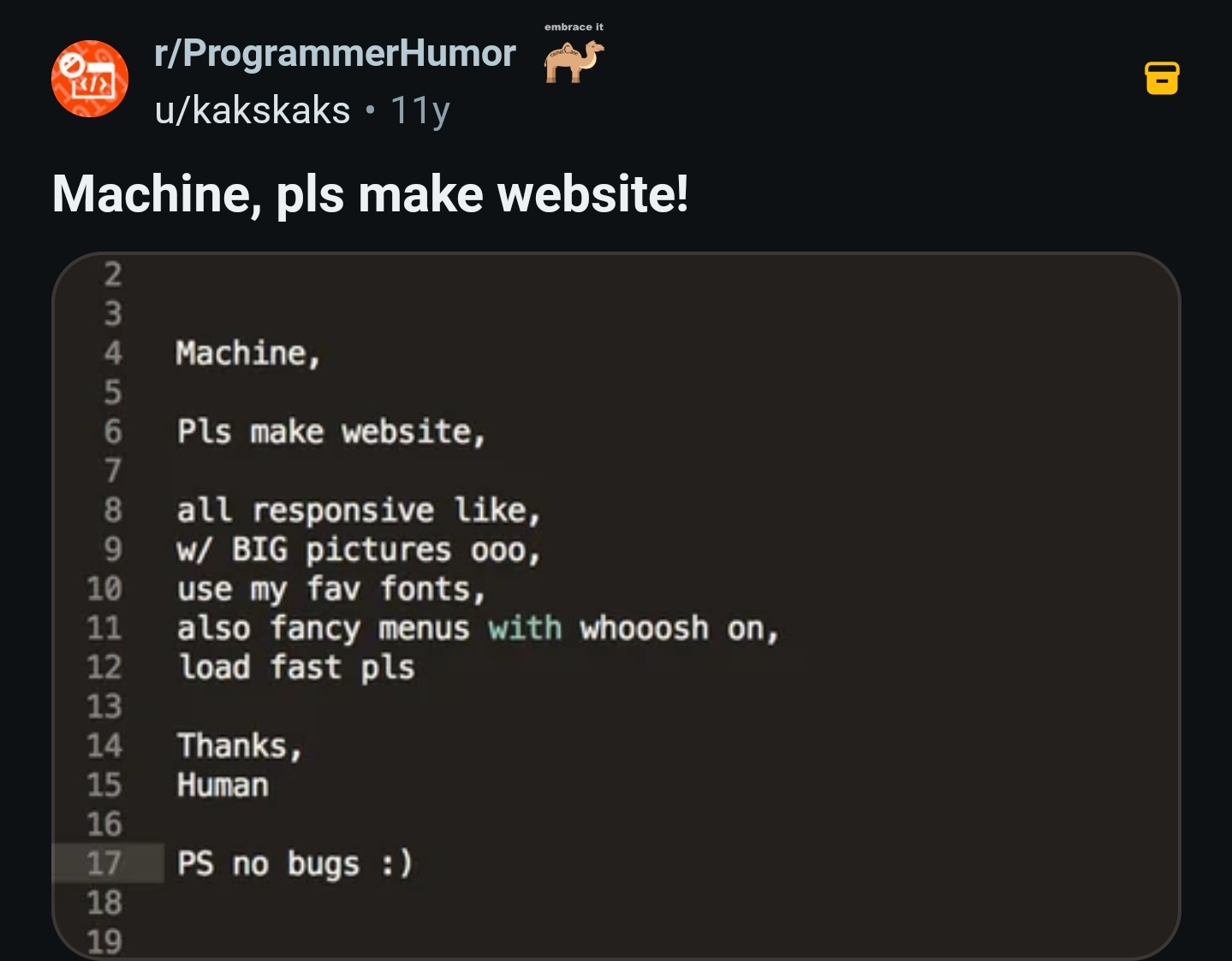
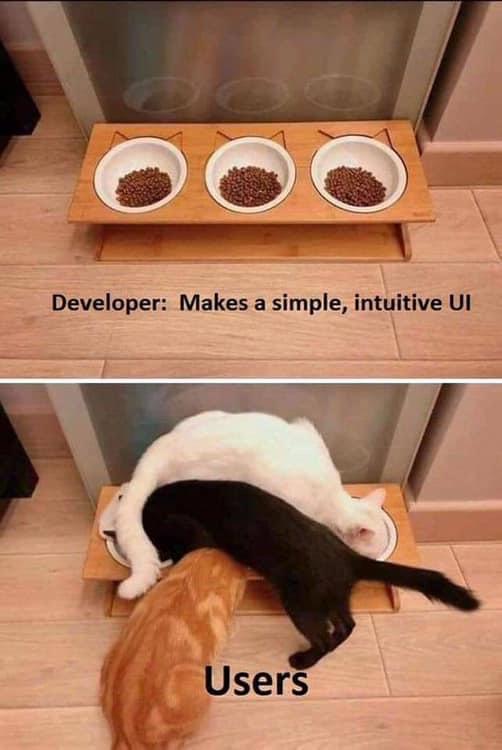
Web development: where CSS is somehow both too simple and impossibly complex at the same time. These memes capture the daily struggles of frontend and fullstack developers wrestling with browser compatibility, JavaScript frameworks that multiply faster than rabbits, and CSS that works perfectly until you add one more div. Whether you're celebrating the small victory of centering a div, mourning another npm dependency tree, or explaining to clients why their website can't look exactly like their PowerPoint mockup, this collection offers therapeutic laughs for anyone who's ever refreshed a page hoping their code magically starts working.

Vibing While Coding

Vibing While Coding
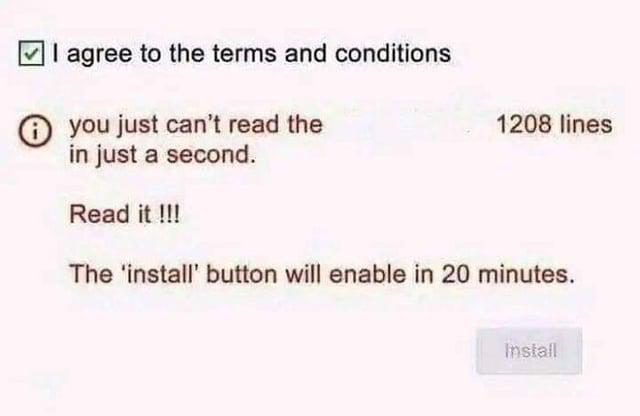
You know you've reached peak developer zen when you're sitting there, completely dead inside, watching your 47th unskippable ad just so you can install a package. The future of coding isn't flying cars or neural interfaces—it's apparently monetized dependency management. Nothing says "living the dream" quite like staring blankly at a 30-second ad for car insurance while npm install waits patiently in the background. The best part? You can't even rage-quit because you NEED that package. It's like being held hostage by capitalism, one dependency at a time. "Please drink verification can to continue coding."

It Runs On My Localhost

It Runs On My Localhost
You know that moment during a demo when someone asks the forbidden question? That nervous smile creeping across your face as you realize your "dynamic" data is just a glorified JSON file you copy-pasted into your code at 3 AM. Sure, it's technically data... it's just not going anywhere or coming from anywhere meaningful. The real power move is confidently saying "dynamically generated" while your IDE is literally showing a const array with 5 hardcoded objects named user1, user2, user3... You're not lying—it's dynamically rendered to the DOM! They didn't ask if it was dynamically *fetched*, did they? Bonus points if you've got a TODO comment above it that says "// Replace with API call later" from six months ago.

Production Can Wait

Production Can Wait
You know that critical bug that's been crashing production since Tuesday? Yeah, it can wait. Frontend work? Pass. Backend optimization? Hard pass. But the moment Friday afternoon hits and you should be wrapping things up? Suddenly you're ready to refactor the entire codebase, migrate to a new framework, and rewrite that legacy module that's been working fine for three years. Nothing says "responsible developer" quite like starting a major deployment at 4:47 PM on a Friday. Your weekend self will definitely thank you when you're SSH'd into the server at 2 AM because you decided to "quickly push that one change" before logging off. The production environment isn't going anywhere, but your motivation? That's a weekend-only exclusive, baby.

Post For Everything

Post For Everything
Someone clearly never got the memo about REST principles. Using POST for updates? Sure. Using POST for deletes? Bold choice. The shape-sorter toy comparison is chef's kiss—forcing a square peg (POST) through every hole regardless of whether GET, PUT, PATCH, or DELETE exists. It's like having a perfectly good toolbox but deciding the hammer works for everything. Your API consumers are crying somewhere, and your code reviewer just aged 10 years. But hey, at least it's consistent, right?

Find Bug In Web

Find Bug In Web
The beautiful irony here is that spiders are probably thrilled to find structural issues in their web—just means they get to patch it up and catch more flies. Meanwhile, developers discovering a bug in their web app experience the five stages of grief simultaneously. The top panel shows casual spider confidence, while the bottom reveals the existential dread of realizing your "production-ready" code has been lying to you this whole time. Nature's architects vs. digital architects: one group has their debugging process figured out, the other is frantically Googling "why is my CSS breaking on Safari only" at 2 PM on a Tuesday.

Debug Time

Debug Time
Error on line 265? Cool, let me just check line 265. *Scrolls to line 265*. It's a blank line. Of course it is. Because why would the error actually be where it says it is? That would make debugging too easy and we can't have that. The real culprit is probably somewhere around line 258 where you're casually instantiating jsPDF in a script tag, or maybe it's that semicolon on line 264 judging you silently. But the error message? Nah, it just picked a random nearby line number to keep you guessing. It's like a treasure hunt, except the treasure is your sanity and you'll never find it. Pro tip: When JavaScript says "error on line X," add or subtract about 5-10 lines and start your investigation there. The line numbers are more like "suggestions" than actual facts.

NordVPN

NordVPN
Encrypt your traffic on public Wi-Fi, stream from anywhere, and cover up to ten devices with one plan. 30-day money-back guarantee.

The Most Passive Aggressive Type I Ever Encountered

The Most Passive Aggressive Type I Ever Encountered
Someone created a Maybe<Partial<T>> type. Let that sink in. It's a type that says "here's your data, but also maybe not, and if it exists, it might only have some of the properties, and those properties? Yeah, they could be null too." It's the programming equivalent of responding to every question with "I don't know, maybe, who's to say really?" Even the TypeScript compiler threw its hands up and said "just write JavaScript at this point." When your type system is so permissive that it's functionally identical to having no types at all, you've come full circle. It's like buying a lock for your door that opens with any key, including no key. The real tragedy? Someone thought this was a good idea and shipped it to production. Somewhere, a junior dev is trying to debug why their object is undefined, null, partially defined, or all three simultaneously.

Electron Devs Be Like

Electron Devs Be Like
Electron apps are basically web apps wrapped in Chromium, which means they bundle an entire browser just to run what could've been a simple native app. The result? Your "lightweight" text editor somehow needs 8GB of RAM just to display a blinking cursor. So when Micron announces a 512GB RAM stick, Electron developers see it as a challenge rather than overkill. "Reality can be whatever I want" perfectly captures their attitude—why optimize your app when users can just download more RAM? Discord, Slack, VS Code... they're all sitting there like Thanos with the Infinity Gauntlet, casually consuming resources that would make a 2010 operating system weep. The real kicker? By 2027 when these 512GB sticks are available, Electron apps will probably have evolved to need exactly 513GB.

Clear Browser History

Clear Browser History
The eternal struggle between two types of workplace shame. Normal people clear their browser history to hide their, uh, "personal research." Developers clear theirs to hide the fact that they just googled "how to reverse a string" for the 47th time this year. Stack Overflow tabs? Closed. "JavaScript array methods" searches? Gone. "Difference between let and const"? Never happened. Can't let the junior devs know you still forget basic syntax. That would be career suicide.

Total Showstopper

Total Showstopper
QA filing a P1/Sev1 bug because the save button is #FFBF00 instead of #FFAC1C orange. Yeah, let's wake up the on-call engineer at 2 AM for this production crisis. The Among Us massacre scene really captures the chaos that ensues when someone treats a cosmetic tweak like the app is literally on fire. Look, we've all been there—QA finds something, anything, and suddenly it's DEFCON 1. Meanwhile, the actual memory leak that's been crashing users for weeks is sitting at P3 because "it's hard to reproduce." Priorities, people. Fun fact: Those hex codes are literally 1 shade apart. You'd need a spectrometer and divine intervention to spot the difference. But sure, let's halt the release.

Dario Bro Can We Stop With Tailwind Pulsating Animation Everywhere Before AGI

Dario Bro Can We Stop With Tailwind Pulsating Animation Everywhere Before AGI
Someone's begging the AI overlords to please, for the love of all that is holy, stop slapping animate-pulse on literally everything. Every AI-generated landing page, every ChatGPT wrapper, every "revolutionary" SaaS tool—they all have that hypnotic pulsating animation like it's 2023's version of the <blink> tag. The plea is directed at Dario (likely Dario Amodei, CEO of Anthropic) with the desperate hope that before AGI achieves consciousness and starts making decisions for us, it could at least learn some restraint with CSS animations. Because if AGI inherits our current web design trends, humanity's last moments will be spent staring at pulsating skeleton loaders and "AI-powered" buttons that throb like they're having a panic attack. Fun fact: Tailwind's animate-pulse utility has single-handedly made more things pulse than a rave in the 90s. It's the digital equivalent of adding flames to a car—it doesn't make it faster, but boy does it look like it's trying.

Software Engineer Funny Co-Worker Description Definition T-Shirt

Software Engineer Funny Co-Worker Description Definition T-Shirt
A perfect personalized gift for him or a gift for her. · Lightweight, Classic fit, Double-needle sleeve and bottom hem

A Good Name For The Variable: "" + {}

A Good Name For The Variable: "" + {}
The documentation tells you to name variables based on what they contain. So naturally, if your variable contains an object, you should call it [object Object] . You know, because that's what JavaScript returns when you try to convert an object to a string. Perfect naming convention, right? The joke here is that "" + {} is JavaScript's delightful way of coercing an empty object into a string, which gives you the utterly useless "[object Object]" . It's the programming equivalent of asking someone their name and they respond with "I am a person." Every JavaScript developer has seen this cursed string in their console at least a hundred times, usually when they forgot to properly stringify something. It's become the universal symbol of "oops, I didn't handle this object correctly."