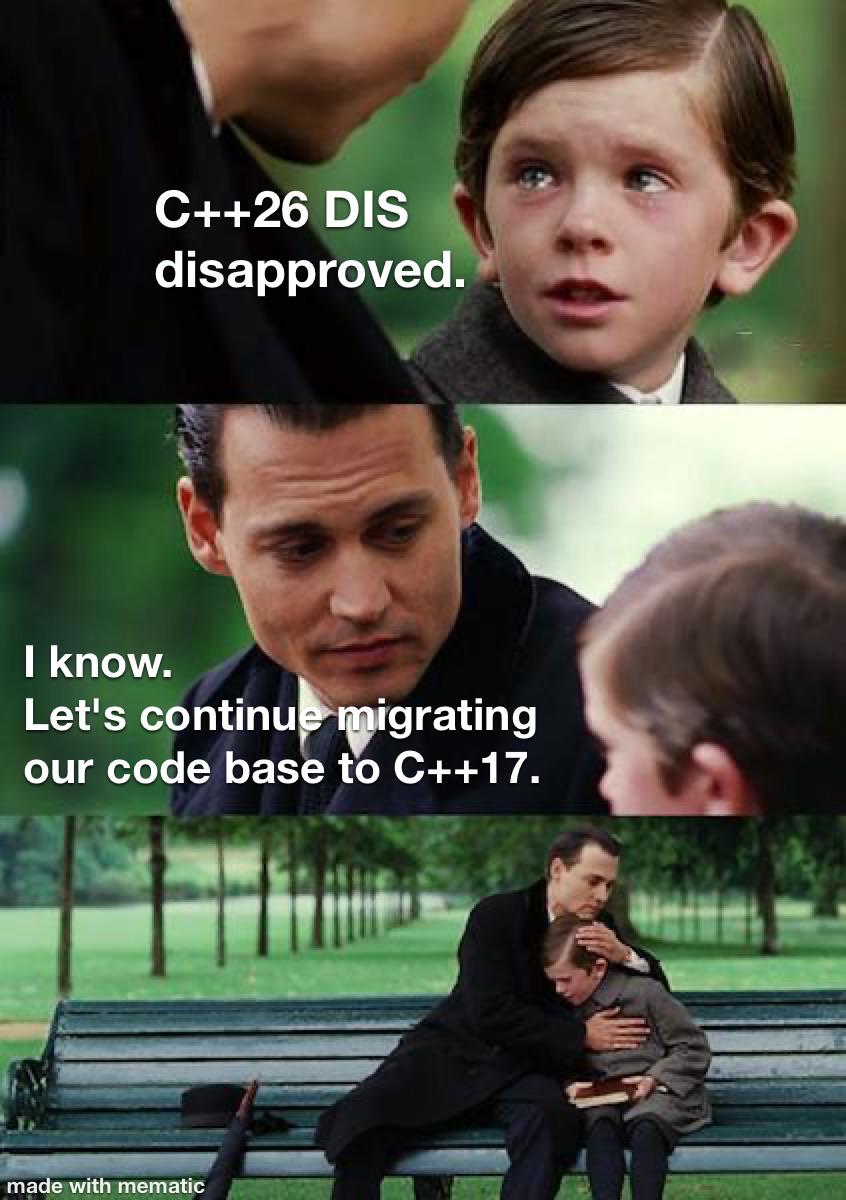
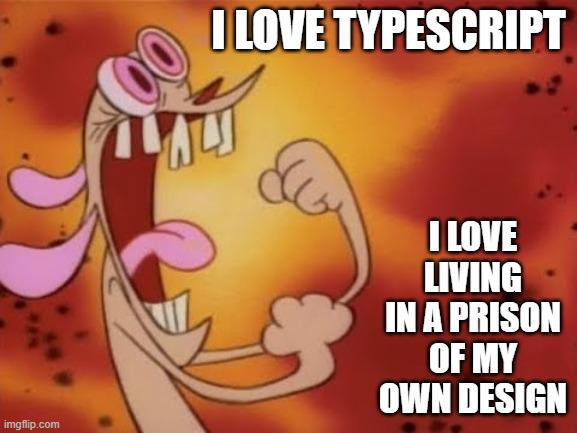
Programming Memes

Welcome to the universal language of programmer suffering! These memes capture those special moments – like when your code works but you have no idea why, or when you fix one bug and create seven more. We've all been there: midnight debugging sessions fueled by energy drinks, the joy of finding that missing semicolon after three hours, and the special bond formed with anyone who's also experienced the horror of touching legacy code. Whether you're a coding veteran or just starting out, these memes will make you feel seen in ways your non-tech friends never could.

Find First And Last Name Using Reg Ex

Find First And Last Name Using Reg Ex
You craft a beautiful regex to extract first and last names for data redaction, test it on "Truman Donovan" and feel like a genius. Then you deploy it to production and discover it's also happily matching "Jeffrey Epstein" in email headers. Oops. The regex is doing exactly what you asked—finding patterns that look like names—but it has zero concept of context. It can't tell the difference between "data that needs redacting" and "email metadata that absolutely should not be touched." Your regex doesn't care about your intentions; it just sees `\b(word)\b` and goes ham. The real kicker? That monstrosity of a regex pattern `(?=.+\b(don\w+|d\.?)\b)(?=.+\b(truman)\b).*` with 15 matches and 874 steps is probably still missing edge cases like "O'Brien" or "José García" while simultaneously nuking your email headers. Classic regex overconfidence meets reality.

Average AI User Behavior

Average AI User Behavior
The modern developer's workflow in a nutshell: Why spend 5 minutes thinking through a problem when you can spend 30 seconds asking ChatGPT and another 2 hours debugging the confidently incorrect code it gave you? The Drake meme perfectly captures how we've collectively decided that critical thinking is now optional. Need to implement a binary search tree? Could think about the logic... or just paste the AI's solution straight into production and hope the stack traces are merciful. Bonus points if you don't even read the AI's response before hitting copy-paste. It's like Russian roulette, but with more memory leaks and undefined behavior.

🥹 Cries

🥹Cries
Job posting: "Fast-paced and exciting!" Translation: You'll be trapped in a beige cubicle prison that makes solitary confinement look like a tropical vacation. The "excitement" is watching the same beige walls close in on you while you contemplate your life choices. The "fast pace" refers to how quickly your soul drains out of your body with each passing hour. That single monitor from 2007? That's your window to the world now. The thrilling phone calls? Probably just IT telling you to restart your computer. Again. The only thing moving fast here is your motivation—straight out the door.

Pycharm Or Spooky Graveyard

Pycharm Or Spooky Graveyard
PyCharm's "Updating skeletons..." message has a double meaning that's genuinely hilarious. The IDE is literally updating Python type stubs (called skeletons), but it also feels like you're watching your productivity slowly die while waiting for it to finish. The skeleton raising its hands in celebration perfectly captures that moment when you're just sitting there, completely helpless, watching the progress bar crawl along. Can't code, can't do anything—just vibing with the dead while PyCharm does its thing. At least it's not indexing... right?

The Oddly Specific Documentationless Magic Number

The Oddly Specific Documentationless Magic Number
You know you're in deep when someone asks about that random if (count > 37) sitting in the codebase like an ancient artifact. "Historical reasons" is developer-speak for "I have absolutely no idea why this exists, the person who wrote it left the company 5 years ago, and I'm too terrified to touch it because production hasn't exploded yet." That nervous side-eye says it all. Why 37? Why not 36 or 38? Was it a business requirement? A bug fix? Someone's lucky number? The universe may never know. The comment "nobody knows why 37" is both brutally honest and professionally devastating. It's the coding equivalent of archaeological mystery—except instead of ancient civilizations, it's just Dave from 2015 who didn't believe in documentation. Pro tip: If you ever find yourself writing code with magic numbers, leave a comment. Future you (or the poor soul who inherits your code) will thank you. Or at least won't curse your name during 3 AM debugging sessions.

New Age Slop C

New Age Slop C
Dennis Ritchie invented C in 1972. Anders Hejlsberg invented C# in 2000. Now some random guy with a webcam and a dream invented "C~slop" in 2026. The natural evolution of programming languages, really. From foundational systems programming to enterprise-friendly managed code to... whatever AI-generated fever dream we're about to endure. The progression of facial expressions tells you everything you need to know. Ritchie looks dignified and accomplished. Hejlsberg looks professional and pleased with his work. Random webcam guy looks like he just discovered he can prompt ChatGPT to write an entire programming language and is way too excited about it. Can't wait for the Hacker News thread where people debate whether C~slop is "production ready."

Chernobyl At Home

Chernobyl At Home
When you ask how to reduce RGB light intensity and someone suggests just removing the blue and green values. Congratulations, you've turned your gaming setup into a nuclear reactor core. That ominous red glow isn't ambiance—it's a radiation warning. Setting RGB to (255, 0, 0) doesn't reduce light, it just makes everything look like you're developing photos in a darkroom or about to launch missiles. Your room now has the same energy as Reactor 4 right before things went sideways. At least your electricity bill matches the vibes. Pro tip: reducing RGB light means lowering the overall brightness values, not creating a monochromatic hellscape. Try (50, 50, 50) instead of becoming a supervillain.

We Still Talk About You jQuery

We Still Talk About You jQuery
jQuery is basically the ex that everyone still brings up at parties. Once the king of DOM manipulation and AJAX calls, jQuery made web development bearable back when Internet Explorer 6 was still haunting our nightmares. But now? It's buried six feet under, replaced by modern frameworks like React, Vue, and vanilla JavaScript that can actually do what jQuery did natively. The thing is, we can't stop talking about it. Every "modern web dev" discussion somehow circles back to "remember when we needed jQuery for everything?" It's like that one friend from high school who peaked early—we've all moved on, but the memories (and the legacy codebases) remain. Somewhere out there, a dusty WordPress site is still running jQuery 1.4.2, and honestly? It's probably fine.

Algorithm The Saviour

Algorithm The Saviour
You know you've hit peak laziness when "I used an algorithm" becomes your universal escape hatch. Can't explain your nested loops? Algorithm. Don't remember why you chose that data structure? Algorithm. Someone asks why your function has 47 lines of incomprehensible logic? Just smile and say "it's an algorithm" like you're dropping some CS theory knowledge. It's the technical equivalent of saying "it's magic" but with enough gravitas that people nod and back away slowly. Works especially well in code reviews when you really just brute-forced something at 2 AM and have zero idea how to articulate the chaos you created.

New AI Engineers

New AI Engineers
Someone discovered you can skip the entire computer science curriculum by copy-pasting transformer code from Hugging Face. Why waste years learning Python, data structures, algorithms, discrete math, calculus, and statistics when you can just import a pre-trained model and call it "AI engineering"? The escalator labeled "attention is all you need" (referencing the famous transformer paper) goes straight to the top while the stairs gather dust. Turns out the only prerequisite for a six-figure AI job is knowing how to pip install and having the confidence to say "I fine-tuned a model" in interviews.

Dev Life Production Problems

Dev Life Production Problems
The shocked koala perfectly encapsulates that moment of pure disbelief when your code passes all local tests, runs flawlessly on localhost, and then immediately combusts the second it touches production servers. You've checked everything twice, your environment variables are set, dependencies are locked, but somehow production has decided to interpret your perfectly valid code as a personal insult. The culprit? Could be anything from a subtle timezone difference, a missing font on the production server, a slightly different Node version, or the classic "works on my machine" syndrome where your local environment has some magical configuration that production doesn't. Fun fact: studies show that 73% of developer stress comes from the phrase "but it worked locally" followed by staring at production logs at 2 AM.

House Stable Version

House Stable Version
Setting the house to read-only mode after cleaning is the most relatable version control strategy I've seen. Just like that production server you're too scared to touch, the house has reached its stable state and any modifications are strictly forbidden. The reply takes it to another level: someone ran chmod 600 on the toilet. For the uninitiated, that's Linux file permissions that make something readable and writable only by the owner—except now it's a toilet that won't flush because guest users lack delete permissions. Classic case of overly restrictive access control causing a production incident. Should've used a staging environment before deploying to the main bathroom.