User experience Memes

Posts tagged with User experience

You Get A 2 FA, And You Get A 2 FA, Everyone Gets A 2 FA!

You Get A 2 FA, And You Get A 2 FA, Everyone Gets A 2 FA!
Remember when you just needed one password? Then it was password + email verification. Now you need Google Authenticator, Microsoft Authenticator, Authy, your bank's proprietary app, your work's custom solution, and probably a blood sacrifice to access your Netflix account. Users already have 47 different authenticator apps cluttering their phone, and here you come suggesting they download number 48. The look of pure betrayal is real. Security teams keep treating 2FA apps like Oprah giving away cars, except nobody's excited about this gift.

Just Why Microslop

Just Why Microslop
The eternal Windows update cycle of suffering, perfectly captured. Microsoft drops another "feature-rich" update that nobody asked for, you spend hours Googling how to disable it, only to discover you can't actually turn it off—just make it slightly less annoying. Then your muscle memory betrays you because what used to take one click now requires two, because apparently someone at Redmond decided your workflow needed "improvement." The best part? You'll eventually accept defeat and adapt to the bloated interface, just in time for the next update to restart the whole circus. It's like Stockholm syndrome, but with more telemetry.

Is It Just Me Or...

Is It Just Me Or...
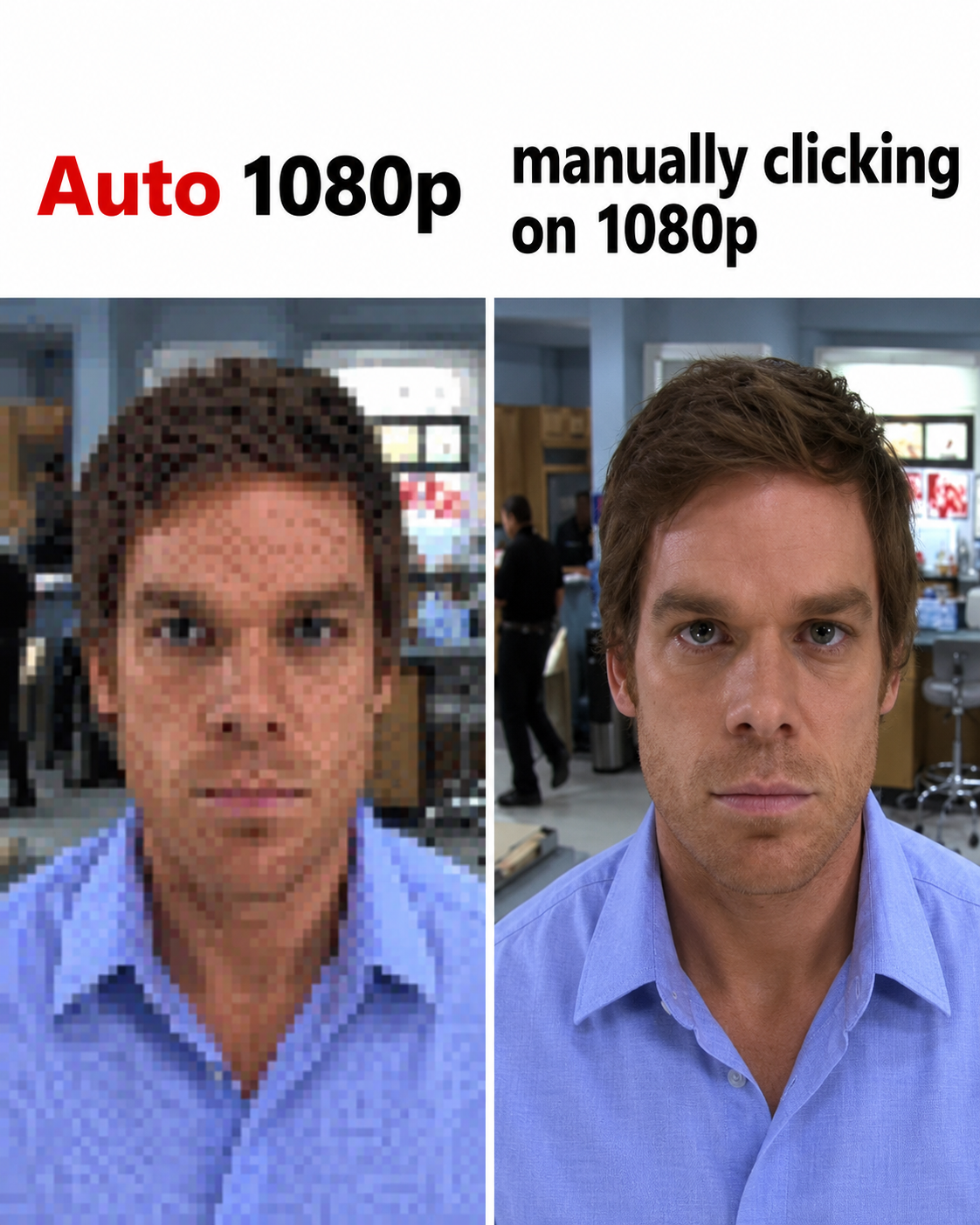
You know that feeling when you manually select 1080p and it looks crystal clear, but then you trust "Auto" quality and suddenly you're watching a PowerPoint presentation rendered through a potato? Yeah, YouTube's auto quality detection has the same confidence as a junior dev pushing to production on Friday evening—completely misplaced. The algorithm somehow decides that your gigabit fiber connection can only handle 144p, while your neighbor streaming on dial-up gets 4K. It's like the video player is gaslighting you into thinking your internet is worse than it actually is. The "Auto" setting is basically the tech equivalent of "I'll let the AI decide"—sounds smart in theory, catastrophic in practice.

I Wonder Why

I Wonder Why
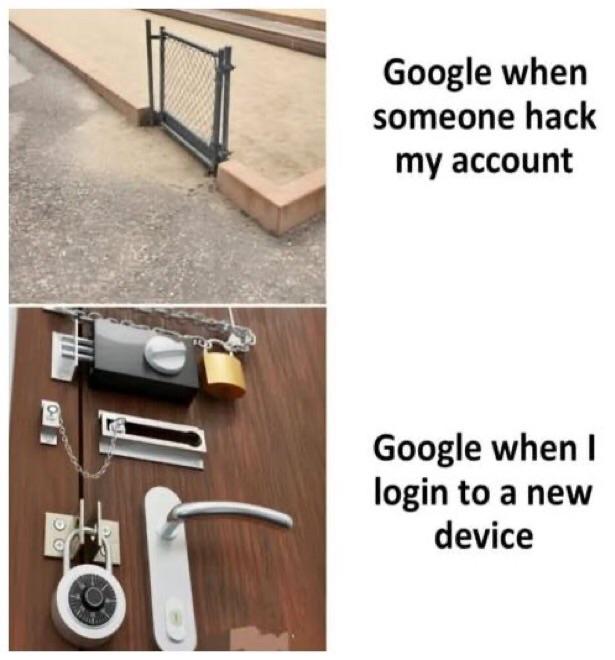
The beautiful paved walkway represents your meticulously crafted "Design" – complete with Figma mockups, perfect spacing, and that gradient everyone spent 3 hours debating. Meanwhile, users are taking the dirt path shortcut because it's literally faster and more convenient. Your design team spent weeks planning the perfect user flow, but users just want to get from point A to point B without your fancy curved navigation. This is what happens when designers forget that users are fundamentally lazy (in the most efficient way possible). They'll bypass your gorgeous UI faster than you can say "responsive breakpoints" if it saves them two clicks. The dirt path is basically the equivalent of users bookmarking the direct URL to skip your landing page entirely. Pro tip: If you see desire paths forming in your analytics, maybe listen to them instead of adding more guardrails. Sometimes the best UX is just admitting defeat and paving the dirt path.

One Blood Eagle Please

One Blood Eagle Please
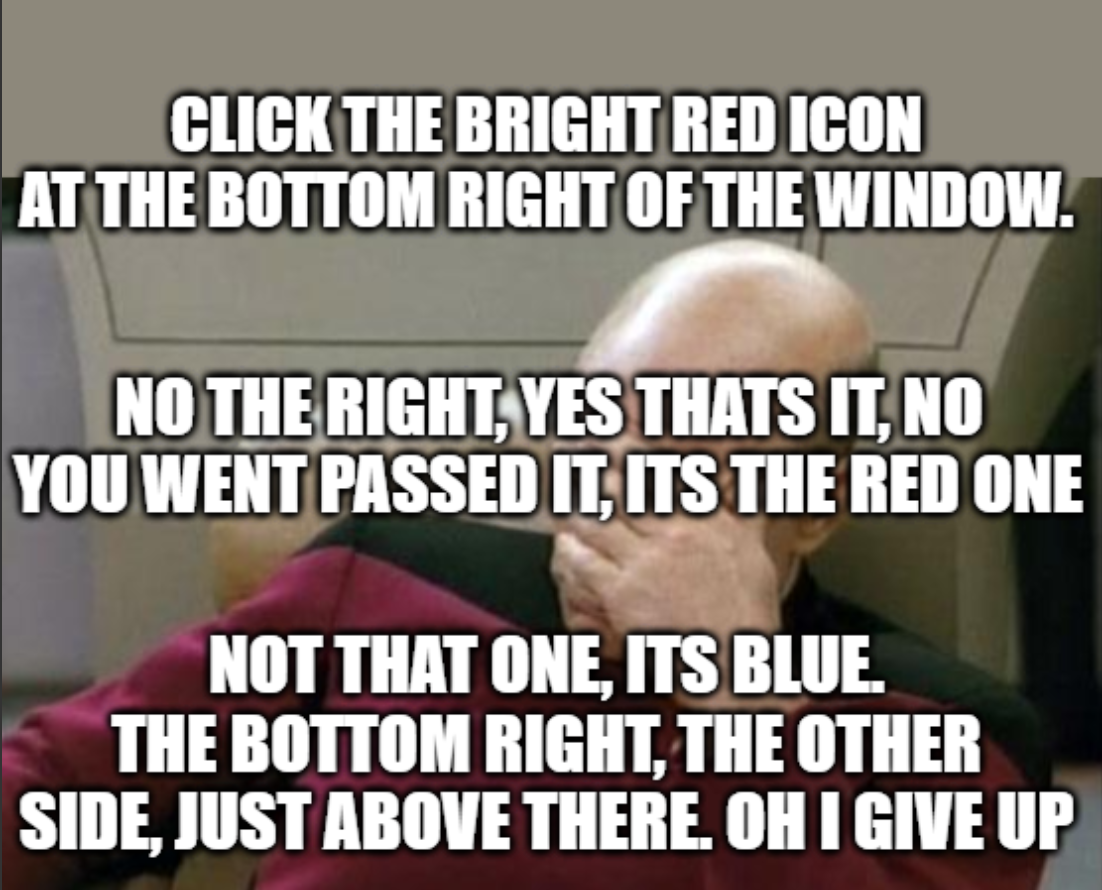
You know you've been in tech support too long when a Viking execution method sounds like the easier option. Helping someone navigate a web browser over the phone is basically the modern equivalent of medieval torture, except you're the one suffering. The blood eagle was a Norse execution method so brutal it's debated whether it was even real. But guiding Phil through typing "www dot" while he asks "which W?" for the third time? That's definitely real, and somehow worse. At least with the blood eagle, it's over eventually. But Phil? Phil will call back tomorrow because he "accidentally closed the internet" again.

With All Due Respect To Vibe Coders, I Can't For The Life Of Me Figure Out The Use Case For A Computer That Hallucinates And Can't Do Basic Math In Software Engineering

With All Due Respect To Vibe Coders, I Can't For The Life Of Me Figure Out The Use Case For A Computer That Hallucinates And Can't Do Basic Math In Software Engineering
The absolute savagery of comparing Windows' multi-monitor detection to AI hallucinations is *chef's kiss*. Windows has been confidently detecting phantom monitors since the dawn of time, arranging them in configurations that defy the laws of physics and geometry. Look at that beautiful disaster: monitors 1-4 arranged like some kind of abstract art piece, with monitor 1 highlighted in pink like it's the chosen one. Spoiler alert: monitor 1 probably doesn't exist. Windows is just vibing, making up displays like a neural network on a creative writing binge. The title's roast of AI is perfect here because Windows literally invented the concept of confidently being wrong about hardware. Your cursor disappears into the void? That's because it's chilling on monitor 7 that you unplugged in 2019. Want to drag a window? Good luck finding which imaginary screen it yeeted itself to. At least when AI hallucinates, we can blame cutting-edge technology. Windows has been doing this for decades with zero excuse. It's the OG hallucinator, and it doesn't even need a GPU to do it.

Must Have Been The Wind

Must Have Been The Wind
Steam's algorithm is basically that friend who takes hints you're not interested and just doubles down. You spend 6 hours grinding through "Spacewar" (which is actually Steam's debug app that devs use for testing, but let's pretend it's a real game here), and Steam's like "oh, you clearly hate this, let me remove it from your wishlist for you." Because nothing says customer service like actively sabotaging your own marketplace based on the assumption that you're hate-playing games. The guy's face perfectly captures that moment when you realize the platform is gaslighting you into thinking you never wanted that game in the first place. Classic Steam being Steam.

Different Views

Different Views
The eternal disconnect between users and developers, visualized perfectly. Users think programmers are these mystical wizards conjuring magic from their keyboards, surrounded by an aura of incomprehensible genius. Meanwhile, programmers see users as cavemen who somehow managed to turn on a computer and are now wildly swinging clubs at the screen while grunting "UGH!" at every error message. The reality? Both perspectives are hilariously accurate. Users genuinely can't fathom how we make pixels dance on screens, while we can't comprehend how someone manages to break a feature that's literally just a button. The programmer's expression of pure exasperation says it all—they're one "it's not working" ticket away from a complete meltdown, especially when the user's entire bug report is just "broken" with zero context. Pro tip: The gap between these worldviews is why we have QA teams, user documentation that nobody reads, and an entire industry dedicated to making interfaces "idiot-proof"—though users keep inventing better idiots.

The Mist Of The Www

The Mist Of The Www
You know that moment when you're frantically trying to log in and the website hits you with the classic "Wrong username or password" error? And you're sitting there like a detective trying to figure out which credential you messed up, but the website just stares back at you with zero helpful information. You ask "Which one did I get wrong?" and the website's response is basically "I missed the part where that's my problem." This is security theater at its finest. Sure, it prevents attackers from knowing whether they got the username right, but it also means you're stuck playing credential roulette with your own accounts. Was it the email? The username? Did I fat-finger the password? Is caps lock on? The website knows exactly what went wrong but chooses violence instead of clarity.

Let's Finish Configuring Your PC

Let's Finish Configuring Your PC
Windows setup really thinks it's doing you a favor by aggressively pushing OneDrive down your throat like it's some kind of essential system component. You just want your files on your local SSD where you can actually control them, but Microsoft's got other plans for your data. Nothing says "user choice" quite like having to fight off cloud storage integration during every fresh Windows install. The knife really captures the energy here—OneDrive isn't taking no for an answer. It'll sync your Desktop folder whether you like it or not, then wonder why you're confused when your files disappear because you're offline. Pro tip: That "Skip" button they hide in the corner? You'll need a magnifying glass and the determination of someone debugging a race condition at 3 AM to find it.

Who Made This

Who Made This
The infinite loop of suffering. You tap an issue in the GitHub mobile app, it opens your browser. The browser, being the helpful little servant it is, detects it's a GitHub link and immediately redirects you back to the app. And thus begins the eternal cycle of digital purgatory. It's like watching two systems play hot potato with your sanity. The app doesn't want to handle it, the browser thinks the app should handle it, and you're just standing there wondering if this is what they meant by "seamless user experience." Whoever designed this UX flow clearly believed in reincarnation because you'll be reborn several times before you actually read that issue. Just use the desktop version and save yourself from this beautifully orchestrated disaster.

Users Vs Devs

Users Vs Devs
Users stand confidently on solid ground, clicking buttons and expecting magic. Meanwhile, developers are perched precariously on a pile of rocks held together by duct tape, prayers, and Stack Overflow answers from 2012. The user sees a sleek interface; the dev sees the unholy abomination of legacy code, hacky workarounds, and technical debt that somehow keeps the whole thing running. It's a miracle anything works at all, honestly.