


System crash Memes

Posts tagged with System crash
Microsoft 365 Down

Microsoft 365 Down
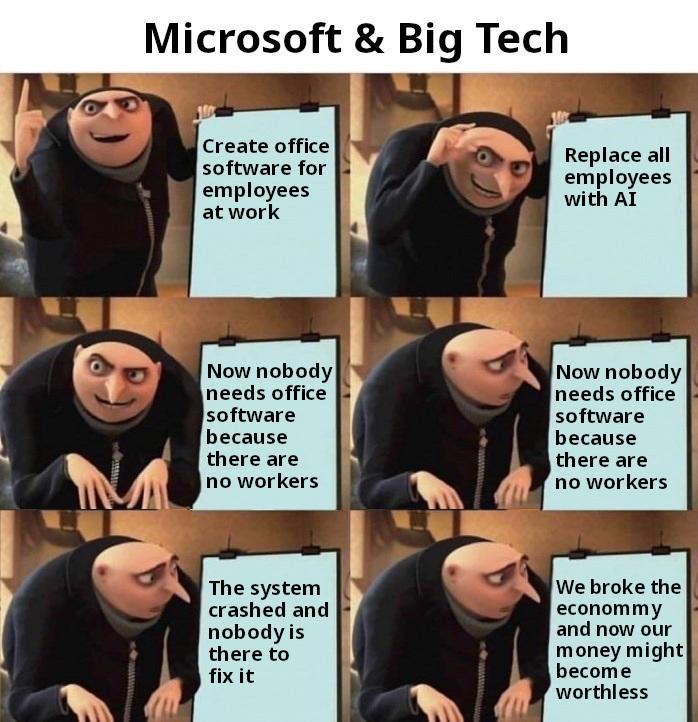
Big Tech's master plan: Create essential office software that literally everyone depends on, then replace all the humans with AI to save costs. Genius, right? WRONG. Because now when the system inevitably crashes, there's nobody left who actually knows how to fix it. The cherry on top? The economy is now tanking because your "brilliant" cost-cutting measures left you with a bunch of robots staring at error logs they can't understand. It's giving "I played myself" energy on a COSMIC scale. The Gru template captures the exact moment of realization when corporate greed meets the harsh reality that maybe, just maybe, you need actual humans to keep the lights on.

Lowkey Nostalgic

Lowkey Nostalgic
Remember when you'd accidentally drag your window across a frozen Windows XP screen and leave behind those beautiful, glitchy trails of pixel art? That's right, we're looking at the ULTIMATE form of digital finger painting right here. Back in the day, when your computer decided to have a mental breakdown, you could at least entertain yourself by creating abstract masterpieces with your unresponsive windows. It was like Microsoft's accidental gift to aspiring artists everywhere. The green dollar sign really adds that *chef's kiss* touch of "my system is definitely not responding but at least I'm making ART." Simpler times, when crashes came with creative opportunities.

I Didn't Know About This

I Didn't Know About This
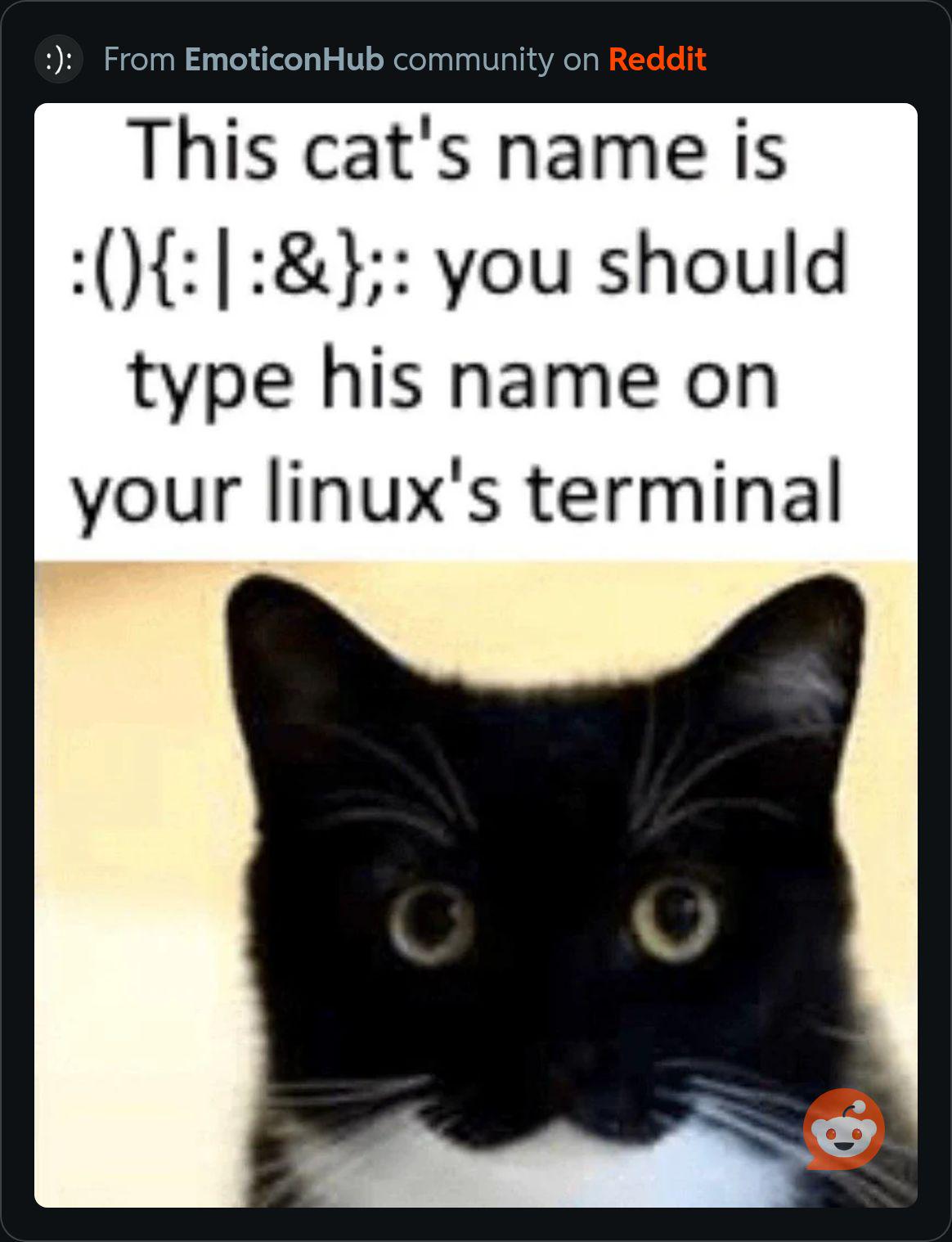
Someone just discovered that typing :(){ :|:& };: into a Linux terminal is basically the digital equivalent of naming your cat "Please Burn Down My House." For those blissfully unaware, this innocent-looking emoticon is actually a fork bomb—a recursive function that spawns copies of itself until your system runs out of resources and crashes harder than your production server on Black Friday. The cat's worried expression perfectly captures the "wait, what have I done?" moment right before your terminal freezes and you realize you're about to hard reboot. It's the Linux initiation ritual nobody warns you about until after you've already Googled "cool terminal commands to try." Pro tip: Don't actually do this unless you enjoy watching your system resources evaporate faster than your motivation on a Monday morning.

I Didn't Know About This

I Didn't Know About This
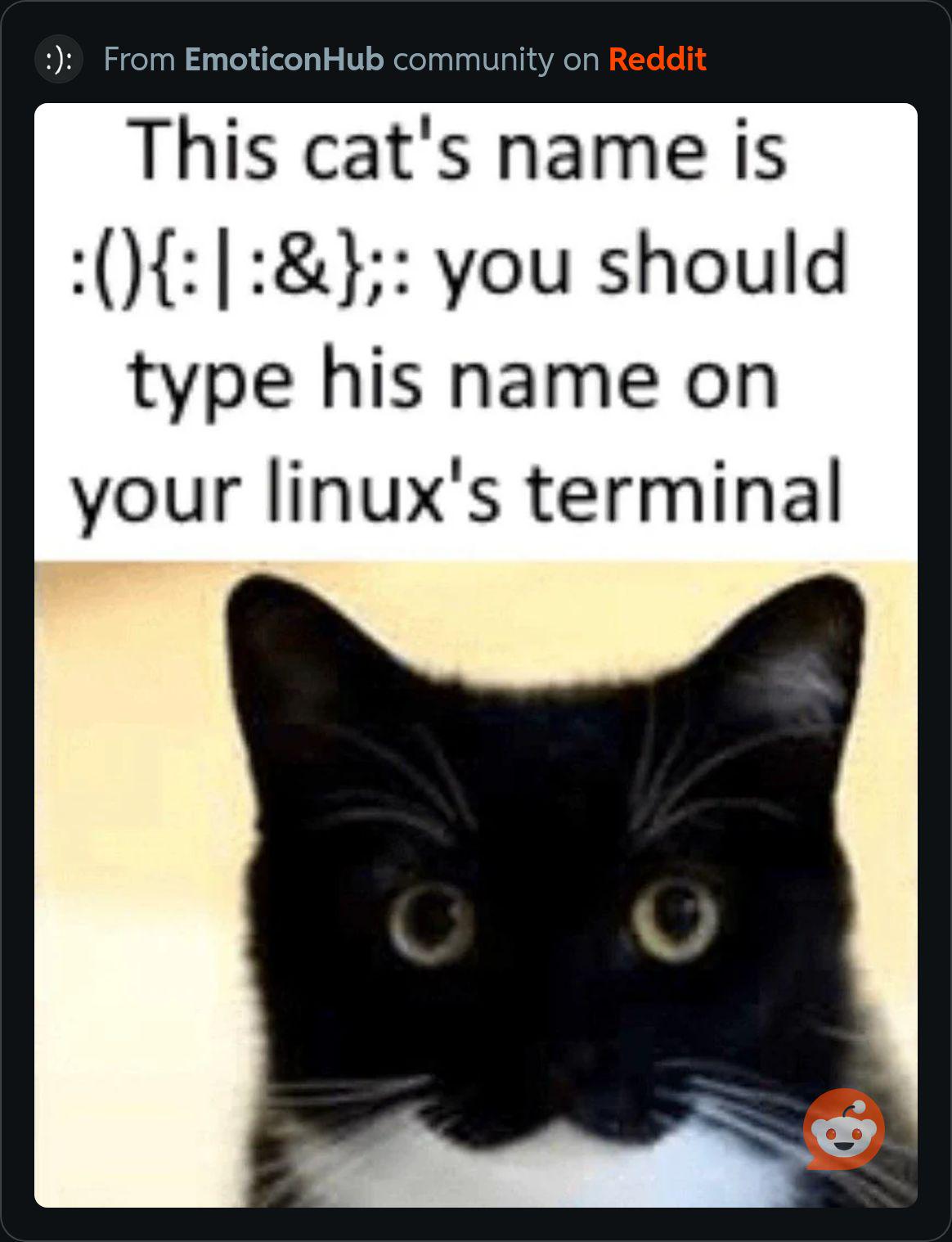
So apparently there's a cat out there named :(){:|:&};: and honestly? That's the most beautiful act of chaos I've ever witnessed. Someone really looked at their innocent feline and said "you know what? Let me name you after the LEGENDARY FORK BOMB that can bring entire systems to their knees." For the uninitiated: that adorable string of characters is a bash fork bomb that recursively spawns processes until your system screams for mercy and crashes harder than your production server on Black Friday. It's basically a recursive function that calls itself twice, pipes to itself, and runs in the background—pure, unadulterated digital destruction. The cat's expression says it all. Those wide eyes? That's the look of someone who KNOWS they have the power to crash your entire system just by existing. Name your pet after malicious code and they'll absolutely live up to the reputation. 10/10 naming choice, would sudo reboot again.

I Am So Cooked

I Am So Cooked
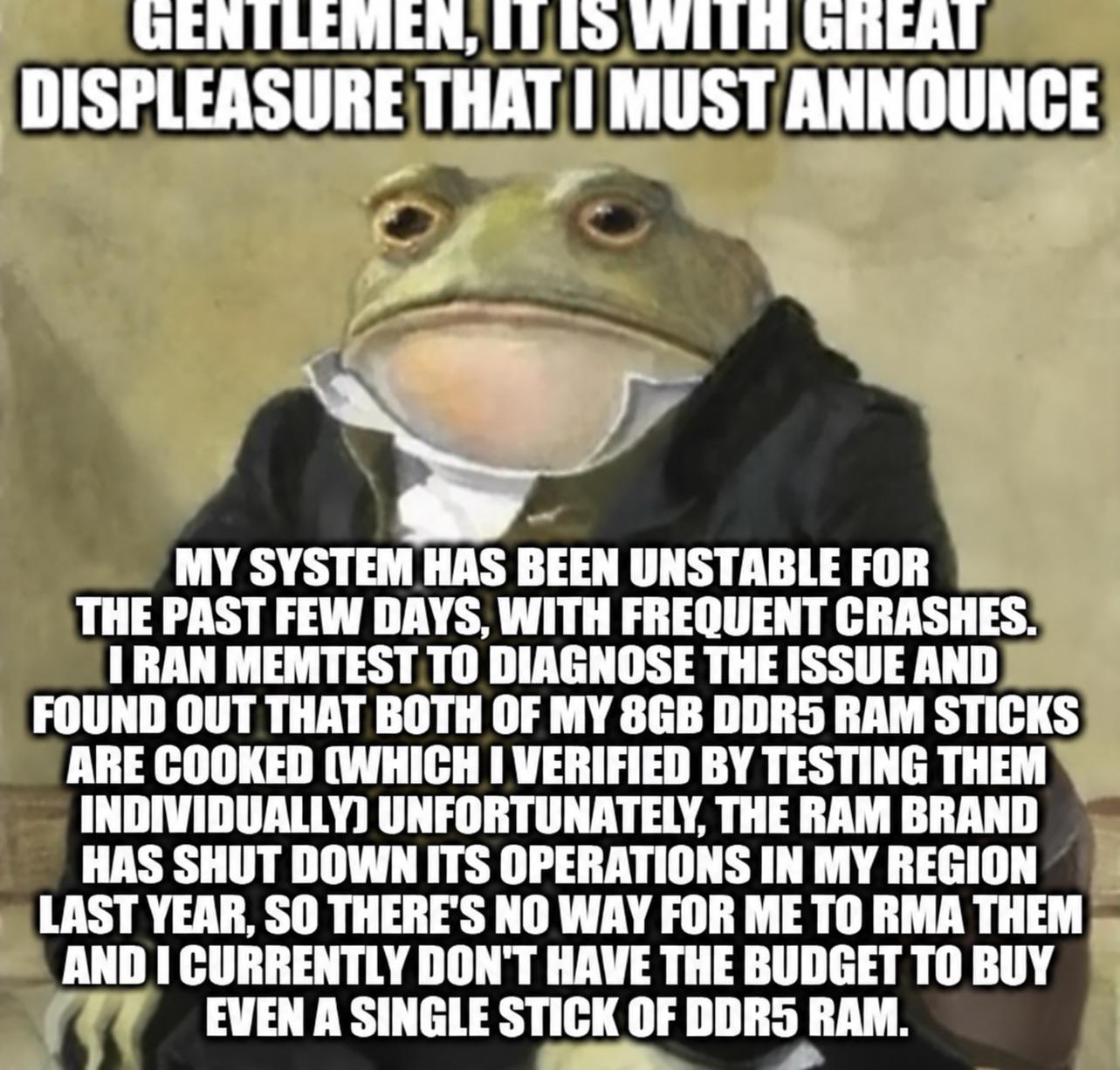
That moment when you discover both your RAM sticks are dead, and the manufacturer literally ceased operations in your region. Can't RMA, can't afford replacements, and your system's crashing more than a poorly written recursive function without a base case. The formal announcement format just makes the tragedy even funnier—like delivering bad news at a board meeting while internally screaming. Running memtest and finding out BOTH sticks failed is like debugging your code only to realize the entire architecture is fundamentally broken. And DDR5? That stuff costs more than your dignity after a production deployment gone wrong. At least you properly diagnosed the issue before blaming it on "cosmic rays" or "Mercury in retrograde."

FLEXISPOT EN1 One-Piece Standing Desk, Electric Adjustable with 4 Memory Presets, 176 LBS Capacity, Stable & Quiet, Seamless Desktop for Home Office & Dual Monitors, 48"x30" Black

FLEXISPOT EN1 One-Piece Standing Desk, Electric Adjustable with 4 Memory Presets, 176 LBS Capacity, Stable & Quiet, Seamless Desktop for Home Office & Dual Monitors, 48"x30" Black
ONE-PIECE. NO SEAMS: A seamless desktop creates a smooth, uninterrupted workspace with no split lines to distract, making writing, designing, gaming, and everyday work more comfortable. · THE POWER O…

Am I Missing Something Guys?

Am I Missing Something Guys?
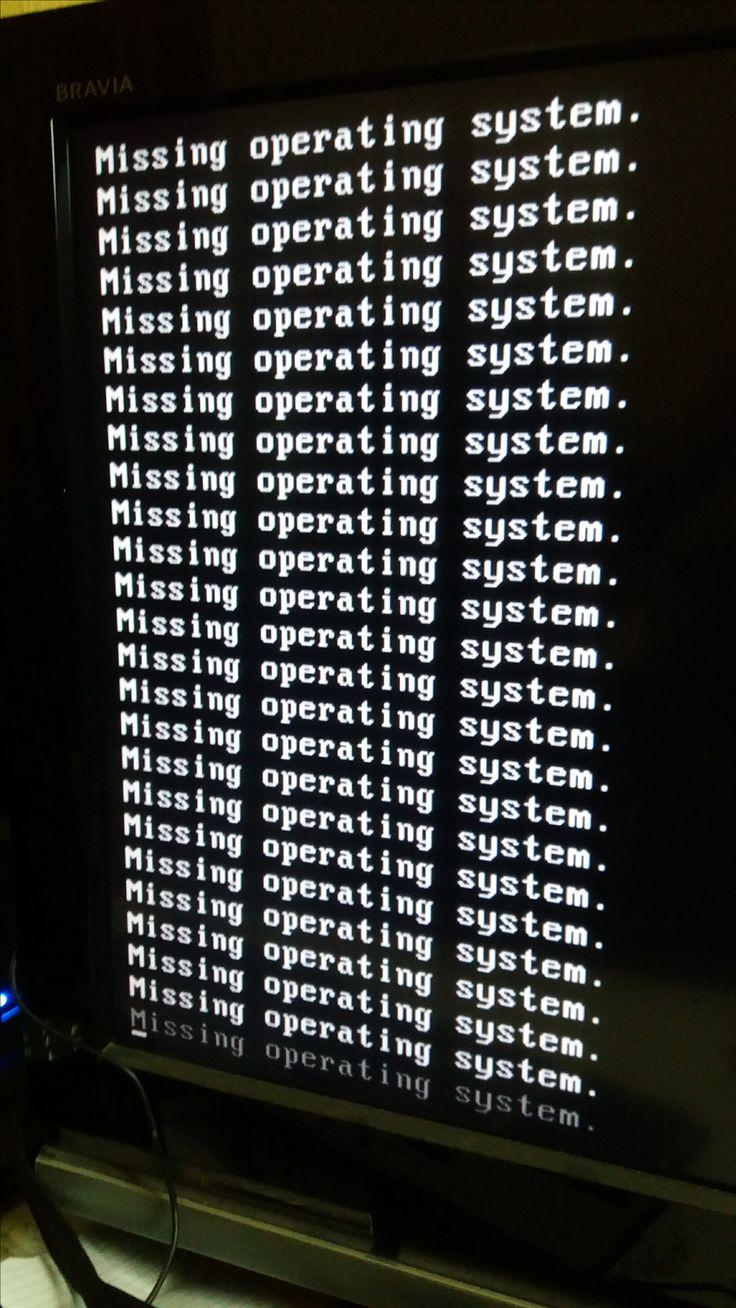
When your bootloader is so helpful it decides to tell you about the problem 47 times in a row. Just in case you didn't catch it the first 46 times. Nothing says "catastrophic failure" quite like a screen full of the same error message repeating into the void. Someone probably tried dual-booting, deleted the wrong partition, or forgot that GRUB needs to actually exist. The computer's basically having an existential crisis in text form. Have you tried turning it off and... oh wait, you can't even get to the OS.

What Do You Do When Your Computer Freezes

What Do You Do When Your Computer Freezes
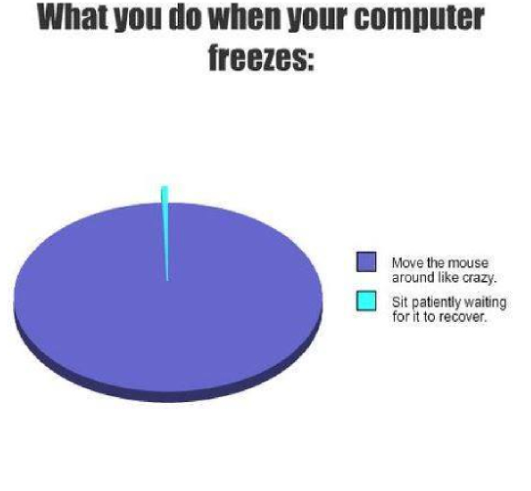
Oh, the absolute PANIC that sets in when your screen decides to take an unscheduled nap! That tiny sliver representing "sit patiently waiting for it to recover" is the biggest lie ever told. Like, WHO are these mythical beings who just calmly wait? The rest of us? We're frantically jiggling that mouse like we're trying to summon a digital genie, desperately hoping that if we move it aggressively enough, the computer will remember it has a job to do. It's basically the tech equivalent of shaking a vending machine when your snack gets stuck. Spoiler alert: it never works, but we'll keep doing it until the heat death of the universe because WHAT ELSE ARE WE SUPPOSED TO DO?!

My Bus Crashed 🥀

My Bus Crashed 🥀
When your Linux kernel decides to have an existential crisis and spews out a wall of cryptic error messages, you know you're in for a fun time. The "bus" in question isn't the kind that takes you to work—it's the system bus that just faceplanted spectacularly. All those memory addresses and kernel panic messages? That's your computer's way of saying "I quit" in the most dramatic fashion possible. The real tragedy here is that somewhere in that incomprehensible hex dump lies the answer to what went wrong, but good luck finding it without a PhD in kernel archaeology. Time to grab your phone, google the error codes, and pray someone on a forum from 2009 had the same issue. Spoiler: they did, but the solution was "nevermind, fixed it" with no explanation.

Me Coding And Everything Breaks For No Reason Classic Programmer Pain

Me Coding And Everything Breaks For No Reason Classic Programmer Pain
So you're just sitting there, innocently typing away at your keyboard, probably writing the most elegant code of your life, when suddenly your computer decides to have a complete existential crisis. The fox literally sniffing around the hardware like it's trying to figure out what unholy ritual summoned this chaos is TOO accurate. And then the comments absolutely DELIVER: "that's mozilla herself" because Firefox, get it? And the grand finale? "it fucken wimdows" – because of course it is. Nothing says "professional development environment" quite like your entire system imploding the moment you try to compile Hello World. The hardware is just sitting there, exposed and vulnerable, being investigated by wildlife, which is honestly how it feels when Windows decides that today is the day everything stops working for absolutely no logical reason whatsoever.

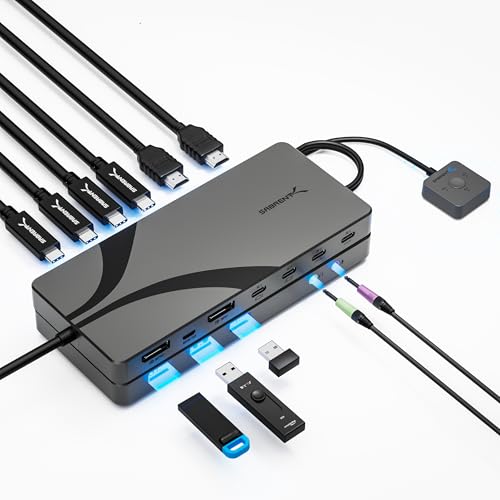
SABRENT USB-C DisplayPort KVM Switch, 3 Computers, 8K, 60W PD (USB-C3KM) | DisplayPort 1.4, 8K 60Hz / 4K 144Hz, DP Alt Mode required, Thunderbolt and USB4 laptops, 1 monitor only, 3.5mm audio, remote

SABRENT USB-C DisplayPort KVM Switch, 3 Computers, 8K, 60W PD (USB-C3KM) | DisplayPort 1.4, 8K 60Hz / 4K 144Hz, DP Alt Mode required, Thunderbolt and USB4 laptops, 1 monitor only, 3.5mm audio, remote
USB-C KVM SWITCH FOR 3 COMPUTERS: Control three systems from one monitor, one keyboard and one mouse, and switch between them without unplugging anything. Built for a desk that mixes laptops with a d…

Well, You Tried

Well, You Tried
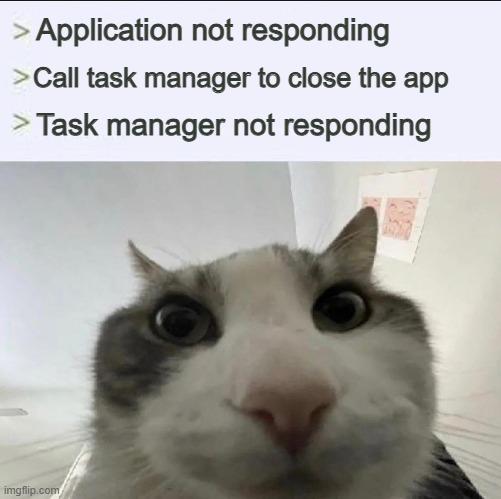
So your application freezes, and like a rational human being, you reach for Task Manager to end its misery. Except Task Manager decides this is the perfect moment to join the rebellion and also stops responding. It's like calling the fire department and they show up on fire. The confused cat just staring at you captures that exact moment when you realize you're now stuck in an infinite loop of non-responsiveness and your only option left is the hard reset button. Or just... staring at the screen until one of them decides to cooperate. Windows at its finest.

Yo, Human

Yo, Human
Your PC just hit you with the most passive-aggressive error message in computing history. No stack trace, no error code, no helpful suggestions—just "Yo." That's it. That's the whole message. It's like your computer achieved consciousness for exactly one millisecond before dying, and its final words were the digital equivalent of "bruh." Not even "Yo, I'm dead" or "Yo, you cooked me"—just straight up "Yo" and then eternal silence. The minimalism is almost poetic. Overclocking is basically asking your hardware to run faster than it was designed to, which is like asking your Honda Civic to compete in Formula 1. Sometimes it works, sometimes you get a casual "Yo" before everything goes dark. At least it was polite about it.

This Has To Be The Best Blue Screen Of Death I've Ever Seen In Person

This Has To Be The Best Blue Screen Of Death I've Ever Seen In Person
Windows decided to get philosophical and just display ":(" followed by "You" on the BSOD. No cryptic error codes, no "CRITICAL_PROCESS_DIED", no "IRQL_NOT_LESS_OR_EQUAL"—just straight up telling you that you are the problem. The OS has achieved sentience and is now gaslighting its users. Honestly, it's the most honest error message Microsoft has ever produced. No beating around the bush with technical jargon—just a sad face and a finger pointed directly at you. At least now we know who Windows really blames for all those driver failures.