System administration Memes

Posts tagged with System administration
Update And Coin Flip

Update And Coin Flip
Windows updates are basically a game of Russian roulette. You click that update button and pray to the tech gods that your machine will actually come back from the dead. "Update and shut down" vs "Update and restart"? Corporate thinks there's a difference, but let's be real—they're the exact same gamble wrapped in different packaging. Both options will leave you staring at a loading screen for 45 minutes, wondering if you should've just bought a Mac. Spoiler alert: you'll still be troubleshooting driver issues either way. The best part? You never know if you're getting a smooth update or if Windows will decide today's the day to brick your bootloader, reset your audio drivers, or just casually forget what a network adapter is. Fun times.

Daemon

Daemon
Someone tries to summon a demon to do their bidding, but gets corrected by a daemon instead. Classic Unix terminology mix-up. The daemon patiently explains it handles system tasks, network requests, and hardware events—you know, the boring stuff that keeps your server alive. Then casually mentions it can log how much you hate your coworkers. For the uninitiated: daemons are background processes in Unix/Linux systems (named after Maxwell's demon from physics, not the underworld variety). They're the silent workers running services like web servers, database managers, and print spoolers. The 'd' at the end of process names like httpd or sshd stands for daemon. They don't interact with users directly, which makes them infinitely more reliable than most humans.

No Slop Mode Activated

No Slop Mode Activated
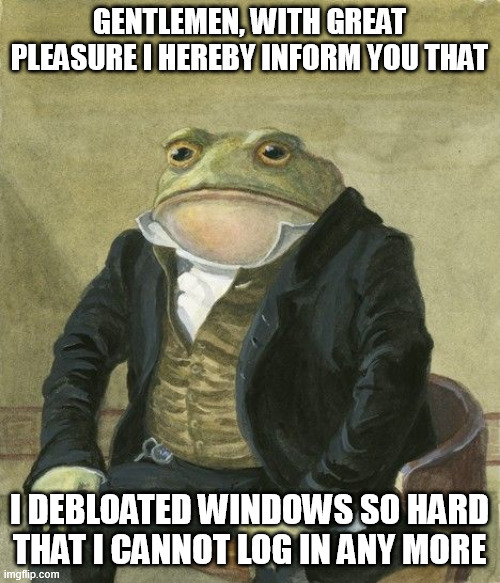
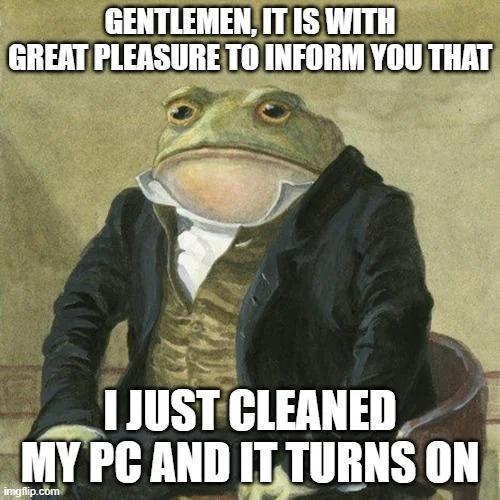
That moment when you finally commit to the Linux-only lifestyle and nuke your Windows partition like you're burning bridges with an ex. No more dual-booting safety nets, no more "just in case I need to run that one program." You're all in now, baby. The frog in formal attire really captures that sense of dignified accomplishment—like you've just made a mature, calculated decision that definitely won't backfire when you need to fill out a PDF form or your WiFi driver stops working. Welcome to the club of people who unironically say "I use Arch btw" at parties. Fun fact: The average Linux user spends more time configuring their system than actually using it, but at least you're doing it without Microsoft spying on you. Probably. Maybe. You hope.

Windows Vs Linux: Shutdown Edition

Windows Vs Linux: Shutdown Edition
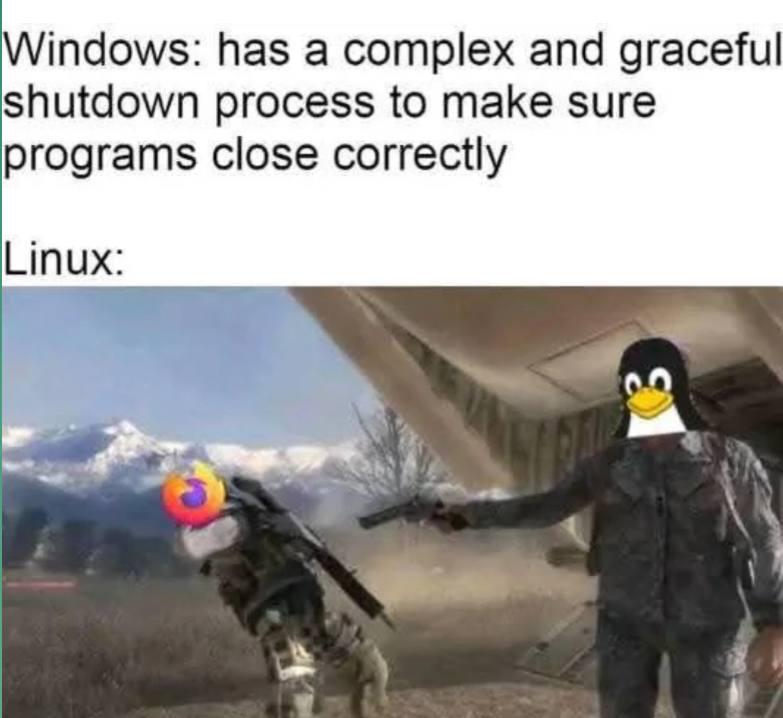
Windows tries so hard to be polite about shutting down, carefully asking each program if it's ready to close, giving them time to save their work, showing you those "program not responding" dialogs. Meanwhile, Linux just casually yeeting processes into the void with SIGKILL like it's Sparta. No negotiations, no second chances. Your unsaved work? Should've handled those signals better, buddy. The Firefox icon being kicked off a cliff is just *chef's kiss* because we all know Firefox is usually the one holding up the shutdown process anyway.

Like Opening A Can Of Worms

Like Opening A Can Of Worms
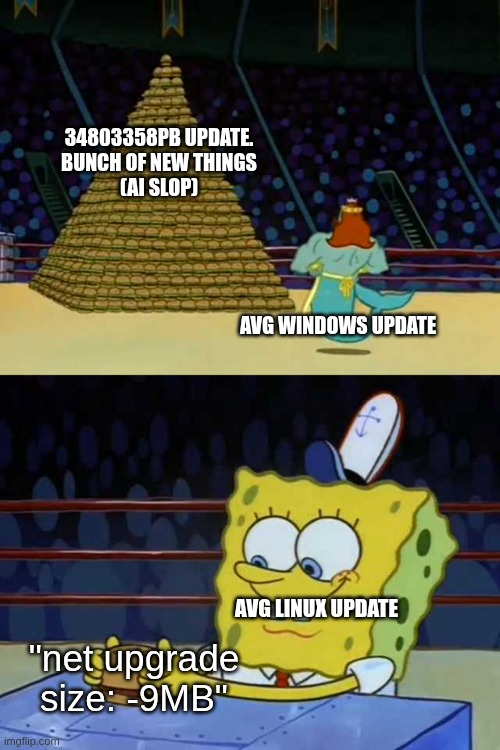
Linux updates: "Yeah, just gonna grab these three packages real quick." Clean, surgical, done in 30 seconds. Windows updates: *SpongeBob staring at a massive boulder* "WHO ARE YOU PEOPLE?" Because what started as a simple security patch has now somehow decided to reinstall half your OS, reboot 47 times, break your audio drivers, and install Candy Crush for the third time this month. The boulder represents the sheer incomprehensible mass of mystery updates that Windows dumps on you. You didn't ask for a new version of Edge. You didn't want your taskbar redesigned. But here we are, 2 hours later, watching a progress bar lie to you about being "almost done" while your laptop sounds like it's preparing for liftoff. Meanwhile Linux users are already back to coding, smugly sipping their coffee.

That Hurts A Lot

That Hurts A Lot
Oh, the absolute HORROR of watching your entire production server reboot because your brain decided to betray you at the worst possible moment! You just wanted to gracefully shut down that one service, maybe take a little coffee break, but NOPE—your muscle memory said "restart" and now you're watching everything go down like the Titanic. All your active users? Gone. Your uptime streak? Obliterated. Your soul? Ascending to another dimension as you experience all five stages of grief in 2.5 seconds. The best part? You can't even undo it. You just have to sit there, marinating in your own poor life choices, waiting for everything to come back up while praying nobody noticed the outage. Spoiler alert: they noticed.

Synology 2-Bay DiskStation DS225+ (Diskless)

Synology 2-Bay DiskStation DS225+ (Diskless)
Supports drives on the model's official compatibility list · Up to 282/217 MB/s sequential read/write throughput supports stable data transfers · Leverage built-in file and photo management, data pro…

Windows Ehh

Windows Ehh
Homer Simpson backing away from a perfectly stable Windows machine while a Windows Update wielding a sledgehammer approaches is the most accurate documentary of modern computing. Your PC is running smooth, all your drivers are happy, your dev environment is configured just right, and then BAM—Windows decides it's time for a mandatory update that'll restart your machine mid-compile. The best part? You can't even postpone it anymore. Microsoft basically turned Windows Update into that overly aggressive friend who "fixes" things that aren't broken. Sure, security patches are important, but do we really need to reinstall Candy Crush for the 47th time?

When You Format The New SSD

When You Format The New SSD
You just unboxed your shiny new 1TB SSD, formatted it with btrfs like a proper Linux enthusiast, and suddenly you're staring at 0.73 TiB of usable space. The guy in the painting? That's you, pointing accusingly at the manufacturer like they personally robbed you of 270 GB. Here's the thing: manufacturers count in decimal (1 TB = 1,000,000,000,000 bytes) while your OS counts in binary (1 TiB = 1,099,511,627,776 bytes). Add in filesystem overhead, and boom—your "1 TB" drive is actually 0.91 TiB before formatting, then drops to 0.73 TiB after. It's technically not a scam, but it sure feels like one when you're trying to install yet another 200GB game. Marketing departments have been pulling this move since floppy disks, and we still fall for it every single time.

Story Of My Life...

Story Of My Life...
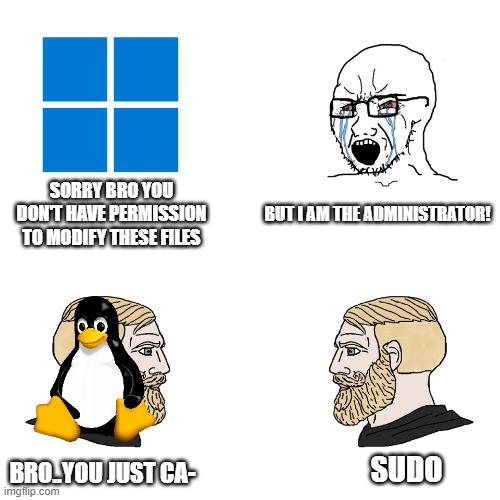
Nothing quite captures the essence of corporate IT like being told you don't have permission to do something while literally being logged in as "Machine Administrator." It's like being the king but still needing to ask the queen for permission to use the bathroom in your own castle. Windows has this beautiful way of gaslighting you into questioning your own existence. You're the admin. The system says you're the admin. But somewhere deep in the registry, some Group Policy from 2003 is laughing at your futile attempts to change a simple setting. The real administrator was the permissions we denied along the way. Fun fact: This usually happens because of User Account Control (UAC) or domain policies overriding your local admin rights. The solution? Right-click, "Run as Administrator"... even though you're already an administrator. Makes perfect sense.

Closing Programs

Closing Programs
Windows politely asks programs to close, waits for them to save their work, and gently guides them to termination. Meanwhile, Linux just straight up executes them with kill -9 and doesn't lose a second of sleep over it. The Firefox icon getting yeeted into oblivion while the Linux penguin stands there armed and dangerous is chef's kiss. No "Do you want to save changes?" dialog boxes here—just pure, unapologetic process termination. Windows is the helicopter parent of operating systems, Linux is the drill sergeant who doesn't negotiate with frozen processes.

excovip SQL Cheat Sheet Mouse Pad for Database Administrators, Analysts, and Programmers, Shortcut Key Mousepad, Large Anti-Slip Keyboard Pad Mouse Mat 90x30 cm 0322

excovip SQL Cheat Sheet Mouse Pad for Database Administrators, Analysts, and Programmers, Shortcut Key Mousepad, Large Anti-Slip Keyboard Pad Mouse Mat 90x30 cm 0322
【35 x 11.8 inches】This XL mouse pad covers wide desk area to accommodate your gaming mouse+full size keyboard and more room to maneuver personally. Meanwhile, no designs or logos on it. A perfect gam…

Linux Chad

Linux Chad
Windows is that overprotective parent who won't let you uninstall Edge because "you might hurt yourself." Meanwhile, Linux just hands you root access and says "go ahead, delete the bootloader, see what happens." The confidence is unmatched. Windows will literally panic if you try to remove its precious browser, acting like the entire OS depends on it (spoiler: it kind of does, because Microsoft). But Linux? Linux respects your freedom to make catastrophically bad decisions. Want to nuke your own system? That's on you, chief. No hand-holding, no warnings, just pure "I told you so" energy waiting on the other side. The bootloader is basically what tells your computer how to start up—remove it and you've got yourself a very expensive paperweight. But hey, at least Linux trusted you enough to let you try.

Lets Try It Together

Lets Try It Together
You know that special moment when you accidentally hit Ctrl+C while running sudo rm -rf /* and desperately ask if there's an undo button? Yeah, "Good question" is the polite way of saying "you just nuked your entire filesystem and we're both about to witness a digital cremation." The fact that someone responds with Shrek's deadpan "Good question" instead of screaming is peak Unix user energy. There's no undo. There's no going back. There's only backups you hopefully made yesterday and a fresh OS install. Fun fact: the -rf flags mean "recursive force" - basically telling your system to delete everything without asking questions, like a hitman with no conscience.