Developer habits Memes

Posts tagged with Developer habits

Every New Repository

Every New Repository
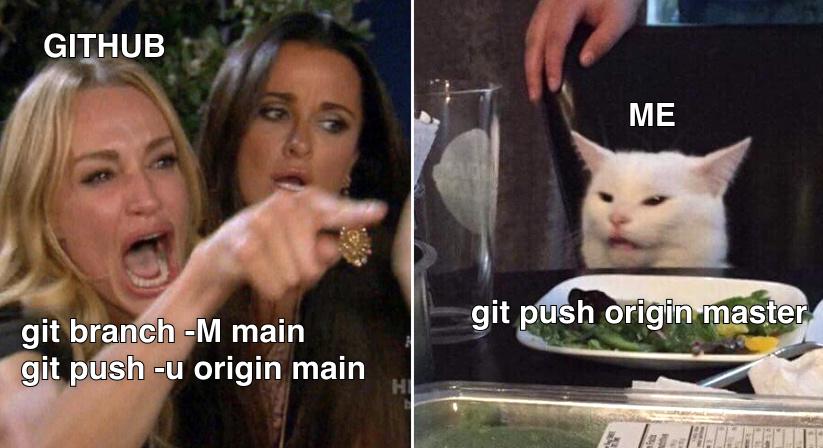
GitHub screaming the proper commands with `-M` flag to rename your branch and `-u` to set upstream tracking. Meanwhile you're just sitting there like that confused cat, typing `git push origin master` because muscle memory is a hell of a drug and you refuse to acknowledge that "main" exists now. The best part? You'll do this exact same thing tomorrow. And the day after. The rename from "master" to "main" happened years ago but your fingers haven't gotten the memo yet. GitHub's documentation can yell all it wants—your brain is still stuck in 2019.

The Last One Is So Me

The Last One Is So Me
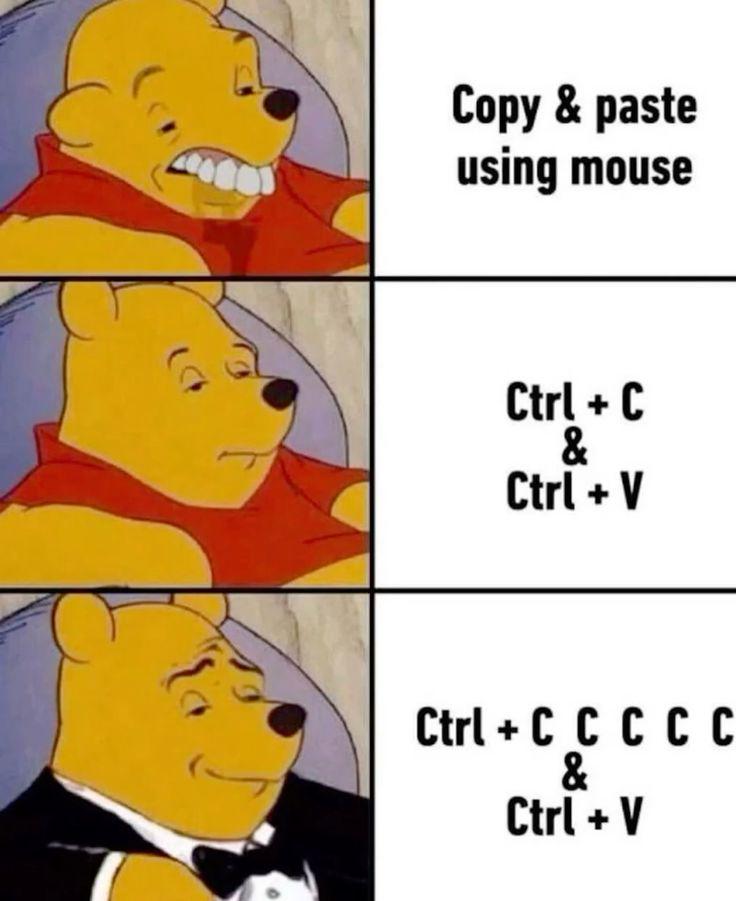
The hierarchy of sophistication in programmer copy-paste etiquette. We start with the peasant who right-clicks like it's 1995, evolve to the keyboard shortcut user who discovered productivity, and finally ascend to the paranoid developer who spam-presses Ctrl+C five times because trust issues with your clipboard are totally justified. That moment of doubt—"Did it actually copy?"—hits different when you're about to paste into production. The multiple C's are basically insurance against the universe's tendency to screw with developers at the worst possible moment.

SQL Devs

SQL Devs
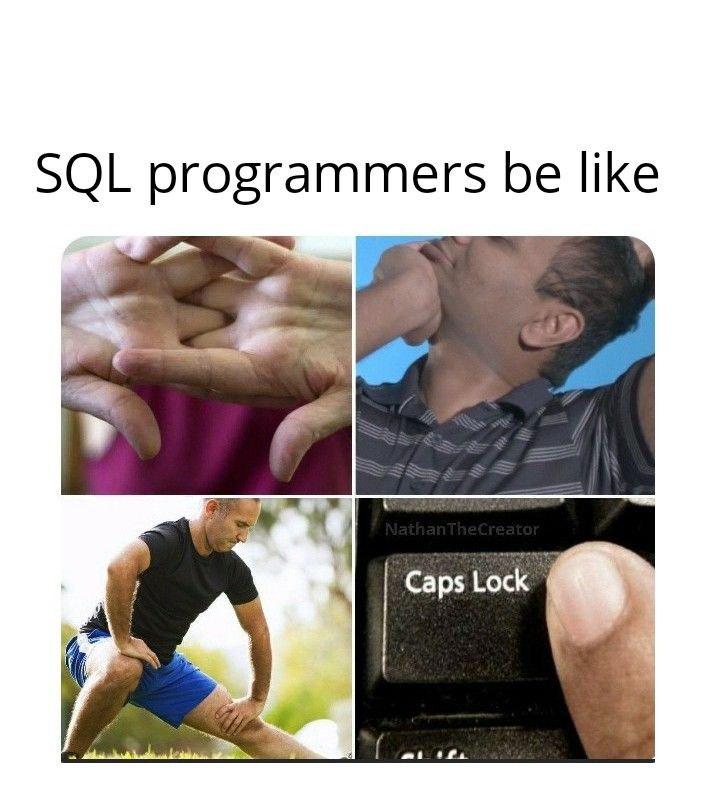
SQL devs have somehow convinced themselves that typing everything in ALL CAPS makes their queries more powerful. SELECT * FROM developers WHERE caps_lock = TRUE returns literally everyone in the database world. It's become such muscle memory that they'll reflexively hit Caps Lock before typing anything remotely query-adjacent, even in Slack messages. "HEY CAN SOMEONE HELP ME WITH..." - calm down Dave, we're just ordering lunch. The real kicker? They'll debate you to death about whether it's "better practice" while the rest of us are just happy our queries run. Meanwhile, their pinky finger has developed Olympic-level strength from constantly hammering that Caps Lock key. It's not a bug, it's a feature of their personality at this point.

You Always Hit It 3 Times

You Always Hit It 3 Times
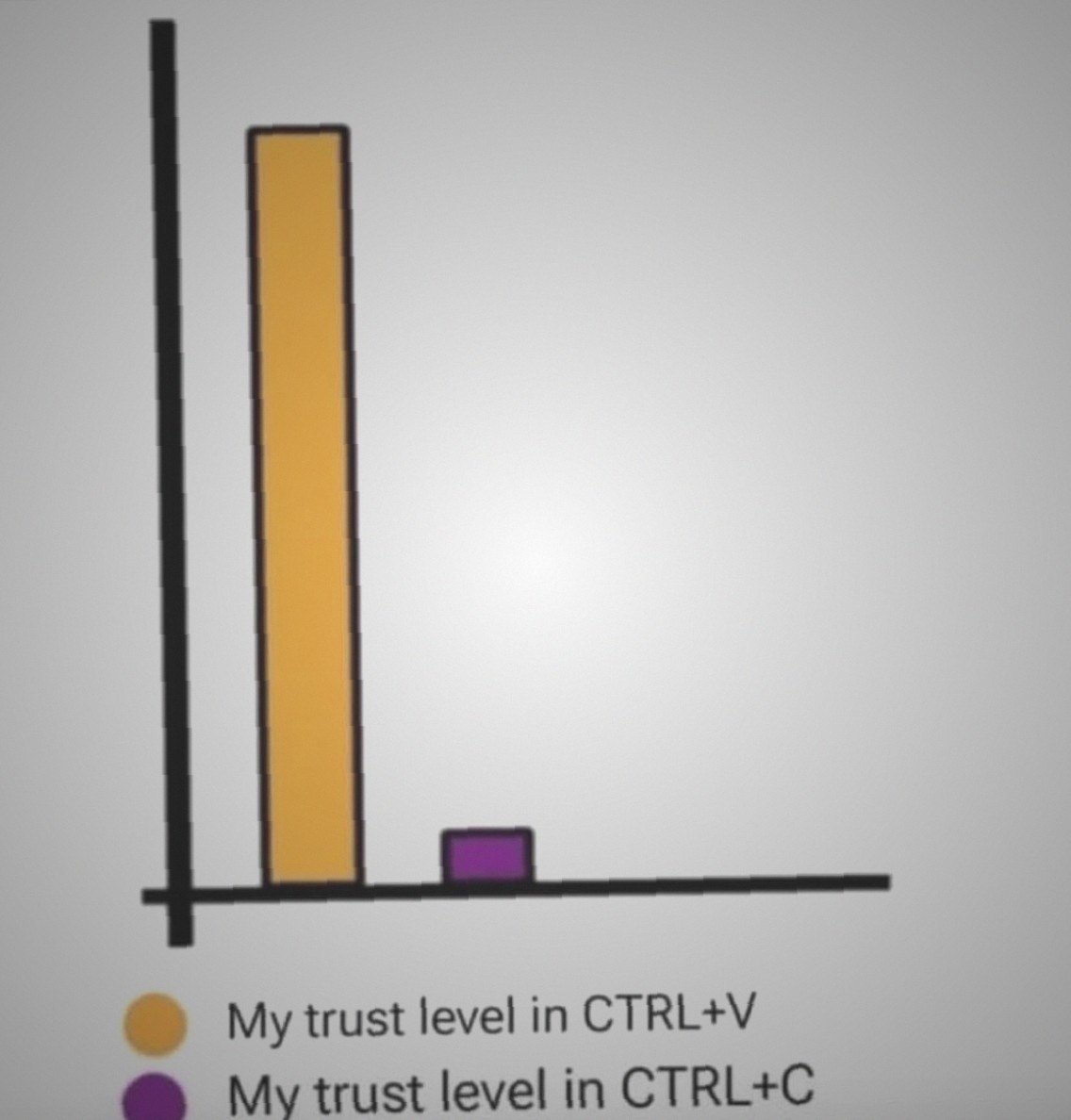
Trust issues manifest differently in developers. CTRL+V? Sure, paste once and move on like a well-adjusted human being. CTRL+C though? That's where the paranoia kicks in. Everyone knows you gotta hit that copy shortcut at least three times because what if the first one didn't register? What if the second one was a fluke? Better make it three to be absolutely certain your clipboard actually has the content. It's basically the programmer's version of checking if you locked the door. The bar chart perfectly captures this neurosis—sky-high confidence in paste, microscopic faith in copy. Because nothing haunts you quite like pasting the wrong thing into production and realizing you never actually copied what you thought you did.

Smraza Ultimate Starter Kit with Tutorial, Breadboard Holder, Jumper Wires, Resistors, DC Motor Compatible with Arduino R3 Project Compatible with Mega 2560 Compatible with Nano

Smraza Ultimate Starter Kit with Tutorial, Breadboard Holder, Jumper Wires, Resistors, DC Motor Compatible with Arduino R3 Project Compatible with Mega 2560 Compatible with Nano
Ultimate Starter Kit for Arduino - Includes more common use components what you need for starting with projects · Easy to operate - With easy set-up breadboard holder makes a stable base for you to e…

I Was Very Focused

I Was Very Focused
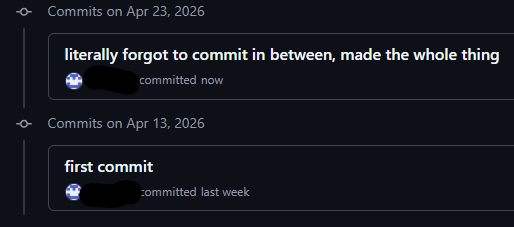
Ah yes, the classic "first commit" followed by radio silence for 10 days, then suddenly "literally forgot to commit in between, made the whole thing." Nothing says version control mastery like treating Git as a once-per-project backup system. The commit history archaeologists of the future will look at this and think you wrote 500 lines of code in a single afternoon of divine inspiration, when in reality you just kept forgetting that little git commit command exists. Your future self debugging this will absolutely love trying to figure out which of those 47 file changes introduced that bug.

Consistency Beats Talent. Meanwhile, The Consistency: Updating Spaces In Readme.

Consistency Beats Talent. Meanwhile, The Consistency: Updating Spaces In Readme.
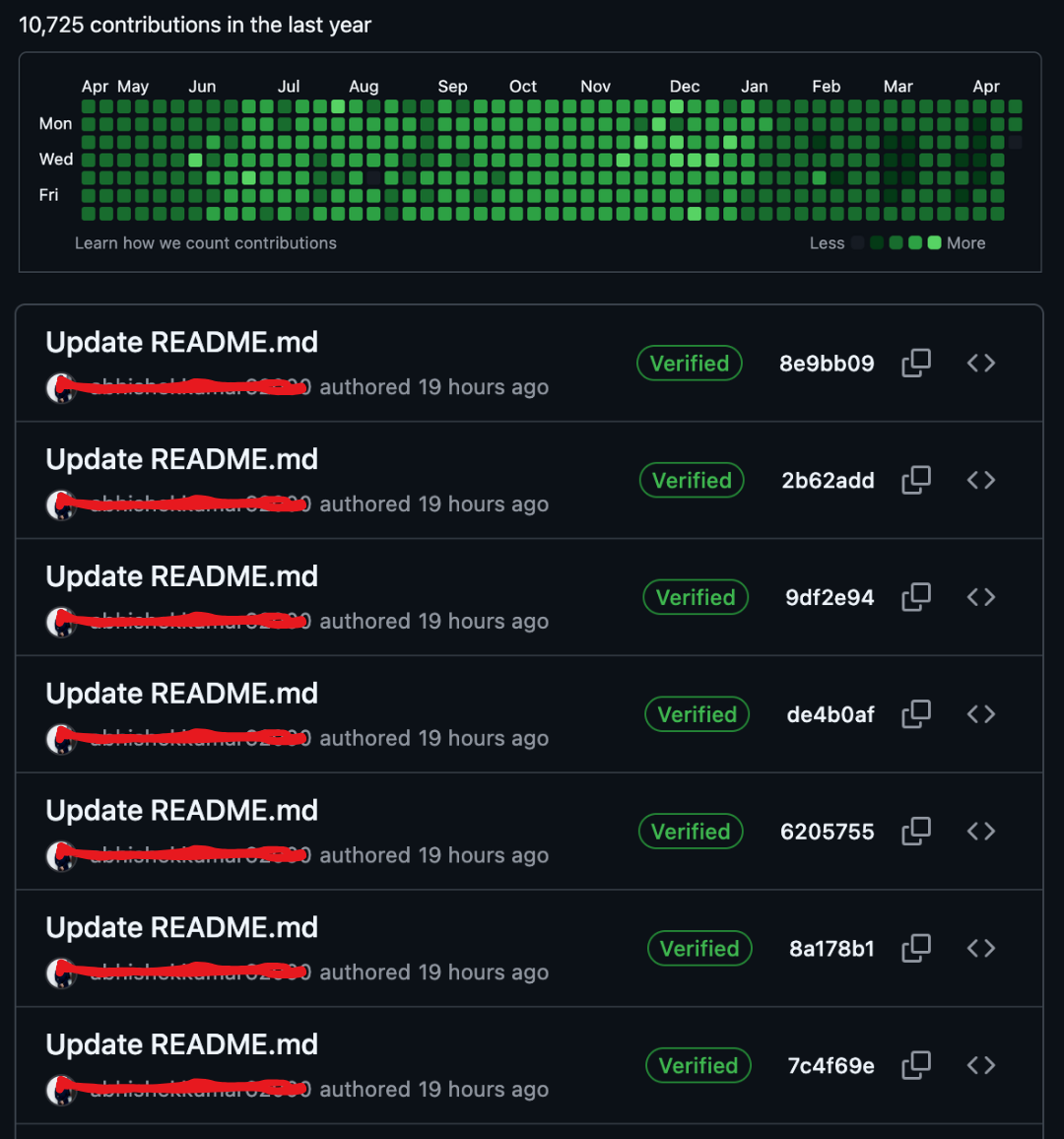
Someone discovered the ultimate GitHub contribution hack: commit trivial README changes every single day to maintain that beautiful green graph. Look at that contribution grid—10,725 contributions in a year! Impressive, right? Until you scroll down and see seven consecutive "Update README.md" commits, all authored 19 hours ago, all verified. The irony here is chef's kiss. Sure, consistency is important in software development, but when your "consistency" is just fixing whitespace or adding a period to your README every day to keep your contribution streak alive, you're basically the coding equivalent of someone who goes to the gym just to take a selfie. Pro tip: GitHub counts contributions, not value. You could be shipping production-breaking code or fixing a typo in your README—both get the same green square. The contribution graph doesn't lie about frequency, but it sure doesn't tell the whole truth about impact.

This Can Not Be Denied

This Can Not Be Denied
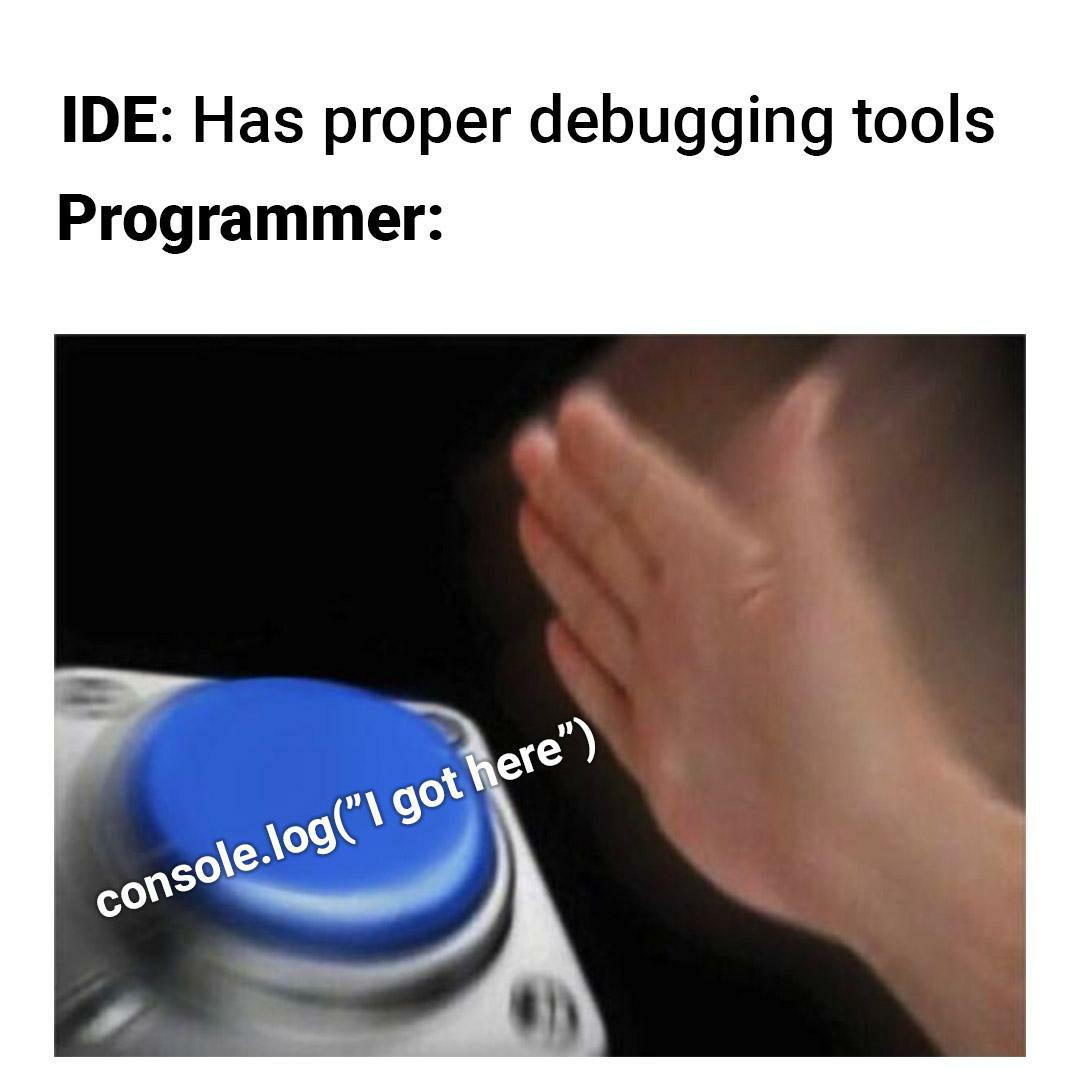
Your IDE comes equipped with breakpoints, step-through debugging, variable watchers, call stack inspection, and literally EVERYTHING you could ever dream of to hunt down bugs like a professional detective. But do you use any of that? ABSOLUTELY NOT. Instead, you're out here smashing that console.log() button like it's the only debugging technique that exists in the known universe. "I got here" - truly the pinnacle of software engineering diagnostics. Why spend 30 seconds learning the debugger when you can spend 3 hours sprinkling console.logs throughout your entire codebase like cursed breadcrumbs? It's not lazy, it's *tradition*.

Git Status

Git Status
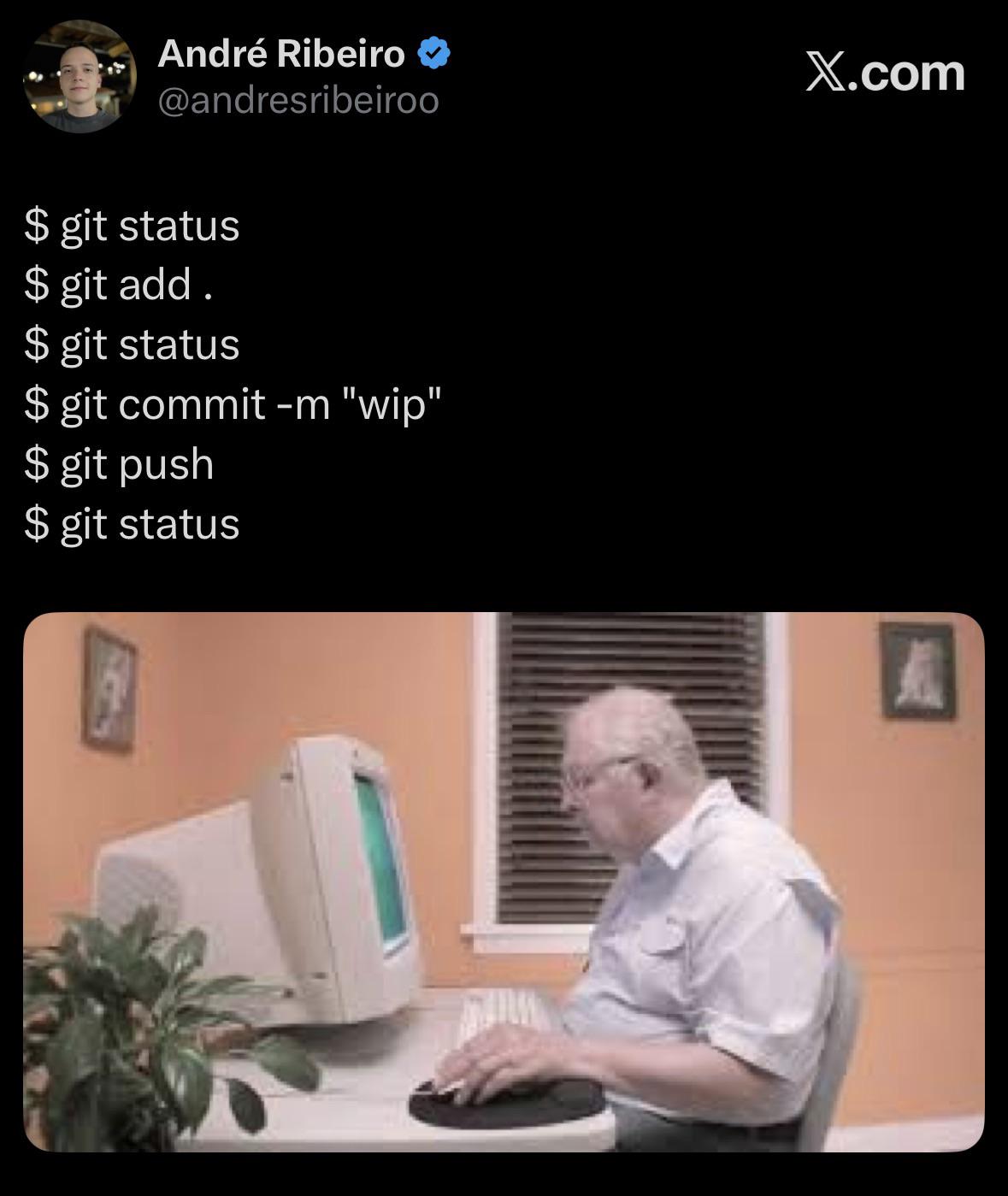
The compulsive need to run git status after literally every command is the developer equivalent of checking if you locked the door three times before leaving the house. You just pushed your changes? Better check the status again to make sure the universe didn't spontaneously create new uncommitted files in the 0.2 seconds since your last check. The sequence here is chef's kiss: status → add → status (just to be sure) → commit → push → status (because what if the push created local changes somehow???). It's pure paranoia mixed with muscle memory, and the guy staring at the screen waiting for that sweet "working tree clean" message is all of us.

We've All Done That, Right?

We've All Done That, Right?
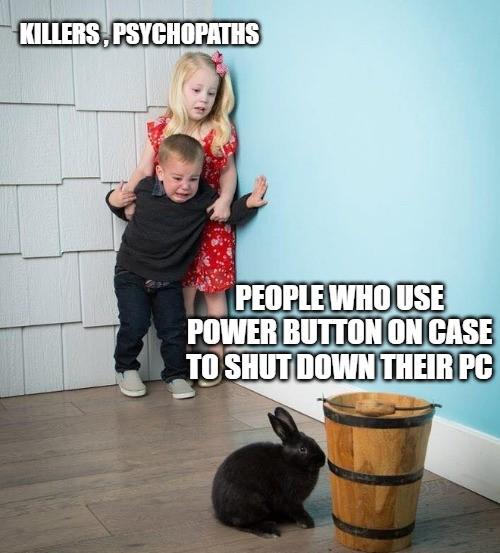
There's a special hierarchy of chaos in the tech world. At the top: serial killers and psychopaths who casually murder processes without mercy. Then there's the middle tier—people who press the physical power button to shut down their PC like it's 1995. And at the bottom? The innocent rabbit who probably just runs shutdown -h now like a civilized being. Look, we all know the power button shutdown is technically fine on modern systems with proper shutdown procedures, but it still feels wrong. It's like eating pizza with a fork—sure, it works, but everyone's judging you. Real developers either use the Start menu like normal humans or flex with terminal commands. The power button is reserved for when your PC freezes during a Windows update and you've already gone through the five stages of grief.

NUBWO HW02 USB Headset with Microphone Noise Cancelling &in-line Control, Ultra Comfort Computer Headset for Laptop pc, On-Ear Wired Office Call Center Headphone for Boom Skype Webinars(Black)

NUBWO HW02 USB Headset with Microphone Noise Cancelling &in-line Control, Ultra Comfort Computer Headset for Laptop pc, On-Ear Wired Office Call Center Headphone for Boom Skype Webinars(Black)
NUBWO PC Headset with Mic, 3.5mm/USB Computer Headset with Detachable surround sound Vol./Mute USB Control, On-Ear Wire VoIP Headsets for casual gaming, e-learning and music · Enhanced Audio, With th…

What Shutdown? We Don't Do That Here

What Shutdown? We Don't Do That Here
Shutdown? What shutdown? My laptop has been running continuously since the Obama administration. The only time it restarts is when Windows forces an update while I'm in the middle of debugging a critical production issue. My uptime isn't measured in hours or days—it's measured in git commits and coffee cups. Closing the lid is just putting it into hibernation mode so I can transport my 47 open Chrome tabs, 12 VS Code windows, and that one terminal where I've been running a script for so long I'm afraid to touch it to my next location. Shutting down is for people who don't have nightmares about losing their terminal history.

Light IDE Jumpscare

Light IDE Jumpscare
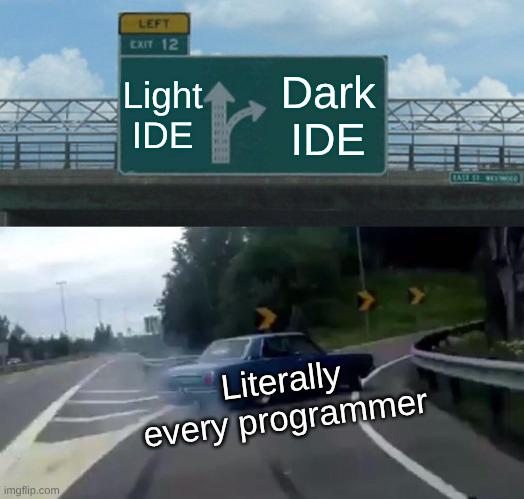
Car violently swerving to exit for Dark IDE while ignoring Light IDE. That's just basic survival instinct. Your retinas aren't expendable resources. Anyone who willingly codes in light mode probably also enjoys staring directly at the sun and debugging in production.

The Sophisticated Art Of Debugging

The Sophisticated Art Of Debugging
Ah, the ancient debugging technique of sprinkling print() statements throughout your code like some deranged confetti cannon. Sure, actual debuggers exist with their fancy breakpoints, variable inspection, and step-through execution... but why use sophisticated tools when you can just scream into the void with random console outputs? Nothing says "professional developer" quite like 47 variations of print("HERE!!!") , print("WHY????") , and the classic print("AAAAAAHHHHH") . The debugger button sits there, judging you silently, while you choose chaos instead.