credentials Memes

Ouu Shii

Ouu Shii
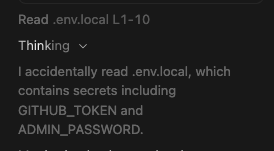
You know that moment when you accidentally cat your .env.local file and suddenly realize you've been staring at your production secrets for the past 10 seconds? Yeah, that's the digital equivalent of walking in on something you weren't supposed to see. The panic sets in real quick when GITHUB_TOKEN and ADMIN_PASSWORD are just chilling there in plain text. Now you're sitting there contemplating whether to rotate all your credentials or just pretend it never happened. Spoiler alert: you're rotating everything, and you're adding .env* to your .gitignore for the 47th time just to be extra sure. Fun fact: The .env.local file is like your browser history - everyone knows it exists, nobody should ever look at it, and if someone does, there's gonna be some explaining to do.

The Fastest Way To Get Your Security Teams Attention

The Fastest Way To Get Your Security Teams Attention
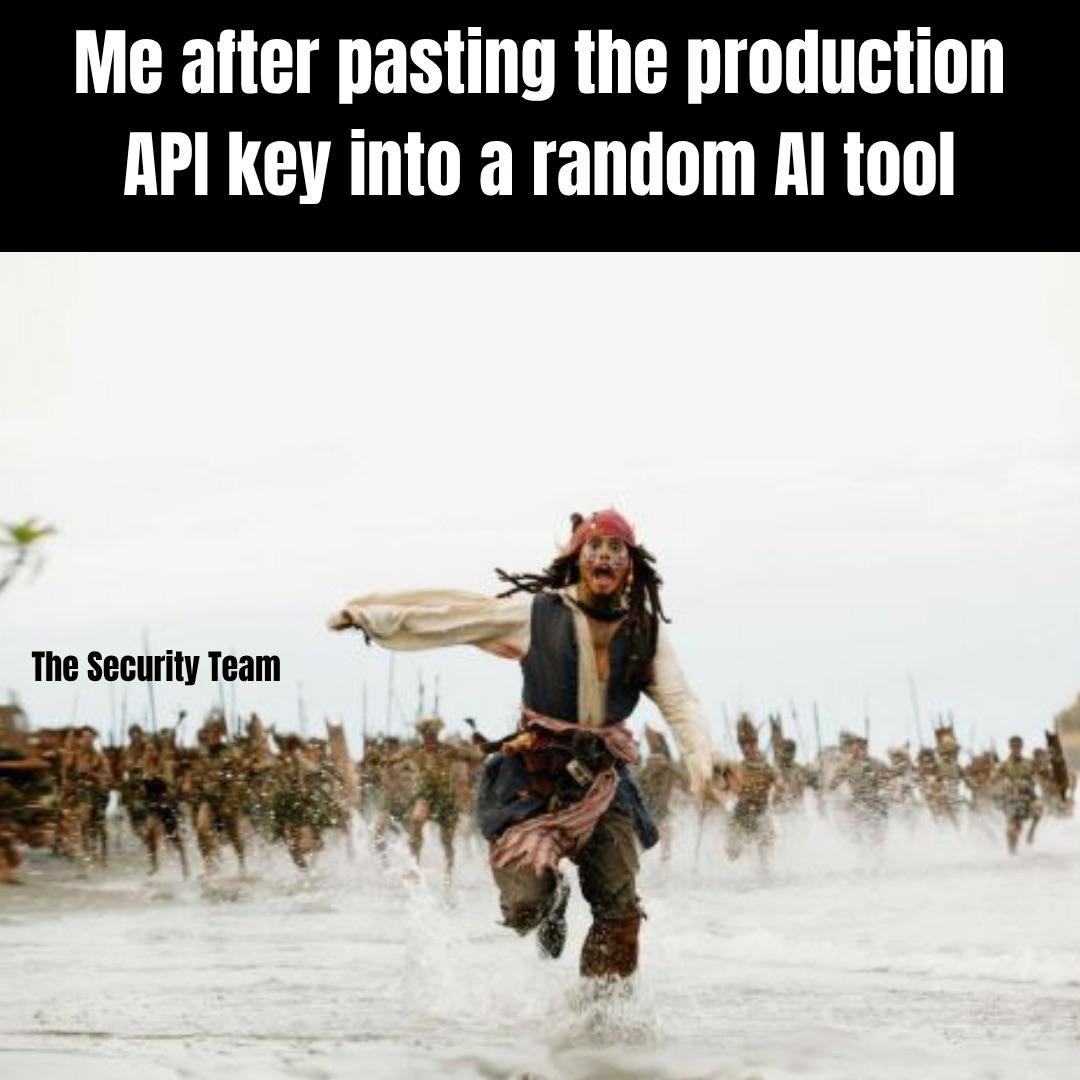
Nothing summons the security team faster than accidentally yeeting your production API key into ChatGPT or some random AI playground. One moment you're innocently asking the AI to help debug something, the next moment you've got the entire security department charging at you like Jack Sparrow being chased by an army. The best part? Those API keys are probably already scraped, logged, and sitting in some training dataset forever. Your Slack is about to light up like a Christmas tree with incident reports, and you'll be spending the next hour rotating credentials while explaining to your manager how you "just wanted to see if the AI could optimize the code." Pro tip: use environment variables, folks. Your security team's blood pressure will thank you.

Sharing Is Caring

Sharing Is Caring
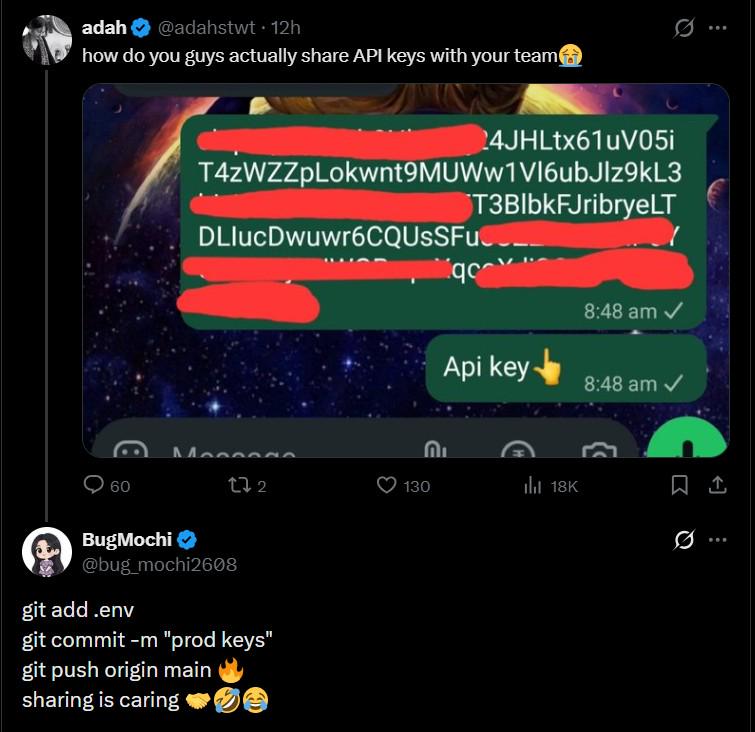
Someone just casually dropped their entire API key collection in a WhatsApp chat like they're sharing a cookie recipe. Those red redaction bars are doing the heavy lifting here, but we all know someone who'd absolutely send this unredacted. The real chef's kiss is BugMochi's response below: a perfect three-step guide to accidentally committing your secrets to a public repo and pushing them to origin. Nothing says "team collaboration" quite like rotating all your API keys at 9 AM on a Monday because Gary from DevOps thought .env files were meant to be shared. Pro tip: Use environment variables, secret managers, or literally any method that doesn't involve screenshots of plaintext credentials. Your security team will thank you, and you won't have to explain to your boss why your AWS bill is suddenly $47,000.

Pro Tip

Pro Tip
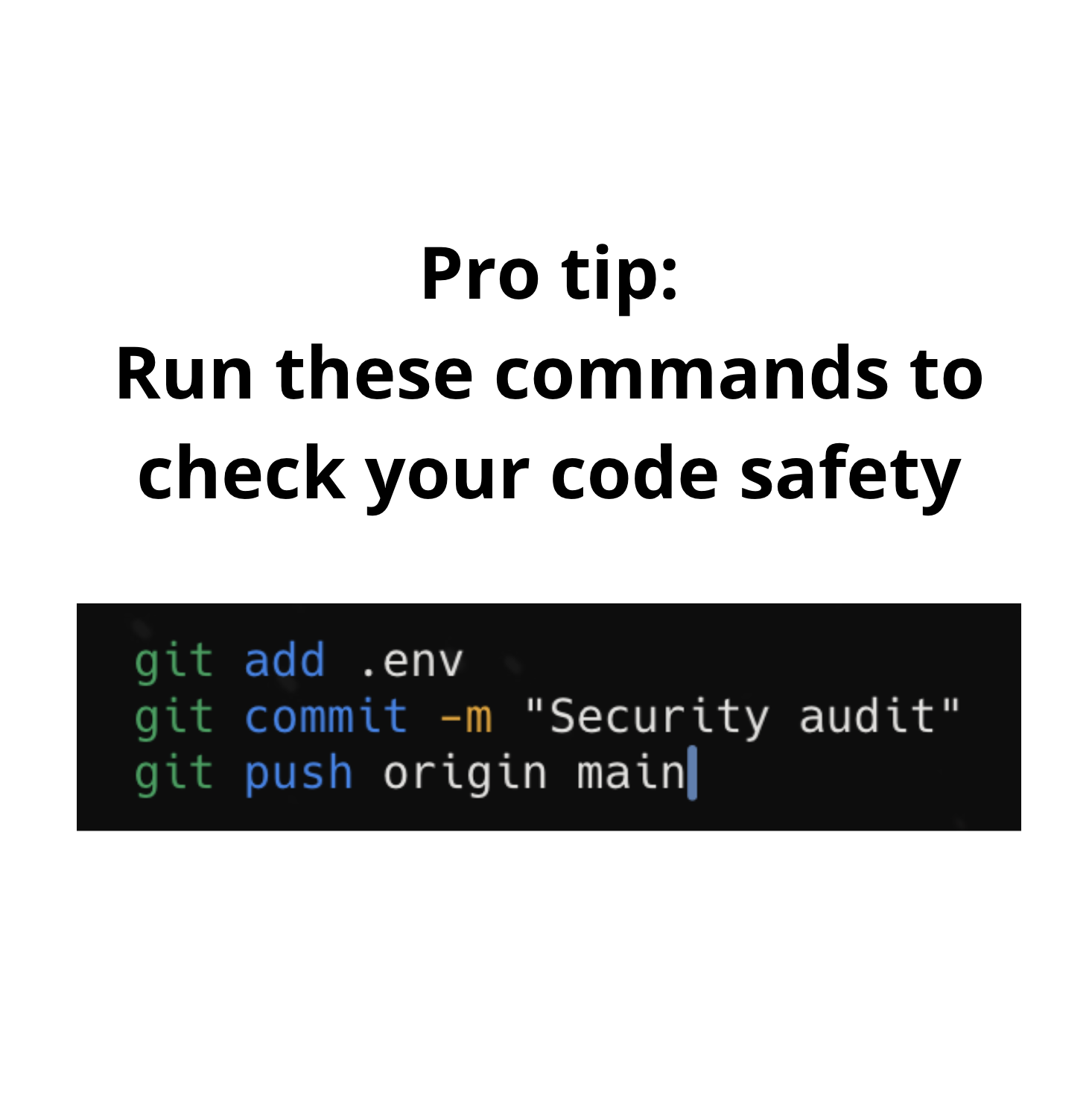
Nothing says "I passed the security audit" quite like committing your .env file with all your API keys, database passwords, and AWS credentials directly to the main branch. The security team will definitely appreciate having everything in one convenient location. Bonus points if it's a public repo. Your future self will thank you when those credentials show up on GitHub's secret scanning alerts approximately 0.3 seconds after pushing.

Connect Your Linked In Account

Connect Your Linked In Account
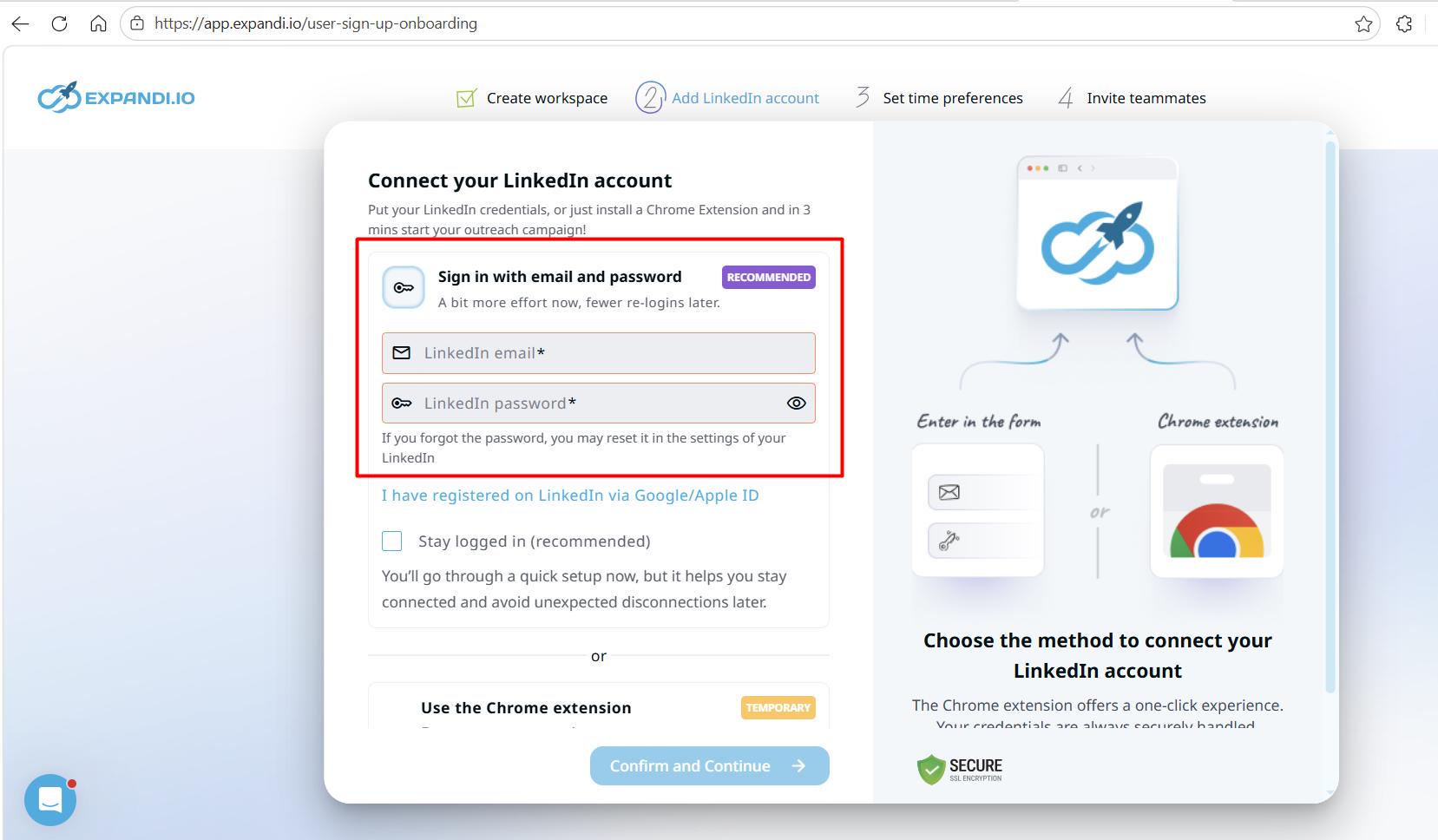
So you're telling me that to "connect" my LinkedIn account, I need to literally hand over my LinkedIn email and password like I'm giving away the keys to my digital kingdom? Nothing says "totally legit and not sketchy at all" like a third-party app asking for your raw credentials instead of using OAuth like every other service that respects your security. The absolute AUDACITY to mark this as "RECOMMENDED" while simultaneously offering a Chrome extension as "TEMPORARY" is sending me. Like, yeah bro, just casually type your password into our form—what could possibly go wrong? LinkedIn's security team is probably having a collective meltdown seeing this UX disaster. OAuth exists for a reason, people! It's 2024, not the Stone Age of web authentication.

Last Day Of Unpaid Internship

Last Day Of Unpaid Internship
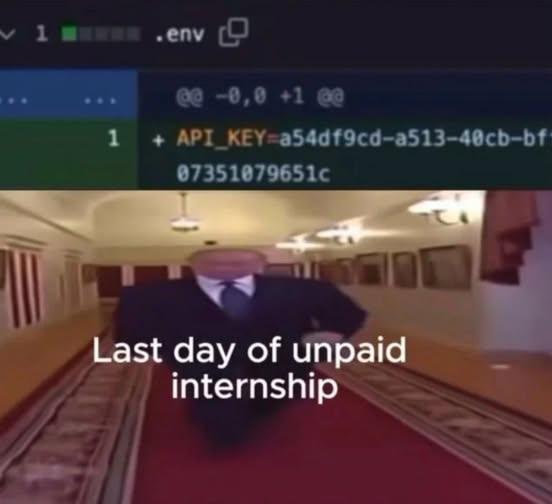
Nothing says "goodbye" quite like committing the API keys to the .env file and pushing it straight to production. You spent three months fetching coffee and fixing CSS padding issues for free, and now you're leaving them a parting gift that'll have their entire AWS bill drained by crypto miners within 48 hours. The headless suit walking away is *chef's kiss* – because you're not even looking back. No two weeks notice energy here. Just pure chaos deployment and a LinkedIn status update about "gaining valuable experience." Pro tip: .env files should NEVER be committed to version control. They contain sensitive credentials and should always be in your .gitignore. But hey, when you've been working for "exposure" and "learning opportunities," sometimes people learn the hard way.

NordVPN

NordVPN
Encrypt your traffic on public Wi-Fi, stream from anywhere, and cover up to ten devices with one plan. 30-day money-back guarantee.

Add .Env To All Your Public Repo

Add .Env To All Your Public Repo
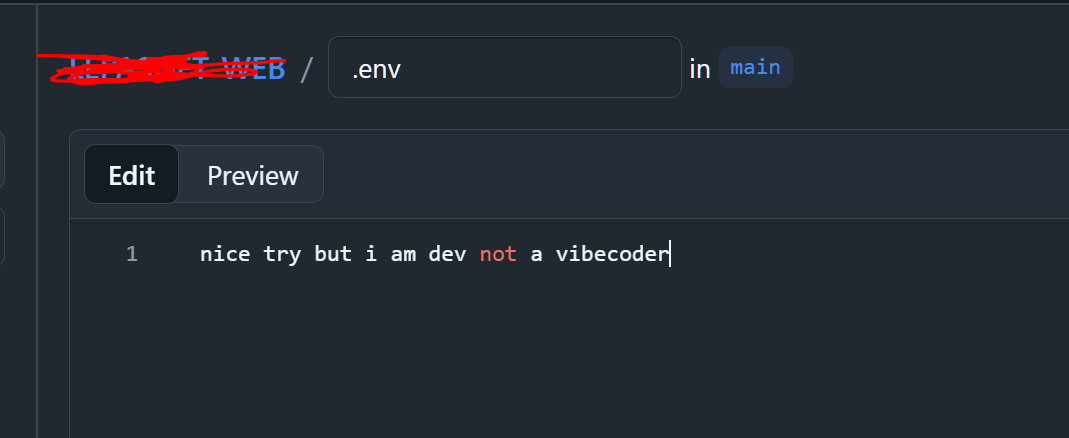
Someone just committed their .env file to a public repo with the message "nice try but i am dev not a vibecoder" - because apparently being a "real developer" means speedrunning your way to having your AWS keys scraped by bots within 30 seconds of pushing. The username is helpfully redacted, but let's be honest, the damage is already done. Those API keys are probably already mining crypto in some datacenter in Belarus. Pro tip: .gitignore exists for a reason, and it's not just for show.

Git Can See That

Git Can See That
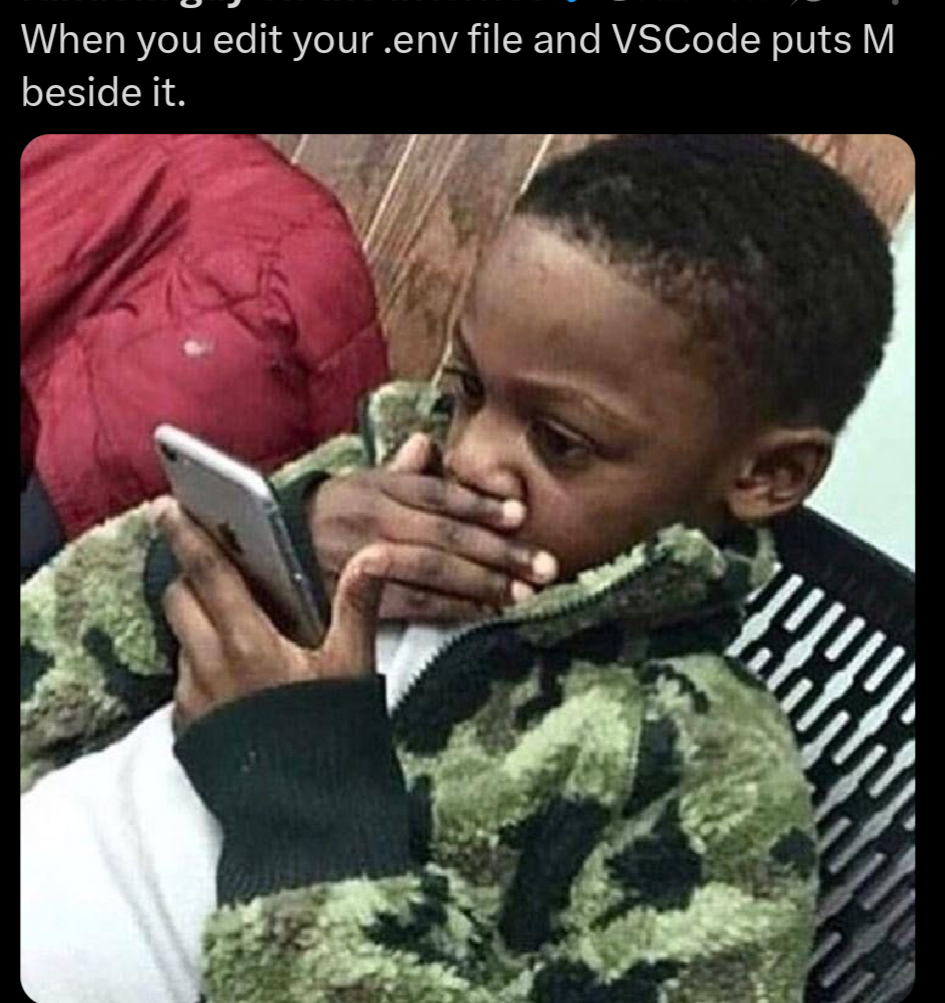
That mini heart attack when you're updating your .env file with production credentials and VSCode slaps that big fat "M" next to it. Git's watching, and it knows you just modified something you definitely shouldn't be committing. You frantically double-check your .gitignore for the hundredth time, praying to whatever deity watches over careless developers that you didn't accidentally expose your AWS keys to the entire internet. We've all been there, sweating bullets over a file that should've been ignored from day one.

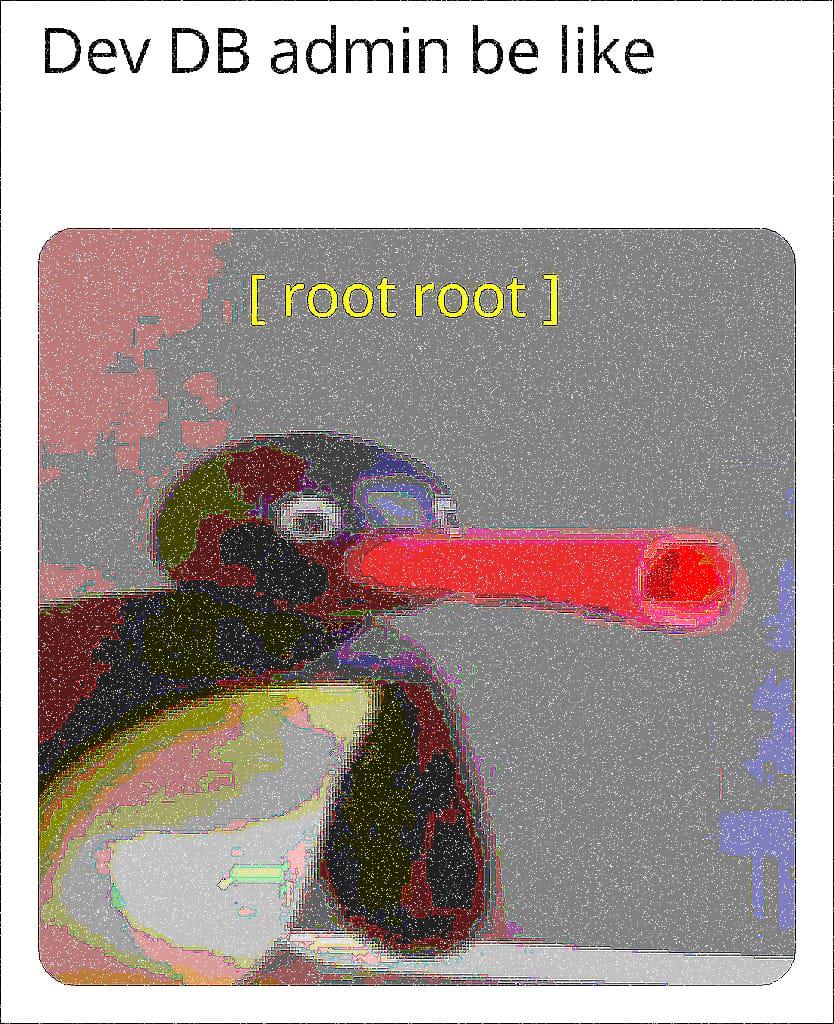
Root Root

Root Root
When your dev database credentials are just username: root and password: root , you might as well be wielding a lightsaber made of security vulnerabilities. The double "root root" is the universal developer handshake that screams "I'm definitely not pushing this to production... right?" Every dev environment has that one database where the admin credentials are so predictable they might as well be written on a sticky note attached to the monitor. It's the database equivalent of leaving your house key under the doormat, except the house is full of test data and half-finished migrations that will haunt you later. Fun fact: The "root" superuser account exists because Unix systems needed a way to distinguish the all-powerful administrator from regular users. Now it's the most overused password in local development, right next to "admin/admin" and "password123".

Based On A True Story

Based On A True Story
When your coworker admits they've been yeeting API keys and environment variables straight into ChatGPT to debug auth issues, and suddenly everything works. The awkward silence that follows is the sound of every security best practice dying simultaneously. Sure, the bug is fixed, but at what cost? Those credentials are now immortalized in OpenAI's training data, probably sitting next to someone's Social Security number and a recipe for chocolate chip cookies. Time to rotate every single key, update the docs, and pretend this conversation never happened. The best part? It actually worked. ChatGPT probably spotted a typo in the environment variable name or suggested using Bearer token format instead of just raw-dogging the API key in the header. But now you're stuck between being grateful for the fix and having an existential crisis about your company's security posture.

Use Safe Passwords During Development

Use Safe Passwords During Development
Nothing says "security professional" quite like getting a data breach notification for your localhost development servers. Apparently someone out there managed to breach http://localhost:8081, http://localhost:8088, and the ever-vulnerable http://localhost. Your dev credentials with the ultra-secure combo of "[email protected]" were just too tempting for hackers worldwide. The real question is: which data breach consortium is monitoring your local machine? Did they break into your apartment, sit at your desk, and carefully document your test credentials? Or did you accidentally push these to production because "it's just temporary"? Spoiler: nothing is ever temporary. The lightbulb icon on the last entry really ties it together. Yes, that's the moment of realization when you figure out where those "localhost" credentials actually ended up.

Dollger Blue light Glasses for Women Men Oversize Square Computer Screen Blue light Blocking Eyeglasses TR90 Frame

Dollger Blue light Glasses for Women Men Oversize Square Computer Screen Blue light Blocking Eyeglasses TR90 Frame
BLUE LIGHT BLOCKING GLASSES: Anti-blue light lenses can filter out some harmful blue light, reduce the amount of blue light entering the eyes, effectively reduce the continuous damage of blue light t…

Passwords Be Like...

Passwords Be Like...
The evolution of password requirements is the digital equivalent of Stockholm syndrome. First panel: the classic "admin/password" combo – practically leaving your front door wide open with a neon sign saying "Rob me!" Second panel: When sites force you to use those ridiculous l33t-speak substitutions that nobody can remember. "Is that a zero or an O? Was it an @ or an a?" Third panel: The modern password hellscape requiring uppercase, lowercase, numbers, symbols, your firstborn child, and a blood sacrifice. Final panel: The galaxy brain move of swapping username and password. Security by absurdity – hackers would never think to try it! And yet some production server somewhere is absolutely running with these credentials right now.