Muscle memory Memes

Posts tagged with Muscle memory
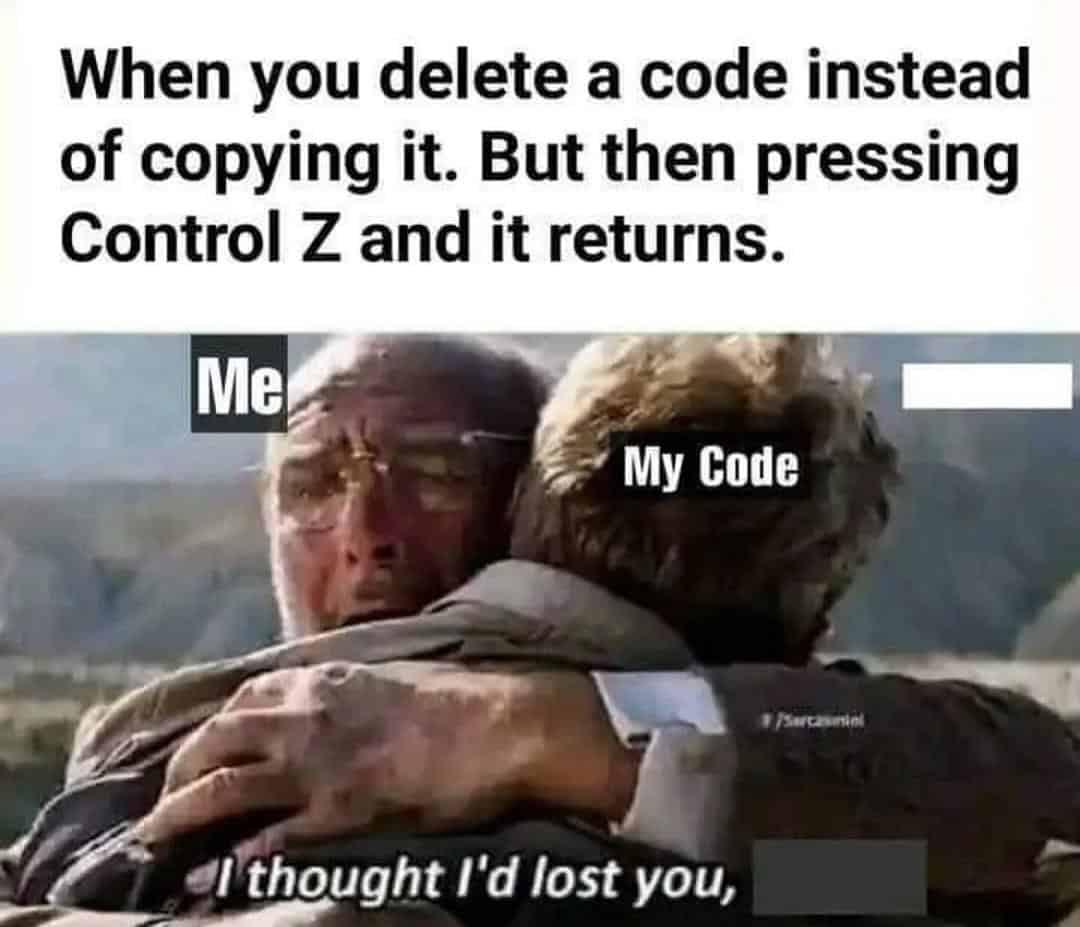
Ctrl C Control Thee

Ctrl C Control Thee
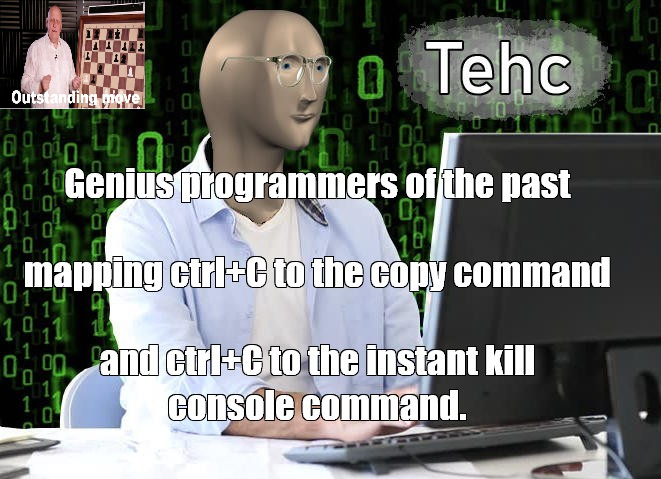
The duality of Ctrl+C is truly one of computing's greatest philosophical debates. In your IDE or text editor, it's the gentle hand of productivity, copying code snippets like a benevolent deity. But venture into the terminal, and that same key combo becomes the nuclear option—instantly terminating whatever process is running, no questions asked. Those old-school programmers really had to keep their context-switching game strong. One moment you're copying a function, the next you're accidentally killing your long-running build process because muscle memory kicked in. It's like having a button that both saves your work and deletes it, depending on which window has focus. Modern problems require ancient solutions, apparently. The "Tehc" guy knows what's up—this is the kind of efficiency that separates the wheat from the chaff. Why waste precious keystrokes when you can just overload one shortcut to do completely opposite things? Maximum chaos, minimum key combinations.

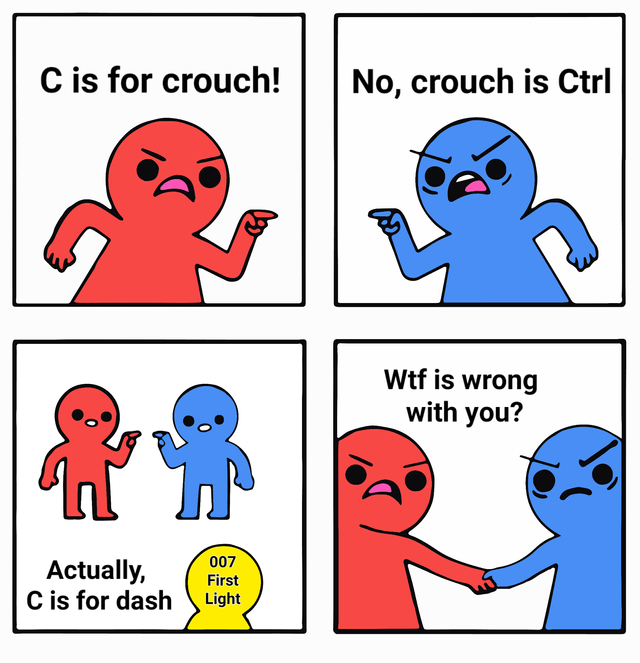
E If There's No Lean Mechanic In The Game, F If There Is

E If There's No Lean Mechanic In The Game, F If There Is
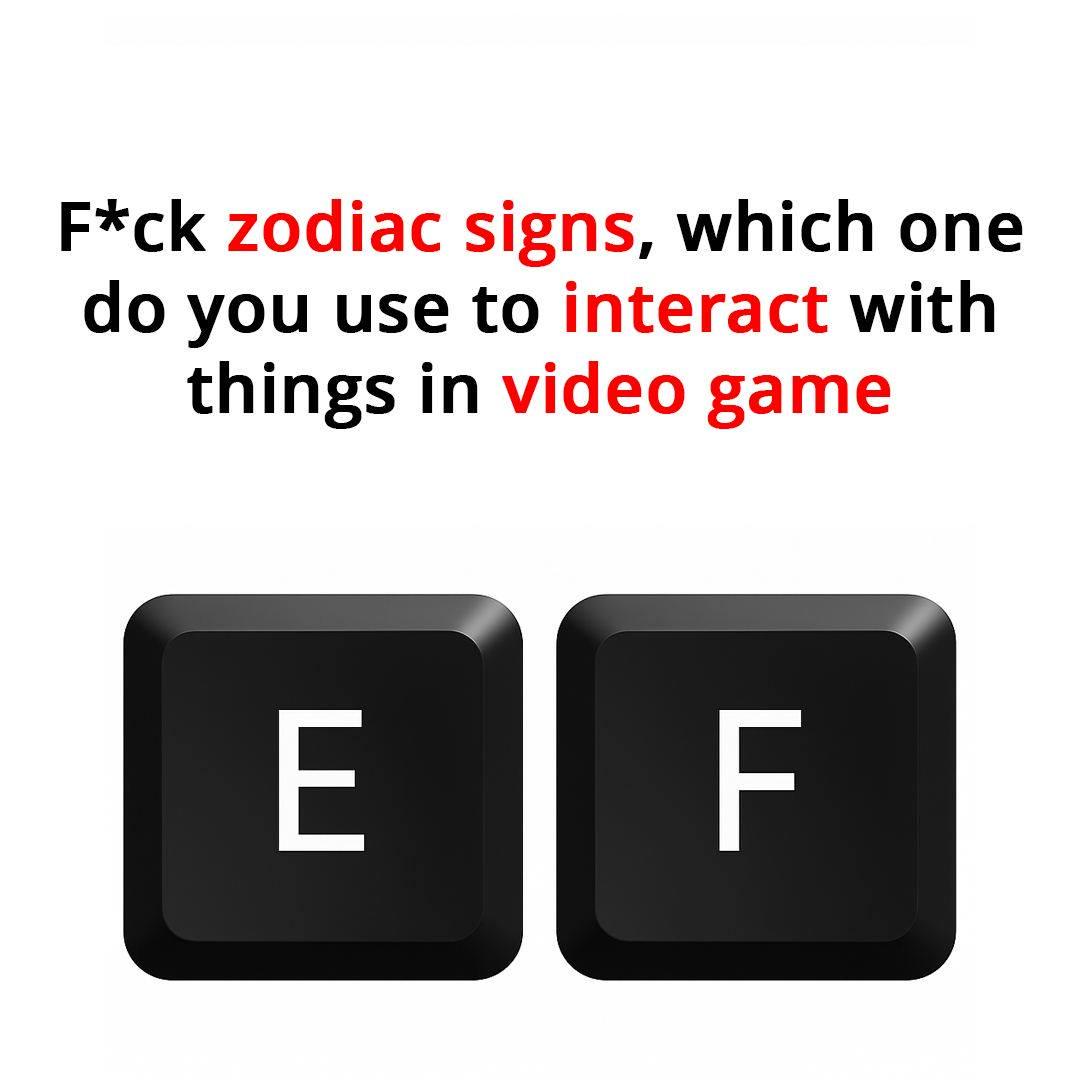
The E key has been the universal "interact" button since the dawn of PC gaming. Press E to open door, press E to pick up item, press E to pay respects. It's muscle memory at this point. But then tactical shooters showed up and decided F should be the lean button. Now you're standing in front of a door, instinctively mashing E like a caveman, while your character just tilts sideways at a 45-degree angle looking like an idiot. Meanwhile, the actual interact key is F, sitting right next to E, mocking you. Game devs really looked at two adjacent keys and said "let's make players choose their personality type." You're either an E person living in peaceful adventure game bliss, or an F person who's been scarred by Rainbow Six Siege and can never go back.

Guthib

Guthib
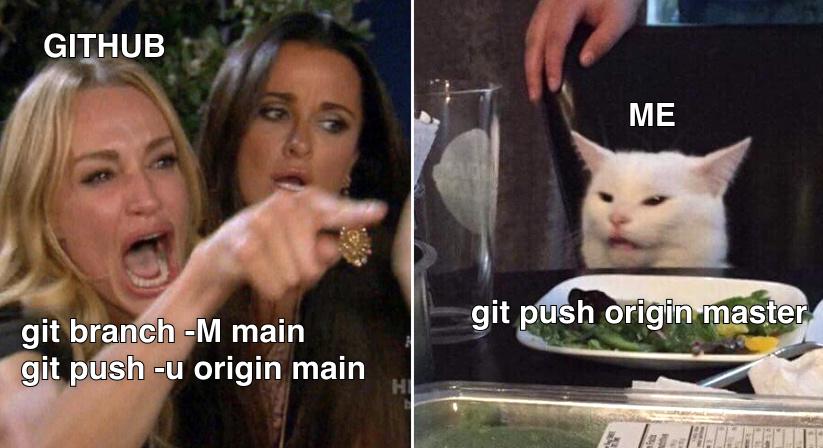
When you've typed "guthib" so many times that Google just assumes you're illiterate and corrects you to... "guthib." The muscle memory is real. After thousands of git pushes, your fingers have developed their own neural pathways that completely bypass your brain's spelling center. Google's autocorrect has learned your typos so well it's now gaslighting you into thinking "guthib" is the correct spelling. That's when you know you've truly made it as a developer—even search engines have given up on correcting your mistakes.

We Always Forget The Right Ctrl Exists

We Always Forget The Right Ctrl Exists
Left Ctrl is out here doing ALL the heavy lifting—Ctrl+C, Ctrl+V, Ctrl+Z, Ctrl+S—basically running the entire show while Right Ctrl sits in the corner like that one team member who's "present" in standups but never actually commits any code. Your left pinky has probably developed muscle memory so strong it could execute keyboard shortcuts in its sleep, while your right pinky wouldn't even know where Right Ctrl is if you asked it. Honestly, most keyboards could just replace Right Ctrl with a second spacebar and 99% of developers wouldn't notice for months. The ergonomic asymmetry is real.

Happens Way Too Often

Happens Way Too Often
You know that moment when your brain is screaming "FFMPEG! IT'S FFMPEG!" but your fingers are already committed to typing FFMPREG? SpongeBob here perfectly captures that internal battle we all lose. The muscle memory just takes over and suddenly you're staring at "command not found" wondering why your terminal hates you. The worst part? You know it's wrong. You've typed ffmpeg a thousand times. But there's something about the MPEG part that makes your fingers want to throw in random letters like you're playing keyboard Scrabble. It's like your brain autocorrects to the most phonetically awkward version possible. Bonus points if you've also typed "ffpmeg" or "fmpeg" in the same session. At that point just alias it to "videothing" and call it a day.

CanaKit Raspberry Pi 5 16GB Starter Kit PRO - Turbine Black (128GB Edition) (16GB RAM)

CanaKit Raspberry Pi 5 16GB Starter Kit PRO - Turbine Black (128GB Edition) (16GB RAM)
Includes Raspberry Pi 5 16GB with 2.4Ghz 64-bit quad-core CPU (16GB RAM) · Includes 128GB Micro SD Card pre-loaded with 64-bit Raspberry Pi OS, USB MicroSD Card Reader · CanaKit Turbine Black Case fo…

The Doctype Lives Rent Free In My Brain

The Doctype Lives Rent Free In My Brain
You know you've been coding HTML too long when you can mindlessly type <!DOCTYPE html> faster than your own name. It's become pure muscle memory at this point—like breathing, but more annoying. The doctype declaration is that one line you slap at the top of every HTML file to tell browsers "hey, I'm using HTML5, don't render this like it's 1999." You don't really think about what it does anymore. You just type it. It's there. Always watching. Always judging your quirks mode sins. The real tragedy? You'll be stirring soup at 2 PM on a Tuesday and suddenly think "wait, did I add the doctype to that new page?" Occupying premium brain real estate that could've been used for literally anything else. But nope—doctype squatter for life.

The Password Time Machine

The Password Time Machine
When GitHub asks for your password but you haven't used it since they forced everyone to switch to personal access tokens. The mysterious GitHub entity with its ominous backdrop demands credentials while the poor developer, blissfully unaware, types "coder" like it's 1999. Then reality hits - support for password authentication was nuked back in August 2021. That moment when muscle memory meets obsolete security protocols. Your fingers remember what your brain forgot.

Ctrl+X Marks The Spot Of My Despair

Ctrl+X Marks The Spot Of My Despair
The soul-crushing moment when muscle memory betrays you. Pressing Ctrl+X on a grocery list isn't just deleting items—it's cutting your entire dinner plans into the void. That single keystroke just transformed "what's for dinner" into "guess we're ordering pizza again." The tear says it all—not even a Ctrl+Z can bring back what wasn't saved in the clipboard.

The Command Line Archaeologist

The Command Line Archaeologist
Who needs command history when you've got muscle memory and blind hope? Nothing says "professional developer" like frantically hammering the up arrow key while squinting at the terminal, praying you'll recognize that one magical command you typed three hours ago. The alternative is—gasp—writing it down somewhere or creating an alias, but where's the adrenaline rush in that? Terminal archaeology is half the fun of being a command-line warrior.

Beelink EQR5 Mini PC W11 Pro, AMD Ryzen 5 5500U(6C/12T up to 4GHz), 16GB DDR4 500G NVME SSD Graphics 7 core 1800MHz, WiFi 6/BT5.2/2*1000MB/S LAN, Support Dual Display Mini PC Computer Built in 85W PSU

Beelink EQR5 Mini PC W11 Pro, AMD Ryzen 5 5500U(6C/12T up to 4GHz), 16GB DDR4 500G NVME SSD Graphics 7 core 1800MHz, WiFi 6/BT5.2/2*1000MB/S LAN, Support Dual Display Mini PC Computer Built in 85W PSU
👍【AMD Ryzen 5 Processor Ultra High-efficiency】Beelink EQR5 Mini PC powered by AMD Ryzen 5 5500U(6C/12T up to 4 GHz), AMD Radeon 7core 1800MHz. EQR mini computer has preinstalled with w 11 system. A f…

Is Anyone Even Using The Ones On The Right, Like Ever?

Is Anyone Even Using The Ones On The Right, Like Ever?
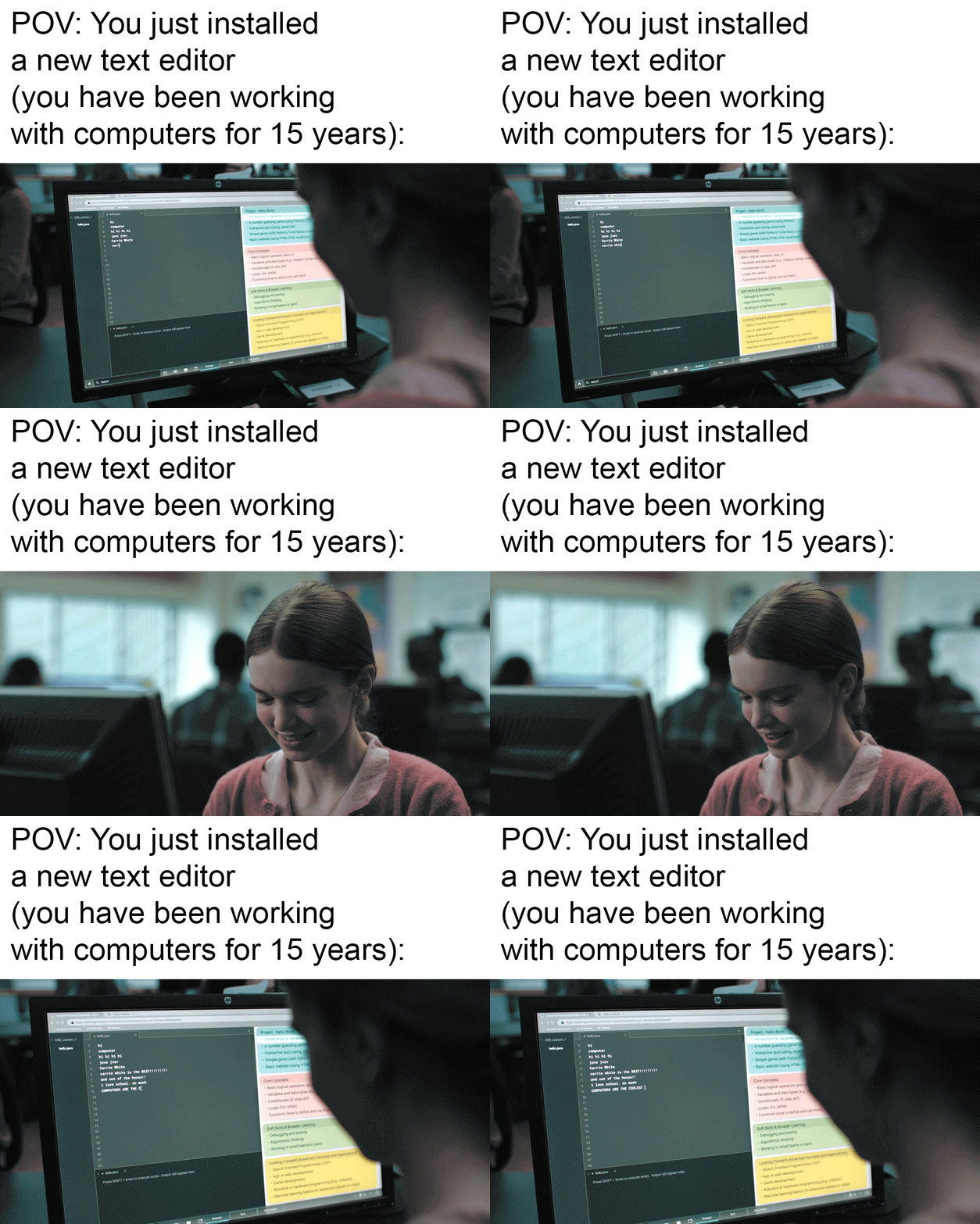
Left side of keyboard: essential daily tools. Right side: those weird cousins you see at family reunions once every 5 years. The right Shift key might as well be in the Witness Protection Program considering how rarely anyone acknowledges its existence. I've been coding for 15 years and still can't confirm if Right Ctrl actually does anything or if it's just a placebo button installed by keyboard manufacturers to maintain symmetry.

Ctrl+C: The Silent Developer Killer

Ctrl+C: The Silent Developer Killer
That soul-crushing moment when muscle memory betrays you. Windows shortcuts don't work in Linux terminals, and your clipboard remains stubbornly empty. For the uninitiated, Linux uses Ctrl+Shift+C to copy text in terminal, while Ctrl+C actually sends a kill signal to whatever process is running. Ten years using Linux and I still hit this landmine weekly. It's like your brain refuses to accept there's more than one way to copy text in this cruel digital world.

The Holy Clipboard History

The Holy Clipboard History
The divine intervention of Windows+V is something they never teach you in coding bootcamps. Nothing quite like the moment you realize you've copied over your precious code with some random Stack Overflow snippet from three searches ago. That split second of pure panic before remembering the clipboard history exists... chef's kiss. The real miracle isn't that Windows+V saves your butt—it's that after 15 years of muscle memory, your fingers somehow remember to use it instead of frantically hitting Ctrl+Z seventeen times in a row.