Keyboard Memes

Posts tagged with Keyboard
They Need Help

They Need Help
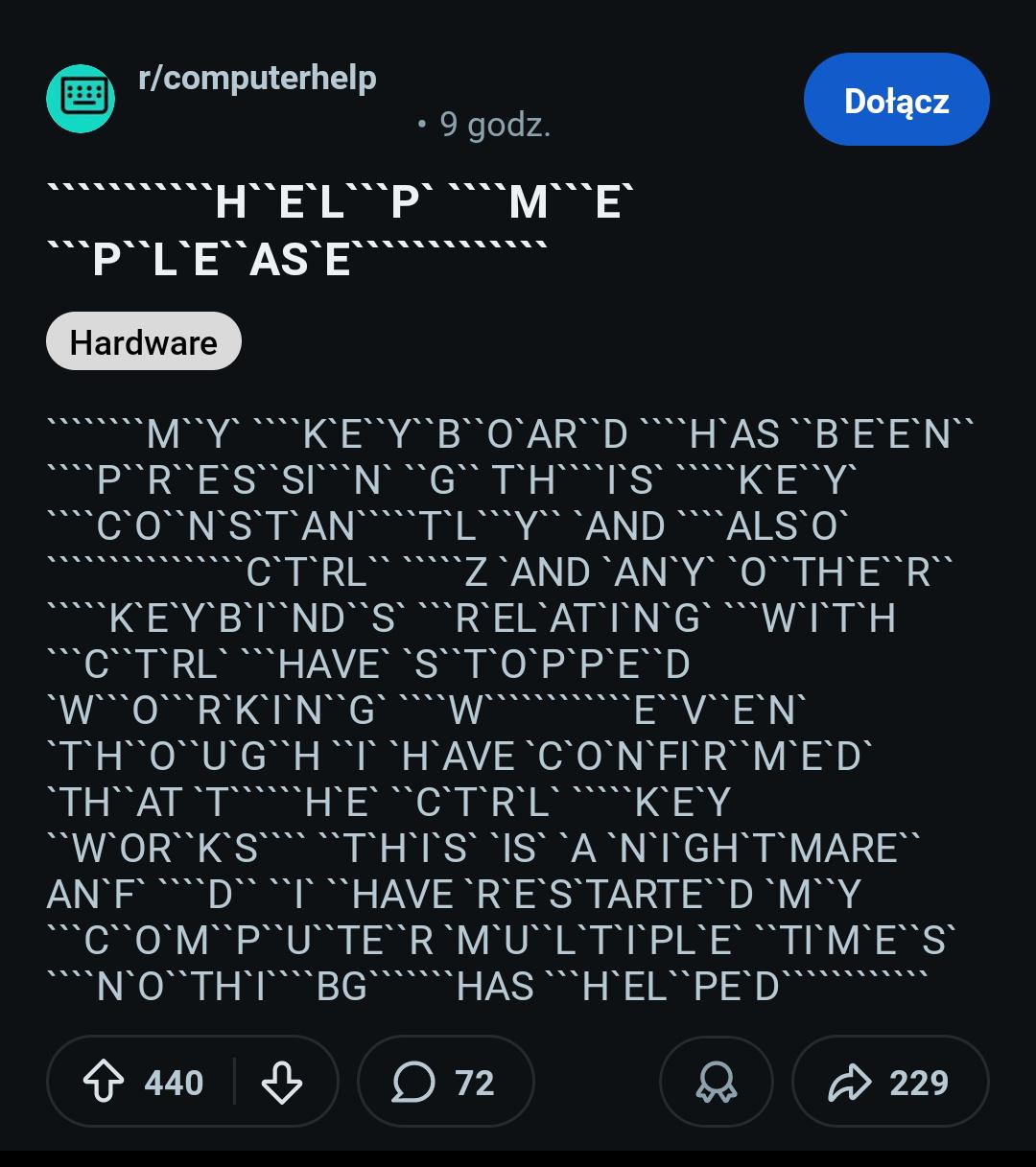
Someone's keyboard has apparently achieved sentience and decided to stage a rebellion. Their Ctrl key is stuck, turning every keystroke into a chaotic symphony of random shortcuts and unintended commands. The poor soul has restarted their computer multiple times, and the desperation is palpable—they can't even type properly to ask for help because, well, the Ctrl key is STILL STUCK. The irony is beautiful: they're trying to explain a hardware problem but can barely communicate because the very problem they're describing is sabotaging their message. It's like watching someone try to explain they're drowning while underwater. The garbled text with random backslashes everywhere is the digital equivalent of screaming into the void. Pro tip: When your keyboard becomes your enemy, maybe grab your phone and type the help request there. Or better yet, just unplug the keyboard and save yourself the aneurysm. But where's the fun in that?

Ergonomic Keyboard

Ergonomic Keyboard
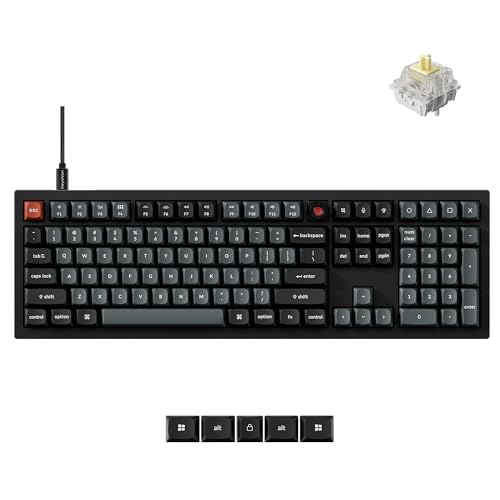
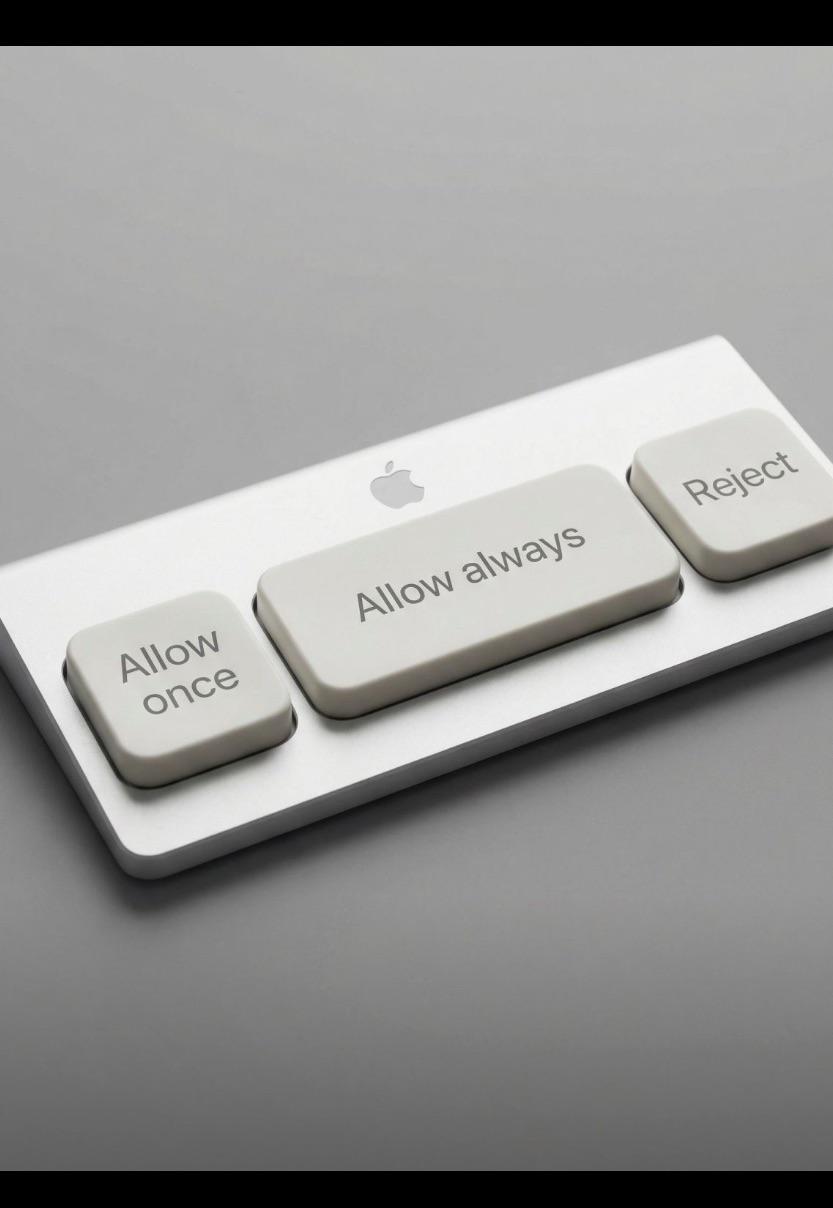
Someone finally designed a keyboard optimized for the real developer workflow: clicking through permission dialogs. Three keys, three choices, infinite suffering. The Apple logo is just *chef's kiss* because of course this is what peak design looks like to them. Your wrists might be saved, but your soul is still trapped in permission hell. At least now you can develop carpal tunnel syndrome more efficiently while deciding whether to trust that sketchy npm package for the 47th time today.

We Always Forget The Right Ctrl Exists

We Always Forget The Right Ctrl Exists
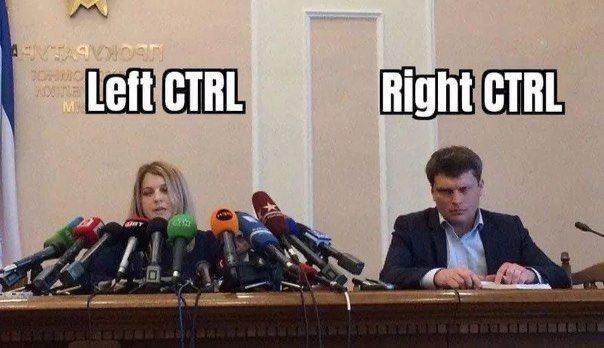
Left Ctrl is out here doing ALL the heavy lifting—Ctrl+C, Ctrl+V, Ctrl+Z, Ctrl+S—basically running the entire show while Right Ctrl sits in the corner like that one team member who's "present" in standups but never actually commits any code. Your left pinky has probably developed muscle memory so strong it could execute keyboard shortcuts in its sleep, while your right pinky wouldn't even know where Right Ctrl is if you asked it. Honestly, most keyboards could just replace Right Ctrl with a second spacebar and 99% of developers wouldn't notice for months. The ergonomic asymmetry is real.

What's The Most Worn-Out Key On Your Keyboard?

What's The Most Worn-Out Key On Your Keyboard?
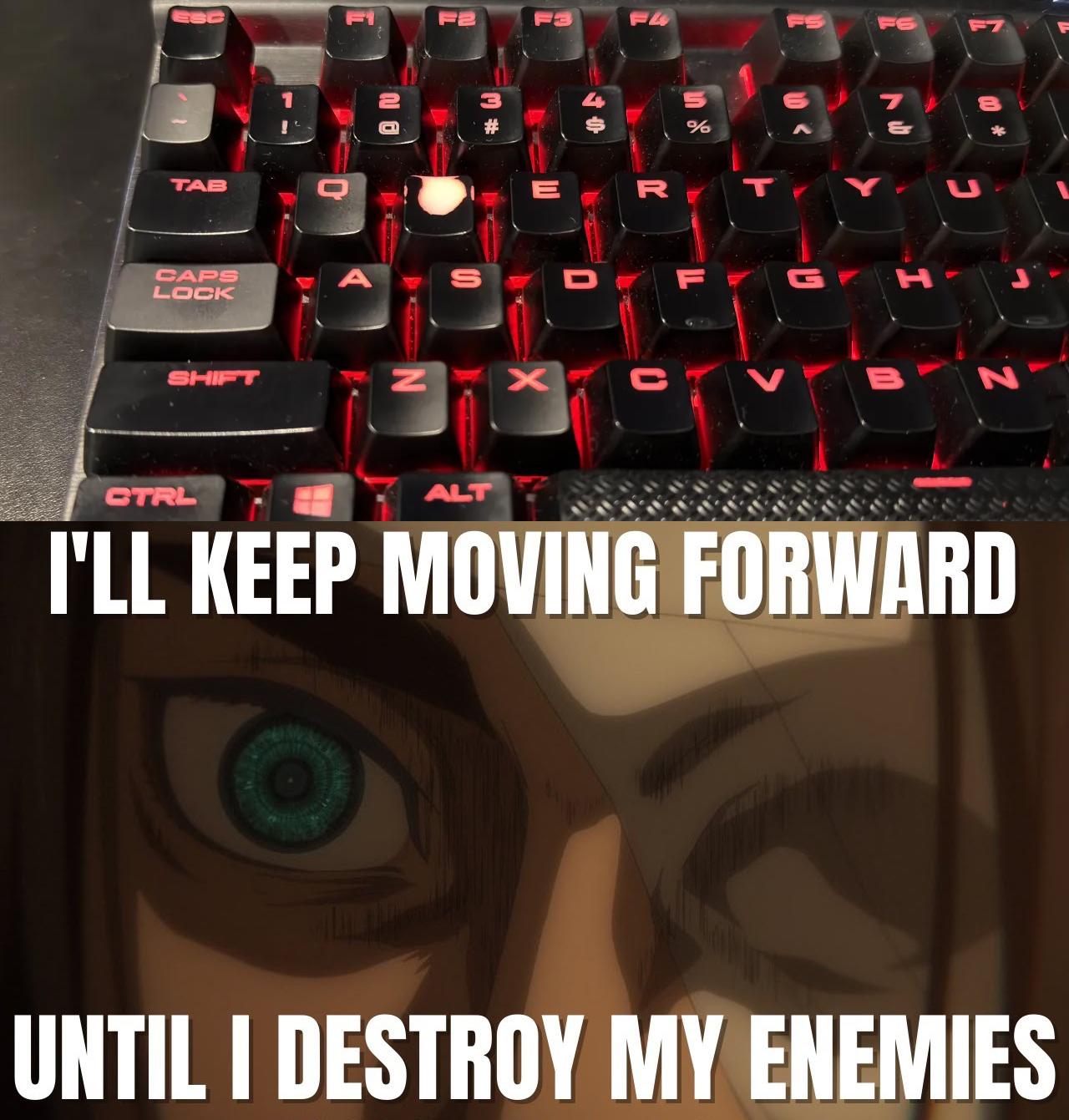
The 'W' key is completely obliterated while everything else looks pristine. Why? Because real developers don't back up, don't retreat, and certainly don't learn from their mistakes. Just keep pushing forward into production with that half-baked code and see what happens. Debugging? Nah. Refactoring? Never heard of her. Just W-W-W-W-W your way through life until something breaks spectacularly. The determination in those anime eyes says it all: "I will not Ctrl+Z my way out of this. I will not git revert. I will simply continue writing more code on top of my bugs until they become features." That's the spirit of a true 10x developer right there—moving forward at all costs, leaving a trail of technical debt and confused teammates in your wake.

Always Use Original Product

Always Use Original Product
When your mouse looks like it survived the Jurassic period and you're pairing it with a pristine Microsoft keyboard. Someone clearly has their priorities sorted—invest in the keyboard for those epic typing sessions, but the mouse? Nah, that ancient potato-shaped relic held together by prayers and dust will do just fine. The contrast here is chef's kiss: one peripheral living its best life in 2024, the other literally decomposing on your desk. But hey, if it still clicks, it ships. Why waste money on a new mouse when you can just... suffer? Peak developer energy right here—we'll optimize our code to perfection but won't replace hardware that looks like an archaeological find.

What People Think vs What Programmers Actually Do

What People Think vs What Programmers Actually Do
Society envisions programmers as keyboard-smashing wizards typing at the speed of light. Reality? We spend 90% of our time staring at a single line of code while aggressively pressing Tab to see autocomplete suggestions. The only thing moving faster than our fingers is our imposter syndrome.

The Holy Trinity Of Computer Input Methods

The Holy Trinity Of Computer Input Methods
Oh. My. GOD. The absolute AUDACITY of people who still use touchscreens on computers like some kind of digital caveman! 🙄 And those mouse-clickers? PLEASE, so 1995! But the TRUE ENLIGHTENED ONES have ascended to the GLORIOUS realm of ThinkPad TrackPoint nirvana - that little red nub between the B and N keys that turns your index finger into a PRECISION INSTRUMENT OF COMPUTING DIVINITY! Once you've experienced the raw, unbridled POWER of navigating your entire digital existence with that crimson dot, there's simply NO GOING BACK to your peasant input methods! It's not a red button, sweetie, it's a LIFESTYLE CHOICE! 💅

When Left Ctrl Becomes The Celebrity

When Left Ctrl Becomes The Celebrity
Left Ctrl gets all the attention with a forest of microphones while Right Ctrl sits there wondering why it even showed up to work today. Just like in real life where everyone uses Left Ctrl+C/V/Z but Right Ctrl might as well be decorative plastic. The keyboard equivalent of that coworker who gets paid the same as you but does 5% of the work.

Are You PS/2 Old?

Are You PS/2 Old?
Ah, the PS/2 ports—where mice and keyboards went to die before USB came along and made everything better. If you recognize these ancient circular connectors without Googling, congratulations! You're officially old enough to have debugged Y2K bugs and probably still have a drawer full of IDE cables "just in case." The blue one's for mice, the green one's for keyboards, and getting them mixed up was the original "USB superposition" before USB-C made us all flip connectors three times. Remember the satisfying click when you finally got the pins aligned? And the sheer panic when you bent one? Good times. Kids these days will never know the joy of rebooting because you dared to unplug your keyboard.

The Ultimate Escape Plan

The Ultimate Escape Plan
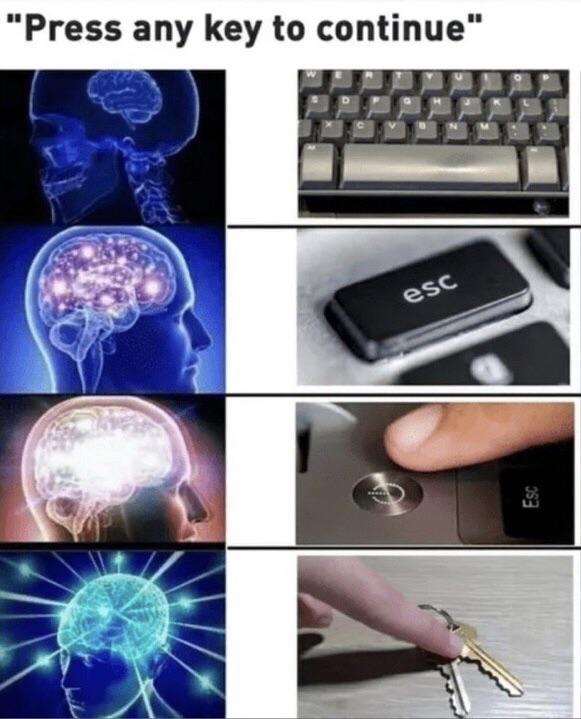
The perfect emergency exit doesn't exi-- Oh wait, it's Esc + : + q + ! + Enter . For the uninitiated, that's the Vim command sequence to force-quit without saving changes - the digital equivalent of pulling the fire alarm and running. The number of developers trapped in Vim since 1991 remains classified information, but legend says their desperate keyboard mashing can be heard on quiet nights.

When Caps Lock Is On And You Use Shift On The First Letter

When Caps Lock Is On And You Use Shift On The First Letter
The ABSOLUTE NIGHTMARE of typing with Caps Lock on and hitting Shift for the first letter! Your brain says "make this professional" but your keyboard screams "tHIS IS WHAT YOU DESERVE!" It's the digital equivalent of wearing your underwear outside your pants - technically functional but COSMICALLY WRONG. The smug look says it all - your code now looks like it's having an existential crisis in the middle of a code review. Keyboard shortcuts: making programmers feel like idiots since the invention of the typewriter!

When Your "AI Research" Is Just Keyboard Spam

When Your "AI Research" Is Just Keyboard Spam
Ah, the classic "I'm totally using AI for good" starter pack! This Python script is basically what happens when someone says they're learning programming to "solve world problems" but then immediately creates a keyboard spammer that runs for 60 seconds. The code automatically types a rather inappropriate word followed by pressing enter, over and over again. It's the digital equivalent of that kid who discovered they could annoy everyone by repeatedly pressing the same piano key. The irony of importing random but not using it anywhere is just *chef's kiss* - peak "I just learned programming" energy. Nothing says "advanced AI researcher" like a script that spams offensive words into whatever window you point it at.