File management Memes

Posts tagged with File management
Real

Real
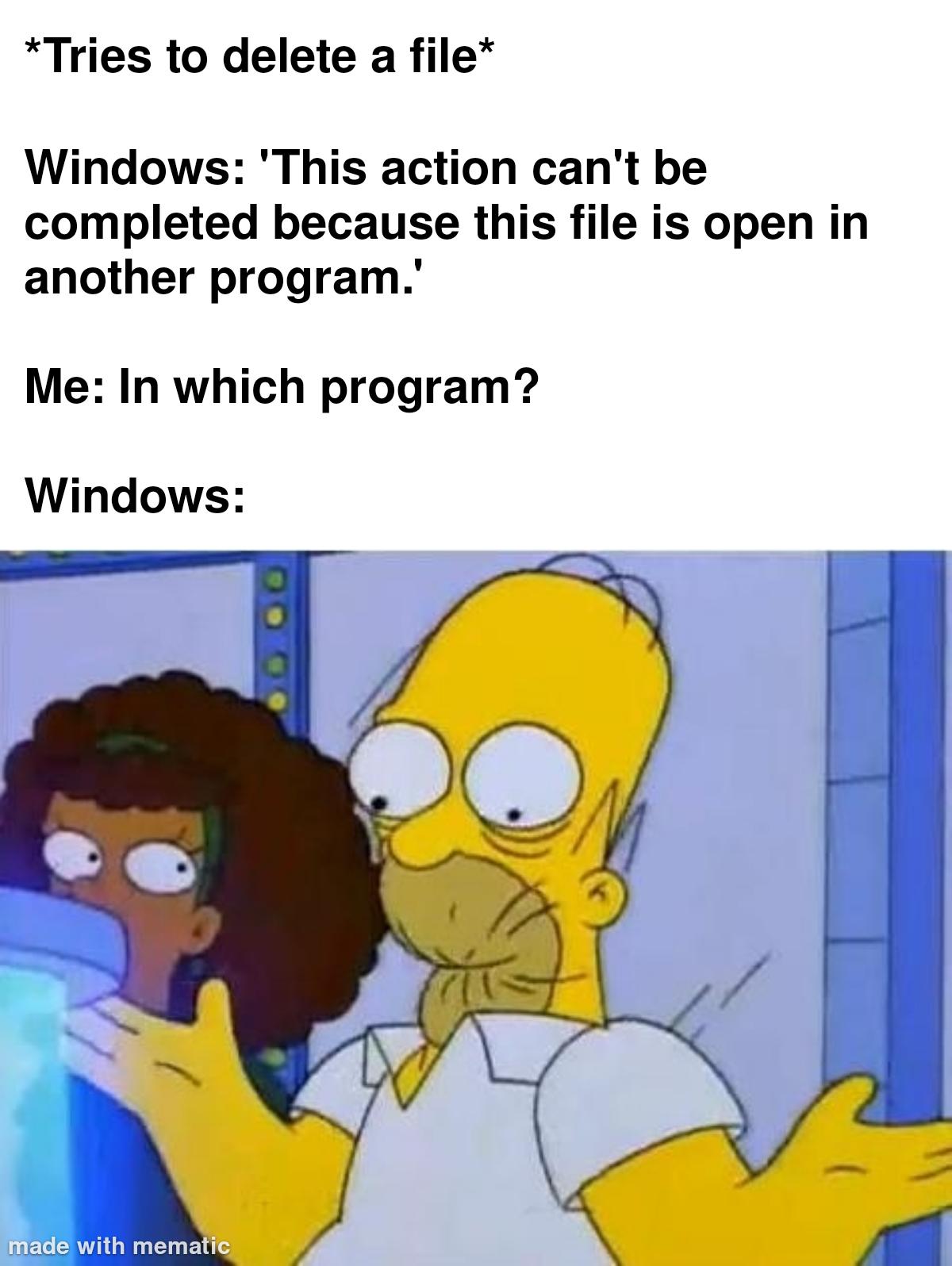
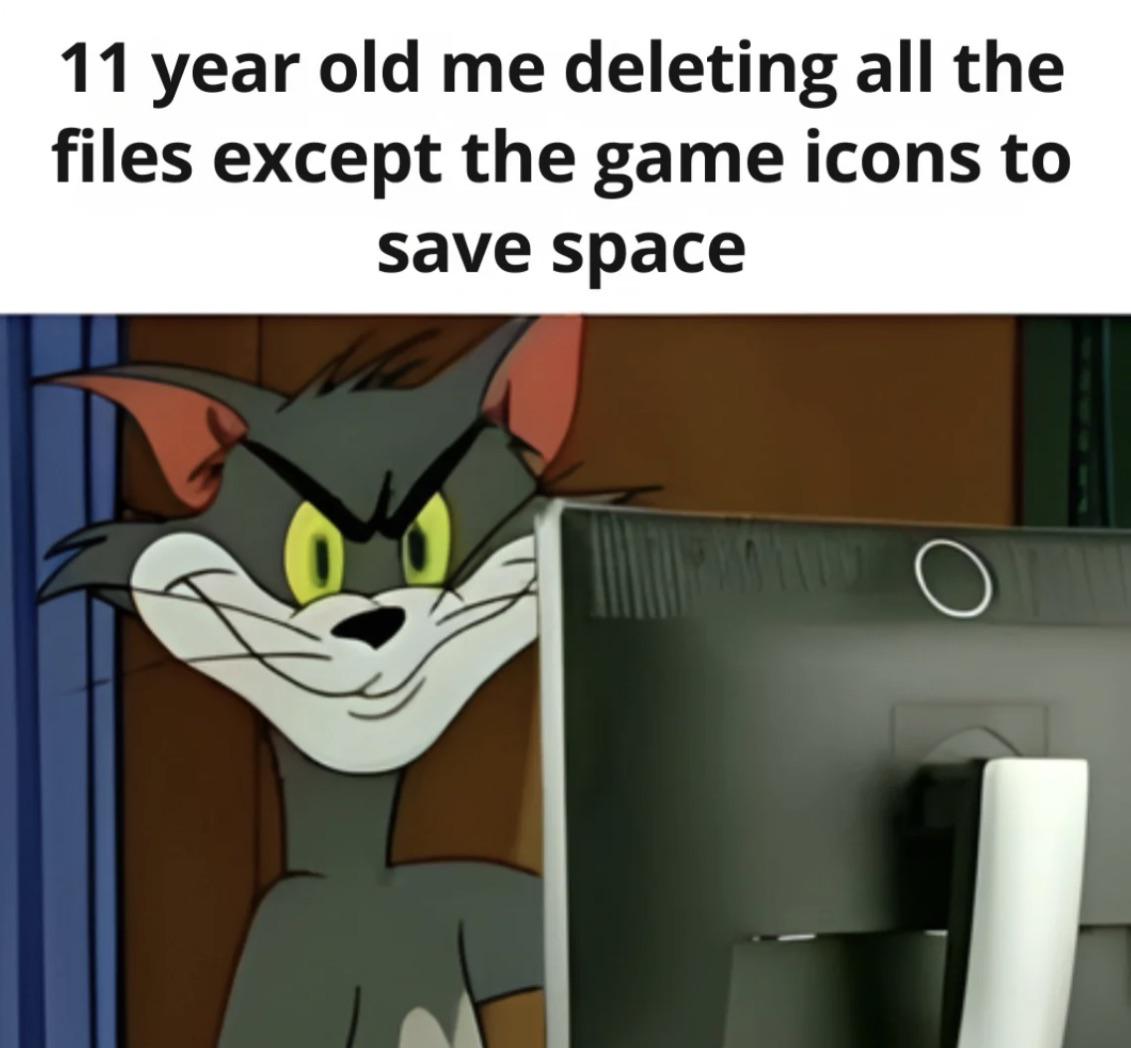
Ah yes, the classic childhood logic that somehow made perfect sense at the time. Delete literally everything except the pretty icons because surely those 50KB of PNGs are what's hogging all the disk space, not the actual game executable and assets. The confidence with which 11-year-old you approached system administration is both terrifying and hilarious. Bonus points if you then wondered why the game wouldn't launch anymore and just reinstalled the whole thing, defeating the entire purpose. Peak problem-solving skills right there.

Taking A Big Risk

Taking A Big Risk
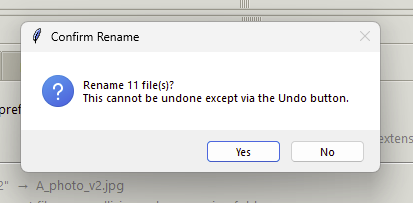
You know you're living dangerously when the computer feels the need to give you a stern warning about renaming 11 files. "This cannot be undone except via the Undo button" – yeah, that's literally what undo buttons are for, my guy. But here we are, sweating bullets over whether to click "Yes" like we're defusing a bomb. The real risk isn't the rename; it's whether you'll remember Ctrl+Z exists in the next 30 seconds when you inevitably mess it up. Peak adrenaline rush for developers who've definitely never accidentally deleted production databases or anything.

Fuck If I Know

Fuck If I Know
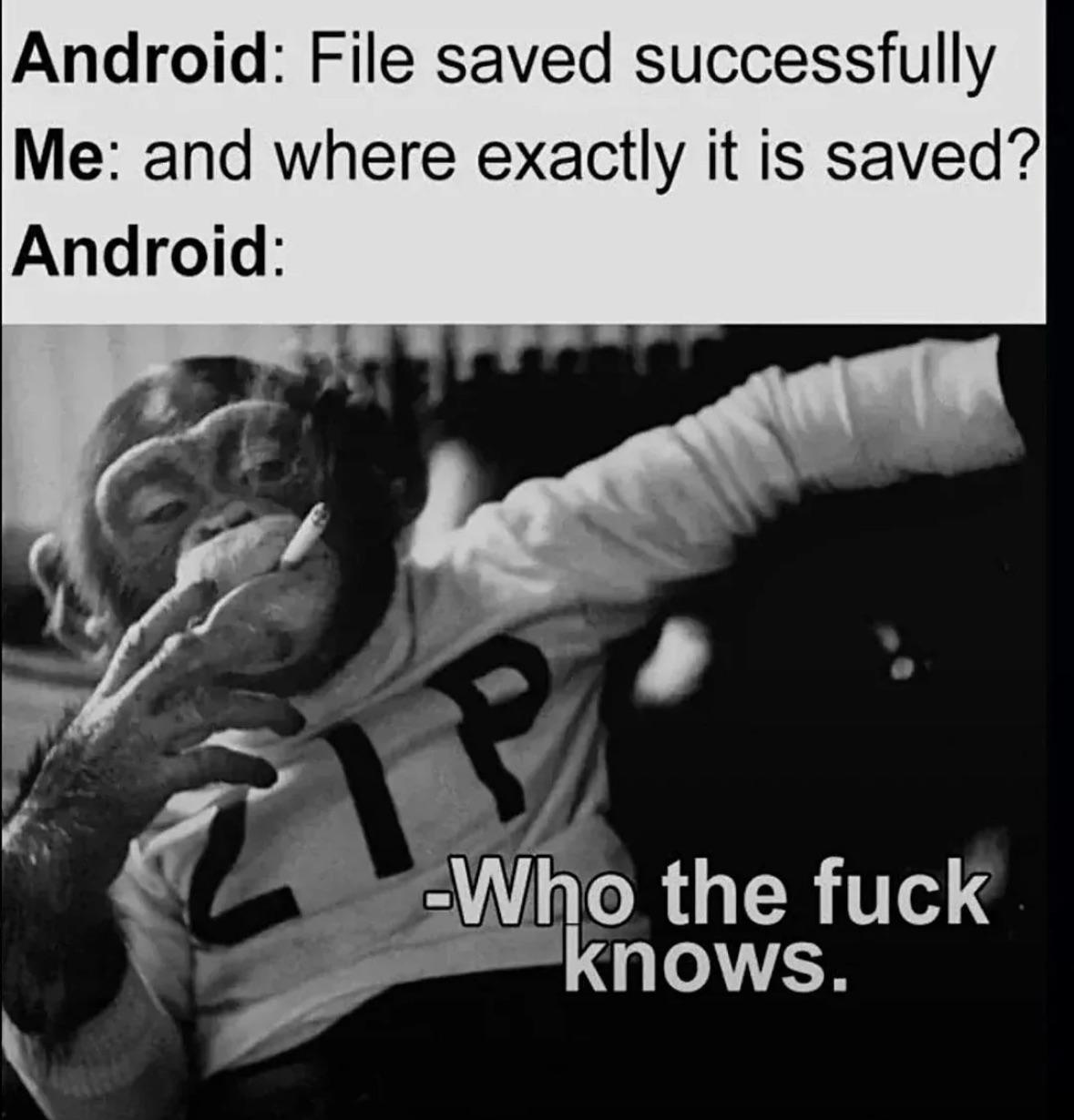
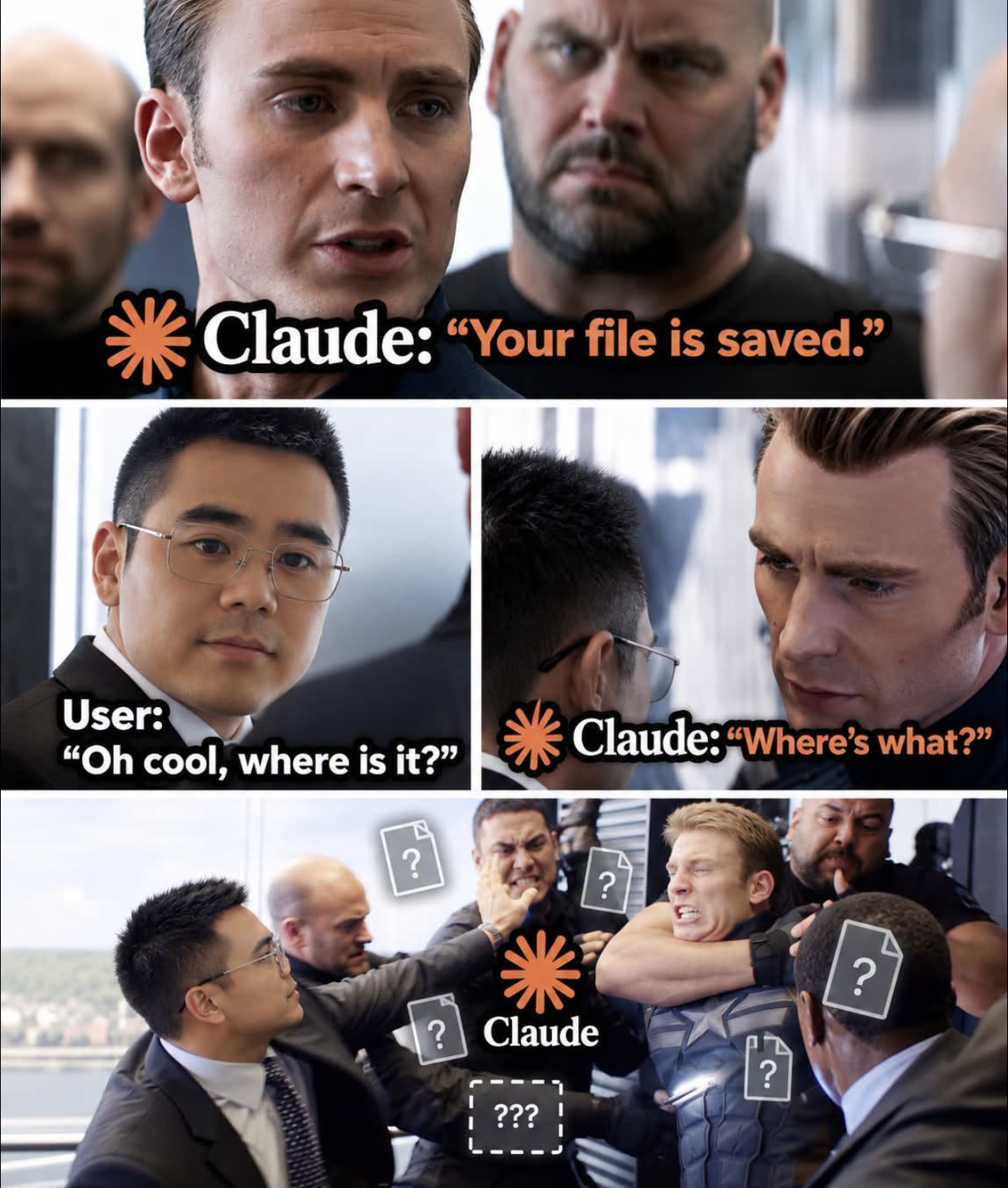
Android's file system is basically a labyrinth designed by someone who hates you personally. You save a file and Android cheerfully confirms success, but good luck finding that thing again. Is it in Downloads? Documents? Some random folder deep in /.../.something.something? Your guess is as good as Android's. The OS just shrugs and walks away like it didn't just gaslight you about where your file went. Mobile development really is just desktop development but with extra psychological warfare.

Does Anyone Bother To

Does Anyone Bother To
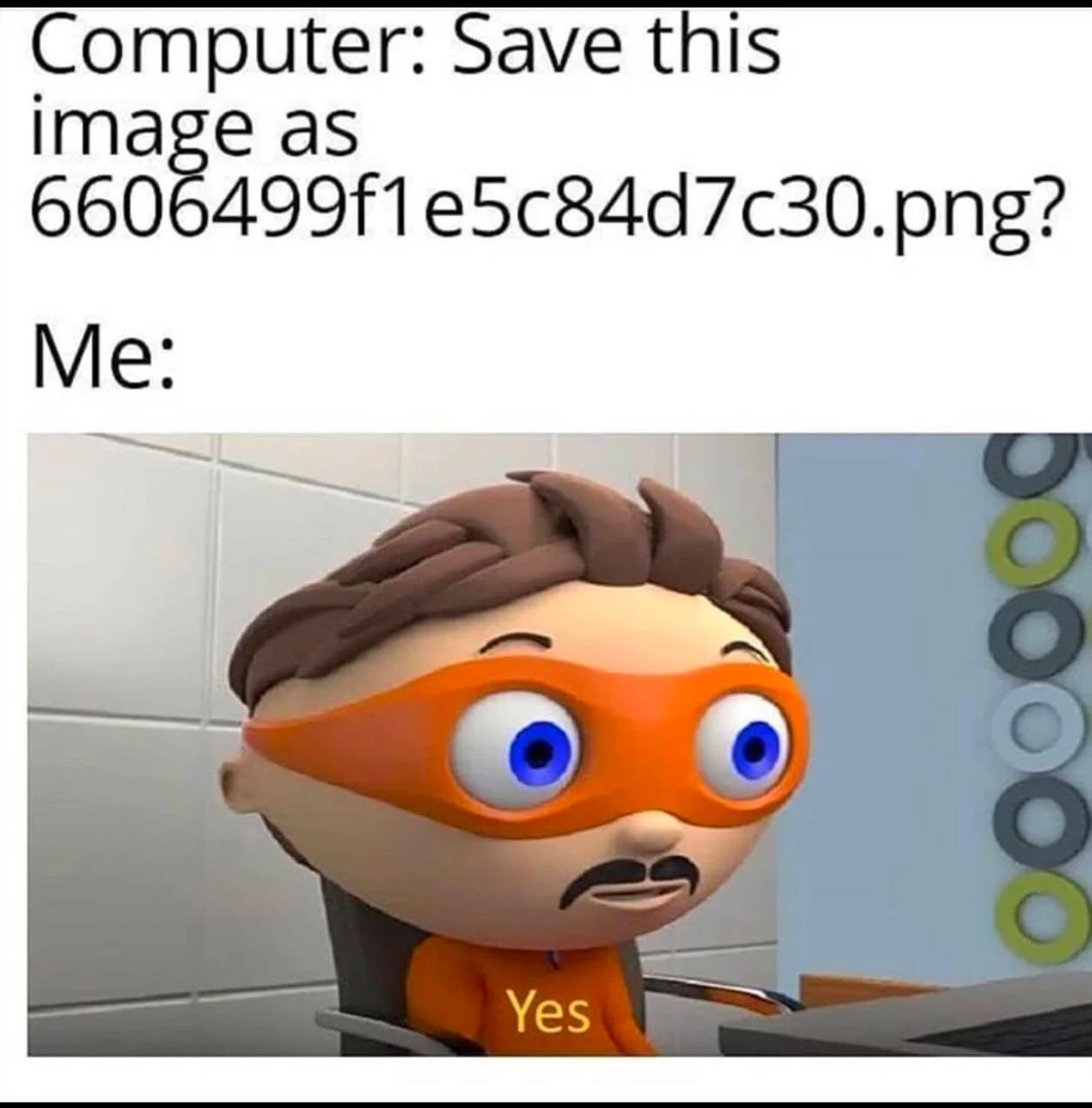
Your computer wants to save a screenshot as some cryptographic hash nightmare that looks like someone fell asleep on their keyboard. You, being the rational human you are, immediately click "Yes" without even thinking about it. Because who needs descriptive filenames when you can play a fun game of "guess which random string of characters is my database schema diagram" six months from now? Bonus points if you have 47 files that all start with "Screenshot" followed by timestamps that mean nothing to anyone.

This Is Like Me

This Is Like Me
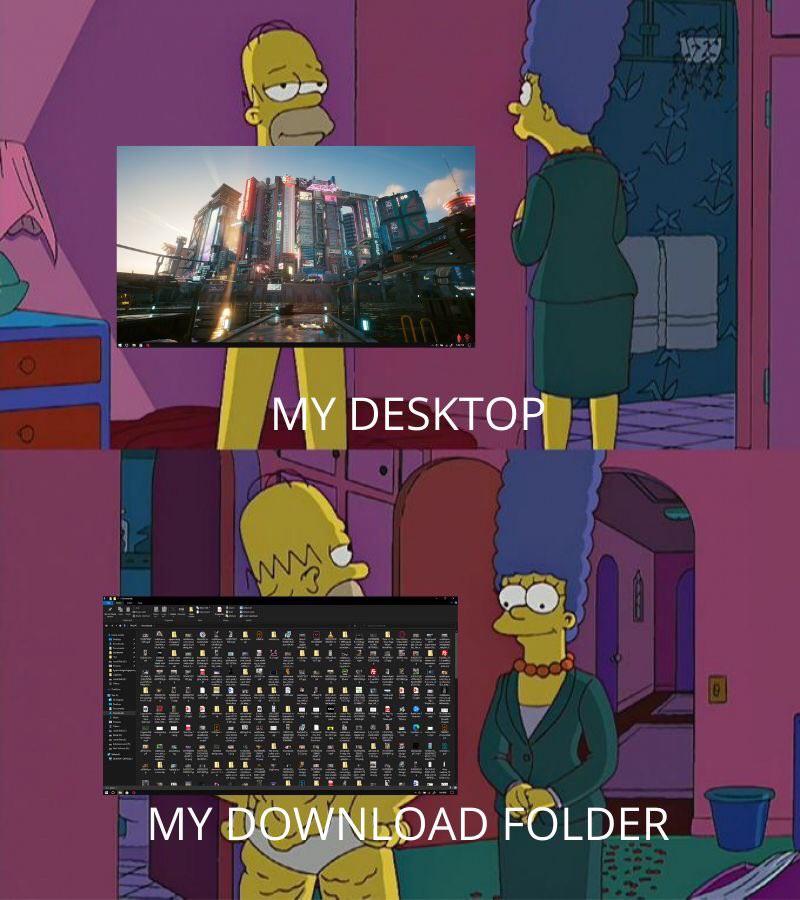
Your desktop: pristine, organized, maybe even has that motivational wallpaper you downloaded to convince yourself you're productive. Your download folder: a digital landfill where priceless treasures (that one PDF you need) sit buried under 47 versions of the same file, random screenshots from 2019, and installers you'll never delete because "what if I need it again?" The Mona Lisa casually chilling in a trash pile is painfully accurate. Somewhere in that chaos is probably the solution to that bug you've been hunting for three days, sandwiched between "final_FINAL_v2_actually_final.zip" and a screenshot of an error message you forgot to debug.

Why Is It Always Like This…

Why Is It Always Like This…
Desktop: pristine, organized, zen garden of productivity. Downloads folder: a digital landfill where random PDFs go to die next to the Mona Lisa, apparently. The duality of man is nothing compared to the duality of a programmer's file system. You spend hours configuring your IDE, customizing your terminal, and maintaining a clean workspace, but that downloads folder? That's where chaos theory was invented. It's the digital equivalent of shoving everything into the closet before guests arrive. At least the Mona Lisa is in there somewhere, so you're technically cultured.

Karsaer 2 Pcs Photochromic Sunglasses Day Night Use Blue Light Blocking Computer Glasses for Men Women with Wooden Temples

Karsaer 2 Pcs Photochromic Sunglasses Day Night Use Blue Light Blocking Computer Glasses for Men Women with Wooden Temples
Photochromic Sunglasses: Lenses automatically adjust from clear to grey or brown depending on sunlight, staying clear indoors and darkening outdoors, while providing UV400 protection to block harmful…

Keeping Directory Balanced

Keeping Directory Balanced
Someone built a Python CLI tool that does exactly what Thanos would do to your filesystem - snap away half your files randomly. Because nothing says "perfectly balanced" like gambling with your project files and hoping it doesn't delete anything important. The tool even has 91% test coverage, which means there's a 9% chance it might delete the tests themselves. Beautiful chaos wrapped in a Marvel reference. The real power move here is having the confidence to run a tool that literally says "I will randomly delete half your stuff" and trusting those green CI badges. At least it's well-tested destruction, right?

Do We Have A Deal Satya Nadella

Do We Have A Deal Satya Nadella
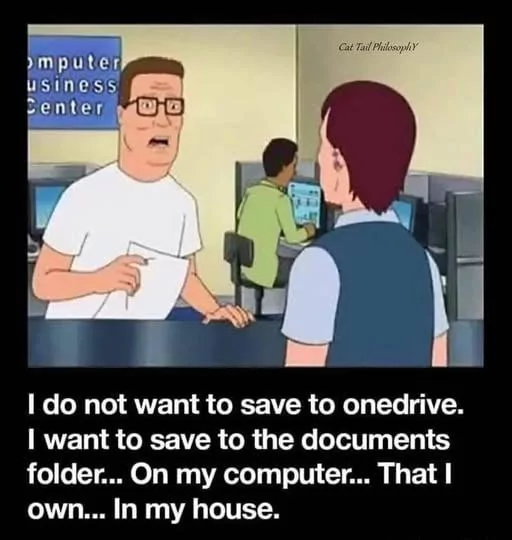
Ah yes, the classic negotiation with Microsoft: stop deleting my local files without permission and maybe I'll stop calling you "Microslop." OneDrive has this charming habit of deciding which files you really need, then yeeting them into the cloud whether you asked for it or not. Nothing says "productivity" like frantically searching for a file that was on your desktop five minutes ago, only to discover it's now being held hostage in the cloud with a "Files On-Demand" ransom note. The trade is simple: respect my local storage, and I'll respect your company name. Fair's fair, Satya.

Do We Have A Deal Satya Nadella?

Do We Have A Deal Satya Nadella?
Every Windows user has had that moment where OneDrive decides to play god with your local files. You know, when it just casually deletes stuff you thought was safely stored on your actual hard drive, not floating in Microsoft's cloud dimension. The negotiation here is simple: stop forcing OneDrive down our throats and randomly nuking our files, and in return, we'll stop calling you "Microslop." Fair trade, right? The desperation in those praying hands says it all—we've all been burned by aggressive cloud sync policies that treat local storage like it's optional. Pro tip: OneDrive's "Files On-Demand" feature has probably caused more heart attacks than it's saved disk space. Nothing quite like opening a folder and realizing everything is just a cloud placeholder now.

One Drive In A Nutshell

One Drive In A Nutshell
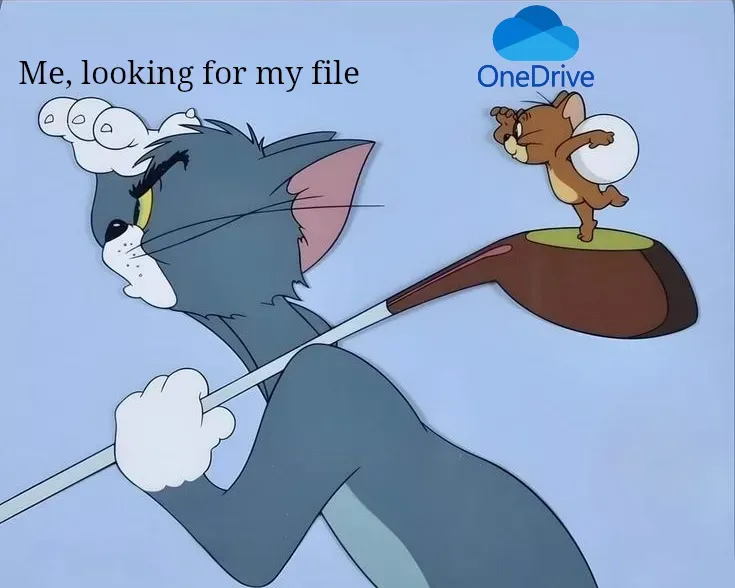
OneDrive's most impressive feature is its ability to silently yoink your files into the cloud without your consent, then gaslight you about their location. You think you saved it to your Desktop? Wrong. It's now in some mystical cloud dimension that OneDrive may or may not acknowledge exists. The best part? When you desperately search for your file, OneDrive just shrugs and plays dumb like it's never met you before. It's like having a roommate who "organizes" your stuff by hiding it in random places and then denies any involvement. Microsoft really said "let's make file management feel like a hostage negotiation" and called it a feature.

One Drive Supremacy

One Drive Supremacy
You just want a simple local folder structure. Maybe some sensible naming conventions. Perhaps the radical idea of knowing exactly where your files are without an internet connection. But OneDrive has other plans for you. It'll hijack your Desktop, Documents, and Pictures folders before you can say "wait, I didn't agree to this." Suddenly everything's syncing to the cloud whether you like it or not, your disk space is a mystery, and you're getting passive-aggressive notifications about storage limits you never asked about. The knife in OneDrive's hand? That's the "helpful" feature where it moves your files without asking and then acts like it did you a favor. Classic Microsoft energy right there.

Compression

Compression
Oh honey, someone just discovered the DARK MAGIC of file compression and decided to traumatize us all with this visual metaphor! The top panel shows your innocent ingredients—lemon, butter, cheese—living their best uncompressed life, taking up all the space they want like divas. Then BAM! Bottom panel hits you with the WinRAR treatment where suddenly everything's been VIOLENTLY SQUEEZED into a tiny archive that's somehow still all three things but also... not? The butter didn't even make it, sacrificed to the compression gods for that sweet, sweet file size reduction. It's giving "I need to email this 500MB folder but my attachment limit is 25MB" energy. The lemon stayed though—compression algorithms really said "citrus rights!" 🍋

Keychron K2 HE Rapid Trigger Wireless Custom Keyboard with Hall Effect Gateron Double-Rail Magnetic Switch, QMK 2.4 GHz Bluetooth 5.2 RGB Compatible with Mac Windows Linux (Aluminum + Wood)

Keychron K2 HE Rapid Trigger Wireless Custom Keyboard with Hall Effect Gateron Double-Rail Magnetic Switch, QMK 2.4 GHz Bluetooth 5.2 RGB Compatible with Mac Windows Linux (Aluminum + Wood)
75% Layout with Magnetic Switches: Experience the perfect blend of mechanical performance and magnetic precision with the Keychron K2 HE. Its popular 75% layout and magnetic sensors allow for fully c…