User error Memes

Posts tagged with User error
Did You Try Turning It On

Did You Try Turning It On
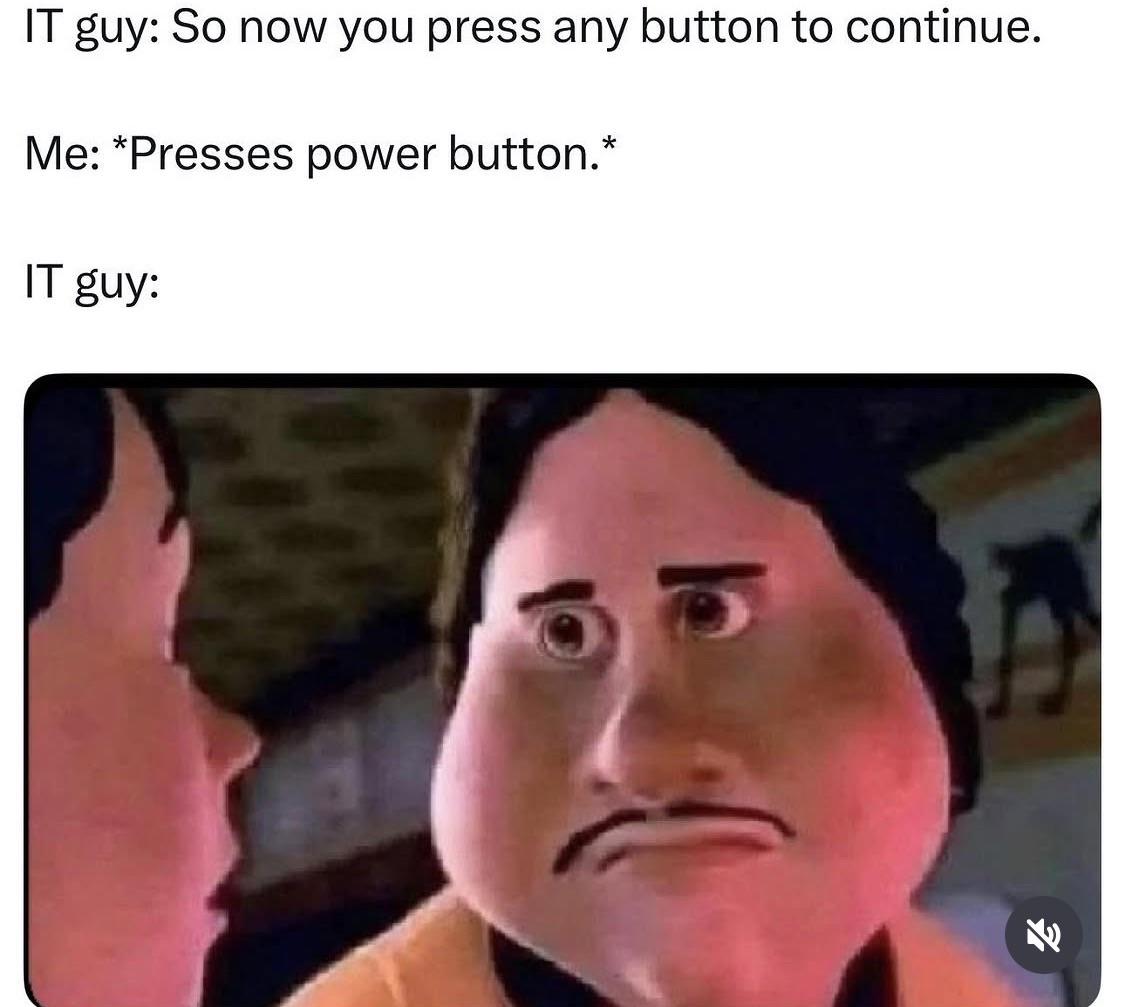
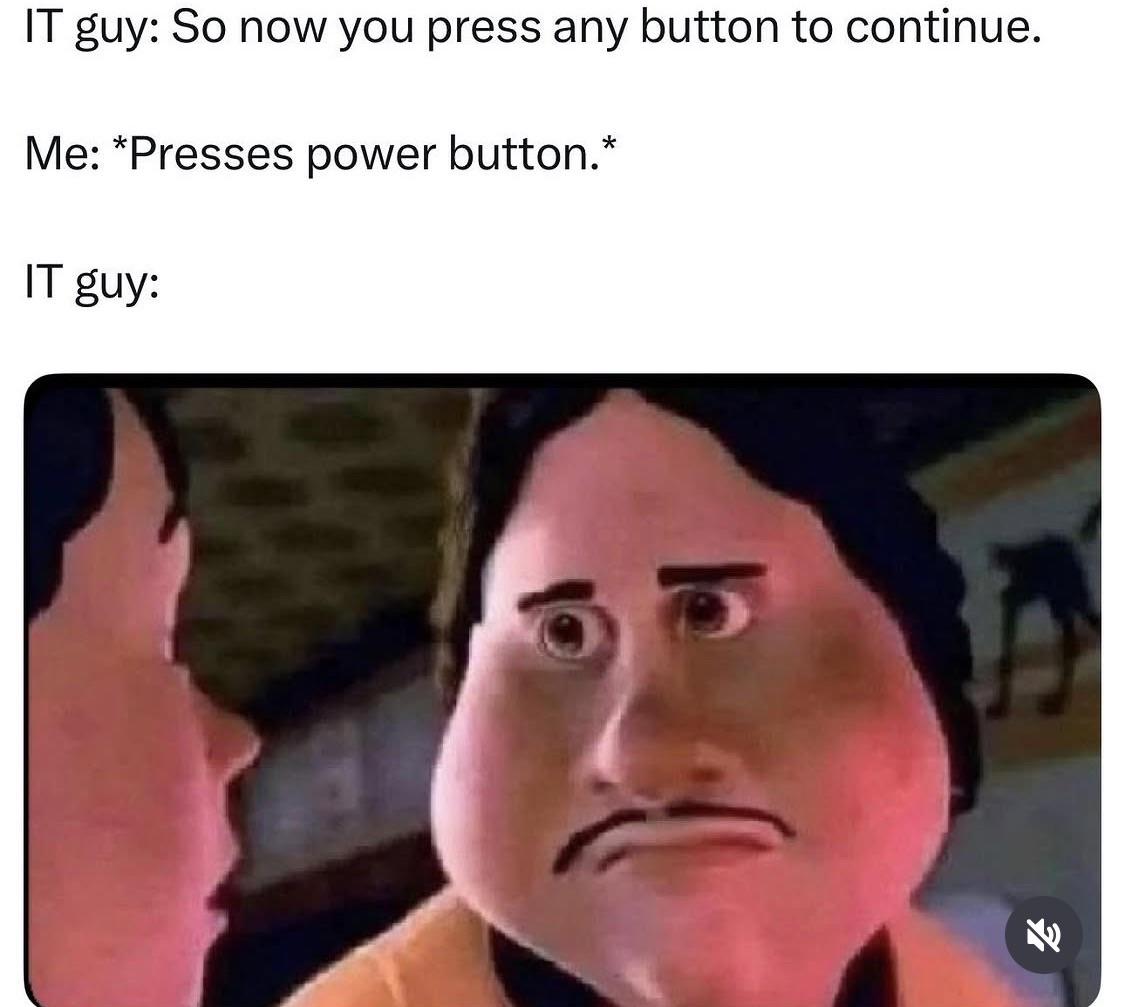
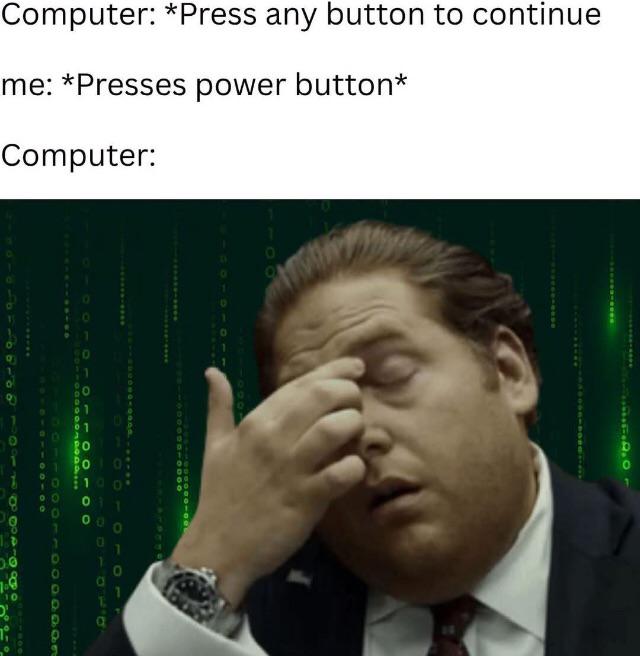
Someone asks why IT people are jerks, and gets the perfect response: an IT guy drove TWO HOURS just to push a power button that three people swore was already on. Trust issues? Justified. The first rule of tech support isn't "have you tried turning it off and on again" – it's "are you SURE it's actually on?" Four years of computer science education reduced to playing glorified electrician because users can't differentiate between a power light and their imagination.

They Do It On Purpose

They Do It On Purpose
The eternal disconnect between developer expectations and user reality! The phone is asking for a fingerprint scan with the instruction "Hold your finger," but instead of using their fingertip like a normal human, the user is pressing their entire thumb sideways against the screen. This is why we need 75-page user manuals for features that should be self-explanatory. No matter how "intuitive" you think your UI is, somewhere out there is a user trying to scan their elbow because the instructions weren't specific enough. Pro tip: Always assume your users will interpret your UI in the most creative and incorrect way possible. It's not a bug, it's a feature of human creativity!

User Submits Bug Report

User Submits Bug Report
The initial joy of receiving user feedback quickly turns into existential pain when you realize they've sent an 18-minute screen recording of... absolutely nothing happening. Just a static screen. No audio. No cursor movement. No error messages. Nothing. It's like trying to diagnose a car problem when the customer sends you a photo of their garage door. Closed. From across the street. The real bug was the 18 minutes of your life that just disappeared forever.

Ctrl+X Marks The Spot Of My Despair

Ctrl+X Marks The Spot Of My Despair
The soul-crushing moment when muscle memory betrays you. Pressing Ctrl+X on a grocery list isn't just deleting items—it's cutting your entire dinner plans into the void. That single keystroke just transformed "what's for dinner" into "guess we're ordering pizza again." The tear says it all—not even a Ctrl+Z can bring back what wasn't saved in the clipboard.

Not A Good Time To Be In IT

Not A Good Time To Be In IT
OH THE DRAMA OF IT ALL! 💅 You think you're so clever with your "quick ticket" to IT support, don't you? "Just remote in and click a button!" HONEY, PLEASE! What you don't realize is that behind every support ticket is an IT person who has already broken the system in seventeen different ways while trying to fix the eighteen ways YOU broke it first. We're not wizards, we're just professional chaos managers with caffeine addictions and a concerning familiarity with error messages that don't even exist in documentation. The audacity of end users thinking we'll be embarrassed when things don't work... sweetie, embarrassment left the chat YEARS ago along with our will to explain why "turning it off and on again" actually works!

The Infinite Arms Race: Coders Vs Chaos

The Infinite Arms Race: Coders Vs Chaos
The eternal battle rages on! No matter how many input validations we add, how many edge cases we handle, or how many defensive programming techniques we employ—some user will find a way to break it. The universe's creativity in producing people who can crash a hello world program is truly unmatched. Every time a dev says "nobody would ever try to do that," the universe accepts it as a personal challenge. And let's be honest, the universe has a perfect win record so far.

The Tech Support Triangle Of Doom

The Tech Support Triangle Of Doom
Oh. My. GOD. The eternal tech support NIGHTMARE in one image! 😱 There you are, delivering your MASTERPIECE of documentation, practically SINGING about how the program works, and the user is just... SCREAMING at the program like it personally insulted their mother's cooking! Meanwhile, the program sits there, completely innocent, wondering what crime it committed to deserve this abuse. It's like trying to teach quantum physics to a toddler who's simultaneously on fire and refusing to acknowledge water exists. I can't even! 💀

The Tech Support Survival Guide

The Tech Support Survival Guide
The sacred scrolls of tech support revealed! Every IT person's daily mantra consists of asking if it's plugged in (while silently judging your cable management), suggesting the universal fix of turning it off and on again, insisting you update your perfectly functional 3-year-old system, and when all else fails, dropping mysterious command line incantations like chkdsk and dism that might as well be summoning demons. The judgy cat represents every support person's internal expression while keeping a professional voice on the call. These five horsemen of tech support have solved approximately 99% of all computer problems since the dawn of time.

It's Always The User's Fault

It's Always The User's Fault
The entire software development industry summarized in three words and a reply. User says "Doesn't work." Developer responds "yes it does" and refuses to elaborate further. The digital equivalent of "Have you tried turning it off and on again?" except with even less effort. The ancient dance of tech support continues.

Clearly A Layer 8 Issue

Clearly A Layer 8 Issue
When your network goes down and the help desk blames the OSI model instead of admitting they restarted the wrong server. Nothing like starting your day with "It's clearly a Layer 8 issue" – tech support code for "the problem exists between keyboard and chair." That's right, they're calling you the problem. Meanwhile, the sysadmin is probably watching South Park reruns while your production environment burns.

The Accurate OSI Model Nobody Warned You About

The Accurate OSI Model Nobody Warned You About
The OSI model we learned in school vs. the OSI model we actually use in the real world. Sure, layers 1-7 handle all that boring technical stuff like physical connections and data formatting, but the true networking magic happens in layers 8-10! Layer 8 (PEBKAC): Where the user swears they "didn't touch anything" right before the entire system implodes. Coffee spills are just bonus features. Layer 9 (Political): Where your elegant technical solution gets buried under "but the CEO wants it purple" and endless meetings that could've been emails. Layer 10 (Government): The final boss where your project gets strangled by red tape so complex it makes quantum physics look like kindergarten math. Funny how no certification exam ever prepares you for the layers that actually determine if your project lives or dies!

How To Make Tea With Zero Instructions

How To Make Tea With Zero Instructions
The tea bag is still wrapped in its paper, sitting in cold water with the string hanging outside the mug. Classic case of "it's so obvious, why would I document it?" syndrome that plagues software development. Future maintainers of this tea codebase will spend hours debugging why caffeine isn't being properly instantiated. Remember folks, what's intuitive to you is a complete mystery to someone who's never brewed that particular blend before!