Responsive design Memes

Posts tagged with Responsive design
QA Skipped. Chaos Delivered.

QA Skipped. Chaos Delivered.
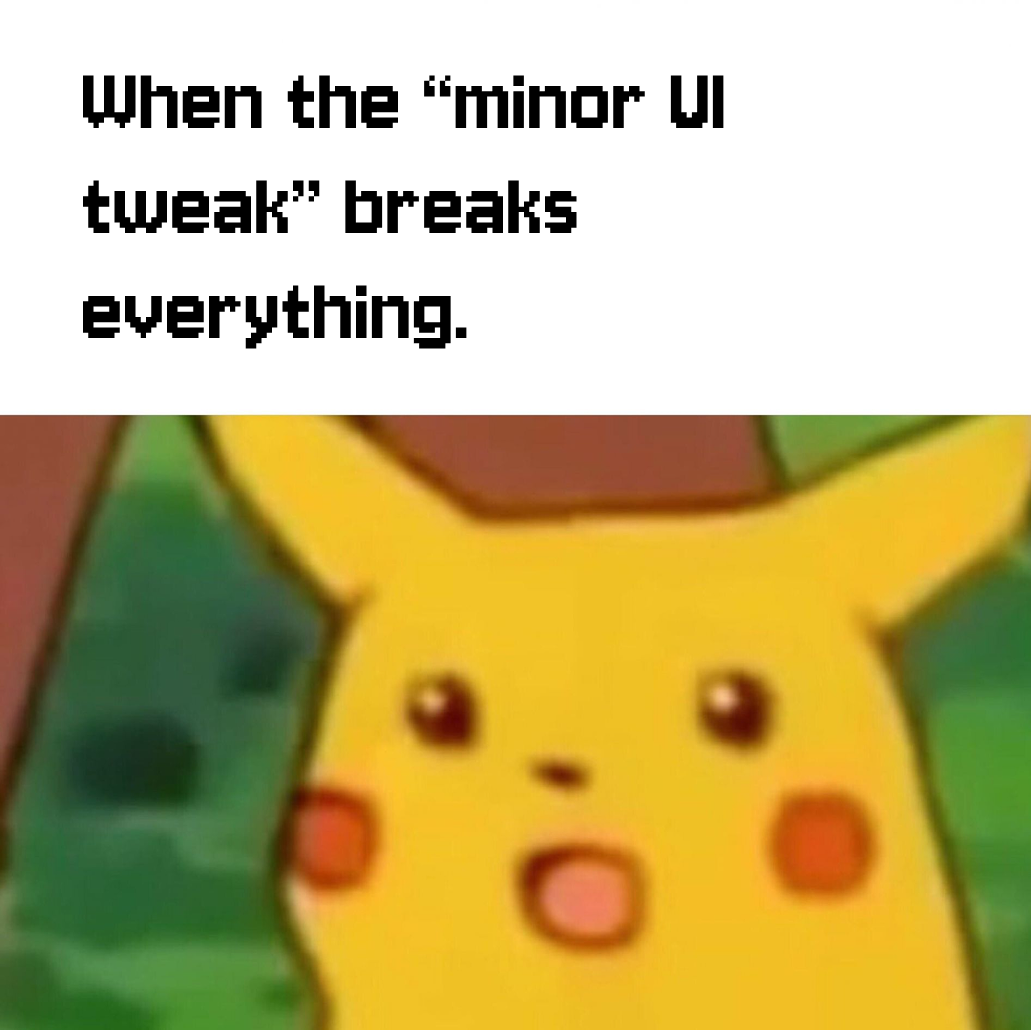
Frontend dev thought they could ship responsive design without testing on actual devices. Now they're frantically checking if their CSS Grid masterpiece looks like abstract art on every screen size known to humanity. The progression from confident desktop view to "why does this button overlap three continents on mobile" is a journey we've all witnessed. Bonus points for the MacBook in the background - because nothing says "I've made a terrible mistake" like needing to debug on four devices simultaneously while your production deployment timer counts down. Should've listened to QA. They would've caught this before users started tweeting screenshots.

Responsive Design, But It's A Cat

Responsive Design, But It's A Cat
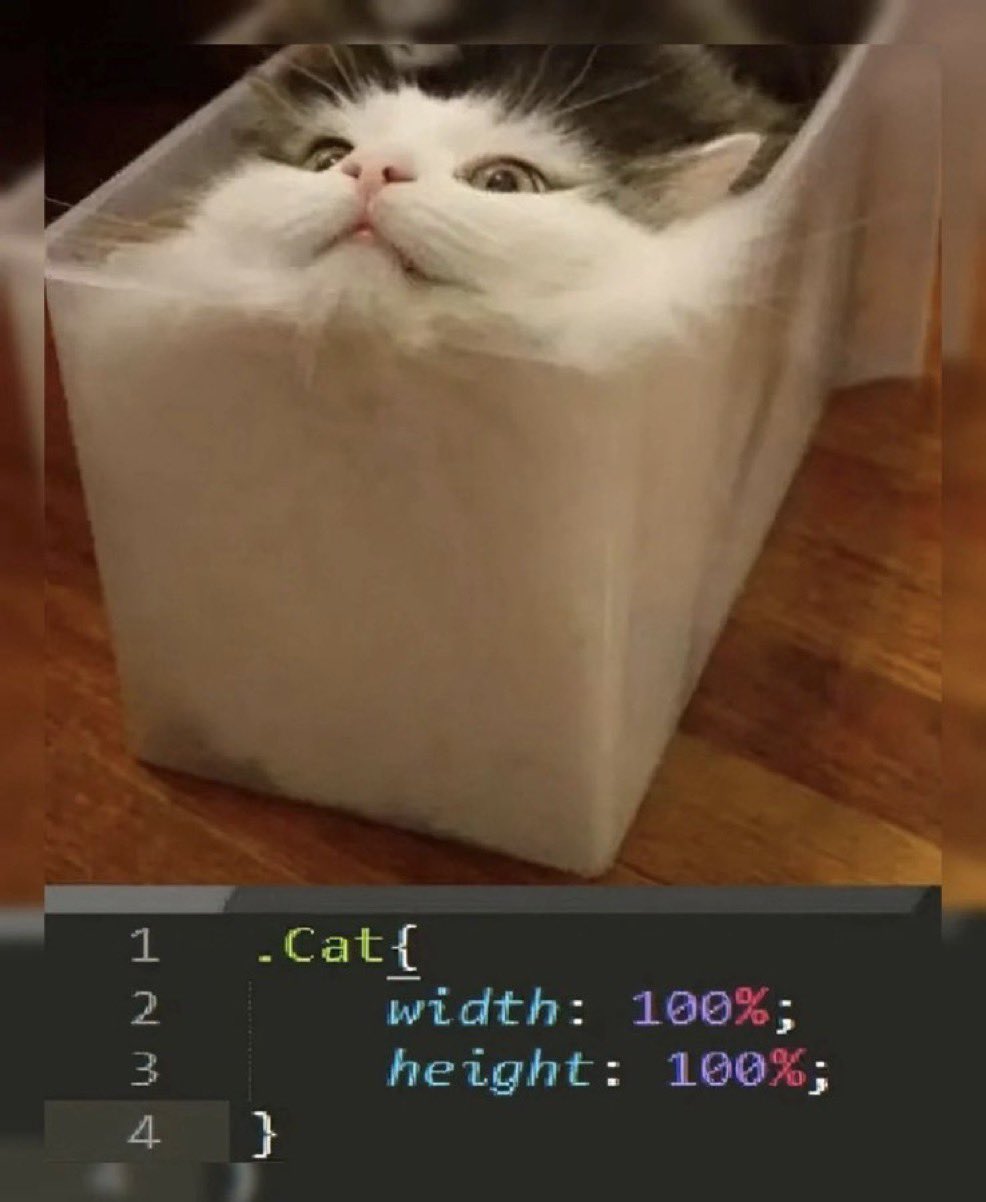
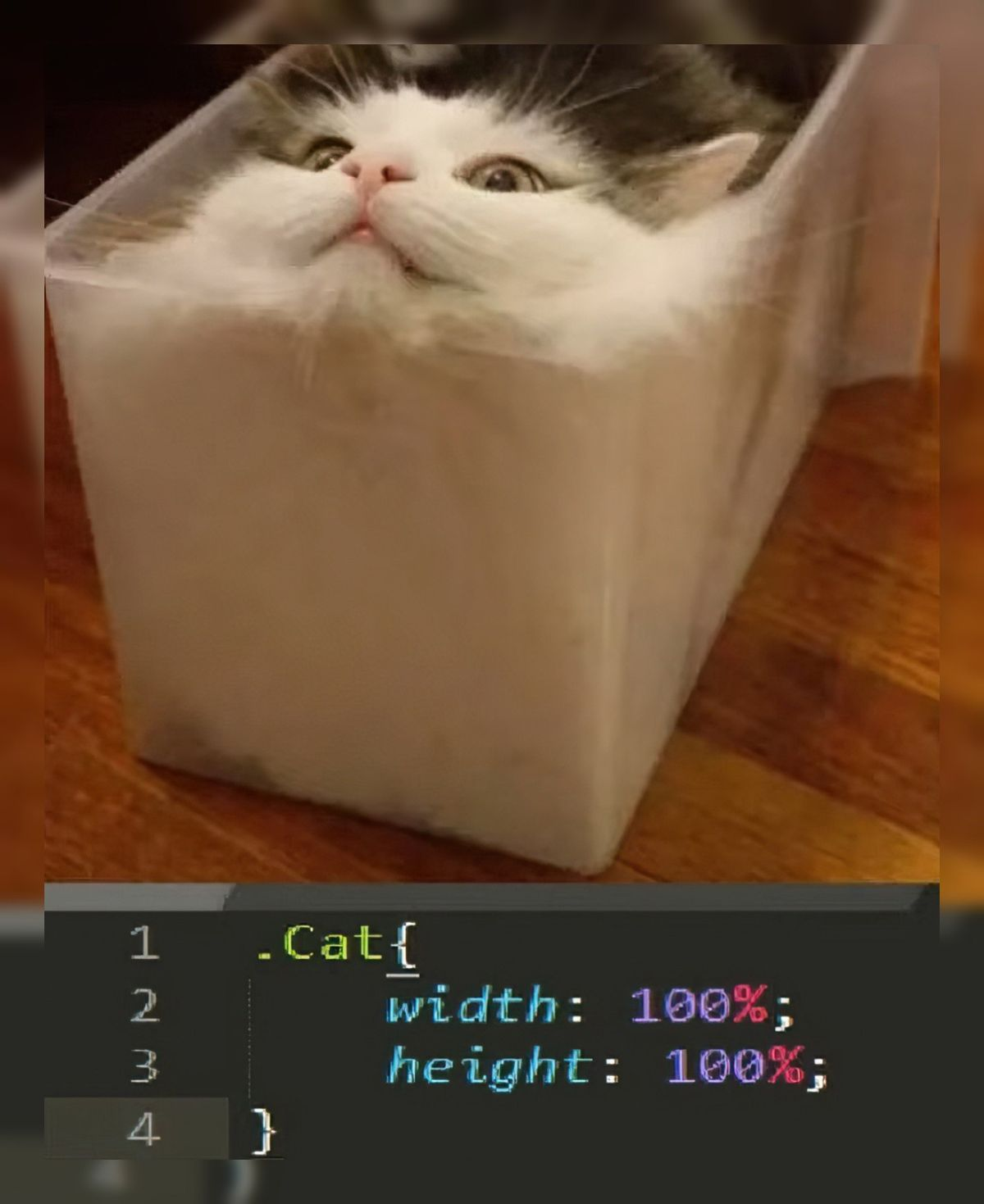
When you set both width and height to 100% and your element decides to become a PERFECT CUBE OF CHAOS. This cat has literally achieved what every frontend dev fears—the dreaded aspect ratio nightmare where your carefully crafted design just... expands in ALL directions simultaneously. No max-width, no aspect-ratio property, no media queries to save you—just pure, unfiltered geometric horror. The cat's face says it all: "I have become the container, destroyer of layouts." This is what happens when you forget that 100% means 100% of the PARENT, and apparently this cat's parent was a Rubik's Cube. Someone call a CSS exorcist.

Traumatic Responsive Design For FE Developers

Traumatic Responsive Design For FE Developers
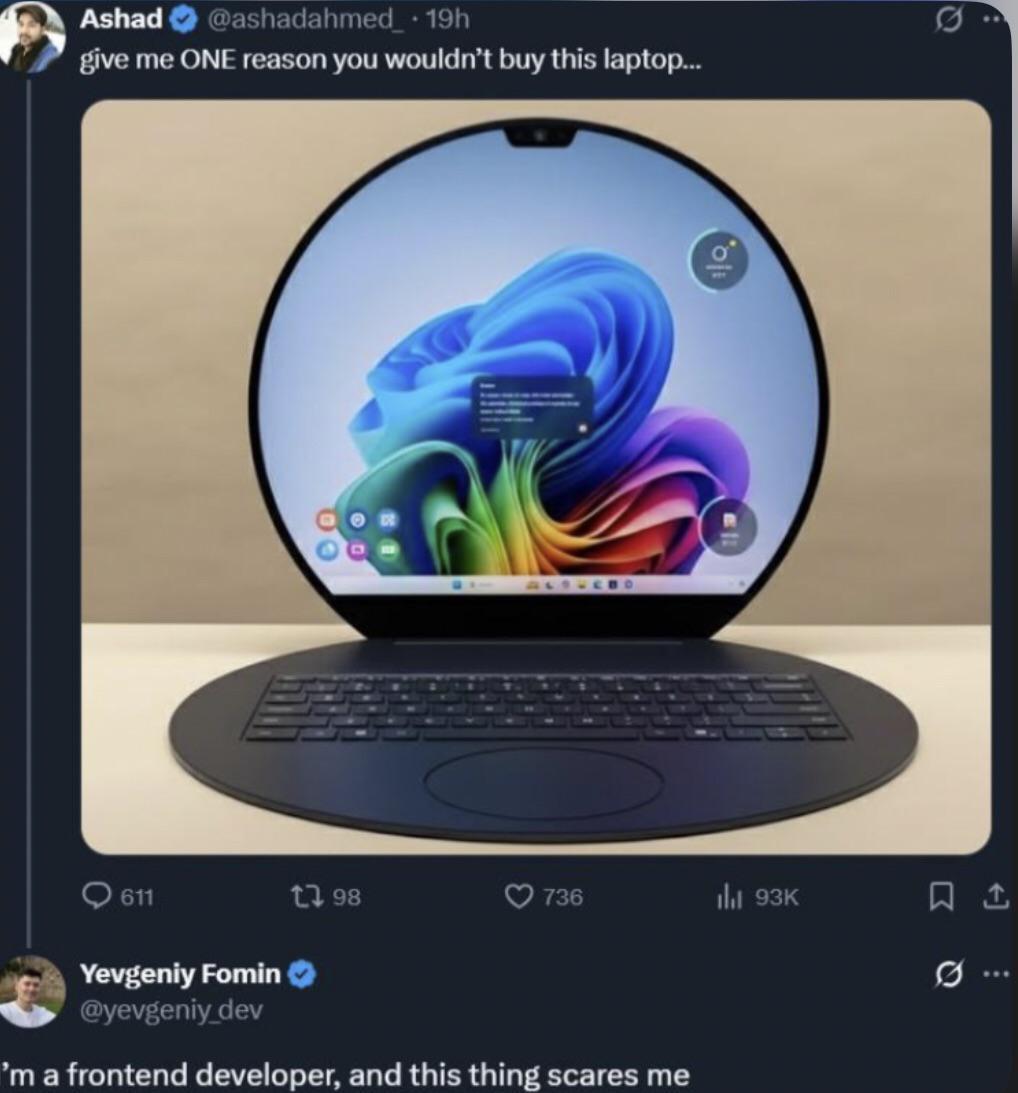
So someone decided to make a laptop shaped like a circle. Congrats, you just gave every frontend dev PTSD flashbacks. You know those media queries you spent weeks perfecting? The ones that handle desktop, tablet, mobile, and that one weird iPad orientation? Yeah, throw them all in the trash. This monstrosity requires you to calculate CSS for a circular viewport where the corners just... don't exist. Imagine trying to center a div when the screen itself is already centered in the most cursed way possible. Your flexbox is crying. Your grid layout just filed for unemployment. And don't even get me started on how you'd handle text overflow on the edges. The real kicker? Some PM will see this and ask "can we support this in our next sprint?" No, Karen. We cannot.

Like Give Me One Reason I Would Buy It

Like Give Me One Reason I Would Buy It
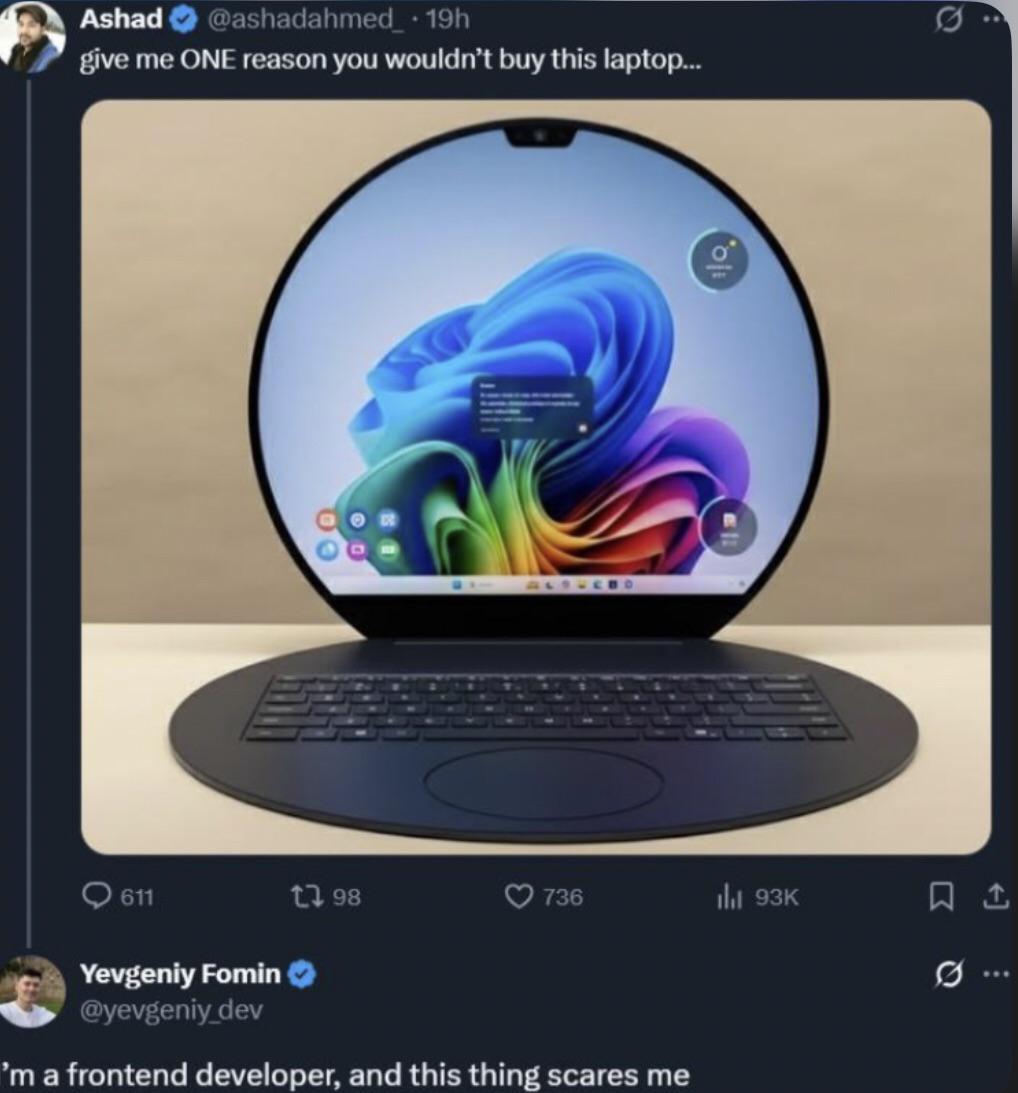
Someone's showing off a Windows laptop with that gorgeous rainbow wallpaper, asking for reasons NOT to buy it. The frontend dev's response? Pure terror. And honestly, valid. That notch at the top of the screen is the digital equivalent of a design crime scene. Frontend devs already lose sleep over responsive design, cross-browser compatibility, and centering divs. Now imagine having to account for a random chunk of screen real estate that just... doesn't exist. Your carefully crafted header? Bisected. Your navigation bar? Compromised. Your pixel-perfect design? Destroyed by hardware. The notch is basically saying "hey, remember how you spent 3 hours getting that layout perfect? Well, I'm gonna sit right here and ruin it." It's the hardware version of Internet Explorer—something that forces you to write special cases and workarounds that make you question your career choices. MacBook notches were already controversial enough, but at least macOS handles it somewhat gracefully. Windows with a notch is like adding a try-catch block to your HTML—technically possible, but deeply cursed.

Works As Intended

Works As Intended
Ah yes, the classic "it's not a bug, it's a feature" defense. You set both width and height to 100%, expecting a nice square container, but CSS decided to interpret your instructions with the creativity of a malicious genie. The cat perfectly represents your code: technically fitting the specifications you wrote, but somehow achieving it in the most cursed way possible. Sure, it's 100% width and 100% height... of its parent container . Nobody said anything about maintaining aspect ratios or looking remotely normal. The real kicker? You'll close the ticket as "Works As Intended" because technically, the code is doing exactly what you told it to do. The fact that it looks like an eldritch abomination is merely a user perception issue.

Overflow X Hidden

Overflow X Hidden
Got a tiny horizontal scroll bar ruining your perfectly aligned layout? Just slap overflow-x: hidden on it and call it a day. Problem solved, right? Wrong. Sure, the scroll bar disappears, but so does half your content when users resize their browser. That dropdown menu you spent 3 hours positioning? Gone. The mobile nav that slides in from the side? Clipped into oblivion. But hey, at least there's no horizontal scroll anymore. The !important flag really seals the deal here—because why fix the root cause when you can just nuke it from orbit and make it impossible for anyone else to override later? Future you will definitely thank present you for this one. This is the CSS equivalent of duct taping your check engine light instead of taking your car to a mechanic.

All My People Say Nah To Apple

All My People Say Nah To Apple
Chrome and Firefox are out here being bros, actually supporting your responsive design like decent browsers should. They're holding your hand, telling you "I got you, brother!" when you're testing those media queries at 3 AM. Then Safari shows up with a 2x4 ready to ruin your day. That one CSS property that worked perfectly everywhere else? Safari decided it's optional. Your flexbox layout? "Oh no you don't!" Safari has its own interpretation of web standards, and it's usually wrong. Safari is basically the new IE6 at this point. You spend 2 hours building something beautiful, then 6 hours fixing it for Safari. WebKit quirks are the gift that keeps on giving, and by giving I mean taking years off your life.

Works All The Time (On Desktop Only)

Works All The Time (On Desktop Only)
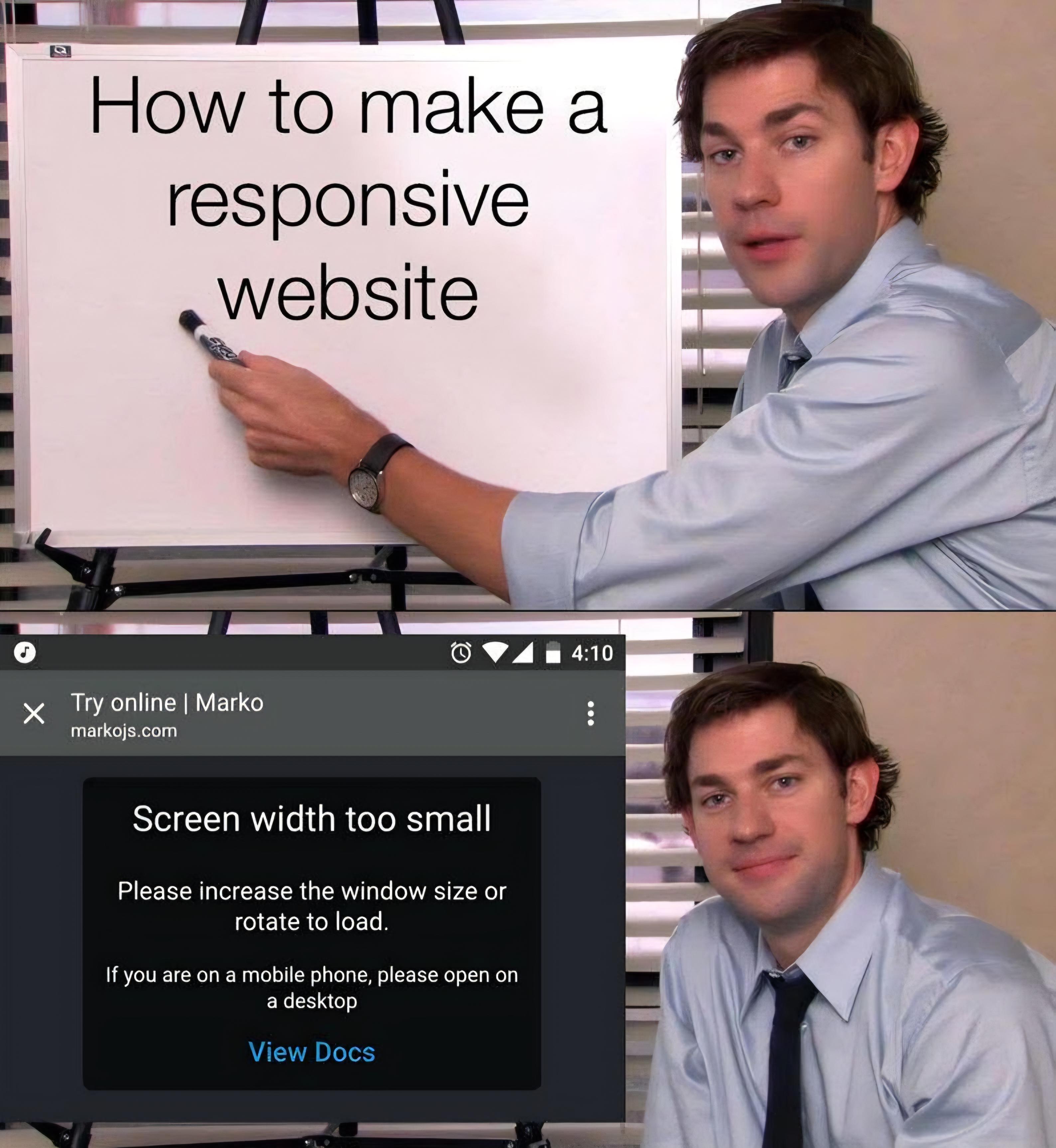
Top panel: "How to make a responsive website" written on a whiteboard by someone who's about to drop some knowledge bombs. Bottom panel: Their actual website telling mobile users "Screen width too small. Please increase the window size or rotate to load. If you are on a mobile phone, please open on a desktop." Nothing says "I'm a responsive design expert" quite like a website that doesn't work on mobile. It's the digital equivalent of a swimming instructor who can't swim but has a really nice PowerPoint about water.

The Circle Of Frontend Hell

The Circle Of Frontend Hell
Frontend developers just collectively shuddered at this monstrosity. That circular screen is basically saying "Have fun making your responsive designs work on THIS, suckers!" It's like someone looked at the rectangular screens we've been optimizing for decades and thought, "You know what would be fun? Geometry warfare!" Imagine the CSS nightmares. Your perfectly crafted grid layout? Dead. Your meticulously positioned elements? Homeless. Your sanity? Gone. The corners don't even exist anymore! Where do notifications go? Into the void, apparently. The person asking for ONE reason not to buy it clearly hasn't spent hours debugging why their div is 1px off. Meanwhile, frontend devs are already updating their resumes with "survived circular viewport trauma" as a skill.

I Have Sympathy For Your Responsive Nightmares

I Have Sympathy For Your Responsive Nightmares
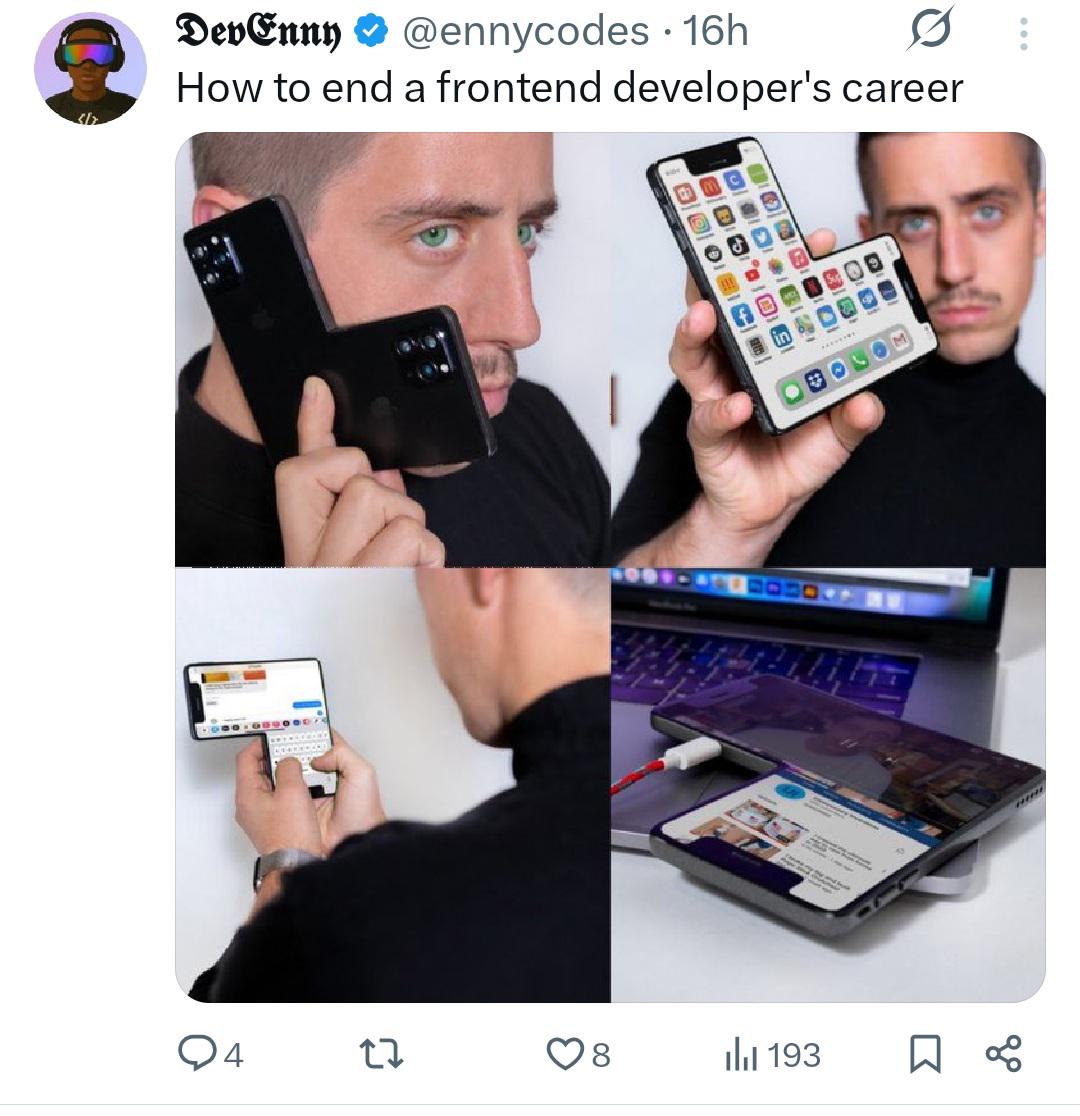
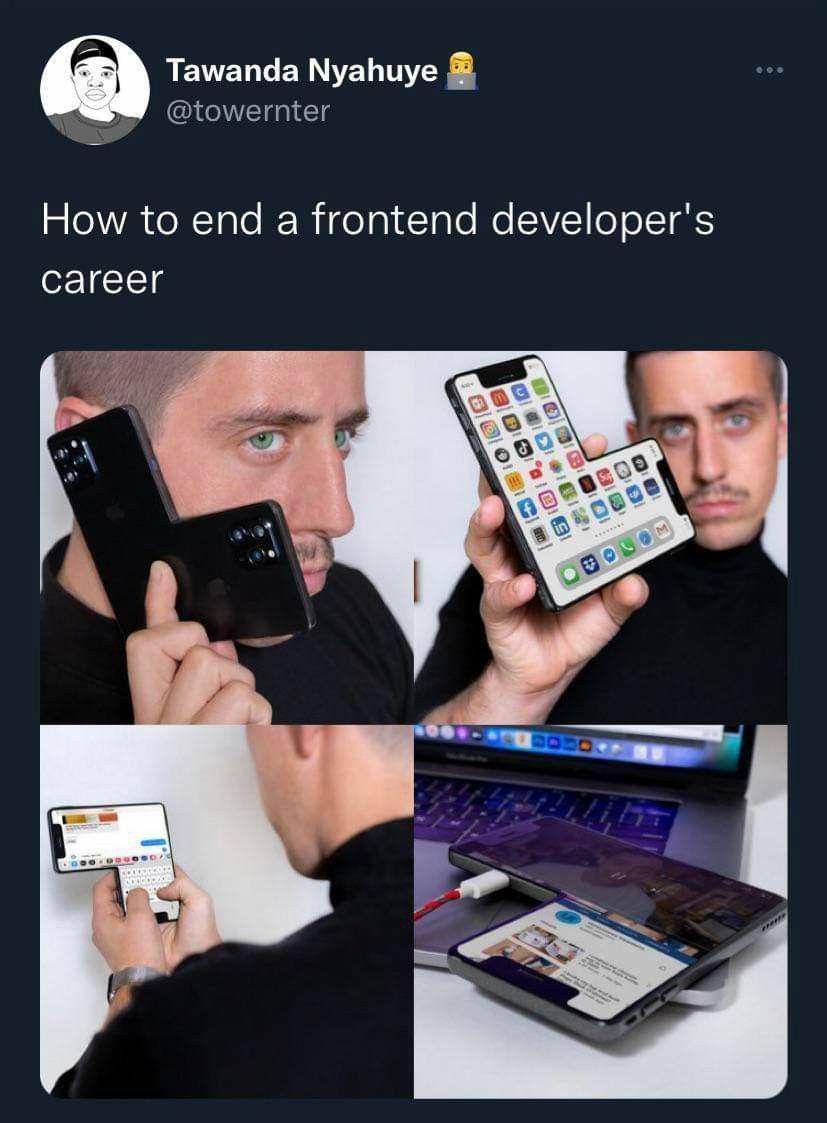
The top part shows futuristic foldable devices in various configurations - bent, flat, folded like origami masterpieces that Samsung's engineers dreamed up after a wild night of drinking. Meanwhile, web developers are depicted as crying children having existential breakdowns. Why? Because they now have to make websites look perfect on yet another bizarre screen dimension . Just when they mastered responsive design for phones, tablets, and desktops, the hardware folks decided "what if screens... but bendy ?" Pure sadism. Somewhere, a CSS developer is looking at these images while whispering "please... no more media queries... I have a family."

Engineering Manager And Fullstack Lead Trying To Center A Div

Engineering Manager And Fullstack Lead Trying To Center A Div
Two cats staring at a laptop screen is the perfect metaphor for what happens when leadership tries to center a div. They'll spend hours looking at the screen, trying different combinations of margin: auto , display: flex , and justify-content: center before eventually giving up and using absolute positioning with negative margins. Because nothing says "I'm a professional" like using CSS hacks that will break the second someone resizes the window. Frontend development: where even the simplest tasks make you question your career choices.

The Circle Of Frontend Hell

The Circle Of Frontend Hell
Ah, the nightmare fuel for CSS warriors everywhere! That circular screen is basically saying "I dare you to make your flexbox work on me." Frontend devs already lose sleep over supporting different browsers, but this monstrosity takes "edge cases" to a whole new level. Imagine trying to design responsive layouts when your viewport is literally a circle. Border-radius: 50%? More like border-radius: PAIN%. The dev who commented is having PTSD flashbacks to that time Internet Explorer randomly decided divs were just suggestions.