Resource management Memes

Posts tagged with Resource management
When You Switch From Desktop To Embedded

When You Switch From Desktop To Embedded
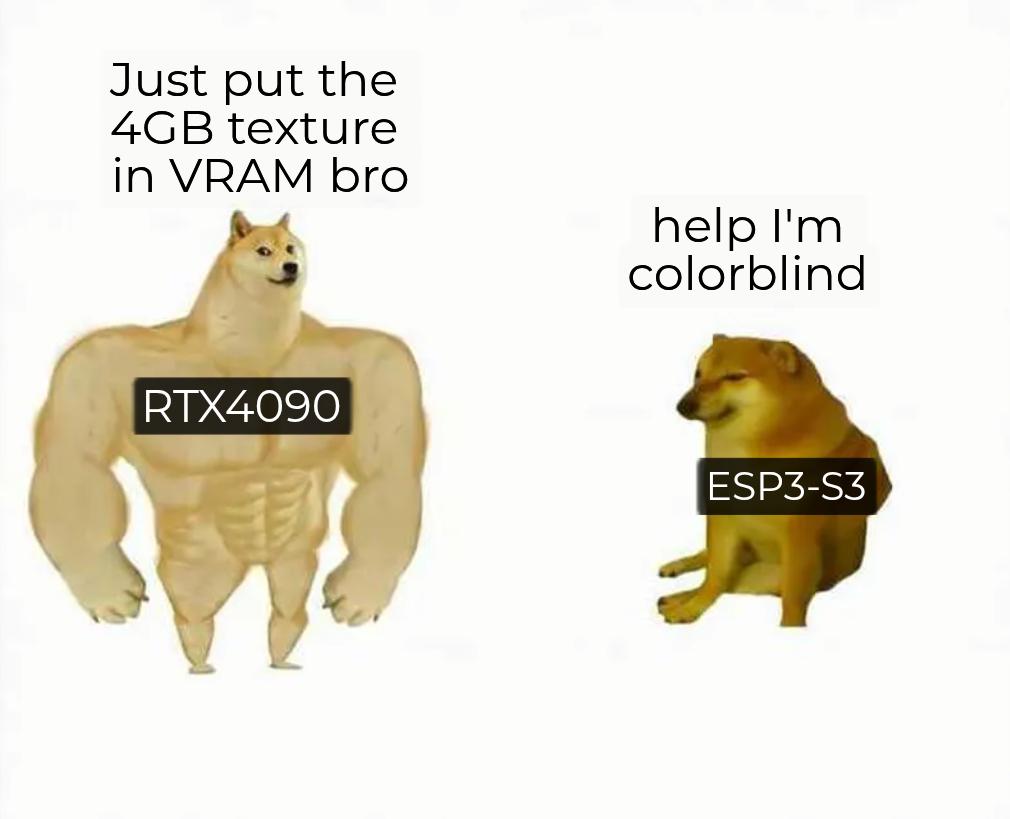
Going from desktop development to embedded systems is like moving from a mansion to a studio apartment where you have to choose between a bed and a toilet. Your RTX4090-powered beast casually throws around 4GB textures like it's pocket change, meanwhile your ESP32 is having an existential crisis trying to display a 16-color bitmap. The ESP32-S3 typically has around 512KB of SRAM and maybe 8MB of external PSRAM if you're lucky. That's not a typo—kilobytes and megabytes, not gigabytes. Suddenly you're counting bytes like a depression-era accountant, optimizing every malloc, and questioning whether you really need that string or if a single char will do. Welcome to embedded, where "running out of memory" isn't a meme, it's your daily standup update.

You Have Lost CPU Time Privileges

You Have Lost CPU Time Privileges
Nothing quite like watching your server's RAM get absolutely demolished by some rogue process that thinks it owns the place. The OOM killer doesn't negotiate, doesn't send warning emails, doesn't file a ticket. It just shows up behind that memory-hogging process like a bouncer at closing time and terminates it with extreme prejudice. No trial, no appeals, just instant process deletion. That'll teach you to allocate 47GB for your "small" Node.js app.

PC Insights Is Copilot's Latest Feature

PC Insights Is Copilot's Latest Feature
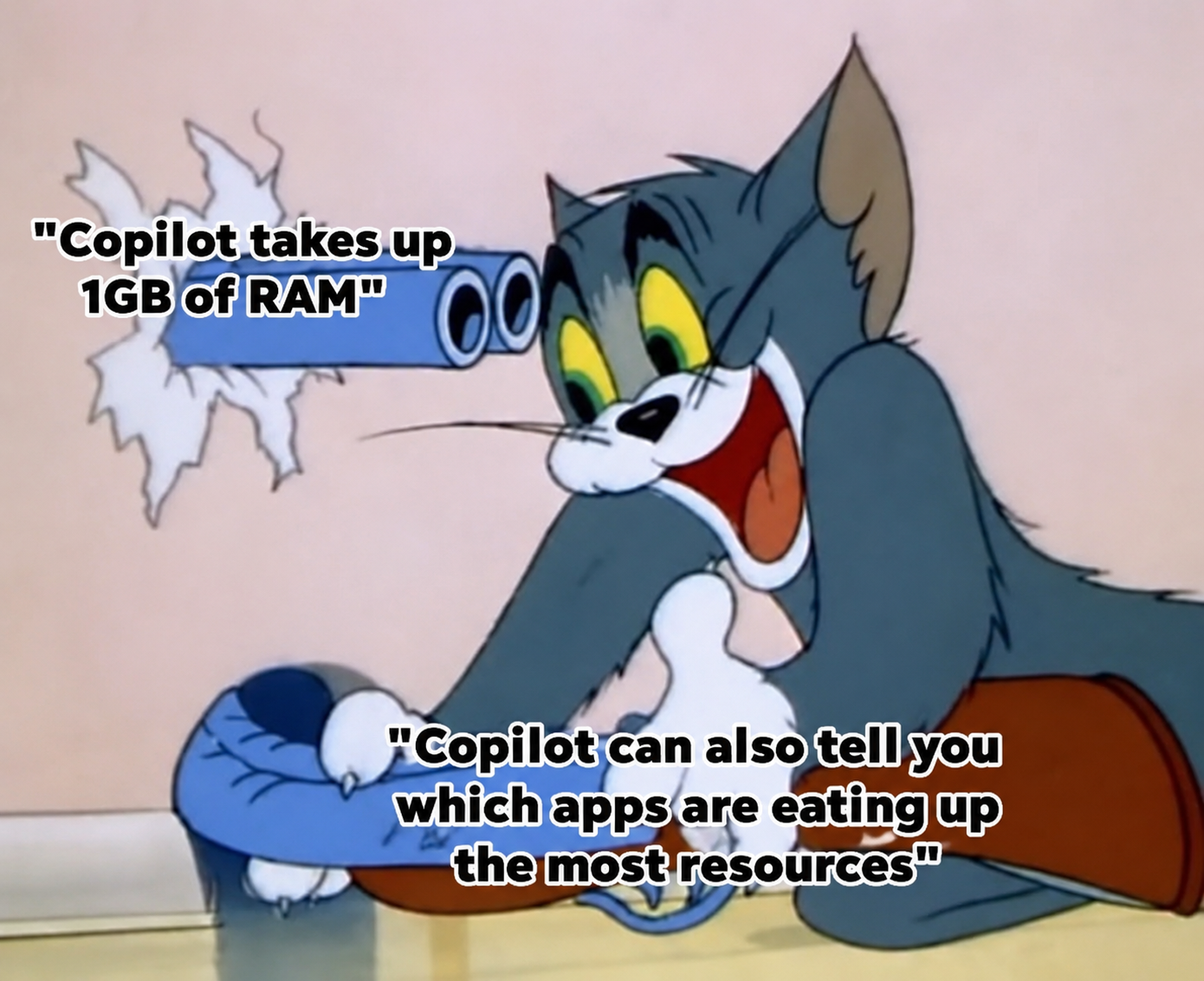
So Microsoft's brilliant solution to Copilot eating 1GB of RAM is... a feature that tells you Copilot is eating 1GB of RAM. Classic tech company move right there. It's like your house is on fire and instead of putting it out, someone hands you a thermometer that says "Yep, it's pretty hot in here!" Thanks, I guess? At least now I know which bloated Electron app is strangling my system while I'm trying to compile. Next update: Copilot will suggest closing Copilot to free up resources. Innovation at its finest.

Old But Gold

Old But Gold
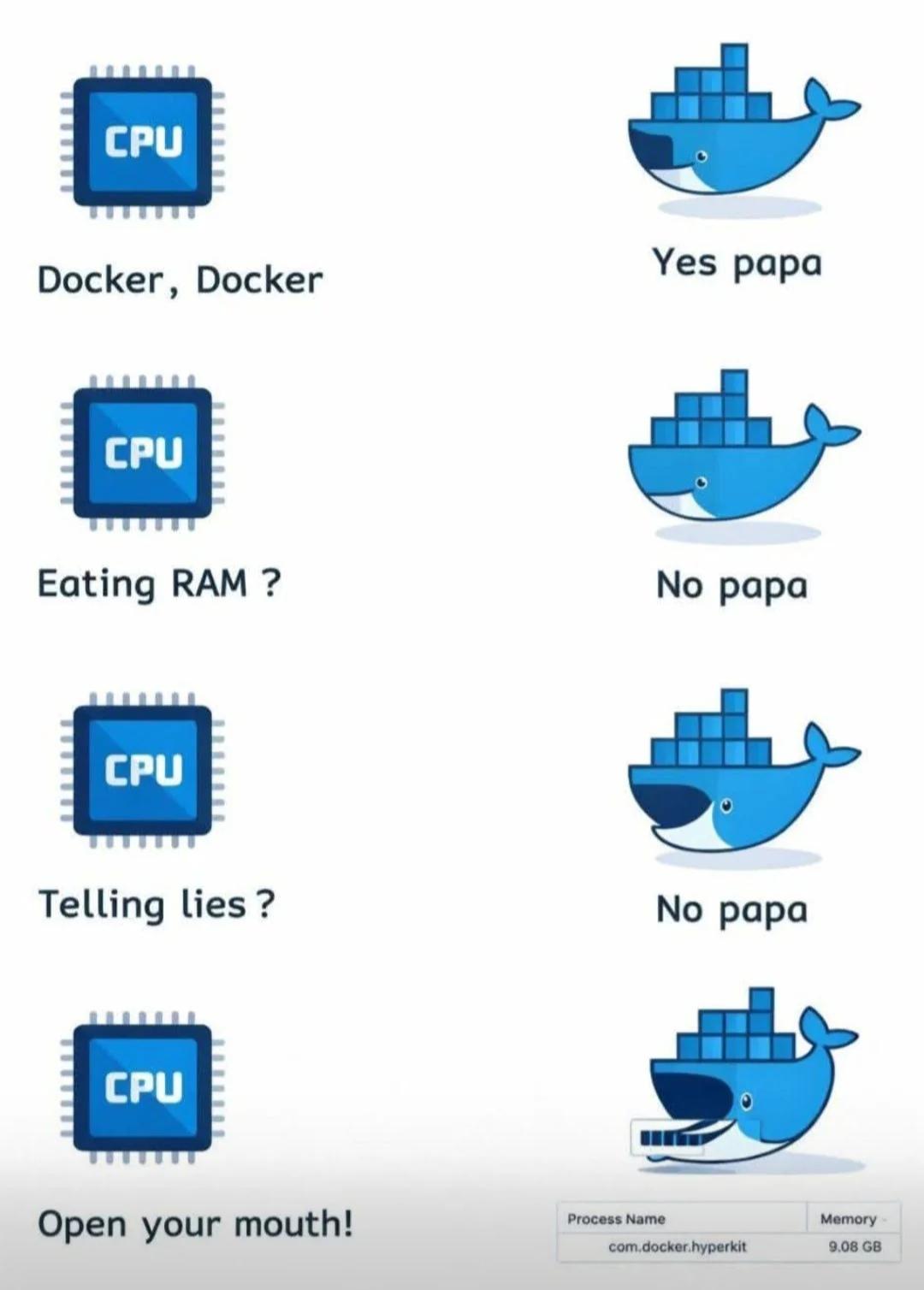
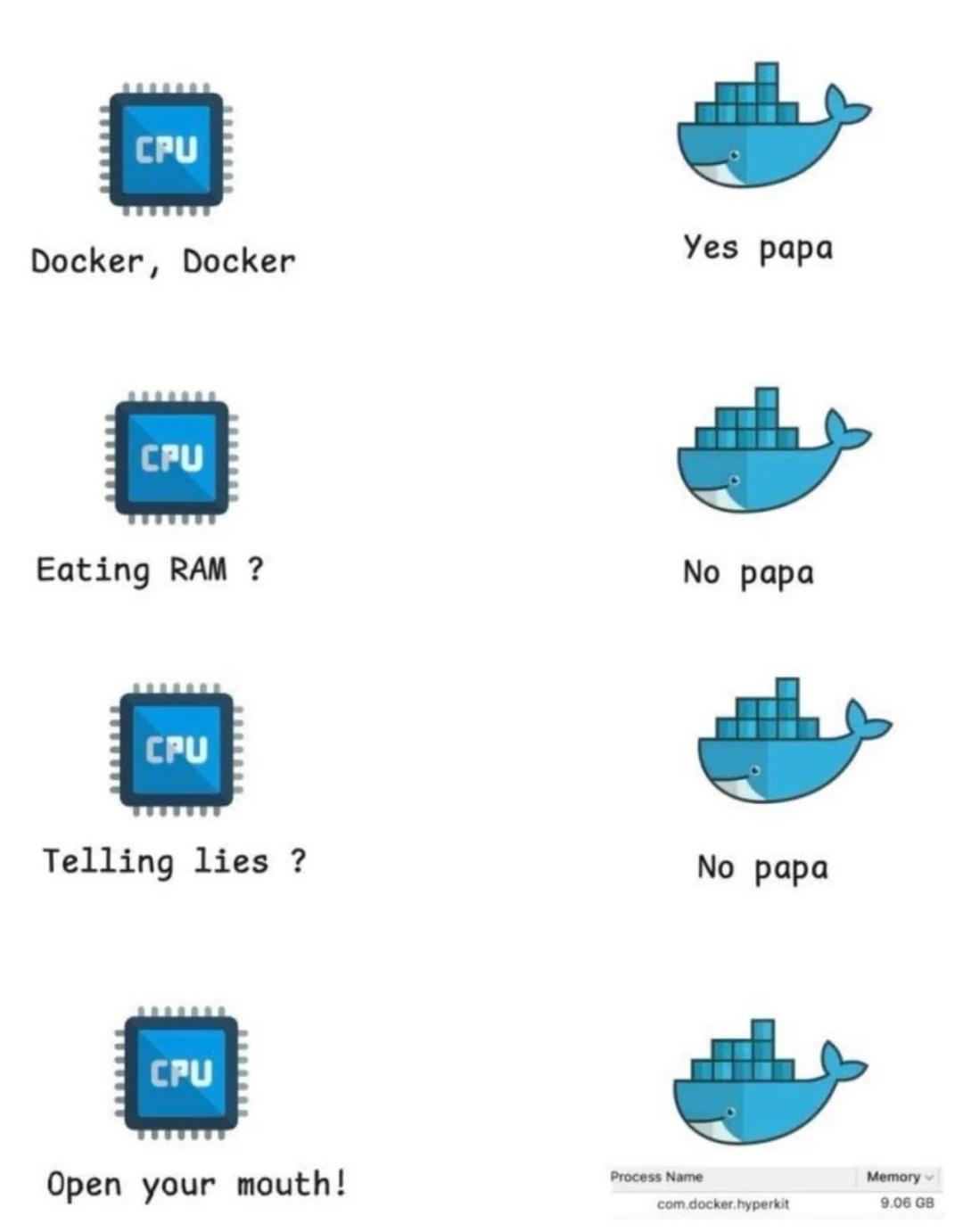
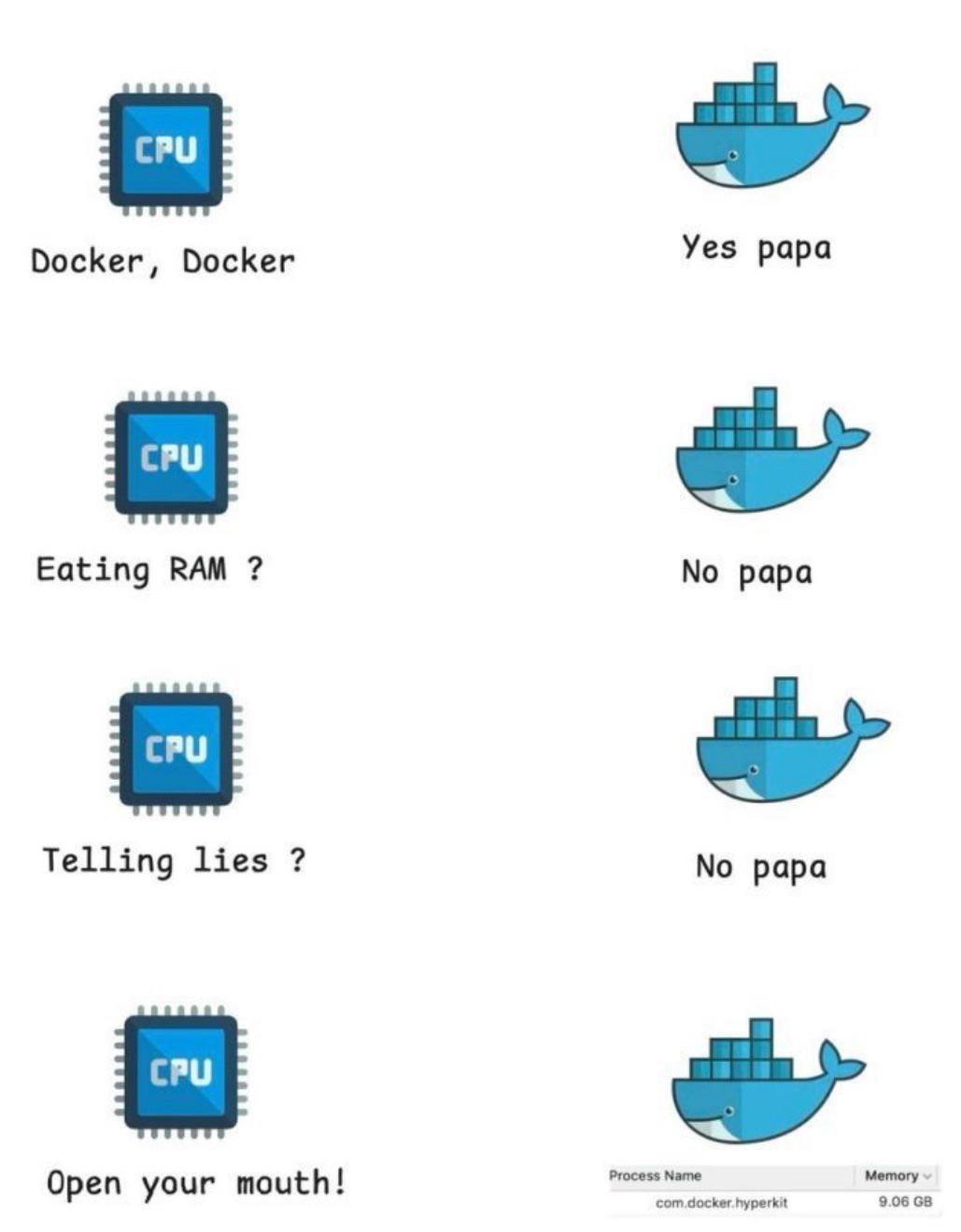
CPU asks Docker if it's running containers. Docker says yes. CPU asks if it's eating RAM. Docker says no. CPU asks if it's telling lies. Docker says no. CPU tells Docker to open its mouth, revealing 9.08 GB of memory usage. Docker's relationship with RAM is basically a toxic marriage where one party gaslights the other about their spending habits. You spin up three containers for a simple web app and suddenly your 16GB laptop is begging for mercy. Docker swears it's being efficient while quietly consuming more memory than Chrome with 47 tabs open. The "lightweight containerization" promise aged like milk.

NordVPN

NordVPN
Encrypt your traffic on public Wi-Fi, stream from anywhere, and cover up to ten devices with one plan. 30-day money-back guarantee.

Chrome Is Making Good Use Of My 5060

Chrome Is Making Good Use Of My 5060
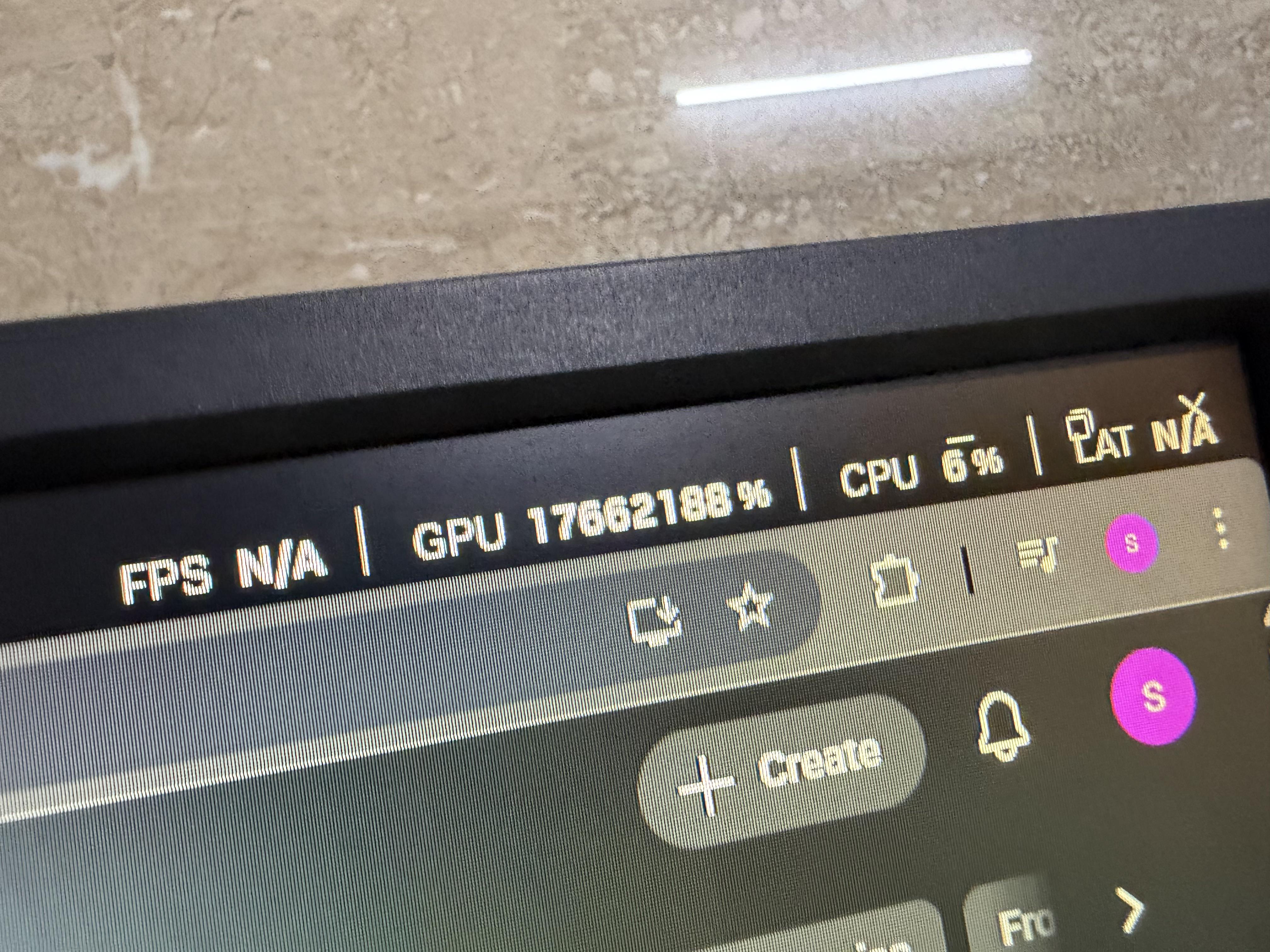
You dropped $1,200+ on an RTX 5060 (or maybe 4060, who's counting) for some glorious 4K gaming and AI rendering, but instead Chrome's sitting there hogging 17GB of your precious VRAM just to display three tabs: Gmail, Twitter, and that recipe you opened two weeks ago. Meanwhile, your CPU's at 6% like "I could help but nobody asked me." The real kicker? FPS shows "N/A" because you're not even gaming—you're just browsing. But Chrome doesn't care. It sees your expensive GPU and thinks "finally, a worthy opponent for my 47 background processes." Your gaming rig has become a very expensive typewriter with RGB. Fun fact: Chrome uses GPU acceleration for rendering web pages, which is great for smooth scrolling and animations, but it treats your VRAM like an all-you-can-eat buffet. No restraint, no shame, just pure resource gluttony.

Hi

Hi
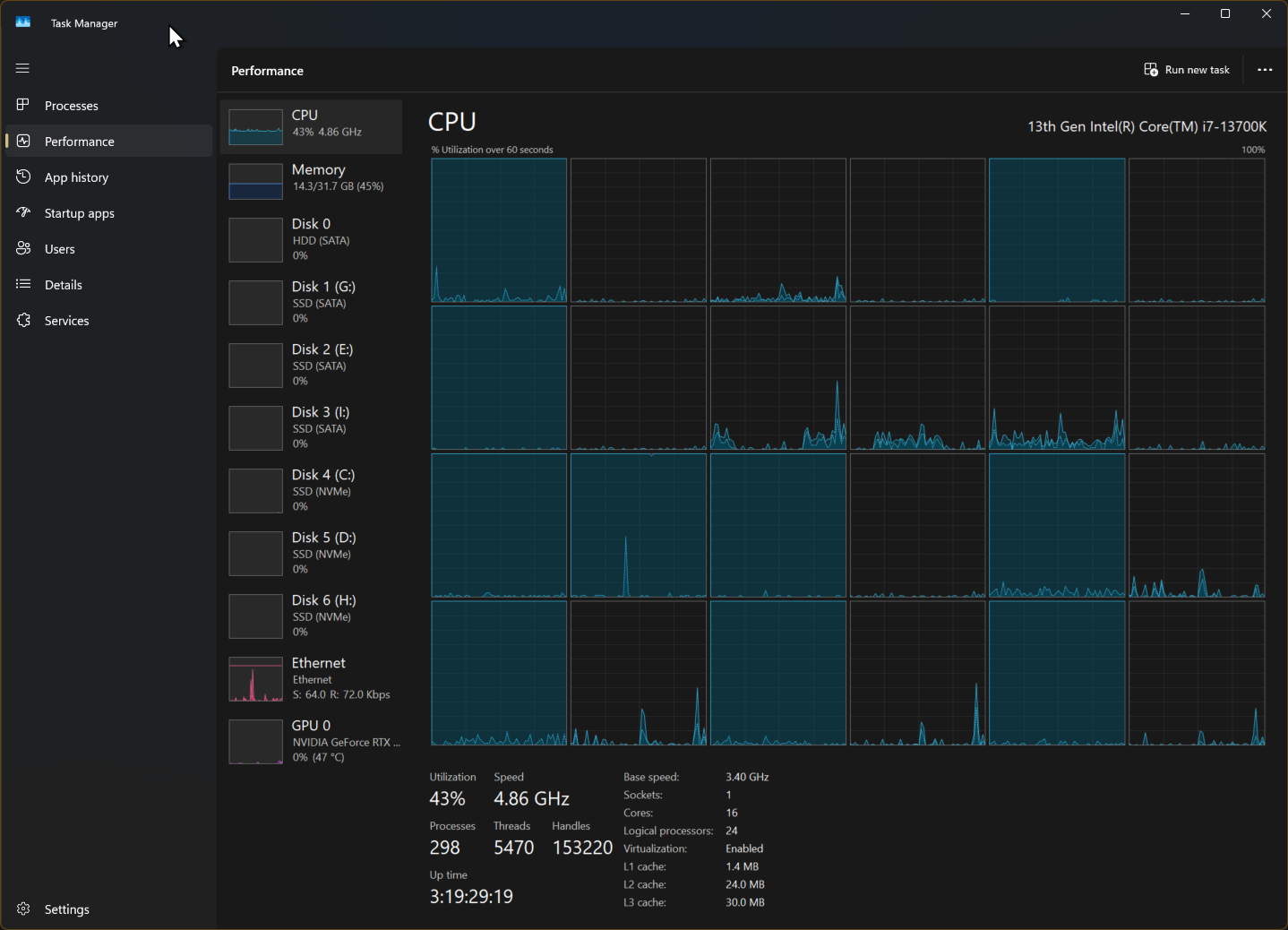
When you open Task Manager to see which app is eating your CPU alive, and suddenly everything drops to 43% like your computer is trying to act casual. "Who, me? I wasn't doing anything suspicious!" It's like when your parents walked into your room as a teenager—instant behavioral correction. Your machine goes from sounding like a jet engine to purring like a kitten the moment Task Manager appears. Those 298 processes? All angels now. Nothing to see here. The real question is: what were those 5470 threads doing before you looked? Probably mining crypto for Electron apps.

When Ram Is So Precious Nowadays!

When Ram Is So Precious Nowadays!
Docker containers are supposed to be lightweight and resource-efficient. Spoiler alert: they're not. CPU asks Docker if it can spin up some containers? Sure thing, papa. CPU asks if it can actually use some RAM? Absolutely not. CPU tries to tell a white lie about memory usage? Denied. But when Docker itself opens its mouth, you see com.docker.hyperkit casually consuming 9.06 GB like it's ordering a venti at Starbucks. The irony is thicker than your swap file. Docker preaches containerization and efficiency while its own hypervisor process eats RAM like Chrome's distant cousin at a family reunion. Your containers might be lean, but Docker Desktop? That's a different story.

Docker Docker

Docker Docker
Your CPU is basically that strict parent interrogating Docker about its absolutely OBSCENE resource consumption. "Docker, Docker" gets a sweet "Yes papa" response. But then things take a dark turn when papa CPU asks about eating RAM, and Docker straight-up denies it like a toddler with chocolate smeared all over their face. Same with telling lies. But the MOMENT papa CPU says "Open your mouth!" we see the truth: com.docker.hyperkit casually munching on 9.06 GB of memory like it's a light snack. Busted! Nothing says "lightweight containerization" quite like your Docker daemon treating your RAM like an all-you-can-eat buffet while swearing it's on a diet.

How Much Ram Is Recommended To Run Nord VPN?

How Much Ram Is Recommended To Run Nord VPN?
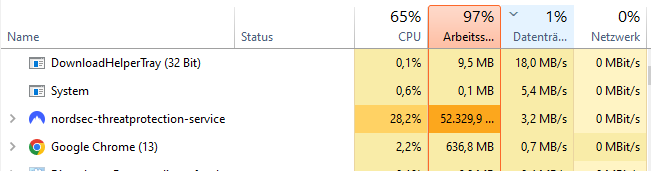
NordVPN's "threat protection service" casually munching on 52GB of RAM like it's protecting you from an alien invasion. Meanwhile, Chrome with 13 tabs is sitting there at 636MB looking like the responsible adult in the room. When your VPN service needs more memory than a professional video editing suite, you know something has gone horribly wrong. Either they're storing the entire internet locally for "protection" or someone forgot to delete a debug statement that logs every packet to an in-memory array. The real threat here isn't online—it's to your system resources.

TECKNET Cloud Keyboard Wrist Rest Set, Cloud Wrist Rest with Non-Slip Base, PU Leather Wrist Pad for Keyboard with Ergonomic Memory Foam for Computer Laptop Office Gaming and Pain Relief, White

TECKNET Cloud Keyboard Wrist Rest Set, Cloud Wrist Rest with Non-Slip Base, PU Leather Wrist Pad for Keyboard with Ergonomic Memory Foam for Computer Laptop Office Gaming and Pain Relief, White
【Ergonomic Design Cloud Wrist Rest】 The three-in-one design of wrist rest for computer keyboard, mouse wrist rest and coaster can be used in a scientific way to improve work efficiency.The keyboard w…

The Senior Devs Expectations Vs The Junior Devs Resources

The Senior Devs Expectations Vs The Junior Devs Resources
Oh, you want me to build a scalable microservices architecture with real-time data processing and machine learning capabilities? Sure thing, boss! Let me just fire up this laptop from 2012 that takes 15 minutes to boot and has 4GB of RAM that's already crying from running Slack and Chrome simultaneously. Senior devs really out here expecting you to pilot a Boeing 787 Dreamliner while handing you a tricycle with a basket. "Just make it work" they say, as if sheer willpower can compile code faster on a potato. Meanwhile, they're sitting on their MacBook Pros with 64GB of RAM complaining about how "slow" their builds are. The audacity of expecting enterprise-level performance from hardware that struggles to run VS Code without sounding like it's about to achieve liftoff is truly unmatched. But hey, at least the tricycle has a basket for your crushed dreams and cold coffee!

It's Not Over Yet...

It's Not Over Yet...
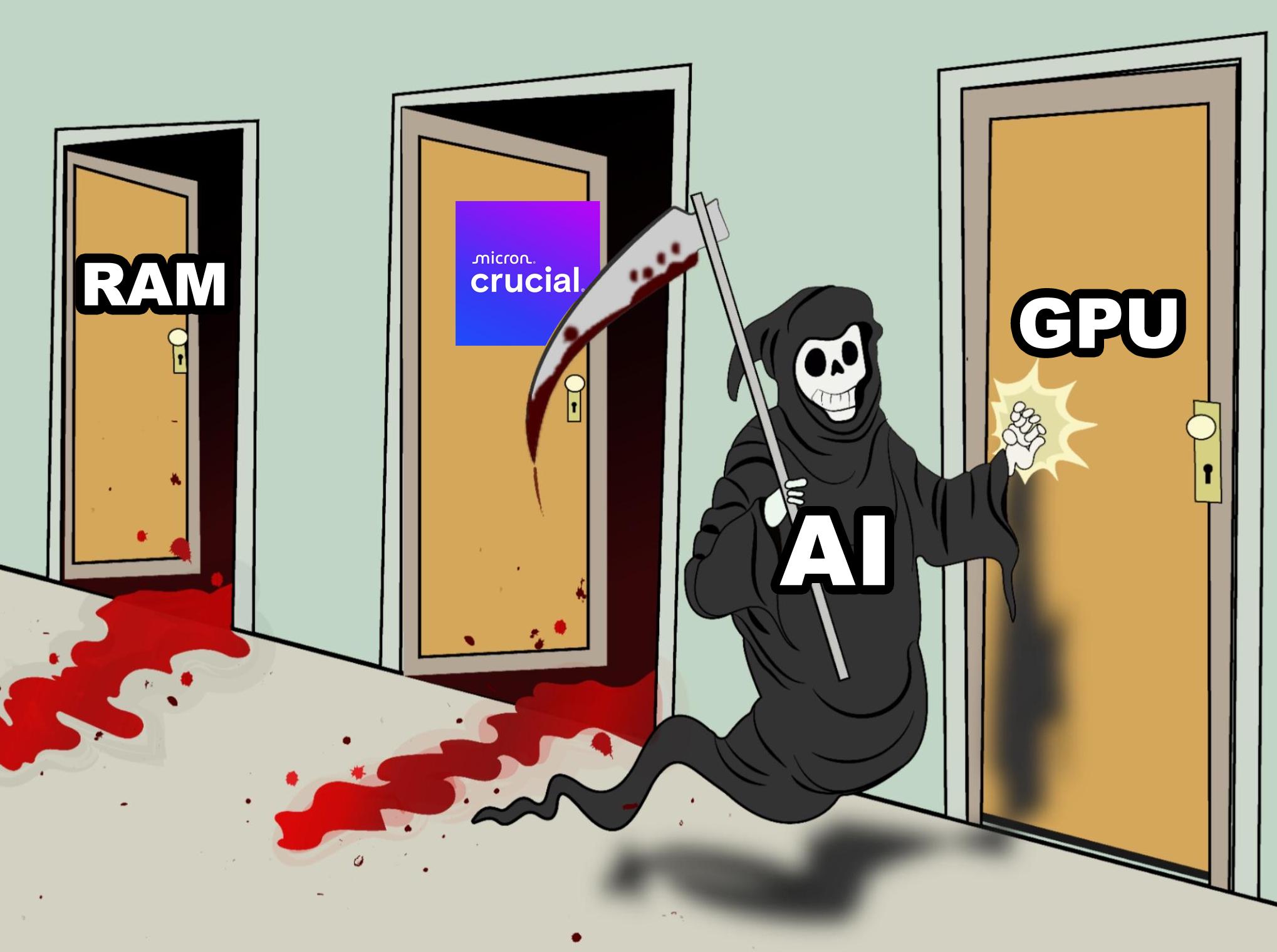
So AI already brutally murdered RAM and is currently swinging at RAM's poor cousin (Crucial brand, nice touch). But wait—there's still one more door to kick down: the GPU. And honestly? GPU manufacturers are probably sweating right now because AI's appetite for VRAM is absolutely insatiable . First, AI workloads ate all your RAM for breakfast with massive language models and training datasets. Then they came for your storage with multi-terabyte model checkpoints. Now they're eyeing your GPU like it's the final boss in a horror game, except the boss always wins. Your RTX 4090? Cute. AI needs a server farm with 8x H100s just to load the model weights. The real kicker? While gamers are out here celebrating their 24GB VRAM cards, AI researchers are like "yeah that'll hold my model's attention layer... for one token." The GPU shortage wasn't a crypto thing—it was a preview of coming attractions.

Vibe Coded Operating System

Vibe Coded Operating System
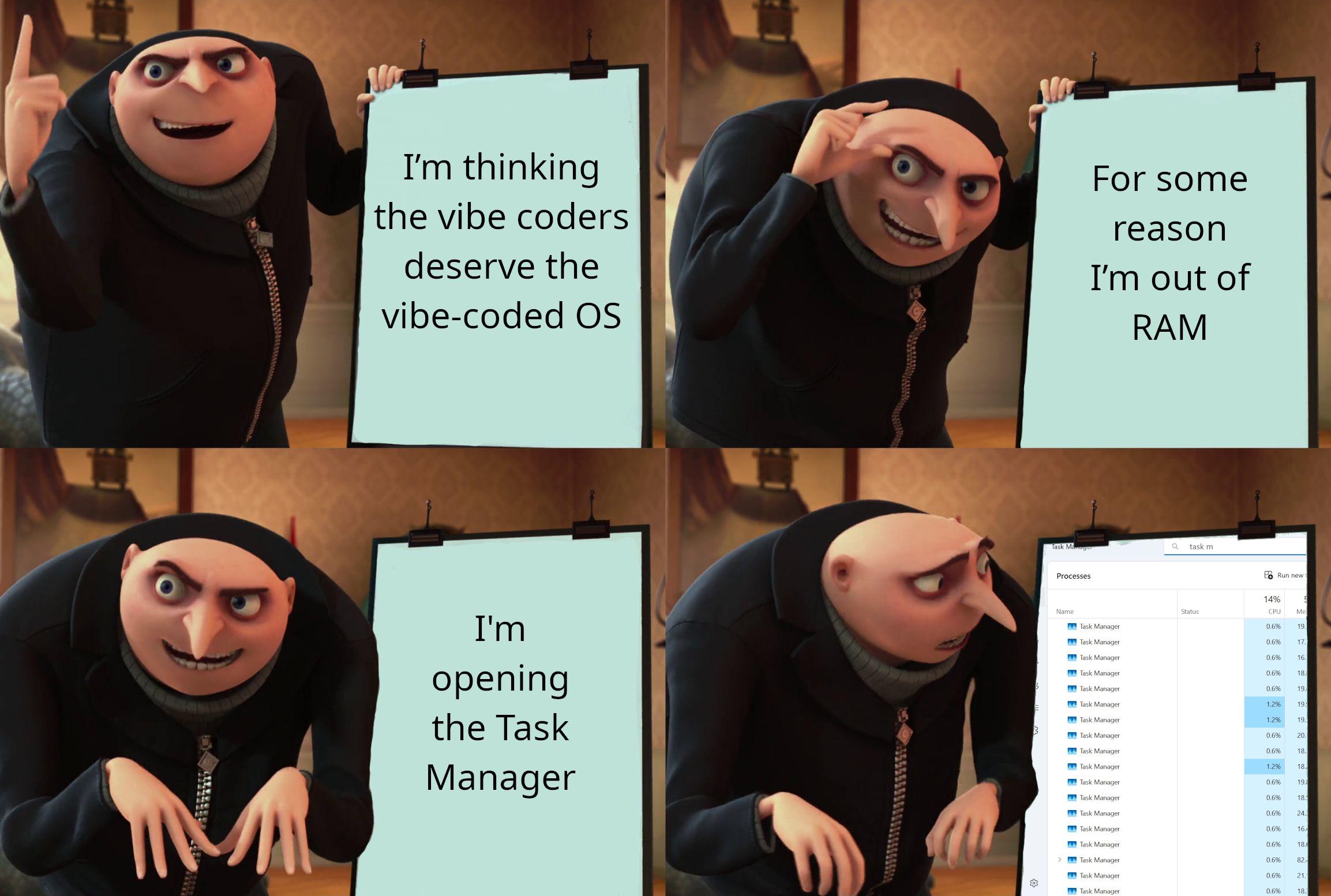
Ah, the classic villain-to-victim pipeline that is modern computing. Our evil mastermind starts with grand ambitions of a revolutionary "vibe-coded OS" - because clearly what the tech world needs is operating systems that run on good vibes instead of actual code. But reality strikes faster than a Chrome tab consuming RAM. Suddenly he's out of memory, probably because the "vibe" compiler has an O(n²) space complexity. His solution? The universal IT troubleshooting step: open Task Manager and stare hopelessly at the 47 identical processes consuming your system resources. The true villain was Windows all along. No evil plan could ever match the psychological damage of watching your computer slowly grind to a halt while Task Manager itself becomes unresponsive.