Monitor setup Memes

Posts tagged with Monitor setup
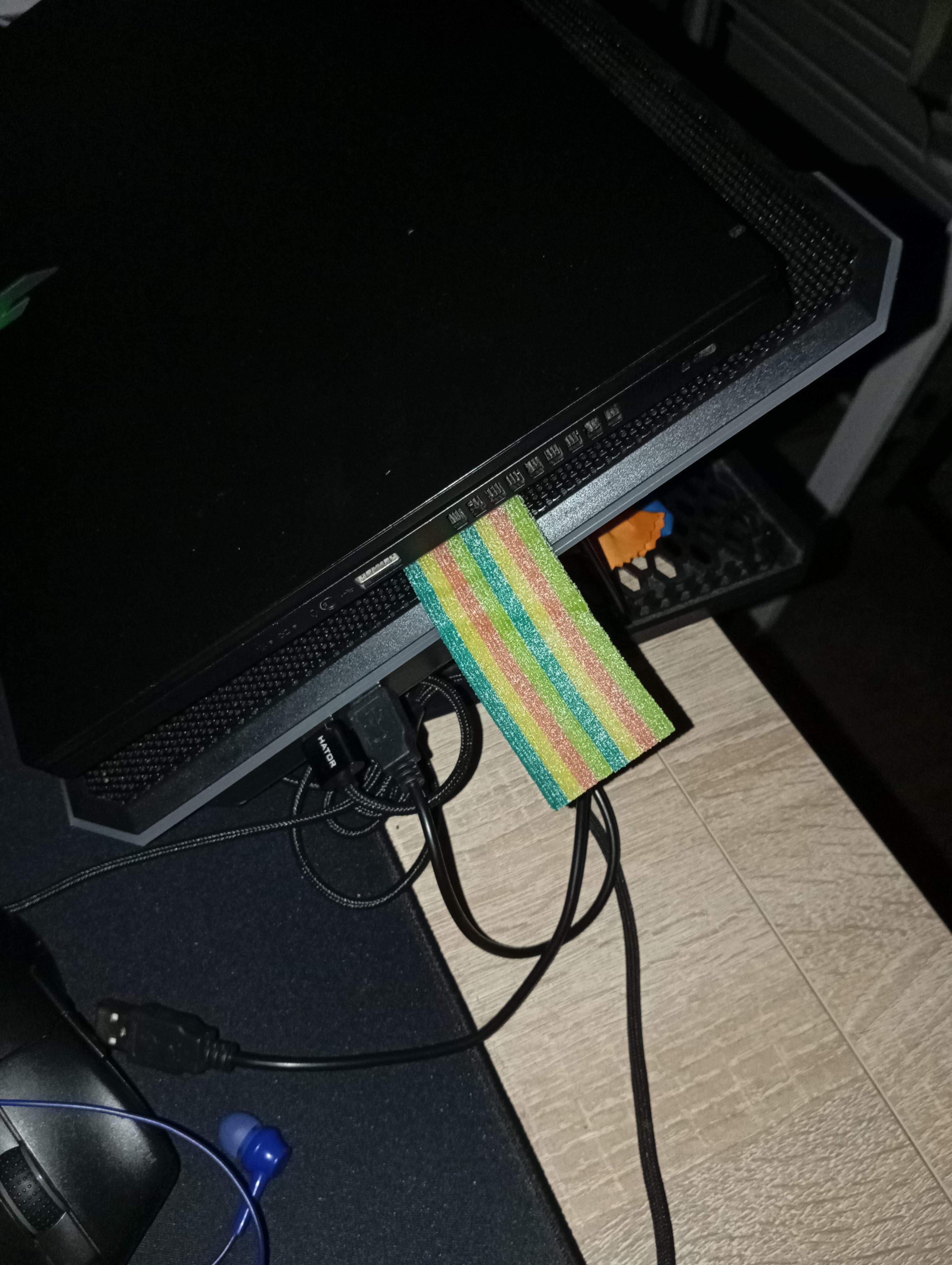
I Got Your Monitors Missing 0.01 Hz And I'm Not Giving It Back

I Got Your Monitors Missing 0.01 Hz And I'm Not Giving It Back
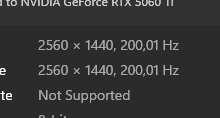
You know that feeling when you set up dual monitors and one is running at 200.01 Hz while the other is stuck at 200.00 Hz? Yeah, the GPU is basically holding that extra 0.01 Hz hostage. It's like having two perfectly matched monitors, same model, same specs, bought on the same day... and somehow the universe decided one deserves slightly more refresh rate than the other. The NVIDIA driver just sits there smugly, refusing to sync them up. You'll spend 45 minutes in display settings trying to manually set them to match, only to realize the option simply doesn't exist. That 0.01 Hz difference? It's the GPU's now. Consider it rent for using dual monitors. And yes, you absolutely WILL notice the difference. Or at least you'll convince yourself you do.

Where Does This Scale On The Monitor Alignment Chart?

Where Does This Scale On The Monitor Alignment Chart?
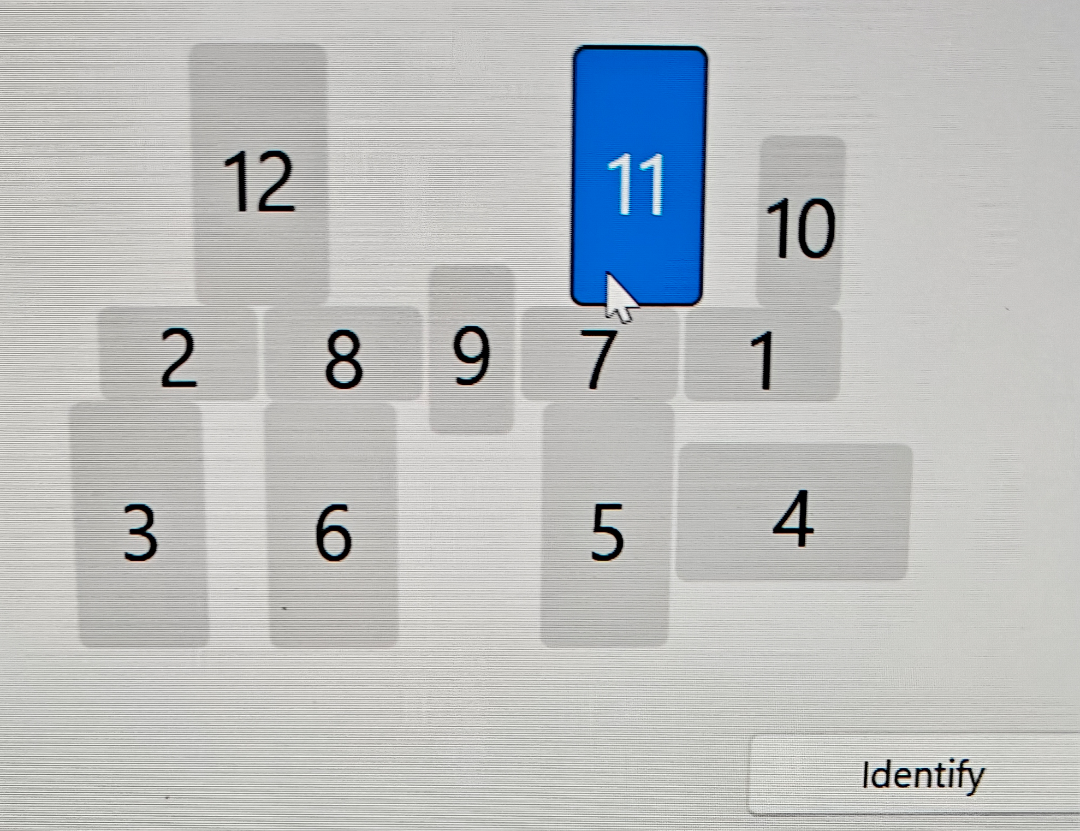
Someone's Windows display settings got absolutely wrecked, and now they're being asked to identify which monitor is which in a lineup that looks like someone played Tetris with their screens while having a seizure. The monitors are numbered 1-12 in what appears to be the result of plugging in every display device you've ever owned simultaneously—probably after a driver update or unplugging the wrong HDMI cable. The best part? Monitor 11 is highlighted and positioned vertically like it's trying to escape this chaos. Someone's definitely running a setup that involves at least three different GPU outputs, two USB-C adapters that barely work, and one monitor that only turns on if you sacrifice a chicken to the display gods. The "Identify" button at the bottom is doing some heavy lifting here, because good luck figuring out which physical screen corresponds to number 7 without a PhD in spatial reasoning. Fun fact: Windows has supported up to 10 displays since Windows 7, but just because you *can* doesn't mean you *should*. This setup probably requires more cable management than a data center and draws enough power to dim the neighborhood lights.

Dual Monitor Setups Be Like

Dual Monitor Setups Be Like
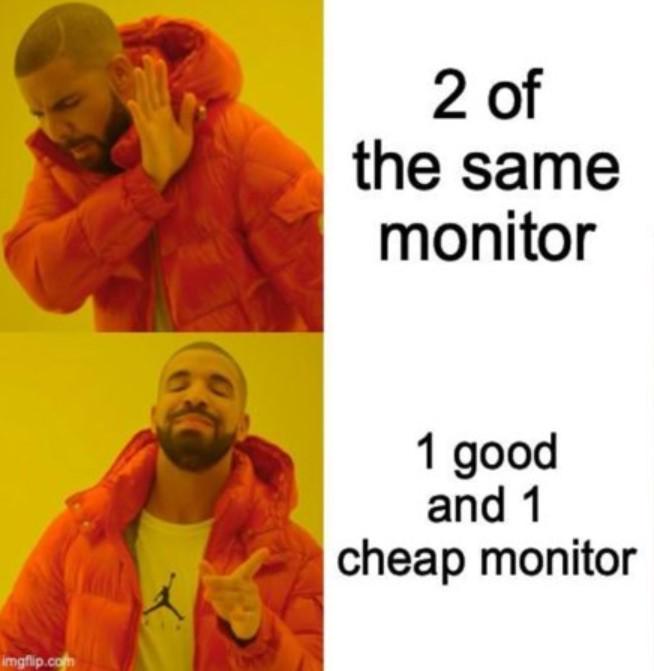
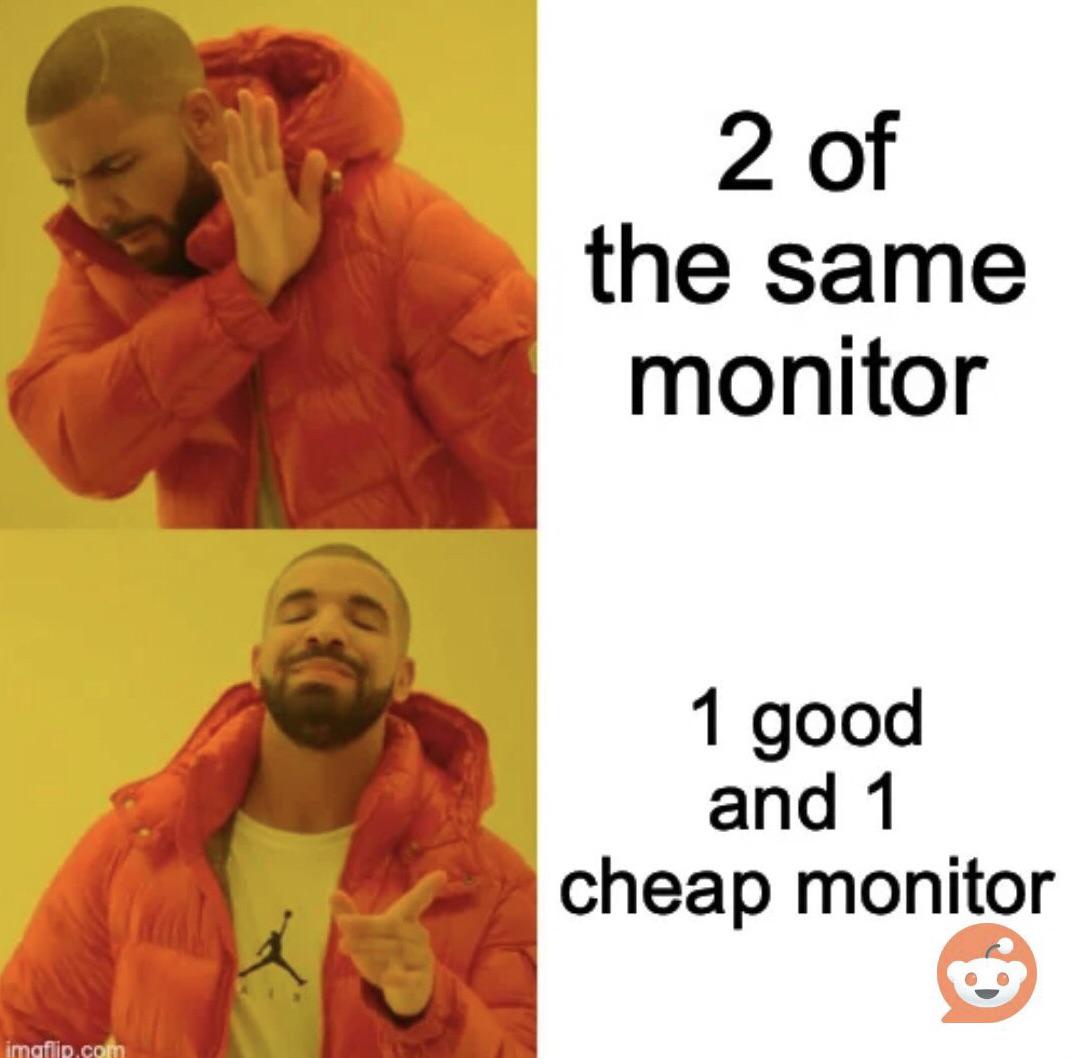
You spend $800 on a fancy ultrawide with perfect color calibration for your main display, then grab that dusty 1080p TN panel from 2009 with the dead pixel and 60Hz refresh rate for the second monitor. The color temperature doesn't match, the bezels are different sizes, and one sits 2 inches higher than the other. But hey, at least you can keep Stack Overflow open on the garbage monitor while you pretend to code on the good one. Budget optimization at its finest.

HDMI's Got What Gamers Crave

HDMI's Got What Gamers Crave
When tech enthusiasts insist you switch to DisplayPort for that extra 3.7% performance boost you'll never notice, but your entire setup is already wired with HDMI cables that work perfectly fine. It's like being lectured by the audiophile who can "definitely hear the difference" in their $500 cables while you just want to play Minecraft without rewiring your entire apartment. Yes, DisplayPort might support higher refresh rates and resolutions in certain scenarios, but for 99% of us, HDMI's got what we crave - convenience and cables we already own.

Pixel Love In The Bedroom

Pixel Love In The Bedroom
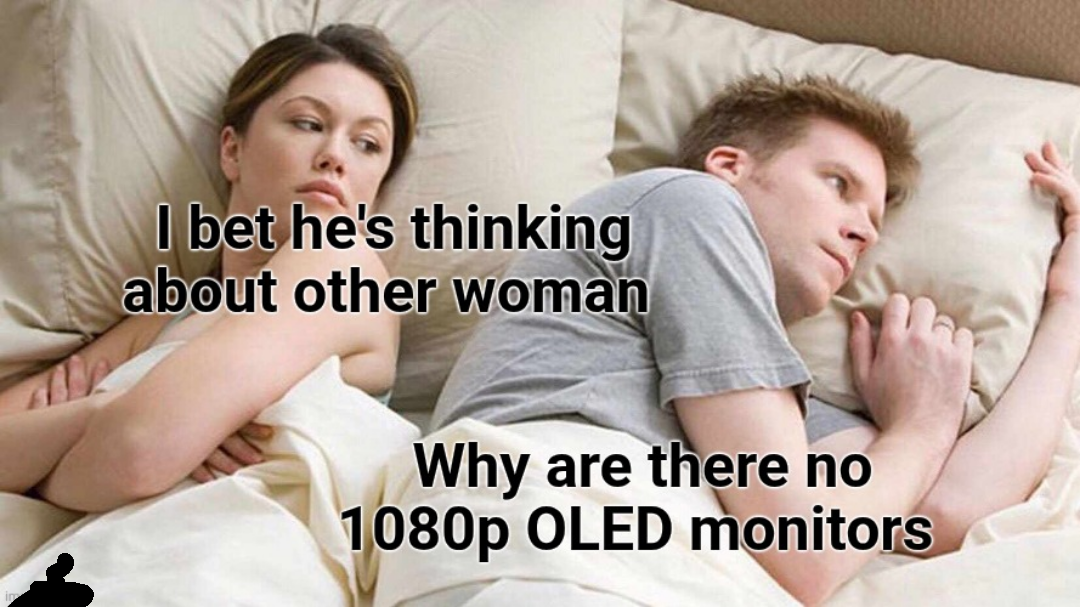
HONEY, PLEASE! While she's worried about infidelity, he's having an existential crisis over display technology! The AUDACITY of this man lying awake at night, not because of relationship problems, but because the tech industry has BETRAYED him by not making affordable 1080p OLED monitors! The sheer DRAMA of prioritizing pixel perfection over pillow talk! This is the ultimate programmer relationship red flag—when your partner's love language is refresh rates and color accuracy instead of actual human connection! 💔

4K Is Overrated - Change My Mind

4K Is Overrated - Change My Mind
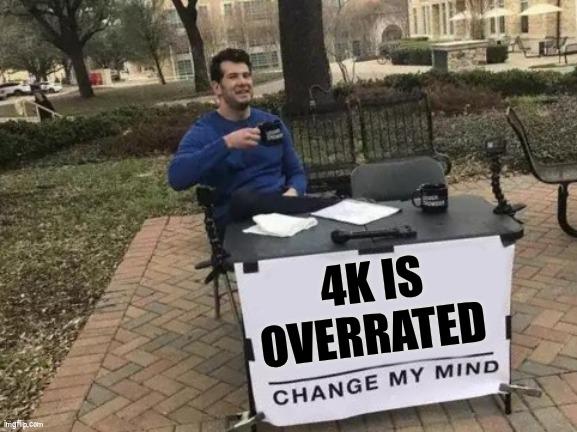
The bravest soul in the tech universe, sitting there with a "4K IS OVERRATED" sign in 2023. This is like walking into a gaming convention with "RGB lighting causes cancer" written on your forehead. Meanwhile, this dude's probably coding on a 720p monitor from 2008 and telling everyone his eyes "can't see the difference anyway." Sure buddy, and I'm still using dial-up because broadband is "just a fad."

The Invisible Architecture

The Invisible Architecture
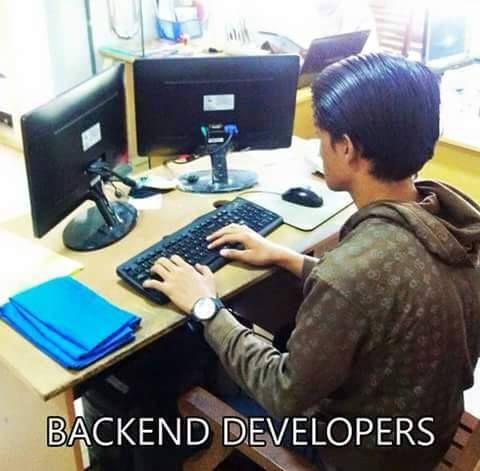
Backend developers living the dream with their dual-monitor setup... where both screens face the wall. Who needs to see users or design mockups when you can stare at a blank wall and pure terminal output all day? The perfect metaphor for backend work—just like our code, our screens remain invisible to the end user. Bonus points for the hoodie uniform—because nothing says "I handle your data but don't want to be perceived" quite like it.

Programming Is Expensive

Programming Is Expensive
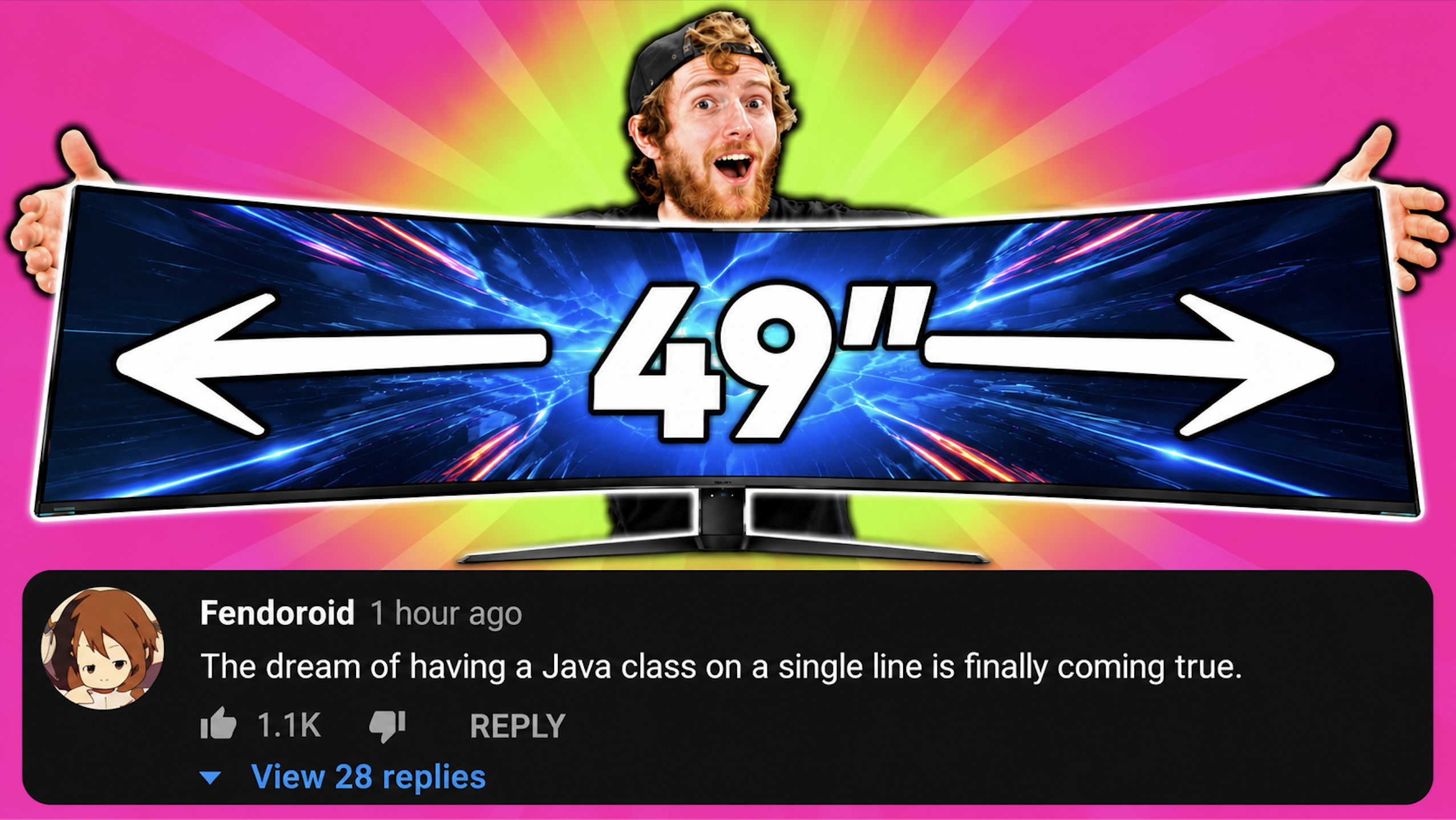
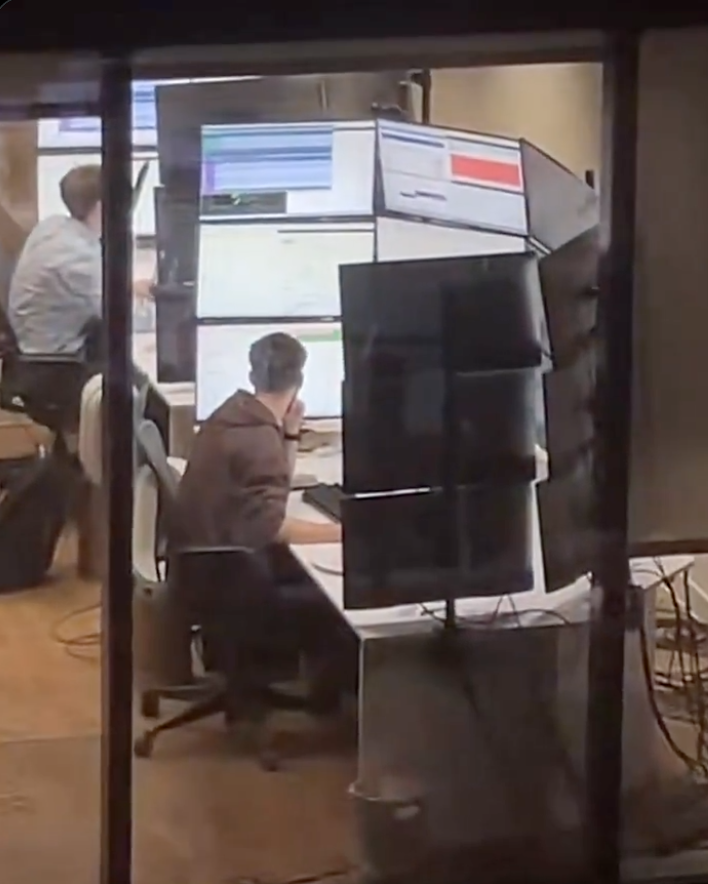
Ah, the infamous Java error logs - where class names are longer than your grocery list and stack traces extend further than your student loans. This dev's setup is perfect: the monitor displays the class names while the stack trace is so massive it needs its own dedicated vertical screen. When your error log requires more screen real estate than your actual code, you know you've achieved peak enterprise Java. The real cost of Java programming isn't the hardware—it's the therapy sessions after debugging these monstrosities.