Ergonomics Memes

Posts tagged with Ergonomics
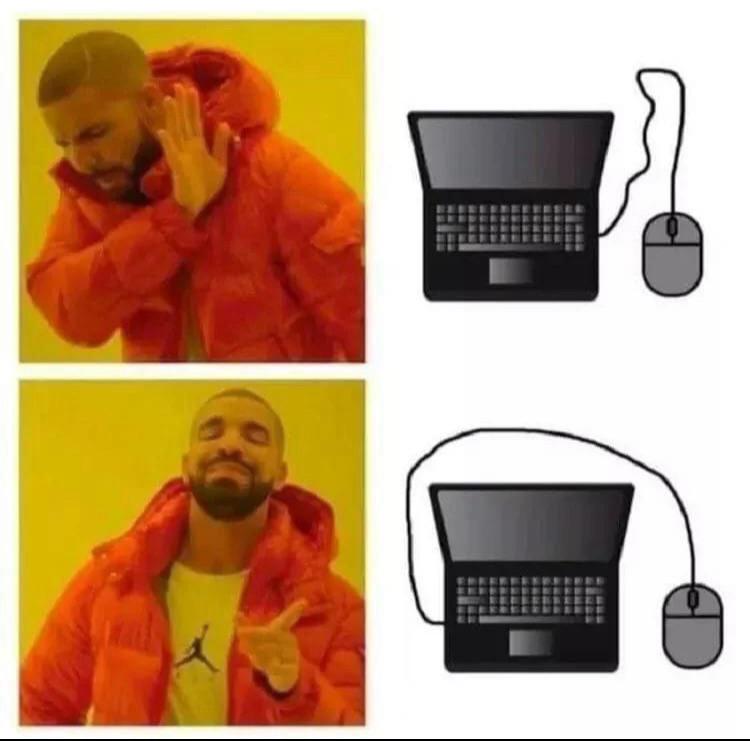
Ways To Place Mouse In Laptop

Ways To Place Mouse In Laptop
You know you've reached peak enlightenment when you discover that the mouse cable doesn't have to look like a deranged spaghetti strand doing parkour over your laptop screen. The first setup? Absolute chaos. The wire going OVER the laptop like it's trying to escape to freedom? Disgusting. Unacceptable. A crime against ergonomics. But then... *chef's kiss*... the second option reveals itself. The cable gracefully swooping AROUND the laptop, giving you that clean, unobstructed view of your screen while your mouse chills on the side like a civilized peripheral. It's the difference between a tangled mess of regret and a zen garden of productivity. Your wrists thank you, your eyes thank you, and honestly, your entire soul feels a little lighter. The Drake meme format perfectly captures that moment when you realize you've been living in the stone age of mouse placement and suddenly ascend to cable management nirvana.

With Everything Being So Expensive, I Had To Skimp On My Peripherals....

With Everything Being So Expensive, I Had To Skimp On My Peripherals....
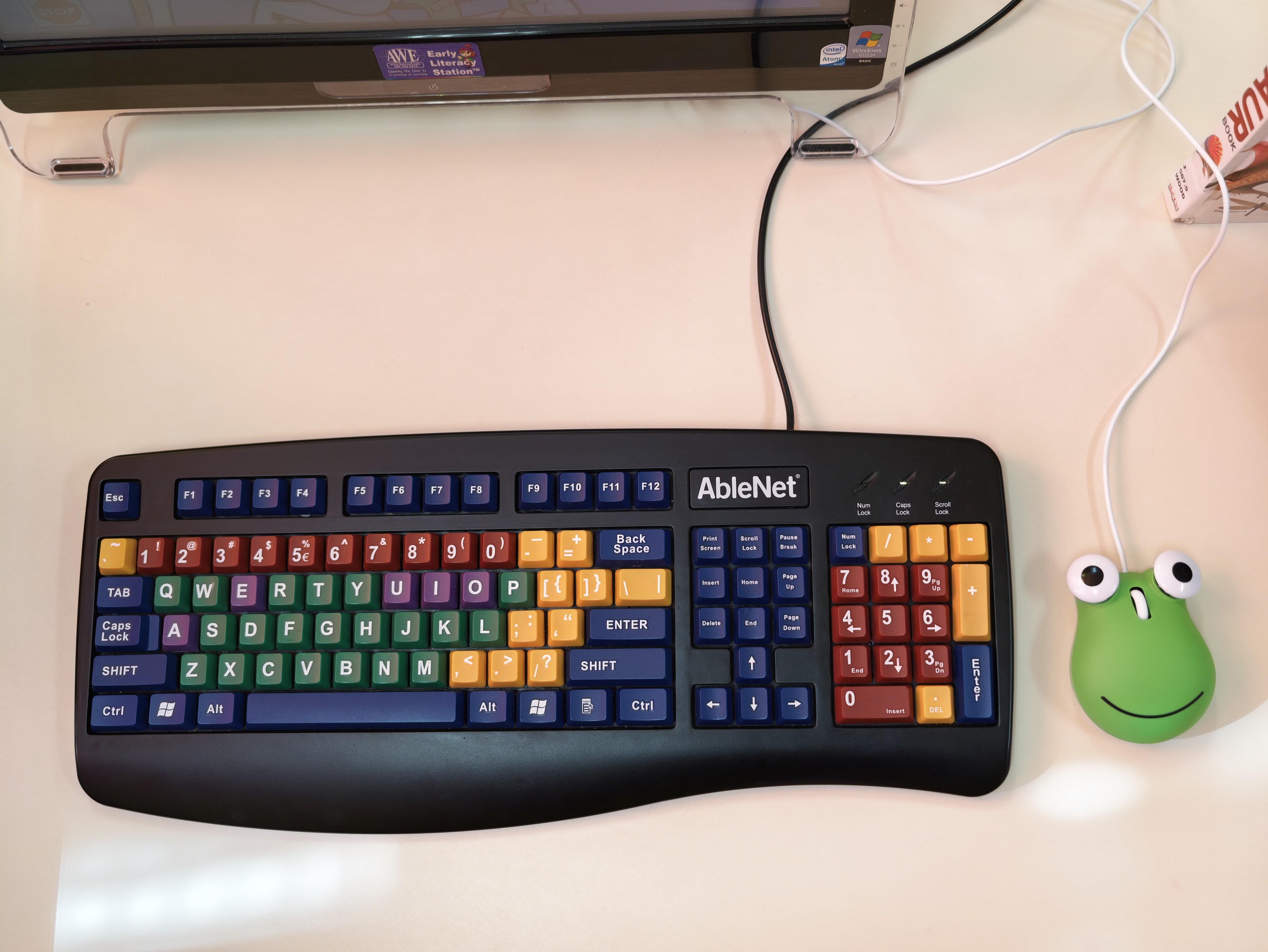
Budget cuts hit different when you're rocking a full-size ergonomic keyboard with more colors than a pride parade, paired with what appears to be a literal frog-shaped stress ball as your "mouse." The AbleNet keyboard screams "accessibility device from an elementary school computer lab circa 2003" while the green amphibian companion whispers "I gave up on precision cursor movement entirely." Nothing says "senior developer priorities" quite like investing in a specialized keyboard that probably costs more than some people's entire setup, then pairing it with a decorative frog because actual mice are apparently where we draw the financial line. At least your wrist ergonomics are on point while you're clicking with Kermit's distant cousin. The real question is: does it support drag-and-drop, or just ribbit-and-drop?

Software Devs

Software Devs
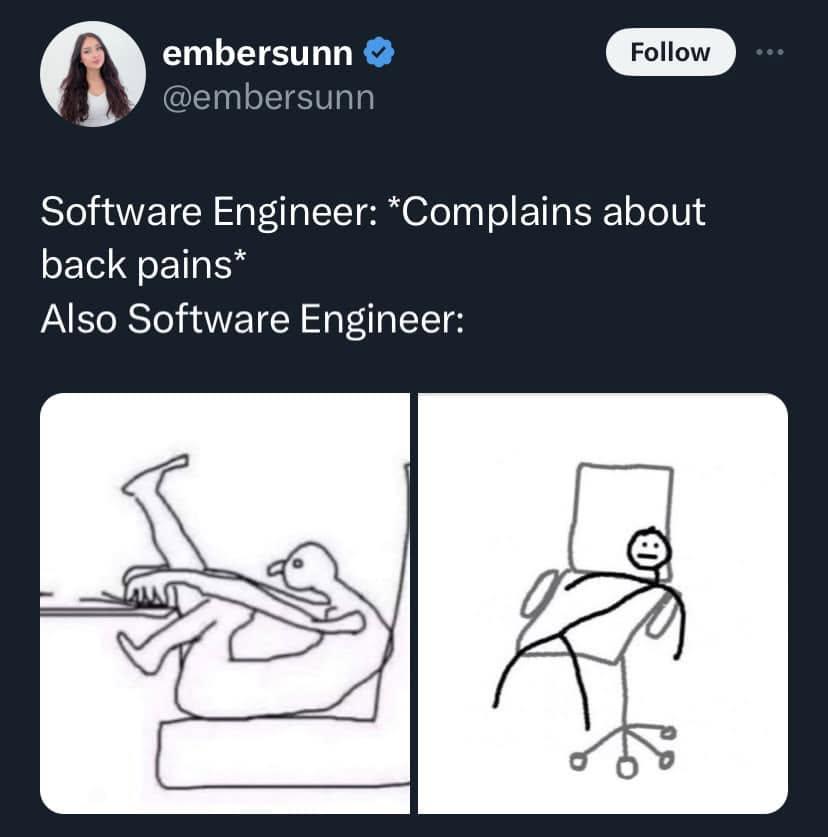
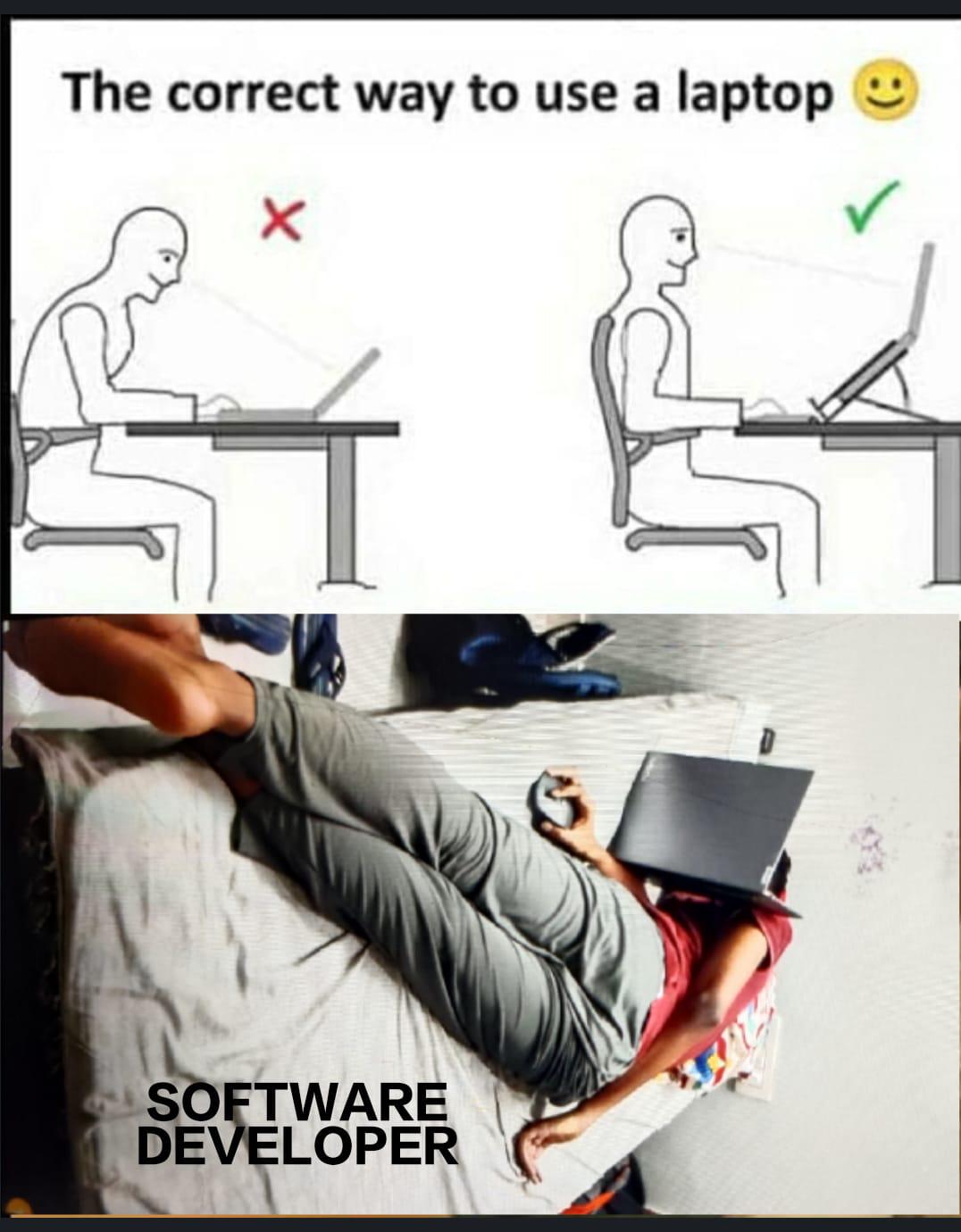
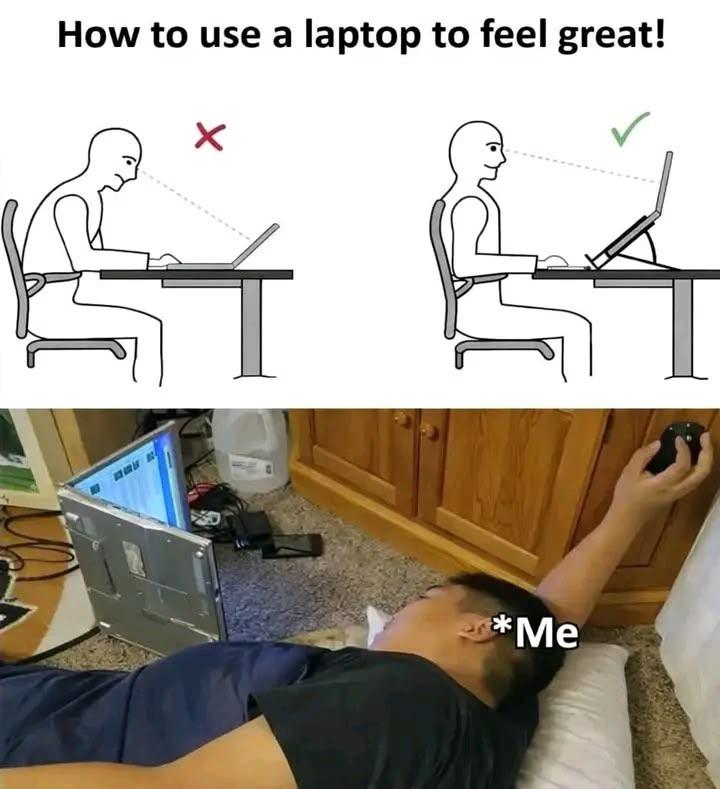
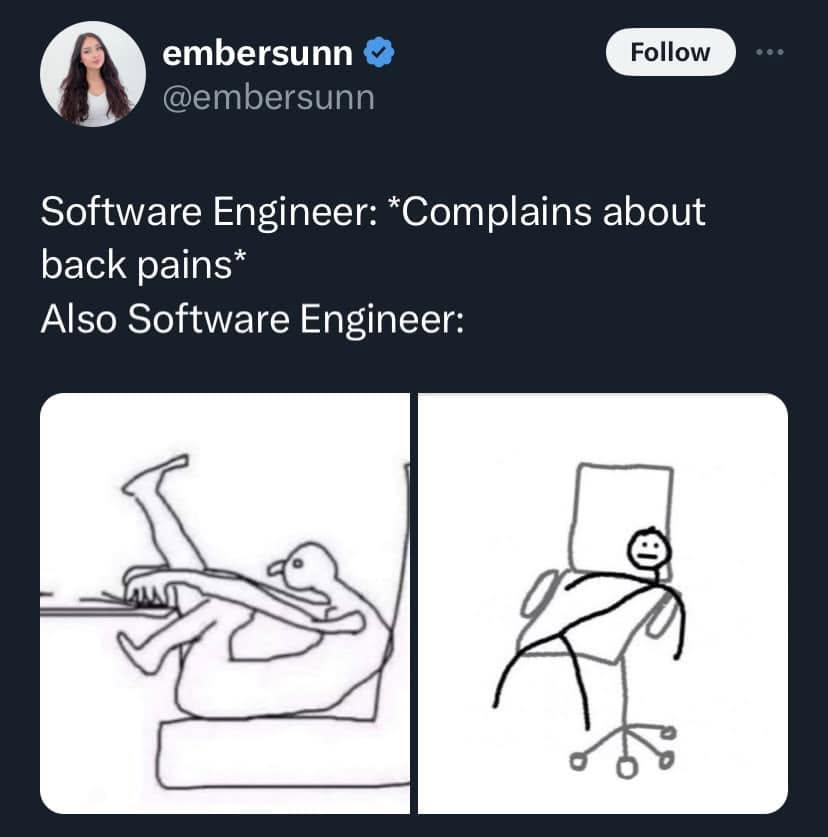
Ergonomics? Never heard of her. While normal people worry about posture and back pain, software developers have transcended physical limitations. Why sit upright when you can achieve maximum comfort by lying down with your laptop balanced on your chest like some kind of horizontal debugging deity? The blood rushing to your head clearly improves algorithm efficiency by at least 40%. Plus, typing while gravity works against you is basically a free workout for your forearms. Who needs a standing desk when you can have a lying-on-the-floor-in-questionable-positions desk? The three stages of laptop usage: wrong posture, correct posture, and developer enlightenment.

Sometimes

Sometimes...
Ergonomic setup guides: "Maintain a 90-degree angle at your elbows, keep your monitor at eye level, invest in a $2000 chair that'll save your spine!" Meanwhile, most devs are out here coding like a shrimp doing yoga on a couch at 2 PM, one leg up on the desk, the other dangling into the void, neck bent at an angle that would make chiropractors weep. But hey, the code compiles, so who's really winning here? Posture is temporary, but solving that bug is eternal. Your back pain can wait—this merge conflict can't.

Change My Mind (Gamepad Discussion)

Change My Mind (Gamepad Discussion)
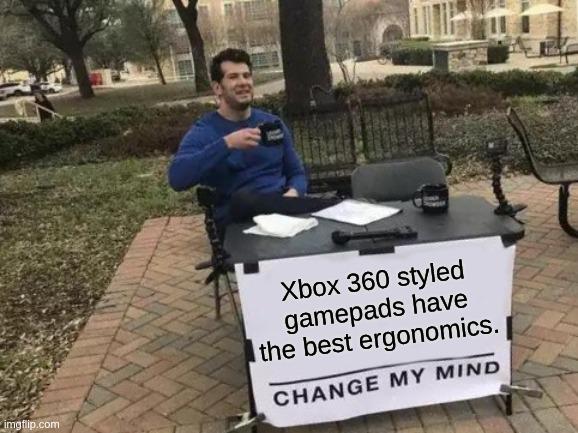
Someone's really out here ready to die on the Xbox 360 controller hill. And honestly? They might have a point. Those asymmetrical thumbsticks just hit different when you've been gaming since the Bush administration. The real debate isn't even about ergonomics though—it's about whether you're willing to admit that a 15-year-old controller design might still be peak. PlayStation fans will bring up the DualShock, PC gamers will scoff while clutching their mice, but deep down everyone knows that controller was built like a tank and felt like butter. The battery pack bump even gave your palms something to grip. Revolutionary stuff.

My Spine Has More Critical Failures Than My Production Deploy

My Spine Has More Critical Failures Than My Production Deploy
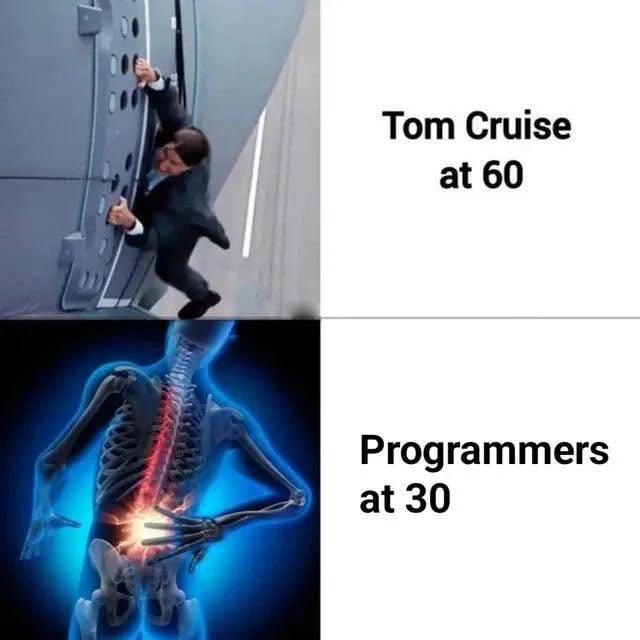
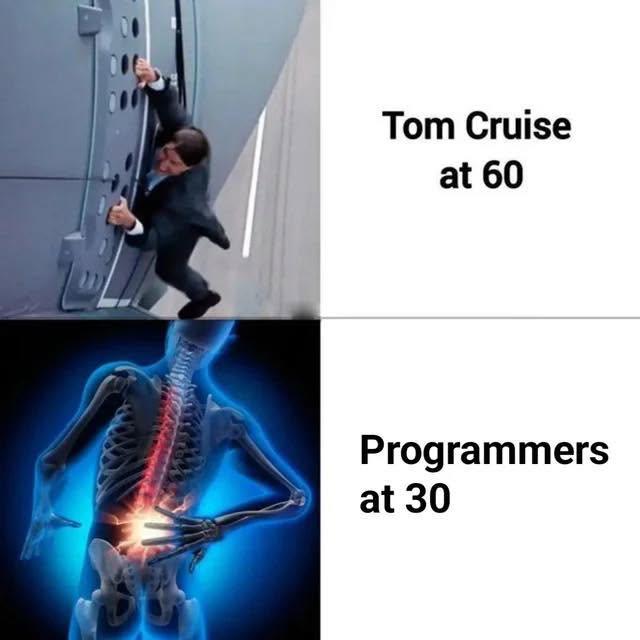
Tom Cruise doing his own death-defying stunts at 60 while programmers at 30 look like they've been hit by a bus full of merge conflicts. The absolute AUDACITY of our bodies giving up before we even hit middle age! Meanwhile Tom's out here dangling from helicopters and we can't even sit upright without our spine screaming like a failed deployment rollback. Turns out years of hunching over a keyboard in increasingly creative positions, forgetting what sunlight looks like, and treating "ergonomic chair" as a suggestion rather than a requirement has consequences. Who knew? Your body's literally throwing 500 Internal Server Errors while you're still debugging your twenties. The irony is chef's kiss – we spend all day preventing system failures while our skeletal system is actively collapsing faster than a poorly configured load balancer.

Spine Deprecated At Version 30

Spine Deprecated At Version 30
Tom Cruise doing death-defying stunts at 60 while programmers are already experiencing catastrophic spinal failure at 30. The contrast is brutal and painfully accurate. Years of hunching over a keyboard in increasingly questionable postures—combined with that "ergonomic" $50 office chair your company bought in 2015—will absolutely wreck your back faster than any deprecated API. While Tom's hanging off planes, we're struggling to get up from our desk chairs without making sounds that belong in a horror movie. The title nails it: your spine gets deprecated around version 30.0, and there's no backward compatibility. No rollback, no hotfix, just permanent technical debt in your lumbar region.

Bose QuietComfort Headphones - Wireless Bluetooth Headphones, Active Over Ear Noise Cancelling and Mic, USB-C Charging, Deep Bass, Up to 24 Hours of Playtime, Petal Pink - Limited Edition Color

Bose QuietComfort Headphones - Wireless Bluetooth Headphones, Active Over Ear Noise Cancelling and Mic, USB-C Charging, Deep Bass, Up to 24 Hours of Playtime, Petal Pink - Limited Edition Color
NOISE CANCELLING HEADPHONES: Effortlessly combines noise cancellation technology with passive features so you can shut off the outside world, quiet distractions, and take music beyond the beat · COMF…

Proper Posture Is Important

Proper Posture Is Important
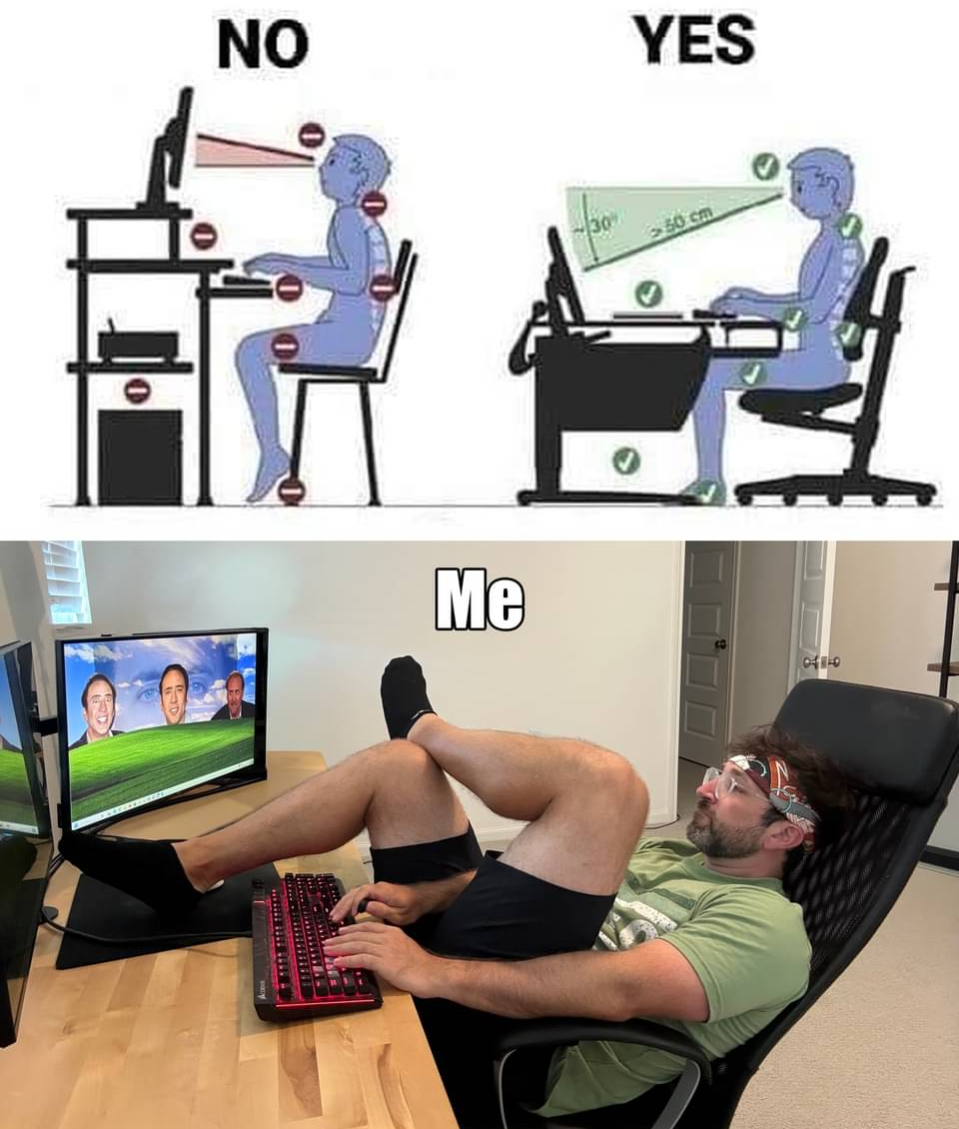
Ergonomics experts: "Maintain a 90-degree angle! Keep your monitor at eye level! Support your lumbar!" Programmers: *reclines to a near-horizontal position like they're piloting a spaceship while their legs achieve orbit* The "proper" setup has more checkmarks than a QA test suite, but reality is just maximum comfort optimization. Why sit upright like a Victorian aristocrat when you can become one with your chair? Your chiropractor might disagree, but your productivity when you're basically laying down says otherwise. Plus, that Windows XP wallpaper with the cursed faces really ties the whole setup together—nothing says "professional developer" quite like coding in what looks like a dentist's recliner.

Best Position To Use A Laptop

Best Position To Use A Laptop
Ergonomics? Never heard of her. While corporate wellness programs are out here preaching about proper posture and laptop stands, developers have discovered the true optimal position: lying on the floor like a defeated NPC, laptop balanced at a 45-degree angle on your chest, staring up at the screen like you're reading ancient hieroglyphics on a cave ceiling. The top diagram shows you what society thinks you should do versus what chiropractors recommend. The bottom photo? That's the reality of debugging at 2 AM when your back already hurts, your chair is too far away, and you've achieved maximum comfort by becoming one with the ground. Bonus points for the kitchen floor location—truly the developer's natural habitat when the desk just isn't cutting it anymore. Pro tip: This position also doubles as the "my code finally compiled" victory pose and the "production is down" existential crisis stance.

Rate My Setup. (Ignore The Cat)

Rate My Setup. (Ignore The Cat)
Ah yes, the classic "rate my setup" post where you're supposed to ignore the most important component. The laptop's there, the water bottle for hydration's there, headphones for those late-night debugging sessions are ready... but the real MVP is the orange tabby acting as a wrist rest/mouse pad/code reviewer. 10/10 ergonomics, would recommend. The cat provides excellent thermal management by absorbing all body heat, and the random paw-on-keyboard feature ensures your code gets some creative input you didn't ask for. Also, pretty sure that's not a car.

Best Position For Gaming

Best Position For Gaming
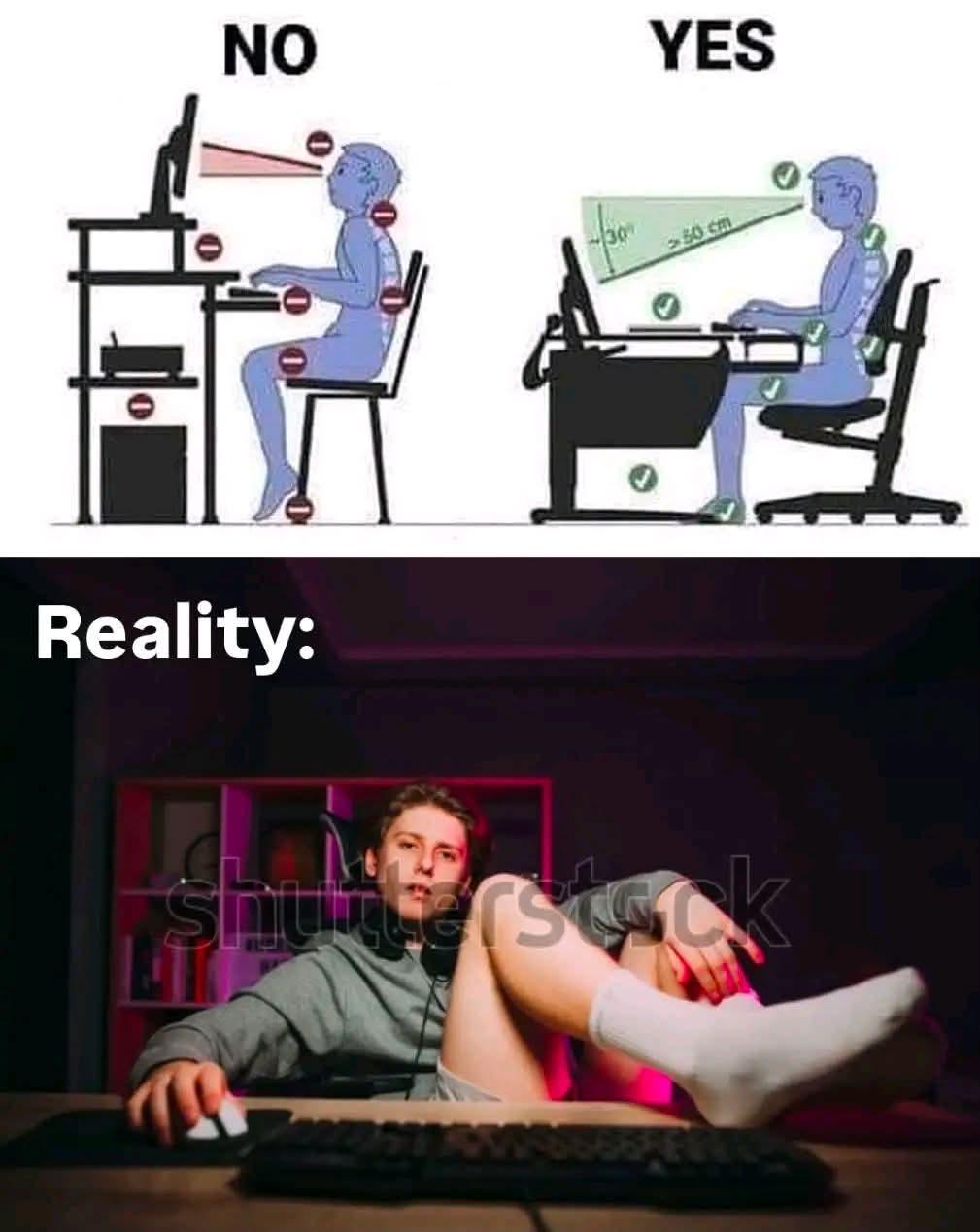
Ergonomics? Never heard of her. The top shows proper posture (red dots = bad) versus good posture (green dots = good), but then reality hits hard with "US" – two devs gaming in what appears to be a flooded internet cafe, leaning back in their chairs like they're auditioning for the Matrix. Because when you're grinding through that 12-hour debugging session or trying to hit Immortal rank, spinal alignment becomes a mere suggestion. Your chiropractor is crying, but your K/D ratio is immaculate. The real developer posture is whatever keeps you conscious enough to push to production at 3 AM.

Backend Devs Be Like

Backend Devs Be Like
Backend developers: masters of APIs, databases, and server architecture... but apparently not ergonomics. Why spend money on a second monitor when you can just develop scoliosis instead? The monitor is literally angled away like it's trying to escape, and buddy here is twisted like a pretzel just to see his code. Meanwhile, frontend devs are out here with their triple ultra-wide setups and RGB everything, while backend folks are coding in positions that would make a chiropractor weep. But hey, at least the database queries are optimized, right? Who needs proper posture when you've got properly normalized tables?