Editor wars Memes

Posts tagged with Editor wars
Can't Spell Revolution Without Vi

Can't Spell Revolution Without Vi
The eternal Vim paradox perfectly captured. Sure, it's been around since the dinosaurs roamed the earth, and yeah, the learning curve is basically a vertical wall covered in grease. You'll spend your first week accidentally deleting entire files and wondering why your keyboard suddenly stopped typing words. But here's the kicker: once you've climbed that wall and your fingers start speaking fluent hjkl, you'll feel like a code-editing wizard who can manipulate text at the speed of thought. The "you're free" part hits different when you realize you've transcended the need for a mouse and can refactor entire codebases without your hands ever leaving the home row. Just don't ask a Vim user how to exit—they're still figuring that out.

Why Hard Exit Editor? Nano Say At Bottom.

Why Hard Exit Editor? Nano Say At Bottom.
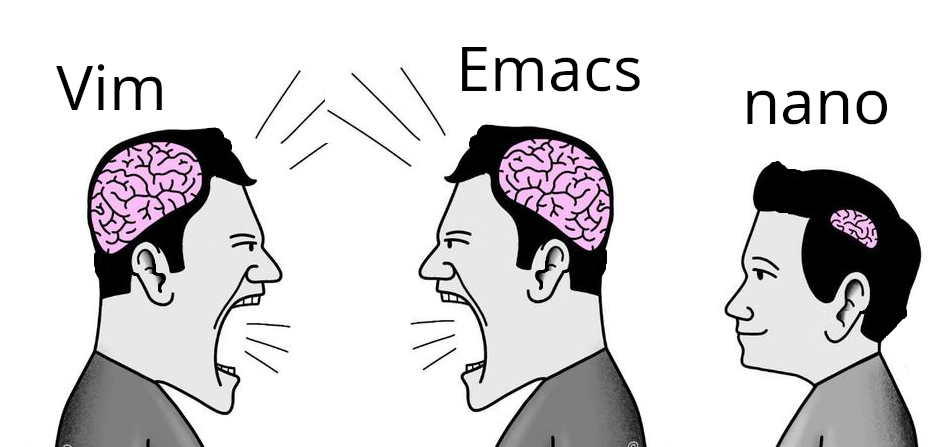
The eternal text editor holy war, but this time it's about brain size. Vim and Emacs users are out here memorizing arcane keyboard shortcuts like they're casting spells from a grimoire, while nano users just... read the instructions at the bottom of the screen. Ctrl+X to exit. It's right there. No need to Google "how to exit vim" for the 47th time or learn Lisp to configure your editor. The joke cuts deep because it's true. We've somehow convinced ourselves that memorizing `:wq` or `C-x C-c` makes us superior beings, when really nano just has better UX. But hey, at least we can feel intellectually superior while being trapped in insert mode.

Sad Times

Sad Times
The evolution of text editors told through the lens of broken friendships. We've all been there—you started coding with Notepad++ like it was your ride-or-die, then Sublime Text came along with its sleek UI and multi-cursor magic, and suddenly you're acting like Notepad++ never existed. Now Sublime Text is getting the same treatment because VS Code (represented by that orange Sublime logo) showed up with IntelliSense, integrated terminal, extensions for literally everything, and—oh yeah—it's free. No more "unregistered" popup guilt trips. The crossed-out Notepad++ at the bottom really drives home the point: it's not just replaced, it's erased from memory . The text editor graveyard is real, and we're all guilty of moving on without looking back. RIP to the tools that taught us to code before we got fancy with our IDEs.

The Wandering Developer's Eye

The Wandering Developer's Eye
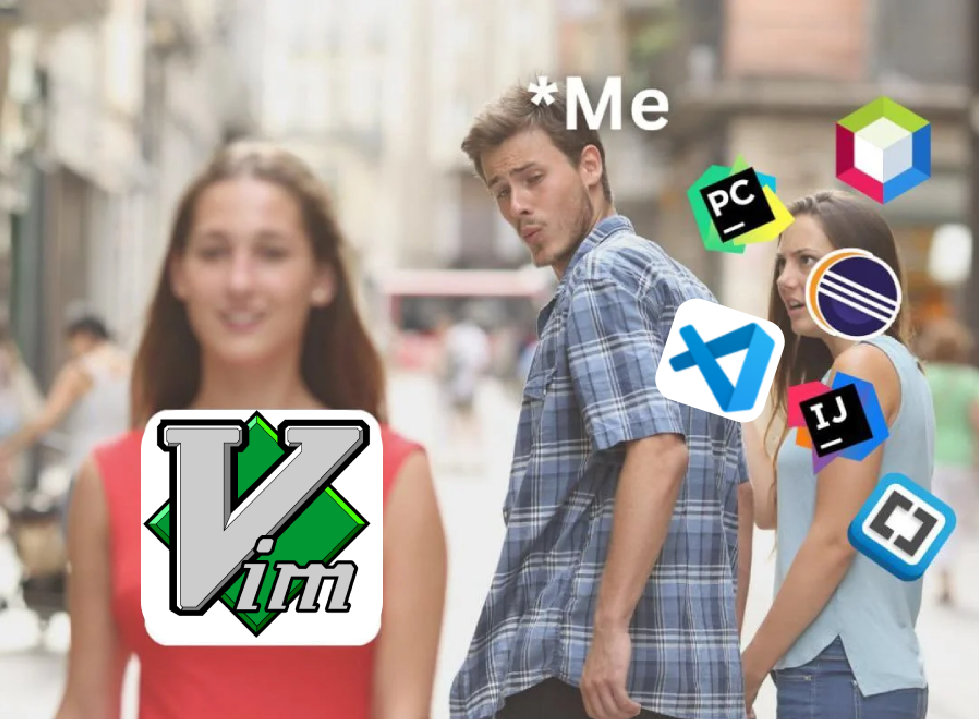
The eternal struggle of modern developers - being seduced by shiny new IDEs while Vim sits there wondering what happened to loyalty. The person labeled "Me" is turning away from Vim (the OG text editor) to ogle at all the fancy modern development tools like VSCode, IntelliJ, PyCharm, and WebStorm. It's the coding equivalent of dumping your reliable high school sweetheart for the cool transfer students with their fancy features and auto-completions. Sure, those IDEs might have debugging tools that actually work and don't require 47 keyboard shortcuts to save a file, but Vim has... um... bragging rights at developer meetups?

Shoutout To Random Editor You Used Once And Is Still Your Favorite

Shoutout To Random Editor You Used Once And Is Still Your Favorite
OMG the absolute BETRAYAL in this image! 💔 Visual Studio Code has somehow infiltrated the squad while the VS Code logo stands there smugly like it owns the place! The audacity! The drama! Every developer has that ONE editor they tried for like 15 minutes in 2017 and somehow developed a lifelong blood oath to defend it to the death. VS Code swooped in with its extensions and pretty icons and now we're all TRAPPED in its blue embrace forever! Meanwhile, our poor abandoned Notepad++ icons weep silently in the recycling bin. 😭

PLC Programmer Poster Print - I Speak Ladder Logic - 13x19 - Industrial Style Wall Art

PLC Programmer Poster Print - I Speak Ladder Logic - 13x19 - Industrial Style Wall Art
TECHNICAL DESIGN: Bold typography featuring 'I Speak Ladder Logic' with circuit symbols and ladder logic elements creates an authentic industrial aesthetic perfect for PLC programmers and automation …

I Still Prefer VS Code

I Still Prefer VS Code
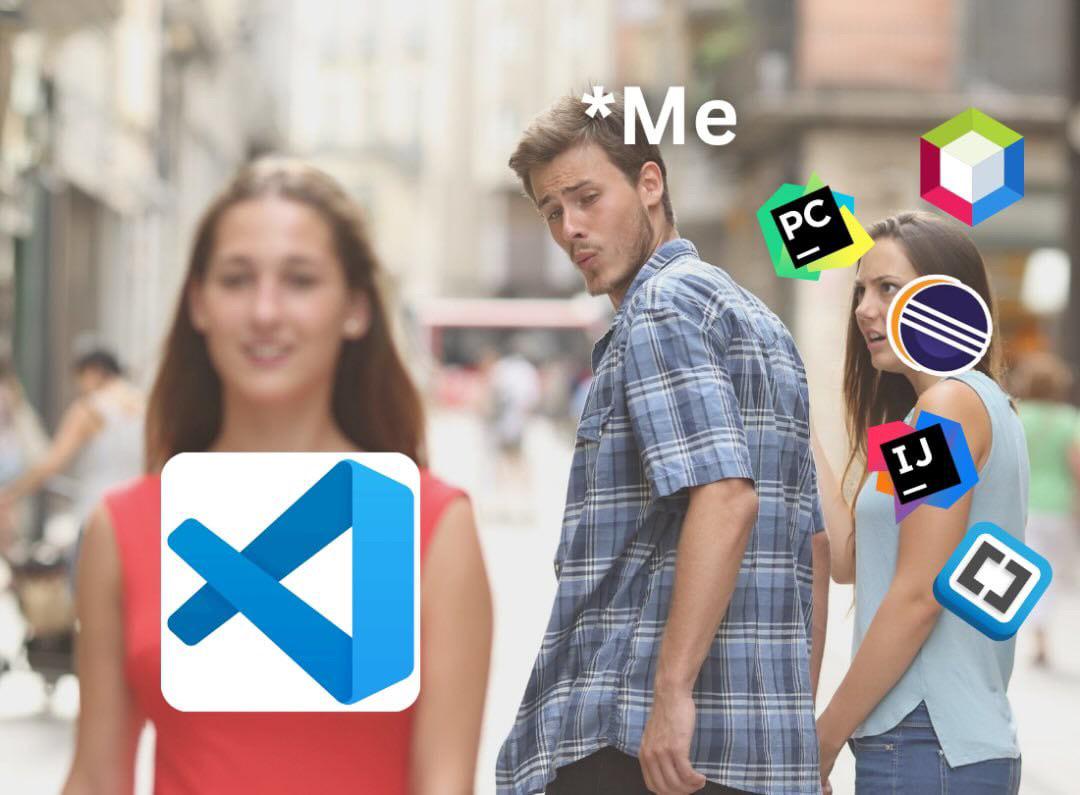
The eternal IDE love triangle. While fancy IDEs like PyCharm, IntelliJ, Eclipse, and WebStorm try to seduce developers with their sophisticated features and plugins, there's something about VS Code's simplicity and blue icon that just hits different. It's like choosing between the high-maintenance date with all the bells and whistles versus the chill one who doesn't need three minutes to load up when you just want to edit a single file. Sure, JetBrains might offer me intelligent code completion that practically reads my mind, but VS Code won't judge me when I write spaghetti code at 2 PM on a Tuesday.

The Text Editor Holy War

The Text Editor Holy War
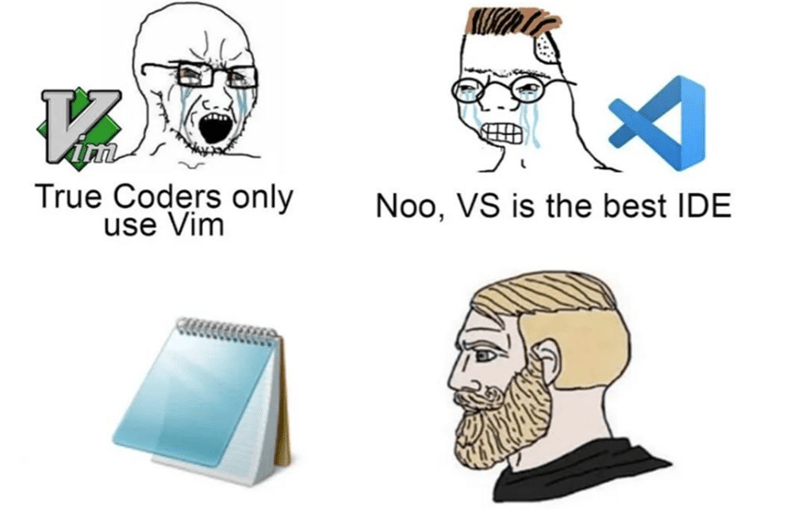
The eternal IDE holy war rages on, but the true enlightened ones know better. While Vim zealots scream about modal editing efficiency and VS Code fans cry about their precious extensions, the silent chad just opens Notepad and gets shit done. No plugins, no config files, no 5GB of RAM usage—just pure, distraction-free typing. The real 10x developer isn't the one with the fanciest tools; it's the one who stops arguing about tools and actually writes some damn code.

Editor Snobbery Is The Fastest Way To Lose Friends

Editor Snobbery Is The Fastest Way To Lose Friends
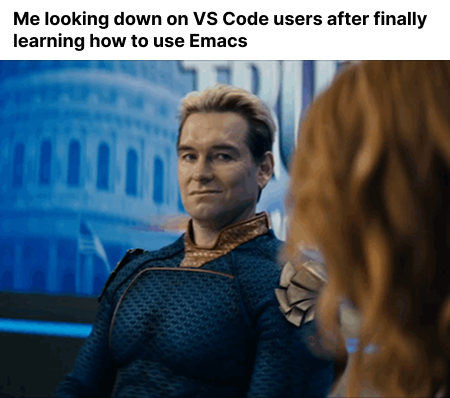
The ABSOLUTE SUPERIORITY COMPLEX that consumes your soul once you've conquered the ancient text editor Emacs! 💅 One minute you're struggling with keyboard shortcuts that require more fingers than an octopus has tentacles, and the next you're looking at VS Code peasants like they're coding with crayons. The transformation is COMPLETE - you've gone from normal developer to insufferable text editor elitist faster than you can say "M-x butterfly." Your friends will abandon you, but who needs friends when you have customizable keybindings?!

The Infinity Editor War

The Infinity Editor War
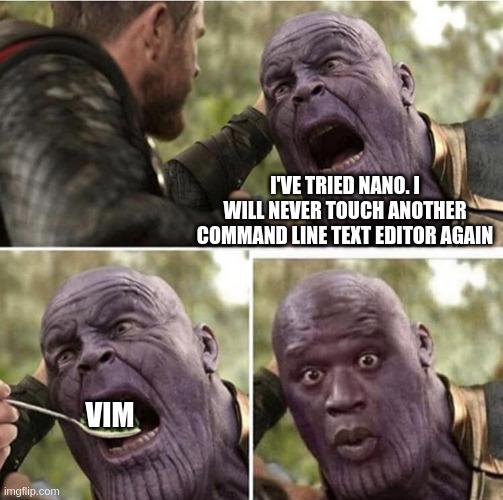
The eternal text editor war claims another victim! Nano is often the gateway drug for command-line editing—deceptively simple with those helpful shortcuts at the bottom. But then comes Vim, with its modal editing paradigm that warps your brain faster than a quantum compiler. The sheer terror in that final panel perfectly captures the moment you realize you've typed vim and now have absolutely no idea how to exit. Not even Thanos with the infinity gauntlet can escape the clutches of Vim without frantically Googling "how to exit vim" for the 42nd time.

Visual Studio Doesn't Get Love

Visual Studio Doesn't Get Love
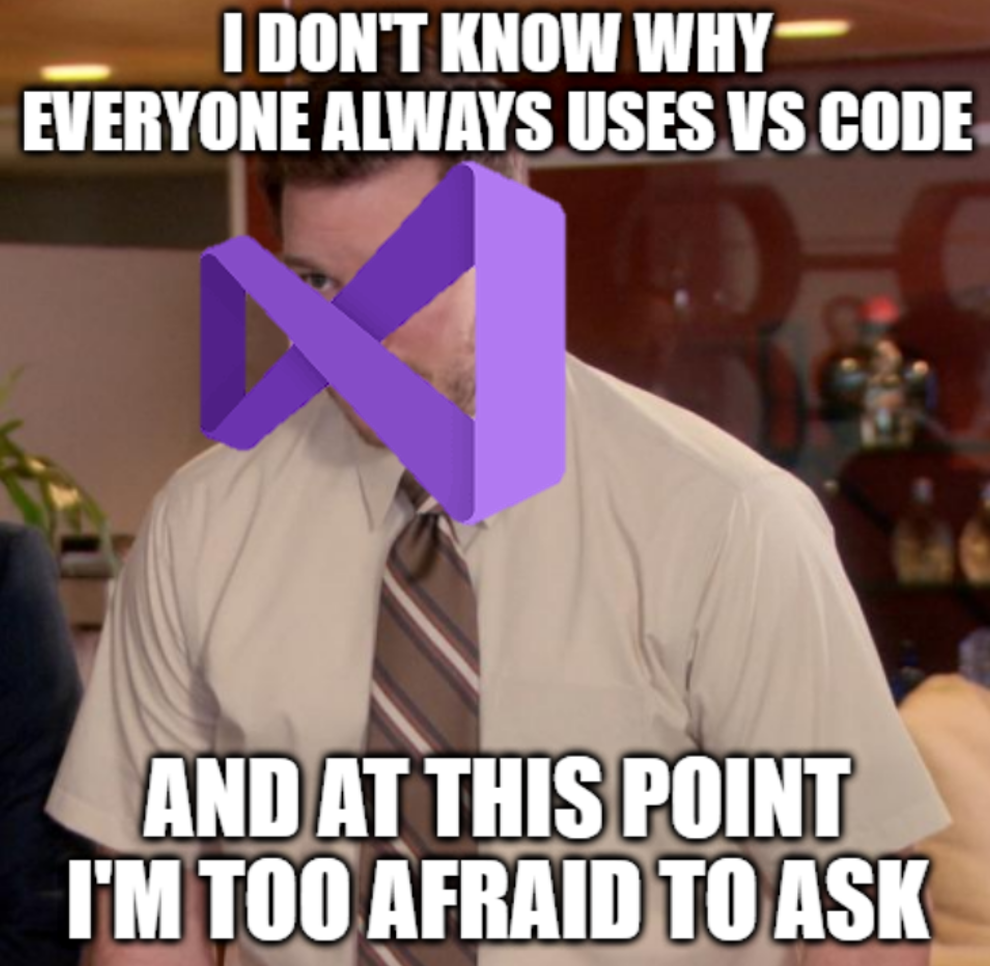
The poor Visual Studio logo is literally covering this guy's face like "notice me please!" Meanwhile, VS Code has somehow become the cool kid that everyone flocks to without question. It's like showing up to a party with your reliable SUV when everyone else arrived in sports cars. Sure, Visual Studio can handle enterprise-level projects that would make VS Code cry for its mother, but who cares about actual horsepower when you can have pretty icons and a smaller install size? The classic developer paradox - we'll spend hours customizing themes but won't spend 5 minutes learning the tool that might actually be better for the job.

Wait, It's All VS Code?

Wait, It's All VS Code?
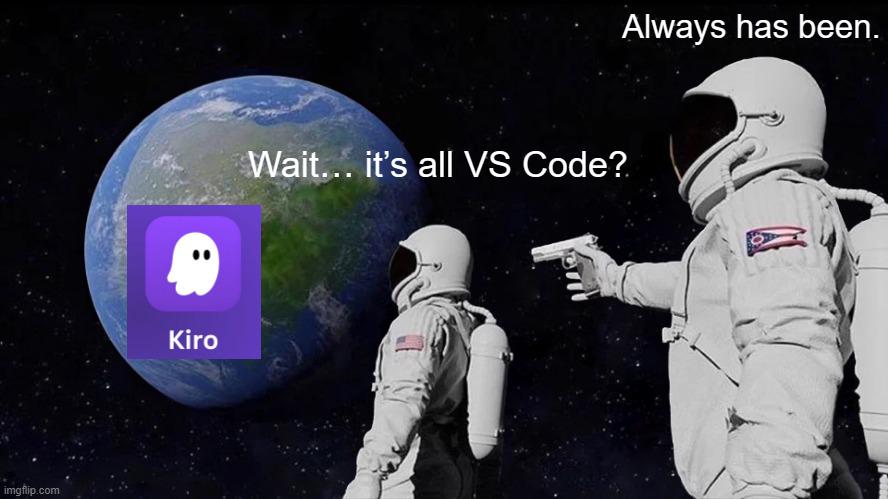
OH. MY. GOD. The existential crisis of discovering the entire coding universe is just VS Code with different makeup on! 💅 The meme shows the classic astronaut "always has been" format but with a PLOT TWIST - the astronaut is discovering that even Kiro (that cute little ghost editor) is just another VS Code clone lurking on our precious planet! The sheer AUDACITY of these text editors pretending to be unique when they're all just VS Code wearing different outfits! Next you'll tell me oxygen is just spicy air! I can't even!

Shots Fired: The Plugin Addiction

Shots Fired: The Plugin Addiction
The eternal lie every VS Code user tells themselves. "Just one more extension and I'll be productive, I swear!" Meanwhile, IntelliJ users are watching from their fortress of integrated features, sipping coffee and judging silently. Truth is, we're all just trying to avoid actually writing code by endlessly customizing our environment. The plugin rabbit hole is deeper than any Stack Overflow thread you've ever fallen into.

MOUNTUP Monitor Stand for Desk, Freestanding Monitor Mount Fits 13-32 inch Screen up to 17.6 lbs, Screen Stand with Swivel, Height, Rotation Adjustment, VESA Mount 100 x 100mm, 75 x 75mm

MOUNTUP Monitor Stand for Desk, Freestanding Monitor Mount Fits 13-32 inch Screen up to 17.6 lbs, Screen Stand with Swivel, Height, Rotation Adjustment, VESA Mount 100 x 100mm, 75 x 75mm
Screen Compatibility - This monitor stand is a tilt, swivel, and rota-table desk mount for holding one 13-32’’ flat or curved screen up to 17.6 lbs; compatible with VESA patterns 75x75 mm and 100x100…