Bloatware Memes

Posts tagged with Bloatware
Seriously, Just Stop (Or Use Linux)

Seriously, Just Stop (Or Use Linux)
Microsoft really out here updating Notepad like it's a SaaS product nobody asked for. The rant is pure gold—apparently Notepad now has opinions about unordered lists, found a use case for BASIC ARITHMETIC OPTIONS (what?), and is gatekeeping features like links and headers behind some imaginary "future update" that includes tables. Because nothing screams productivity like waiting for your text editor to implement HTML table support in 2024. The best part? Microsoft demanding respect for building this "with all the programming language & technology we built for them." Brother, you gave us a text editor. Vim has been doing this since before I was born, and it doesn't need a 500MB Electron wrapper to open a .txt file. The "They have played us for absolute fools" line hits different when you realize Notepad used to just... open text files. That was the whole job. Now it's got feature bloat and an identity crisis. This is what happens when product managers discover "user engagement metrics." Just give us back the simple text editor that boots in 0.2 seconds and doesn't try to be VS Code's annoying little sibling.

Might Be A Form Of Jevons Paradox

Might Be A Form Of Jevons Paradox
Computers got 15x faster, yet somehow Electron apps still take 3 seconds to open and Chrome still eats RAM like it's a competitive sport. The cruel irony? All that extra computing power just means devs can pile on more frameworks, dependencies, and bloated abstractions until your M2 MacBook feels like a 2010 netbook running Crysis. Jevons Paradox is an economics concept: when you make something more efficient, people just use MORE of it, canceling out the gains. In our case, faster hardware just gave us permission to write slower software. Why optimize when you can just tell users to "upgrade their machine"? Shoutout to the devs still writing tight, efficient code while the rest of us ship a 300MB React app to display a todo list.

Old Stuff Disguised As New

Old Stuff Disguised As New
The tech industry's favorite party trick: repackaging the same old complexity with a fresh coat of "modern" paint. Your shiny new API client comes wrapped in buzzwords and promises, but crack it open and surprise—it's still got the same bloated UI, authentication nightmares, paywalls, and enough cloud dependencies to make your infrastructure cry. It's like receiving a Trojan horse but instead of soldiers, it's filled with vendor lock-in and subscription fees. The devs are thrilled to present this "revolutionary" solution, completely oblivious to the fact that they're just wheeling in legacy problems with extra steps. Nothing says "innovation" quite like mandatory OAuth flows and a dashboard that requires three different logins to access basic metrics.

Modern API Tools

Modern API Tools
You just wanted a simple way to test your REST endpoints, but somehow ended up with a 500MB Electron app that requires OAuth2, stores everything in their proprietary cloud, and needs you to create an account just to send a GET request. The Trojan Horse analogy hits different when you realize modern API clients come bundled with more bloat than Windows Vista. Meanwhile, the defenders of the castle are absolutely stoked to let in this massive wooden horse filled with unnecessary features, forced authentication flows, and subscription models for what should be a simple HTTP client. Sometimes you just miss the days when curl was enough, but hey, at least the UI is pretty, right?

Unused Ram Is Wasted Ram

Unused Ram Is Wasted Ram
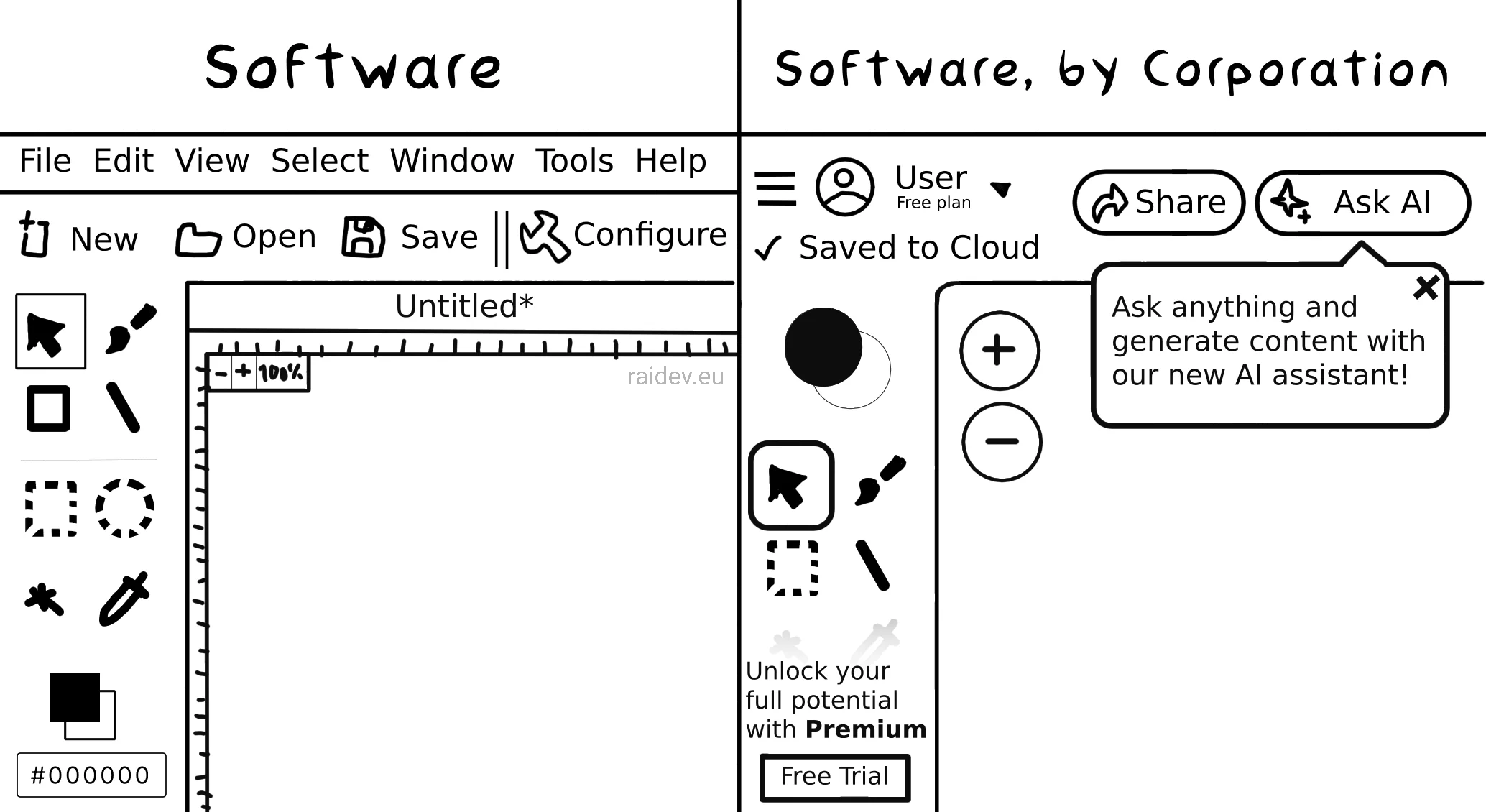
Software developers have taken the "unused RAM is wasted RAM" philosophy and weaponized it against their users. Sure, your 2026 edition does the exact same thing as the 2009 version, but now it requires 8GB of RAM because... efficiency? The dev's smug justification using this mantra falls apart the moment you try to open literally anything else on your machine. Your browser tabs? Gone. Your IDE? Swap file territory. That Spotify instance you forgot about? The OS just sacrificed it to the memory gods. The philosophy isn't wrong—operating systems DO use "free" RAM for caching to speed things up. But there's a difference between the OS intelligently managing memory and your Electron app deciding it needs half a gig to display a settings menu. Just because RAM exists doesn't mean your bloated application gets to claim it all like some digital manifest destiny.

Prebuilt Users Can Relate To This

Prebuilt Users Can Relate To This
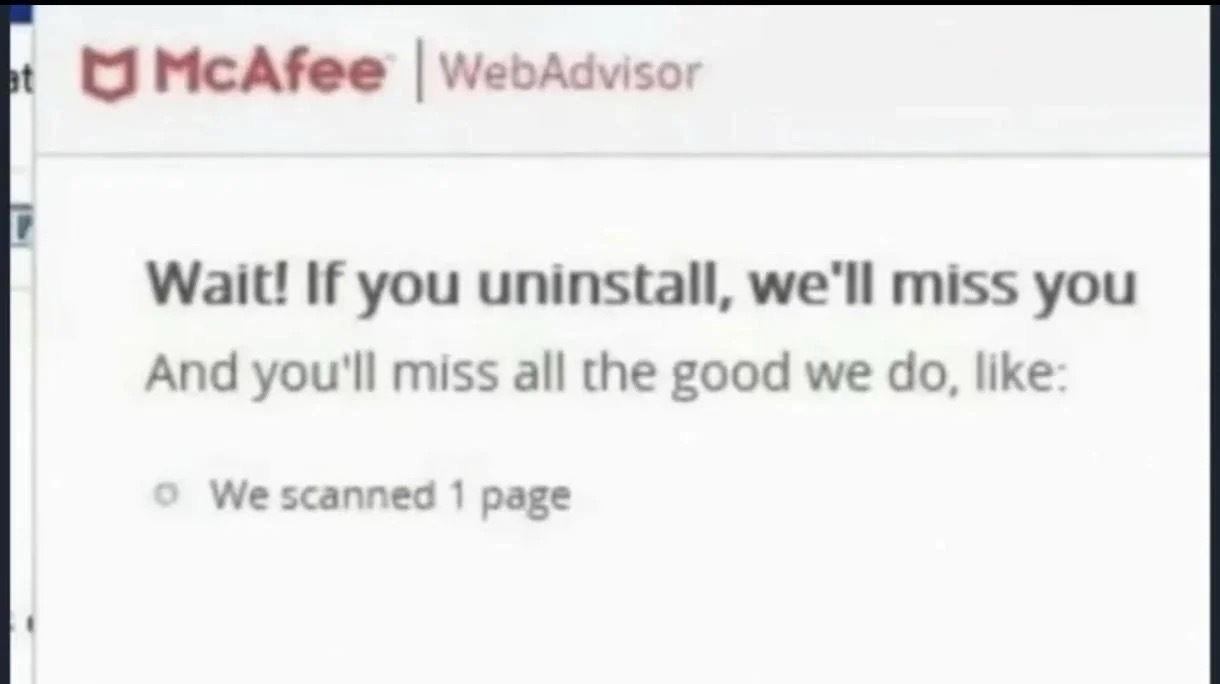
When you download a prebuilt PC with McAfee bloatware pre-installed and discover it comes with a "generous" 30-day trial. SpongeBob's progression from cautiously reading the fine print to full-blown panic mode captures the exact moment you realize this thing is about to nag you every 12 seconds once the trial expires. McAfee has become legendary for being that one piece of software that's harder to uninstall than it is to accidentally install three different toolbars in 2010. It clings to your system like a barnacle, spawning processes faster than you can kill them in Task Manager. The real kicker? Most security researchers agree you probably don't even need it since Windows Defender exists. But hey, at least it keeps your CPU warm during winter by running constant background scans of files you haven't touched since 2015.

At Least It Didn't Have AI

At Least It Didn't Have AI
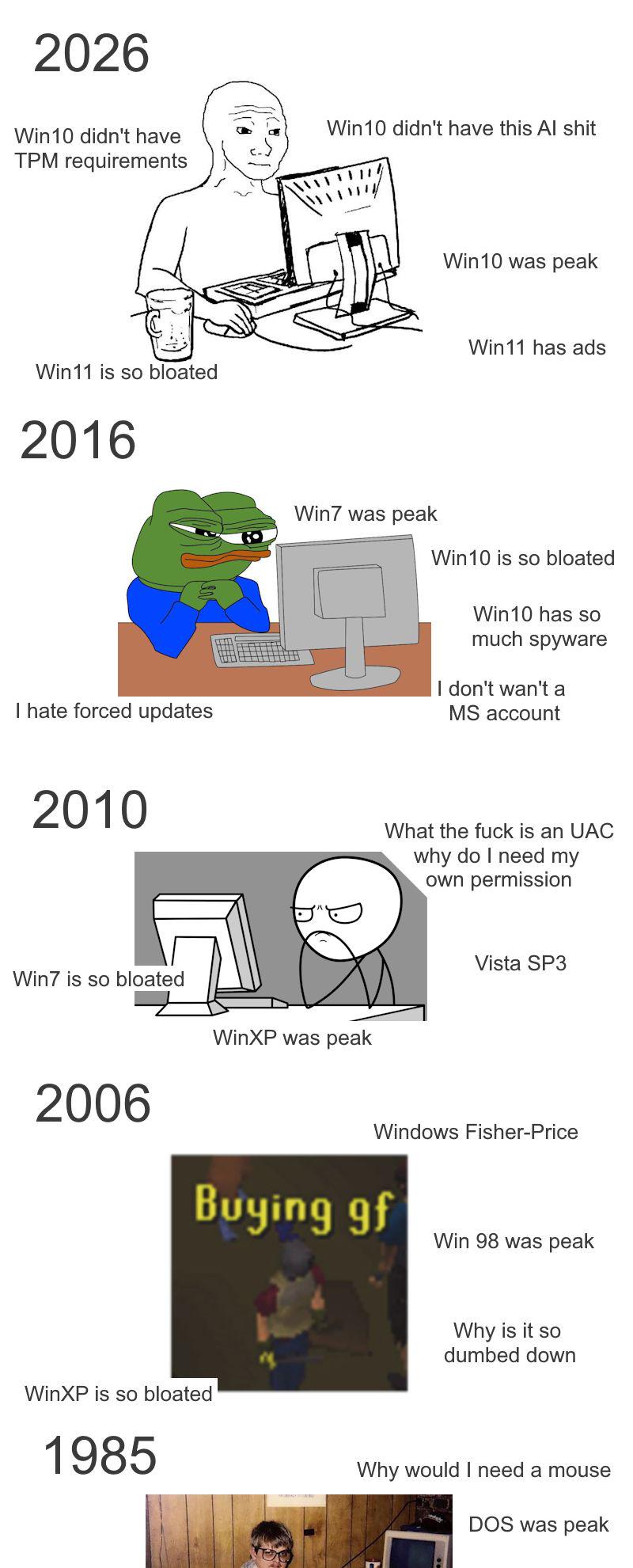
Windows 8 looking back at Windows 11 users like "Maybe the Start Screen wasn't your biggest problem after all." Sure, Windows 8 had a touch-optimized interface nobody asked for on their desktop, but at least it didn't try to be your personal AI assistant while eating 4GB of RAM for breakfast. Now you've got Copilot shoved into every corner of the OS, AI-powered search that still can't find your files, and enough "intelligent" features to make you nostalgic for the days when your OS just... did what you told it to. Windows 8 may have been the awkward middle child of the Windows family, but compared to having AI slop injected into every system function, those Metro tiles are starting to look pretty reasonable.

Pretty Fast Ehhh

Pretty Fast Ehhh
Oh honey, you've got a 32-core CPU that could probably simulate the entire universe, 32GB of RAM that could hold the Library of Congress in its sleep, and a 2TB NVMe drive that reads data faster than you can say "bottleneck"... and yet the Epic Games Launcher still takes 2 MINUTES to open? The audacity! The betrayal! It's like buying a Ferrari and watching it get passed by a bicycle. Your poor computer is sitting there flexing all its muscles, ready to crunch numbers and render entire galaxies, but instead it's being held hostage by a launcher that apparently runs on hopes, dreams, and Electron bloat. Nothing quite captures the existential dread of watching your NASA-grade hardware struggle with basic software like a toddler trying to open a pickle jar.

This Is Getting Ridiculous

This Is Getting Ridiculous
Windows 11 really went full dystopian with the bloatware. While Linux and macOS users are just vibing with their clean systems, Win11 users need to break out the nuclear arsenal just to uninstall Candy Crush. OpenShell to get a functional Start menu back, WinHawk to patch the OS because Microsoft won't, Winaero Tweaker to disable telemetry they definitely promised wasn't there, and Chris Titus Tools to nuke the entire marketing department's fever dreams from orbit. It's like needing a hazmat suit to take out the trash. The best part? All these tools exist because Microsoft decided users asking for basic control over their own computers was "too much to ask."

Copilot Bad!! Microslop Bloatware Bad!!!

Copilot Bad!! Microslop Bloatware Bad!!!
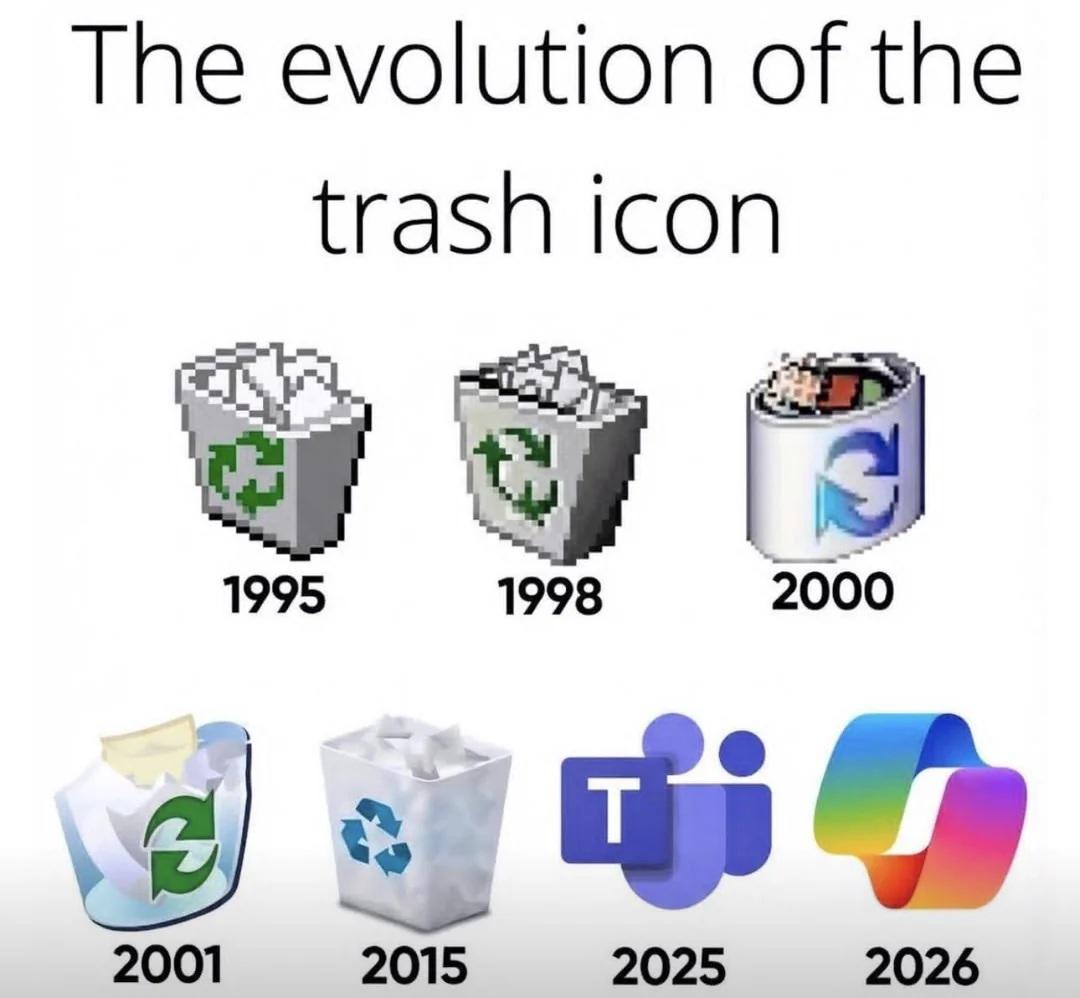
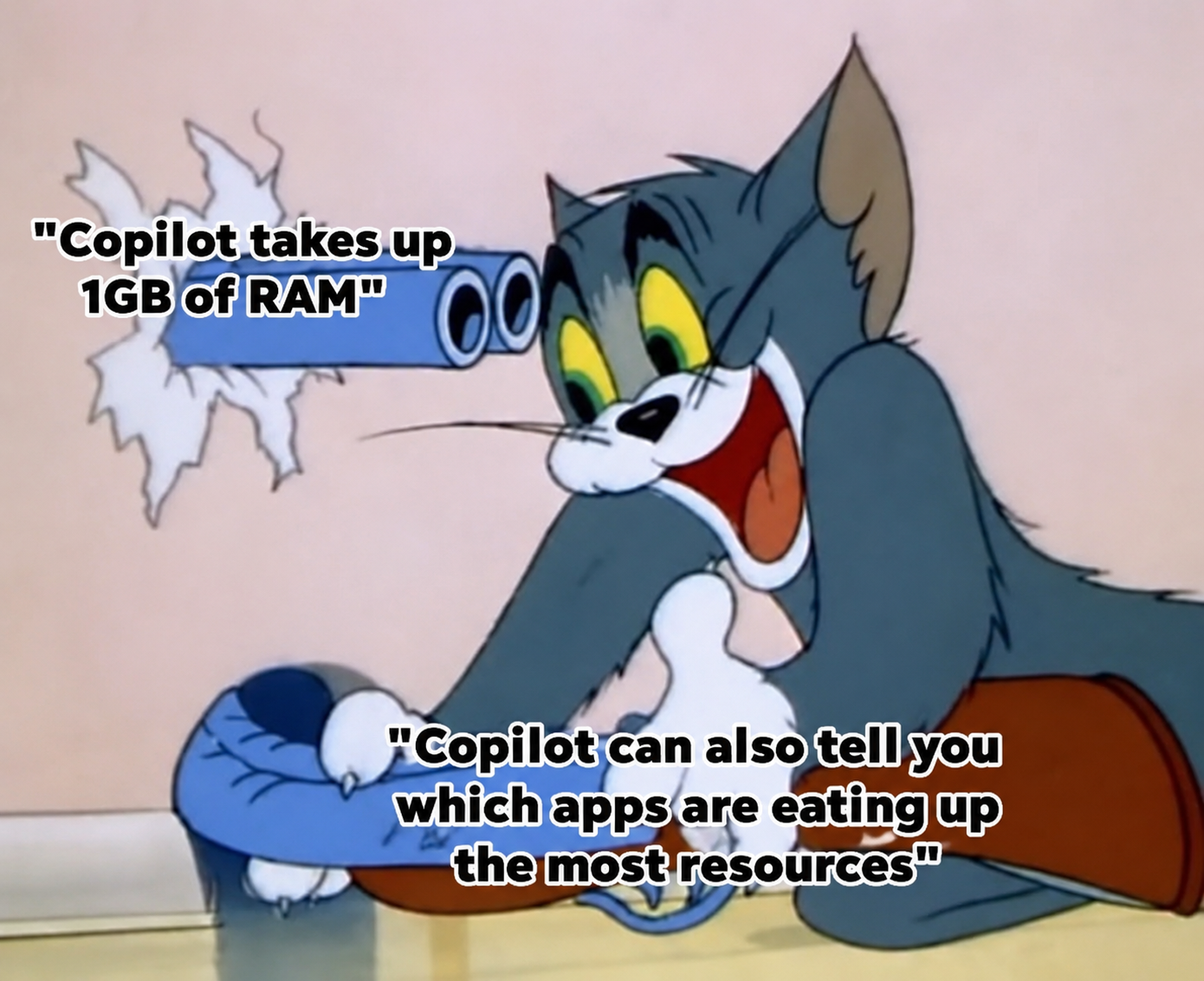
The Windows Recycle Bin peacefully evolved for decades, minding its own business. Then Microsoft decided to start throwing Microsoft Teams and Copilot in there, because apparently that's where they belong. The joke writes itself when your own users are already planning which of your new products will end up in the trash before they even ship. Fun fact: The 2025 Teams icon and 2026 Copilot icon are already being pre-emptively deleted by developers who just want their IDE to open without launching seventeen AI assistants and three chat clients.

Fuck Icue

Fuck Icue
Finally decided to go full minimalist and build a PC without any RGB nonsense? Welcome to inner peace. No more dealing with iCUE eating 2GB of RAM just to make your keyboard rainbow puke. No more software conflicts between five different RGB ecosystems that refuse to sync. No more wondering why your PC takes an extra 30 seconds to boot because Corsair's bloatware is having an existential crisis. Just pure, clean, black components doing their job without demanding you sacrifice system resources to the RGB gods. Your CPU usage dropped by 5% and your sanity increased by 500%. Who knew that NOT having rainbow vomit everywhere would feel this liberating? Thanos here perfectly captures that moment of zen when you realize your PC is now just... a computer. Not a disco ball. Not a Christmas tree. Just a machine that compiles code without trying to sync with seventeen different RGB profiles.

Microsoft Took 10 Years To Add Explorer Tabs, But AI Bloat Ships Instantly

Microsoft Took 10 Years To Add Explorer Tabs, But AI Bloat Ships Instantly
Microsoft spent literally a decade ignoring basic user requests like tabs in File Explorer—a feature that's been standard in browsers since 2001—but the moment AI hype hits, they're cramming Copilot into every corner of Windows faster than you can say "nobody asked for this." It's the corporate priority paradox: useful features that users actually want? Years of deliberation. Buzzword-driven bloatware that tanks performance and adds zero value? Shipped yesterday with a mandatory update. The meme format shows Microsoft at zero days without adding AI features, like a factory worker proudly displaying their accident-free counter... except it's permanently stuck at zero because they can't stop themselves. Meanwhile, genuinely helpful quality-of-life improvements sit in the backlog gathering dust while execs chase whatever will look good in quarterly earnings calls.