authentication Memes

Should I Just Update The Mock Data With His Details And Reply That We Have Fixed It

Should I Just Update The Mock Data With His Details And Reply That We Have Fixed It
When someone reports a CRITICAL security vulnerability where they got auto-logged into Miles Morales' account without authentication, and your first instinct is "hmm, maybe I should just update the mock data with the reporter's name so it LOOKS like it's working correctly?" 💀 Imagine the absolute AUDACITY of this solution. "Oh no, our authentication is completely broken and people can access random accounts? Quick! Let's just make sure when THEY access it, it shows THEIR name! Problem solved!" It's like putting a "Wet Floor" sign on the Titanic while it's sinking. The developer really said "security vulnerability? more like security opportunity to demonstrate my creative problem-solving skills" and honestly? That's the kind of chaotic energy that keeps QA teams employed forever.

When You Find Out Why Some Users Can't Log In

When You Find Out Why Some Users Can't Log In
Oh, the sweet irony of privacy-conscious users accidentally nuking their own ability to use the internet. Someone disabled all cookies thinking they're outsmarting Big Tech, then calls support wondering why they can't stay logged in anywhere. The dev's initial reaction is pure comedic gold—"haha good joke mate"—because surely nobody would actually block ALL cookies and expect authentication to work, right? But then reality hits harder than a production bug at 5 PM on Friday. They actually did that. They really, genuinely blocked all cookies. Here's the thing: session management literally depends on cookies (or similar mechanisms) to remember who you are between requests. Without them, every page refresh is like meeting the server for the first time. It's like showing up to work every day and expecting your boss to remember you, except you're wearing a different disguise each time. Support tickets like these are why devs develop trust issues with user reports. "It's not working" suddenly becomes an archaeological expedition to discover what unholy configuration the user has conjured.

You Can Do Anything At Zombocom

You Can Do Anything At Zombocom
The virgin API consumer is basically every developer's nightmare journey: drowning in OAuth flows, rate limits hitting like a 429 status code to the face, and having to verify everything short of their grandmother's maiden name just to GET some JSON. Meanwhile, they're shackled by tokens, quotas, and the constant fear that the API provider will yank their endpoint away like a rug. Then there's the chad third-party scraper who just... doesn't care. No OAuth? No problem. Rate limits? What rate limits? They're out here parsing HTML with regex (the forbidden technique that makes computer scientists weep), paying captcha farms pennies, and scraping so fast backends are having existential crises. They've got Selenium, curl, and the audacity of someone who's never read a Terms of Service. The best part? "Website thinks his user agent is a phone" and "doesn't care about changes in policies." While legitimate developers are stuck in OAuth hell, scrapers are just spoofing headers and living their best life. The title references Zombocom, that legendary early 2000s website where "you can do anything" – which is exactly how scrapers operate in the lawless wild west of web scraping. Fun fact: Companies spend millions building anti-scraping infrastructure, yet a determined developer with curl and a rotating proxy can still extract their entire database before lunch.

Real Trust Issues

Real Trust Issues
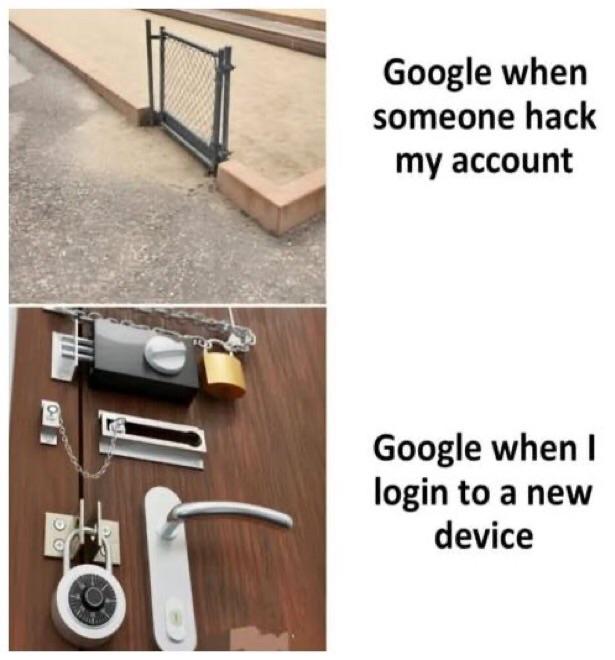
Google's security paranoia in a nutshell. Someone tries to hack your account? They install a decorative baby gate that a toddler could step over. You try logging in from a new device? Fort Knox suddenly materializes on your door with padlocks, chains, combination locks, and probably a retinal scanner they forgot to photograph. The irony is that Google will happily let a bot from Kazakhstan try your password 47 times, but heaven forbid you get a new phone and want to check your email. Suddenly you're answering security questions from 2009, verifying on three other devices, and providing a DNA sample. Two-factor authentication? More like twelve-factor authentication when it's actually you trying to get in.

Password

Password
So you're telling me my password needs 20 characters, uppercase, lowercase, a number, special characters, a kanji, a hieroglyph, the 100th digit of pi, AND the first codon of my DNA... but sure, let me just click "Sign up with Google" instead. Security theater at its finest. They make you jump through hoops like you're protecting nuclear launch codes when you're just trying to sign up for a random SaaS tool you'll forget about in two weeks. Meanwhile, they'll probably store it in plaintext anyway. The real kicker? That "Sign up with Google" button that makes all those requirements completely pointless. Why even bother with the password field at this point?

I Must Be A Genius

I Must Be A Genius
Rolling your own JWT authentication is basically the security equivalent of performing brain surgery on yourself because you watched a YouTube tutorial. Sure, you technically implemented authentication, but you've also probably introduced 47 different attack vectors that a security researcher will gleefully document in a CVE someday. There's a reason why battle-tested libraries like Passport, Auth0, or even Firebase Auth exist. JWT has so many gotchas—algorithm confusion attacks, token expiration handling, refresh token rotation, secure storage, XSS vulnerabilities—that even experienced devs mess it up. But hey, at least you can brag about it at parties while the security team quietly adds your endpoints to their watchlist. Pro tip: If your JWT implementation doesn't make you question your life choices at least three times, you're probably missing something important.

Anti Gravity

Anti Gravity
Google really said "let's revolutionize coding with AI!" and then proceeded to create the most EXHAUSTING onboarding experience known to humankind. You're hyped, you download it, and suddenly you're trapped in authentication hell—three login attempts like you're trying to break into Fort Knox. Then BAM, rate limited after 5 prompts because apparently Google thinks you're trying to speedrun the singularity. And the cherry on top? Rumors swirling that Google's own engineers aren't even allowed to use their own creation. The absolute BETRAYAL. So naturally, you crawl back to VS Code with your tail between your legs, defeated by corporate bureaucracy once again. Sometimes the old reliable just hits different.

Two Factor Authentication

Two Factor Authentication
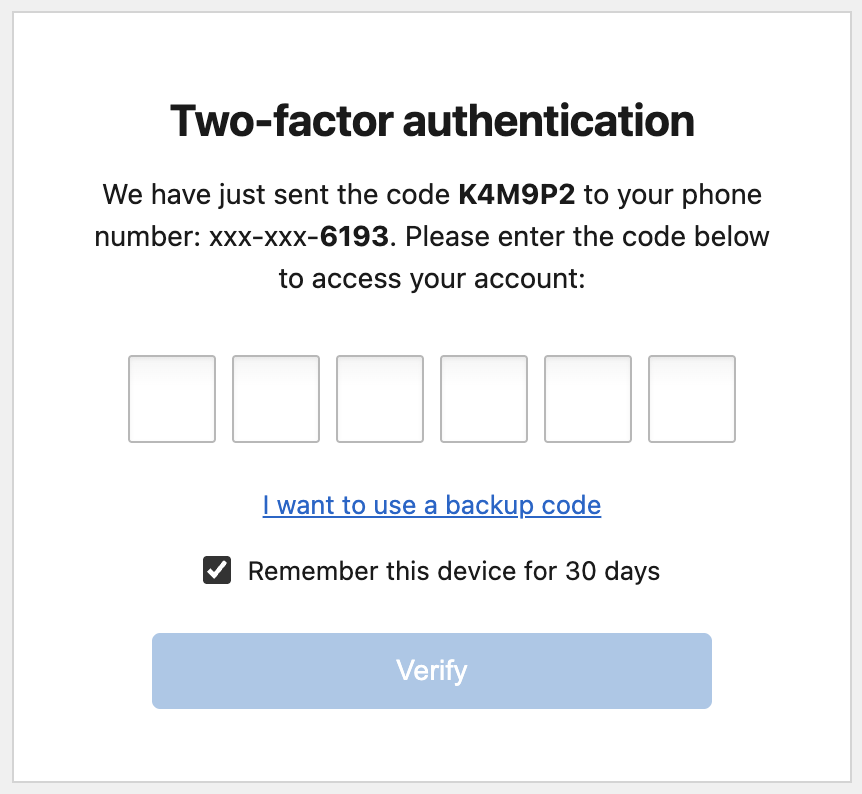
The most secure authentication method known to developers - a can with scissors jammed in it. Need to access your account? You'll need both the can AND the scissors! Security experts hate this one weird trick that somehow meets compliance requirements while being utterly useless. Just like how most corporate 2FA implementations feel when you're forced to type in a code that was texted to the same device you're already holding. Pure security theater at its finest!

The Usual, Sir? Yes Please

The Usual, Sir? Yes Please
Ah, Gmail. Like that bartender who knows your poison before you even sit down. "The usual, sir?" Yes, another serving of those sweet, sweet authentication emails you didn't request, sprinkled with a dozen newsletter subscriptions you tried to cancel three years ago, garnished with that one important email buried under 47 promotional offers. And just as you try to say "Actually, I'd like something different today," Gmail cuts you off with "Unfortuna-" because it already knows the answer is no, you can't escape your digital fate. Your inbox is your life now.

No And No And Existential AI Dread

No And No And Existential AI Dread
The corporate dream of running AI on budget hardware is the tech equivalent of asking someone to build you a Ferrari with Lego parts and a rubber band. First they want AI to handle its own authentication (because security is just a suggestion, right?), then they want to run it on a $5 VPS that struggles to host a static HTML page. And the AI's response? Pure existential dread that perfectly captures what goes through my mind during requirements gathering meetings. Next they'll ask if it can run in a browser, offline, with no dependencies, while making coffee and filing their taxes.

Passwords Be Like...

Passwords Be Like...
The evolution of password requirements is the digital equivalent of Stockholm syndrome. First panel: the classic "admin/password" combo – practically leaving your front door wide open with a neon sign saying "Rob me!" Second panel: When sites force you to use those ridiculous l33t-speak substitutions that nobody can remember. "Is that a zero or an O? Was it an @ or an a?" Third panel: The modern password hellscape requiring uppercase, lowercase, numbers, symbols, your firstborn child, and a blood sacrifice. Final panel: The galaxy brain move of swapping username and password. Security by absurdity – hackers would never think to try it! And yet some production server somewhere is absolutely running with these credentials right now.

This Does Nothing

This Does Nothing
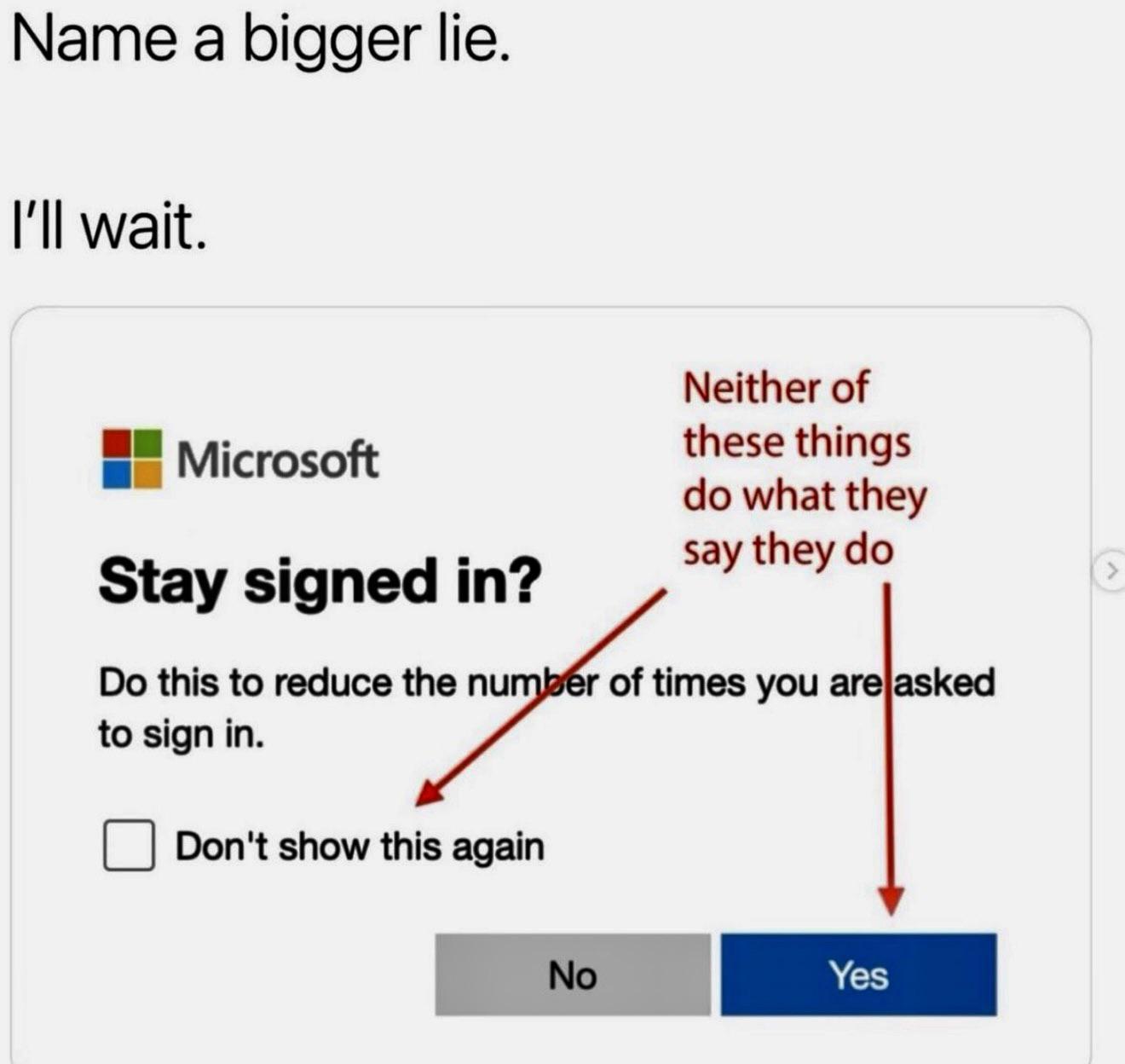
The AUDACITY of this checkbox! Promising to save me from the endless nightmare of sign-in prompts while the power cord dramatically lies there, UNPLUGGED from the wall! 💀 It's like promising not to get wet during a tsunami while holding an umbrella made of tissue paper. That "Don't show this again" checkbox is making promises it LITERALLY has no power to keep! The ultimate betrayal in the digital realm - a powerless promise from a powerless device! The irony is so thick you could cut it with a keyboard shortcut!