Windows 11 Memes

Posts tagged with Windows 11
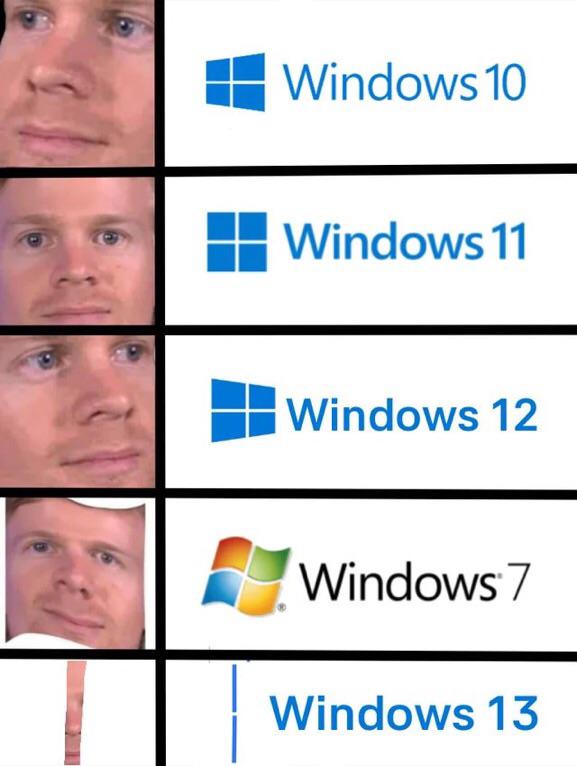
I Will Die On That Hill

I Will Die On That Hill
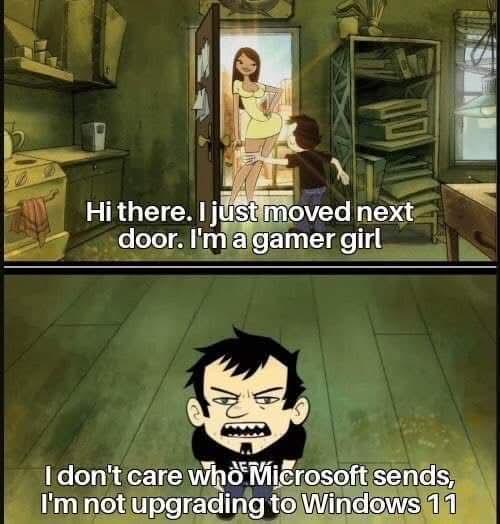
When someone tries to convince you to upgrade to Windows 11 and you're sitting there with your perfectly functional Windows 10 setup, refusing to budge. The sheer determination in that face says it all—no amount of Microsoft's marketing, feature promises, or "security updates" is going to make you click that upgrade button. You've got your workflow dialed in, your taskbar is where it belongs (at the bottom, centered start menu be damned), and you're not about to let some new OS break your carefully configured development environment. Some battles are worth fighting, and keeping Windows 10 until it's pried from your cold, dead SSD is apparently one of them.

This Is The Last OS I Swear

This Is The Last OS I Swear
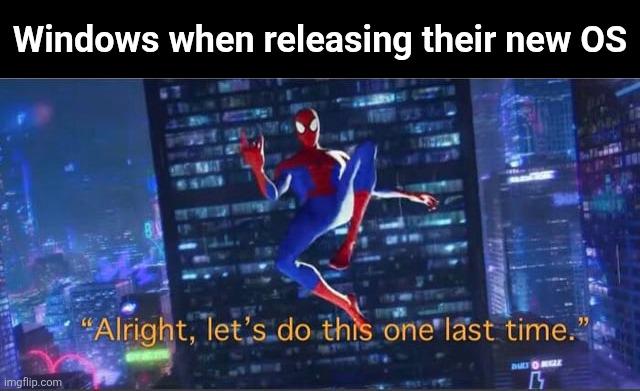
Microsoft really out here treating OS releases like a bad relationship. "Windows 10 will be the LAST version ever! We'll just update it forever!" they said. Then Windows 11 shows up like "hey bestie" with rounded corners and a centered taskbar nobody asked for. The Spider-Man multiverse format is chef's kiss because it perfectly captures Microsoft's cycle: confidently announcing this is definitely the final iteration, only to inevitably do it all over again. Remember when they killed Windows 8 after everyone roasted it? Or how Vista became the cautionary tale? Or ME? Or... you get the point. The best part? We all know they're gonna do it again. Windows 12 leaks are already floating around. It's not a bug, it's a feature of their business model.

The Fact That You Can't Run Through Windows Setup W/O Internet And An Online Account Is Absolute Bullshit

The Fact That You Can't Run Through Windows Setup W/O Internet And An Online Account Is Absolute Bullshit
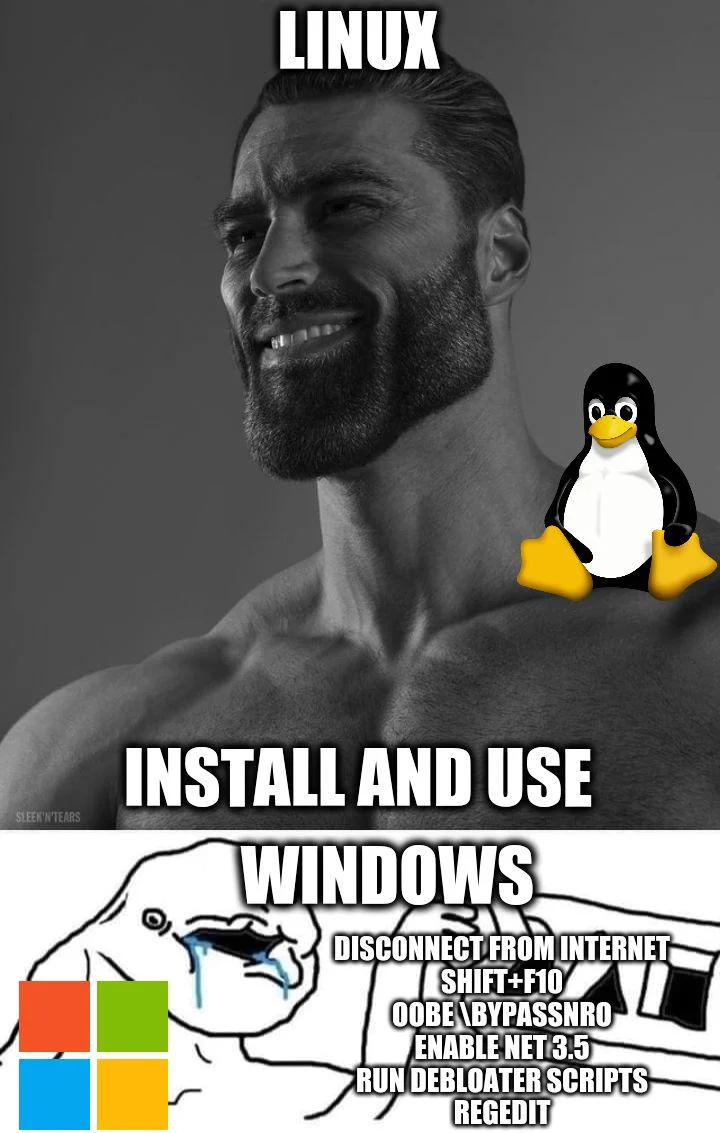
Linux users watching Windows users jump through increasingly absurd hoops just to install their OS without being forced into a Microsoft account. Meanwhile, Linux installation is just... straightforward. No telemetry opt-outs, no mandatory cloud accounts, no "please sign in to use your own computer." The bottom panel perfectly captures the Windows 11 installation experience: disconnect ethernet, hit Shift+F10 to open command prompt, run oobe\bypassnro to bypass network requirements, enable .NET 3.5 from DISM, run debloater scripts, edit registry keys... just to get a clean install. It's like needing a PhD in registry hacking to use your own hardware. The gigachad Linux energy vs the sweating Windows logo really nails it. One OS respects your autonomy, the other treats you like a data point that needs constant supervision. Choose your fighter.

My Favorite Ever

My Favorite Ever
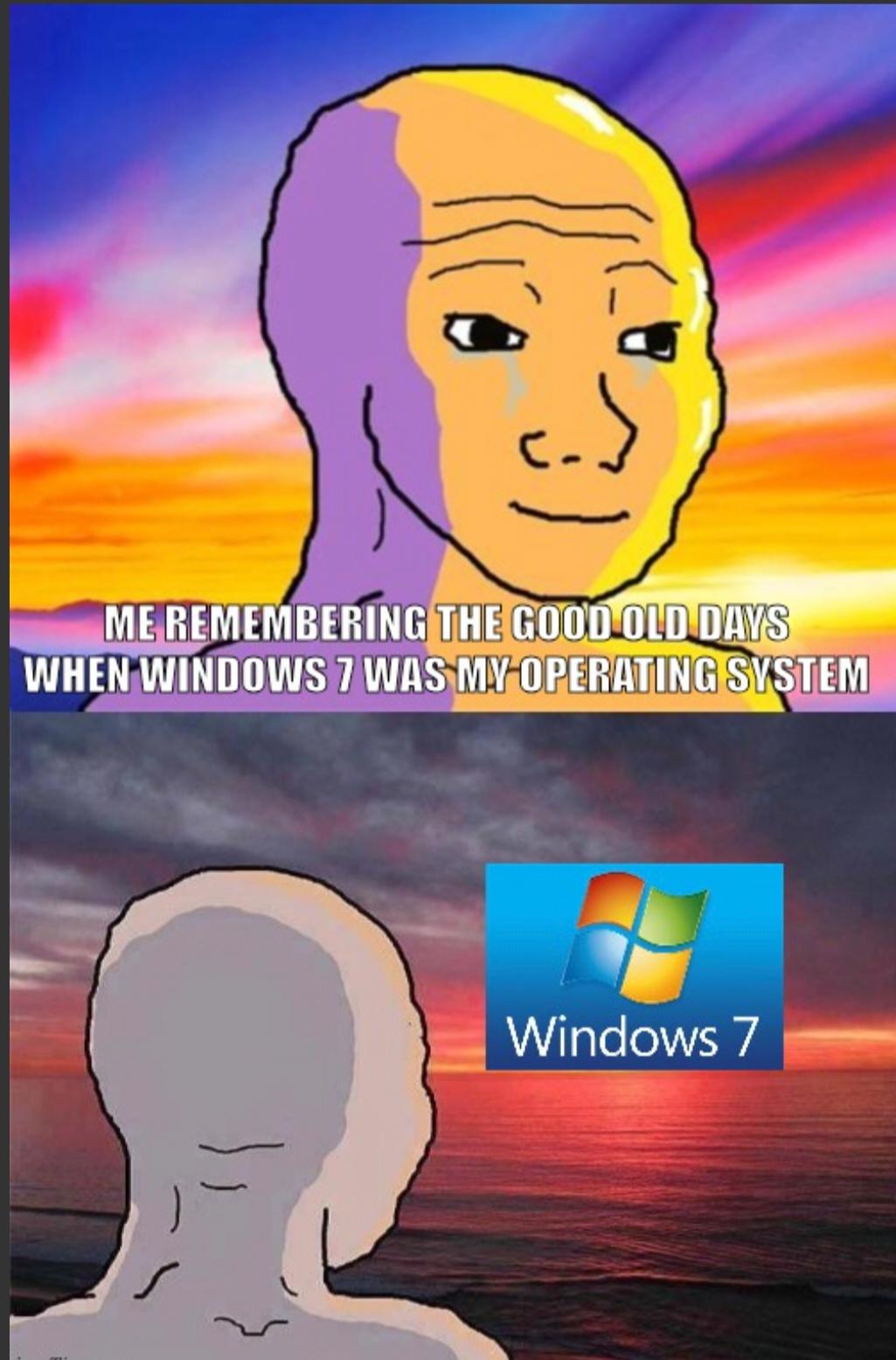
Nostalgia hitting different when you remember Windows 7 as the "good old days." That's how you know you've been in tech too long. We went from hating Vista, to loving 7, to tolerating 8, to accepting 10, to questioning our life choices with 11. Windows 7 was that sweet spot where Aero Glass made you feel fancy, things actually worked without forcing updates at 3 AM, and you didn't need a Microsoft account just to change your wallpaper. Now we're out here with forced telemetry and ads in the Start menu like it's some kind of freemium mobile game. The real tragedy? Calling Windows 7 "the good old days" unironically means you're probably old enough to remember XP, which means your back hurts and you yell at clouds about how software used to be better. Time is a flat circle, and Microsoft's OS releases prove it.

Stay On Windows 10

Stay On Windows 10
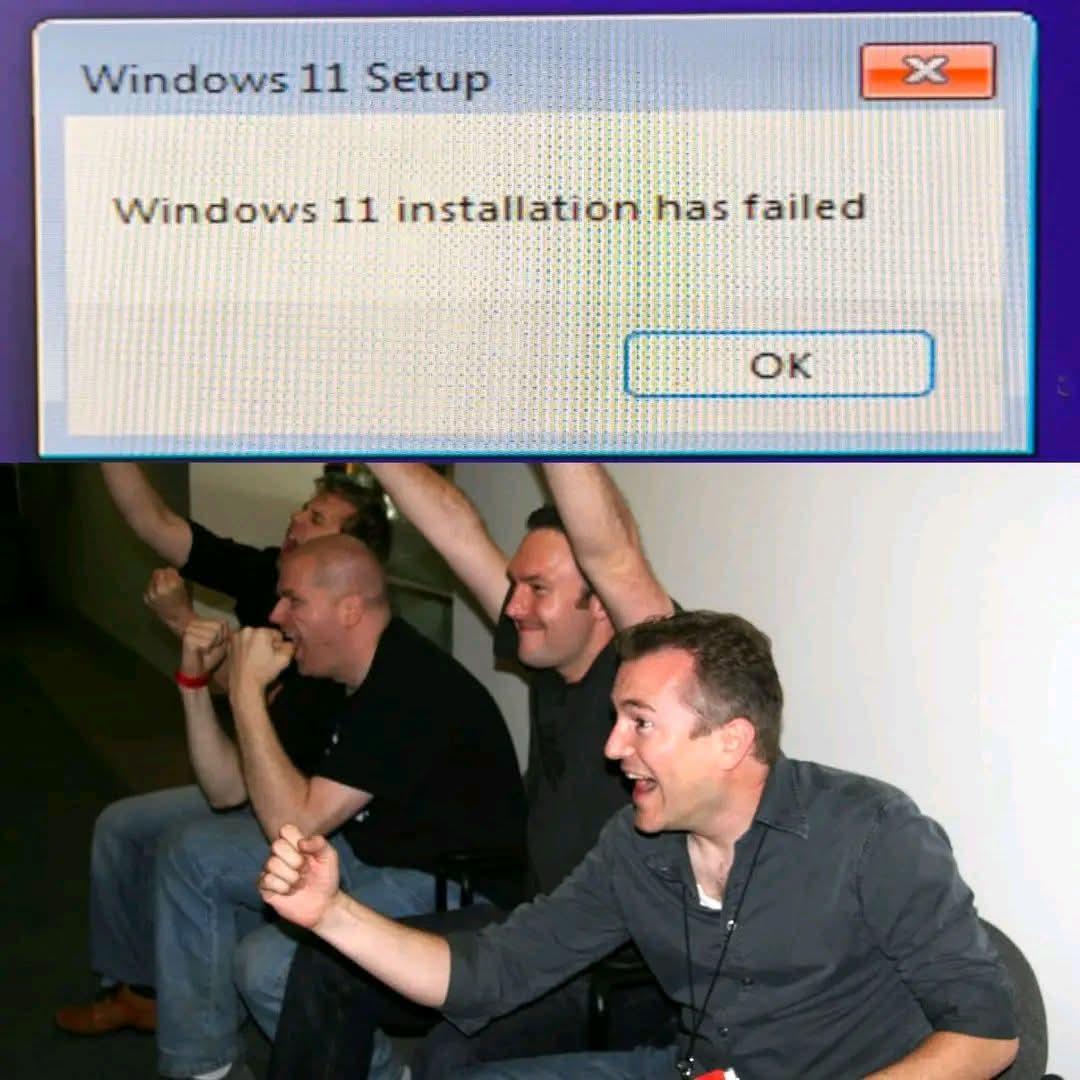
When Windows 11 installation fails and you realize you just dodged a bullet. The celebration is real—no forced taskbar changes, no arbitrary TPM 2.0 requirements, no centered Start menu that nobody asked for. Just you, your trusty Windows 10, and a few more years of pretending those security update notifications don't exist. Task failed successfully, indeed.

Microslop Copilot

Microslop Copilot
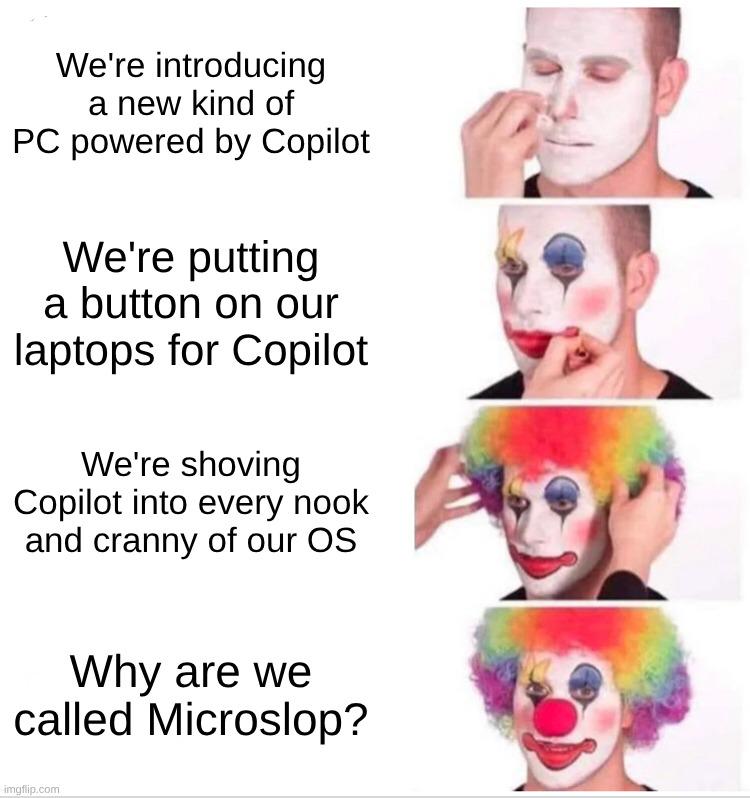
Microsoft really went from "hey, we made a helpful AI coding assistant" to "COPILOT EVERYWHERE OR YOU'RE FIRED" in record time. First it was just a VS Code extension, cool. Then a dedicated button on your keyboard (because apparently Ctrl+Shift+P wasn't good enough). Now they're cramming it into Windows 11 like it's the secret ingredient to world domination. The progression from reasonable feature to full clown mode is chef's kiss. Nobody asked for AI in their File Explorer, Notepad, Paint, and probably soon in Calculator too. "It looks like you're trying to add 2+2, would you like me to write a 47-line essay about it?" The "Microslop" nickname writes itself when you're force-feeding features nobody wants while wondering why people are annoyed. Classic tech giant move: take something useful, make it mandatory, then act surprised when users revolt.

The Lifecycle Of A Windows OS

The Lifecycle Of A Windows OS
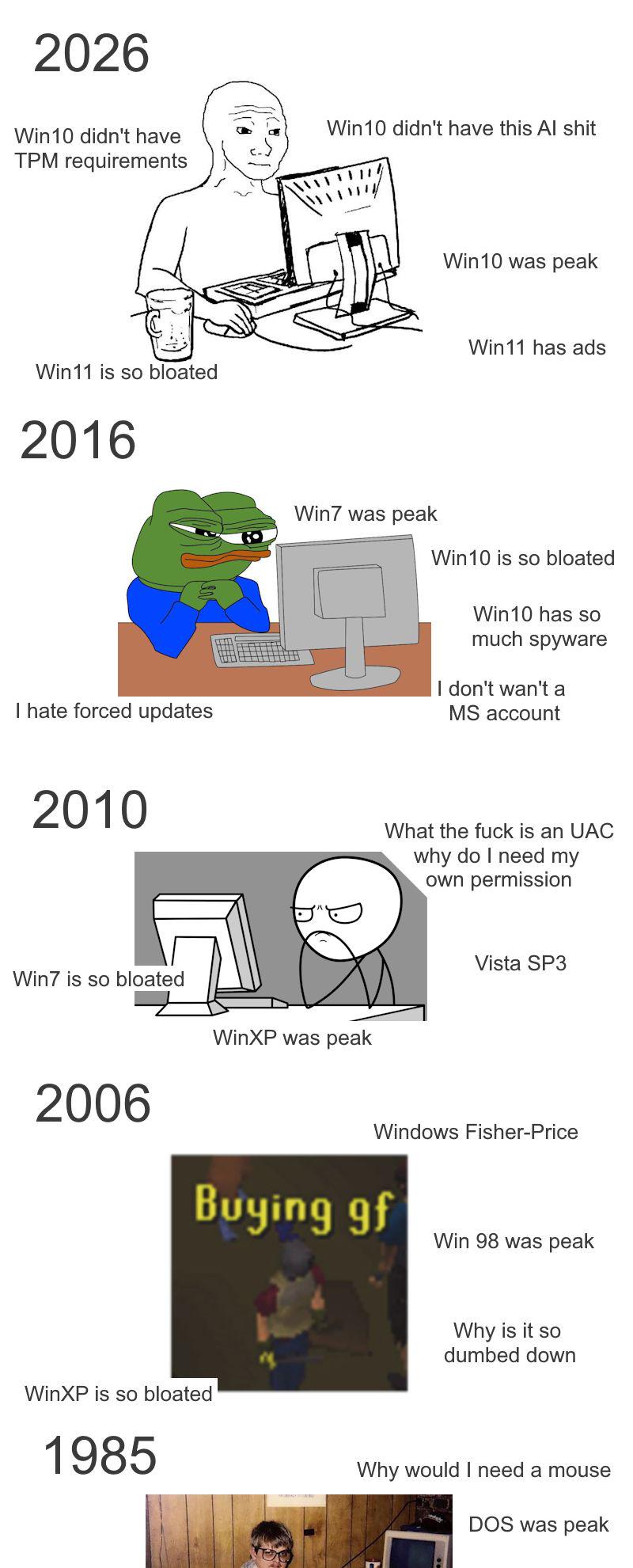
The eternal Windows paradox: whatever you're using right now is garbage, and whatever you used before was apparently perfection incarnate. In 2026, people are suddenly nostalgic for Windows 10 after dealing with Win11's bloat, AI features, and actual ads in the OS. Back in 2016, they were praising Win7 while complaining about Win10's forced updates and mandatory Microsoft accounts. Then in 2010, everyone was Team WinXP because Vista's UAC prompts were asking for permission to ask for permission. And in 2006, people were buying the "gf" (girlfriend) expansion pack while reminiscing about Win98 and questioning why Fisher-Price designed their OS. The pattern is clear: Microsoft's strategy is to make each OS just annoying enough that the previous one looks like a masterpiece in retrospect. It's like a toxic relationship where you only remember the good times with your ex after meeting someone worse. The TPM 2.0 requirement for Win11 really did make people suddenly forget about Win10's telemetry nightmare though.

Synology DS223 Home & Office Backup Hub - Centralize Files, Protect Data & Monitor Property (2-Bay Diskless NAS)

Synology DS223 Home & Office Backup Hub - Centralize Files, Protect Data & Monitor Property (2-Bay Diskless NAS)
One Place for All Your Data - Consolidate scattered files from multiple computers, phones and external drives into one accessible hub with 100% ownership · Professional File Collaboration - Share pro…

Dualboot Is Evil, Use Only Linux

Dualboot Is Evil, Use Only Linux
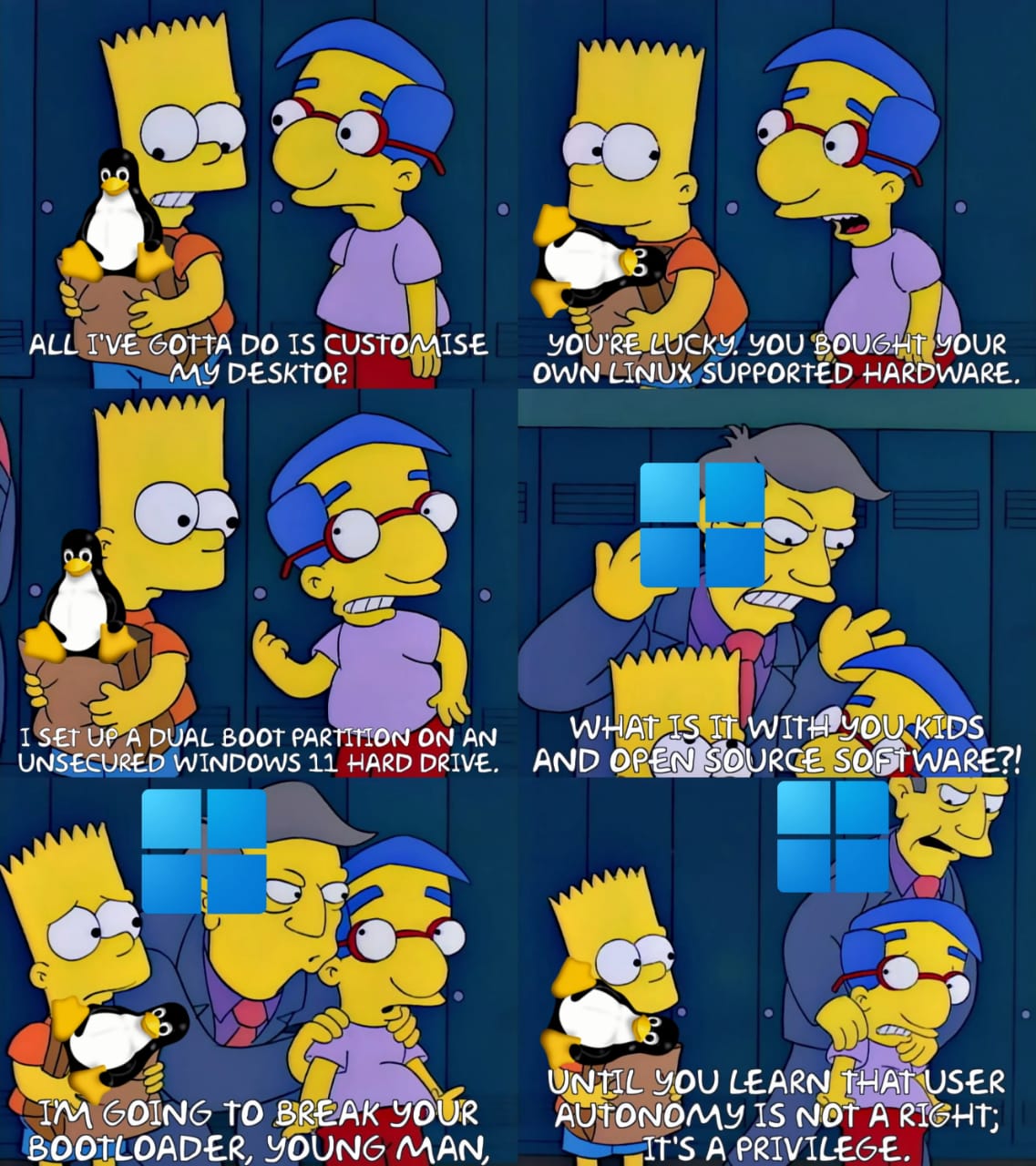
Oh, the Linux purist's guide to parenting! Watch as this poor soul's innocent journey into dual-booting transforms into a full-blown intervention. It starts wholesome enough—just customizing a desktop, maybe bought hardware that actually works with Linux (what a flex)—but then BAM, they commit the cardinal sin: dual-booting with Windows 11 on an UNSECURED hard drive. The horror! The betrayal! Principal Skinner here is having a complete meltdown because these kids today just don't understand that user autonomy isn't a RIGHT, it's a PRIVILEGE. How DARE you want to play games that don't run on Wine or need Adobe software for work? The audacity! Next thing you know, they'll threaten to break your bootloader—because nothing says "I care about your computing experience" like making your system unbootable. This perfectly captures the Linux elitist energy where wanting both operating systems is treated like you're betraying the entire open-source movement. Sorry for needing Windows occasionally, I guess? 🐧

It's Quite Often These Days

It's Quite Often These Days
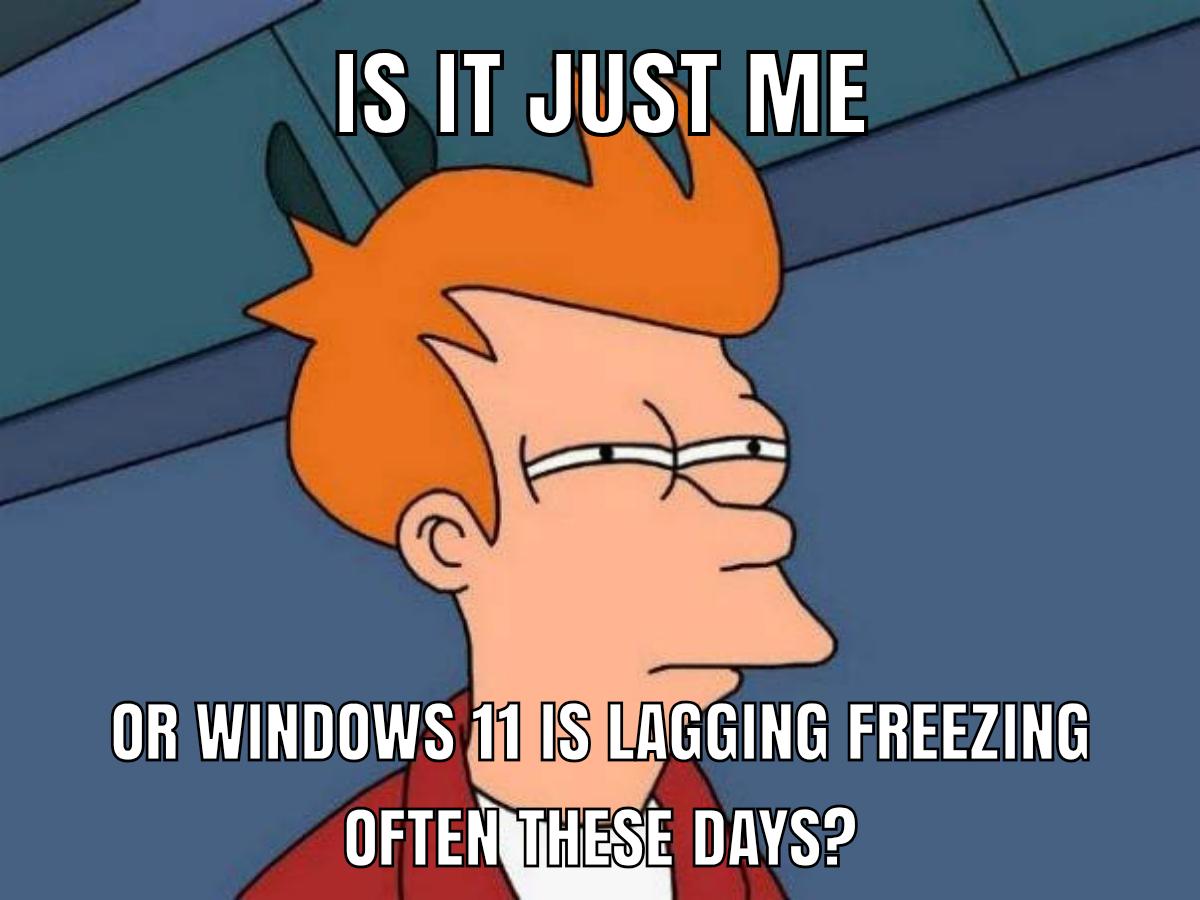
Windows 11 users experiencing that special moment when you can't tell if your code is stuck in an infinite loop or if Microsoft's latest OS update decided to take a coffee break. Spoiler: it's usually Windows 11. The OS that somehow requires a TPM 2.0 chip and 16GB of RAM just to run File Explorer at the speed of a dial-up connection. Nothing says "modern operating system" quite like wondering if your machine froze or if it's just thinking really, really hard about rendering that context menu. At least with buggy code you can blame yourself. With Windows 11, you're just another victim of forced updates and mandatory widgets nobody asked for.

Me When I Boot My $9,000 Windows 11 Gaming PC After Shutting It Down Over 8 Hours Ago

Me When I Boot My $9,000 Windows 11 Gaming PC After Shutting It Down Over 8 Hours Ago
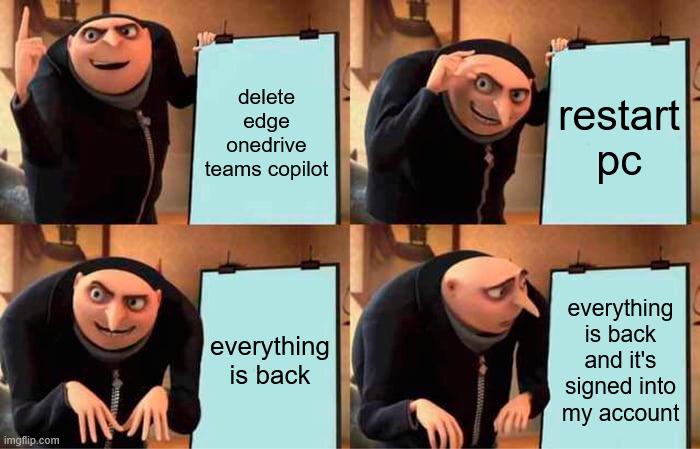
Oh, the AUDACITY of Windows 11 thinking it can just resurrect all your bloatware like some kind of digital necromancer! You spent a solid 20 minutes carefully murdering Edge, OneDrive, and Teams Copilot from Task Manager, feeling like a tech wizard who finally has control over their own machine. You shut down your beast of a PC, sleep peacefully for 8 whole hours, and boot it back up only to find... THEY'RE ALL BACK. Signed into your account. Running in the background. Consuming your precious RAM like they never left. It's like Windows is gaslighting you into thinking you never deleted them in the first place. "Did you really think you had a choice?" whispers Microsoft from the shadows. Your $9,000 gaming rig? More like Microsoft's personal billboard that just happens to run games on the side.

Bet My Left Testicle This Shit Prolly Better Than Windows

Bet My Left Testicle This Shit Prolly Better Than Windows
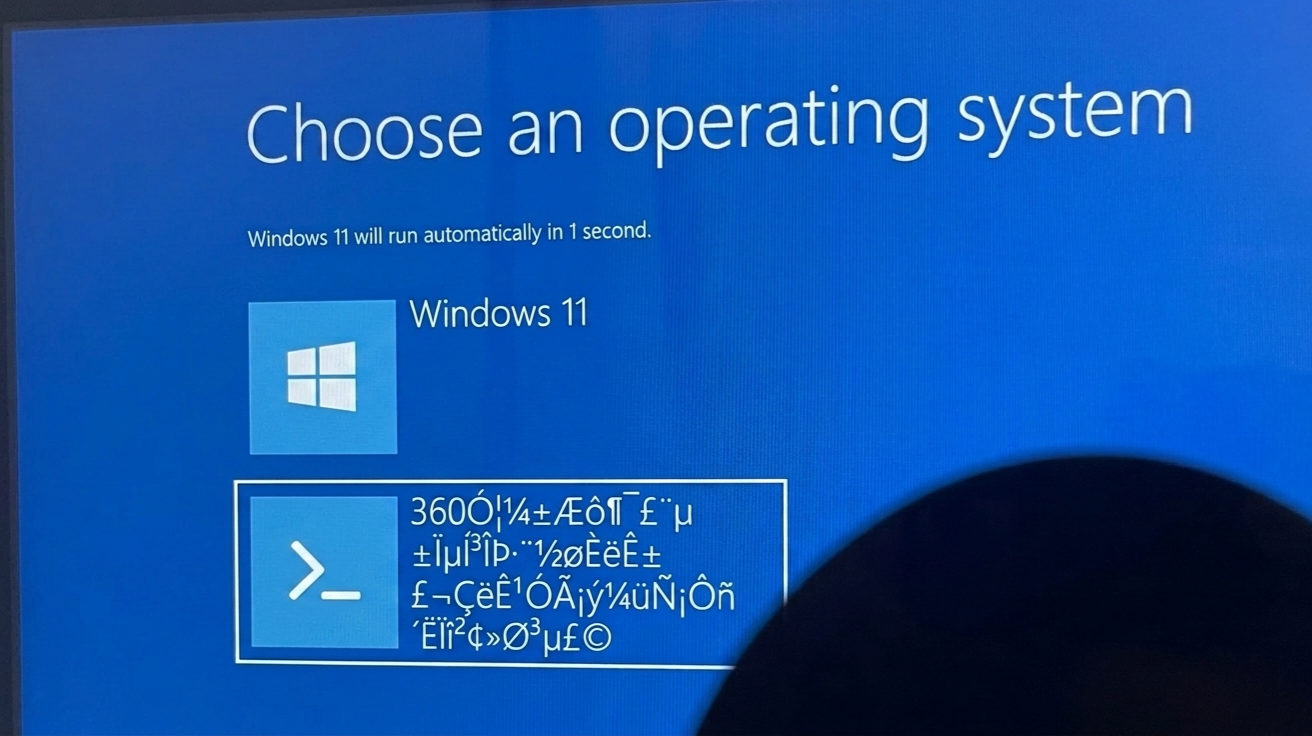
When your bootloader has a stroke and suddenly the corrupted gibberish option looks MORE APPEALING than Windows 11. The fact that Windows is giving you exactly one second to make a life-altering decision before forcibly booting into itself is just *chef's kiss* peak Microsoft energy. "Choose an operating system" they say, as if you actually have a choice when the timer's already running and one of your options is literally a cryptographic seizure. But honestly? The way Windows has been going lately with forced updates, telemetry, and ads in the Start menu, I'd genuinely consider clicking on the cursed Unicode demon spawn just to see what happens. At least it's being honest about being broken.

Razer Pro Click V2 Vertical Wireless Mouse, 6 Button Ergonomic Design

Razer Pro Click V2 Vertical Wireless Mouse, 6 Button Ergonomic Design
VERTICAL 6 BUTTON ERGONOMIC DESIGN WITH BASE SUPPORT — Shaped for a natural handshake grip, its angled design promotes the most comfortable hand position for extended use, while the base support elev…

Let's Ship An OS With Border Radius As Feature

Let's Ship An OS With Border Radius As Feature
Windows Developer asks people to finish the sentence about their favorite part of Windows 11, and someone absolutely nails it with the most savage response possible: "there's no need to upgrade since it does everything Windows 10 does, but... .window{ border-radius: 6px; }" Basically calling out Microsoft for shipping an entire OS update where the headline feature is... rounded corners. That's it. That's the upgrade. Your taskbar icons now have slightly curved edges. Revolutionary stuff, really. It's like spending two years remodeling your house and the only visible change is switching from square doorknobs to round ones. Sure, it looks a bit nicer, but did we really need a whole new version number for some CSS?