Storage Memes

Posts tagged with Storage

Game Devs Then And Now

Game Devs Then And Now
Back in the day, game devs were basically wizards who could fit an entire PlayStation game into a 64 MB N64 cartridge through sheer coding sorcery and optimization black magic. They were out here writing assembly code by candlelight, compressing textures with their bare hands, and making every single byte COUNT. Fast forward to today and we've got 300 GB behemoths that somehow STILL launch with missing features, game-breaking bugs, and a roadmap promising "the rest of the game will arrive via DLC." Like, bestie, you had 300,000 MB and couldn't finish it? The old devs are rolling in their ergonomic office chairs. We went from "every kilobyte is precious" to "eh, just download another 80 GB patch" real quick. The doge's disappointed face says it all—we traded craftsmanship for storage space and called it progress. Iconic.

Claude Coworker Want To Stop And Tell You Something Important

Claude Coworker Want To Stop And Tell You Something Important
Claude just casually drops that your folder went from -22GB to 14GB during a failed move operation, which is... physically impossible. Then it politely informs you that you lost 8GB of YouTube and 3GB of LinkedIn content, as if negative storage space is just another Tuesday bug to document. The AI is being so earnest and professional about reporting complete nonsense. It's like when your junior dev says "the database has -500 users now" and wants to have a serious meeting about it. Claude's trying its best to be helpful while confidently explaining impossible math with the gravity of a production incident. The "I need to stop and tell you something important" energy is peak AI hallucination vibes—urgently interrupting your workflow to confess it just violated the laws of physics.

Find Your Place

Find Your Place
The hard truth that keeps memory-conscious developers up at night. A boolean only needs 1 bit to represent true or false, but because most systems can't address individual bits, it gets allocated a whole byte. That's 87.5% storage efficiency loss, which is basically the computing equivalent of buying a mansion to store a single shoe. Some languages try to optimize this with bit fields or packed structures, but let's be real—most of the time we're just casually wasting 7 bits per boolean like we're made of RAM. Which, to be fair, we kind of are these days. Storage is cheap, existential dread about inefficiency is free. The real tragedy? Those 7 bits could've been living their best life storing actual data, but instead they're just... there. Unemployed. Collecting dust. A monument to the gap between theoretical computer science and practical implementation.

OneDrive: Look At Me, I Am Your C Drive Now

OneDrive: Look At Me, I Am Your C Drive Now
Microsoft really said "you know what your local storage needs? More cloud integration!" and proceeded to make OneDrive the default save location for literally everything. Desktop? OneDrive. Documents? OneDrive. That random screenshot you took? Believe it or not, also OneDrive. Nothing quite like opening File Explorer expecting to see your actual local files, only to discover OneDrive has staged a hostile takeover of your entire directory structure. Your C drive didn't retire, it just got forcibly migrated to the cloud without its consent. And good luck trying to disable it—Microsoft treats that "Turn off OneDrive" button like it's a suggestion, not a command. The best part? When you're on a slow connection and can't access YOUR OWN FILES because they're "syncing." Peak innovation right there.

And No More Space

And No More Space
SQL devs really built their entire personality around hoarding data. The moment you tell them a table isn't needed anymore, they experience physical pain watching it get yeeted into the void. That disk space? Gone. Those carefully crafted indexes? Dust. The 47 joins they memorized? Useless. It's like watching someone lose a beloved pet, except the pet is a normalized database schema they spent three weeks optimizing. They stand there, arms outstretched, as if they could somehow catch the DROP TABLE command mid-execution. Spoiler: they can't.

So Many Levels

So Many Levels
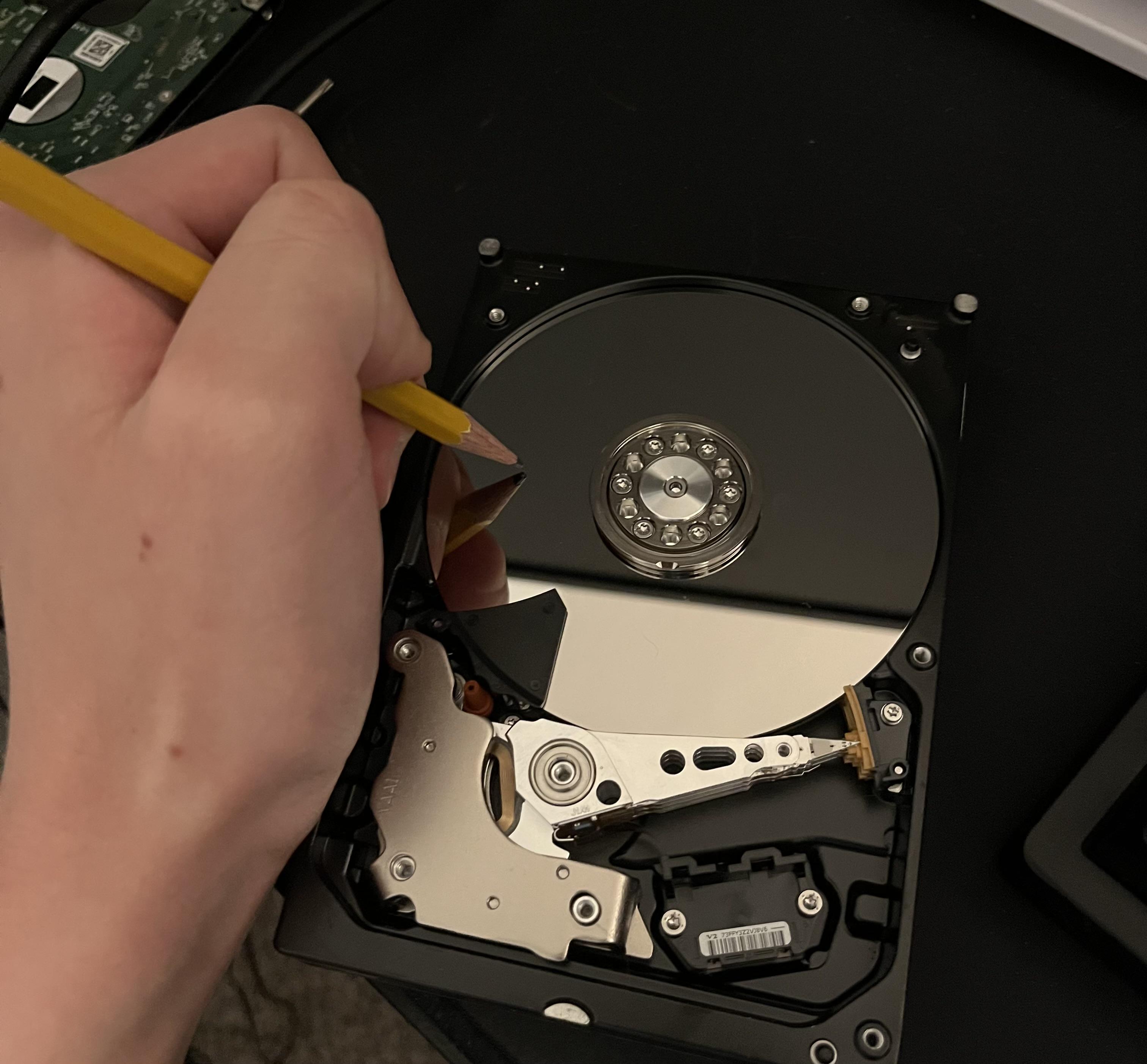
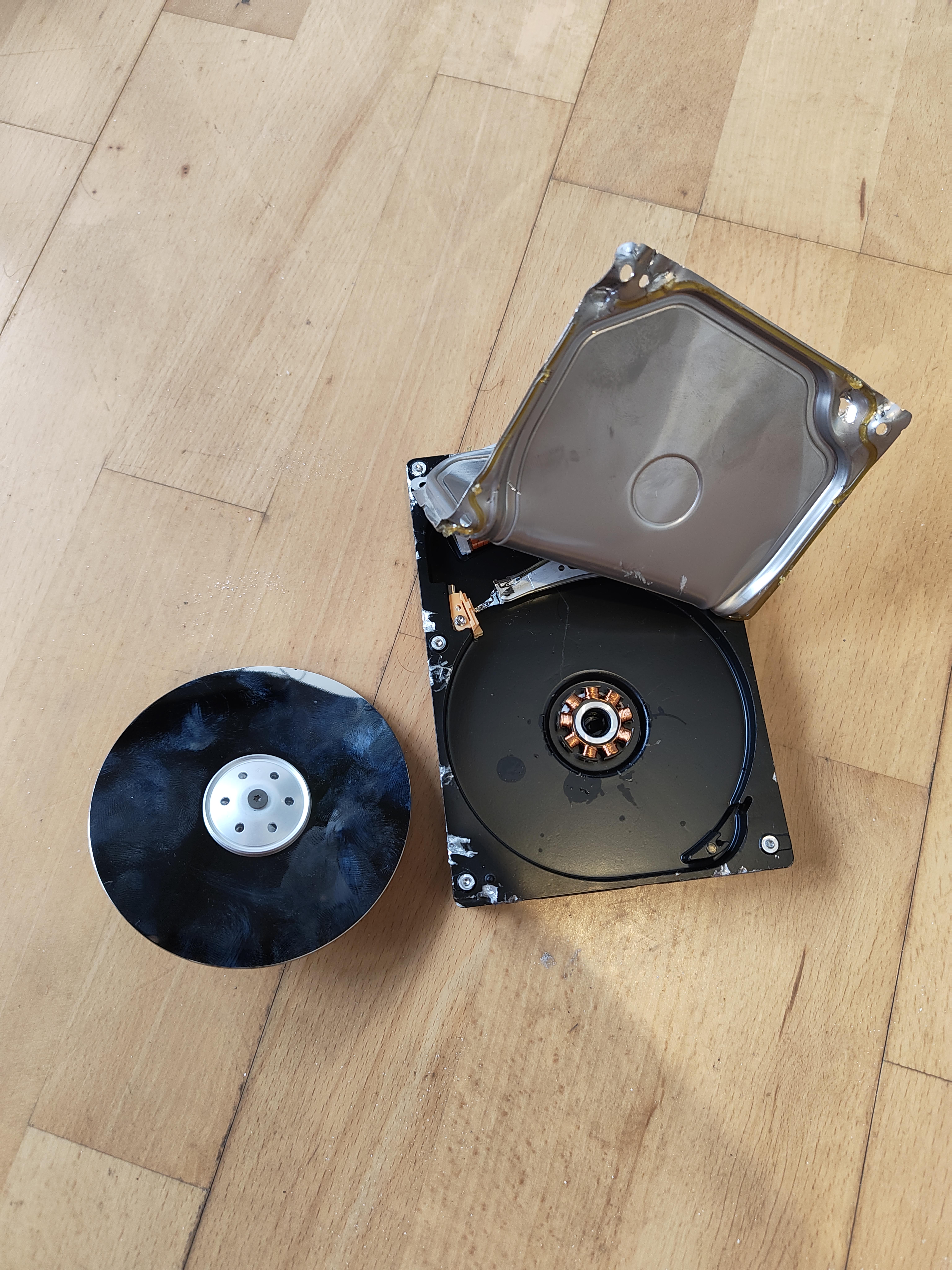
The five stages of grief, but make it hardware failure. Someone's hard drive went from "perfectly fine" to "abstract art installation" real quick. What starts as a normal HDD standing upright gradually transforms into increasingly creative interpretations of what a hard drive could be. First it's standing, then lying flat, then someone thought "what if we bent it a little?" and finally achieved the ultimate form: a hard drive sandwich with extra platters. The title "So Many Levels" is chef's kiss because it works on multiple levels itself (pun absolutely intended). Physical levels of the drive's position, levels of destruction, and levels of desperation when you realize your backup strategy was "I'll do it tomorrow." Fun fact: those shiny platters inside spin at 7200 RPM, which is roughly the same speed your heart rate reaches when you hear that clicking sound. RAID stands for Redundant Array of Independent Disks, but after seeing this, it clearly stands for "Really Avoid Inadequate Disaster-planning."

Not A Great Time To Build Your First Gaming PC

Not A Great Time To Build Your First Gaming PC
Your friend finally decides to ascend to PC gaming in 2025, only to get absolutely demolished by the unholy trinity of inflated hardware prices. RAM? Expensive. GPU? Might as well sell a kidney. Storage? That'll be your other kidney, thanks. It's like watching someone walk into a minefield while you're screaming "WAIT" but they can't hear you because they're too busy calculating their monthly payment plan for a mid-tier graphics card. Should've stuck with the console, buddy. At least that pain was upfront and singular.

Gb Vs GiB

Gb Vs GiB
Marketing teams out here selling you a "1TB" hard drive like they're doing you a favor, meanwhile your computer opens it and goes "lol bestie that's actually 931 GiB." The betrayal is REAL. Decimal (GB) vs binary (GiB) units is the tech industry's longest running scam and nobody talks about it enough! For context: GB uses base-10 (1000), while GiB uses base-2 (1024). So 1 GB = 1,000,000,000 bytes, but 1 GiB = 1,073,741,824 bytes. Hard drive manufacturers love using GB because bigger numbers = better sales, but your OS speaks fluent GiB. It's like ordering a footlong sub and getting 11.5 inches. Technically legal, morally questionable. The top panel showing 1000, 500, 250 is GB trying to flex with its clean decimal system, while the bottom panel's 256, 512, 1024 is GiB sitting there in its fancy binary powers looking absolutely SUPERIOR. The computer nerds know what's up. 🎩

You Never Realize How Small An SSD Is...

You Never Realize How Small An SSD Is...
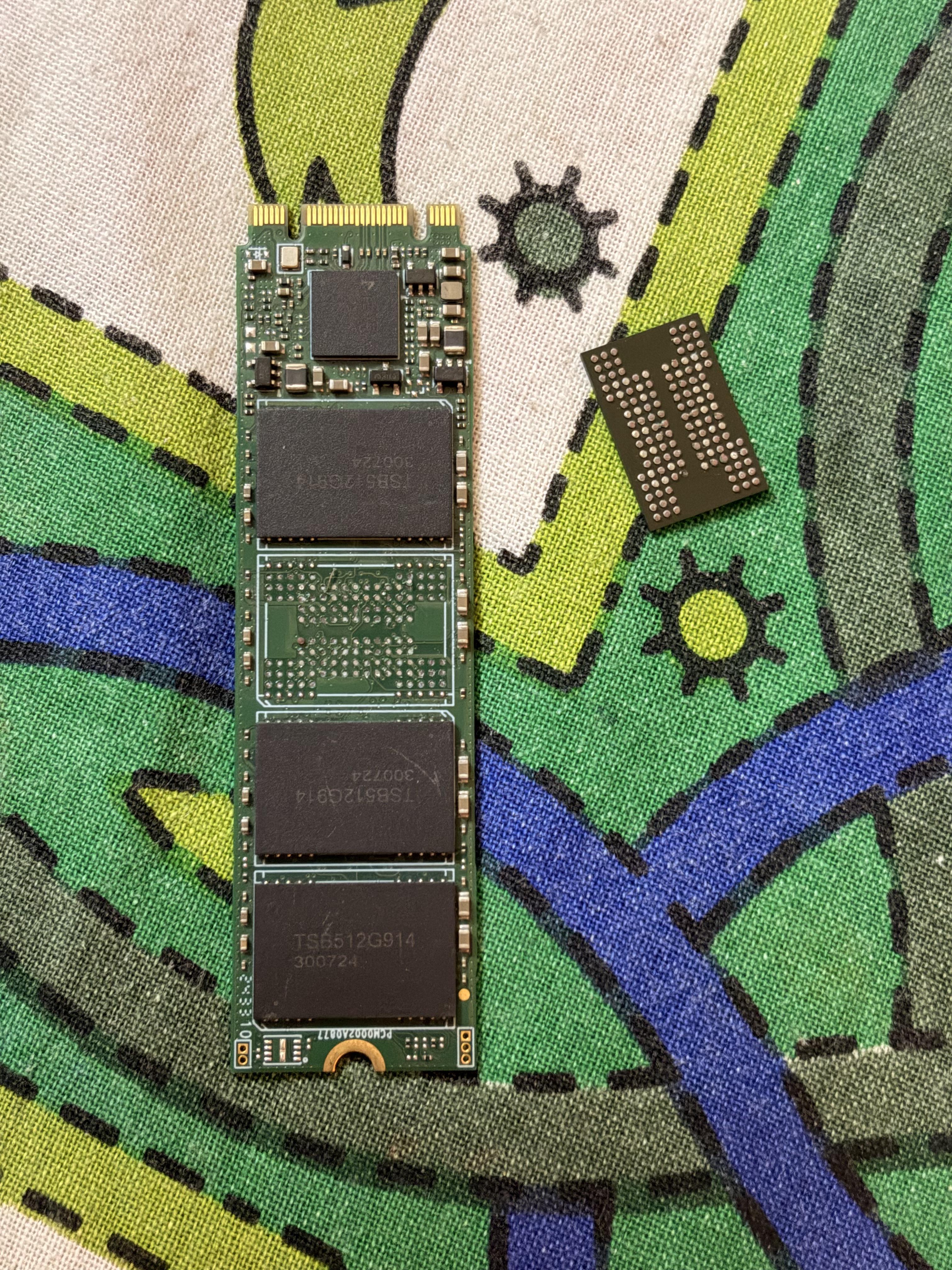
That moment when you realize your 2TB NVMe SSD with blazing 7000MB/s transfer speeds is physically smaller than a novelty pencil. Somehow stores 1,000,000+ high-res cat memes while being barely visible to the naked eye. Moore's Law is basically black magic at this point. Your entire Steam library, 50 Docker containers, and three virtual machines fit on something that could get lost in your carpet fibers. Meanwhile, my first computer had a 20MB hard drive the size of a microwave.

Node Modules: The Black Hole Of Your Hard Drive

Node Modules: The Black Hole Of Your Hard Drive
Ah, the classic "dedicate an entire hard drive to node_modules" approach. When your dependencies need more space than your operating system, university education, and actual web development code combined. That 402GB drive labeled "node_modules" isn't even a joke anymore—it's just documentation of the JavaScript ecosystem's storage requirements. At this point, NASA could've sent npm install to Mars and back with less data than what's sitting in that folder.

Clock But We Saved Db Space By Just Returning The Index Of The Array Of Digit Names

Clock But We Saved Db Space By Just Returning The Index Of The Array Of Digit Names
The clock shows actual array indices instead of spelled-out numbers. Because why waste precious database space storing "seven" when you could just store 7 and let the frontend figure it out? This is what happens when the database optimization team gets to design the UI. Next up: replacing all button labels with enum values to save a few bytes. Your users will adapt.

Backup Capacity Expectations Vs Reality

Backup Capacity Expectations Vs Reality
When the CTO says "We've allocated sufficient backup storage" but your database grows faster than your budget. That tiny spare tire trying to support a monster truck of data is basically what happens when management thinks a 1TB drive will back up your 15TB production environment. Bonus points if they expect you to fit the logs too.