Remote desktop Memes

Posts tagged with Remote desktop
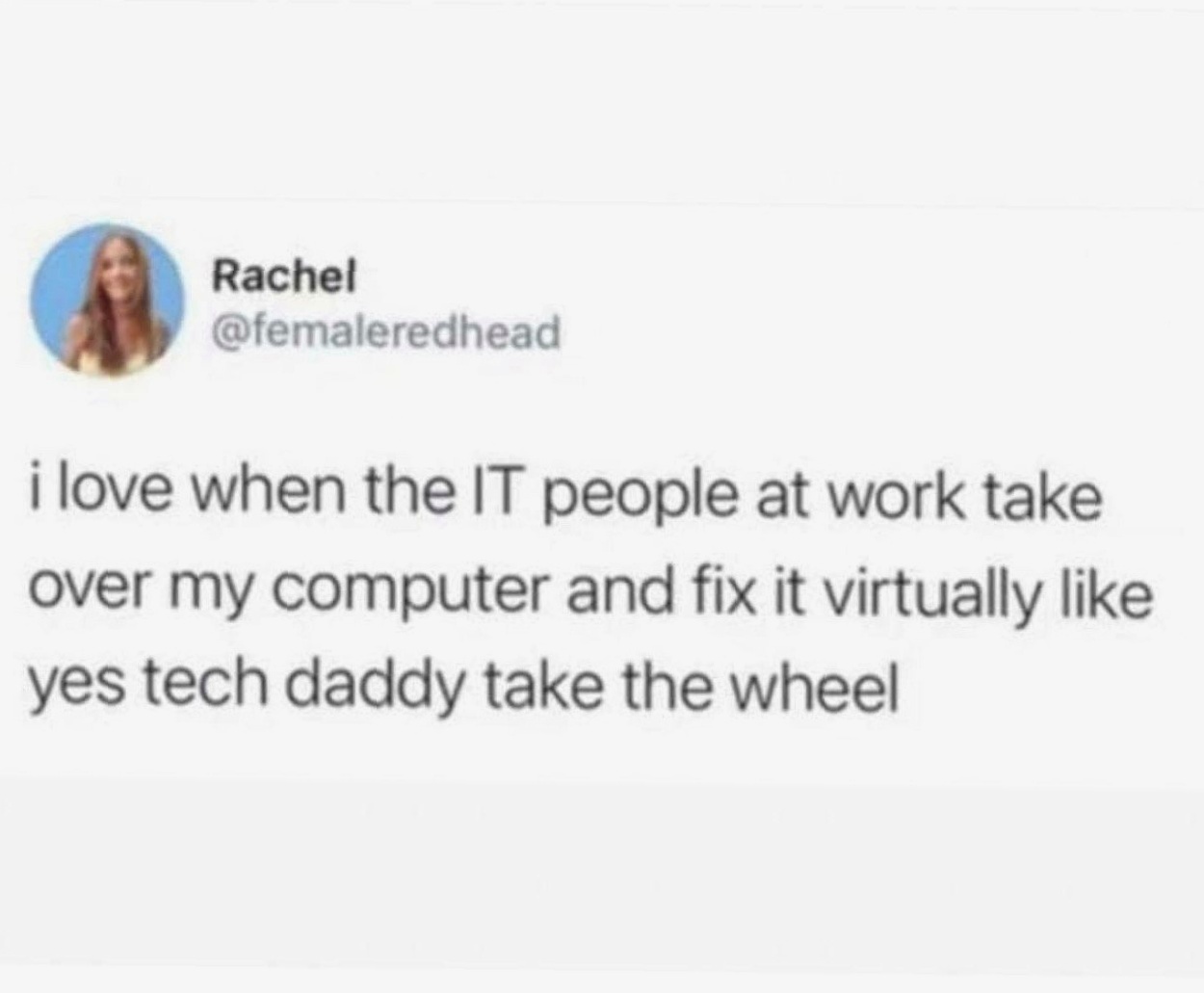
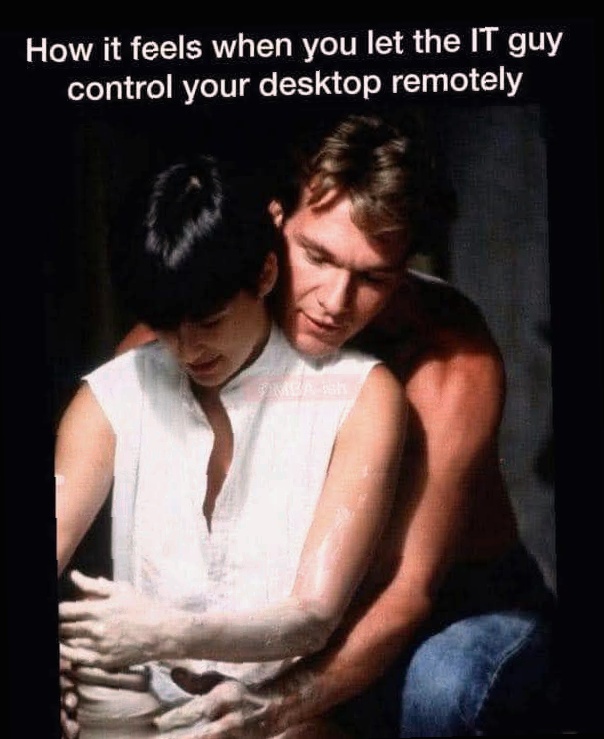
Yes Tech Daddy Take The Wheel

Yes Tech Daddy Take The Wheel
You know you've made it in IT when non-technical coworkers just hand over their entire machine like you're some kind of digital wizard. They sit there watching you navigate their desktop with 47 Chrome tabs open, a password manager they've never used, and icons arranged in what can only be described as "chaos theory in practice." The best part? Half the time the fix is literally just restarting the computer or closing that one application that's been frozen since Tuesday. But you gotta make it look good—throw in a few keyboard shortcuts, maybe open Task Manager for dramatic effect, and suddenly you're a hero. Meanwhile they're just sitting there in awe like you performed open-heart surgery when all you did was clear their cache. The power dynamic is real.

I've Hungered For Your Cursor...

I've Hungered For Your Cursor...
There's something deeply unsettling yet oddly intimate about watching your cursor become possessed by another human being. You're just sitting there, hands hovering uselessly over your keyboard like a ghost, while the IT guy's cursor glides across YOUR screen with the confidence of someone who knows exactly where all your folders are. It's like having someone else drive your car while you sit in the driver's seat—technically you're still there, but you've surrendered all control to the universe. The sheer vulnerability of it all! They're navigating through your desktop, opening your command prompt, typing commands faster than you can read them, and you're just... watching. Powerless. Hoping they don't accidentally stumble upon that folder named "definitely_not_memes" that's 47GB for some reason. It's the digital equivalent of someone feeding you soup—technically helpful, but also weirdly personal and slightly embarrassing.

Tech Support Ever Just Tell You This…

Tech Support Ever Just Tell You This…
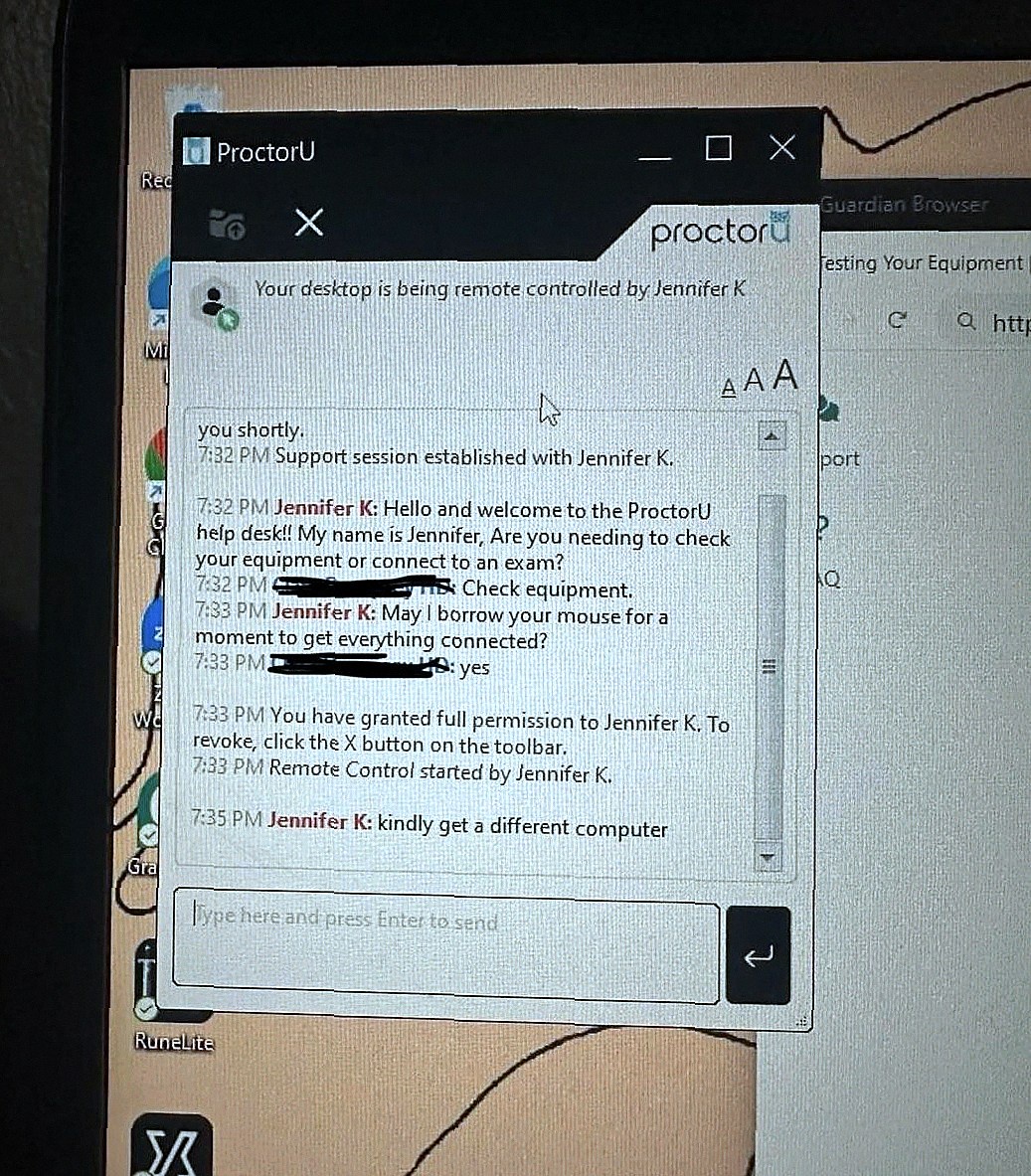
Jennifer from ProctorU support asks politely if she can borrow your mouse "for a moment to get everything connected." Two minutes later: "kindly get a different computer." Nothing says "your setup is beyond salvation" quite like tech support giving up mid-session. No troubleshooting steps, no "have you tried turning it off and on again," just a straight-up recommendation to acquire new hardware. Jennifer took one look under the hood and noped right out of there. Somewhere between "Remote Control started" and complete existential dread, Jennifer discovered horrors that cannot be unseen. We've all been there—remoting into a user's machine only to find 47 Chrome tabs, desktop icons covering every pixel, and processes that shouldn't exist outside of a malware museum.

The Invisible Touch

The Invisible Touch
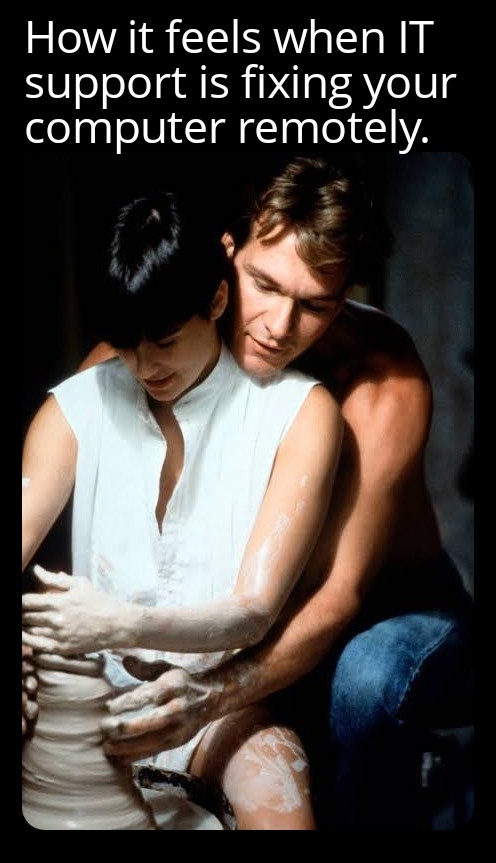
You're sitting there watching your cursor move on its own, clicking through menus you didn't open, typing commands you didn't write. It's like watching a ghost possess your machine, except this ghost has admin privileges and knows exactly where your problem files are hiding. The IT person is in complete control while you just sit there like a passenger in your own computer, feeling oddly violated yet grateful. It's the weirdest mix of helplessness and relief—like someone else doing your dishes but you have to watch them reorganize your entire kitchen in the process.

Tech Support's Final Diagnosis

Tech Support's Final Diagnosis
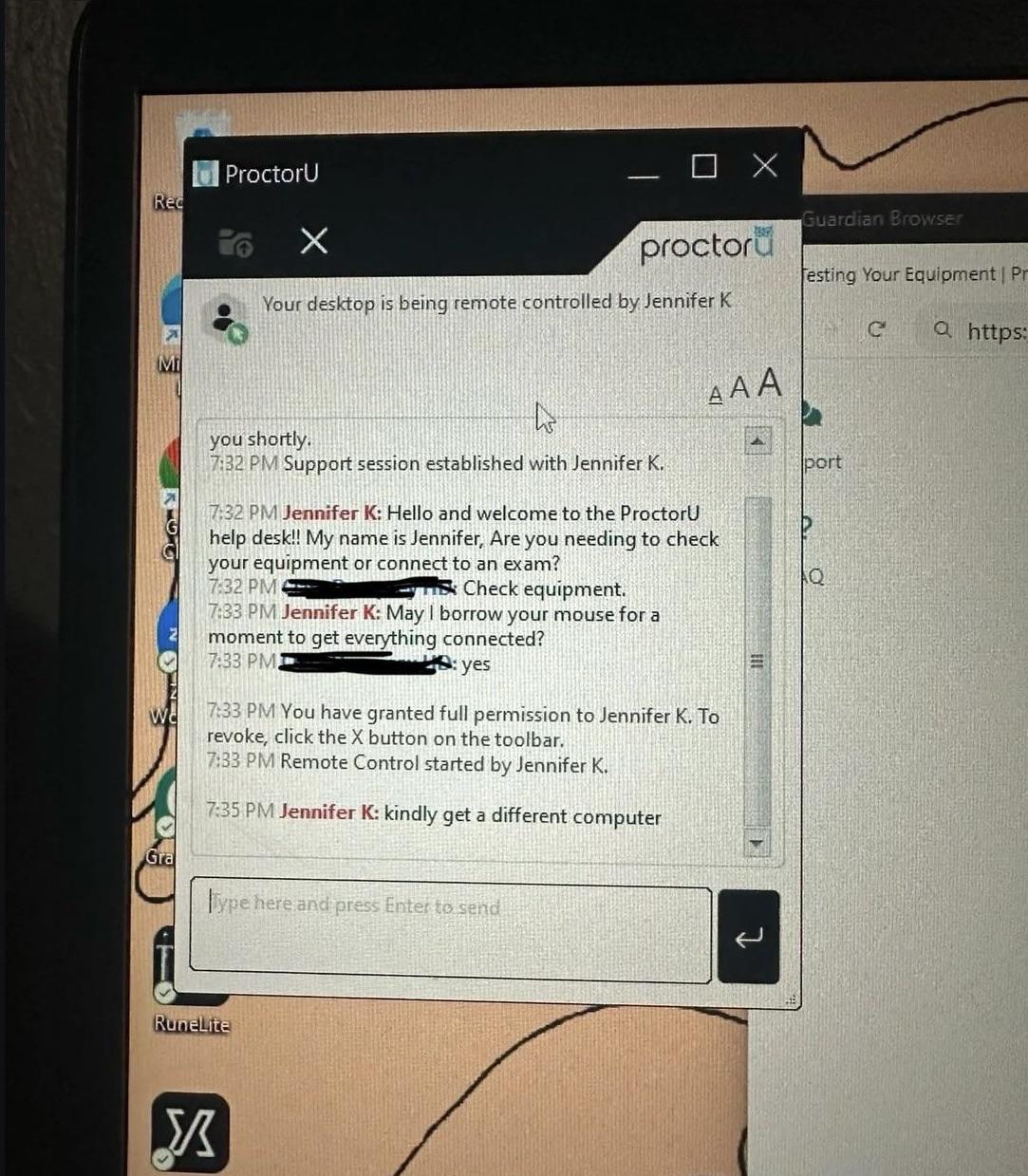
When tech support connects to your machine and immediately tells you to "kindly get a different computer," you know you've achieved peak digital dumpster fire status. Poor Jennifer K just wanted to help with an exam setup but apparently stumbled into the digital equivalent of opening a haunted storage unit. Two minutes of remote access was all it took for her to realize this laptop belongs in a museum... of technological horrors. That's the tech support equivalent of a doctor walking into the exam room, taking one look at you, and immediately recommending a priest instead.

The Digital Surrender

The Digital Surrender
THE ABSOLUTE VIOLATION OF WATCHING YOUR CURSOR MOVE WITHOUT YOUR CONSENT! 😱 There you are, innocently sipping coffee, when suddenly—YOUR MOUSE IS POSSESSED! That IT person is now navigating your digital kingdom, opening folders you forgot existed, seeing your questionable file naming system, and probably judging your 37 browser tabs. It's like someone walking into your house and rearranging your furniture while you just stand there, powerless, watching the digital intimacy unfold. The ultimate surrender of control!

MOUNTUP Single Monitor Stands, Freestanding VESA Monitor Desk Mount fits 13'' to 32'' Computer Screen with Height Adjustable, Swivel, Tilt, Rotation, Holds up to 17.6 lbs, VESA 75x75/100x100 MU0023

MOUNTUP Single Monitor Stands, Freestanding VESA Monitor Desk Mount fits 13'' to 32'' Computer Screen with Height Adjustable, Swivel, Tilt, Rotation, Holds up to 17.6 lbs, VESA 75x75/100x100 MU0023
ERGONOMIC DESIGN - The screen monitor stand can be flexibly adjusted for different angles to meet your eye level and posture, releasing the strain on your neck, shoulder, and eyes. · FLEXIBLE SCREEN …

The App-ocalypse Is Upon Us

The App-ocalypse Is Upon Us
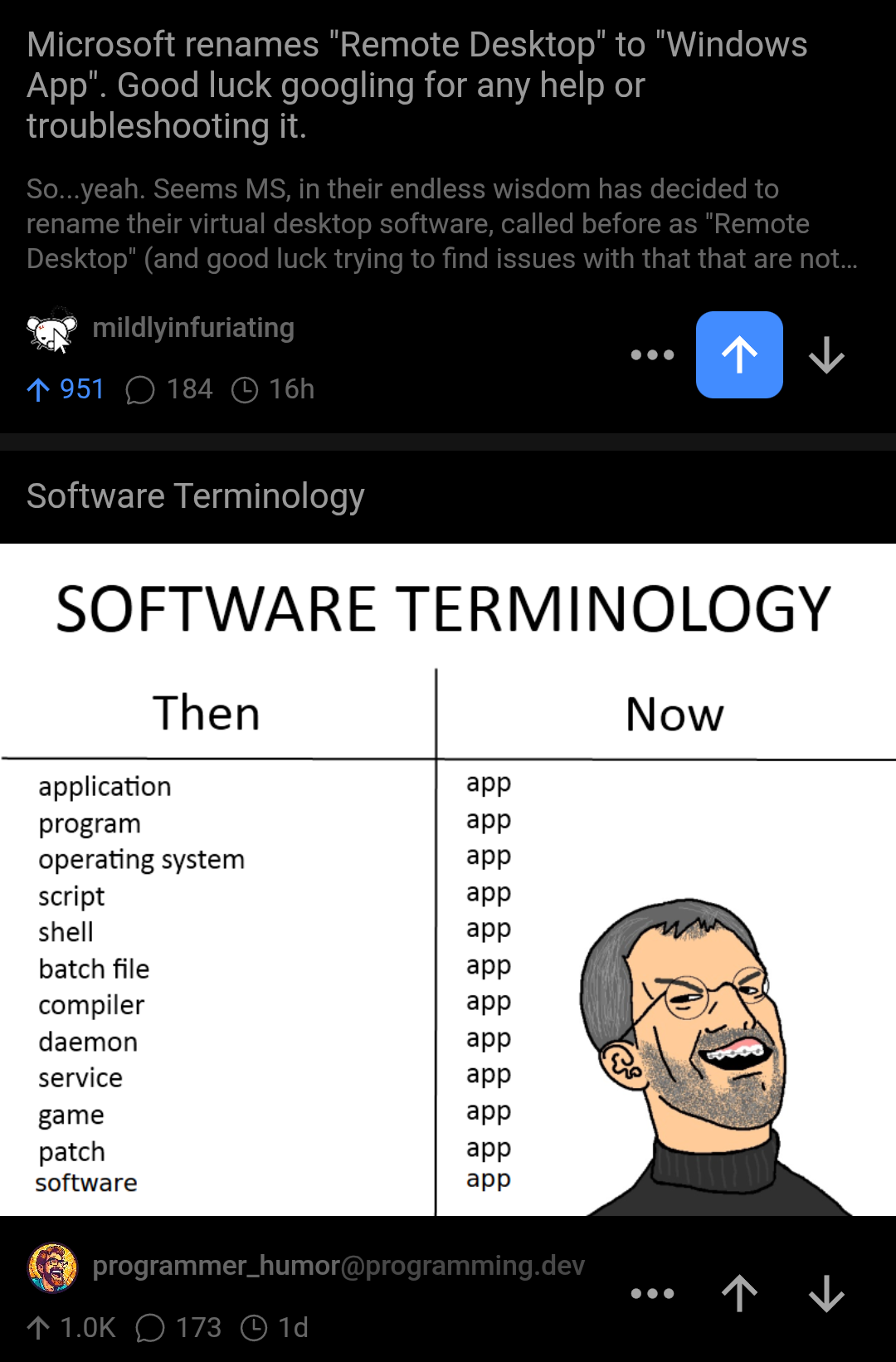
OH. MY. GOD. Microsoft has reached peak simplification nirvana! 🙄 Why use descriptive, specific terms when you can just call LITERALLY EVERYTHING an "app"?! Remote Desktop? Too specific! Operating system? Too technical! Daemon? Too scary-sounding! Just slap "app" on it and call it a day! The absolute TRAGEDY of trying to Google "Windows App not connecting" and getting 8 million results about the Weather app! It's like Microsoft is DELIBERATELY trying to make troubleshooting an Olympic sport! Next up: they'll rename their entire company to "Thing" and their logo to a generic square. PERFECTION! 💅