File system Memes

Posts tagged with File system
OneDrive: Look At Me, I Am Your C Drive Now

OneDrive: Look At Me, I Am Your C Drive Now
Microsoft really said "you know what your local storage needs? More cloud integration!" and proceeded to make OneDrive the default save location for literally everything. Desktop? OneDrive. Documents? OneDrive. That random screenshot you took? Believe it or not, also OneDrive. Nothing quite like opening File Explorer expecting to see your actual local files, only to discover OneDrive has staged a hostile takeover of your entire directory structure. Your C drive didn't retire, it just got forcibly migrated to the cloud without its consent. And good luck trying to disable it—Microsoft treats that "Turn off OneDrive" button like it's a suggestion, not a command. The best part? When you're on a slow connection and can't access YOUR OWN FILES because they're "syncing." Peak innovation right there.

Fr

Fr
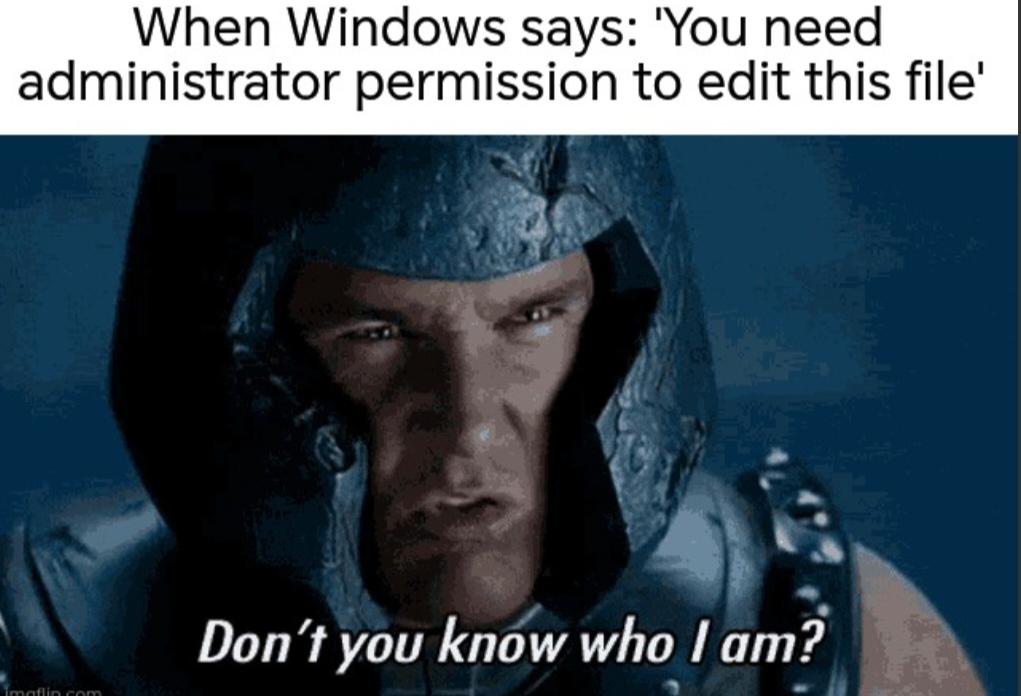
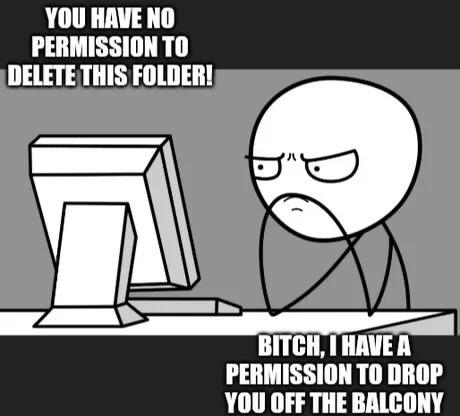
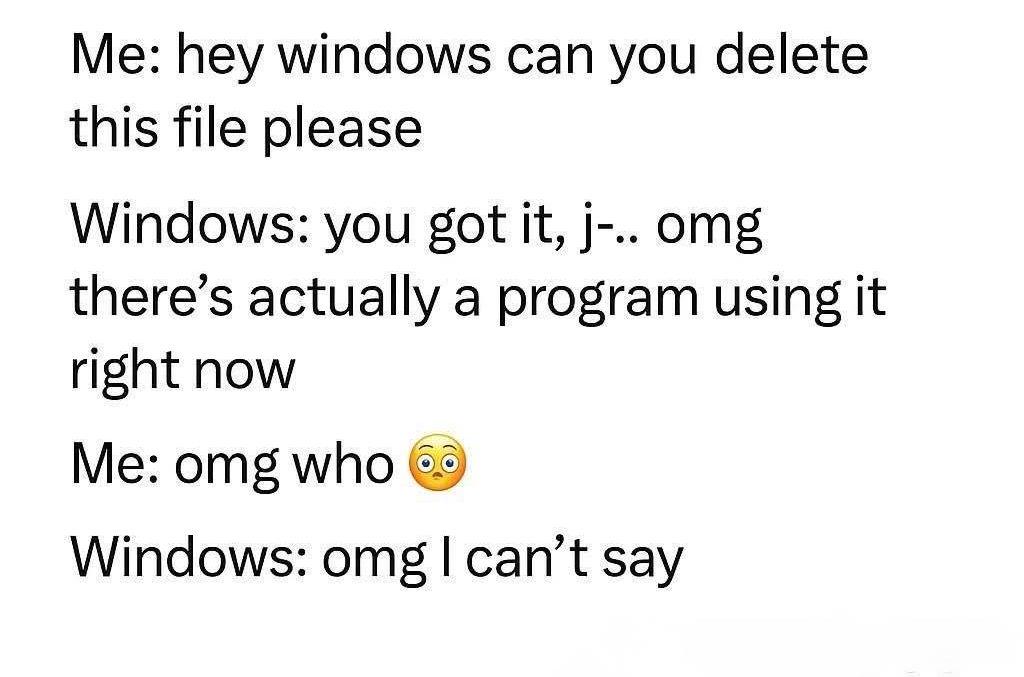
Nothing quite like your own machine telling you that you lack the authority to modify a file on YOUR hardware that YOU paid for. The audacity. It's like being locked out of your own house by your doorbell. The rage is real. You're root. You're admin. You literally created this file 5 minutes ago. But somehow the OS has decided you're not worthy. Time to bust out sudo or right-click properties like a peasant and negotiate with your own computer for basic file access. Peak digital feudalism right here.

OneDrive: Look At Me, I Am Your C Drive Now

OneDrive: Look At Me, I Am Your C Drive Now
OneDrive has this delightful habit of silently taking over your entire file system like some kind of digital coup. One day you're just trying to save a file to your Desktop, and suddenly you realize it's not actually on your Desktop—it's in the cloud, syncing to OneDrive, whether you asked for it or not. Microsoft really said "local storage? never heard of her" and just started redirecting your Documents, Desktop, and Pictures folders without so much as a courtesy email. The best part is when you're on a train with no internet and can't access your own files because they're "Files On-Demand" now. Thanks, I really needed my tax documents to be unavailable during my audit. Nothing says "seamless user experience" like your C drive becoming a glorified shortcut to someone else's server.

Buckshot Roulette: Python Edition

Buckshot Roulette: Python Edition
Ah, Russian Roulette for your Windows machine. A 1 in 6 chance of deleting System32, the digital equivalent of shooting yourself in the motherboard. The creepy anime character's smile says it all - they've seen many a developer's soul leave their body after running this script. Pro tip: Always keep your resume updated when playing with random number generators and system directories.

Game Devs And The File System Apocalypse

Game Devs And The File System Apocalypse
Oh. My. GOD. The absolute CHAOS of game development file management! 💀 Game devs out here playing Russian roulette with their save directories! On the left, the poor dev desperately reaching for that elusive Windows save directory. Meanwhile on the right, the HORRIFYING reality of where game files ACTUALLY end up - scattered across seventeen billion different folders like the aftermath of a digital tornado! AppData(Local)? AppData(Roaming)? Documents/My Games? User folder? programfiles? It's like the file system threw up after a wild party and nobody bothered to clean up! And don't even get me started on those mysterious "Game Folder" directories that could literally be ANYWHERE on your machine! The struggle is REAL and the pain is ETERNAL. Send help. Or better yet, send a standardized file structure! 😭

The Road To Temporary Storage

The Road To Temporary Storage
The eternal developer dilemma: choosing between light and dark themes! On the left, the bright and cheerful "/tmp" directory bathed in sunlight (clearly for those morning coding sessions), and on the right, the ominous dark "/tmp" folder under stormy skies (perfect for 2 AM debugging marathons). The poor developer stands at the crossroads, knowing that whichever path they choose, their files will still vanish mysteriously after a reboot. The real horror isn't the spooky castle—it's the ephemeral nature of temporary storage!

The Two Types Of File Management

The Two Types Of File Management
Ah yes, the eternal battle between organization and reality. We all start with noble intentions—a pristine Documents folder where everything is properly named and categorized. "This is brilliant," we tell ourselves. But then there's the Downloads folder—that digital junk drawer where files go to either die or multiply. Random JARs, half-downloaded PDFs, and 17 copies of the same config file with increasingly desperate naming conventions. Yet somehow, we always know exactly where to find that one crucial script in that chaotic hellscape. Six years as a senior dev and I still haven't emptied mine since 2018. Why organize when you can just Ctrl+F your way through life?

The Great Folder Naming Divide

The Great Folder Naming Divide
BEHOLD! The two species of folder-namers that walk among us! In one corner, we have the innocent optimist who names folders with actual meaningful words like "memories" with ✨sparkles✨ because apparently their hard drive is a scrapbook from 2007. And then there's the keyboard-smashing GREMLIN who creates absolute abominations like "bsydvdkke" and then—THE AUDACITY—creates ANOTHER unintelligible folder name so similar that even the computer is throwing a tantrum! "b♪yd-dkkke already exists" it screams in yellow warning! This is why your projects are DOOMED. You'll never find that important file again. It's lost forever in the void of consonants you created in your 2am coding frenzy. Future you will WEEP.

The Arcane Command Of Configuration

The Arcane Command Of Configuration
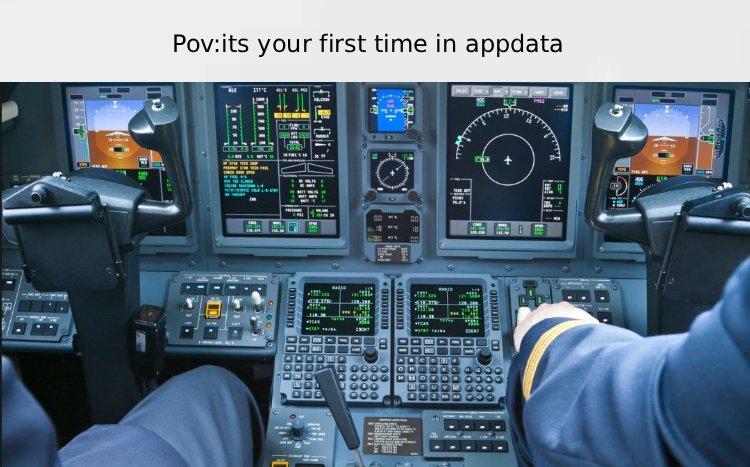
The magical incantation "%appdata%" - where Windows users go when they need to find that one config file buried in the depths of their system. It's basically the developer equivalent of summoning arcane powers. One slash of this command in the Run dialog and suddenly you're the wizard of the file system, surrounded by the mystical floating folders of application settings that mere mortals never see. The true sorcery is remembering which cryptically named folder contains the settings you actually need.

The Tilde Of Doom

The Tilde Of Doom
Nothing like that moment of pure terror when you realize you've created a literal tilde directory (~) in your project instead of referencing the home directory... and then proceed to run rm -rf ~/ to "fix" it. For the uninitiated: In Unix/Linux, the tilde (~) is shorthand for your home directory where all your personal files live. Running that delete command would nuke your entire home directory—years of work, configs, and those vacation photos you never backed up. Seven years of terminal experience and we're still one distracted moment away from digital armageddon. Just another Tuesday.

The Tilde That Destroyed Everything

The Tilde That Destroyed Everything
When you accidentally create a literal tilde (~) directory and then panic-delete your entire home folder... classic career-shortening move! The tilde in Unix/Linux is shorthand for your home directory, but this poor soul created an actual folder named "~" and then ran rm -rf ~/ thinking they were being precise. Spoiler alert: they weren't deleting the tilde folder—they were nuking their entire home directory from orbit. That moment of realization between "Stopped thinking" and updating your resume is approximately 0.3 seconds.

Goodbye Cruel World

Goodbye Cruel World
Ah, the digital equivalent of pulling the pin on a grenade and hugging it. This beautiful C# method finds every executable file on every drive in your system and launches them simultaneously. Perfect for when you want your computer to experience what it feels like to have a panic attack. The method name "LaunchAllExes" is just so refreshingly honest - like naming your self-destruct button "MakeEverythingExplode". Whoever wrote this probably also keeps their passwords in a file called "definitely_not_passwords.txt".