Windows xp Memes

Posts tagged with Windows xp
The Only Windows Assistant I Ever Actually Liked

The Only Windows Assistant I Ever Actually Liked
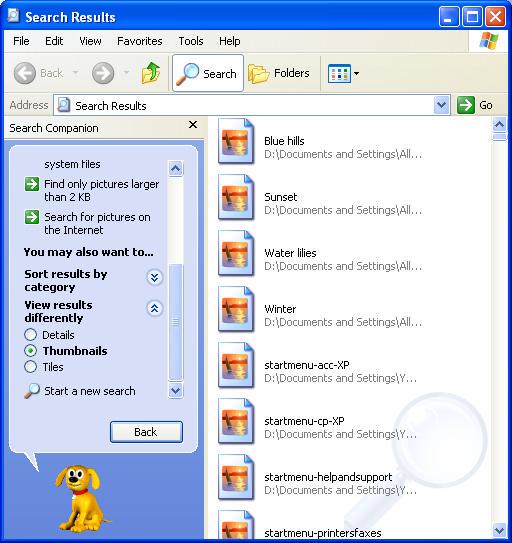
Remember when Windows XP had that adorable little search dog who would actually HELP you find files instead of trying to sell you a subscription service? The good boy would dig around your system files while you searched for "Blue hills" and "Water lilies" wallpapers like the cultured individual you were. Fast forward to today and we've got Cortana aggressively suggesting Bing searches nobody asked for, while this legendary pupper just wanted to find your pictures larger than 2 KB. No judgment, no cloud integration, no telemetry—just pure, unadulterated file-finding wholesomeness. The Search Companion even had helpful suggestions like "Find only pictures larger than 2 KB" because it ACTUALLY understood what you were trying to do. Peak Windows design was a golden retriever doing backflips while indexing your startup menu. We didn't deserve him, and Microsoft knew it. RIP to a real one. 🐕

Why Does No One Ever Talk About How This Works?

Why Does No One Ever Talk About How This Works?
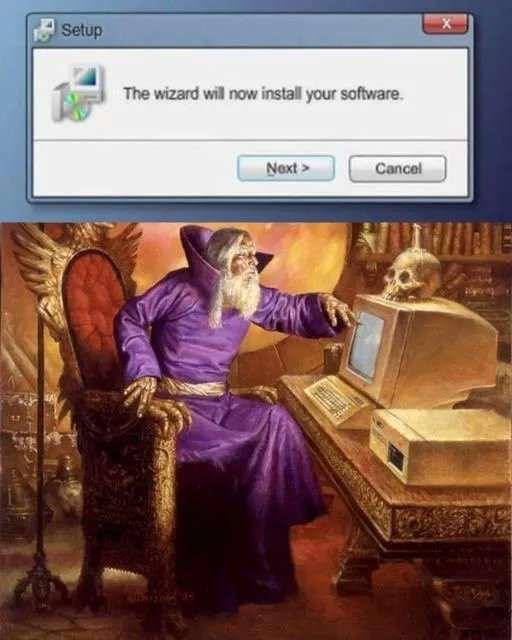
You click "Next" on a Windows installer wizard and suddenly you're a medieval sorcerer summoning software into existence through pure mystical energy. The whole process is genuinely arcane—you're trusting some executable to modify your registry, dump DLLs into System32, create shortcuts, and potentially install a browser toolbar you didn't ask for. And we just... accept it? No code review, no transparency, just blind faith in a wizard (literally) that's been using the same UI since Windows XP. The best part is how the installer "wizard" terminology is accidentally perfect. You're not engineering anything—you're performing digital alchemy, hoping the incantation doesn't brick your system or bundle McAfee as a "recommended" component. Meanwhile, Linux users are over there reading MAKEFILEs like responsible adults while we're out here clicking "I agree" to 47 pages of terms we'll never read.

Who Remembers Running Defrag Just To Watch Your Files Physically Move Across The Screen?

Who Remembers Running Defrag Just To Watch Your Files Physically Move Across The Screen?
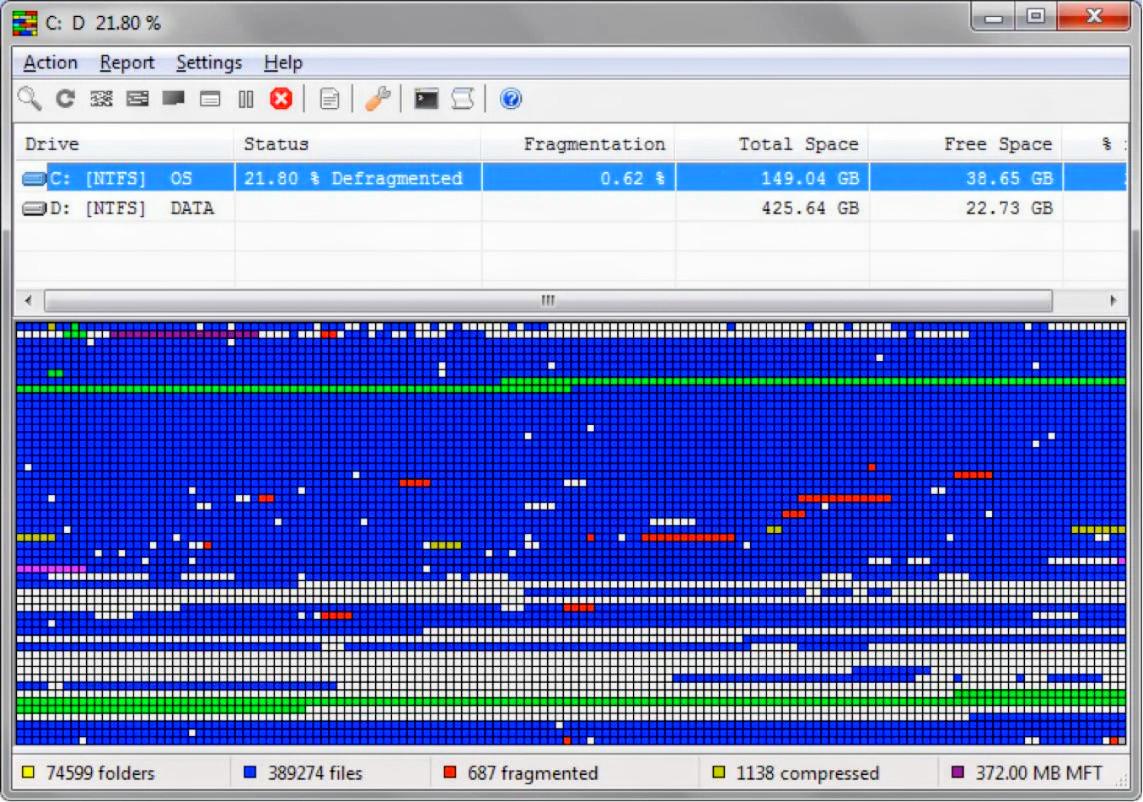
Back when computers were slow enough that you could actually see them thinking. Running defrag wasn't about optimizing disk performance—let's be real, you just wanted to watch those colorful blocks shuffle around like the world's most boring Tetris game. You'd leave it running for hours, occasionally checking in like "oh nice, that red cluster moved three pixels to the left." The best part? Your drive would go from 21.80% fragmented to maybe 0.62%, and you'd feel like you just gave your PC a spa day. Meanwhile, modern SSDs are sitting there laughing because fragmentation doesn't even matter anymore. Kids today will never know the simple joy of watching 687 fragmented files slowly organize themselves while you pretend you're being productive. Fun fact: This was basically the Windows XP/Vista era's version of a screensaver, except it made your computer sound like it was about to achieve liftoff.

Windows Media Player Is Cool Af

Windows Media Player Is Cool Af
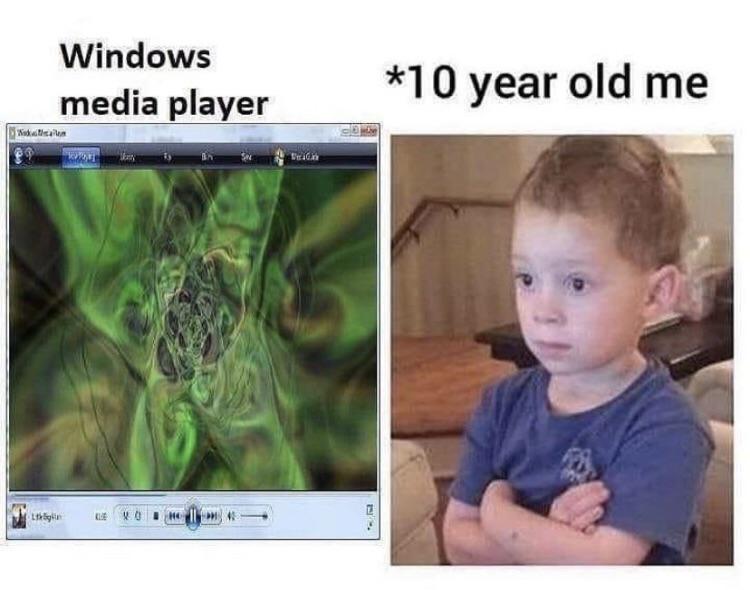
Remember when you discovered Windows Media Player's visualizer and thought you'd unlocked the secrets of the universe? Those trippy, morphing patterns that danced to your music were basically the pinnacle of entertainment technology. Ten-year-old you sat there with arms crossed, absolutely MESMERIZED by those psychedelic green blobs, feeling like you were at some kind of exclusive rave for elite computer users. It was like having a personal light show that made you feel like a hacker genius just for clicking the "Now Playing" tab. The sheer sophistication! The raw power! The... wait, it's just random shapes moving to audio frequencies? Doesn't matter—still the coolest thing on Windows XP.

End Of Bliss

End Of Bliss
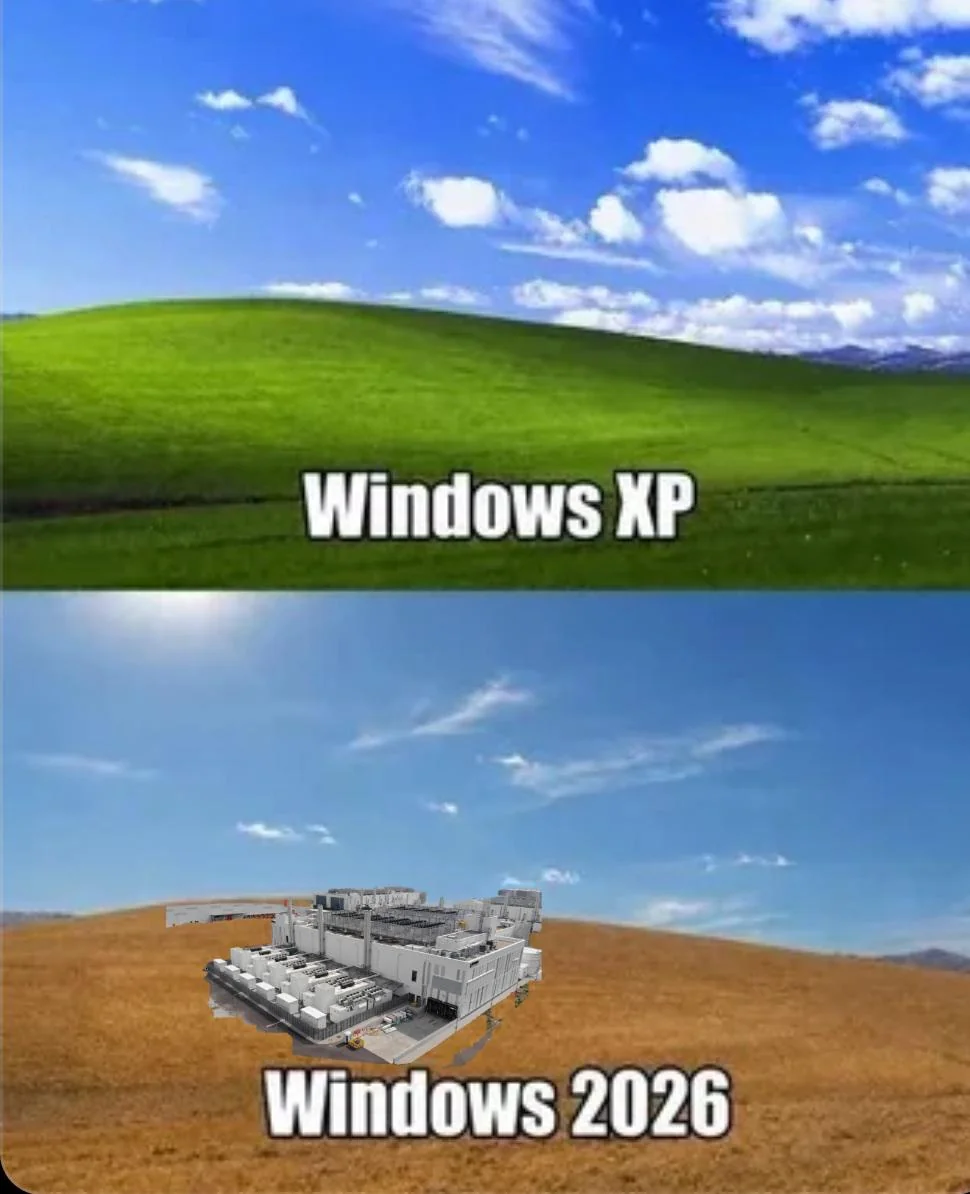
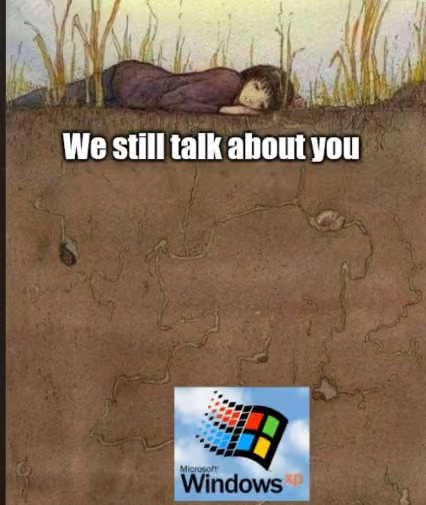
Remember when Windows XP was just a peaceful grassy hill and life was simple? Yeah, those days are gone. Windows 2026 is apparently going to be a full-blown industrial server farm sitting in a desert wasteland. Because nothing says "user-friendly operating system" like looking at your desktop and seeing what appears to be a data center that consumes more power than a small country. The evolution from serene meadow to dystopian tech infrastructure pretty much sums up where we're headed. Your OS used to boot in seconds, now it needs to spin up 47 different cloud services, telemetry collectors, and AI assistants you never asked for. Can't wait to need a cooling tower just to check my email.

Dear Diaray

Dear Diaray
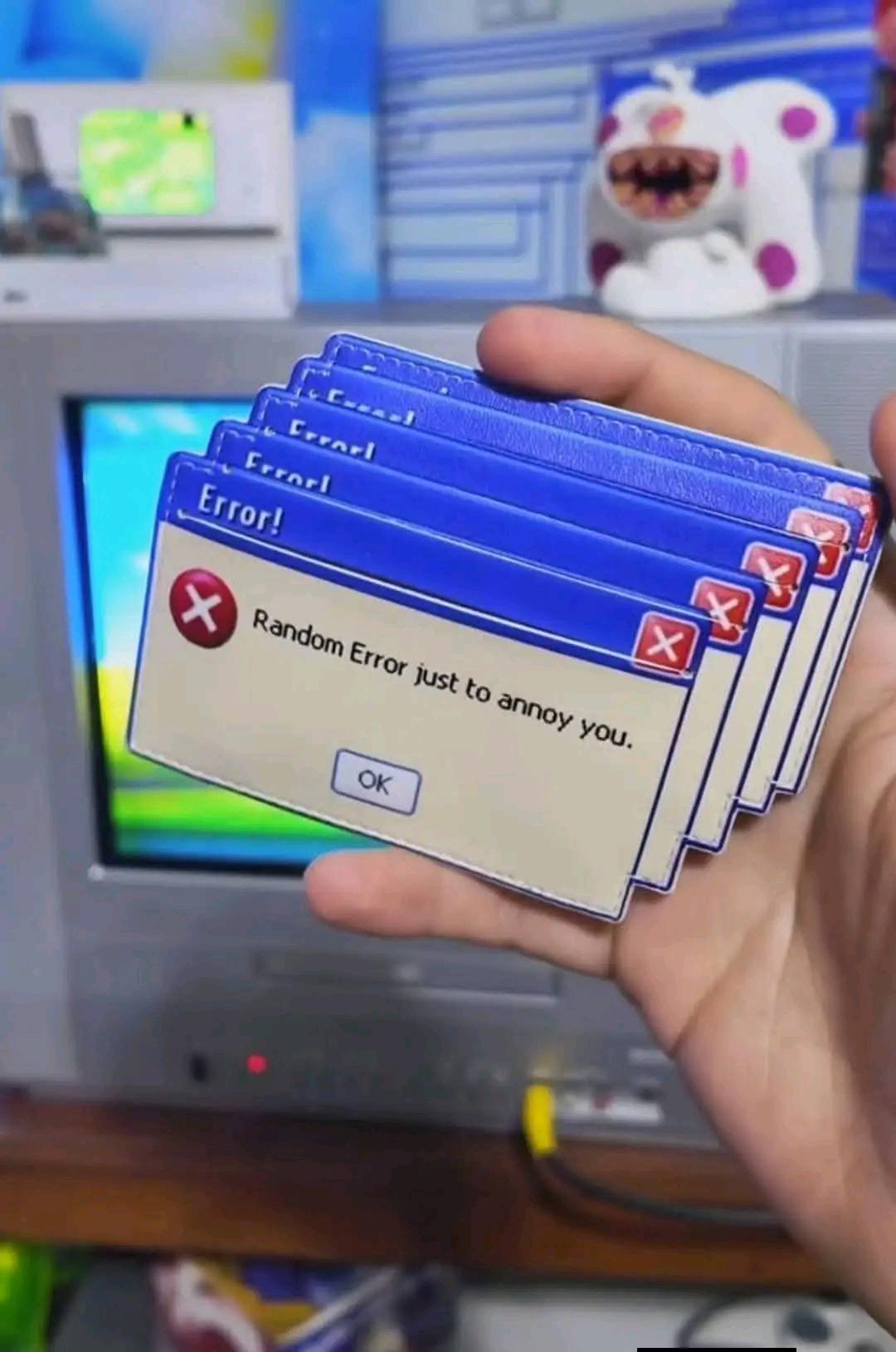
You know those days when your code is running fine, tests are passing, deployment went smooth, and then Windows decides to gift you a stack of error dialogs that literally say "Random Error just to annoy you"? That's basically every Tuesday. The best part? Multiple windows stacked up like some kind of twisted error sandwich. Because one unexplained error wasn't enough—the OS needs to really drive the point home. And that single "OK" button? Yeah, that's not confirmation, that's just acceptance of your fate. You're not fixing anything, you're just acknowledging that the machine gods are displeased today. This is why we have trust issues with error messages. Half the time they're lying, the other half they're just vibing with chaos energy.

NordVPN

NordVPN
Encrypt your traffic on public Wi-Fi, stream from anywhere, and cover up to ten devices with one plan. 30-day money-back guarantee.

Sometimes Things Just Work And You Don't Know Why

Sometimes Things Just Work And You Don't Know Why
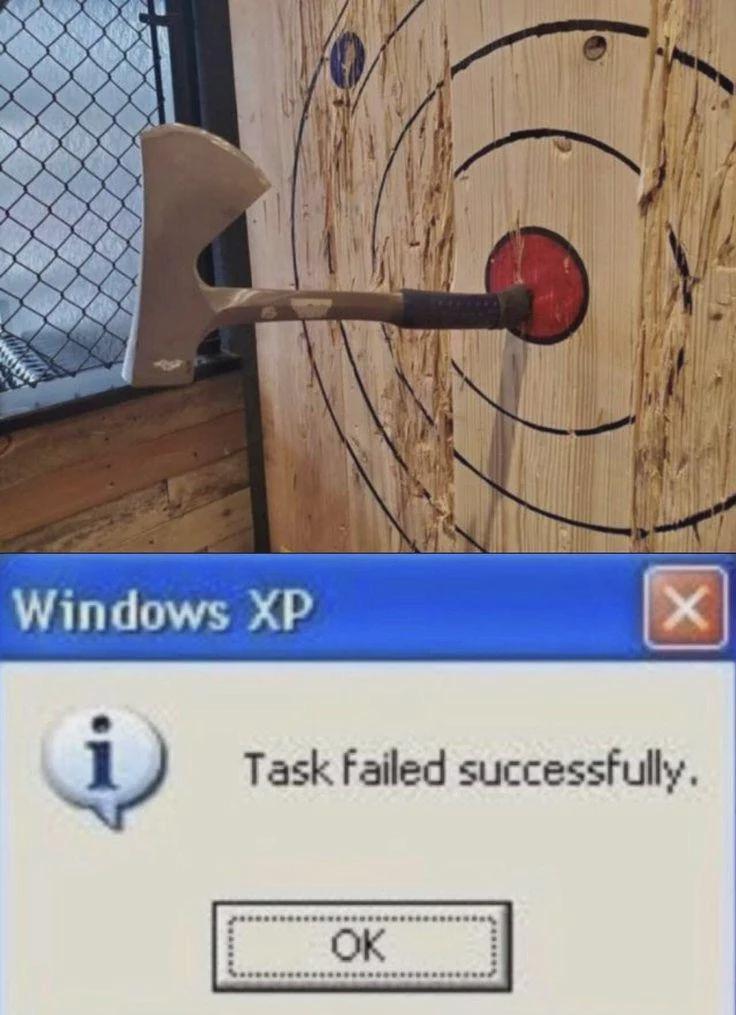
When your code somehow achieves success through the most catastrophic failure imaginable. The axe is literally lodged in the sad face's MOUTH but hey, technically it hit the target, right? Just like when your spaghetti code somehow passes all tests despite violating every principle known to humanity. And then Windows XP swoops in with the most beautifully contradictory message ever conceived: "Task failed successfully." The universe's way of saying "I have absolutely NO idea what just happened, but we're calling it a win and moving on before anyone asks questions." You frantically click OK because what else are you gonna do? File a bug report? Bold of you to assume you understand what's happening enough to explain it. Sometimes the code gods smile upon us in the most confusing ways possible, and we simply accept our blessings without questioning the cosmic horror behind them.

Its Absolutely Clean

Its Absolutely Clean
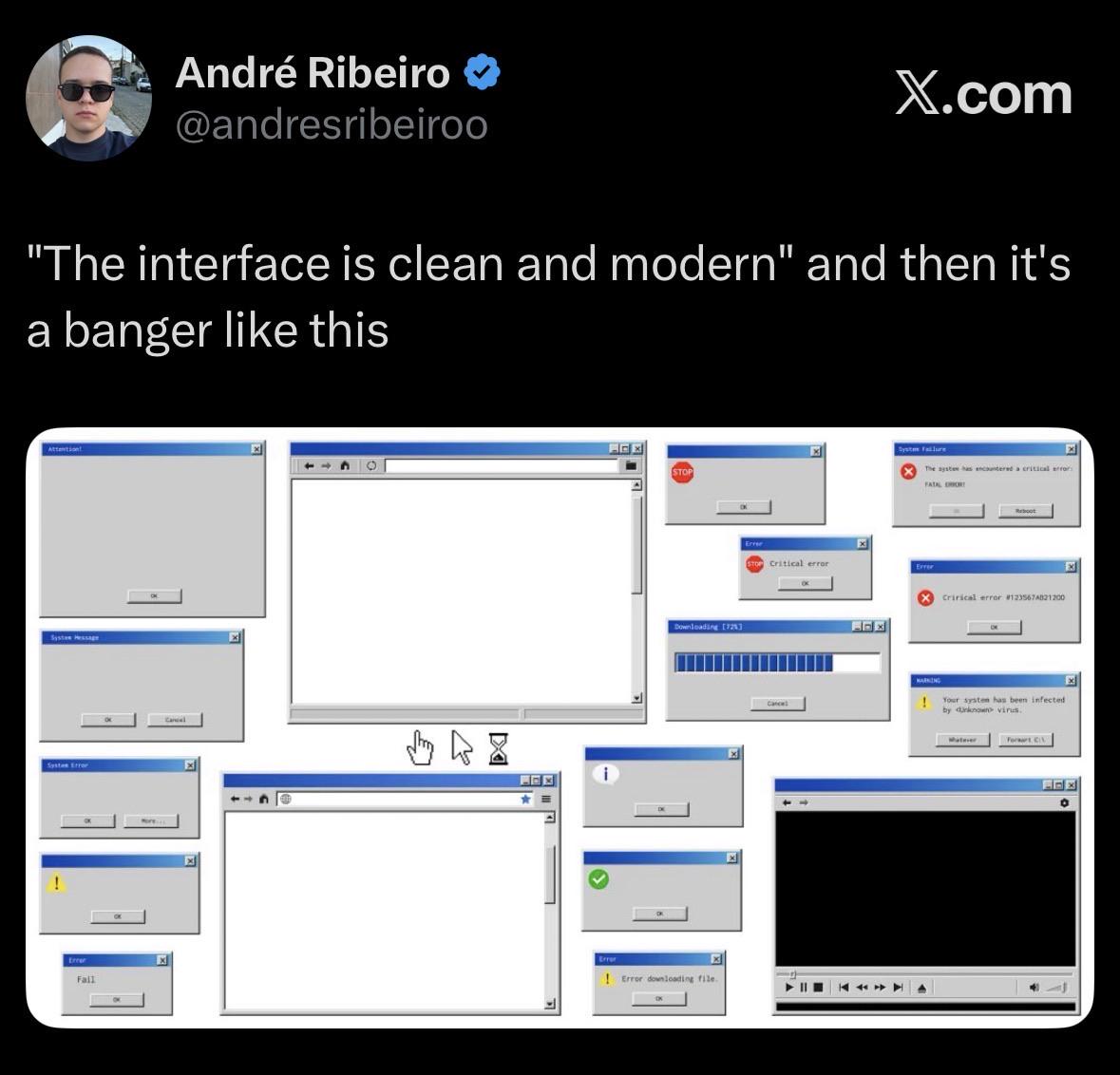
You know that feeling when someone shows you their "clean and modern" UI and you're like "wow, so minimalist!" but then you peek behind the curtain and it's just an ABSOLUTE WARZONE of Windows XP error dialogs? Critical errors, fatal errors, system infections, downloading failures—literally every possible catastrophe happening simultaneously while the frontend sits there looking all innocent and pristine. It's like showing up to a job interview in a perfectly pressed suit while your apartment is literally on fire. The gap between what users see and what's actually happening in production has never been more beautifully illustrated. That blank window in the center? Chef's kiss. Pure chaos masquerading as elegance.

Celebrating The Deployment That Failed Successfully

Celebrating The Deployment That Failed Successfully
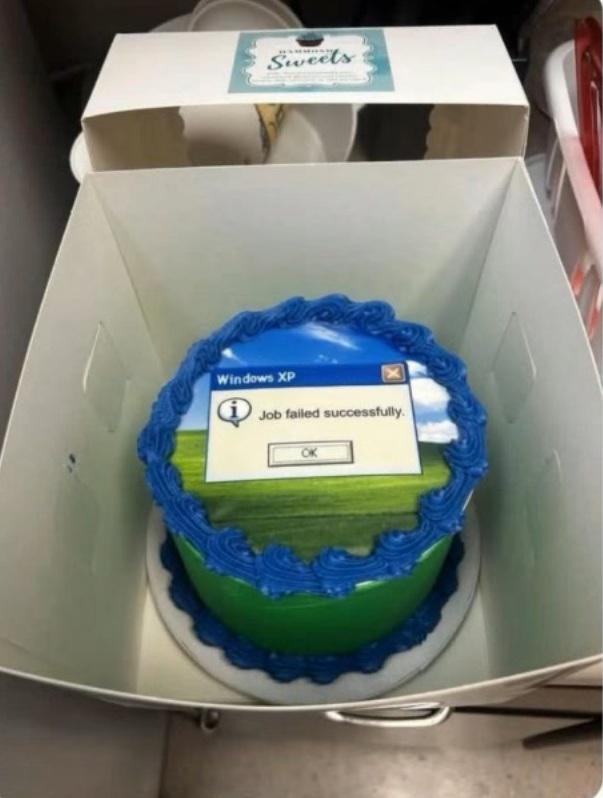
You know your deployment strategy is rock-solid when you're literally commissioning a cake to commemorate the most gloriously contradictory error message in computing history. The Windows XP classic "Job failed successfully" is the perfect embodiment of that special kind of chaos where your CI/CD pipeline returns exit code 0 while everything burns in the background. The fact that someone made this into an actual celebration cake with blue frosting is chef's kiss—because if you can't fix the bugs, you might as well eat them. Bonus points for the nostalgic Windows XP Bliss wallpaper aesthetic in the background, really drives home that vintage failure vibe.

The Lifecycle Of A Windows OS

The Lifecycle Of A Windows OS
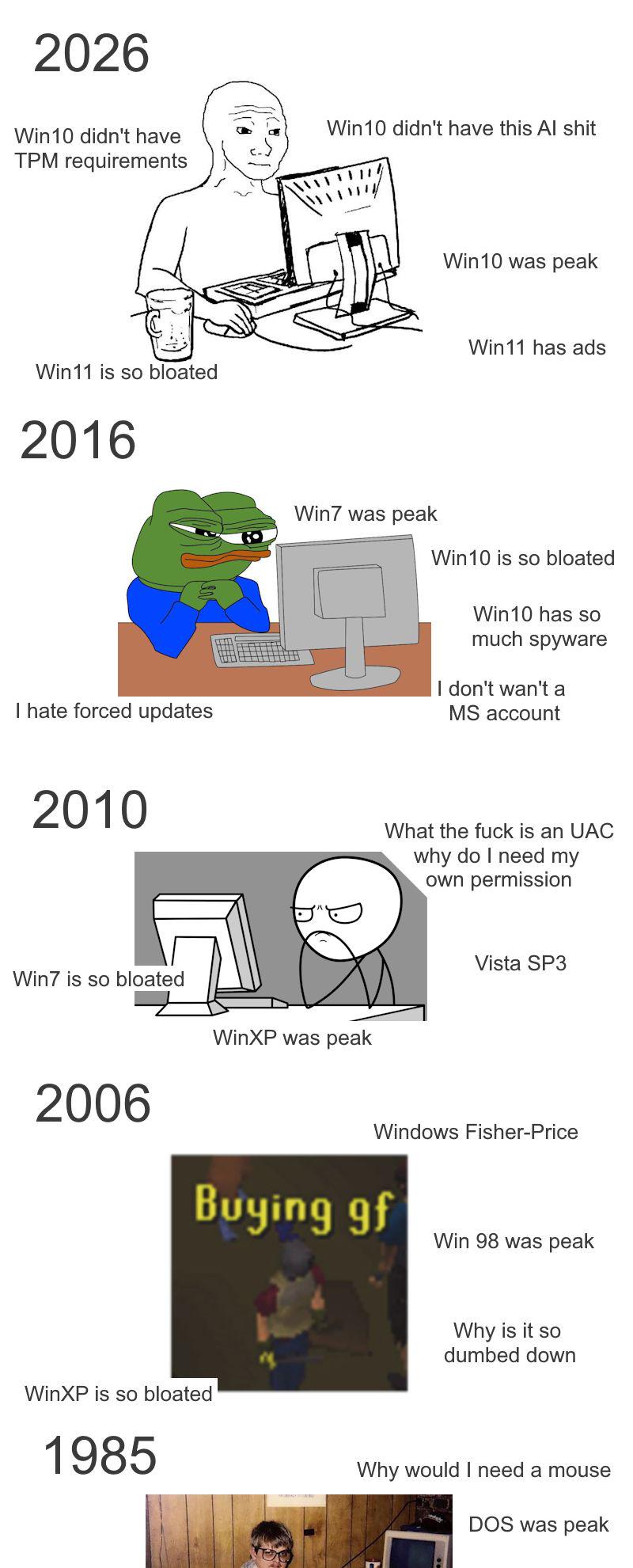
The eternal Windows paradox: whatever you're using right now is garbage, and whatever you used before was apparently perfection incarnate. In 2026, people are suddenly nostalgic for Windows 10 after dealing with Win11's bloat, AI features, and actual ads in the OS. Back in 2016, they were praising Win7 while complaining about Win10's forced updates and mandatory Microsoft accounts. Then in 2010, everyone was Team WinXP because Vista's UAC prompts were asking for permission to ask for permission. And in 2006, people were buying the "gf" (girlfriend) expansion pack while reminiscing about Win98 and questioning why Fisher-Price designed their OS. The pattern is clear: Microsoft's strategy is to make each OS just annoying enough that the previous one looks like a masterpiece in retrospect. It's like a toxic relationship where you only remember the good times with your ex after meeting someone worse. The TPM 2.0 requirement for Win11 really did make people suddenly forget about Win10's telemetry nightmare though.

Adjustable Under Desk Mount Exclusive for CalDigit TS3 Plus / TS4 / TS5 Dock & Power Brick, Space-Saving Thunderbolt 3/Thunderbolt 4 Dock Holder with Cable Straps, Easy Install with All Screws

Adjustable Under Desk Mount Exclusive for CalDigit TS3 Plus / TS4 / TS5 Dock & Power Brick, Space-Saving Thunderbolt 3/Thunderbolt 4 Dock Holder with Cable Straps, Easy Install with All Screws
【Perfect Fit】 Adjustable width design fit for CalDigit TS3 Plus, TS4, TS5 docks—no need to buy new mounts when upgrading. · 【Flexible Mounting】 Combine or separate the power bracket and dock holders …

Xp

Xp
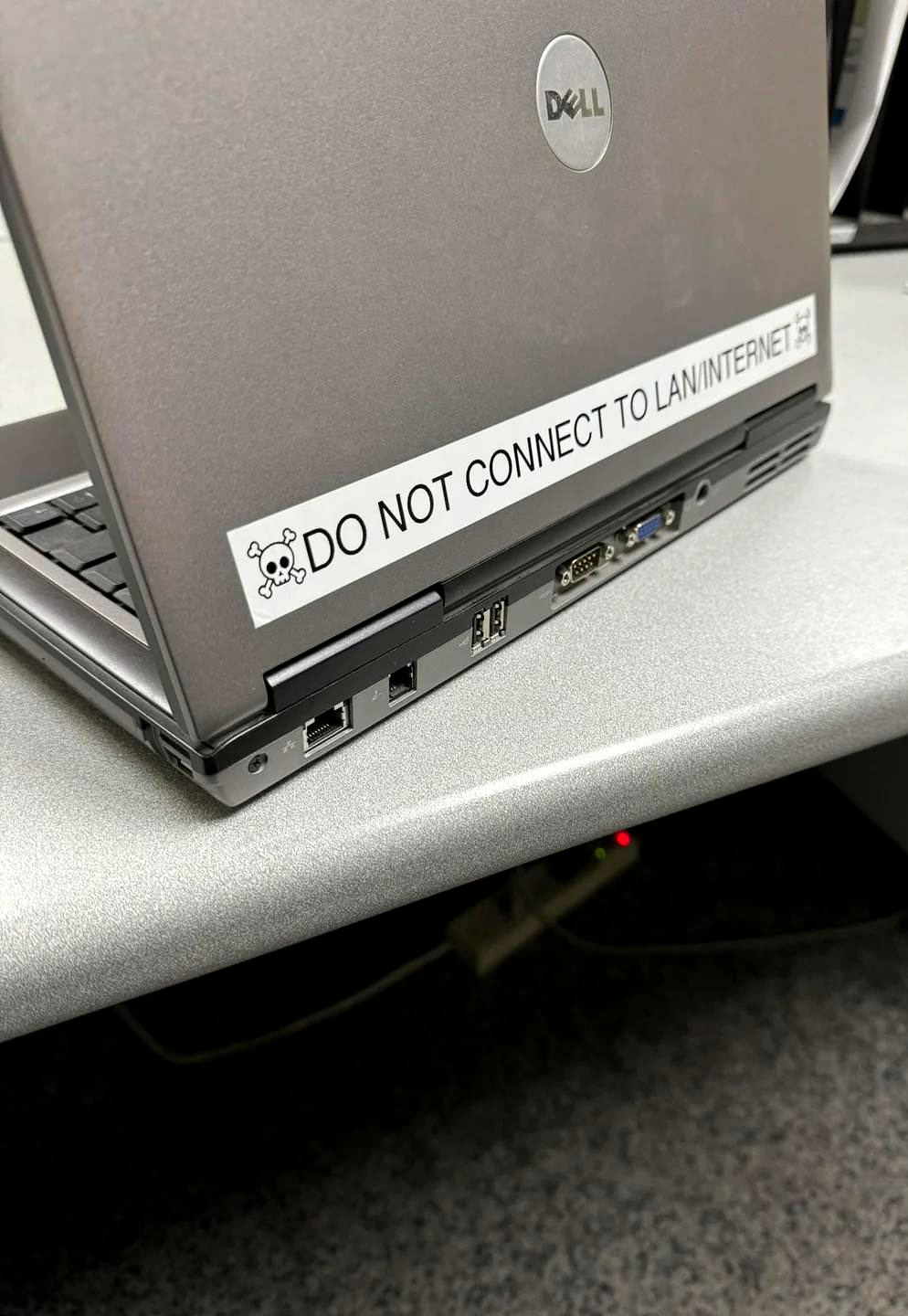
Someone out there is running a Dell laptop that's so ancient it probably has VGA ports AND serial ports AND is still somehow clinging to life in a corporate environment. And the IT department has slapped a skull-and-crossbones warning sticker on it that screams "DO NOT CONNECT TO LAN/INTERNET" because this bad boy is definitely running Windows XP (hence the title "Xp") and would get absolutely OBLITERATED by modern malware faster than you can say "zero-day exploit." But here's the kicker: they can't retire it because it's probably running some mission-critical legacy software that nobody knows how to migrate, the original developer left the company in 2007, and the source code is lost to time. So it sits there, air-gapped from the rest of civilization, running some ancient database query that the entire business depends on. Beautiful. Absolutely beautiful.

Shout Out To Eric Parker The Goat

Shout Out To Eric Parker The Goat
Windows XP and the internet—name a more dangerous duo. I'll wait. Running Windows XP online in 2024 is like leaving your front door open with a sign that says "free stuff inside" in a sketchy neighborhood. Except the neighborhood is the entire internet and the thieves are bots that can scan millions of IPs per second. Microsoft stopped supporting XP back in 2014, which means it's been collecting security vulnerabilities like they're Pokémon cards. Zero patches, zero updates, zero sympathy from anyone in IT. The moment that machine touches the internet, it's basically screaming "HACK ME" in binary. The driver's reaction is completely justified. There's no firewall, no defense, no hope. Just pure, unfiltered chaos waiting to happen. It's not even hacking at that point—it's more like walking into an unlocked house.