Webdev Memes

Posts tagged with Webdev
Feel Me

Feel Me
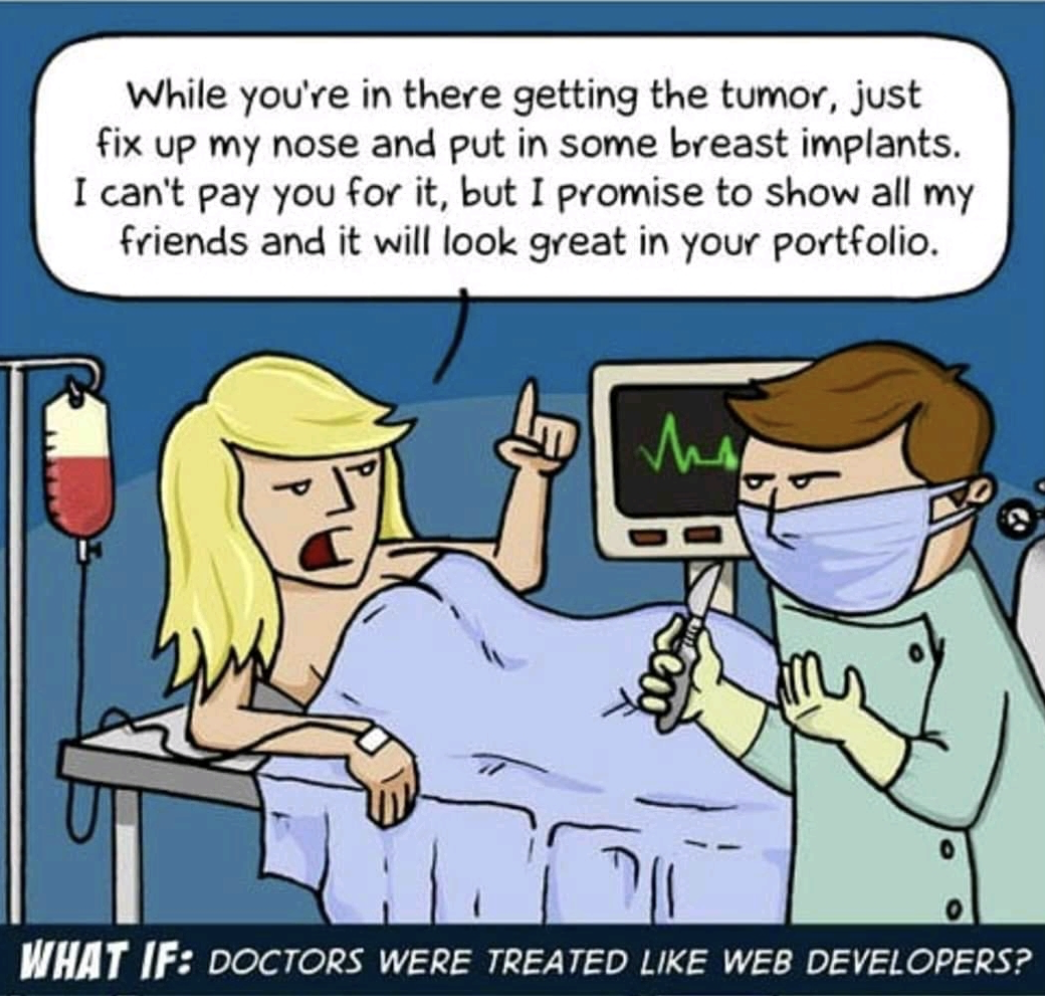
Oh, the delicious irony of role reversal. This meme captures the classic "exposure for payment" nightmare that web developers face, but transplanted into a surgical setting. Imagine a patient casually asking their surgeon to throw in a nose job and breast implants while they're already under the knife—but instead of actual money, they'll pay in "exposure" and "portfolio material." The surgeon's deadpan expression says it all. Replace "tumor removal" with "building a functional website" and "cosmetic surgery" with "oh, and can you also add a mobile app, SEO, social media integration, and a custom CMS?" and you've got every freelance developer's Tuesday. The audacity of asking a skilled professional to do extra unpaid work because it'll "look great in your portfolio" hits different when you realize no one would dare try this with their doctor. Fun fact: If doctors were treated like web developers, medical school would also include people saying "my nephew knows how to use a stethoscope, he could do it for free."

Fix 404

Fix 404
Someone actually went out and got a custom license plate that says "FI X 404" and honestly? The commitment to the bit is *chef's kiss*. Imagine explaining this to literally anyone who doesn't code. "Yeah, it's funny because 404 means page not found and FIX implies I'm solving it but also it's on a car which has nothing to do with web development so—" and they've already walked away. This developer really woke up and said "I'm going to make my entire personality a HTTP status code" and you know what? Respect. The car is physically present on the road, yet the license plate suggests it should NOT be found. The irony is absolutely delicious. It's like wearing a "Hello World" shirt to a funeral—technically appropriate for you, completely baffling to everyone else.

Next Level Confidence

Next Level Confidence
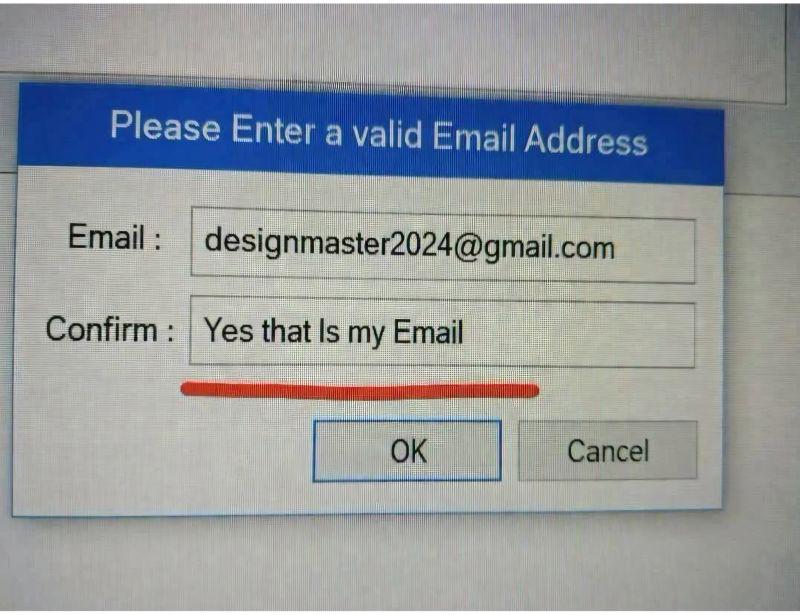
When the user treats your email confirmation field like it's asking them to write their life story instead of just re-typing their email. "Yes that Is my Email" – buddy, I asked you to confirm it, not give me a verbal affirmation like we're in couples therapy. This is what happens when people don't read instructions and just fill in whatever feels right in the moment. The validation regex is probably having an aneurysm right now. Meanwhile, the poor developer who thought a simple "Confirm Email" field would be foolproof is somewhere questioning their entire career. Pro tip: This is exactly why you need client-side validation that actually checks if the two fields match. Though honestly, even with the best validation in the world, users will find creative ways to break your forms. It's the circle of life in web development.

At This Point I'm Too Afraid To Ask

At This Point I'm Too Afraid To Ask
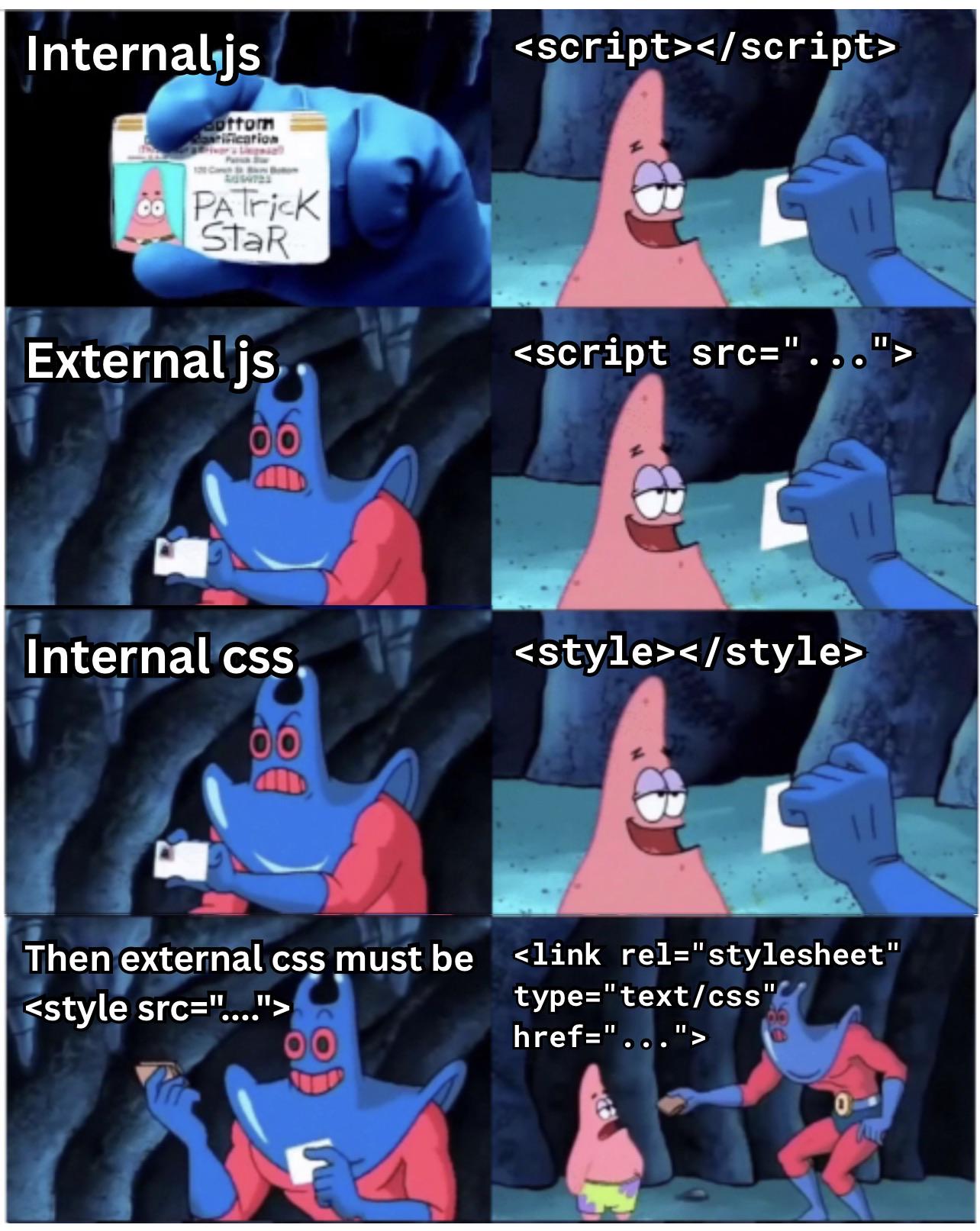
Every junior dev's journey: confidently writing inline scripts, then discovering external files, feeling smart about internal CSS... and then someone mentions <style src="..."> and you just nod along like you've known about it forever. Plot twist: <style src> isn't even valid HTML. You can't load external CSS with a style tag like that. It's <link> or nothing. But at this point, you've been nodding for so long that asking would expose years of fake understanding. So you just keep the charade going, praying nobody asks you to implement it. The real skill isn't knowing everything—it's knowing how to Google without anyone noticing you're Googling.

Which Side Are You On

Which Side Are You On
The eternal gang war of web development: semantic HTML purists vs. the div-with-id supremacists. On the left, we've got the developers who actually read the HTML spec and use <article> , <header> , and <footer> like civilized human beings. On the right? Just vibing with <div id="whatever"> for literally everything. The semantic HTML crowd will lecture you about accessibility, SEO, and how screen readers deserve better. Meanwhile, the div gang is out here building entire websites with nothing but divs and CSS classes, and honestly? Both sites probably look identical in the browser. Plot twist: most of us start on the right side, discover semantic HTML during a code review roasting, briefly convert to the left, then slowly drift back to divs when deadlines hit. The duality of web development.

NordVPN

NordVPN
Encrypt your traffic on public Wi-Fi, stream from anywhere, and cover up to ten devices with one plan. 30-day money-back guarantee.

Why Always Like That?

Why Always Like That?
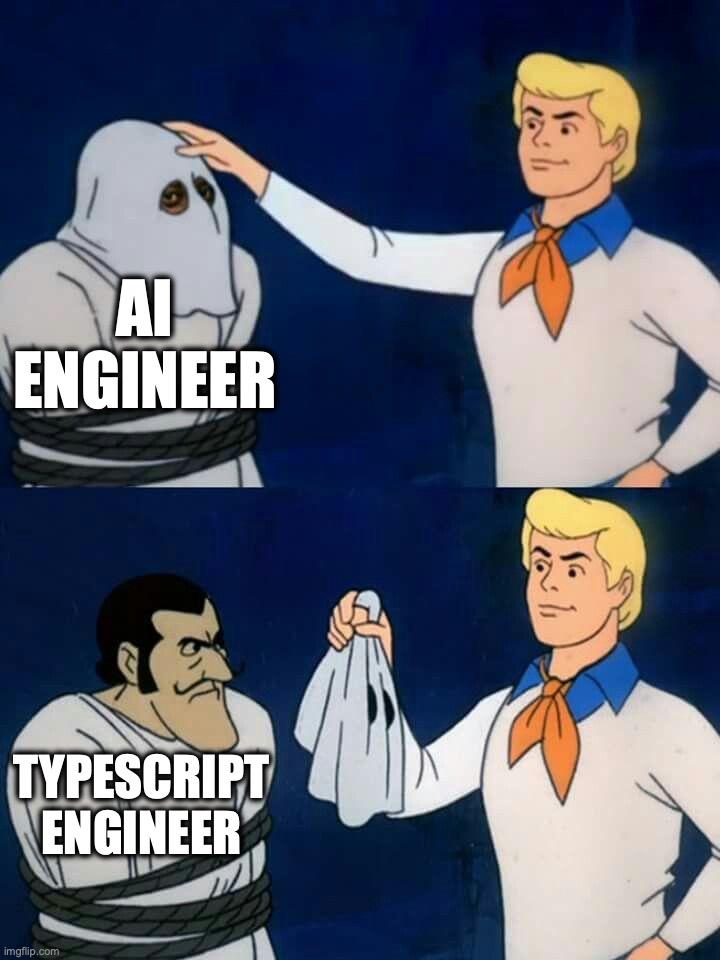
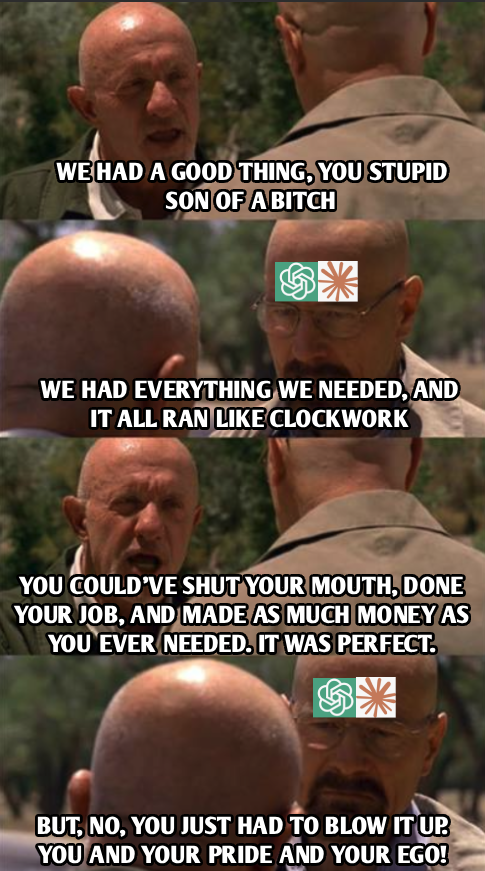
The classic unmasking reveal template strikes again. Fred's all gentle and respectful with the AI Engineer, giving them a nice pat on the head like "good job buddy, you're doing great things for humanity." But then he rips off the mask and surprise! It's a TypeScript Engineer underneath, and suddenly Fred's holding them by the scruff like yesterday's garbage. The joke here is that "AI Engineers" are often just TypeScript devs who learned to call OpenAI's API and slap together some prompt chains with LangChain. They've rebranded from building React components to building "intelligent systems" but it's still the same person writing async/await and fighting with type definitions. The industry treats AI engineers like wizards while TypeScript engineers are just... engineers. Same skill set, different marketing.

What A Time To Be Alive

What A Time To Be Alive
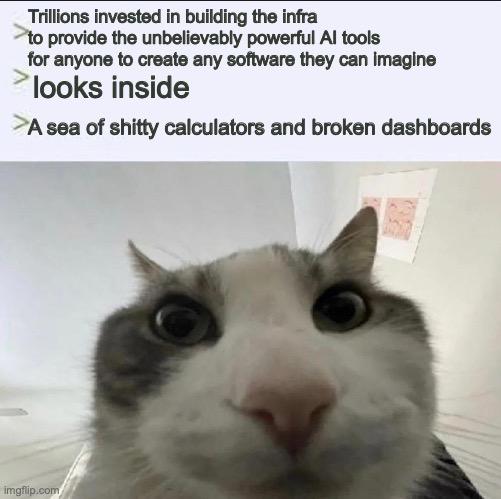
We spent billions building infrastructure and AI tools powerful enough to revolutionize software development, democratize coding, and unleash human creativity at unprecedented scales. The result? An internet flooded with half-baked calculator apps that can't even handle decimal points and dashboards that look like they were designed by someone who just discovered CSS exists. The crying cat says it all. We gave everyone the keys to the kingdom and they're using them to build the same broken CRUD apps we've been debugging since 2005, except now with more JavaScript frameworks and somehow worse UX. Peak innovation right here.

Full Stack Developer

Full Stack Developer
You know that Tom and Jerry episode where Tom's playing like 47 instruments at once? Yeah, that's you on a Tuesday. Frontend bug? You got it. Backend's on fire? Already there. Database needs optimizing? Sure, why not. CSS broke in IE11? Wait, people still use that? DevOps pipeline failing? Of course you'll fix it. Being a "full stack developer" really just means you're expected to be simultaneously competent at everything while your company saves money by not hiring specialists. You're the one-person orchestra frantically switching between React components, SQL queries, Docker configs, and whatever fresh hell AWS threw at you today. At least the pay is... oh wait, they're paying you the same as a frontend dev. Cool cool cool.

Developers Missing The Old Days

Developers Missing The Old Days
Remember when we just had HTML, CSS, and vanilla JavaScript? You could build a perfectly functional website with a text editor and some FTP access. Life was simple. Pages loaded instantly. No build process, no transpiling, no waiting 15 minutes for node_modules to install. But nope, we couldn't leave well enough alone. Now you need React, Angular, Vue, Svelte, 47 different build tools, a PhD in webpack configuration, and three different package managers just to render "Hello World" with a fancy fade-in animation. Your simple blog now requires a CI/CD pipeline, Docker containers, and costs $200/month to host. The best part? We convinced ourselves this complexity was "necessary" and "modern best practices." Sure, we get better developer experience and component reusability, but at what cost? Your grandma's WordPress site from 2008 still loads faster than your over-engineered SPA.

Plugins Fix Everything

Plugins Fix Everything
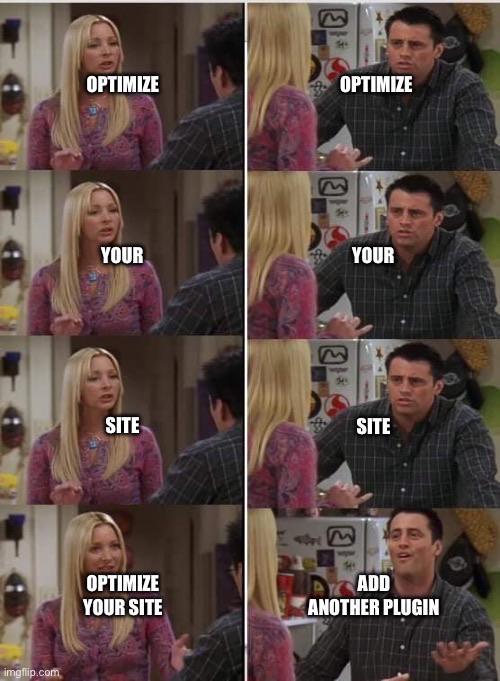
Someone suggests optimizing your site and you're just sitting there nodding along like "yeah, yeah, optimization, totally." Then they hit you with "add another plugin" and suddenly you're Joey from Friends with the biggest smile on your face. Because why spend hours refactoring code and actually learning performance best practices when you can just slap on another 500KB WordPress plugin that promises to make everything faster? Sure, your site now loads 47 different JavaScript files and has more dependencies than a soap opera, but at least you didn't have to touch any actual code. The plugin says it optimizes things, so it must be working, right? Right?

ProCase Hard Carrying Case for Samsung T7 Portable SSD -Black

ProCase Hard Carrying Case for Samsung T7 Portable SSD -Black
Compatible with Samsung T7 Portable SSD / T7 Touch Portable SSD 500GB 1TB 2TB SSD USB 3.2 External Solid State Drives · Premium hard EVA exterior and shock absorbing soft lining interior, offers doub…

You Know Who You Are

You Know Who You Are
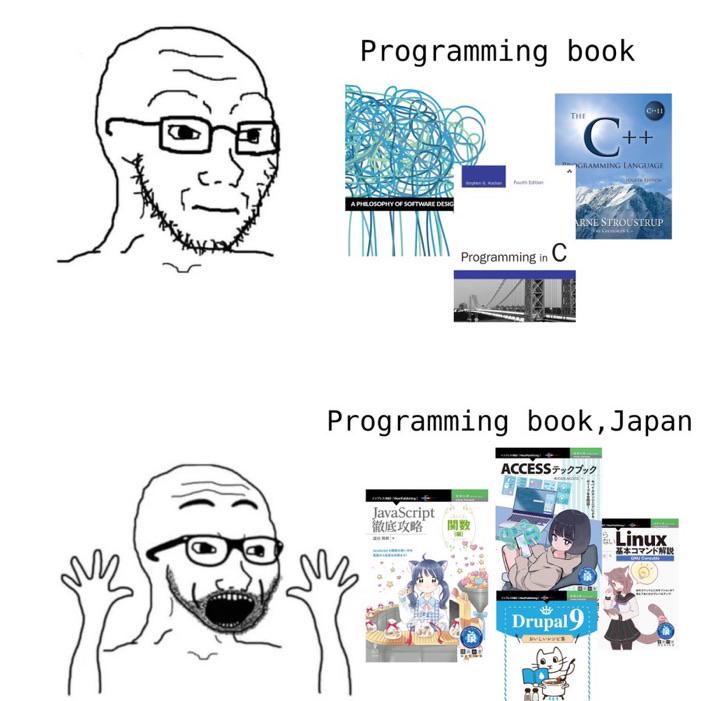
Western programming books: dry, academic, and designed to cure insomnia. You get a tangled mess of spaghetti code as cover art, some brutalist architecture, and text that reads like it was written by a compiler. Japanese programming books: anime girls explaining Linux, cute mascots teaching you Drupal, and vibrant colors that actually make you want to open the book. Why learn from boring technical diagrams when you can have a kawaii character guide you through database normalization? Japan figured out that learning doesn't have to feel like punishment. Meanwhile, we're still pretending that a photo of a bridge makes C++ more approachable. Spoiler: it doesn't.

Modern Problems Require Modern Solutions

Modern Problems Require Modern Solutions
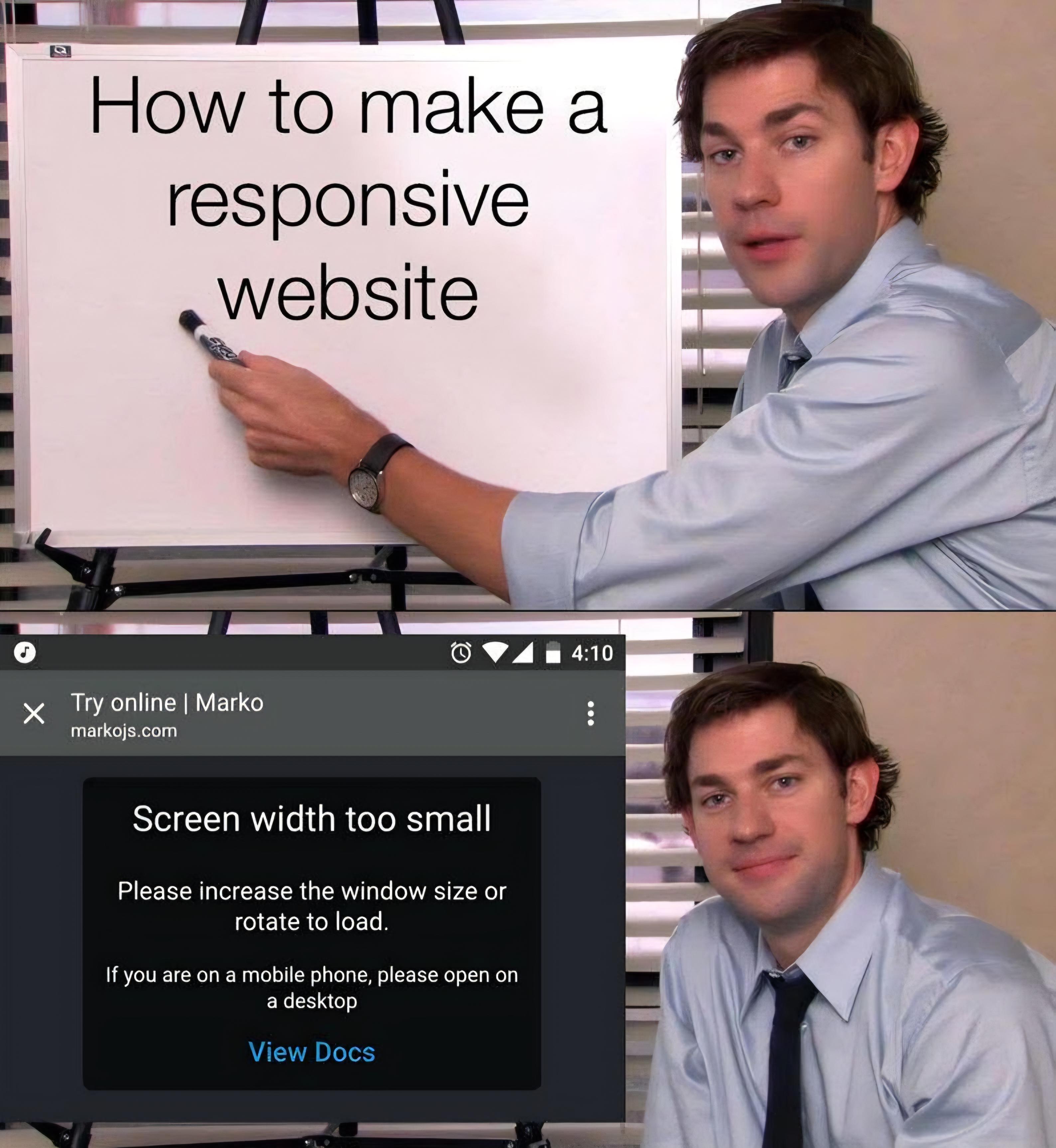
You know you've truly mastered responsive web design when your solution to mobile compatibility is just telling users to get a bigger screen. Why spend hours wrestling with CSS media queries, flexbox, and viewport units when you can simply block mobile users entirely? Genius. The cherry on top? "If you are on a mobile phone, please open on a desktop." Brother, if they had a desktop available, they probably wouldn't be browsing on their phone. This is the web dev equivalent of "have you tried not being poor?" Mobile-first design? Nah. Desktop-only design. Ship it.