Task manager Memes

Posts tagged with Task manager
I Love Microsoft

I Love Microsoft
So you're telling me 30% of your new code is AI-generated and you've got a bug where clicking 'X' spawns Task Manager instances like rabbits? The math checks out. Nothing says "cutting-edge AI-powered development" quite like a basic UI interaction causing process duplication. Really makes you wonder what that 30% of AI code is doing—probably writing infinite loops and feeling proud about it. The corporate irony here is chef's kiss: bragging about AI productivity while shipping bugs that would make a junior dev blush. Sure, AI can write code faster, but apparently nobody told it about the whole "quality assurance" thing. At this rate, Windows 12 will just be a chatbot apologizing for bugs in real-time.

Closing Programs

Closing Programs
Windows politely asks programs to close, waits for them to save their work, and gently guides them to termination. Meanwhile, Linux just straight up executes them with kill -9 and doesn't lose a second of sleep over it. The Firefox icon getting yeeted into oblivion while the Linux penguin stands there armed and dangerous is chef's kiss. No "Do you want to save changes?" dialog boxes here—just pure, unapologetic process termination. Windows is the helicopter parent of operating systems, Linux is the drill sergeant who doesn't negotiate with frozen processes.

Delete

Delete!
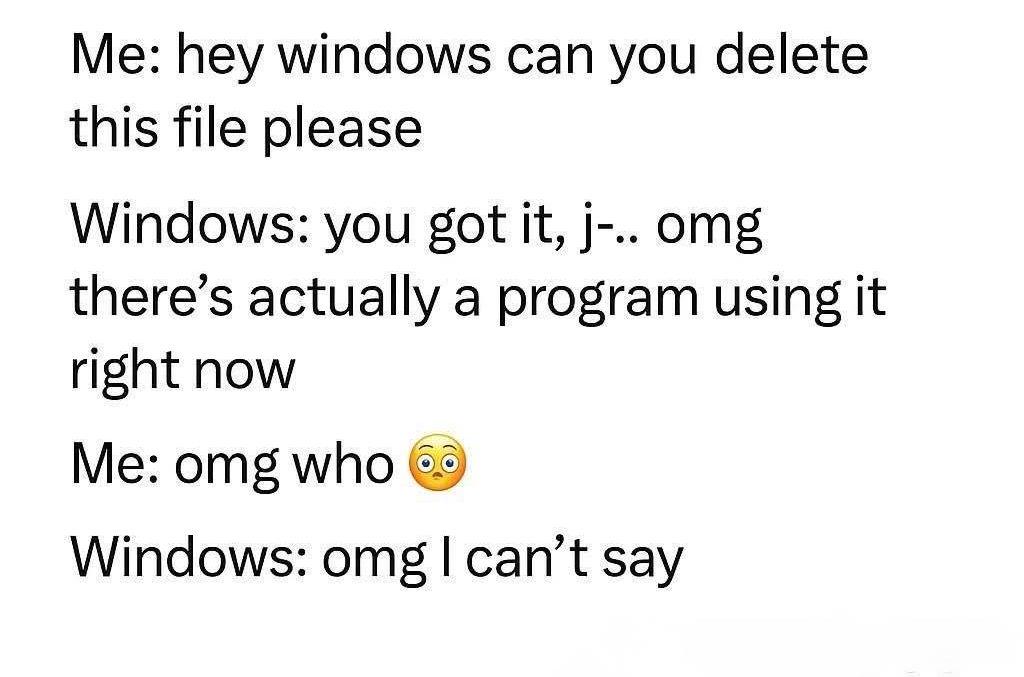
Karen from HR just wanted to check the task manager. What she got instead was a forced shutdown of every running process on her machine. One does not simply press Ctrl+Alt+Delete without consequences. The dad is having the time of his life knowing full well he'll be getting a ticket about "the computer randomly restarting" in about 3 minutes. Everyone else at the table is experiencing various stages of grief. Classic family dinner with IT support present. Pro tip: Next time just teach them Ctrl+Shift+Esc. Saves everyone the drama.

How Much Ram Is Recommended To Run Nord VPN?

How Much Ram Is Recommended To Run Nord VPN?
NordVPN's "threat protection service" casually munching on 52GB of RAM like it's protecting you from an alien invasion. Meanwhile, Chrome with 13 tabs is sitting there at 636MB looking like the responsible adult in the room. When your VPN service needs more memory than a professional video editing suite, you know something has gone horribly wrong. Either they're storing the entire internet locally for "protection" or someone forgot to delete a debug statement that logs every packet to an in-memory array. The real threat here isn't online—it's to your system resources.

PC Magic Trick

PC Magic Trick
The forbidden knowledge that separates IT wizards from mere mortals. While everyone's frantically clicking around trying to figure out why Task Manager is frozen, you're sitting there with the secret: just hold CTRL and the process list stops jumping around like a caffeinated squirrel. It's the digital equivalent of knowing you can pause a microwave by opening the door—technically obvious once you know it, but absolutely mind-blowing to witness for the first time. The real power move is casually dropping this knowledge at family gatherings when someone asks you to "fix the computer." You become the Gandalf of Windows troubleshooting. Bonus points if you combine it with other Task Manager sorcery like Ctrl+Shift+Esc to summon it directly, or sorting by memory usage to identify which Chrome tab has achieved sentience.

Calms Down *

Calms Down *
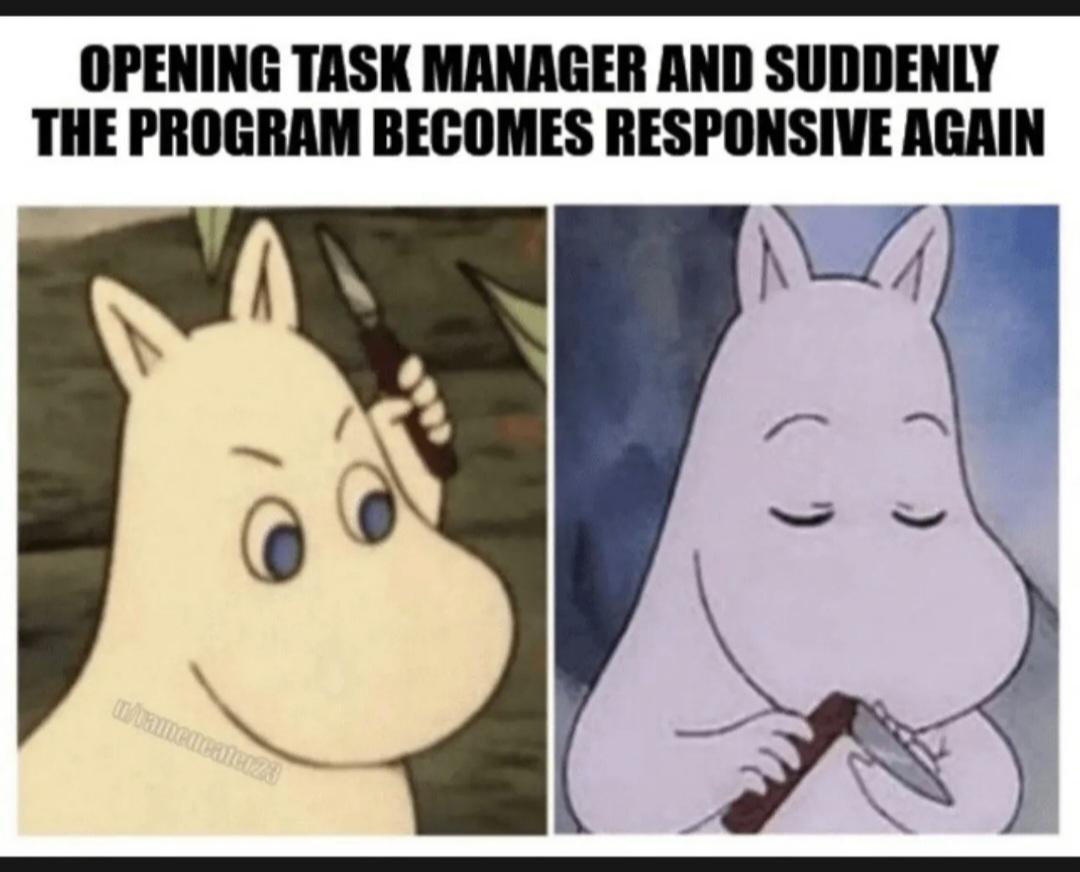
You know that mini heart attack when your app freezes and you're frantically wondering if it's an infinite loop, a memory leak, or if you just accidentally deployed to production? Then you crack open Task Manager like you're about to perform emergency surgery, and boom—the program just... fixes itself. No explanation, no error logs, nothing. It's like your code looked you in the eye and said "I was just messing with you." The best part? You'll never know what actually happened. Was it a race condition? A lazy garbage collector? The ghost of a developer past? Doesn't matter. Close Task Manager, pretend it never happened, and hope it doesn't come back during the demo tomorrow.

Winter Is Coming

Winter Is Coming
When winter arrives and the city deploys its most powerful weapon against icy roads. For non-Windows users, Ctrl+Alt+Delete is the holy trinity of "something's broken and I need to nuke it from orbit." It's the universal panic button that brings up Task Manager to mercy-kill frozen processes. So naturally, a salt truck bearing this legendary keyboard combo is basically saying "I'm here to terminate frozen objects with extreme prejudice." The truck doesn't just melt ice—it force quits it. No "Are you sure?" dialog, no saving state, just pure destructive efficiency. The roads are about to get Task Manager'd into submission. Bonus points for the fact that salt trucks and Ctrl+Alt+Delete both solve problems through aggressive intervention when things have stopped responding.

Living Like RAM Royalty In A Chrome Tab World

Living Like RAM Royalty In A Chrome Tab World
Remember when upgrading from 8GB to 16GB of RAM made you feel like tech royalty? Now your Chrome tabs laugh as they consume 63.9GB of your 64GB memory while you sleep peacefully on your pile of cash that could've been spent on more sensible things... like more RAM. The task manager doesn't lie—your computer is one YouTube video away from spontaneous combustion.

You've Been Doing It Wrong

You've Been Doing It Wrong
Oh look, it's the keyboard shortcut showdown in prison! First inmate proudly uses Ctrl+Alt+Del like it's 1995, thinking he's all sophisticated with the three-finger salute. Then the second guy drops the mic with Ctrl+Shift+Esc, which directly opens Task Manager without the extra menu step. It's like watching someone brag about their dial-up connection while the other person quietly uses fiber. The real crime here isn't whatever got them locked up—it's wasting precious milliseconds when your application freezes.

Vibe Coded Operating System

Vibe Coded Operating System
Ah, the classic villain-to-victim pipeline that is modern computing. Our evil mastermind starts with grand ambitions of a revolutionary "vibe-coded OS" - because clearly what the tech world needs is operating systems that run on good vibes instead of actual code. But reality strikes faster than a Chrome tab consuming RAM. Suddenly he's out of memory, probably because the "vibe" compiler has an O(n²) space complexity. His solution? The universal IT troubleshooting step: open Task Manager and stare hopelessly at the 47 identical processes consuming your system resources. The true villain was Windows all along. No evil plan could ever match the psychological damage of watching your computer slowly grind to a halt while Task Manager itself becomes unresponsive.

AI Writes 30% Of The Code, 100% Of The Bugs

AI Writes 30% Of The Code, 100% Of The Bugs
That didn't take long. Microsoft brags about AI writing 30% of their code while simultaneously announcing a classic Windows bug that would make even Windows Vista blush. Nothing says "cutting edge technology" like Task Manager refusing to close and spawning duplicates until your RAM begs for mercy. The future is here folks—it's just as buggy as the past, but now we can blame the robots. Guess that GitHub Copilot subscription is really paying off.

I Know Something's There, I Just Can't Prove It

I Know Something's There, I Just Can't Prove It
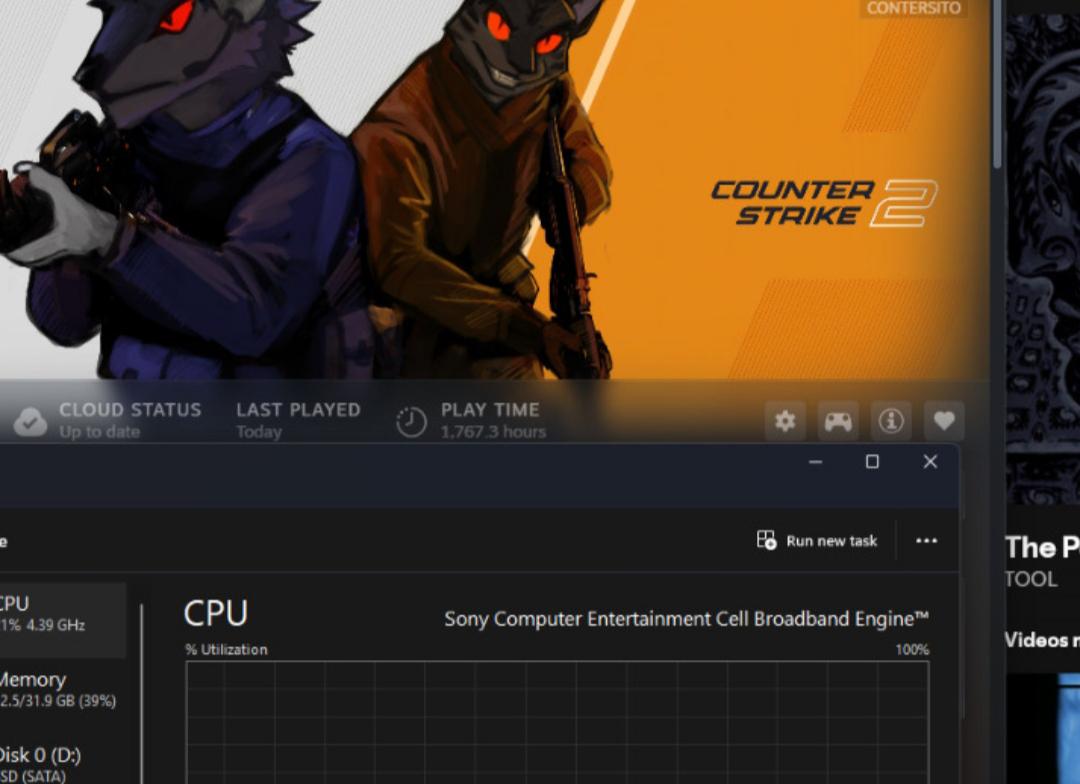
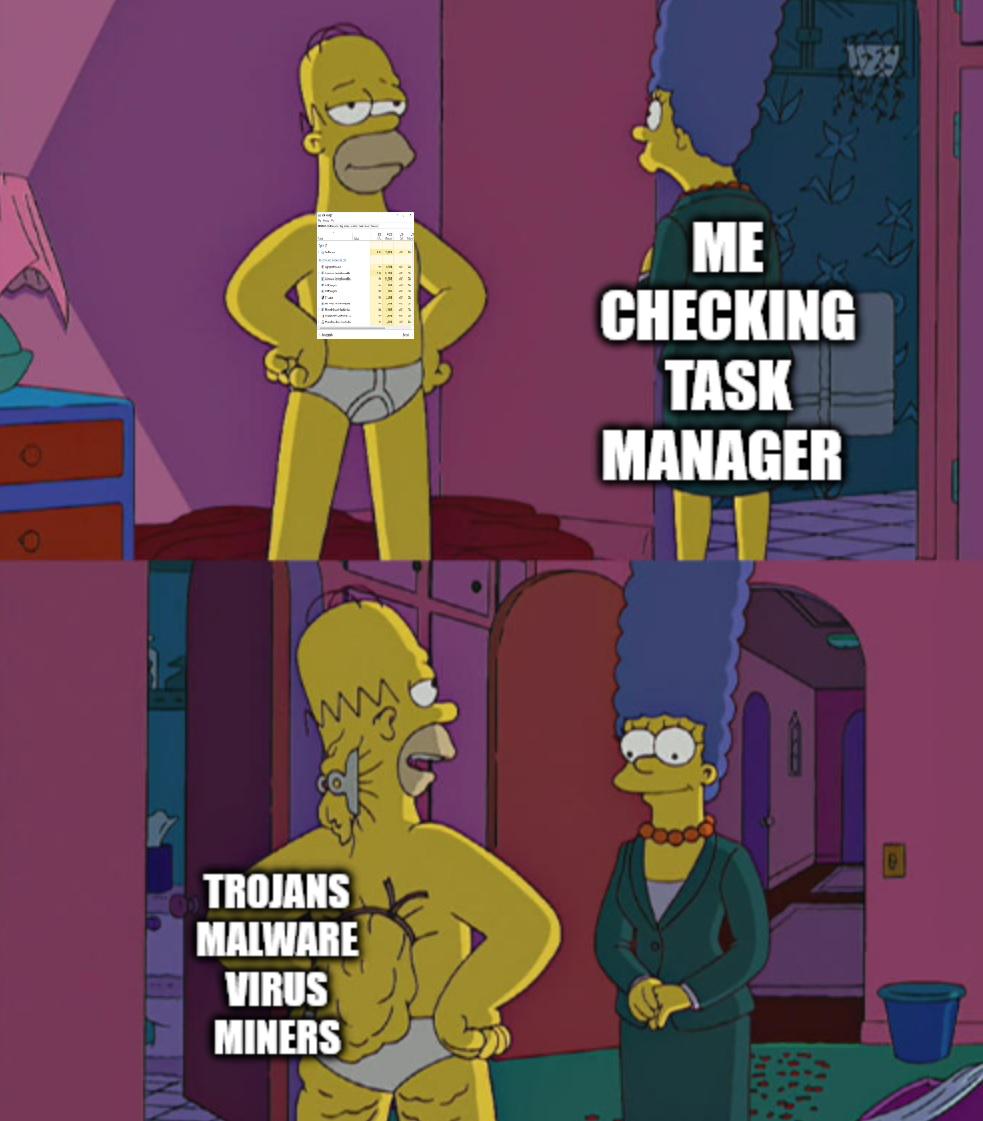
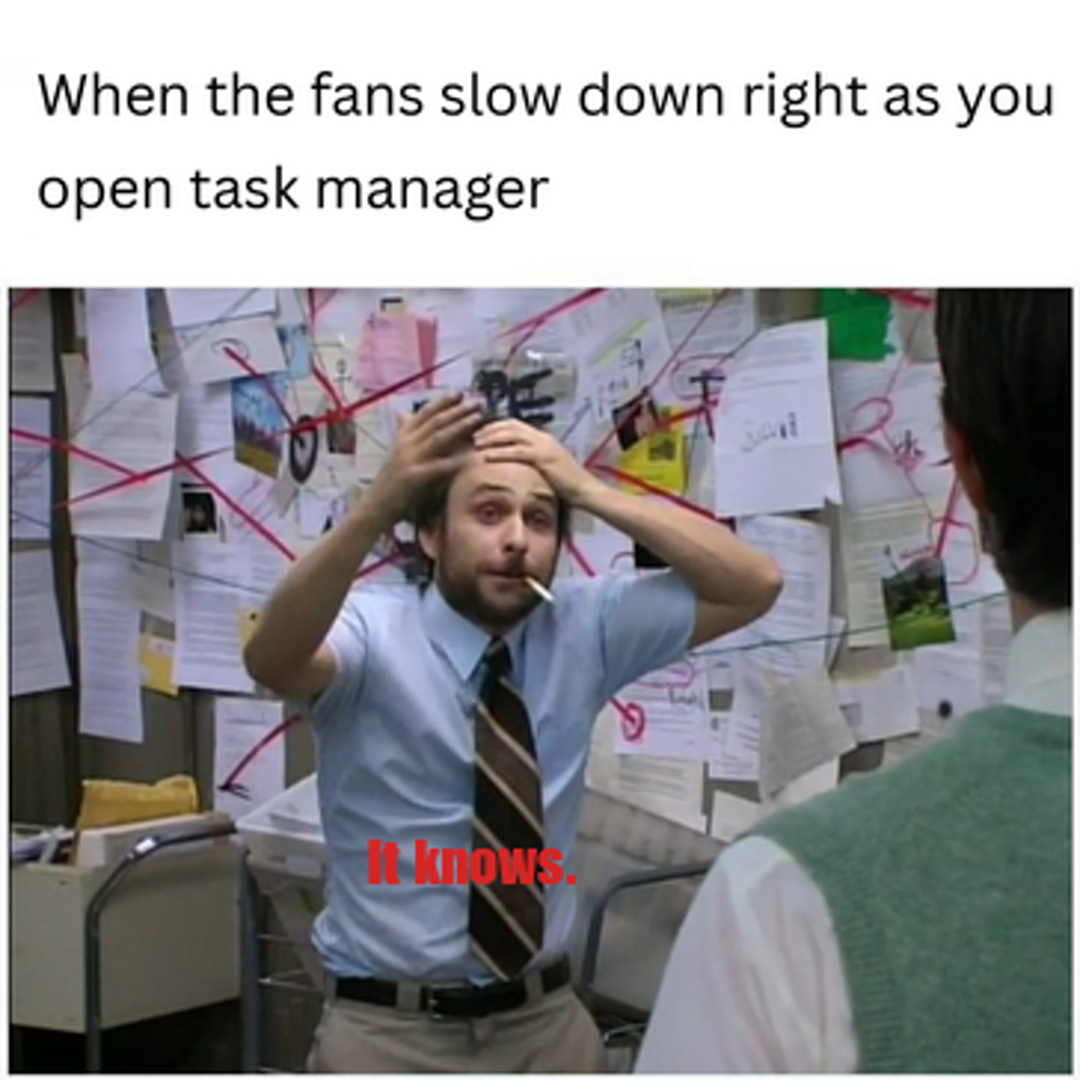
That moment of existential dread when your antivirus finds absolutely nothing suspicious, but opening Task Manager makes your CPU temperature spike to 100°C. It's like having a burglar who hides perfectly when the cops show up, but immediately starts a bonfire the second they leave. Your computer is basically gaslighting you – "No viruses here! Now excuse me while I melt through your desk for... uh... normal computer reasons."