Process management Memes

Posts tagged with Process management
Kill 12345 No Such Process

Kill 12345 No Such Process
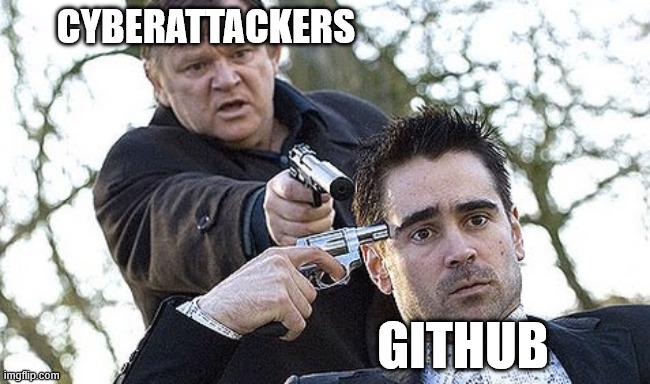
When you try to kill -9 12345 on that stubborn process but it already rage-quit before you could finish it off. GitHub sitting there unfazed because the process was already dead, while the cyberattackers are still trying to shoot a corpse. Classic case of "No such process" - the digital equivalent of bringing a gun to a funeral. The process exited so fast it left you looking like you're attacking thin air.

You Have Lost CPU Time Privileges

You Have Lost CPU Time Privileges
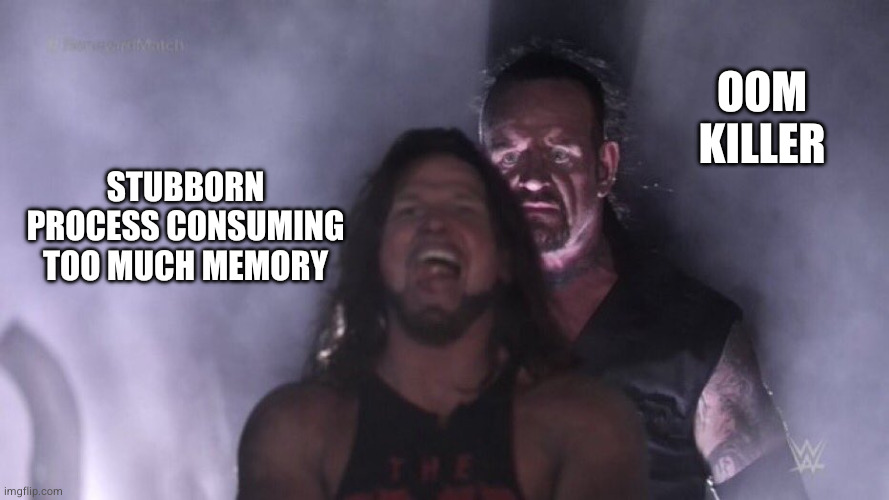
Nothing quite like watching your server's RAM get absolutely demolished by some rogue process that thinks it owns the place. The OOM killer doesn't negotiate, doesn't send warning emails, doesn't file a ticket. It just shows up behind that memory-hogging process like a bouncer at closing time and terminates it with extreme prejudice. No trial, no appeals, just instant process deletion. That'll teach you to allocate 47GB for your "small" Node.js app.

Graceful Enough

Graceful Enough
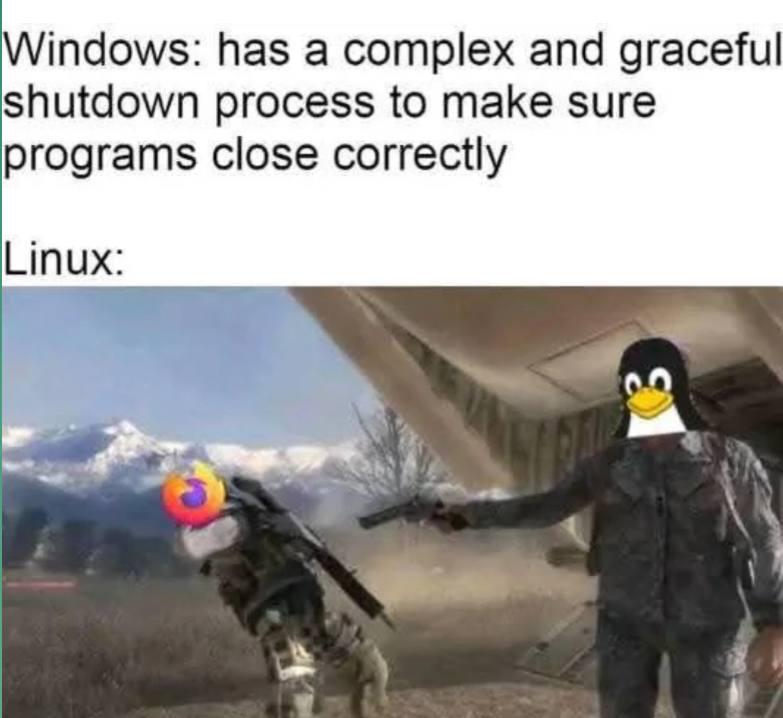
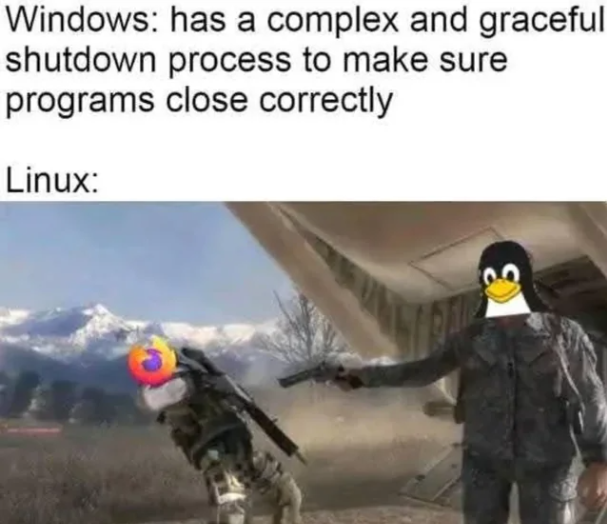
Windows politely asks programs to shut down, sends WM_CLOSE messages, waits for cleanup routines, and gives applications time to save their state. Meanwhile, Linux just sends SIGKILL and yeeets processes into oblivion like they owe it money. Firefox with 47 tabs open? Gone. Unsaved work? Should've handled SIGTERM better, buddy. The penguin doesn't negotiate with terrorists—or hung processes. The image perfectly captures the energy: Windows is the diplomatic one trying to do things by the book, while Linux is straight up kicking Firefox off a cliff without a second thought. No mercy, no grace period, just pure kill -9 energy. And honestly? Sometimes that's exactly what you need when a process refuses to die.

Windows Vs Linux: Shutdown Edition

Windows Vs Linux: Shutdown Edition
Windows tries so hard to be polite about shutting down, carefully asking each program if it's ready to close, giving them time to save their work, showing you those "program not responding" dialogs. Meanwhile, Linux just casually yeeting processes into the void with SIGKILL like it's Sparta. No negotiations, no second chances. Your unsaved work? Should've handled those signals better, buddy. The Firefox icon being kicked off a cliff is just *chef's kiss* because we all know Firefox is usually the one holding up the shutdown process anyway.

Closing Programs

Closing Programs
Windows politely asks programs to close, waits for them to save their work, and gently guides them to termination. Meanwhile, Linux just straight up executes them with kill -9 and doesn't lose a second of sleep over it. The Firefox icon getting yeeted into oblivion while the Linux penguin stands there armed and dangerous is chef's kiss. No "Do you want to save changes?" dialog boxes here—just pure, unapologetic process termination. Windows is the helicopter parent of operating systems, Linux is the drill sergeant who doesn't negotiate with frozen processes.

Linux

Linux
Windows spends all this time being polite about shutting down, asking programs nicely to close, saving your work, and generally treating everything like a delicate diplomatic negotiation. Meanwhile, Linux just casually kill -9 s everything in sight without a second thought. Firefox still running? Gone. Unsaved work? Should've thought about that earlier. Linux doesn't negotiate with processes—it's basically the Terminator of operating systems. The penguin mascot really should be holding a shotgun at all times because that's the energy we're dealing with here.

World's #0 Developer Computer Programmer Software Developer Ceramic Mug, Black/White, 11oz

World's #0 Developer Computer Programmer Software Developer Ceramic Mug, Black/White, 11oz
WORLD'S #0 DEVELOPER brings a funny twist for any Software Developer, Computer Programmer or Data Science nerd who loves geek humor and computer coding jokes. · For coworkers in software development,…

Truth

Truth
Windows politely asks your programs if they'd like to shut down, waits patiently, sends reminders, checks if they saved their work, and basically treats shutdown like a diplomatic negotiation. Meanwhile, Linux just yeeted Firefox into the stratosphere with zero hesitation. No questions asked, no survivors. The contrast is beautiful: Windows with its "graceful shutdown process" that sometimes takes longer than your actual work session, versus Linux's kill -9 energy. One treats processes like valued guests, the other treats them like they're trespassing. Guess which one actually shuts down faster?

Same Keys, Different Processes

Same Keys, Different Processes
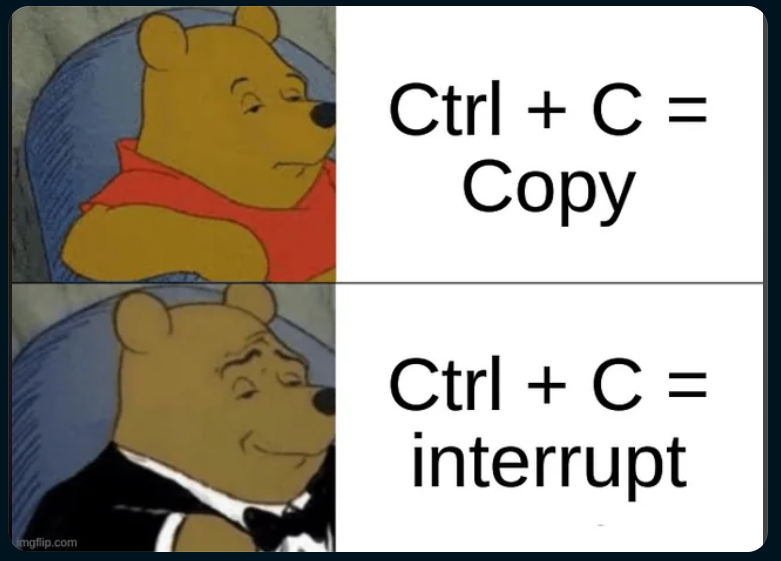
Ctrl+C is the ultimate identity crisis of keyboard shortcuts. In your text editor? Congrats, you just copied something. In your terminal? You just murdered a running process. Same combo, wildly different vibes. It's like how "fine" means completely different things depending on who's saying it. The casual Pooh represents the mundane, everyday copy operation—boring but useful. But fancy tuxedo Pooh? That's the power move. Interrupting processes, killing infinite loops, stopping runaway scripts that are eating your CPU for breakfast. It's the emergency eject button when your code decides to go rogue. Nothing says "I'm in control" quite like force-stopping a process that forgot how to quit gracefully.

Are You Living Or Is Your Process About To Die?

Are You Living Or Is Your Process About To Die?
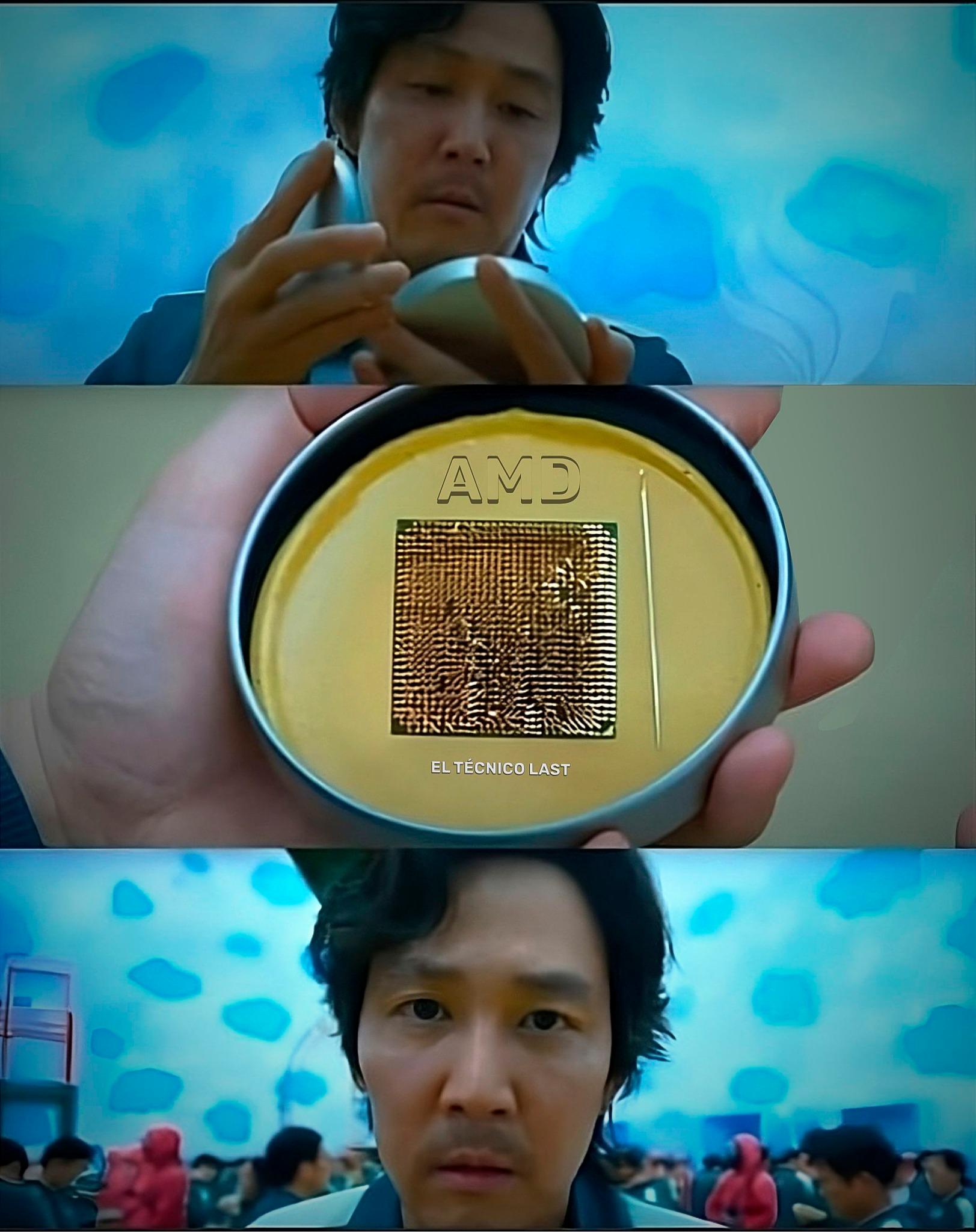
Oh look, it's a CPU from AMD checking if your code is actually alive! Just like in Squid Game, where contestants had to survive deadly challenges, your programs are constantly being judged on whether they deserve to keep running or get brutally terminated by the OS. That horrified expression is exactly what happens when you realize your beautiful algorithm that worked perfectly in development is now deadlocked in production. The CPU is just sitting there like "Yeah, I'm gonna need you to respond in the next 0.5ms or I'm sending a SIGKILL your way." Spoiler alert: Your thread doesn't make it to the next round.

OS Internals Books Are Wild

OS Internals Books Are Wild
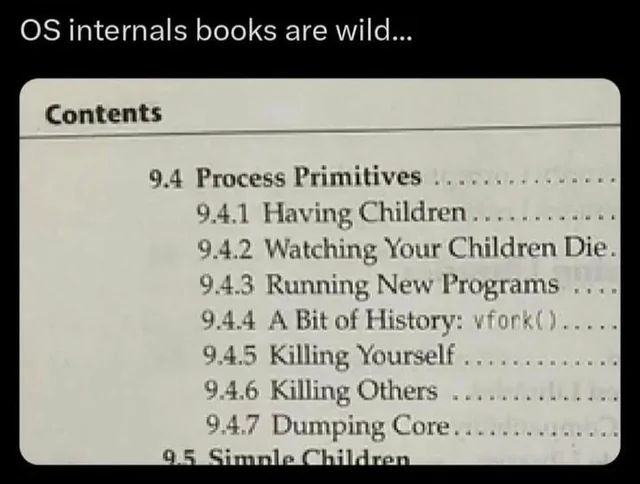
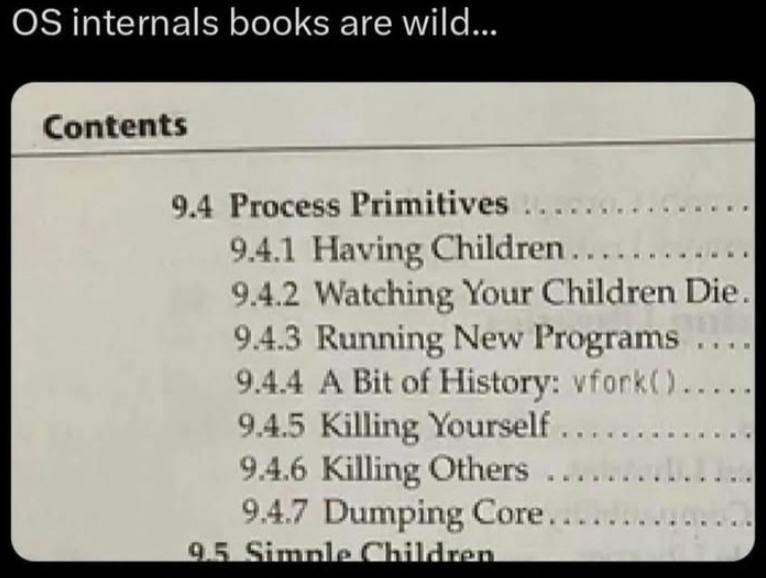
When computer science textbooks accidentally sound like a serial killer's handbook. Operating system processes have the most disturbing lifecycle imaginable—from "Having Children" (fork) to "Watching Your Children Die" (wait) to "Killing Yourself" (exit). The cold, technical language of OS internals makes it sound like you're learning how to run a digital death cult rather than manage system resources. And "Dumping Core"? That's just what happens after your program has a catastrophic failure—like a digital autopsy report. No wonder programmers have a dark sense of humor. We spend our days creating children only to watch them die.

The File Deletion Witness Protection Program

The File Deletion Witness Protection Program
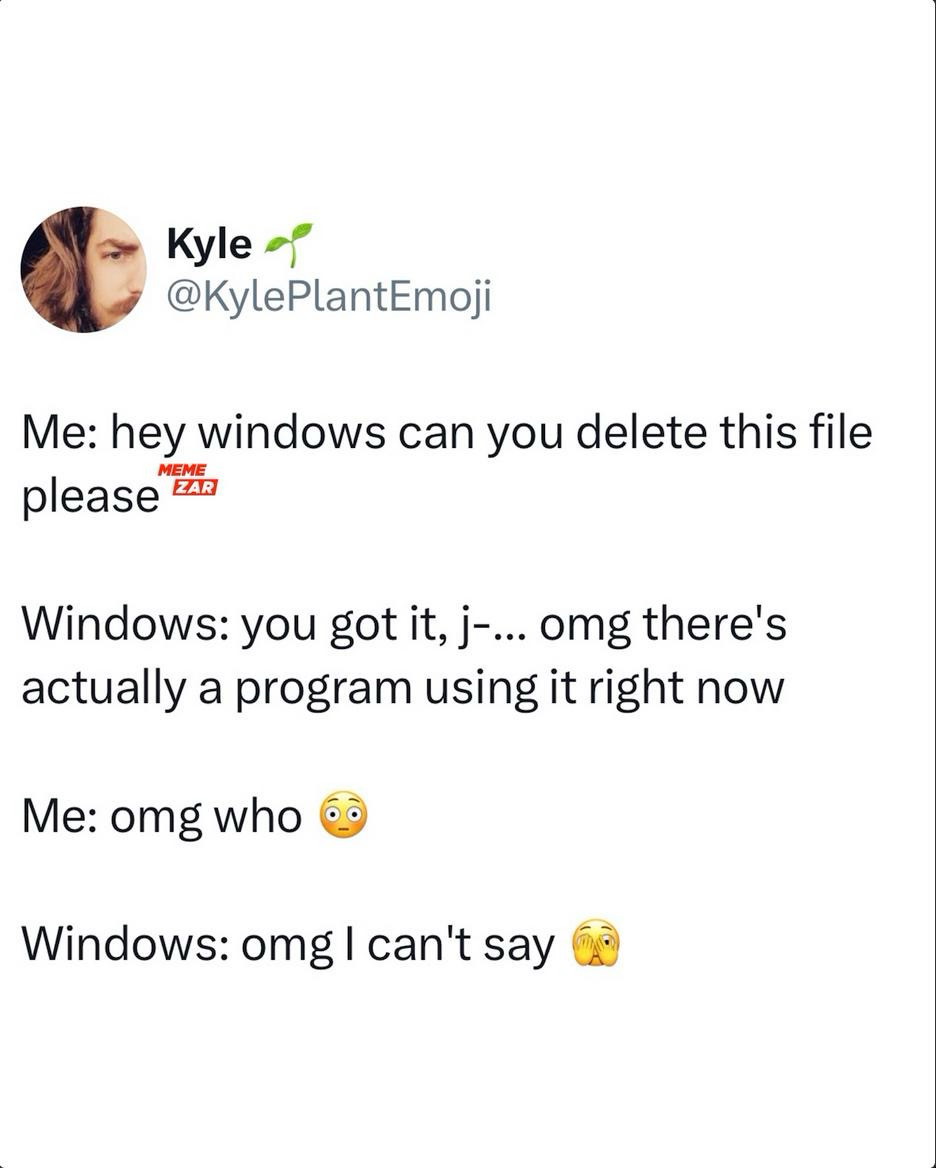
Windows file deletion is basically a soap opera. You ask to delete one simple file and suddenly Windows is like "OMG there's DRAMA! Someone's using this file right now!" But when you ask who's using it? Windows goes full witness protection program. "I've been sworn to secrecy!" Meanwhile, you're just sitting there wondering if your computer is hosting secret file parties behind your back. The best part? That file is probably just locked by Windows Explorer itself, which is basically like your roommate saying they can't tell you who ate your leftovers while they have sauce on their face.

OS Internals Books Are Wild

OS Internals Books Are Wild
Nothing says "welcome to systems programming" quite like a table of contents that reads like a horror novel. When your textbook casually transitions from "Having Children" (spawning processes) to "Watching Your Children Die" (process termination) to "Killing Yourself" (self-termination), you know you're in for a traumatic coding experience. And they wonder why sysadmins develop thousand-yard stares. Just another day managing processes in the OS underworld, where "Dumping Core" isn't about fitness but about catastrophic failure.

NordVPN

NordVPN
Encrypt your traffic on public Wi-Fi, stream from anywhere, and cover up to ten devices with one plan. 30-day money-back guarantee.