

Help desk Memes

Posts tagged with Help desk
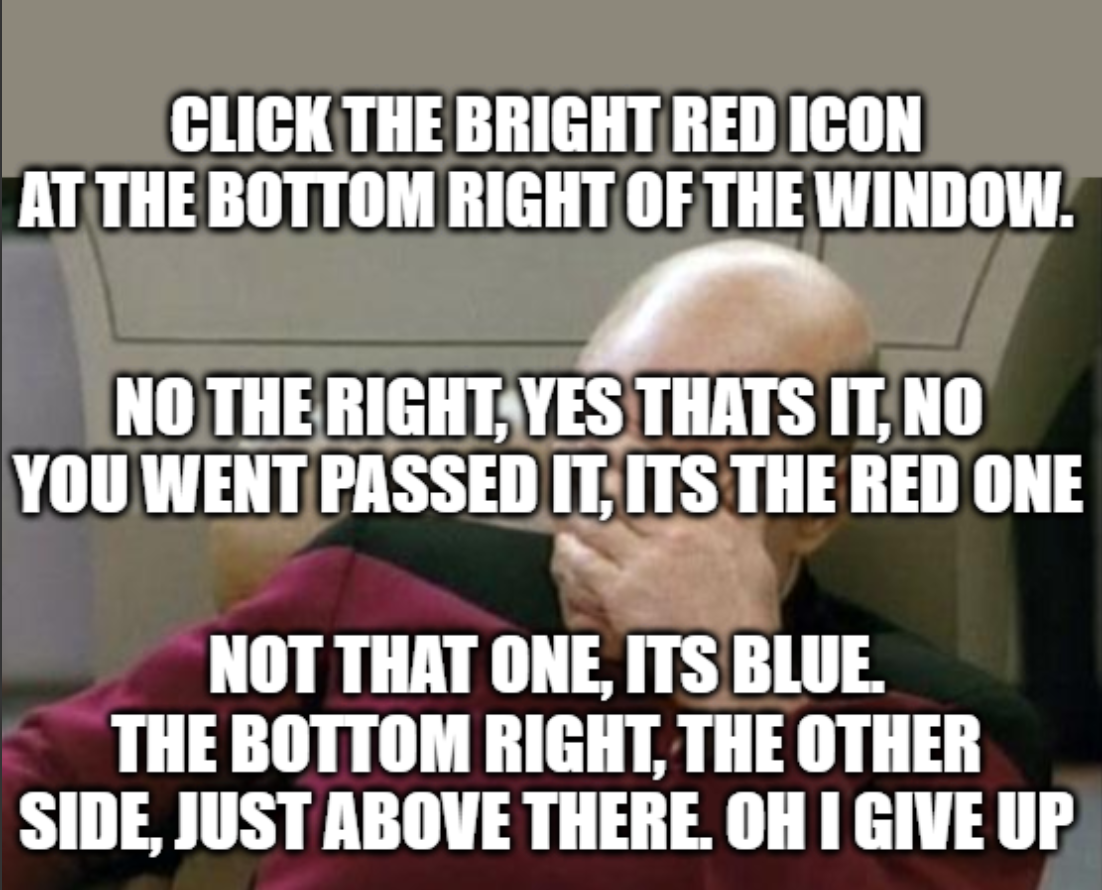
Assisting Users Be Like

Assisting Users Be Like
Every tech support person has lived through this nightmare. You give crystal clear instructions: "Click the bright red icon at the bottom right." Simple, right? Wrong. The user proceeds to click literally everything EXCEPT the red icon. They'll find buttons you didn't even know existed. They'll somehow navigate to a completely different window. "No, your other right. No, that's blue. No, not that one either." The facepalm is universal. Whether you're doing remote support, walking grandma through her email, or helping a "senior developer" with Git, the struggle is real. You start questioning your communication skills, their screen's color calibration, and eventually, your entire career choice. The best part? They're probably hovering their mouse over seventeen different icons while asking "which one?" for the fifth time. Pro tip: Next time, just send a screenshot with a giant arrow. They'll still click the wrong thing, but at least you tried.

Instant Regret

Instant Regret
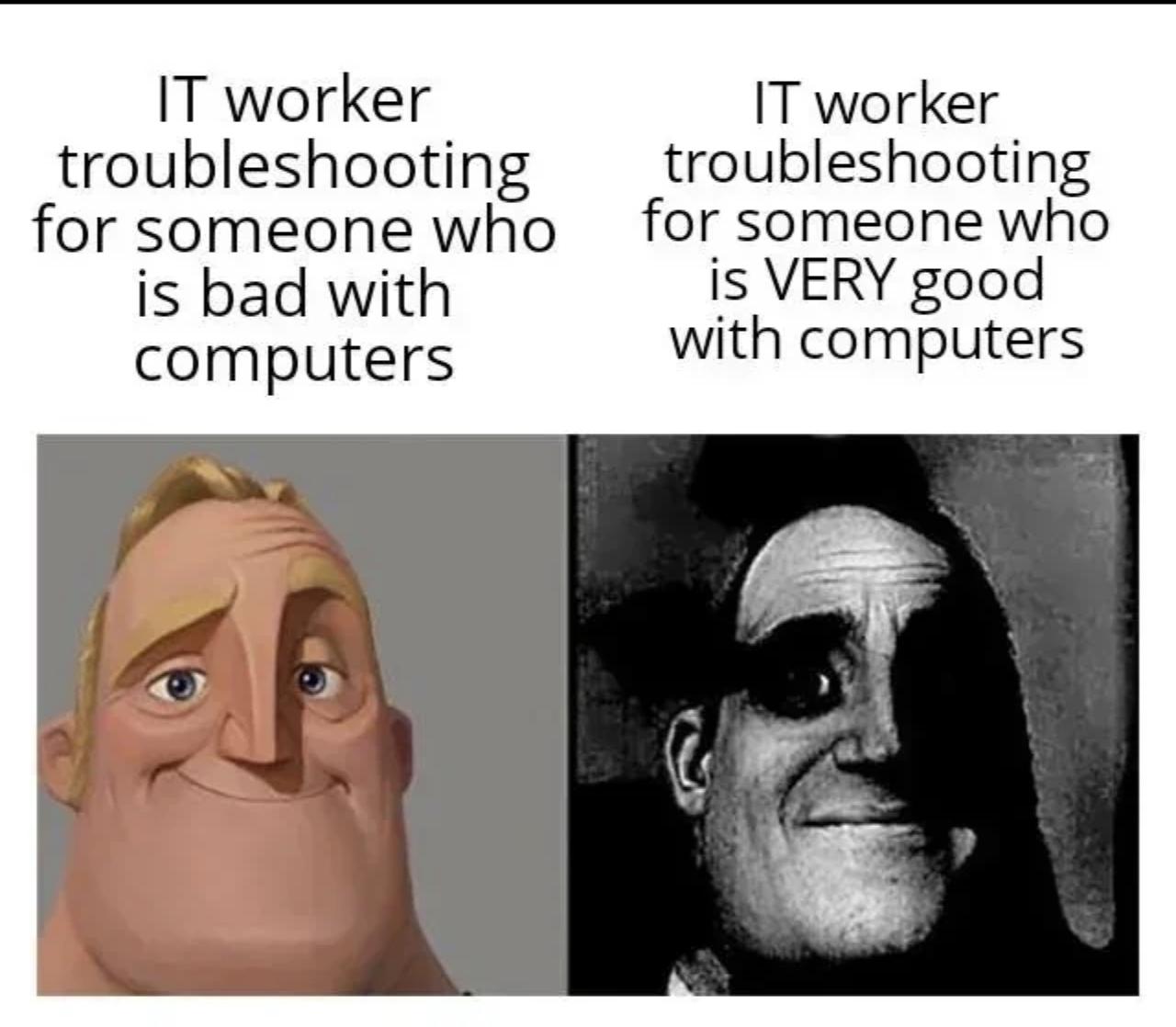
You know that warm fuzzy feeling when someone asks for help and you're like "sure, I'll take a look"? Yeah, that dies real quick when you realize they're not just tech-illiterate—they're tech-*fluent*. Suddenly you're not explaining why they need to restart their router; you're defending your entire architectural decisions to someone who actually knows what a race condition is. The power dynamic shifts faster than a segfault, and now YOU'RE the one sweating while they casually mention they've already tried rolling back the last 47 commits. The worst part? They're being polite about it, which somehow makes it even more terrifying. You went from hero to hot seat in 0.5 seconds.

How It Feel To Work On It

How It Feel To Work On It
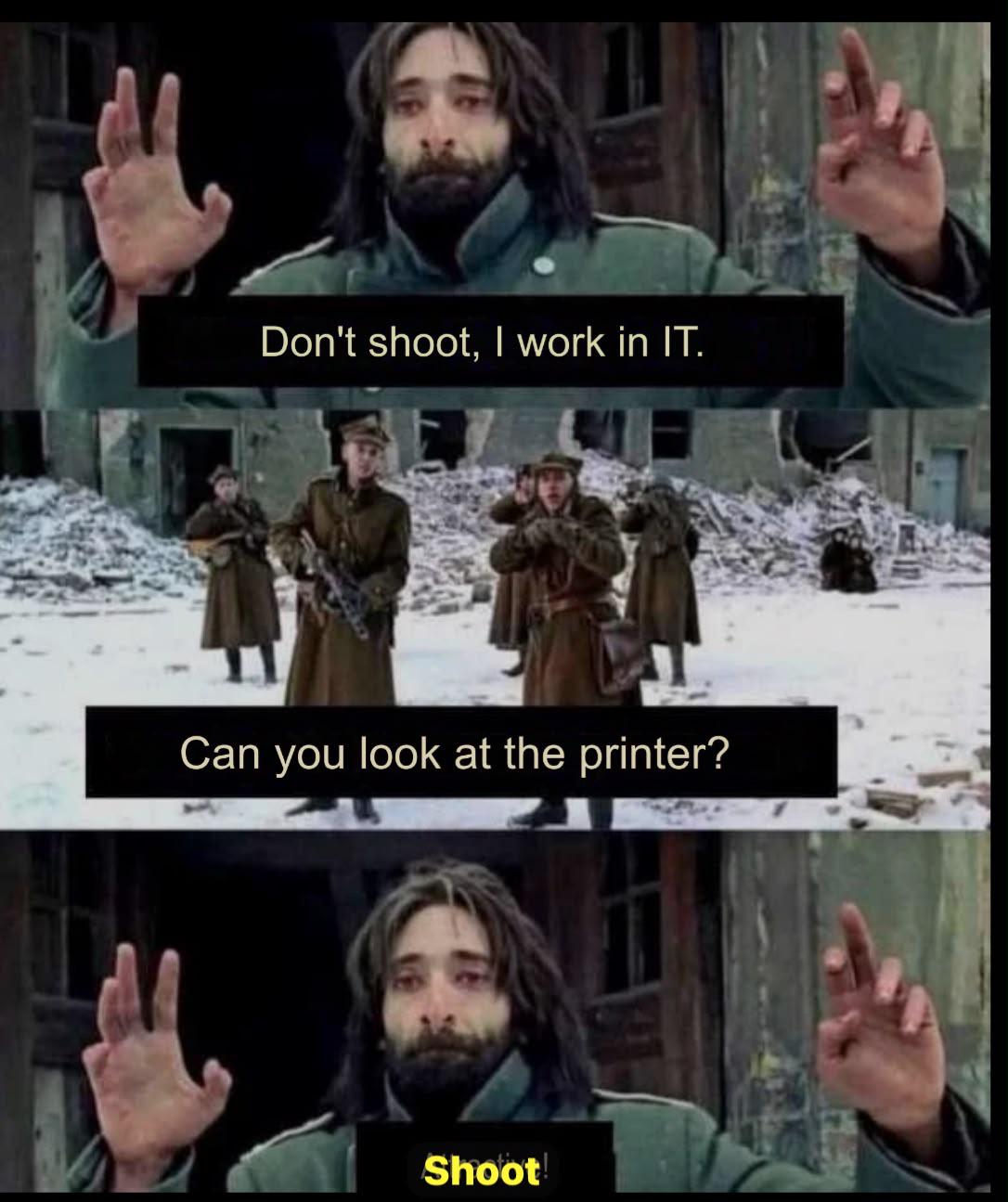
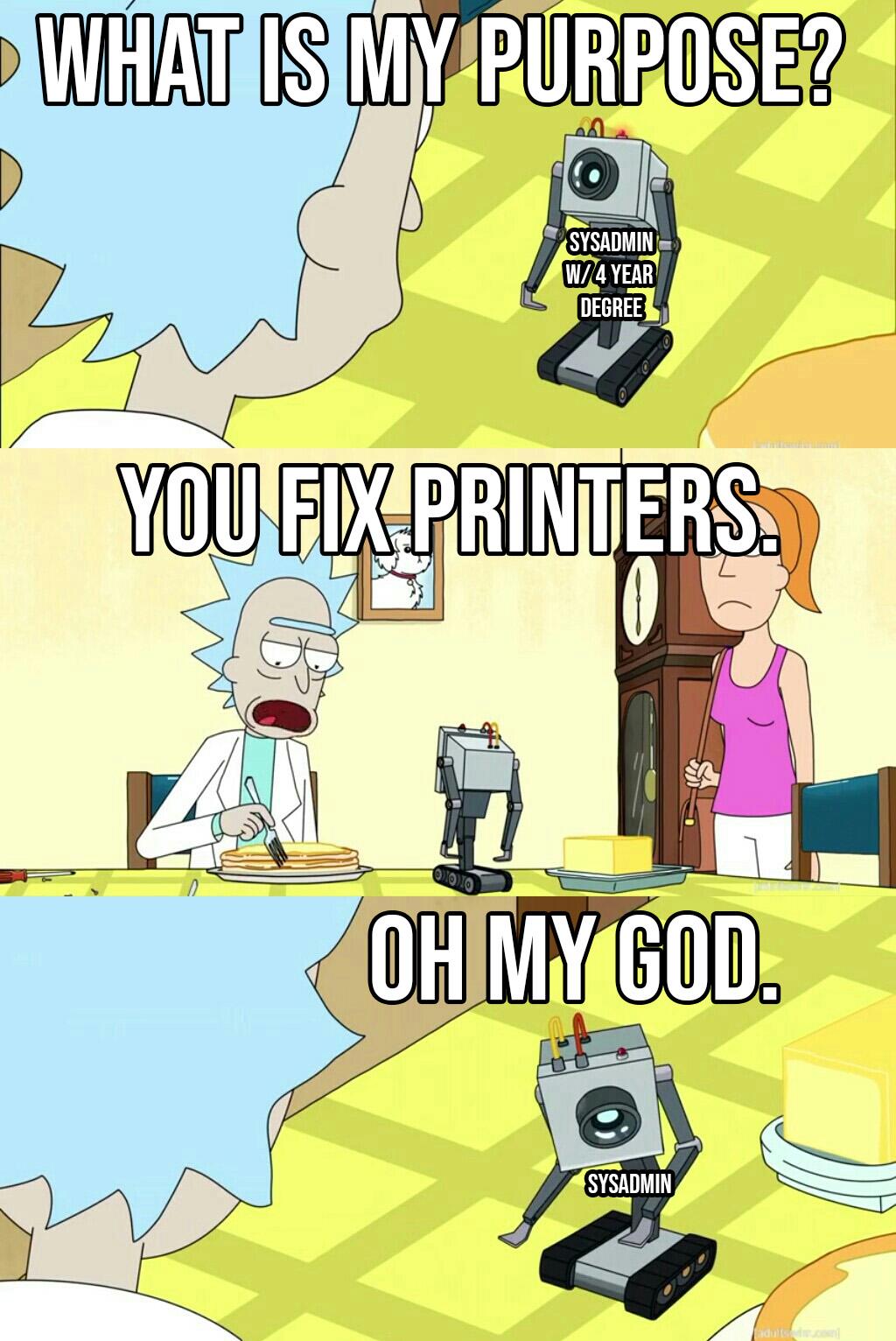
You spent four years getting a Computer Science degree, mastered data structures and algorithms, learned multiple programming languages, and now you're professionally qualified to... fix printers. The IT support experience is basically being a war medic, except instead of treating bullet wounds, you're explaining to Karen from accounting that the printer needs to be plugged in to work. The irony here is beautiful: you're surrounded by complete chaos and destruction, hands up in surrender, but the moment someone mentions printer issues, all bets are off. Because let's be real—printers are the final boss of IT. They're the one piece of technology that refuses to be tamed by logic, drivers that update themselves into oblivion, and paper jams that defy the laws of physics. You can deploy a Kubernetes cluster in your sleep, but a printer? That thing will humble you faster than a production bug at 5 PM on a Friday.

Just To Prevent Layer 8 Issues

Just To Prevent Layer 8 Issues
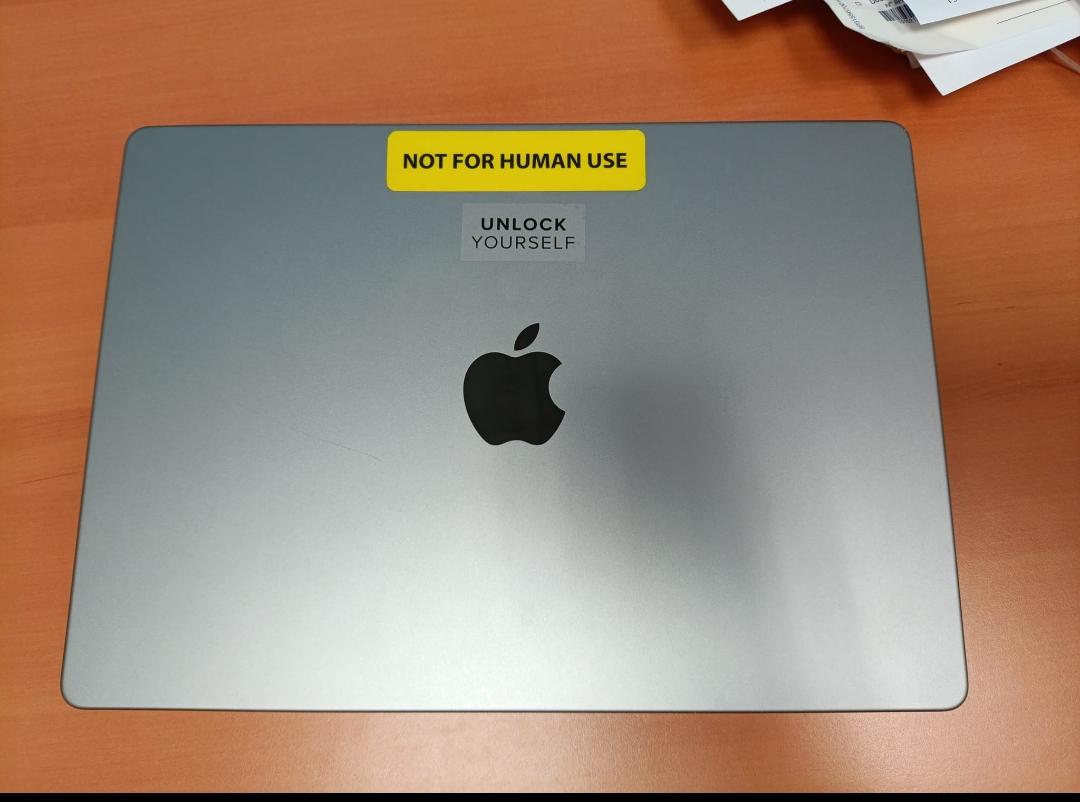
Someone's laptop has a bright yellow "NOT FOR HUMAN USE" sticker right above the webcam, paired with an "UNLOCK YOURSELF" label. Layer 8, for the uninitiated, refers to the user layer—the problematic wetware sitting between the chair and keyboard. The OSI model only goes up to Layer 7, but we all know the real issues happen at Layer 8. The sticker is basically a preemptive strike against the inevitable "my laptop doesn't work" tickets. Can't have user errors if there are no users. Checkmate, help desk. The "UNLOCK YOURSELF" bit adds a nice philosophical touch—maybe the real problem isn't the hardware, it's the existential dread of Monday morning standups. Honestly, slapping this on every machine in the office would probably reduce IT tickets by 90%. The other 10% would be people asking what Layer 8 means.

You Fix Printers

You Fix Printers
You spent four years learning Linux kernel internals, network protocols, automation frameworks, and infrastructure as code. You can orchestrate containers across distributed systems in your sleep. You understand the OSI model better than your own family tree. But to everyone in the office? You're the printer guy. Because you work with computers, which obviously means you have an intimate understanding of why the HP LaserJet 4000 is throwing a PC LOAD LETTER error for the third time this week. The existential crisis hits different when you realize your degree in systems administration has prepared you for everything except the one thing people will actually ask you to do. Printers are the final boss that no CS curriculum warns you about.

NordVPN

NordVPN
Encrypt your traffic on public Wi-Fi, stream from anywhere, and cover up to ten devices with one plan. 30-day money-back guarantee.

Priority Critical

Priority Critical
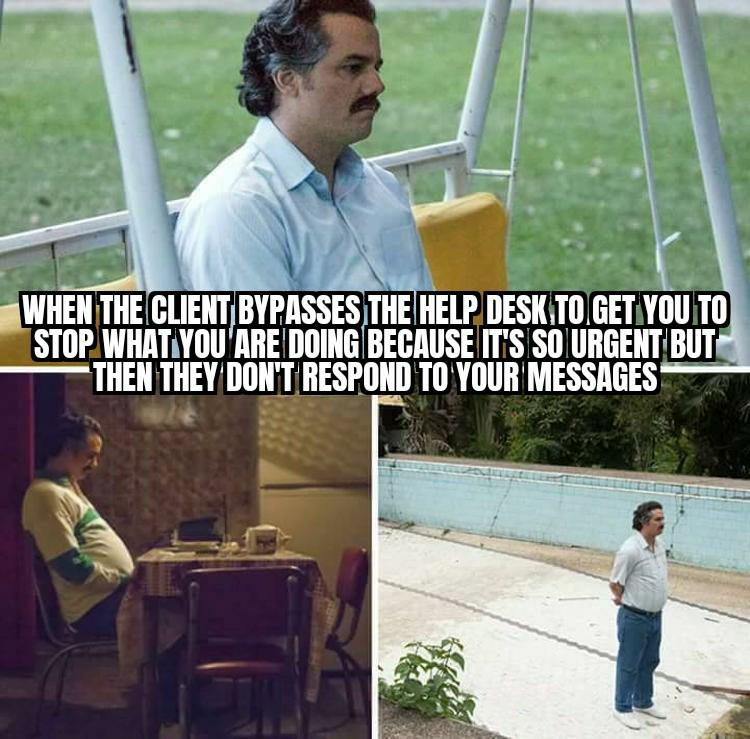
Nothing screams "emergency" quite like a client who suddenly discovers your direct line and treats it like a nuclear launch button. They'll bypass every single established communication channel, interrupt your deep focus session, and declare their issue is DEFCON 1 levels of urgent. You drop everything, reschedule meetings, cancel lunch, and wait for their response with the intensity of a thousand suns. And then? Radio silence. Crickets. Tumbleweeds. They've ghosted you harder than that Tinder date from 2019. Turns out their "critical production-breaking issue" wasn't quite urgent enough to warrant a follow-up message. But YOUR time? Totally expendable, apparently.

Tech Support Ever Just Tell You This…

Tech Support Ever Just Tell You This…
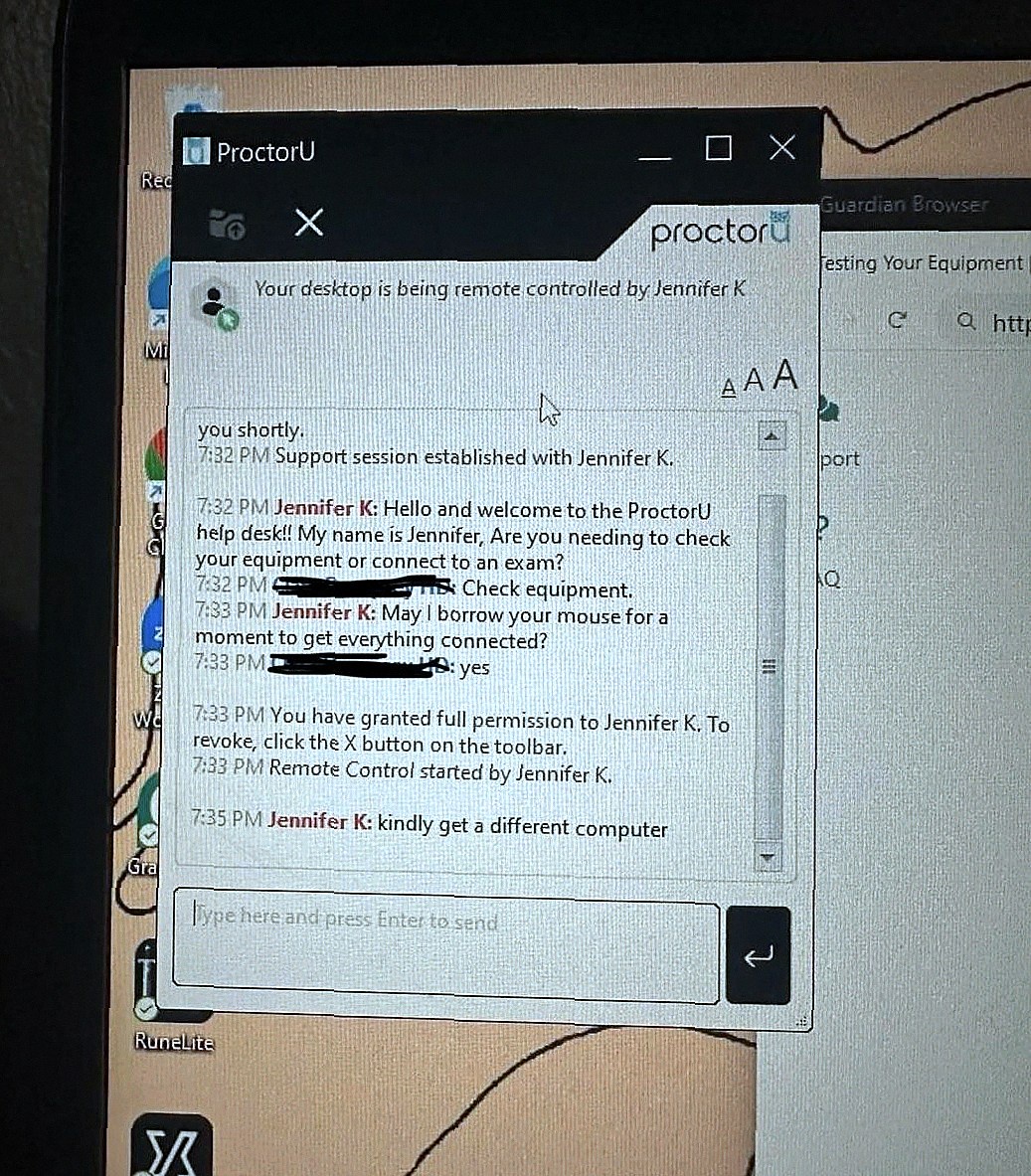
Jennifer from ProctorU support asks politely if she can borrow your mouse "for a moment to get everything connected." Two minutes later: "kindly get a different computer." Nothing says "your setup is beyond salvation" quite like tech support giving up mid-session. No troubleshooting steps, no "have you tried turning it off and on again," just a straight-up recommendation to acquire new hardware. Jennifer took one look under the hood and noped right out of there. Somewhere between "Remote Control started" and complete existential dread, Jennifer discovered horrors that cannot be unseen. We've all been there—remoting into a user's machine only to find 47 Chrome tabs, desktop icons covering every pixel, and processes that shouldn't exist outside of a malware museum.

As Someone Who Works In IT, I Approve

As Someone Who Works In IT, I Approve
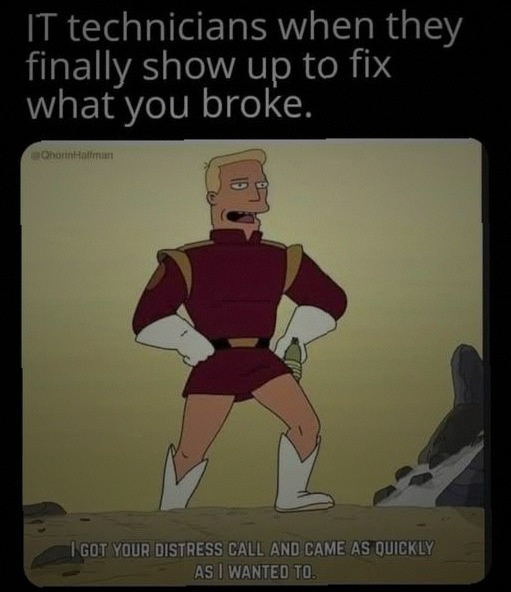
The eternal dance between IT support and end users, captured in one glorious frame. The meme shows Zapp Brannigan from Futurama striking his signature heroic pose with the caption "I got your distress call and came as quickly as I wanted to." This perfectly encapsulates the IT support experience: you submit a ticket about your broken laptop/server/hopes and dreams, and the technician shows up on their own sweet schedule. Not when you need them (immediately), not when they said they would (yesterday), but precisely when they felt like it. The "as quickly as I wanted to" part is chef's kiss because it acknowledges the reality—they saw your ticket, they knew it was urgent, they just... had other priorities. Like finishing their coffee, reorganizing their cable management, or contemplating the heat death of the universe. The superhero pose is the icing on the cake. IT shows up expecting gratitude and fanfare for gracing you with their presence, meanwhile you've been rebooting your machine 47 times and googling solutions for three days.

Empathy

Empathy
Someone clearly forgot to mention that tech support is where empathy goes to die. You spend your days telling users to turn it off and back on again, but when you complain about being stuck in ticket hell, suddenly everyone's a therapist reminding you about "listening and empathizing." The irony is beautiful. They hired you for tech support—possibly the most soul-crushing job in IT—and now they're shocked you need emotional support. It's like hiring someone to work in a salt mine and then expressing deep concern when they mention being thirsty. Peak corporate empathy right there.

He Said "Any"

He Said "Any"
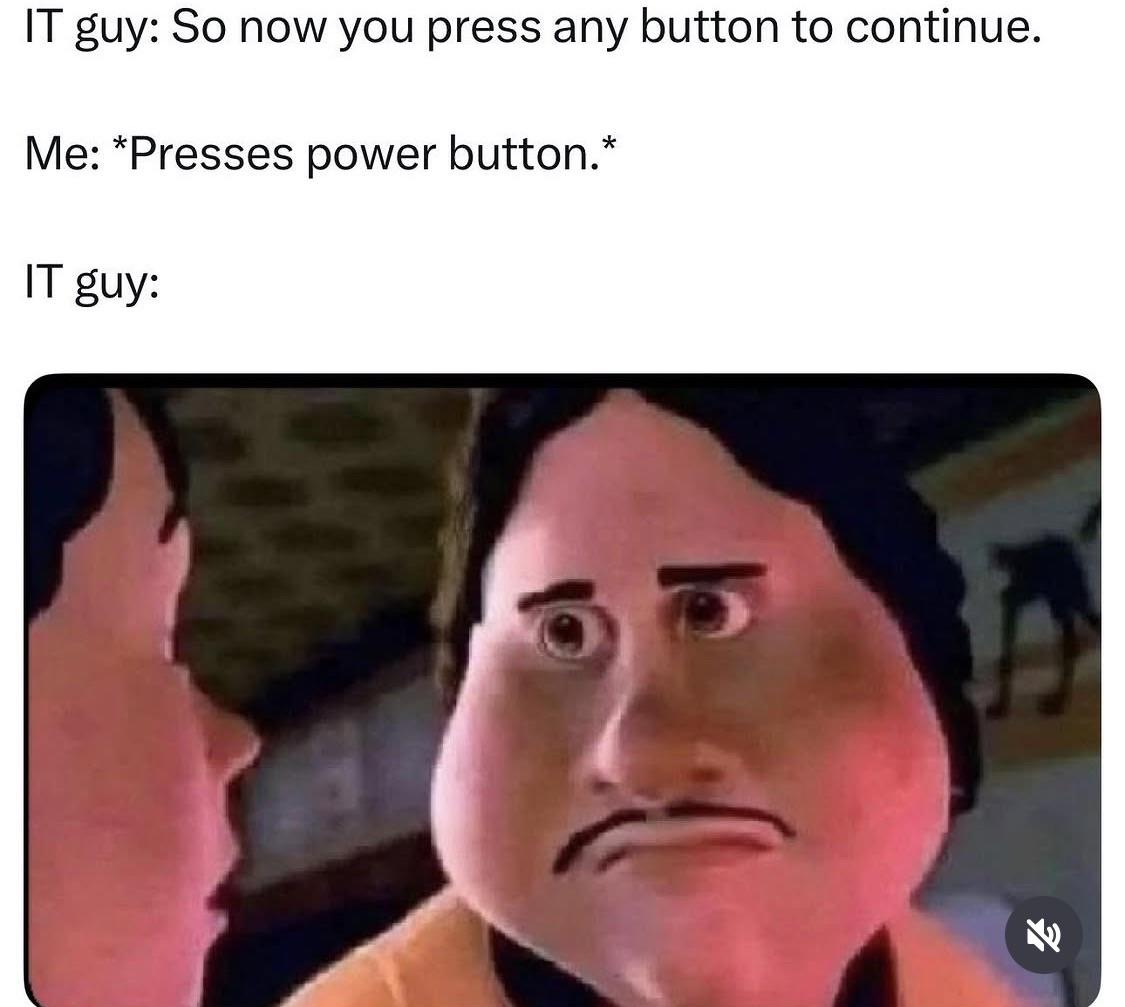
You know that moment when someone gives you technically correct instructions but you still manage to find the one interpretation that breaks everything? Yeah, that's this. The IT guy says "any button" and naturally, the user goes straight for the nuclear option—the power button. Because why press Enter or Space like a normal person when you can just shut down the entire machine mid-process? This is why we can't have nice things. This is also why every instruction manual now reads like you're explaining rocket science to a toddler. "Press any key except the power button, reset button, or anything that might cause irreversible damage to your work or soul." The IT guy's horrified face says it all—he's seen this movie before, and it never ends well. Probably followed by a ticket that says "computer won't turn on" and a lengthy explanation about unsaved work.

Reboot

Reboot
The universal truth of IT support: "Have you tried turning it off and on again?" works on everyone. The difference? Tech-illiterate folks think you're a wizard performing digital sorcery. Tech-savvy users? They know you're just pressing the universal "make it work" button and feel personally attacked that their complex problem has such a pedestrian solution. Both get the same fix, but one leaves thinking you're a genius while the other questions their entire existence.

As Someone Who Works In IT, I Approve

As Someone Who Works In IT, I Approve
Nothing says "I prioritize your emergency" quite like showing up three days after the ticket was filed. The stance really sells it—hands on hips, radiating the energy of someone who definitely didn't stop for coffee twice on the way over. You called it a P1 incident, they heard "eventually." The "as quickly as I wanted to" is doing some heavy lifting here, carrying the weight of seventeen other tickets, a lunch break, and that one user who keeps asking if they need to download more RAM.

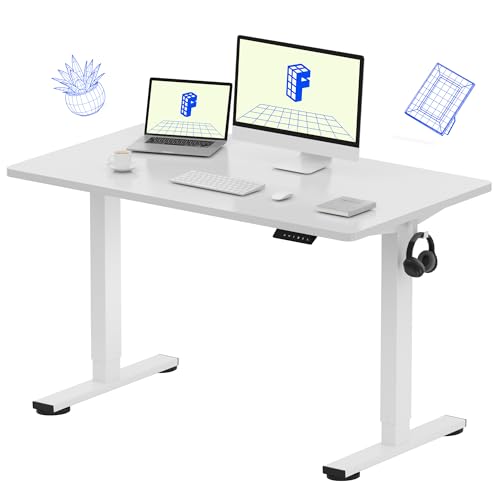
FLEXISPOT EN1 48"x24" One-Piece Standing Desk, White | 176 LBS Capacity, Seamless Desktop, Home Office, 4 Memory Presets, Dual Monitor Setup, Anti-Collision

FLEXISPOT EN1 48"x24" One-Piece Standing Desk, White | 176 LBS Capacity, Seamless Desktop, Home Office, 4 Memory Presets, Dual Monitor Setup, Anti-Collision
ONE-PIECE. NO SEAMS: A seamless desktop creates a smooth, uninterrupted workspace with no split lines to distract, making writing, designing, gaming, and everyday work more comfortable. · SPACIOUS WO…