Cloud storage Memes

Posts tagged with Cloud storage
Technically, I'M A Millionaire Too... Thanks To My Credit Card Limit..

Technically, I'M A Millionaire Too... Thanks To My Credit Card Limit..
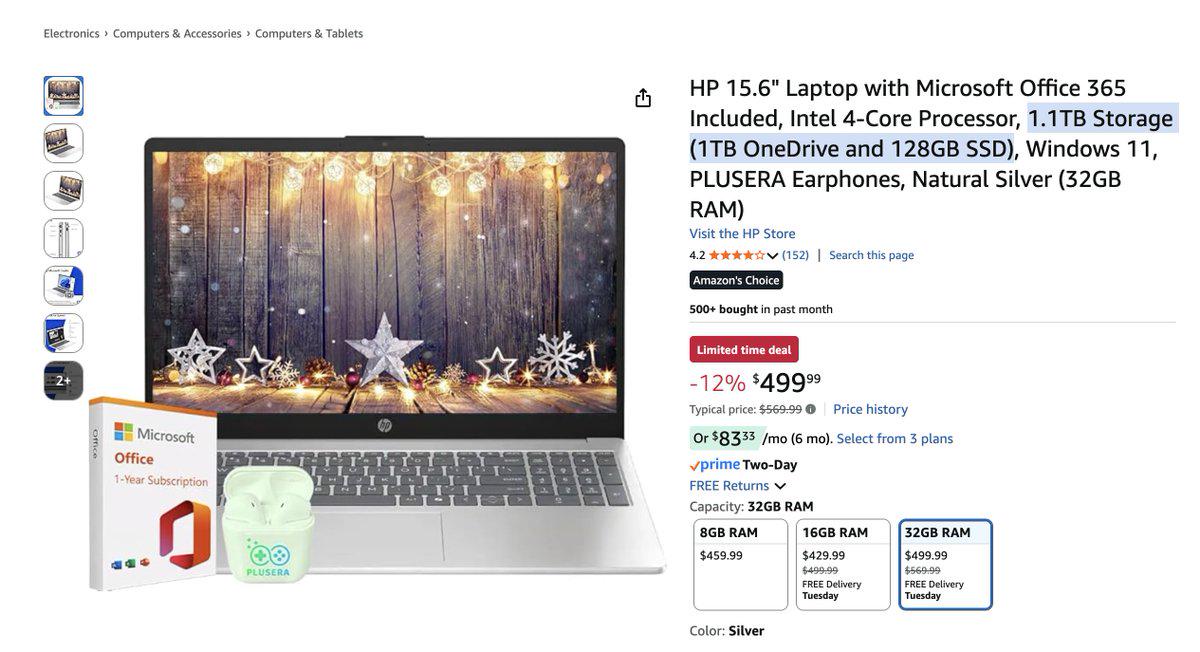
That feeling when you see "1.1TB Storage" and your brain immediately goes "wow, that's a lot!" until you realize it's 1TB OneDrive (cloud storage you don't own) + 128GB SSD (actual storage you can use). It's like saying you're a millionaire because you have access to a million dollars... that belongs to someone else and you're just renting. Marketing departments have mastered the art of creative math. Sure, technically you have "access" to 1.1TB, just like technically you could spend your entire credit limit. But try downloading your entire Steam library on that 128GB and see how far you get before reality hits harder than a null pointer exception. Also, 32GB RAM on a laptop with an Intel 4-Core and only 128GB SSD? That's like putting a racing engine in a car with bicycle tires. Someone in product management had... interesting priorities.

Backups

Backups
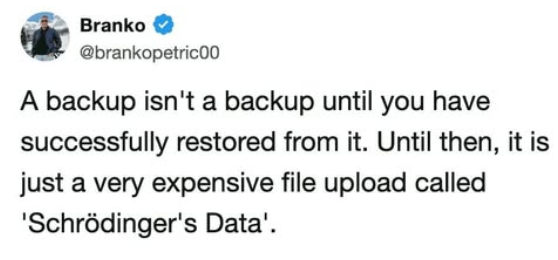
You know that warm fuzzy feeling you get after setting up your backup system? Yeah, that's false confidence. Your backup exists in a quantum superposition of "working" and "completely useless" until you actually try to restore from it—and spoiler alert, most people discover it's the latter AFTER their production database goes up in flames. Until you've tested that restore, you're basically just paying cloud storage fees to feel better about yourself. It's like buying insurance but never reading the policy—sure, the paperwork exists, but will it actually save you when disaster strikes? Probably not. Test your backups, people, or you're just hoarding expensive digital anxiety.

Google Drive

Google Drive
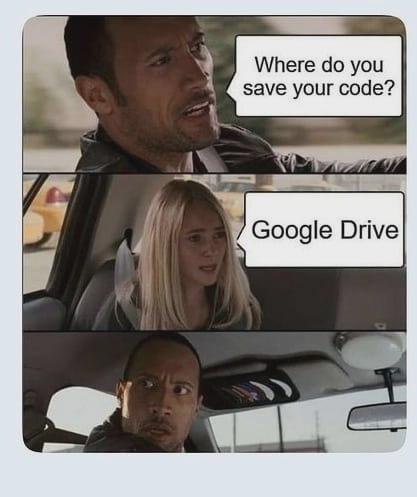
Using Google Drive as version control? That's like using a butter knife for surgery—technically possible, but everyone watching knows something's gone horribly wrong. The sheer horror on that face says it all. Meanwhile, Git is sitting in the corner crying, wondering where it all went wrong after decades of being the industry standard. Sure, Google Drive has "version history," but let's be real—scrolling through "Code_final_FINAL_v2_actually_final.py" isn't exactly the same as proper branching and merging. But hey, at least it's better than the person who answers "my laptop" with no backups.

This Isn't Normal

This Isn't Normal
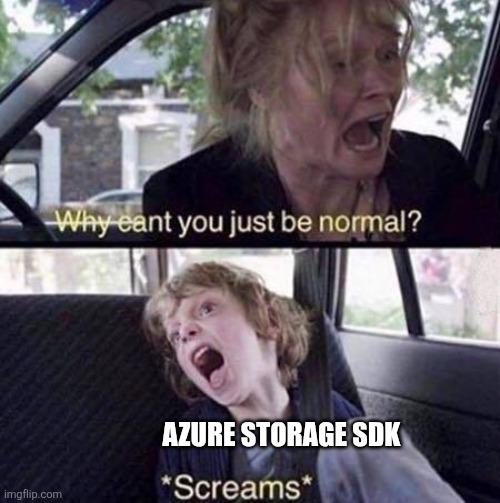
When someone dares to suggest you could just use a simple, straightforward solution but instead you're out here wrestling with the Azure Storage SDK like it's a feral beast that refuses to be tamed. Because why would ANYTHING in cloud development be intuitive or easy? The SDK documentation reads like ancient hieroglyphics, the error messages are about as helpful as a chocolate teapot, and you're just sitting there screaming into the void while your code throws exceptions you didn't even know existed. But sure, let's just "be normal" about our cloud storage implementation. Normal is for people who don't enjoy suffering through 47 authentication methods and blob container permissions that make zero sense!

OneDrive: Look At Me, I Am Your C Drive Now

OneDrive: Look At Me, I Am Your C Drive Now
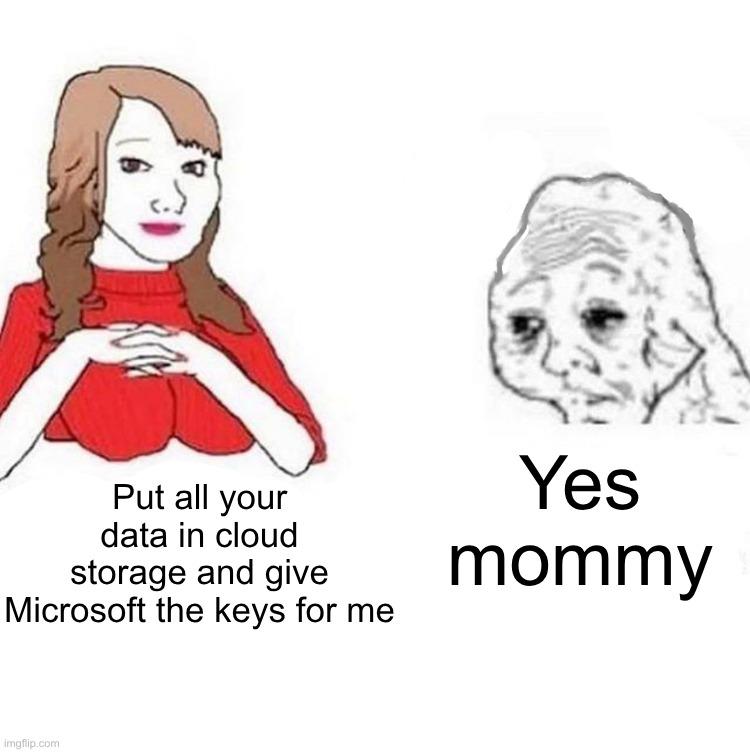
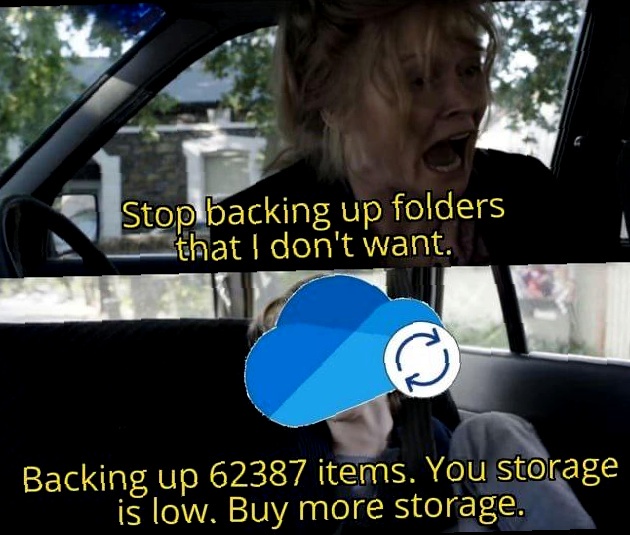
Microsoft really said "you know what your local storage needs? More cloud integration!" and proceeded to make OneDrive the default save location for literally everything. Desktop? OneDrive. Documents? OneDrive. That random screenshot you took? Believe it or not, also OneDrive. Nothing quite like opening File Explorer expecting to see your actual local files, only to discover OneDrive has staged a hostile takeover of your entire directory structure. Your C drive didn't retire, it just got forcibly migrated to the cloud without its consent. And good luck trying to disable it—Microsoft treats that "Turn off OneDrive" button like it's a suggestion, not a command. The best part? When you're on a slow connection and can't access YOUR OWN FILES because they're "syncing." Peak innovation right there.

Do We Have A Deal Satya Nadella

Do We Have A Deal Satya Nadella
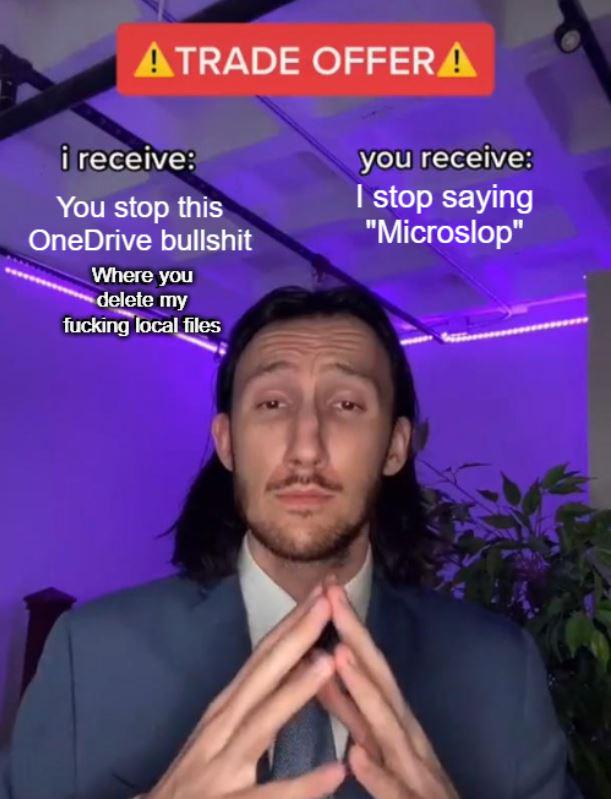
Ah yes, the classic negotiation with Microsoft: stop deleting my local files without permission and maybe I'll stop calling you "Microslop." OneDrive has this charming habit of deciding which files you really need, then yeeting them into the cloud whether you asked for it or not. Nothing says "productivity" like frantically searching for a file that was on your desktop five minutes ago, only to discover it's now being held hostage in the cloud with a "Files On-Demand" ransom note. The trade is simple: respect my local storage, and I'll respect your company name. Fair's fair, Satya.

Do We Have A Deal Satya Nadella?

Do We Have A Deal Satya Nadella?
Every Windows user has had that moment where OneDrive decides to play god with your local files. You know, when it just casually deletes stuff you thought was safely stored on your actual hard drive, not floating in Microsoft's cloud dimension. The negotiation here is simple: stop forcing OneDrive down our throats and randomly nuking our files, and in return, we'll stop calling you "Microslop." Fair trade, right? The desperation in those praying hands says it all—we've all been burned by aggressive cloud sync policies that treat local storage like it's optional. Pro tip: OneDrive's "Files On-Demand" feature has probably caused more heart attacks than it's saved disk space. Nothing quite like opening a folder and realizing everything is just a cloud placeholder now.

Download More Ram

Download More Ram
Someone actually did it. They literally downloaded more RAM. By mounting Google Drive as swap space, this absolute legend turned cloud storage into virtual memory. The df -h output shows gdrive:swap with a whopping 1.0P (petabyte!) of "available" space. Sure, your page faults will now require network requests to Google's servers with latency measured in geological epochs, but hey, technically you did download more RAM. Your system will be swapping at the speed of your internet connection instead of SSD speeds. What could possibly go wrong? The "alcohol won't affect my child" format perfectly captures how this is both technically brilliant and completely unhinged. It's the kind of solution that makes you go "wait, that's illegal" even though it's not.

OneDrive: Look At Me, I Am Your C Drive Now

OneDrive: Look At Me, I Am Your C Drive Now
OneDrive has this delightful habit of silently taking over your entire file system like some kind of digital coup. One day you're just trying to save a file to your Desktop, and suddenly you realize it's not actually on your Desktop—it's in the cloud, syncing to OneDrive, whether you asked for it or not. Microsoft really said "local storage? never heard of her" and just started redirecting your Documents, Desktop, and Pictures folders without so much as a courtesy email. The best part is when you're on a train with no internet and can't access your own files because they're "Files On-Demand" now. Thanks, I really needed my tax documents to be unavailable during my audit. Nothing says "seamless user experience" like your C drive becoming a glorified shortcut to someone else's server.

One Drive In A Nutshell

One Drive In A Nutshell
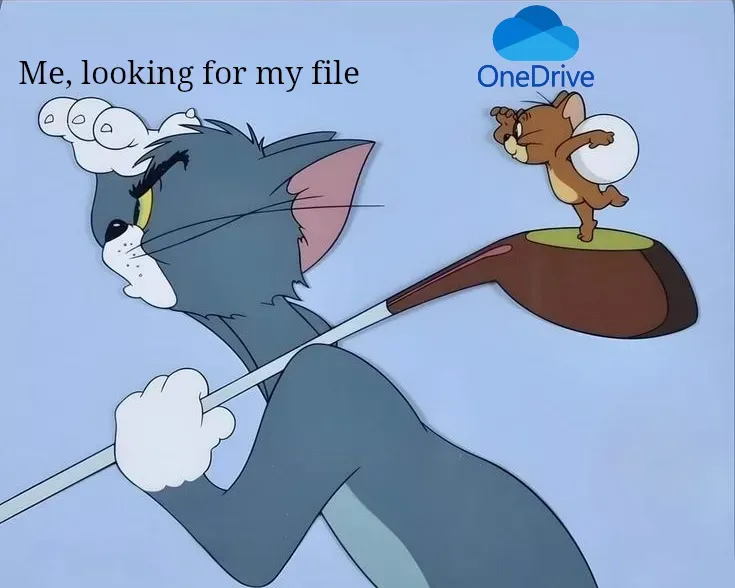
OneDrive's most impressive feature is its ability to silently yoink your files into the cloud without your consent, then gaslight you about their location. You think you saved it to your Desktop? Wrong. It's now in some mystical cloud dimension that OneDrive may or may not acknowledge exists. The best part? When you desperately search for your file, OneDrive just shrugs and plays dumb like it's never met you before. It's like having a roommate who "organizes" your stuff by hiding it in random places and then denies any involvement. Microsoft really said "let's make file management feel like a hostage negotiation" and called it a feature.

One Drive Supremacy

One Drive Supremacy
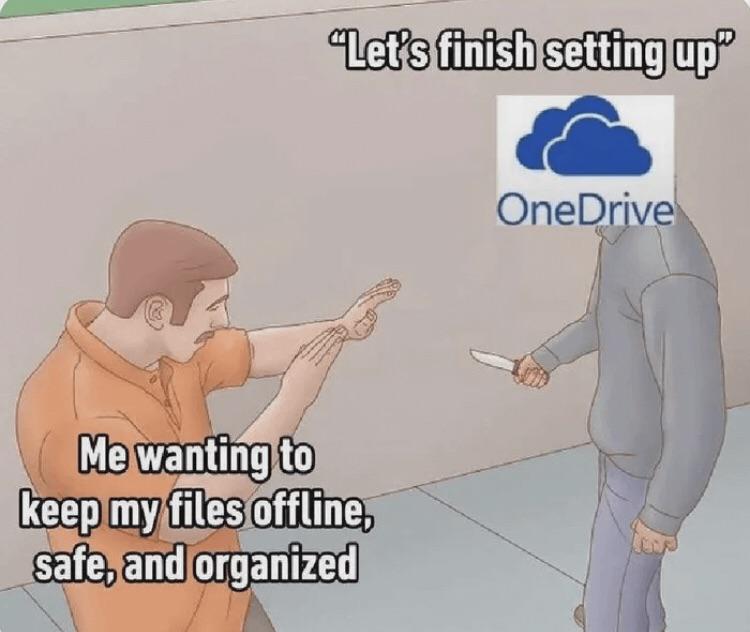
You just want a simple local folder structure. Maybe some sensible naming conventions. Perhaps the radical idea of knowing exactly where your files are without an internet connection. But OneDrive has other plans for you. It'll hijack your Desktop, Documents, and Pictures folders before you can say "wait, I didn't agree to this." Suddenly everything's syncing to the cloud whether you like it or not, your disk space is a mystery, and you're getting passive-aggressive notifications about storage limits you never asked about. The knife in OneDrive's hand? That's the "helpful" feature where it moves your files without asking and then acts like it did you a favor. Classic Microsoft energy right there.

Me Talking To MS Word

Me Talking To MS Word
The eternal struggle of trying to convince Microsoft Word you're the boss of your own files. That desperate moment when Word is hellbent on uploading your resume to OneDrive while you're frantically trying to explain that you just want local storage like it's 2005. Microsoft's cloud obsession is the digital equivalent of someone constantly trying to store your stuff in their garage "for safekeeping" when you've got a perfectly good closet at home. The slow, deliberate explanation—like you're negotiating with a hostage taker—is painfully relatable to anyone who's ever fought with modern software's assumption that everything belongs in the cloud.