Clipboard Memes

Posts tagged with Clipboard
Full Potential

Full Potential
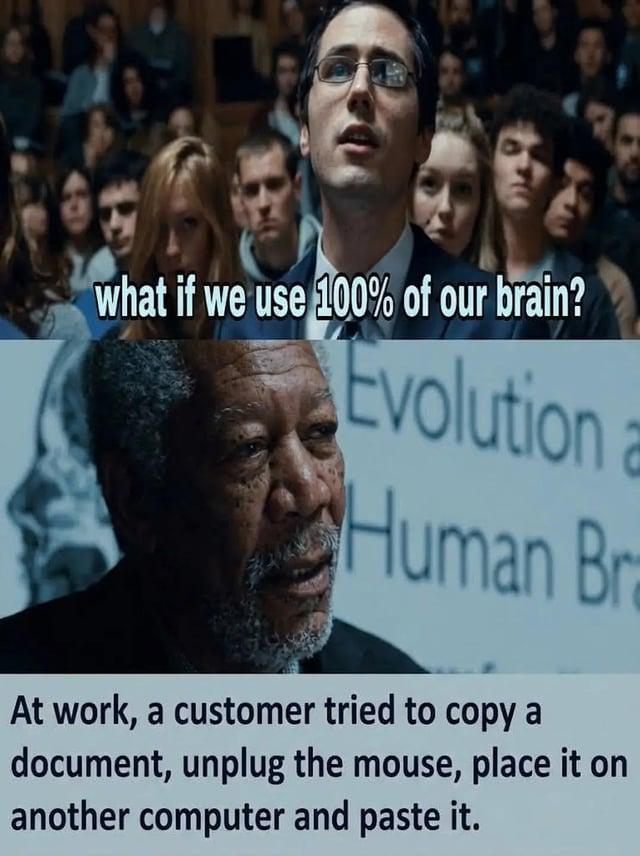
Someone out there really thought the clipboard was stored in the mouse itself. Like, physically. In the mouse. They unplugged it, walked it over to another computer like they were transferring a USB drive full of sensitive data, and expected the paste to just... work. You spend years building elegant systems, optimizing algorithms, architecting cloud infrastructure—and then reality slaps you with a user who thinks peripherals are portable storage devices. The "100% of our brain" question hits different when you realize some people are operating at like 3% and still managing to turn on a computer. Support tickets like these are why we drink.

Trust Issues With Keyboard Shortcuts

Trust Issues With Keyboard Shortcuts
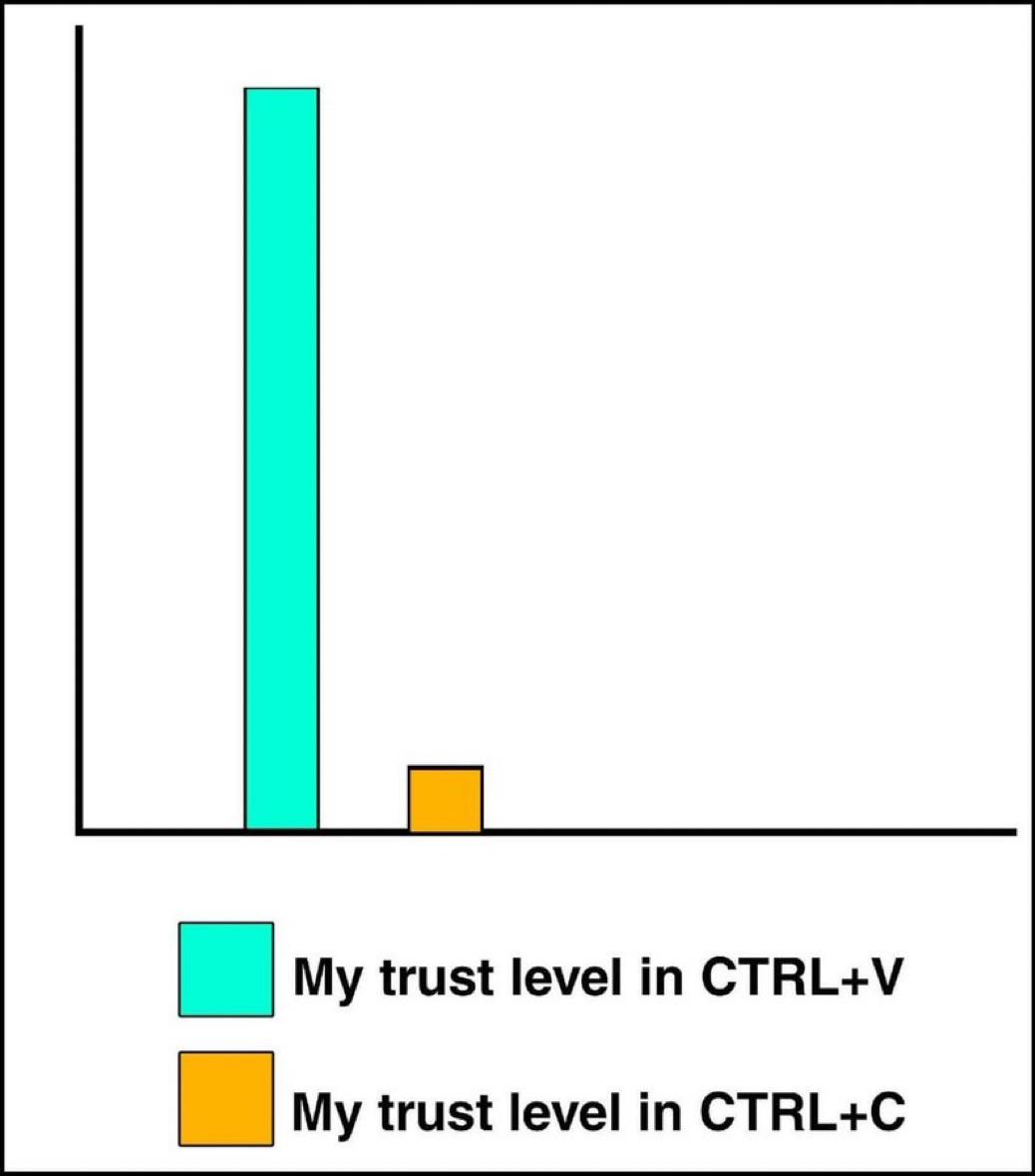
We all paste with the confidence of someone who's never accidentally hit CTRL+C twice in a row and lost their precious clipboard content forever. Meanwhile, CTRL+V gets all the glory while we treat CTRL+C like it's made of glass and might shatter at any moment. The paranoia is real: you copy something important, then spend the next 30 seconds NOT touching your keyboard because one accidental keystroke could send your clipboard to the void. But paste? Spam that sucker 47 times just to be sure. Trust is earned, not given.

The Great Clipboard Trust Deficit

The Great Clipboard Trust Deficit
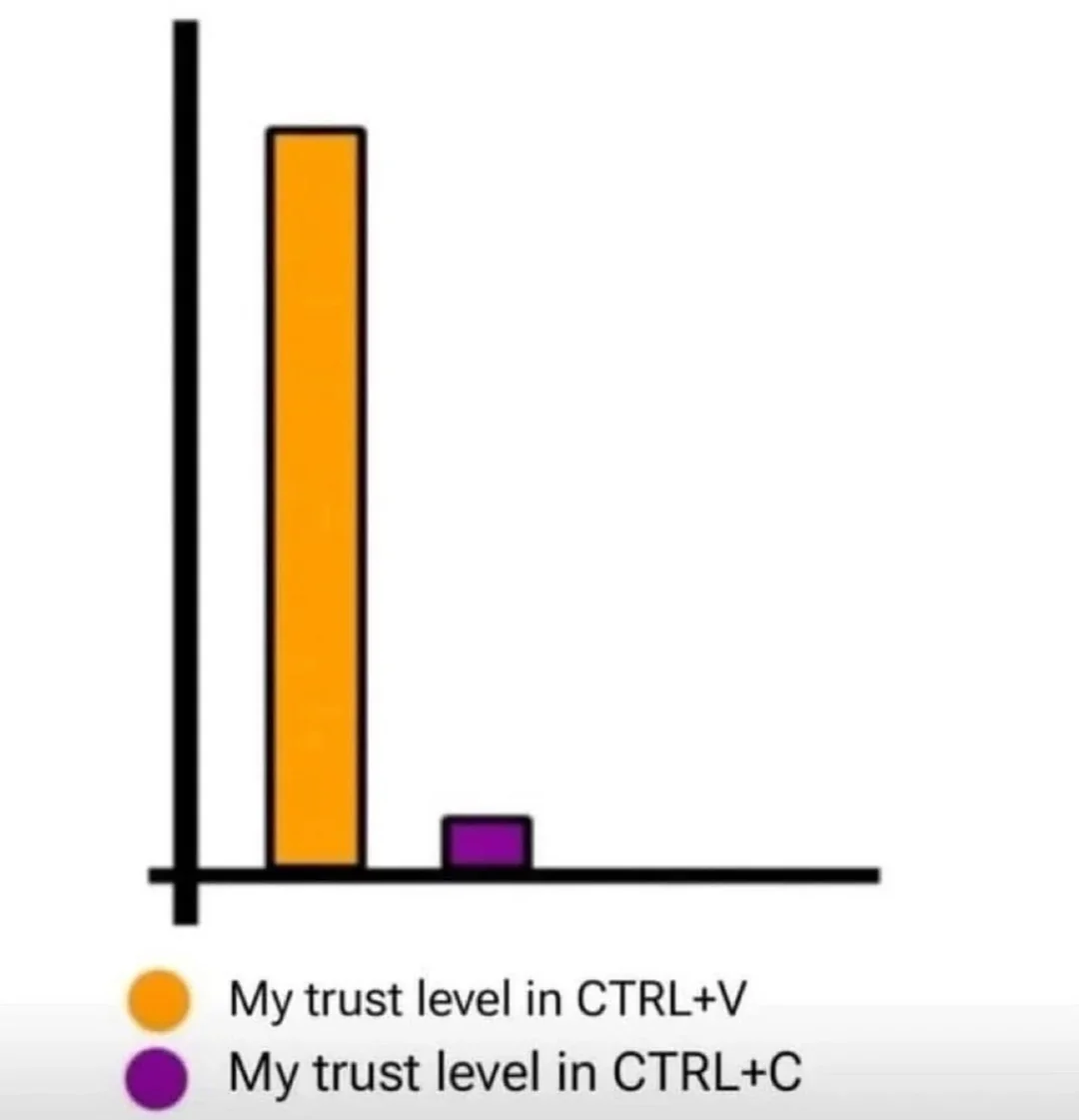
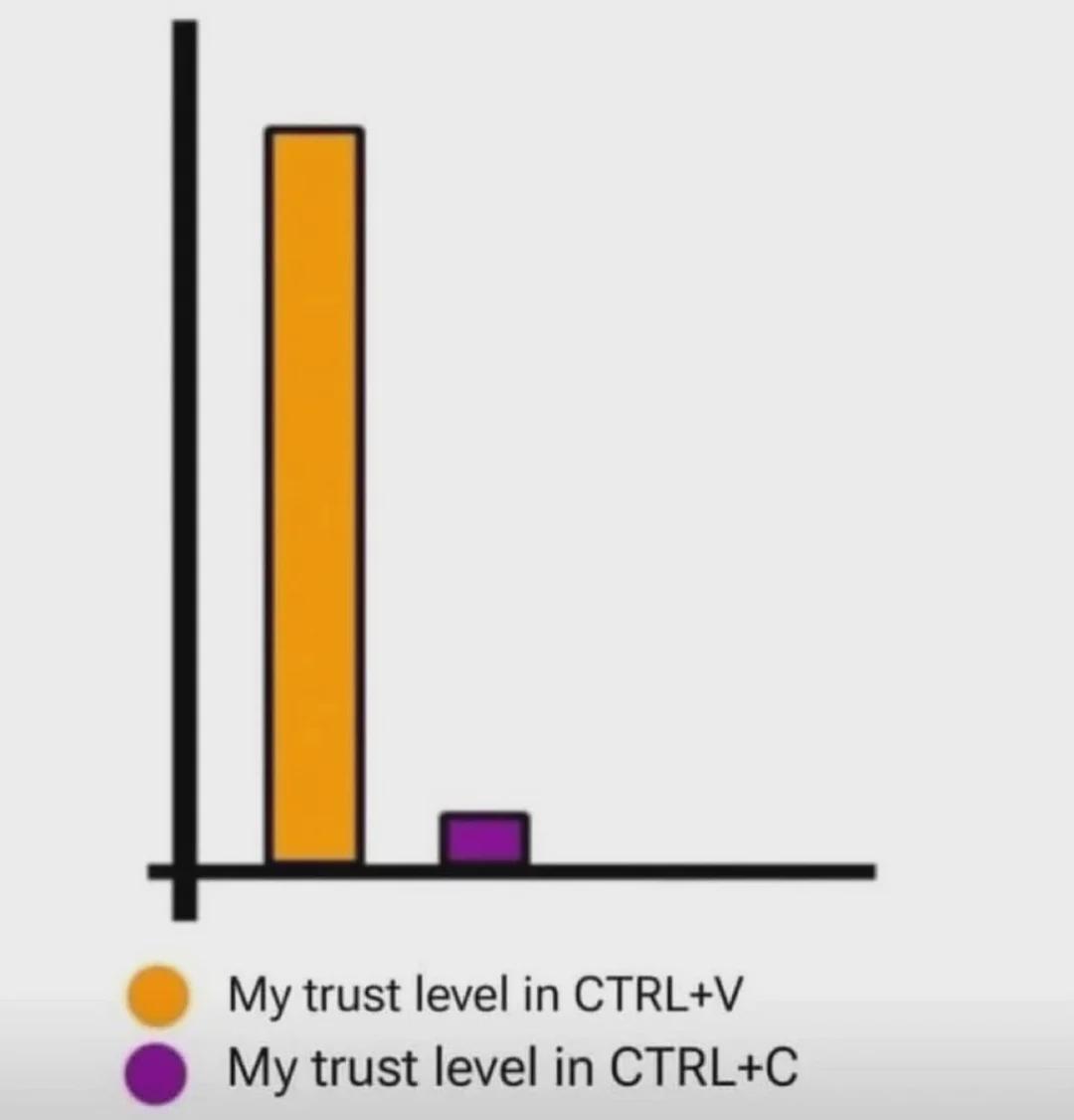
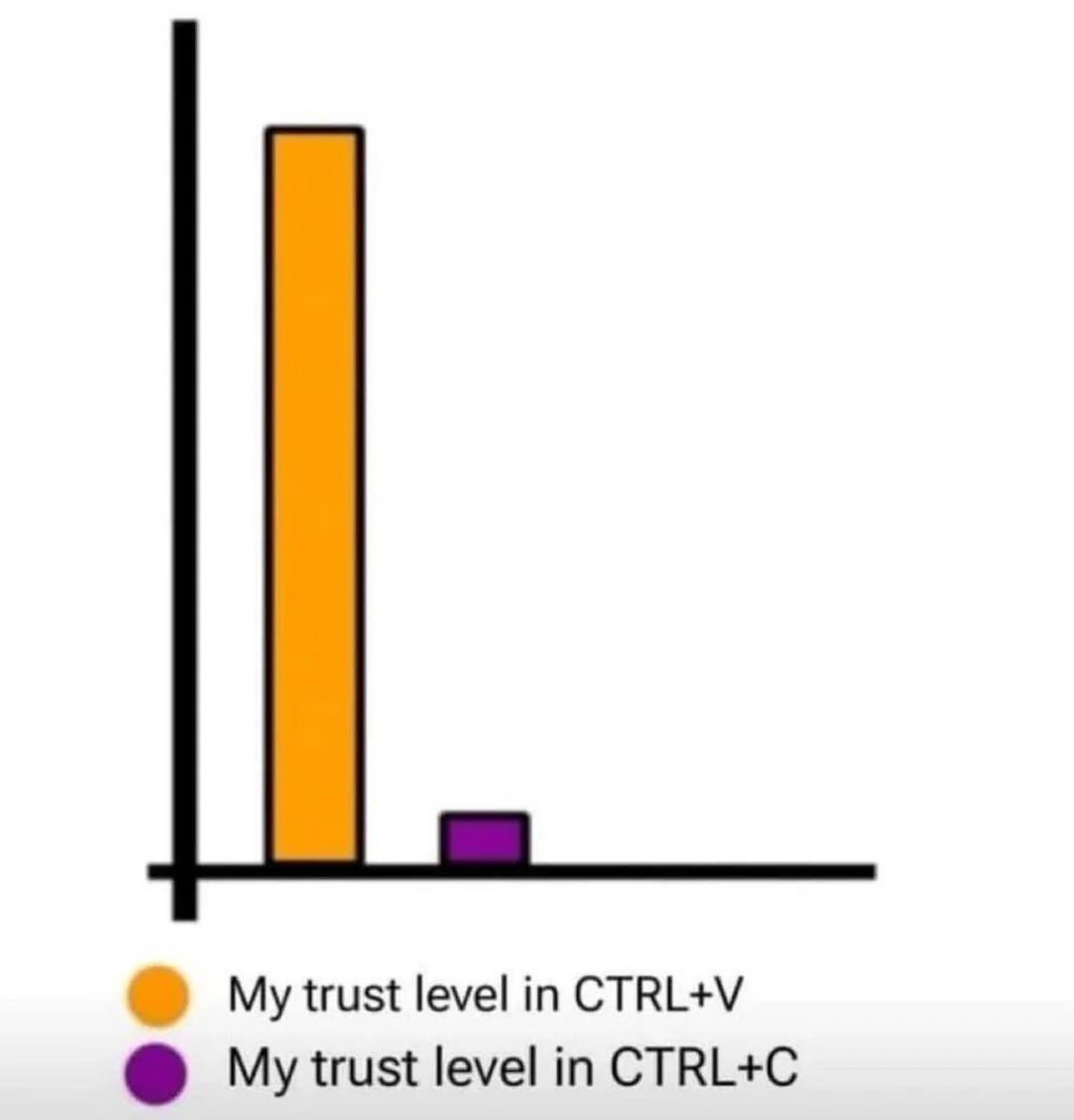
Ah, the existential crisis of keyboard shortcuts! The orange bar towers confidently, representing our unwavering faith in CTRL+V (paste), that magical savior after hours of work. Meanwhile, that tiny purple bar for CTRL+C (copy) might as well be labeled "trust issues." We've all been there—frantically hitting CTRL+C multiple times because did it actually copy though? That moment of panic when you're about to paste something important and suddenly wonder if the clipboard is holding your carefully selected text or just the remnants of that cat meme you copied three days ago. The most sophisticated developers among us have evolved to press CTRL+C at least 17 times in rapid succession. It's not paranoia if the clipboard really is out to get you.

The Evolutionary Stages Of Copy-Paste Sophistication

The Evolutionary Stages Of Copy-Paste Sophistication
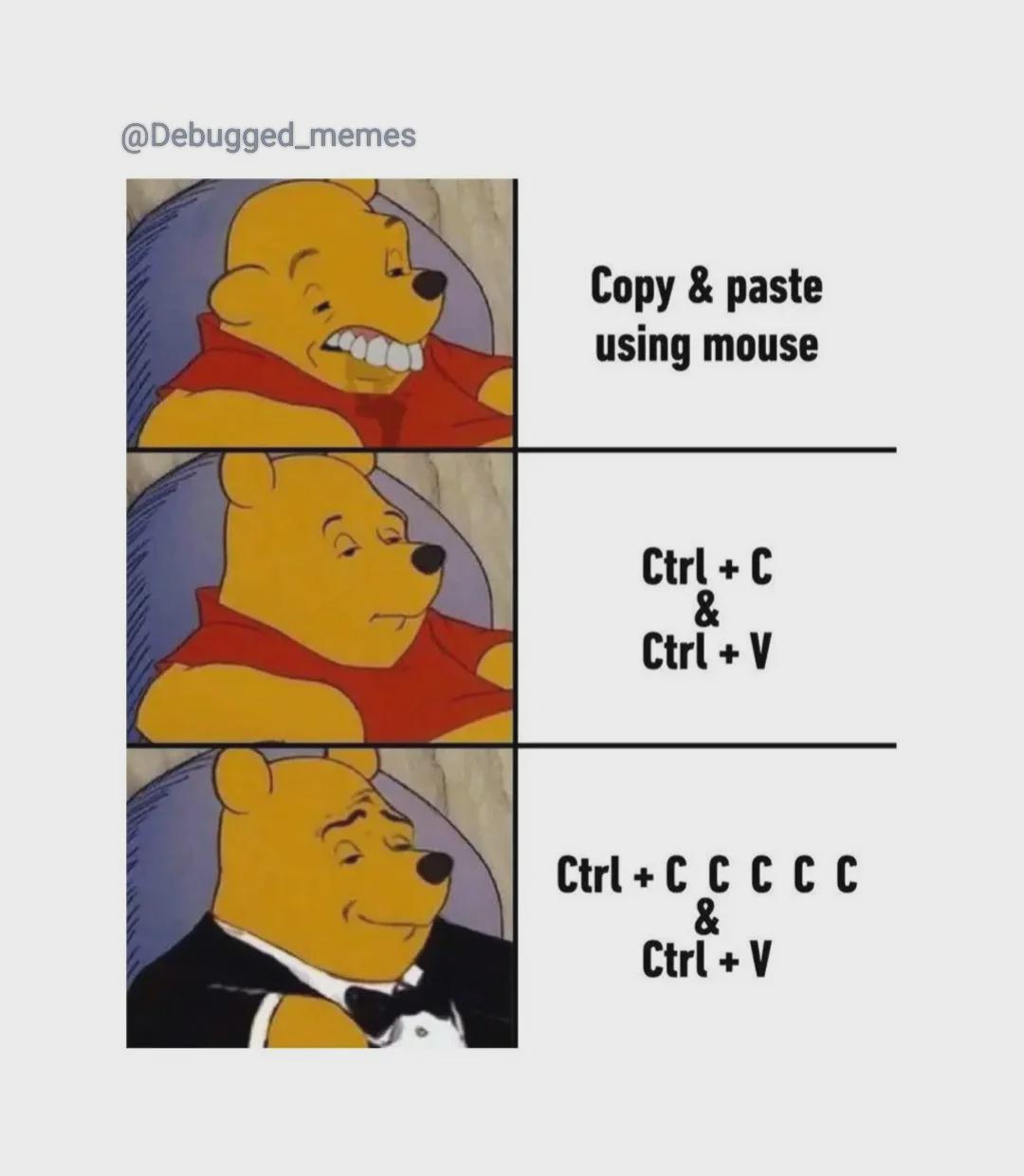
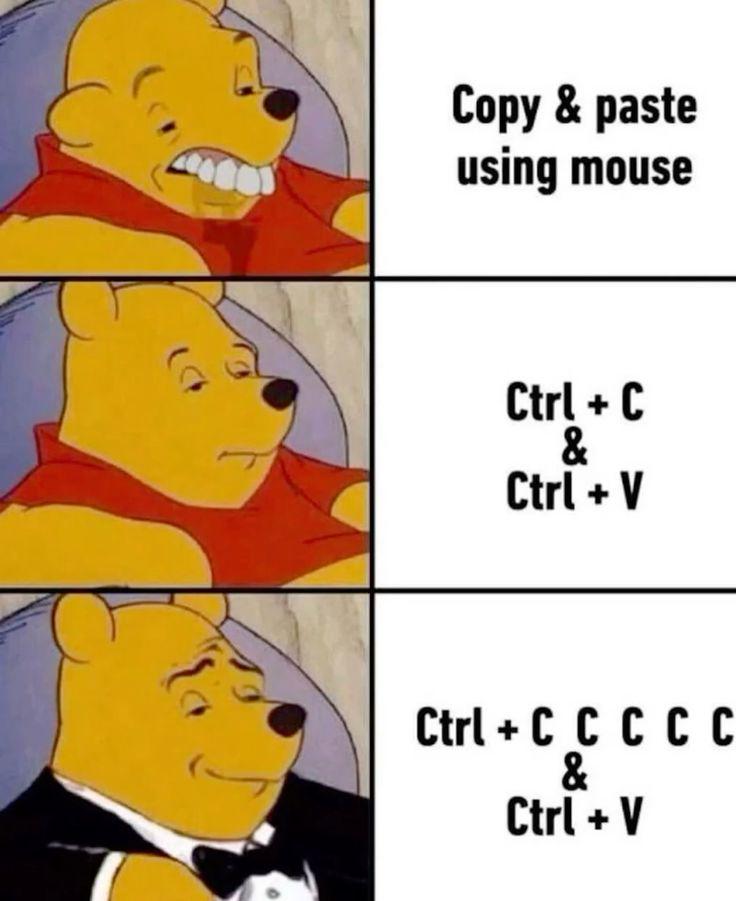
The evolutionary stages of a developer's copy-paste technique. First, there's the primitive mouse method—effective but barbaric. Then comes the standard keyboard shortcut approach—a clear sign of basic intelligence. But the true sophistication emerges when you frantically smash Ctrl+C multiple times because that unresponsive terminal has definitely ignored your first four attempts. It's not paranoia if the clipboard really is out to get you. The tuxedo in the final panel is well-deserved—you've clearly mastered the arcane art of "making absolutely sure" your code snippets survive the perilous journey to the clipboard.

Never Trust The Copy

Never Trust The Copy
Evolution of a developer in three stages: First, the peasant way: manually highlighting with the mouse like it's your first day with a computer. Then, the standard keyboard shortcut approach that separates the professionals from the amateurs. But the final form? Hitting Ctrl+C multiple times because you've been burned too many times by phantom clipboard failures. That satisfying machine-gun tapping of the C key is the sound of trust issues developed over years of lost code and broken promises. The tuxedo is just what your soul wears after enough clipboard betrayals.

Every Time I Need To Copy From Doc To Doc

Every Time I Need To Copy From Doc To Doc
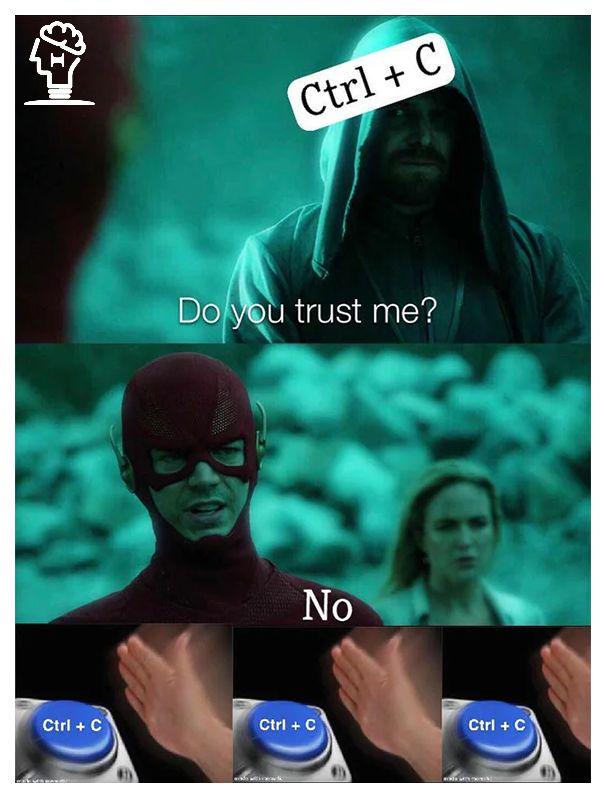
The eternal struggle of clipboard roulette. CTRL+V works flawlessly 99% of the time, but CTRL+C? That's the command you'll find yourself hitting 4-5 times just to be sure. Nothing quite like pasting your carefully copied API key only to see yesterday's lunch order appear instead. Trust issues with technology are real, and they start with the copy command.

The Holy Clipboard History

The Holy Clipboard History
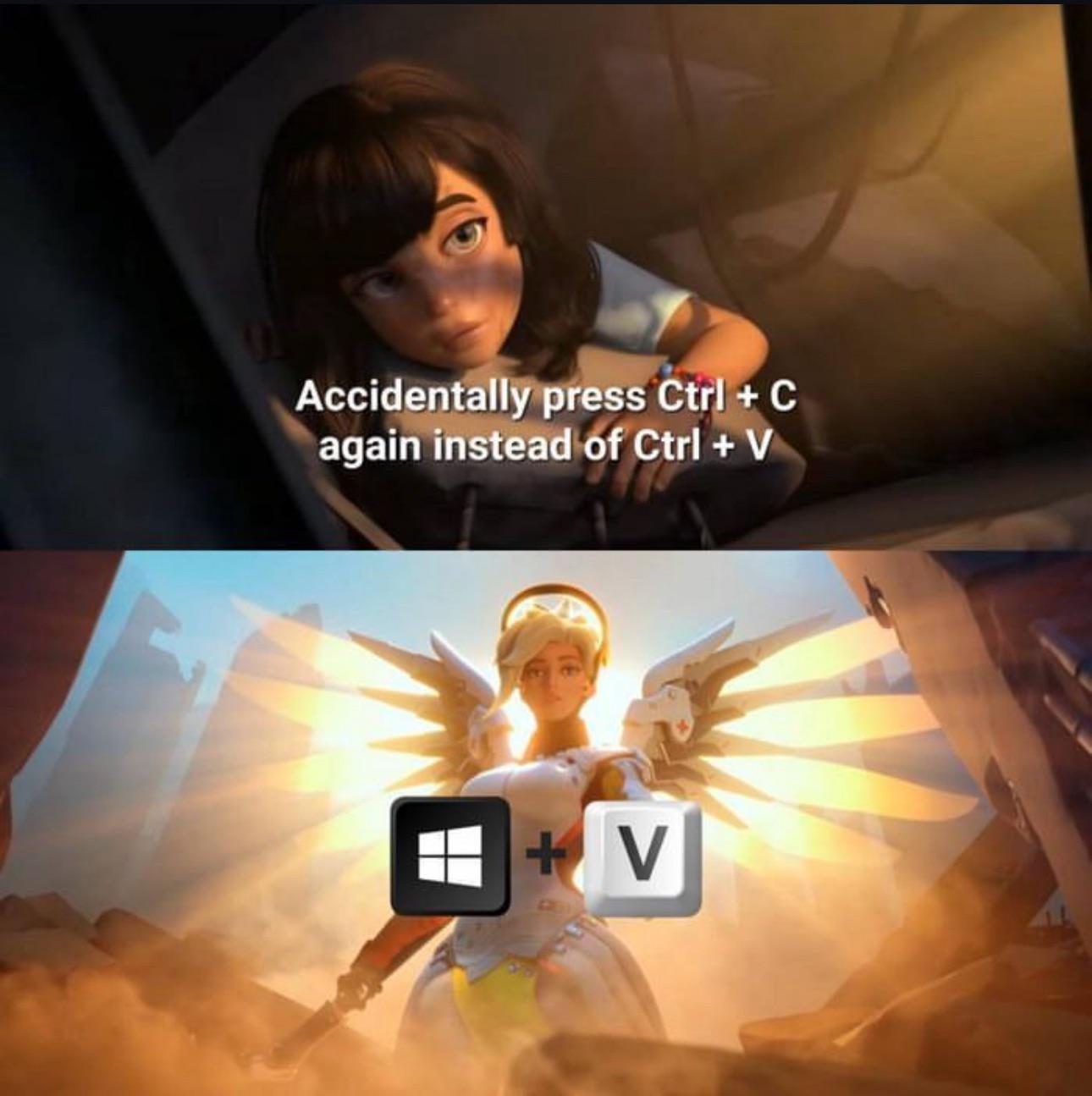
The divine intervention of Windows+V is something they never teach you in coding bootcamps. Nothing quite like the moment you realize you've copied over your precious code with some random Stack Overflow snippet from three searches ago. That split second of pure panic before remembering the clipboard history exists... chef's kiss. The real miracle isn't that Windows+V saves your butt—it's that after 15 years of muscle memory, your fingers somehow remember to use it instead of frantically hitting Ctrl+Z seventeen times in a row.

It Doesn't Hurt To Be Cautious

It Doesn't Hurt To Be Cautious
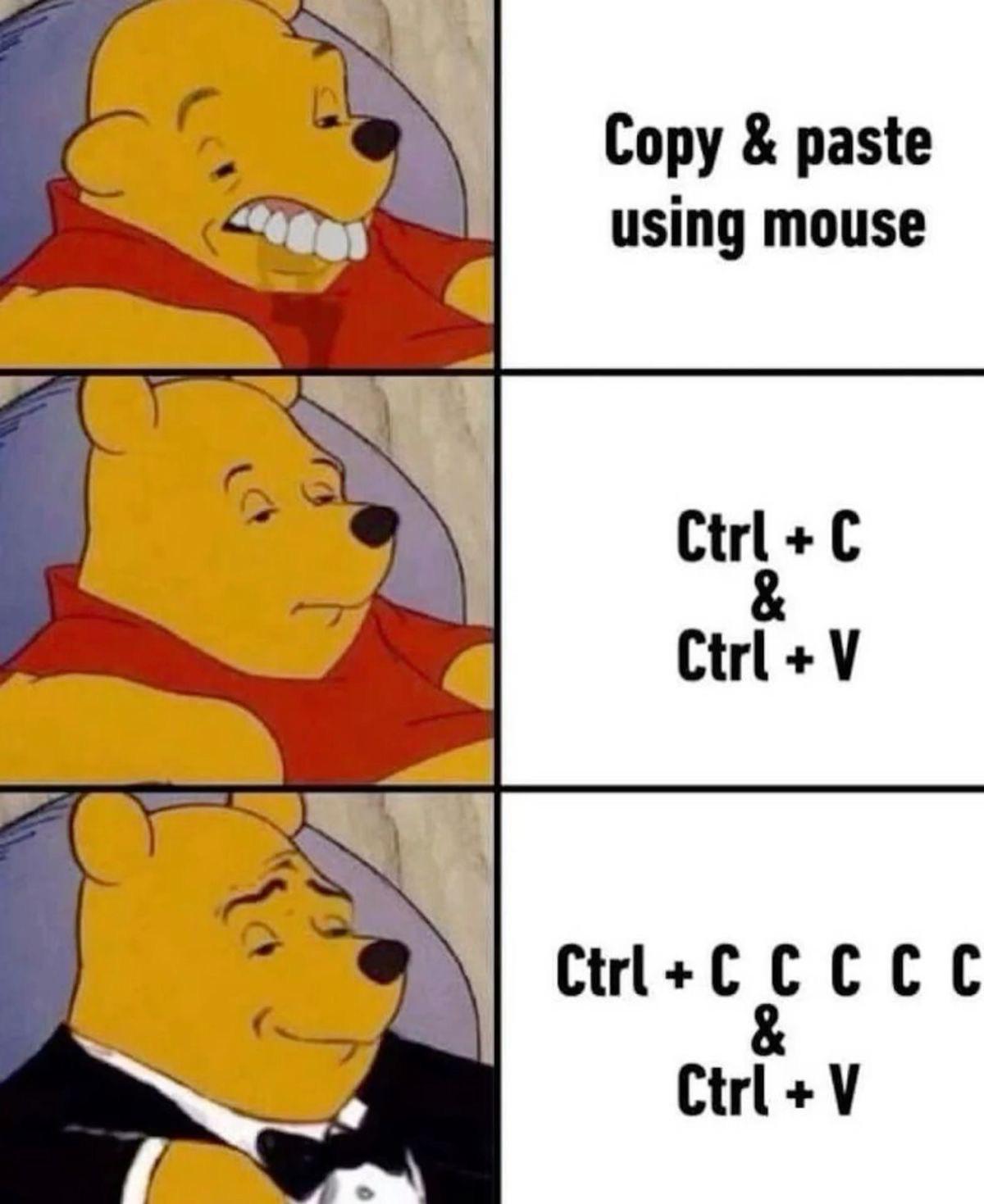
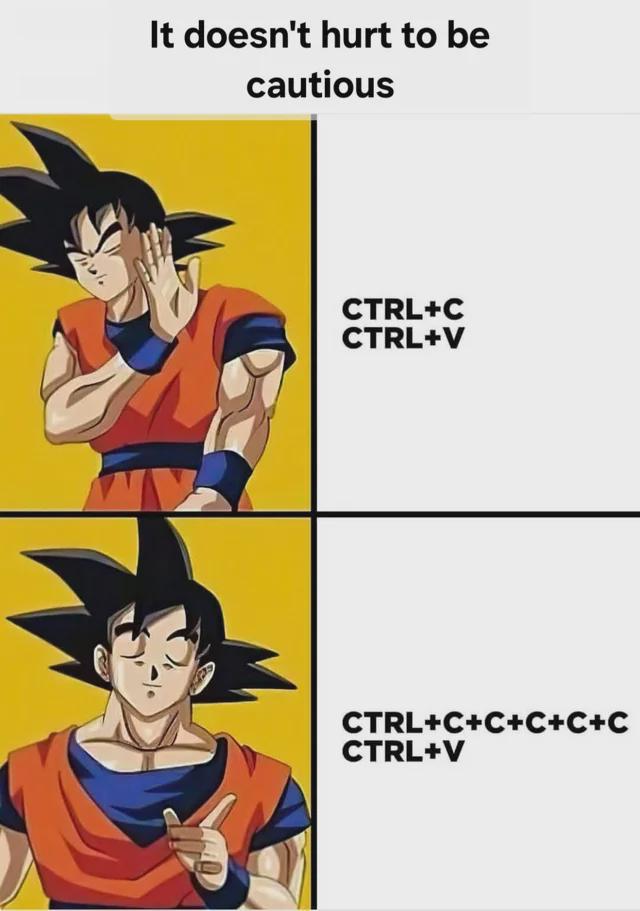
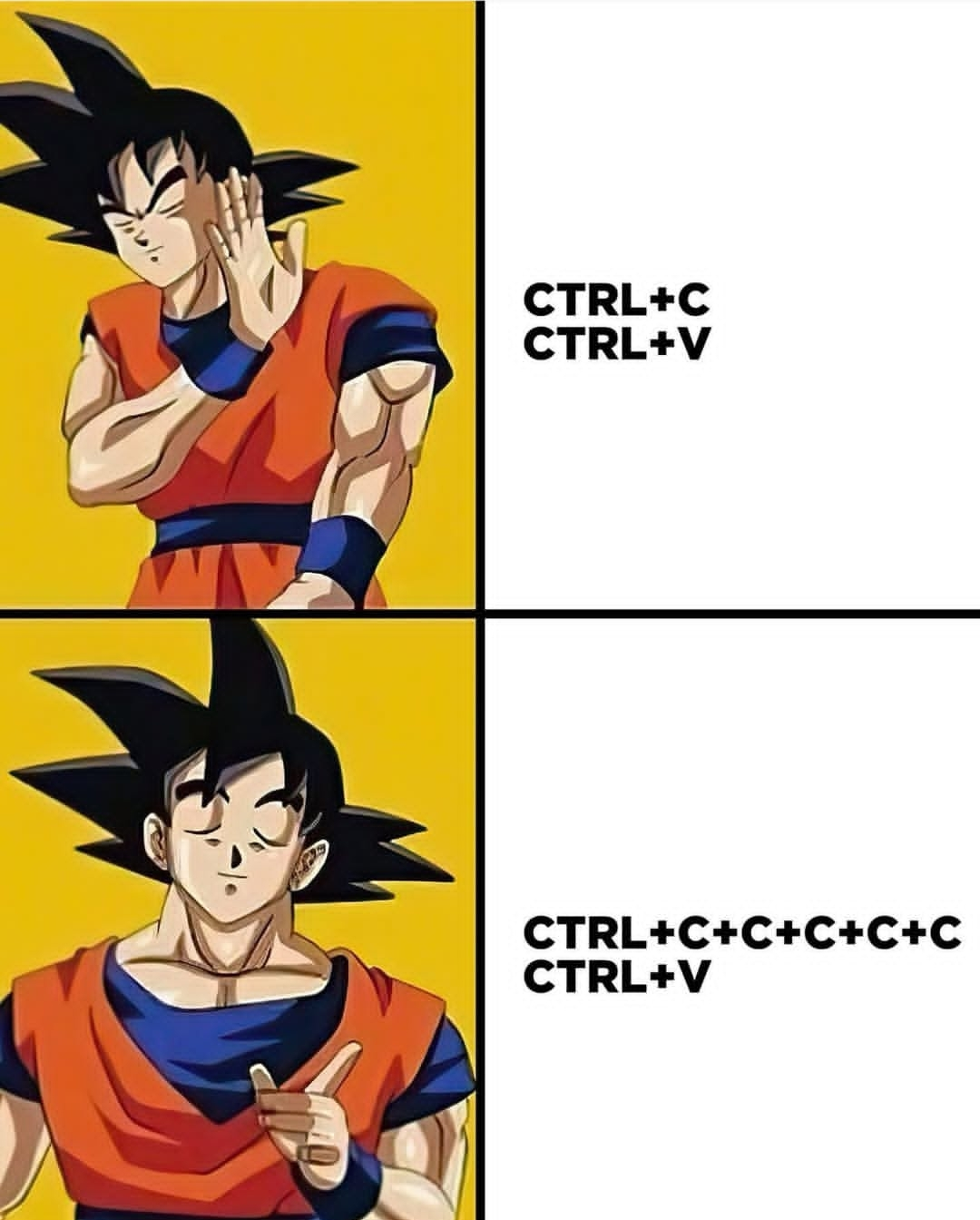
The paranoia is real. Sure, a simple Ctrl+C, Ctrl+V would work just fine for copying and pasting code, but what if—WHAT IF—the copy didn't actually register? The bottom panel shows the superior technique: frantically hammering Ctrl+C multiple times before pasting, just to be absolutely certain. It's like checking if your car doors are locked five times before walking away. Trust issues with clipboard functionality is the mark of a true developer who's been burned before. The code must flow!

And I Don't Believe Ctrl+S Either

And I Don't Believe Ctrl+S Either
The eternal betrayal of Ctrl+C! You've just spent 20 minutes crafting the perfect SQL query, hit Ctrl+C to copy it... and then stare in horror as your clipboard contains "how to center a div" from your Google search 3 hours ago. No programmer in their right mind trusts Ctrl+C without the sacred verification ritual: triple-clicking to select, re-copying, and then frantically pasting into Notepad just to be 100% sure. We've all been burned too many times by that deceptive little shortcut! The bottom panel showing someone frantically mashing Ctrl+C multiple times is the most accurate representation of developer paranoia ever captured in meme form.

The Clipboard Panic Protocol

The Clipboard Panic Protocol
When your code doesn't work, the logical approach is to copy and paste it. When that fails, the truly sophisticated approach is to frantically copy the same thing multiple times before pasting it, as if the clipboard might suddenly decide to work better after the fifth Ctrl+C. The clipboard anxiety is real. Nothing says "I've completely lost control of my development process" quite like hammering Ctrl+C like you're trying to send an SOS in clipboard Morse code.

The Great Code Time Heist

The Great Code Time Heist
The desperate time-traveling adventures of a developer who just realized they've undone too much. Frantically hammering Ctrl+Z fifty times because you deleted something important, only to realize you've now erased half your morning's work. Then comes the heroic Ctrl+Y rescue mission - a literal time heist to recover your precious code from the void. The clipboard is basically a quantum realm for code at this point. And let's be honest, we've all been that superhero with panic in our eyes, desperately trying to retrieve that perfectly crafted function we accidentally nuked.

The Clipboard Catastrophe

The Clipboard Catastrophe
THE ABSOLUTE HORROR of realizing you just overwrote that genius algorithm you spent 3 hours perfecting with some random Stack Overflow snippet! 😱 Your brain, that pink blob of betrayal, waited until AFTER you hit Ctrl+V to remind you. And now your masterpiece is gone forever, floating in the digital void, replaced by someone else's mediocre solution that probably doesn't even work. The clipboard - that fleeting, single-slot memory bank - has claimed yet another victim! The silent scream in the last panel is the sound of your soul leaving your body.