AI
AI
 AWS
AWS
 Agile
Agile
 Algorithms
 Android
 Apple
Apple
 Azure
Azure
 Backend
 Bash
Bash
 C++
C++
 Cloud
Cloud
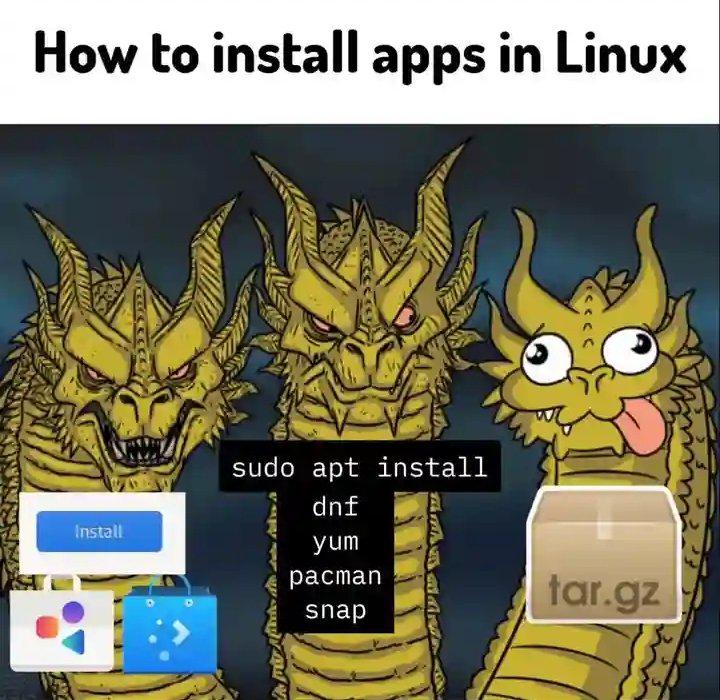
Linux installation methods are basically a choose-your-own-adventure horror story. You've got the friendly GUI store on the left looking all innocent, then the middle dragon representing the five different package managers (apt, dnf, yum, pacman, snap) that may or may not work depending on your distro, and finally the tar.gz monster on the right—because nothing says "user-friendly" like manually extracting archives and praying the dependencies don't eat you alive.
The best part? All three dragons will judge you for your choice. Use the GUI? You're not a "real" Linux user. Use a package manager? Wrong distro, buddy. Compile from source? Enjoy spending your weekend resolving dependency hell. Pick your poison and embrace the chaos.