Temperature Memes

Posts tagged with Temperature

PC Vs. Android

PC Vs. Android
PC gamers out here sweating bullets at 75°C like their entire rig is about to ascend to the heavens, frantically Googling thermal paste tutorials at midnight. Meanwhile, Android emulation is casually running at a toasty 95°C like it's just another Tuesday, absolutely unbothered, living its best life. Your gaming PC with its fancy RTX 4060 needs immediate medical attention at 75°, but your phone? That little trooper is out here defying the laws of thermodynamics, rendering entire game worlds while you could literally fry an egg on it. The sheer audacity of mobile hardware to just... exist at temperatures that would make a PC gamer file a warranty claim is both terrifying and impressive.

Time To Fire Up Some Older Titles

Time To Fire Up Some Older Titles
Nothing says "I've made questionable life choices" quite like turning your bedroom into a sauna because you wanted to see Cyberpunk run at max settings. Your GPU is basically a space heater that occasionally renders graphics, and your electricity bill is crying in the corner. But hey, at least you can enjoy that cinematic 2 FPS experience while sweating through your gaming chair. Pro tip: just play Stardew Valley and save yourself from heat stroke.

Being A Gamer In The Current EU Heatwave...

Being A Gamer In The Current EU Heatwave...
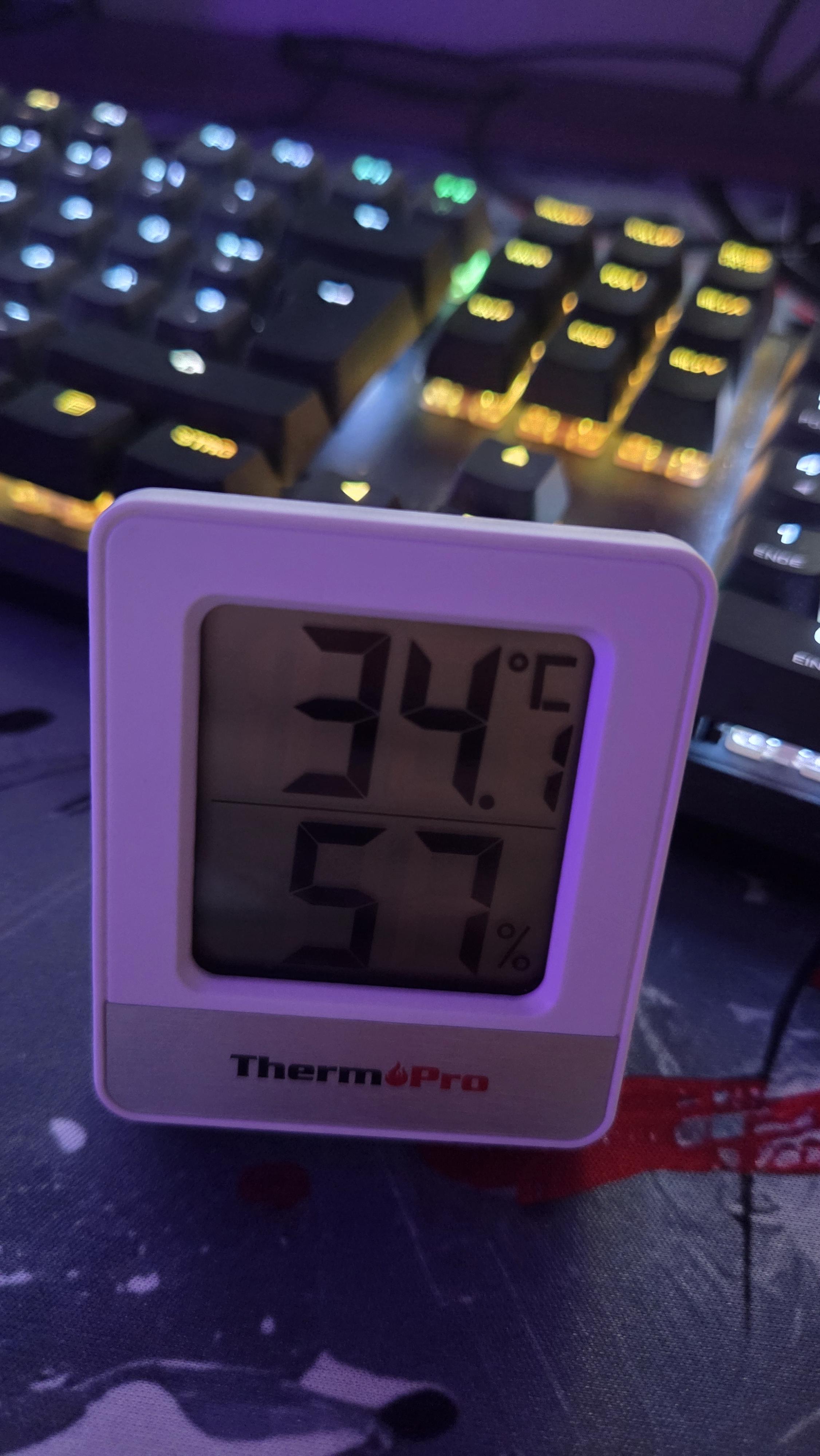
34.5°C and 54% humidity sitting next to a gaming rig with RGB lighting is basically running a distributed computing cluster in your bedroom. The GPU alone is pulling 300W, the CPU's thermal throttling, and you're wondering if your setup qualifies as a space heater for tax purposes. The real optimization problem here isn't frame rate—it's deciding whether to turn off the RGB to save 5W or accept that you're now mining Bitcoin with your body heat. Your cooling solution went from "adequate" to "catastrophic failure" the moment ambient temperature exceeded your CPU's idle temp. Fun fact: Most gaming PCs generate between 400-800W of heat. That's literally a small space heater. In summer. In Europe. Where AC is considered a luxury item.

Why Don't People Talk More About This?

Why Don't People Talk More About This?
Oh honey, after 16 YEARS of searching through ancient tech forums and Stack Overflow threads, our hero has finally discovered the forbidden knowledge: undervolting your CPU can give you more frames at lower temps. *Gasp!* The prophecy is TRUE! But here's the thing—literally everyone who's ever built a gaming PC knows this. It's like discovering fire and being shocked that it's hot. Undervolting has been the worst-kept secret in PC gaming since forever, yet somehow people act like they've unlocked some arcane wizardry when they figure it out. The dramatic "scroll of truth" reveal is absolutely sending me because yes, it's true, but also... where have you BEEN? This information has been sitting on Reddit, YouTube, and every overclocking forum since the dawn of time. The real scroll of truth should read: "Google exists and you could've found this in 5 minutes."

Air Cooler 4 Life (Pls No Hate)

Air Cooler 4 Life (Pls No Hate)
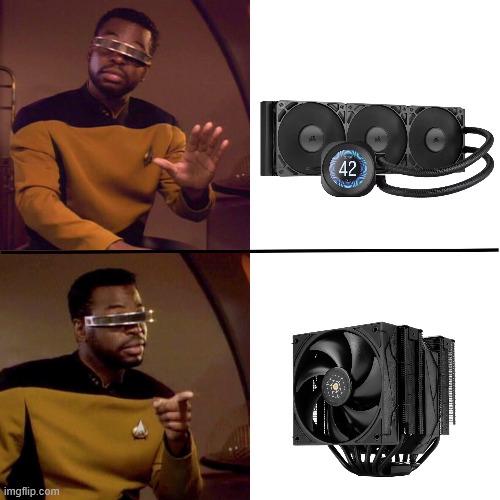
The classic PC builder's civil war. Top panel shows someone dismissing a fancy AIO liquid cooler showing 42°C like it's some kind of peasant tech. Bottom panel? Same person giving mad respect to a chunky air cooler tower that probably weighs more than your motherboard. Air cooler enthusiasts will defend their giant heatsinks to the death. No pump failures, no leaks, no RGB water blocks that cost more than your CPU. Just pure thermodynamic simplicity: metal fins, heat pipes, and a fan that goes whoooosh . Sure, it blocks half your RAM slots and makes your case look like you're housing a small radiator, but at least you won't wake up to a puddle of coolant on your GPU. The "(Pls No Hate)" in the title is the cherry on top—because they know the liquid cooling gang is already typing furiously in the comments.

Mens Bacon Stack Overflow Funny Breakfast Chaos Design Performance T-Shirt

Mens Bacon Stack Overflow Funny Breakfast Chaos Design Performance T-Shirt
Bold stacked composition featuring layers of bacon, eggs, and dripping details that create a playful “overflow” effect full of energy and humor. · Bright cartoon-style artwork with strong outlines, s…

Still Feel Warm Whenever I See A 1080 Ti Founders

Still Feel Warm Whenever I See A 1080 Ti Founders
The GTX 1080 Ti was such an absolute BEAST of a graphics card that it literally became a space heater with benefits. The "warm" feeling isn't just nostalgia—it's the actual thermal radiation emanating from this legendary GPU that could simultaneously render your 4K games AND cook your dinner. Those Founders Edition cards ran so hot they could've been marketed as dual-purpose hardware: gaming powerhouse by day, room heater by night. The sweating reaction is spot-on because just looking at one makes you remember the summer days when your room temperature went from cozy to "surface of the sun" in about 30 seconds flat. Fun fact: The 1080 Ti was so good that it stayed relevant for YEARS after release, making newer cards look like overpriced disappointments. But boy, did it earn its reputation as a thermal furnace!

Same Temperature, Completely Different Emotions

Same Temperature, Completely Different Emotions
Your laptop hitting 90°C? Just another Tuesday. Barely warm enough to make coffee on. But your desktop reaching 90°C? Time to call the fire department and question every life choice that led to this moment. Laptops are basically designed to operate at temperatures that would make a desktop weep. Those little thermal throttling machines are out here running hotter than a server room in Arizona, and we just... accept it. Meanwhile, your desktop with its six RGB fans and liquid cooling setup starts sweating at 85°C and you're already googling "is thermal paste supposed to evaporate?" The double standard is real. Laptops get to cosplay as portable space heaters while desktops need to maintain the temperature of a wine cellar or we panic.

My Lap Has Third-Degree Burns, But The Fps Is Worth It

My Lap Has Third-Degree Burns, But The Fps Is Worth It
Desktop gamers with their RGB-infused space heaters running at a crispy 65°C: "NOOO this is unacceptable!" Meanwhile, laptop gamers casually accepting their device hitting 90°C like it's just another Tuesday. The duality here is beautiful—desktop users panic at temperatures that would make laptop users yawn. Gaming laptops are essentially portable grills that occasionally run code. You're not just playing games; you're simultaneously cooking dinner on your thighs while your laptop's fans scream like they're auditioning for a death metal band. But hey, at least you can game anywhere... as long as "anywhere" includes access to a fire extinguisher.

Laptop Temp Vs PC Temp, Which Games Has The Most Impact For You?

Laptop Temp Vs PC Temp, Which Games Has The Most Impact For You?
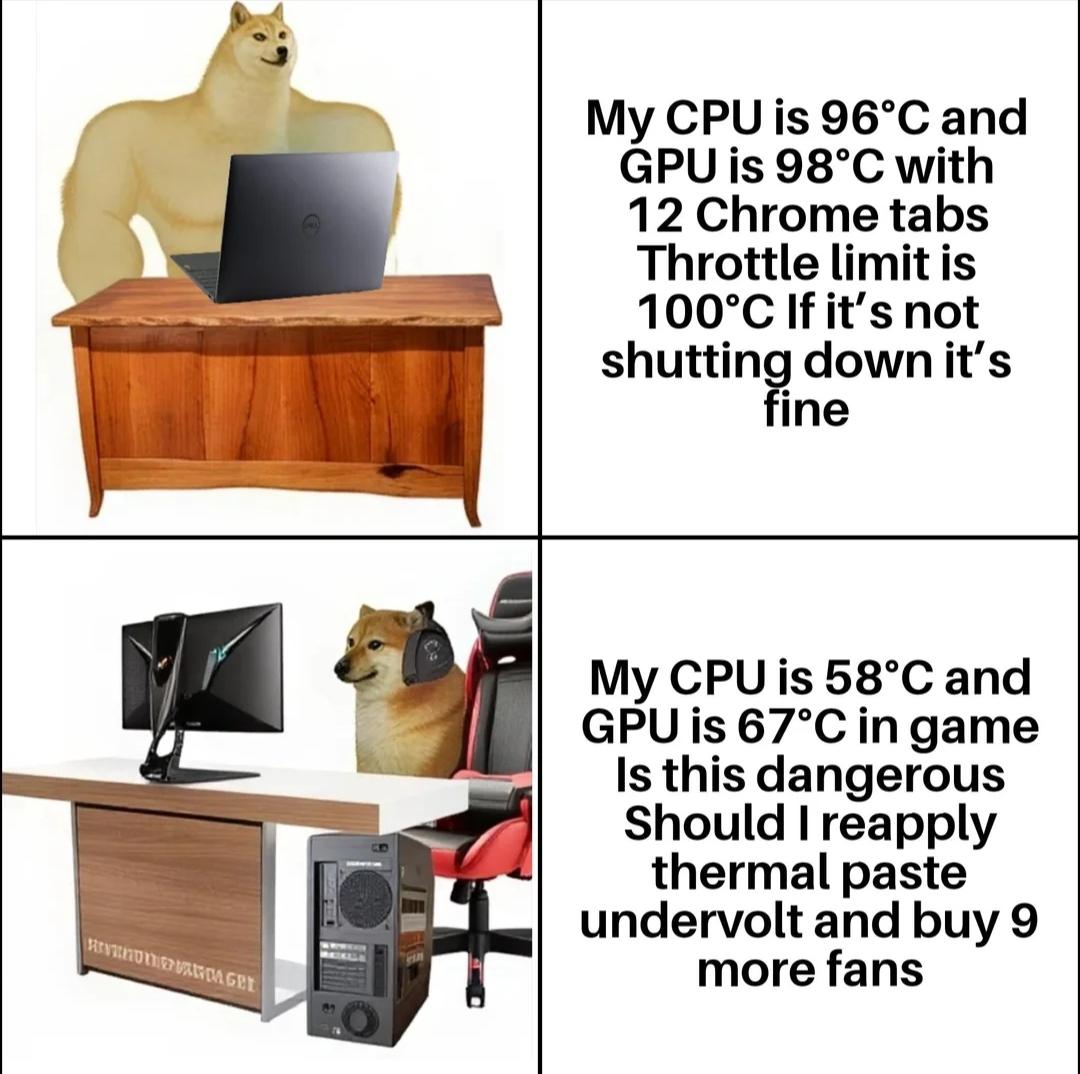
The duality of PC ownership perfectly captured. Laptop users are out here running Chrome like it's Crysis, watching their temps hit near-boiling point and just... vibing. "96°C CPU? 98°C GPU? Yeah, that's just Tuesday." The laptop is basically a portable space heater at this point, and the attitude is pure "if it ain't thermal throttling, we're good." Meanwhile, desktop users see 67°C during an actual gaming session and immediately spiral into existential crisis mode. "Should I reapply thermal paste? Do I need more fans? Is my AIO pump dying? Should I just rebuild the entire system?" The paranoia is real when you've invested in proper cooling and expect NASA-grade temperatures. The irony? The laptop is genuinely suffering while the desktop owner is panicking over what are objectively excellent temps. It's like comparing someone casually juggling chainsaws to someone wearing full protective gear to open a can of soup.

This Never Gets Old

This Never Gets Old
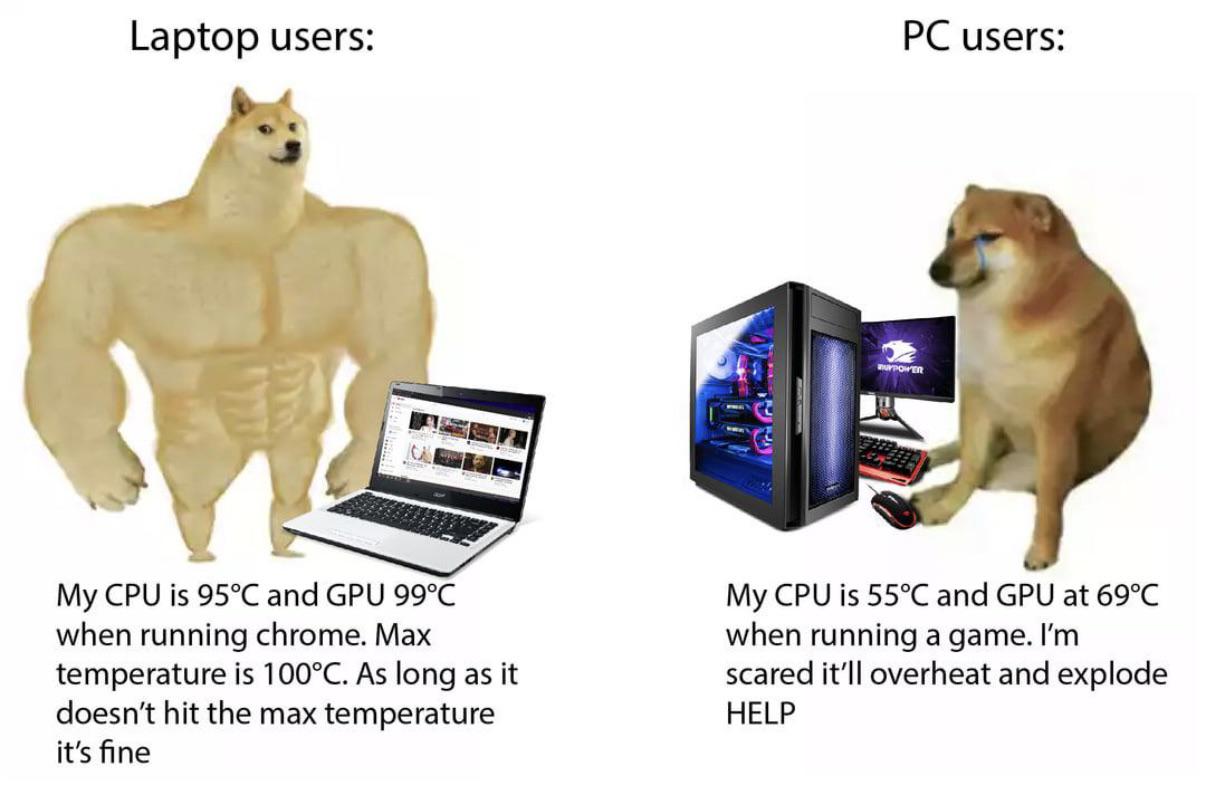
Laptop users are out here living dangerously, treating their machines like they're fireproof. CPU at 95°C? GPU at 99°C? Just another Tuesday running Chrome with 47 tabs open. "Max temperature is 100°C, so technically I'm still within spec" – the kind of logic that would make a thermal engineer weep. Meanwhile, desktop users with their fancy RGB cooling systems and glass cases panic when their temps hit 69°C (nice) during a gaming session. They've got better cooling than a data center but still frantically Google "is 70°C safe for GPU" at the first sign of warmth. The real irony? The laptop is probably thermal throttling so hard it's performing worse than a calculator, while the desktop is casually cruising at optimal performance. But hey, portability comes at a price – and that price is apparently your lap becoming a griddle.

Weather App Went Low Level

Weather App Went Low Level
When climate change gets so catastrophic that your weather app just gives up on human-readable formats and starts outputting raw binary. "Screw it, you figure it out," says the API. The temperature readings are literally 1° and 0° alternating like some kind of Boolean fever dream. It's not Celsius, it's not Fahrenheit—it's straight-up true and false weather. Your weather app just downgraded from a high-level API to assembly language because apparently the climate situation is now so dire it needs to be expressed in the most fundamental data type possible. Next update: weather forecasts delivered in machine code. "Partly cloudy" will be 0x4A3F2B .

You Call It Winter, I Call It Overclocking Season

You Call It Winter, I Call It Overclocking Season
When normies see winter as a time to bundle up, PC enthusiasts see prime opportunity. Nothing says "holiday spirit" like pushing your CPU to 5.2GHz while your room heats to a toasty 85°F. The perfect symbiotic relationship - your components stay cool enough not to melt while your heating bill plummets. The neighbors might be scraping ice off windshields, but you're just wondering if you can squeeze another 100MHz out of that overclock without voiding warranties. Nature's free cooling system is basically begging you to push those clock speeds.

VIVO Single Monitor Desk Stand, Holds Screens up to 32 inch Regular and 38 inch Ultrawide, Freestanding VESA Steel Mount Base, Adjustable Height, Tilt, Swivel, Rotation, Black, STAND-V001H

VIVO Single Monitor Desk Stand, Holds Screens up to 32 inch Regular and 38 inch Ultrawide, Freestanding VESA Steel Mount Base, Adjustable Height, Tilt, Swivel, Rotation, Black, STAND-V001H
Ultrawide Compatibility: Single monitor freestanding mount fits screens weighing up to 22 lbs with VESA 75x75mm or 100x100mm backside mounting holes. This covers most monitors on the market between 1…