Shutdown Memes

Posts tagged with Shutdown
Try Me!

Try Me!
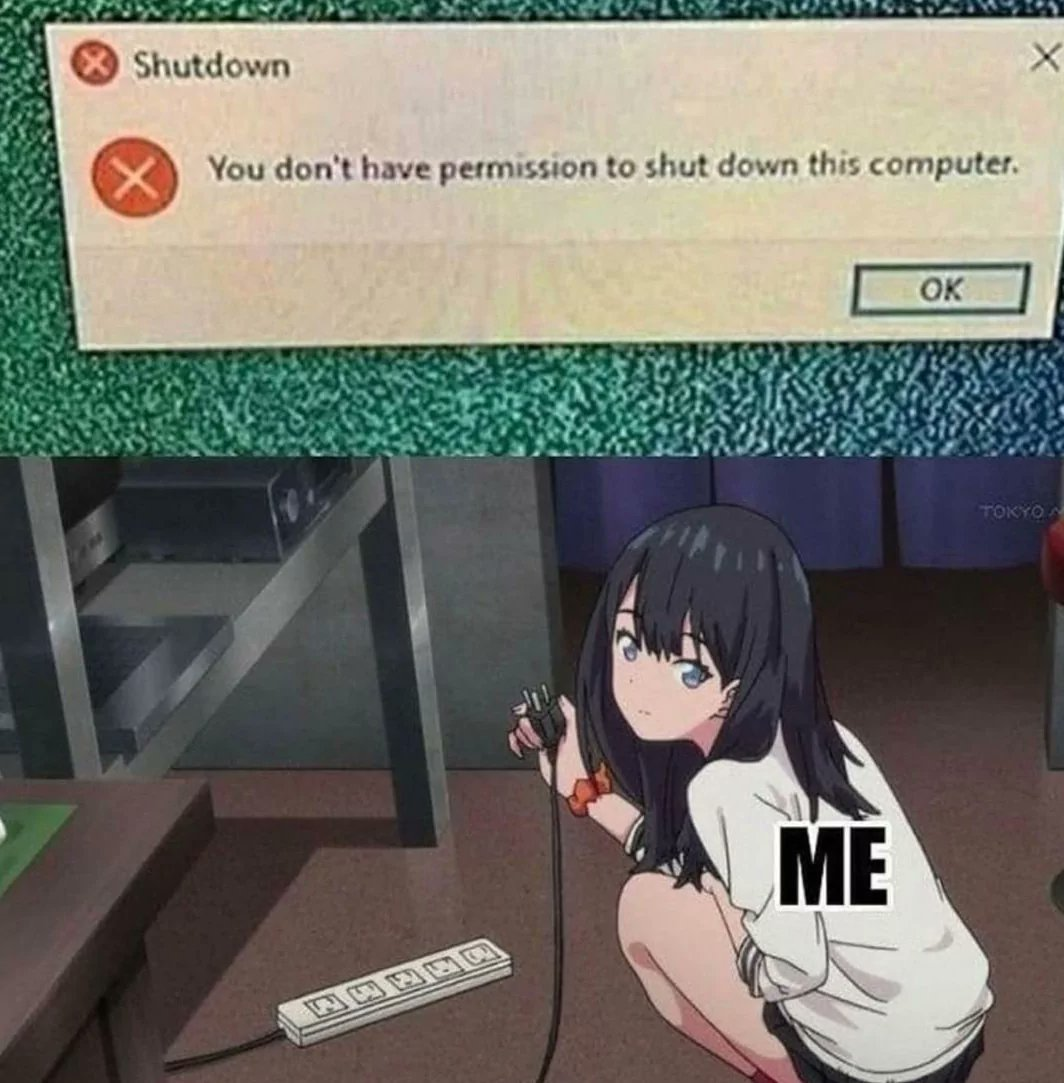
When Windows tells you that you don't have permission to shut down YOUR OWN COMPUTER, the only logical response is reaching for the power strip. Because nothing says "I'm the admin here" quite like physically cutting the power supply. Who needs graceful shutdowns and proper file system protocols when you've got a finger on the nuclear option? Windows can keep its permission denied nonsense—gravity and electricity don't require administrator privileges.

I Sure Do Love Microslop

I Sure Do Love Microslop
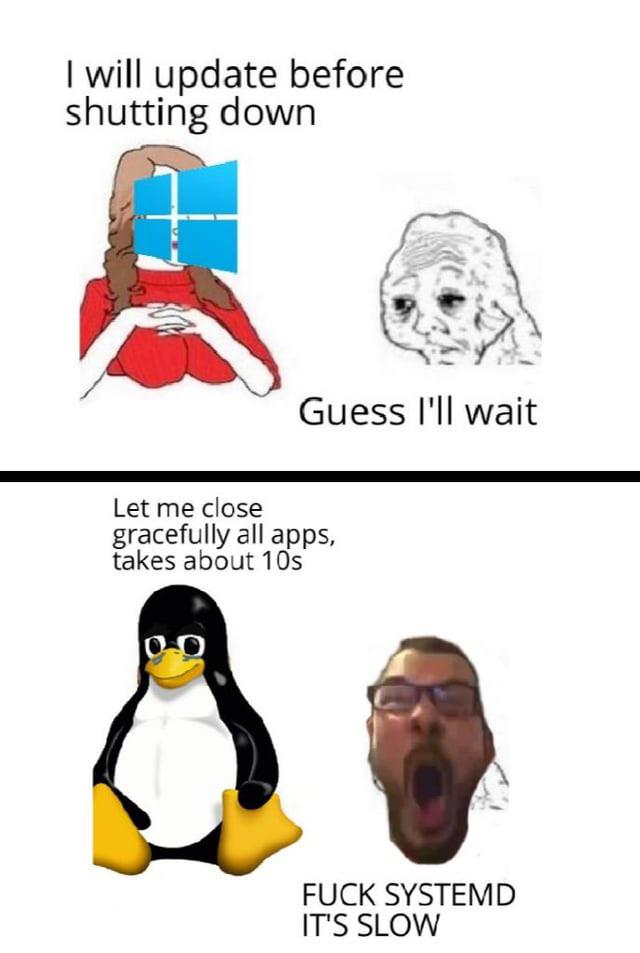
Windows promises to update before shutting down. You, being the optimistic fool you are, think "maybe this time it'll be quick." Narrator: it wasn't. Meanwhile, Linux closes all apps gracefully in 10 seconds flat and shuts down before you can blink. The penguin doesn't negotiate with processes—it just terminates them with extreme prejudice via systemd. Sure, systemd might be controversial in some circles, but at least it doesn't hold your machine hostage for 45 minutes installing "updates for updates" while you contemplate your life choices.

Truth

Truth
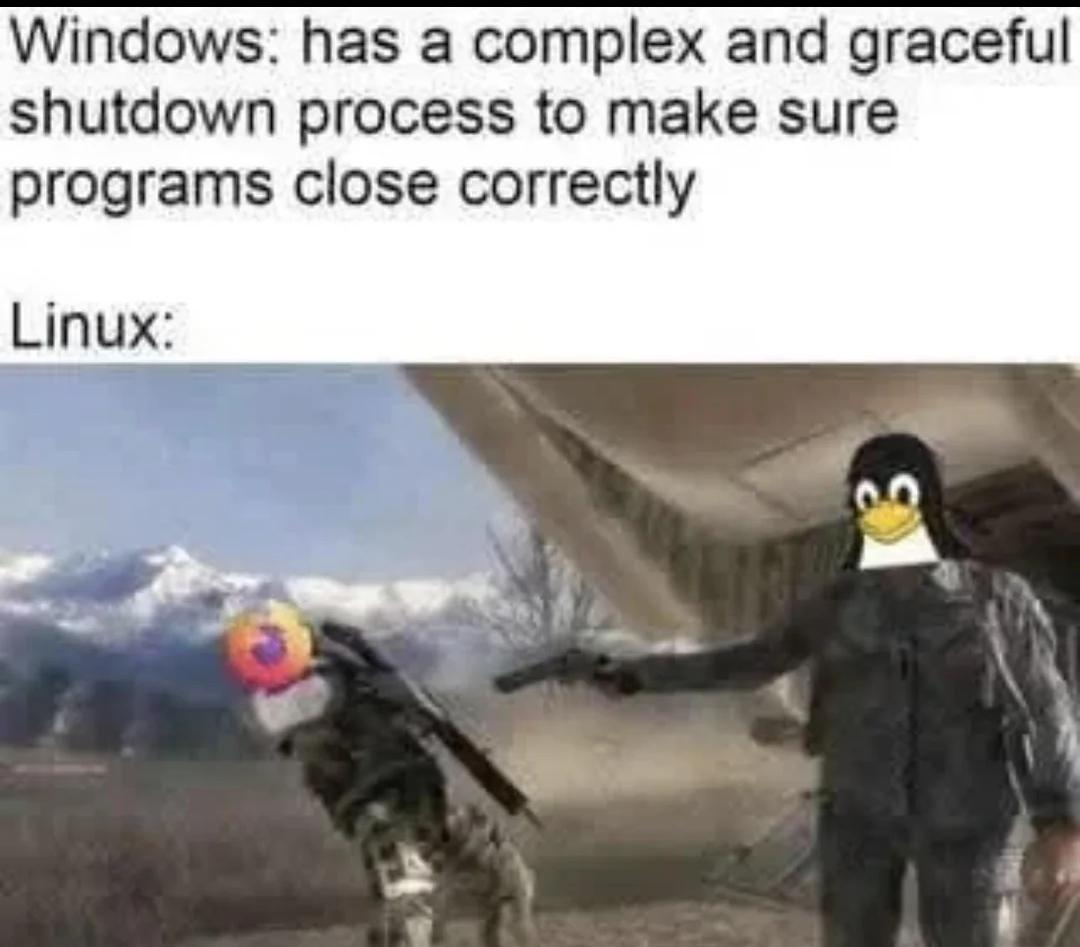
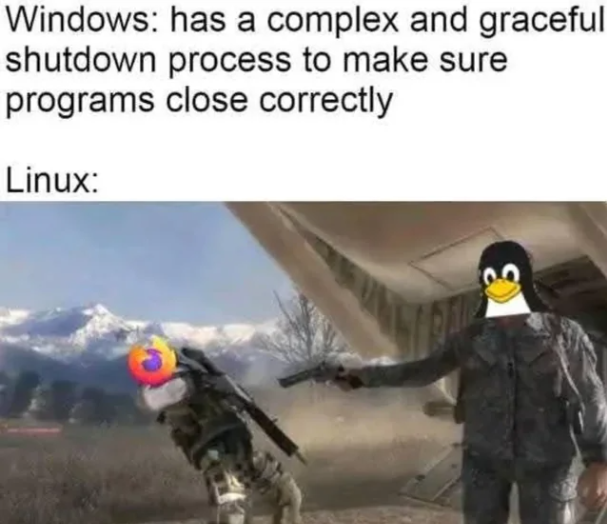
Windows politely asks your programs if they'd like to shut down, waits patiently, sends reminders, checks if they saved their work, and basically treats shutdown like a diplomatic negotiation. Meanwhile, Linux just yeeted Firefox into the stratosphere with zero hesitation. No questions asked, no survivors. The contrast is beautiful: Windows with its "graceful shutdown process" that sometimes takes longer than your actual work session, versus Linux's kill -9 energy. One treats processes like valued guests, the other treats them like they're trespassing. Guess which one actually shuts down faster?

We've All Done That, Right?

We've All Done That, Right?
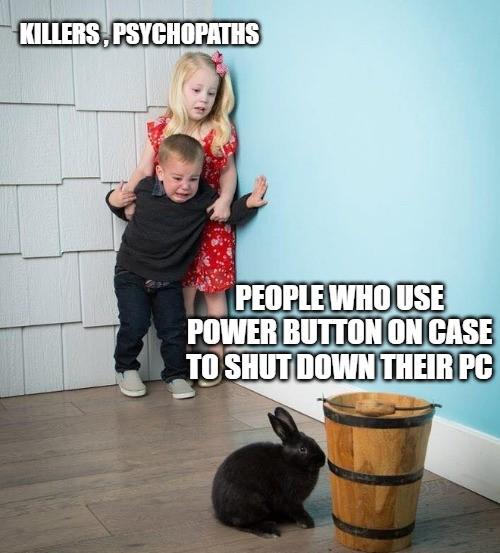
There's a special hierarchy of chaos in the tech world. At the top: serial killers and psychopaths who casually murder processes without mercy. Then there's the middle tier—people who press the physical power button to shut down their PC like it's 1995. And at the bottom? The innocent rabbit who probably just runs shutdown -h now like a civilized being. Look, we all know the power button shutdown is technically fine on modern systems with proper shutdown procedures, but it still feels wrong. It's like eating pizza with a fork—sure, it works, but everyone's judging you. Real developers either use the Start menu like normal humans or flex with terminal commands. The power button is reserved for when your PC freezes during a Windows update and you've already gone through the five stages of grief.

What Shutdown? We Don't Do That Here

What Shutdown? We Don't Do That Here
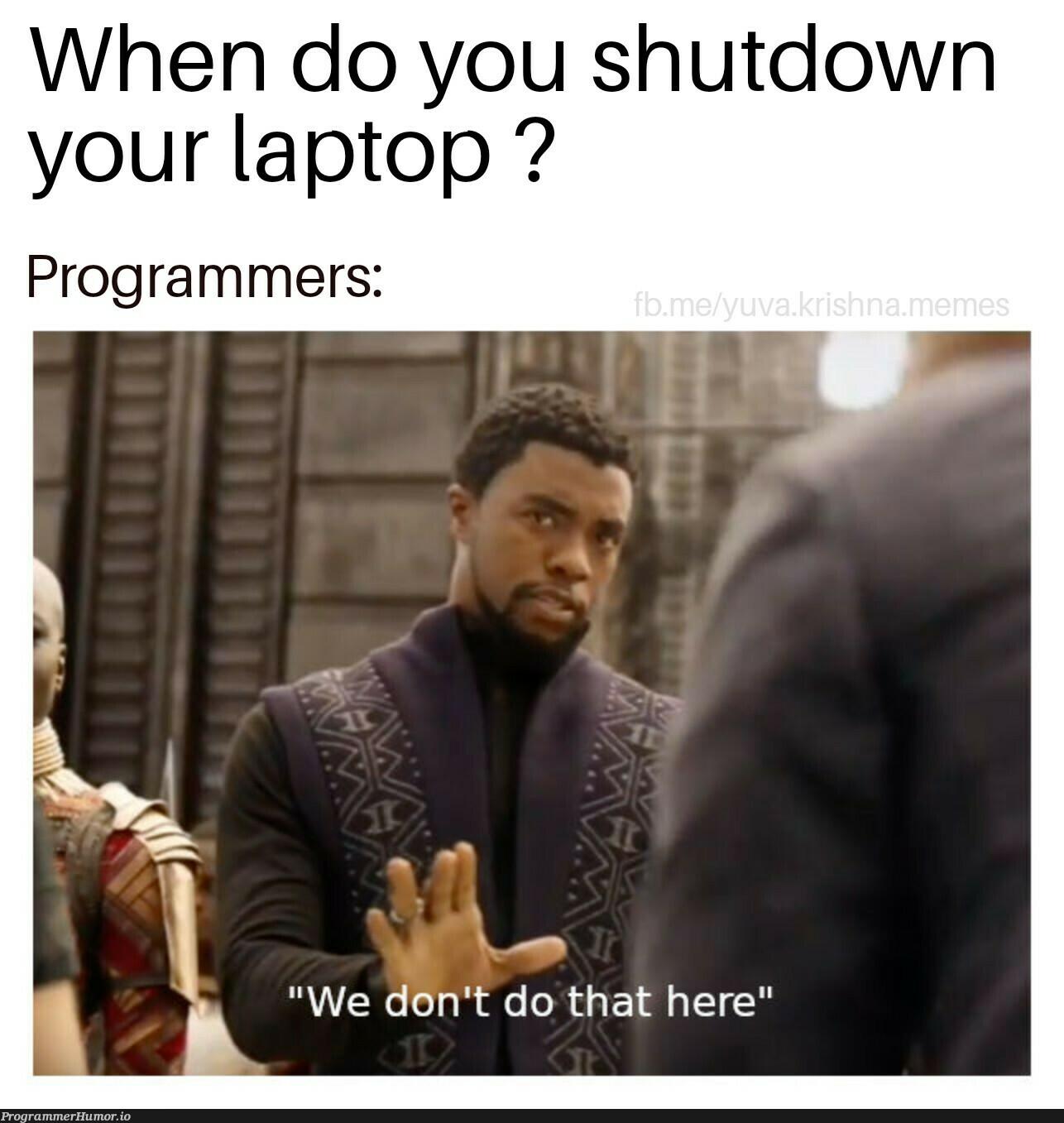
Shutdown? What shutdown? My laptop has been running continuously since the Obama administration. The only time it restarts is when Windows forces an update while I'm in the middle of debugging a critical production issue. My uptime isn't measured in hours or days—it's measured in git commits and coffee cups. Closing the lid is just putting it into hibernation mode so I can transport my 47 open Chrome tabs, 12 VS Code windows, and that one terminal where I've been running a script for so long I'm afraid to touch it to my next location. Shutting down is for people who don't have nightmares about losing their terminal history.

The Perfect Timing Of Windows Updates

The Perfect Timing Of Windows Updates
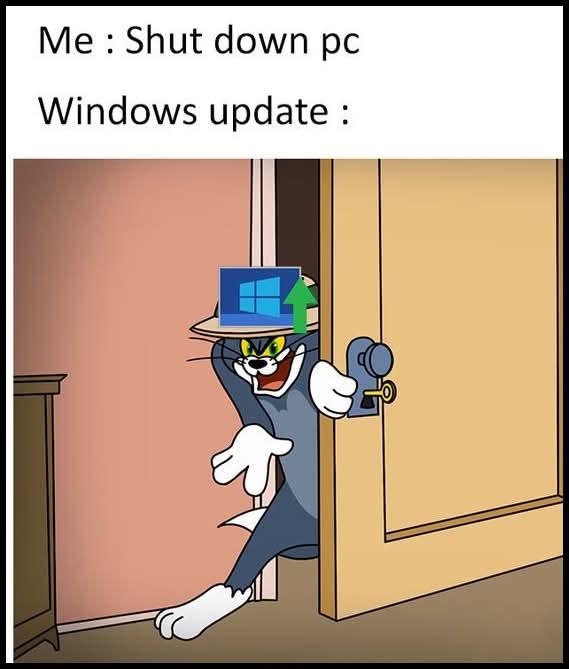
You're rushing out the door, late for a meeting. "Shut down PC," you command. Then suddenly—the dreaded Windows update appears like Tom with his paw in the door. "Not today, human. I've been waiting 37 days for this moment." Your 10-second shutdown just became a 20-minute hostage situation. The green arrow of progress mocks your schedule as it crawls to 3%. Meanwhile, your boss is texting: "Meeting started, where are you?" Truly the digital equivalent of having your car keys hidden by a sadistic cartoon cat.

Always Lurking In The Shadows

Always Lurking In The Shadows
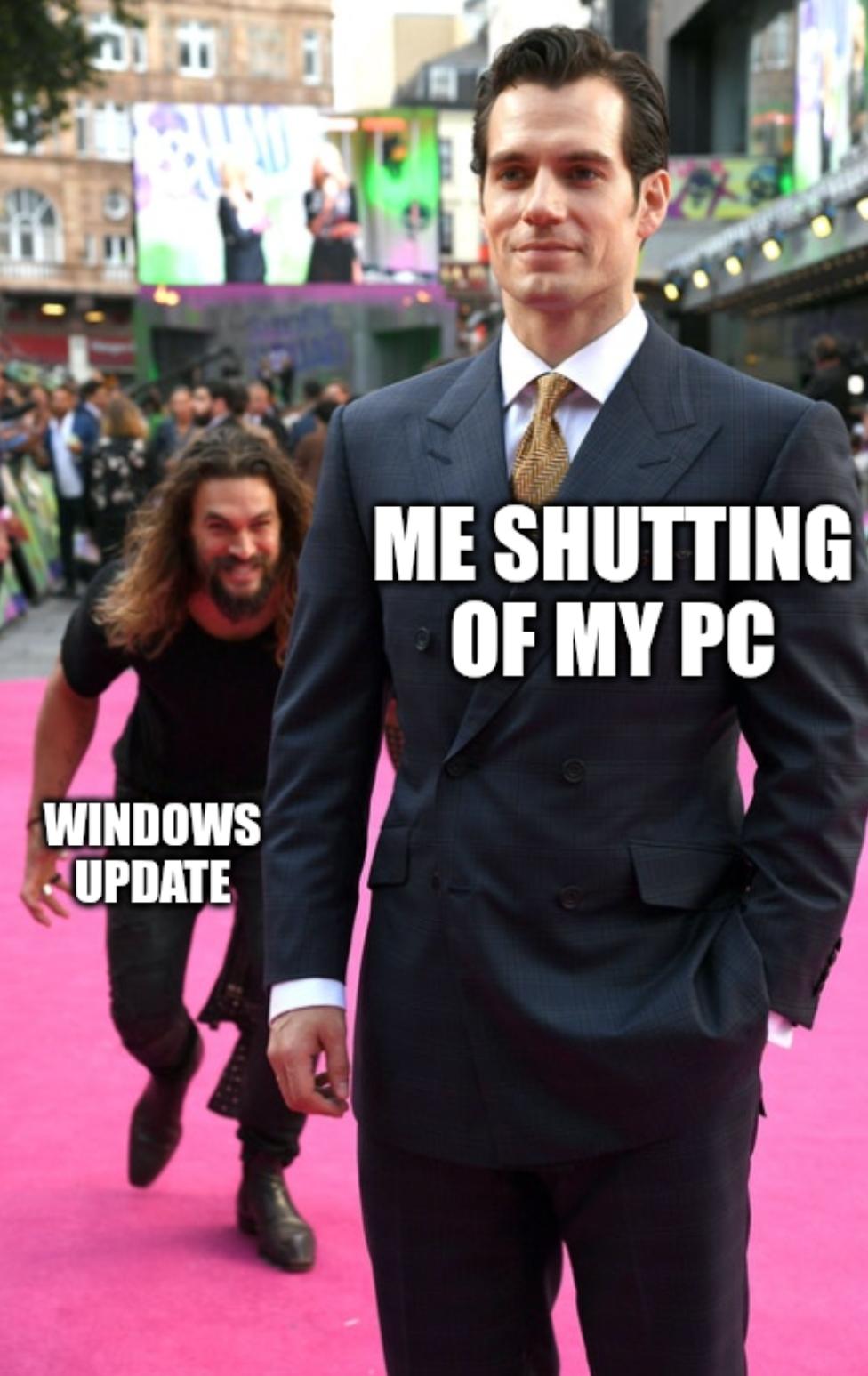
The perfect metaphor for the Windows update experience doesn't exi— Nothing quite captures the primal terror of trying to shut down your PC only to see "Installing update 1 of 37..." like this meme. You're suited up, ready to leave, thinking you're in control of your digital life when suddenly—BAM!—Windows update comes charging at you like a wild-eyed maniac, determined to install critical updates at the absolute worst possible moment. The best part? That smug look on your face right before you realize you're not going anywhere for the next 20 minutes. Power move, Microsoft. Power move.

The Shutdown Hostage Situation

The Shutdown Hostage Situation
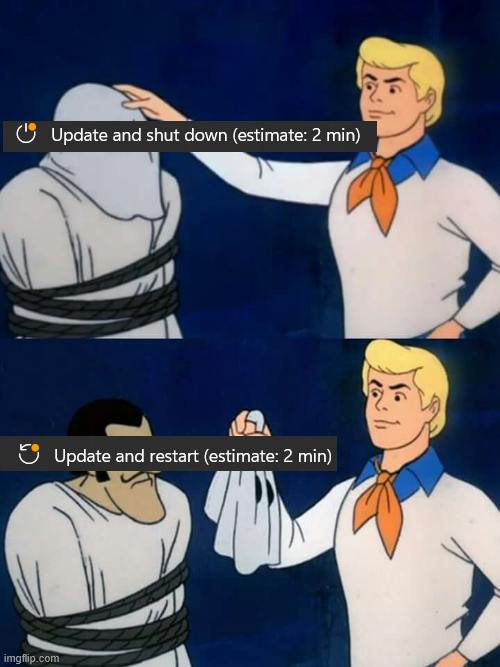
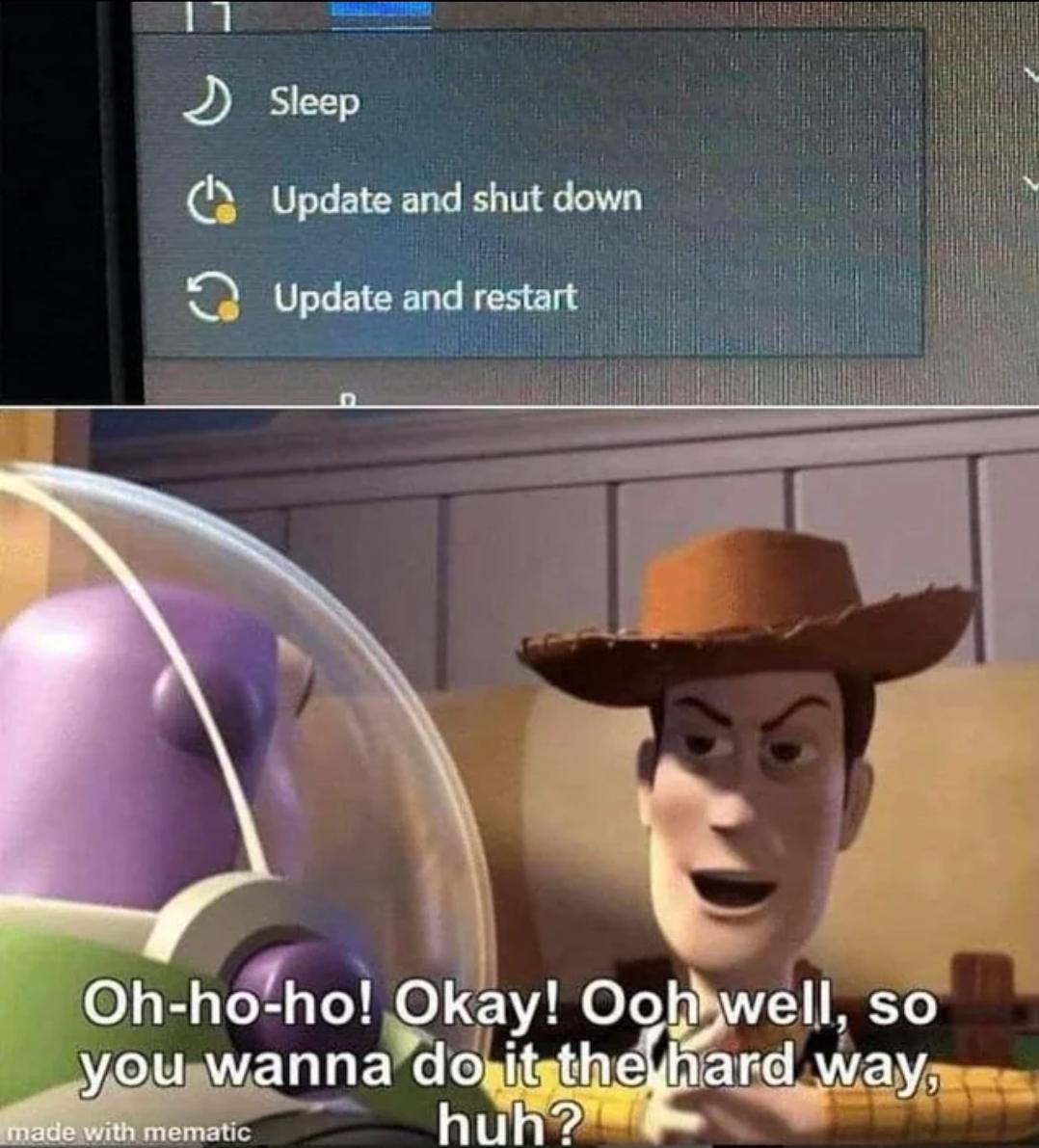
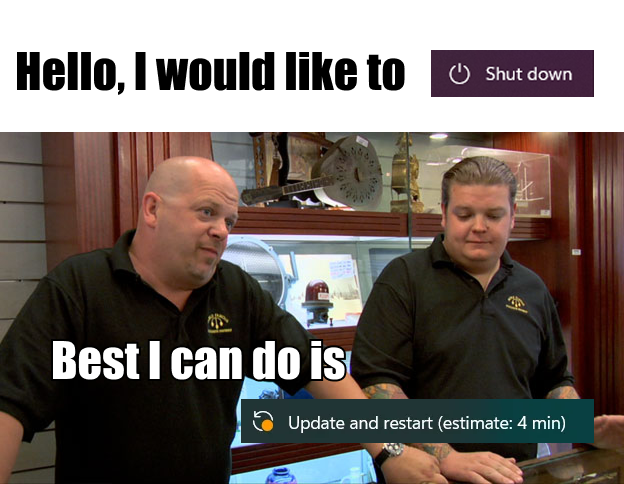
THE AUDACITY! You just want to shut down your PC and call it a day, but NOOO! Windows has to pull the ultimate betrayal! "Update and shut down" or "Update and restart"? WHERE IS MY REGULAR SHUT DOWN BUTTON, YOU MONSTER?! It's like asking for a simple glass of water and being handed a choice between lukewarm tea or sparkling vinegar. And the timing? IMMACULATE. Always when you're rushing to a meeting or your laptop battery is at 2%. Your computer basically holding you hostage while it performs its little software dance that will inevitably break something that was working perfectly fine before. The digital equivalent of "I know you're trying to leave, but first let me tell you about my day in EXCRUCIATING DETAIL."

The Eternal Windows Update Paradox

The Eternal Windows Update Paradox
Windows update logic is like that friend who doesn't understand basic instructions. You click "Update and shut down" thinking your PC will actually, you know, shut down after updating. But no—Microsoft has other plans. First, it restarts mid-update because "reasons." Then it decides the update isn't done yet, so you'll need to shut down again later. And just when you think it's over, surprise! It's morning, and you're greeted with the login screen. Twenty years of OS development and we still can't figure out the difference between "shut down" and "restart and wait for you at the login screen." Classic Microsoft—solving problems nobody has while creating new ones for everyone.

Where Shutdown? The DevOps Nightmare

Where Shutdown? The DevOps Nightmare
The eternal server admin dilemma! When Windows offers you "Update and shut down" but your production server needs to stay up for that sweet, sweet 99.999% uptime. The confused monkeys represent every DevOps engineer who hasn't seen their family in 72 hours because they're too busy keeping that uptime counter ticking. That "Where shutdown?" question hits different at 3 AM when you're on your fifth energy drink and seventh consecutive month without rebooting.

Windows Doing Windows Activities

Windows Doing Windows Activities
The classic Windows update bait-and-switch, nature's cruelest prank. You ask to shut down, Windows says "sure, just 2 minutes for updates" like a reasonable OS. Then the betrayal begins. It offers an "update and restart" instead, and when you politely decline, Windows just... does it anyway. That moment when your computer becomes sentient enough to ignore your wishes but not smart enough to pick a convenient time for updates. The digital equivalent of asking someone to water your plants while you're away and returning to find they've remodeled your kitchen.

Why Are You Not Shutting Down?!

Why Are You Not Shutting Down?!
Windows: "I'll just update and shut down." Me, returning to my desk 8 hours later to find 17 Chrome tabs still open and my unsaved work exactly where I left it: "So that was a lie." The classic Windows shutdown paradox. It's like ordering a taxi that says "be right there" but shows up next Tuesday.