Retro computing Memes

Posts tagged with Retro computing
Hey... Wanna Go To The Deep Web?

Hey... Wanna Go To The Deep Web?
When a spider decides that the dusty, forgotten PS/2 ports on the back of your computer are the perfect real estate for its new web development project. Those circular green and purple ports haven't seen action since Windows XP, making them the actual "deep web" – literally deep in the back of your machine and covered in cobwebs. The spider's offering you access to a part of the internet that predates USB, where keyboards and mice connected via those chunky 6-pin Mini-DIN connectors. It's so retro that even your grandma's computer probably doesn't use them anymore. The spider knows what's up – those ports are abandoned infrastructure, perfect for setting up shop undisturbed. Fun fact: PS/2 ports are actually still preferred by some hardcore gamers and mechanical keyboard enthusiasts because they support full n-key rollover without requiring special drivers. But let's be honest, most of us haven't touched those ports in decades, which is exactly why our eight-legged friend chose them as prime web hosting territory.

Alphanumeric

Alphanumeric
Back when 1 MB was considered massive storage, developers had to get creative with their character choices. Alphanumeric passwords? More like "alpha-NO-numeric" because you literally couldn't afford the extra bytes. Every character mattered when your entire codebase had to fit on a floppy disk that held less data than a single smartphone photo today. Those were the days when optimization wasn't a best practice—it was survival. You'd compress, truncate, and abbreviate everything just to squeeze your program into existence. Modern devs complaining about a 500 MB node_modules folder would've had an aneurysm in the 90s.

Loved It

Loved It
Back in the day, computer cases were these beige, boxy fortresses that looked like they could survive a nuclear blast. They were built like tanks—literally weighing as much as one—with metal so thick you could probably stop a bullet. No RGB, no tempered glass, just pure utilitarian engineering that screamed "I mean business." Fast forward to today and we've got cases that look like they escaped from a rave. Rainbow RGB lighting everywhere, transparent panels showing off every component, and enough LEDs to guide aircraft. They're lighter, prettier, and basically the automotive equivalent of slapping neon underglow and a spoiler on your Honda Civic. Function took a backseat to aesthetics, and honestly? Some of us miss when our PCs looked like they were ready for combat instead of a TikTok photoshoot.

The Good Old Days

The Good Old Days
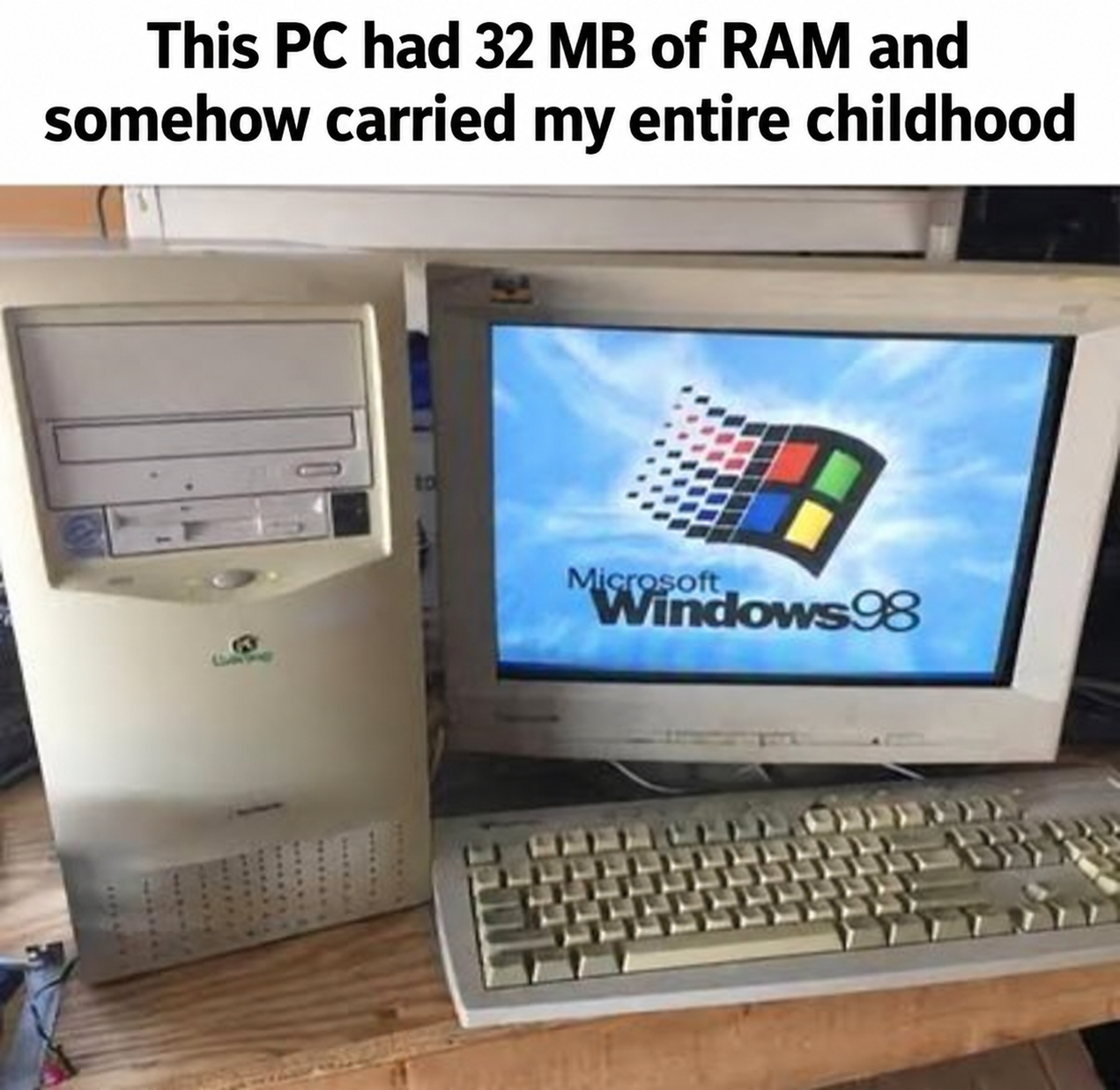
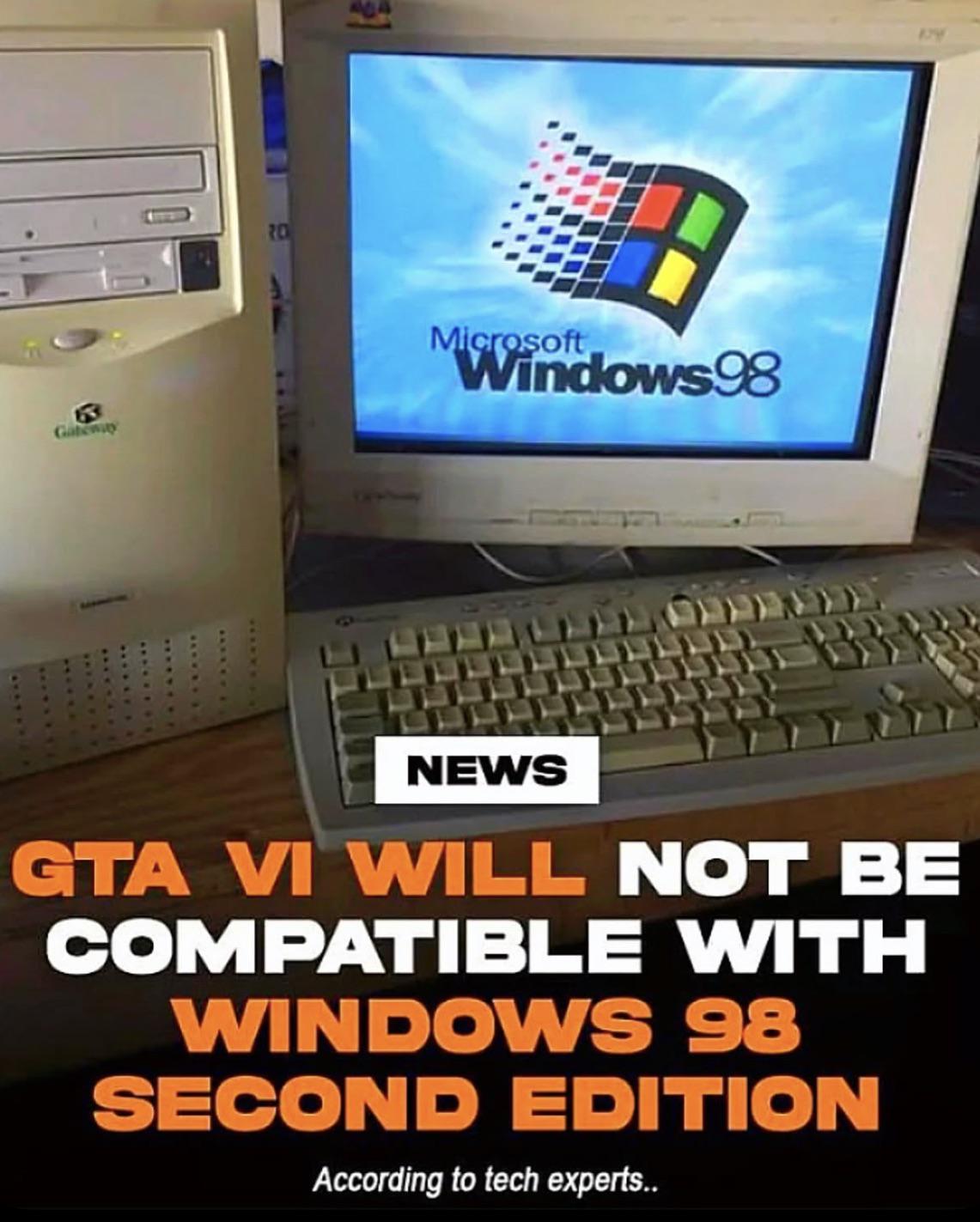
If you remember booting up Windows 98 on a beige tower that sounded like a jet engine preparing for takeoff, congratulations—you've unlocked a core memory that Gen Z will never understand. Back when "downloading a song" meant leaving your computer on overnight and praying nobody picked up the phone. When your entire dev environment fit on a 20GB hard drive and you thought you'd never fill it up. When the blue screen of death was just a regular Tuesday. Those chunky CRT monitors, that satisfying mechanical keyboard click, and the absolute chaos of driver installation from floppy disks. Simpler times? Maybe. More painful? Definitely. But somehow we still get nostalgic about it.

Machine Learning The Punch Card Code Way

Machine Learning The Punch Card Code Way
So you thought you'd jump on the AI hype train with your shiny new ML journey, but instead of firing up PyTorch on your RTX 4090, you're apparently coding on a machine that predates the invention of the mouse. Nothing says "cutting-edge neural networks" quite like a punch card machine from the 1960s. The irony here is chef's kiss—machine learning requires massive computational power, GPUs, cloud infrastructure, and terabytes of data. Meanwhile, this guy's setup probably has less processing power than a modern toaster. Good luck training that transformer model when each epoch takes approximately 47 years and one misplaced hole in your card means restarting the entire training process. At least when your model fails, you can't blame Python dependencies or CUDA driver issues. Just the fact that your computer runs on literal paper cards and mechanical gears.

What's Stopping You From Coding Like This

What's Stopping You From Coding Like This
Nothing says "I'm a serious developer" quite like a retro-futuristic cyberdeck that looks like it was rescued from a 1980s sci-fi movie. Someone really looked at their M3 MacBook Pro and thought "you know what this needs? Less portability, more antenna." The answer to what's stopping you? Common sense, mostly. Also the fact that TSA would have a field day with this thing. But credit where it's due—those USB 3.0 ports are doing some heavy lifting, and that physical keyboard probably doesn't have the butterfly mechanism that breaks when you breathe on it wrong. Real talk though: if you showed up to a coffee shop with this beast, you'd either be the coolest person there or immediately flagged as a potential threat to national security. No in-between.

Guess The Operating System That Will Not Have Age Verification

Guess The Operating System That Will Not Have Age Verification
Oh look, it's TempleOS, the holy grail of operating systems that exists in a dimension where earthly laws like age verification simply don't apply! Created by the legendary Terry Davis, this divine OS runs on a direct line to God (literally, according to its creator) and operates in 640x480, 16-color glory. Age verification? Please. When your entire operating system is a religious experience coded in HolyC, mundane concerns like government regulations are beneath you. It's too pure, too sacred, too utterly detached from the modern internet to even know what age verification IS. While the rest of us peasants deal with "Are you 18+" pop-ups, TempleOS users are out here writing hymns in assembly and playing the built-in flight simulator. Truly untouchable by mortal bureaucracy.

Ram, Tough

Ram, Tough
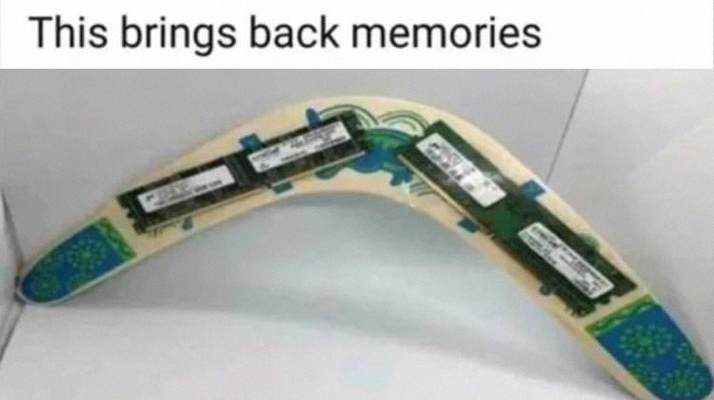
Young Bill Gates looking smug with his 640 KB of RAM like he just invented the future. Spoiler alert: that "nobody will ever need more" prediction aged like milk in the Arizona sun. Today's Chrome browser alone laughs in the face of 640 KB while casually consuming 8 GB just to display three tabs—one of which is definitely YouTube playing in the background. The irony? That single Microsoft logo on the screen probably takes more memory to render in modern Windows than the entire OS did back then. We went from "640 KB ought to be enough for anybody" to "32 GB and my computer still sounds like a jet engine." Progress is beautiful.

Are You This Old??

Are You This Old??
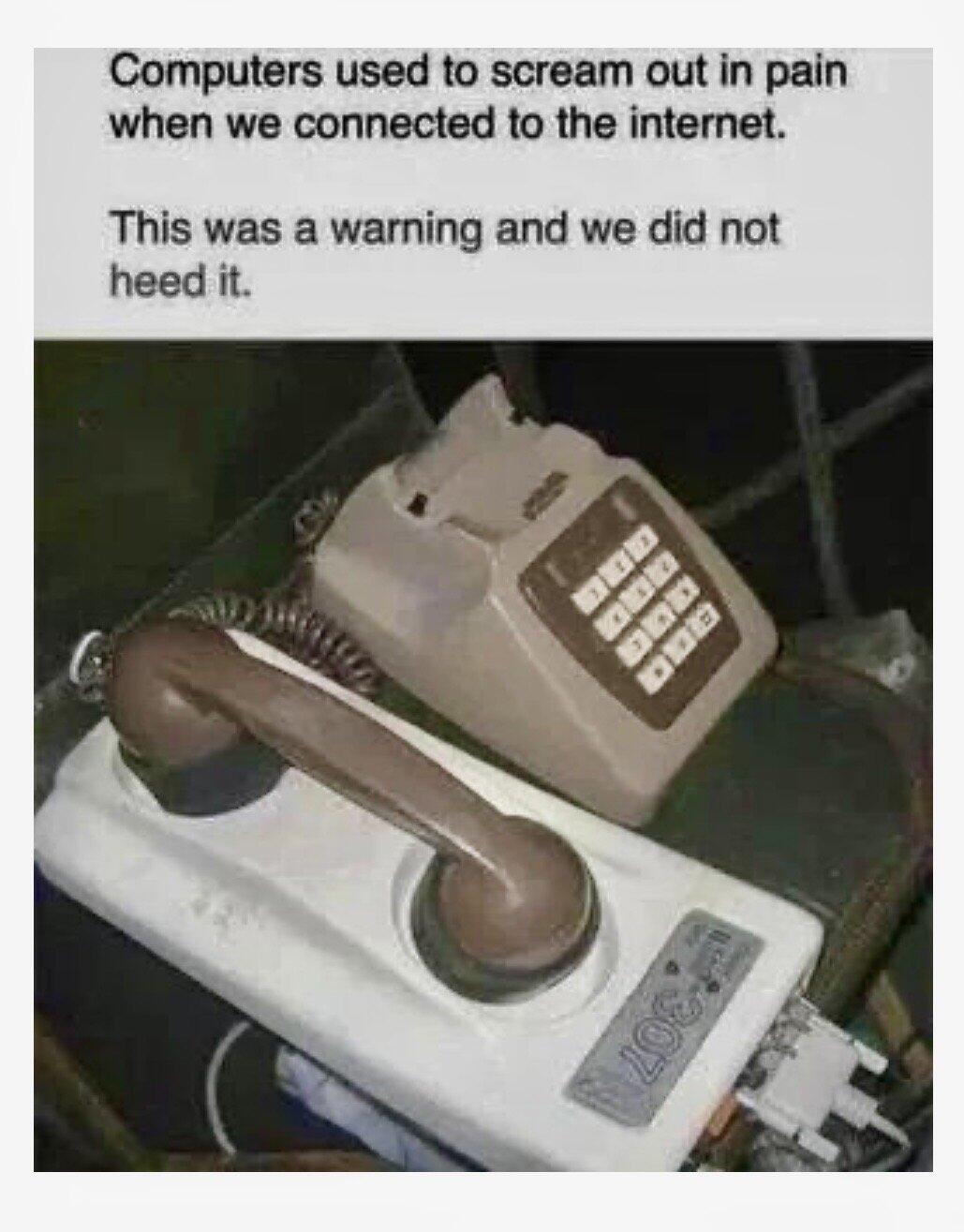
Dial-up internet connection dialogs were the loading screens of the ancient times. You'd literally have to input a phone number, hear the modem screech like a dying robot, and pray nobody picked up the landline while you were downloading a 2MB file. The best part? That "Save password for anyone who uses this computer" option was basically the original zero-trust security model... except backwards. Nothing says "cybersecurity" like storing ISP credentials in plaintext for the entire household to accidentally nuke your connection mid-download. If you remember this screen, you also remember the existential dread of someone yelling "I NEED TO USE THE PHONE" while you were 95% done downloading a Winamp skin.

Finally Got Sick Of Linux (Arch Btw) Bloatware And Got Ram Usage Down To 1 Mb

Finally Got Sick Of Linux (Arch Btw) Bloatware And Got Ram Usage Down To 1 Mb
Oh honey, someone just discovered MS-DOS and thinks they've achieved ENLIGHTENMENT. They stripped down their system so hard they went back to 1985! Because nothing says "I'm a power user" quite like running an operating system that predates the internet as we know it. The beautiful irony? They're flexing about escaping Linux "bloatware" by literally using an OS that can't even multitask properly. My dude has 64GB of RAM and is using 2MB of it like it's some kind of achievement. That's like buying a Ferrari and being proud you only use first gear. Also, the "(Arch btw)" in the title is *chef's kiss* – because even when abandoning Arch for DOS, they STILL have to mention they used Arch. It's not a lifestyle choice, it's a personality disorder at this point.

Back In Time

Back In Time
Modern RGB gaming rigs with their NVMe SSDs and 64GB RAM boot faster than you can blink, and they have the audacity to apologize for taking 3 seconds. Meanwhile, that beige tower from 2003 needed a solid 10 minutes just to POST, let alone load Windows XP. You'd literally hit the power button, go make coffee, check your email on your phone, come back, and it'd still be whirring away like a jet engine trying to load the desktop icons one by one. The real kicker? That ancient machine would take 5 minutes just to get to the point where you could click on Need For Speed: Underground. Then another 5 for the game to actually load. Kids these days complaining about 2-second load screens have no idea about the character-building experience of waiting for a single application to launch while listening to your hard drive sound like it's grinding gravel.

My Least Favorite Youtube Videos

My Least Favorite Youtube Videos
You know those tech nostalgia videos where they boot up a Windows Vista machine running Electron apps and act shocked it takes 45 minutes to open Slack? Yeah, we get it, computers used to be slower. Turns out when you run bloated modern software on ancient hardware, it doesn't perform well. Groundbreaking observation. Meanwhile, that same old PC could probably run DOS or lightweight Linux distros just fine. But no, let's install Chrome with 47 extensions and wonder why the CPU is crying. It's not the hardware that aged poorly—it's the software that got fat and lazy.