Ethernet Memes

Posts tagged with Ethernet
Ethernet Vs Wifi

Ethernet Vs Wifi
You can drop $600 on a router with more antennas than a military base, configure QoS until your eyes bleed, and still watch your Zoom call buffer during standup. Or you can grab a $7 cable and suddenly you're hitting headshots like an Olympic sharpshooter with zero lag. The ethernet cable doesn't care about your neighbor's microwave, your walls, or which WiFi channel is "least congested." It just works. Every. Single. Time. Meanwhile your fancy router is over there trying to beam packets through three walls and your fish tank like it's playing networking on hard mode.

Spooky

Spooky
Nothing strikes absolute TERROR into the hearts of IT professionals quite like ethernet cable horror stories. You know the ones - cables running through walls that mysteriously stop working, the RJ45 connector that breaks off INSIDE the port, or the legendary "it worked yesterday" cable that now refuses to negotiate above 10Mbps. The sheer DRAMA of tracing a cable through a server room only to find someone used it as a jump rope. The BETRAYAL when you realize that "Cat6" cable you bought is actually Cat5e with delusions of grandeur. Truly the stuff of nightmares that would make Stephen King weep.

Has This Happened To Anyone?

Has This Happened To Anyone?
You know that little rubber boot on Ethernet cables that's supposed to protect the clip? Yeah, it's doing its job a little too well here. Instead of sliding back to let you plug in the cable, it's decided to become a physical barrier between you and network connectivity. The clip is completely covered, rendering the cable about as useful as a chocolate teapot. It's like the cable is wearing a turtleneck that's too tight. You can either spend 10 minutes wrestling with it, cut it off in frustration, or just grab a different cable and pretend this one doesn't exist. Most of us choose option three because life's too short to fight with rubber boots when there's actual code to debug. Fun fact: These boots exist because someone, somewhere, kept breaking the fragile plastic clips. Now we have an unbreakable clip that's completely inaccessible. Progress!

Think Asus Think!

Think Asus Think!
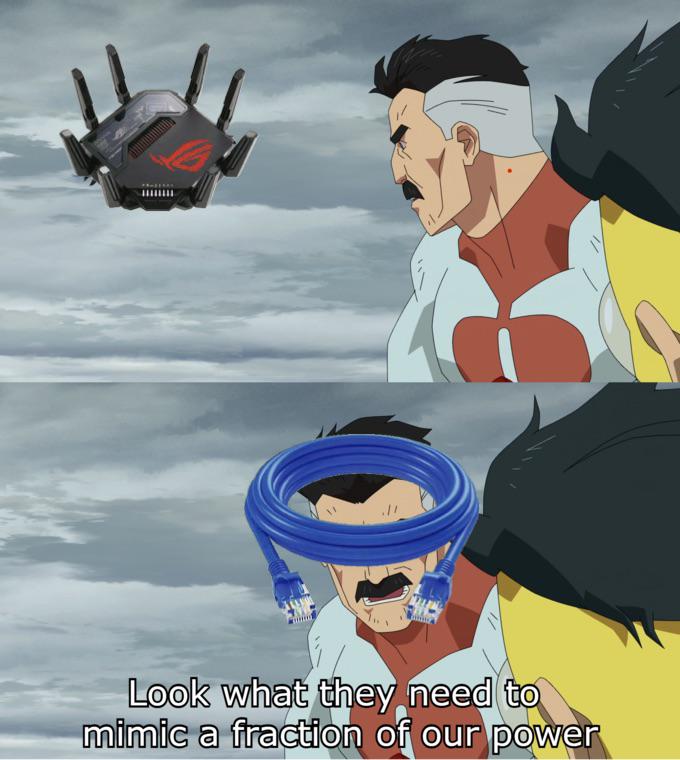
Asus routers out here looking like alien spaceships with 47 antennas, RGB lighting, and enough processing power to run a small data center. Meanwhile, your internet connection still needs a single ethernet cable to actually work. All that "gaming router" aesthetic and "military-grade" marketing, but at the end of the day, you're still crawling on the floor trying to plug in that Cat6 cable because WiFi just won't cut it for your 200ms ping. The router may look like it's about to achieve sentience and launch nukes, but it's humbled by a $2 piece of twisted copper wire.

Seen Asus' Offers Today And Had To Sit Down

Seen Asus' Offers Today And Had To Sit Down
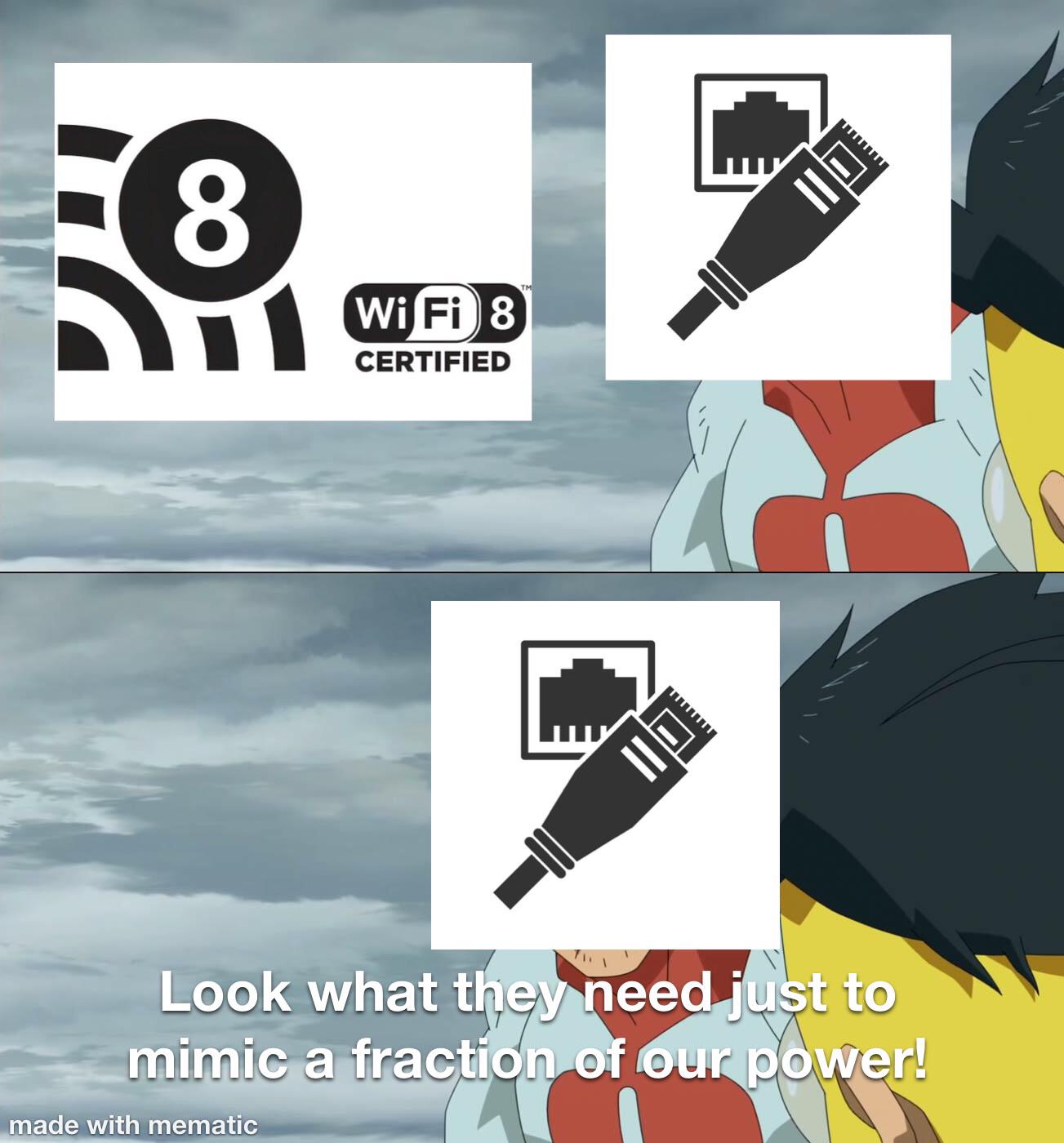
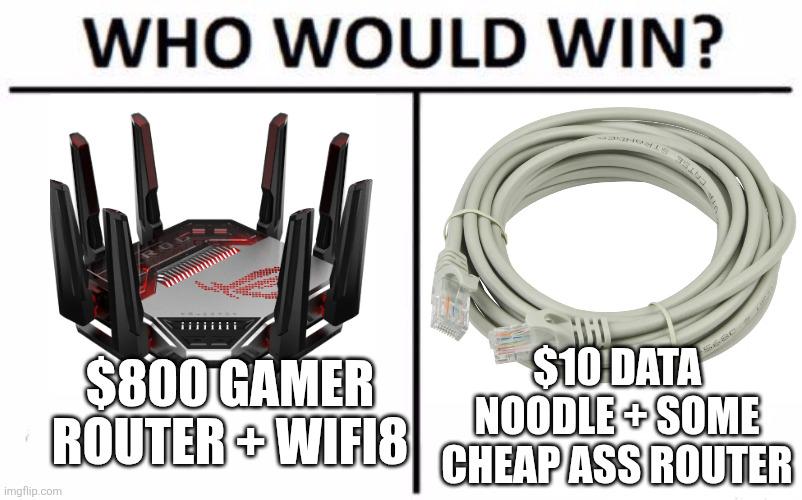
The eternal debate: drop $800 on a gaming router that looks like it could transform into a Decepticon with 8 antennas and WiFi 8 (which probably won't even be standardized for another decade), or just grab a $10 ethernet cable and a basic router that gets the job done. Spoiler alert: the ethernet cable wins every single time. While gamers are out here buying routers with RGB lighting and enough antennas to contact aliens, network engineers are sitting back with their trusty Cat6 cables getting lower latency, zero packet loss, and actually stable connections. The "gamer" marketing tax is real, folks—you're paying $790 for aesthetics and the privilege of saying "WiFi 8" at LAN parties. Meanwhile, that humble ethernet cable is out here delivering gigabit speeds without breaking a sweat or your wallet.

Adjustable Under Desk Mount Exclusive for CalDigit TS3 Plus / TS4 / TS5 Dock & Power Brick, Space-Saving Thunderbolt 3/Thunderbolt 4 Dock Holder with Cable Straps, Easy Install with All Screws

Adjustable Under Desk Mount Exclusive for CalDigit TS3 Plus / TS4 / TS5 Dock & Power Brick, Space-Saving Thunderbolt 3/Thunderbolt 4 Dock Holder with Cable Straps, Easy Install with All Screws
【Perfect Fit】 Adjustable width design fit for CalDigit TS3 Plus, TS4, TS5 docks—no need to buy new mounts when upgrading. · 【Flexible Mounting】 Combine or separate the power bracket and dock holders …

This Is How Servers Are Born

This Is How Servers Are Born
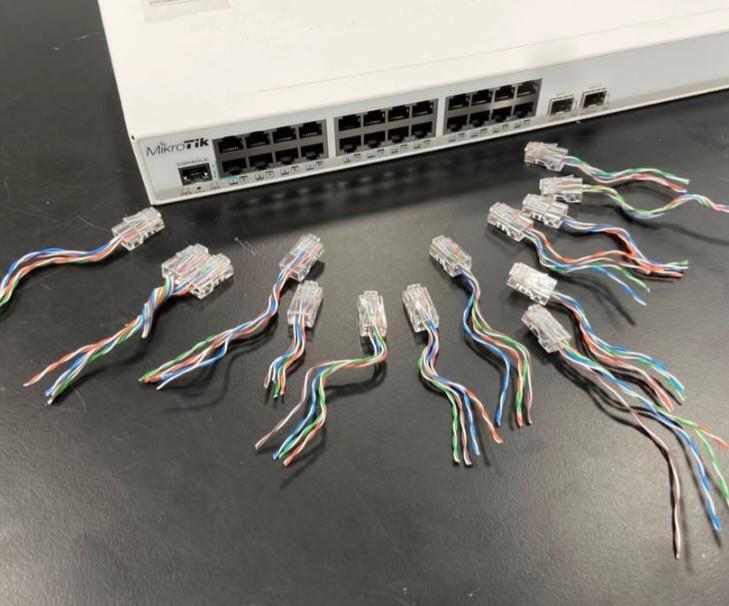
Nature is beautiful. Here we see a MikroTik switch giving birth to a litter of ethernet cables in their natural habitat. The miracle of life in the server room. Someone clearly had a very productive crimping session and decided the only logical thing to do was arrange their newborn RJ45 connectors in a circle like some kind of networking ritual. Either that or they're summoning the spirits of better upload speeds. Real talk though: if you've ever crimped ethernet cables, you know at least half of these won't work on the first try. Cable crimping has a 50% success rate at best, and that's being generous. The other half will give you intermittent connections that'll haunt your dreams for weeks.

Ethernet Building

Ethernet Building
Some architect really said "what if we made a building that looks like a giant Ethernet switch?" and somehow got approval. The windows are literally arranged in the exact pattern of RJ45 Ethernet ports, complete with that distinctive trapezoid shape. You can practically see the blinking LEDs indicating network activity. This building is either the physical manifestation of network infrastructure, or the architect's way of telling us they've been spending way too much time in the server room. I'm half expecting someone to try plugging a Cat6 cable into the third floor. Bandwidth: unlimited. Packet loss: just the occasional pigeon.

Bob Wireley

Bob Wireley
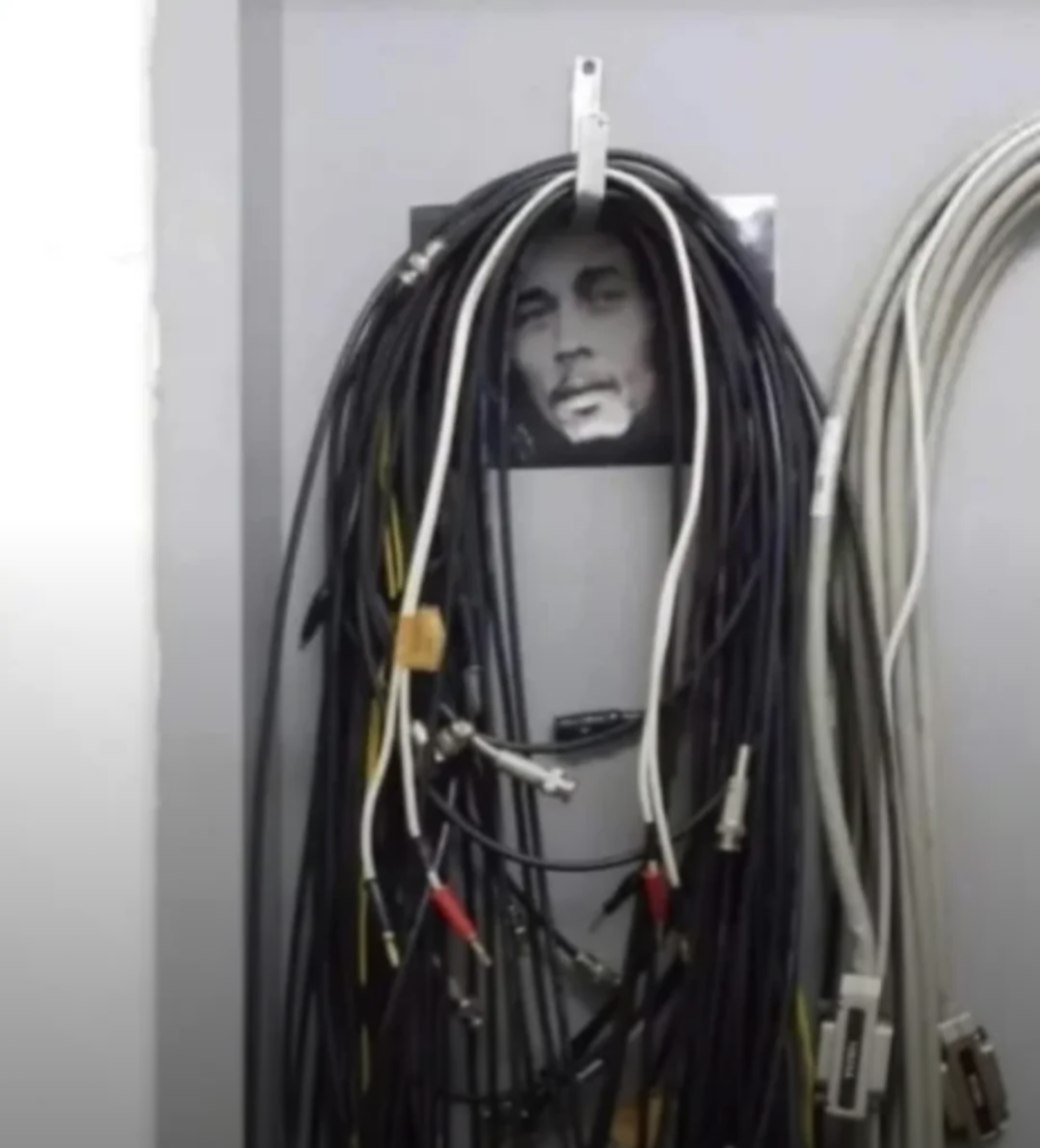
Someone took Bob Marley's iconic dreadlocks and recreated them with networking cables, creating "Bob Wireley" - the patron saint of every server room and data center. Those aren't dreads, they're Cat5e cables of freedom. Perfect representation of what's behind every wall in your office building. Somewhere, a network admin is looking at their cable management and thinking "yeah, that's about right." No woman, no WiFi, just pure chaos and ethernet connections that somehow still work. Fun fact: This level of cable management is what IT professionals call "organic growth architecture" - which is corporate speak for "nobody knows which cable does what anymore, but we're too afraid to unplug anything."

What The Hell Is Going On

What The Hell Is Going On
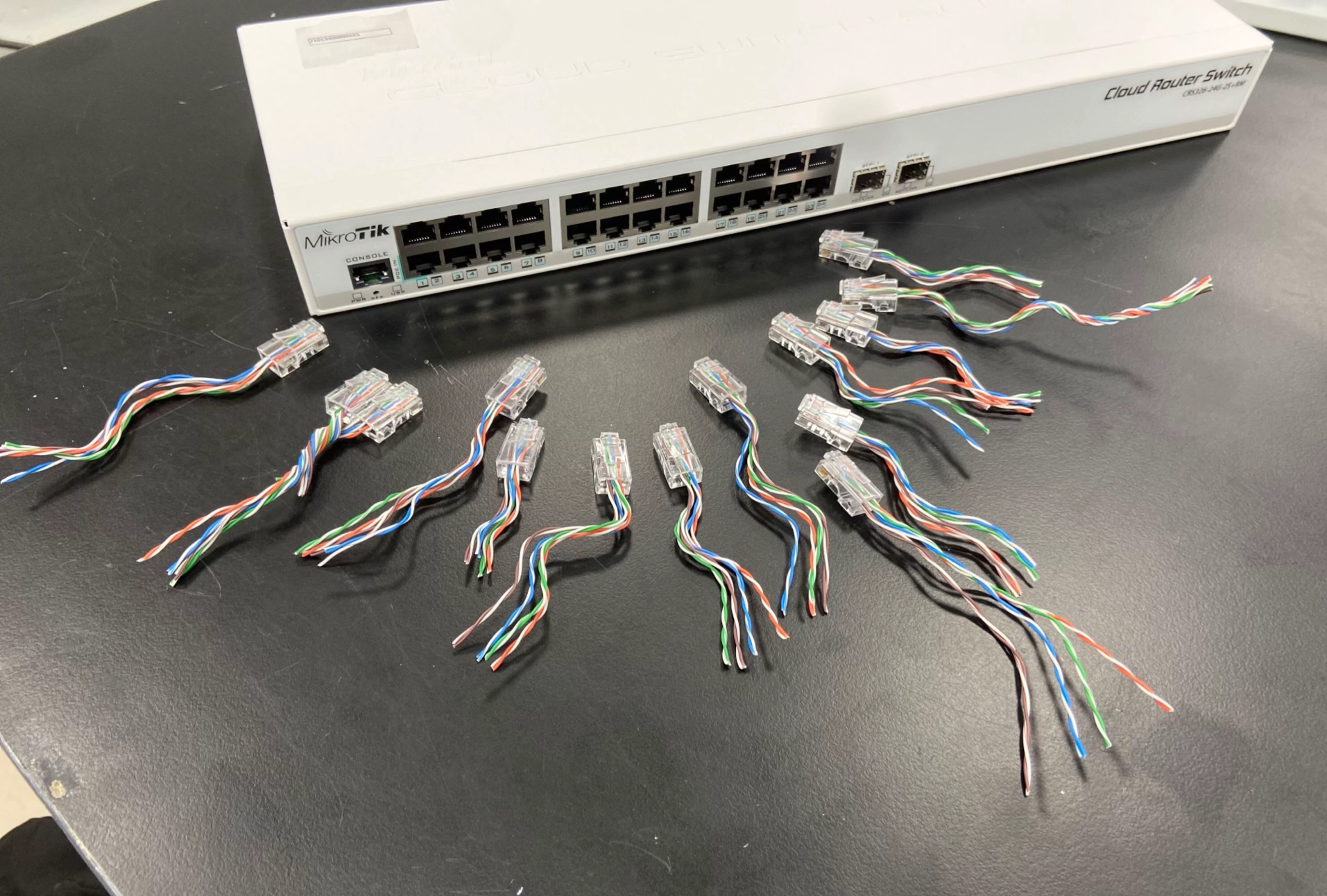
Oh, just a casual Tuesday in the server room where someone decided to create a modern art installation titled "Ethernet Cable Massacre." Look at those poor RJ45 connectors just... existing in their half-crimped, wire-exposed glory, scattered around like the aftermath of a networking battlefield. Someone clearly had ONE job—crimp these cables properly—and instead chose violence. The MikroTik Cloud Router Switch sitting there all pristine and professional while surrounded by this absolute chaos of exposed twisted pairs is sending me. It's giving "I showed up to a black-tie event and everyone else came in pajamas" energy. Pro tip: This is what happens when you let the intern handle cable management after watching one YouTube tutorial at 2x speed. Those wires are more exposed than my code on GitHub, and just as embarrassing.

NordVPN

NordVPN
Encrypt your traffic on public Wi-Fi, stream from anywhere, and cover up to ten devices with one plan. 30-day money-back guarantee.

This Is My Level Of Cybersecurity

This Is My Level Of Cybersecurity
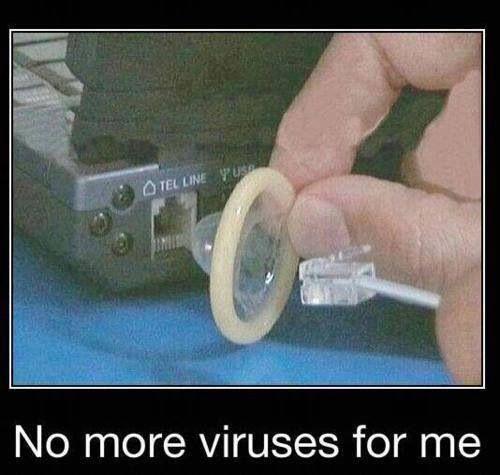
Ah yes, the rubber band firewall. Because nothing says "enterprise-grade security" like physically preventing your ethernet cable from connecting to the network. Can't get hacked if you can't get online, right? It's technically air-gapped security, just with extra steps and a lot more desperation. Honestly though, after dealing with zero-day exploits, supply chain attacks, and explaining to management why we need to patch for the 47th time this month, maybe this person is onto something. Sometimes the best defense is just... not playing the game at all.

The Ultimate Firewall Activation Method

The Ultimate Firewall Activation Method
Whoever labeled this network cable with "Cut here to activate firewall" is the chaotic evil genius we all secretly aspire to be. Nothing says "I've been in IT long enough to develop a twisted sense of humor" quite like setting up your colleagues for catastrophic network failure. The best part? Some poor soul will eventually believe it. Ten years in networking and I've seen people reboot production servers because someone told them it would "make the internet faster." Trust no one, especially the guy who labels cables.

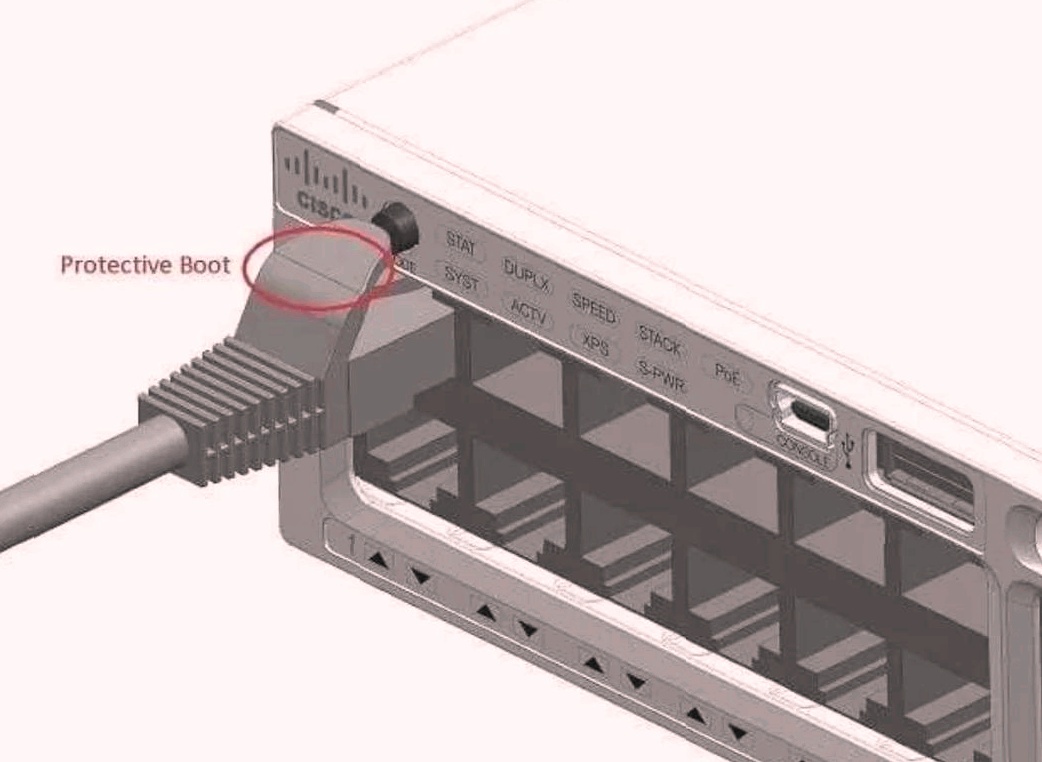
The Protective Boot Revelation

The Protective Boot Revelation
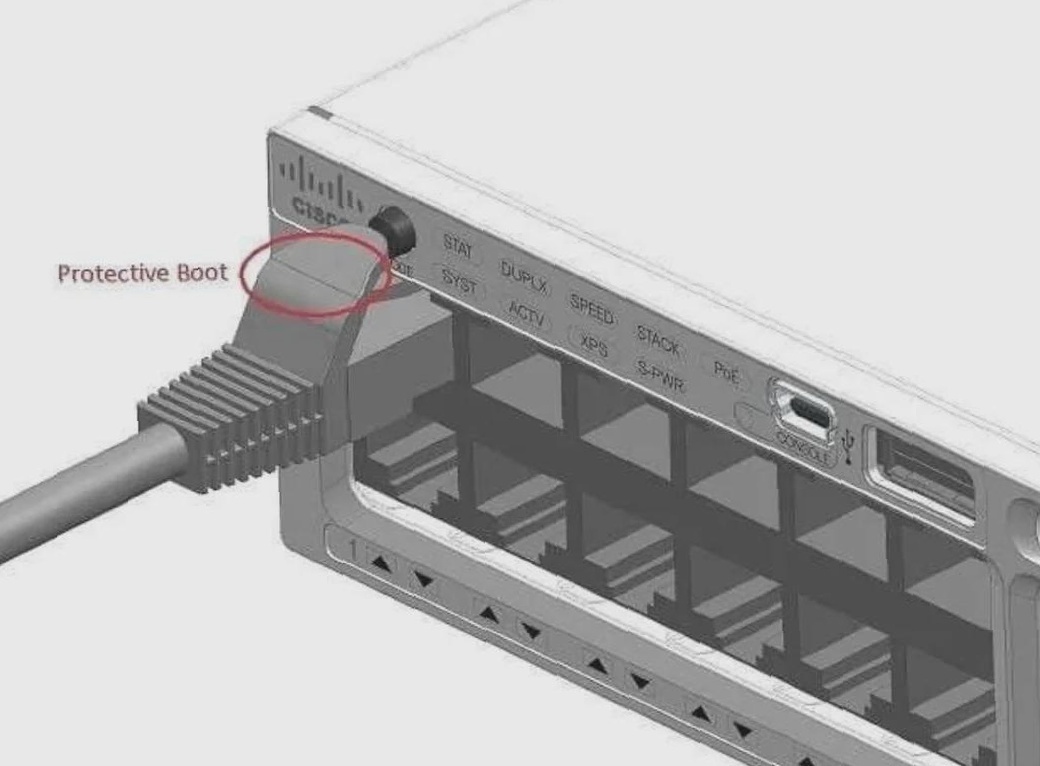
THE AUDACITY! Someone labeled an Ethernet port tab as "Protective Boot"?! I'm having an existential crisis right now. For YEARS I've been yanking these little plastic tabs off network cables thinking they were just annoying packaging leftovers! Turns out they're ACTUALLY serving a purpose?! My entire networking life has been a LIE. Next you'll tell me those silica gel packets aren't just forbidden snacks! 💀