css Memes

Still Learning Tho

Still Learning Tho
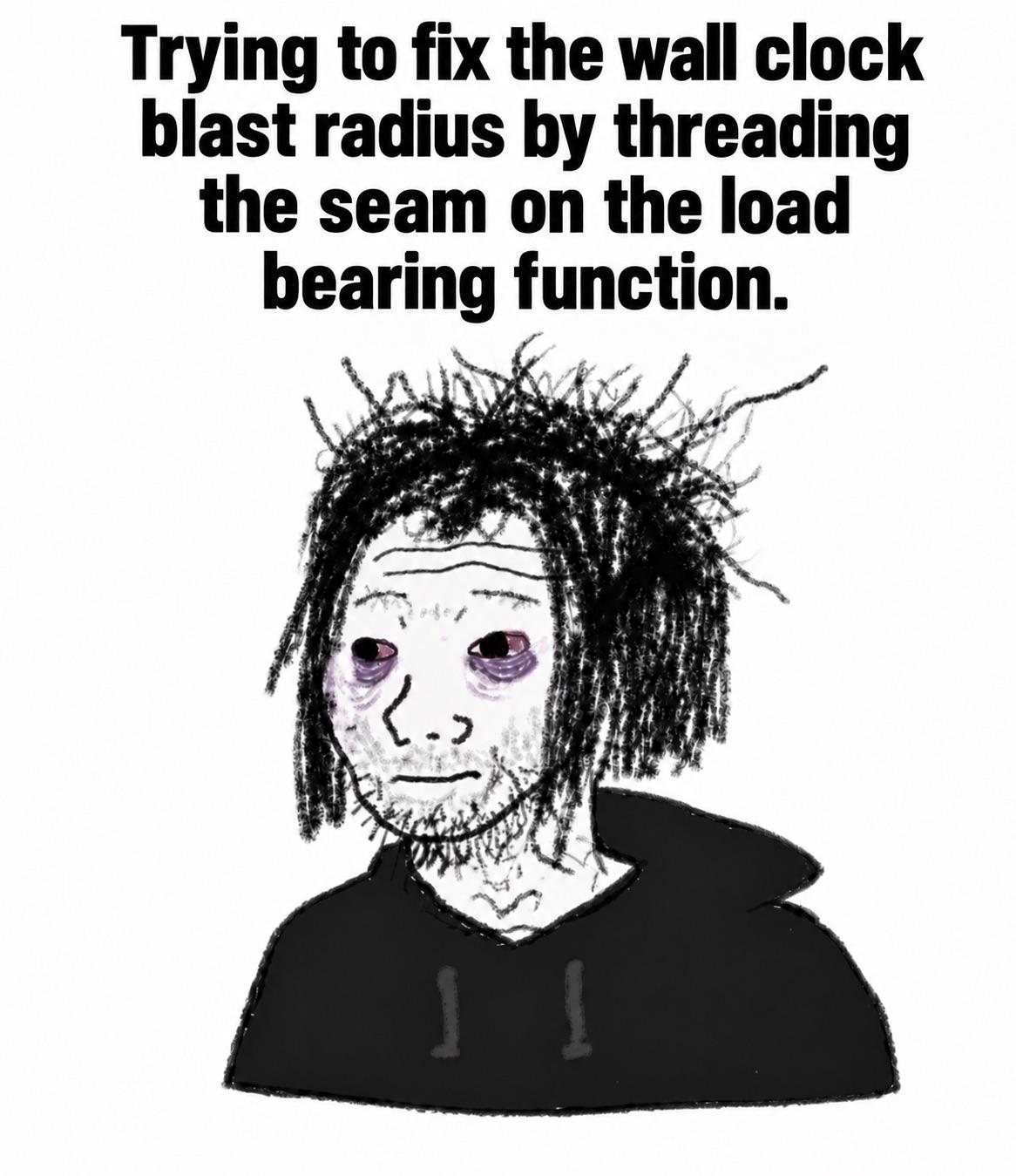
CSS: the only language where you can have 15 years of experience and still Google "how to center a div" every single time. The emotional journey here is accurate—starts with optimism, brief moment of false confidence when something actually works, then back to questioning your entire career choice when padding decides to behave differently in Chrome vs Firefox. Some say there are senior CSS developers out there. I've never met one. We're all just pretending and hoping flexbox doesn't betray us today.

How To Center A Div

How To Center A Div
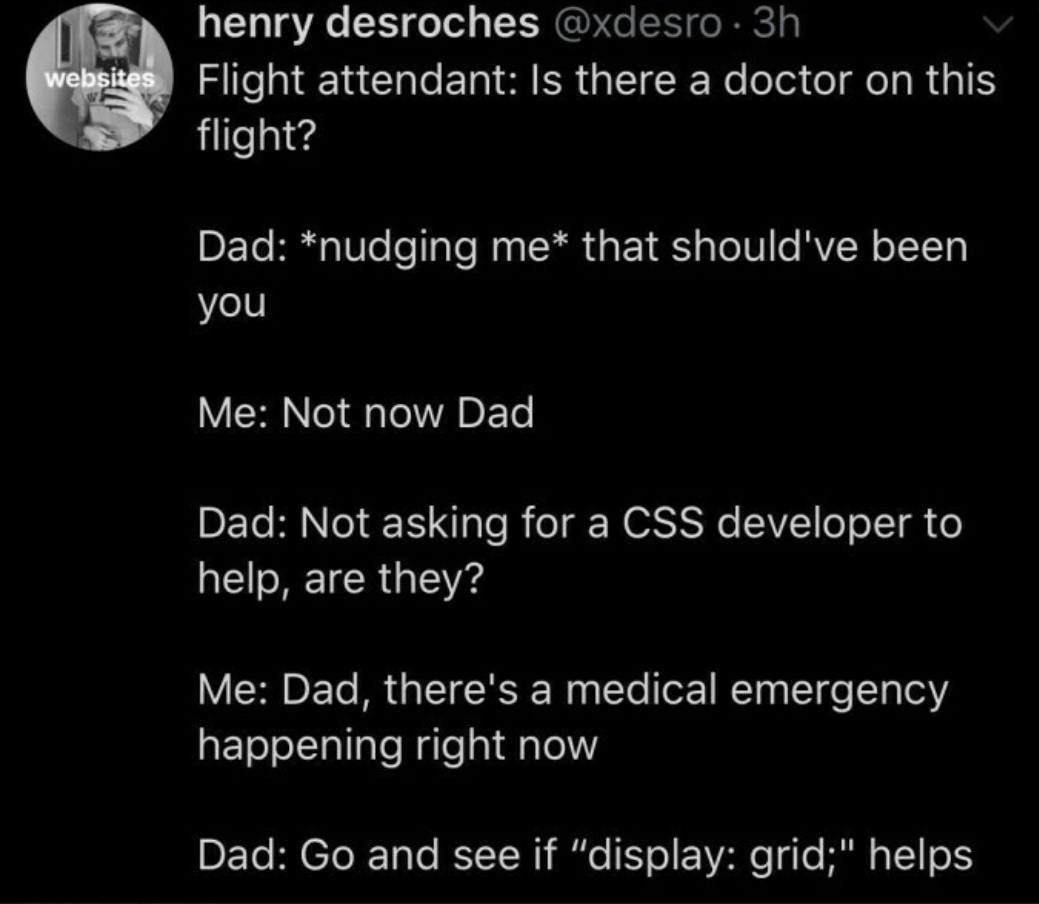
Someone who can center a div both vertically AND horizontally without Googling it is basically a mythical creature. Frontend devs have been battling this since the dawn of CSS, cycling through margin auto, flexbox, grid, absolute positioning with transforms, and probably a blood sacrifice or two. The fact that it requires clarification of both axes just adds insult to injury. Flexbox finally made this trivial, but the trauma runs deep. We all still whisper about the dark days of table layouts and vertical-align: middle that never worked.

Realistic CSS Meme

Realistic CSS Meme
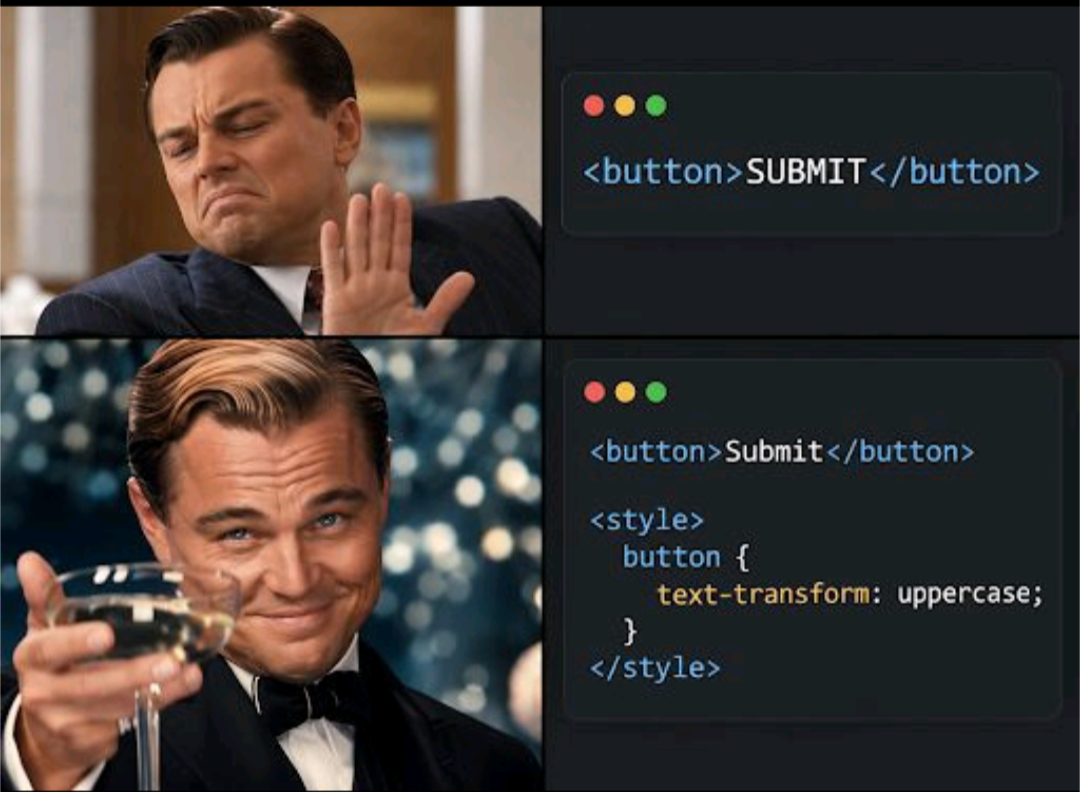
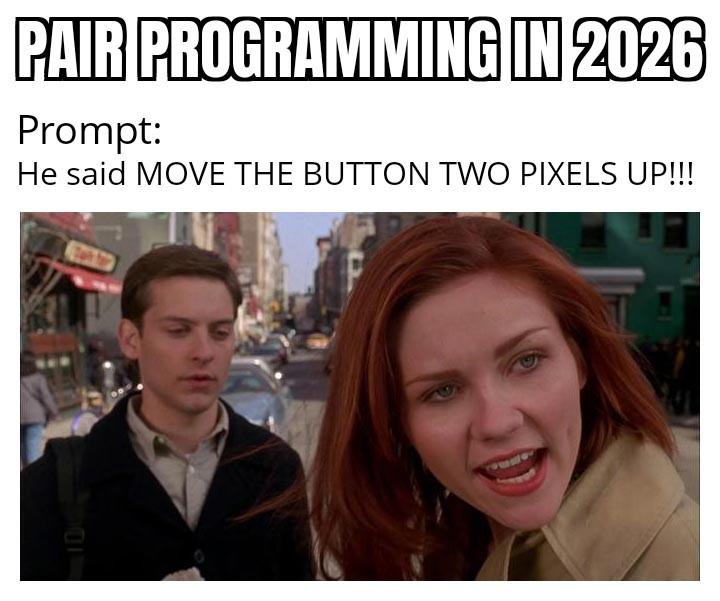
The duality of frontend development: you'll spend 3 hours making a pure CSS Drake meme with perfectly positioned divs and border-radius properties, but when it comes to centering that login button or fixing the navbar on mobile? Suddenly you're Googling "how to center a div" for the 847th time in your career. The irony is that making memes actually is useful—you're practicing layout, positioning, and flexbox while procrastinating. So really, you're being productive. That's what you tell yourself at standup, anyway.

If A Potato Can Become Vodka, You Can Become A Web Developer

If A Potato Can Become Vodka, You Can Become A Web Developer
So apparently the bar for web development is now "slightly more complex than fermentation." Love how this motivational poster implies that becoming a web developer requires the same level of transformation as rotting in a barrel for months. Honestly? Pretty accurate. You start as a raw, starchy beginner, get mashed up by CSS layouts, fermented in JavaScript confusion, and eventually distilled into someone who can center a div. The process is painful, involves a lot of breaking down, and at the end you're either smooth and refined or you give people headaches. Either way, you'll be dealing with a lot of bugs—though in web dev they're not the yeast kind.

Still In The Learning Process Though

Still In The Learning Process Though
When you tell people you're learning CSS, you go through the five stages of grief in real-time. First there's the confident declaration, then the slow realization that centering a div is somehow still a theological debate in 2024. The emotional rollercoaster from "I got this" to "why won't this margin work" to "what even is specificity" to "I'll just use !important everywhere" happens faster than your browser can render a flexbox. CSS has this unique ability to make you feel like a genius and a complete impostor within the same hour. You'll nail a complex animation, feel like a design god, then spend 2 hours figuring out why your button is 3 pixels off-center. The learning process is basically an infinite loop of Stack Overflow tabs and questioning your career choices.

Just A Meme - No Hate

Just A Meme - No Hate
The linguistic betrayal hits different when you've been spelling it with a 'u' your entire life and then CSS documentation coldly informs you that American English is the law of the land. British devs out here having an existential crisis because their muscle memory keeps typing "colour" only to watch their styles mysteriously fail to apply. The browser doesn't care about your heritage or the Queen's English—it wants color: #FF0000; and nothing else. Same pain applies to "centre" vs "center" in alignment properties. At least you can drown your sorrows in proper tea while your American colleagues drink their coffee-flavored sugar water.

All My People Say Nah To Apple

All My People Say Nah To Apple
Chrome and Firefox are out here being bros, actually supporting your responsive design like decent browsers should. They're holding your hand, telling you "I got you, brother!" when you're testing those media queries at 3 AM. Then Safari shows up with a 2x4 ready to ruin your day. That one CSS property that worked perfectly everywhere else? Safari decided it's optional. Your flexbox layout? "Oh no you don't!" Safari has its own interpretation of web standards, and it's usually wrong. Safari is basically the new IE6 at this point. You spend 2 hours building something beautiful, then 6 hours fixing it for Safari. WebKit quirks are the gift that keeps on giving, and by giving I mean taking years off your life.

The Mountain Climb Of Web Development

The Mountain Climb Of Web Development
The eternal mountain climb of web development in four perfect panels: First, you think you're nearly at the summit with HTML. "Almost done!" you declare, blissfully unaware of what lies ahead. Then CSS enters the chat. "Almost!" you tell yourself, as your layout breaks for the 47th time because you forgot a semicolon somewhere. Bootstrap arrives like a superhero, and suddenly you're cruising. "Oh yes!" Life is good when someone else handles the responsive design nightmare. But then... the final boss appears: the unholy trinity of modern frontend frameworks. Vue, Angular, and React stare back at you, and your soul leaves your body as you realize you now need to learn state management, component lifecycle, and why your bundle size is 14MB for a simple todo app.

How To Fix This Bug

How To Fix This Bug
Content movement _directi rotate_fly(

The Circle Of Frontend Hell

The Circle Of Frontend Hell
Frontend developers just collectively shuddered at this monstrosity. That circular screen is basically saying "Have fun making your responsive designs work on THIS, suckers!" It's like someone looked at the rectangular screens we've been optimizing for decades and thought, "You know what would be fun? Geometry warfare!" Imagine the CSS nightmares. Your perfectly crafted grid layout? Dead. Your meticulously positioned elements? Homeless. Your sanity? Gone. The corners don't even exist anymore! Where do notifications go? Into the void, apparently. The person asking for ONE reason not to buy it clearly hasn't spent hours debugging why their div is 1px off. Meanwhile, frontend devs are already updating their resumes with "survived circular viewport trauma" as a skill.

Border Radius 14px: The Frontend Developer's Kryptonite

Border Radius 14px: The Frontend Developer's Kryptonite
Frontend developers: fearless warriors of the web... until they encounter a div with sharp corners. That's when the true horror begins. The same people who can wrangle JavaScript frameworks and battle cross-browser compatibility issues suddenly break into cold sweats at the sight of a button without border-radius: 14px . Because nothing says "I'm a serious developer" like being physically repulsed by 90-degree angles in your UI.

Change Username To CSS Wizard

Change Username To CSS Wizard
Let's be honest, we've all been there. Spent three hours fighting with CSS selectors, !important flags, and browser compatibility issues just to change a button color to blue. And when it finally works? Pure biblical euphoria. Moses parting the Red Sea has nothing on a frontend dev who just fixed their CSS without resorting to inline styles. The sad part? Tomorrow you'll have to do it all over again when the designer decides blue doesn't match the brand anymore.