System maintenance Memes

Posts tagged with System maintenance

Keeps Your PC Clean From The Inside

Keeps Your PC Clean From The Inside
Dad's dropping wisdom bombs over here. Using portable versions of apps means no installation bloat, no registry pollution, no leftover files scattered across AppData like digital confetti. Just pure, unadulterated executables living in their own folders like well-behaved citizens. Your system stays pristine while normies are out here installing seventeen different versions of Chrome because they forgot they already have it. Plus, you can throw your entire setup on a USB drive and carry your digital life around like some kind of tech nomad. Dad gets it.

Just About Anything Vs. Windows

Just About Anything Vs. Windows
Oh, the absolute AUDACITY of Windows to pretend that installing and uninstalling software are equivalent operations! Like, sweetie, on literally every other OS, you install something to make it work, and you uninstall it to... stop it from working. Revolutionary concept, I know! But Windows? Honey, you need to uninstall that random driver you installed three years ago just to get your printer working again. You need to uninstall bloatware so your CPU stops having a meltdown. You need to uninstall that one program that's been hogging 4GB of RAM in the background since 2019. Installing software is optional; uninstalling it is MANDATORY MAINTENANCE. It's like Windows thinks "working" means "barely functional with 47 background processes you didn't ask for." The drama! The chaos! The sheer disrespect!

Pretty Much

Pretty Much
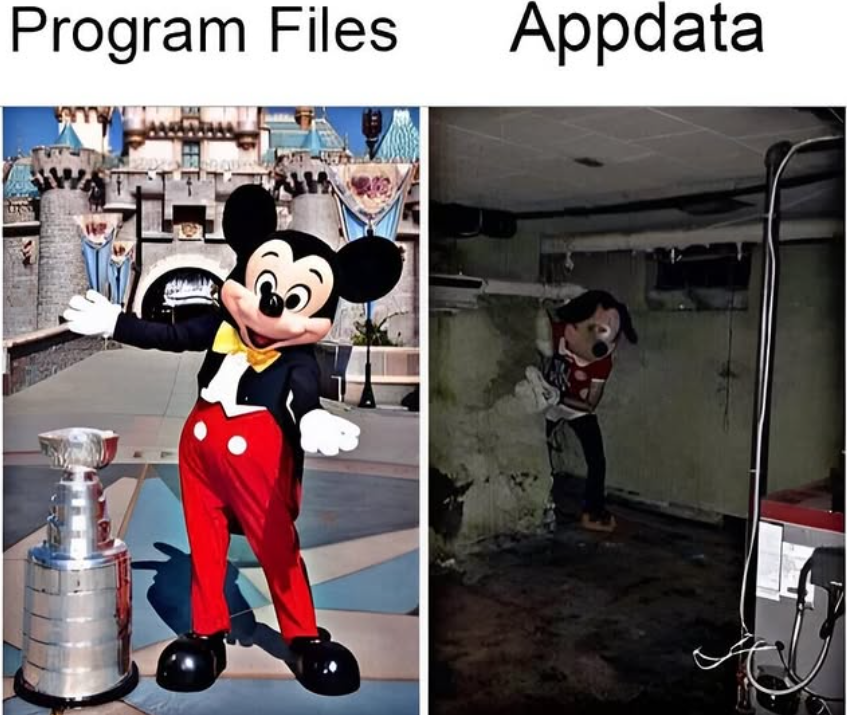
Your program files folder: clean, organized, professionally maintained. Living in C:\Program Files like it owns the place, with proper version control and sensible directory structures. Your AppData folder: a cursed dungeon where Mickey Mouse goes to die. Somewhere in those nested folders are config files from programs you uninstalled in 2014, 47 different versions of the same DLL, and cache files that have achieved sentience. Nobody knows what's down there. Nobody wants to know. The folder structure is %APPDATA%\Local\Temp\[CompanyName]\[AppName]\v2.3.1.4523\cache\temp\logs\2019\March\backup\old\final\final_v2\really_final and you just accept it. Best part? Try to clean it and your entire system breaks because some random app hardcoded a path to a log file from 2016.

What Good Night Stories Are You Telling Your Ram Sticks To Extend Their Lifespan?

What Good Night Stories Are You Telling Your Ram Sticks To Extend Their Lifespan?
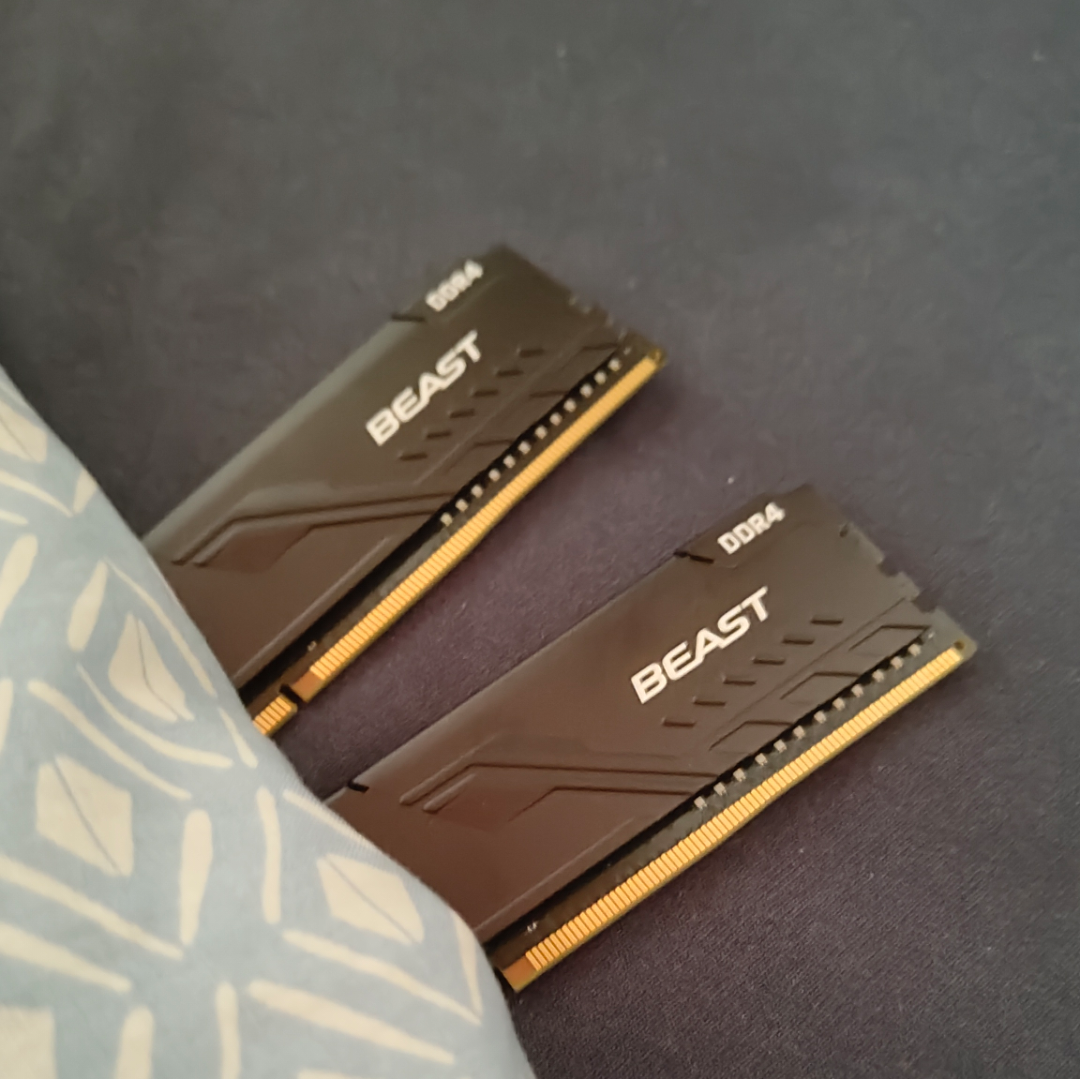
Someone's tucking their RAM sticks into a box like they're precious children being put to bed. Because apparently, treating your hardware with the gentle care of a bedtime story is the secret to longevity. Next thing you know, they'll be reading "Goodnight Moon" to their SSDs and singing lullabies to their GPUs. The dedication is admirable though—most of us just yeet our old RAM into a drawer and hope it doesn't oxidize into oblivion. But hey, if whispering sweet nothings about low latency and stable voltages makes your DDR4 last another year, who are we to judge?

Dad Advice For Your Dying Windows PC

Dad Advice For Your Dying Windows PC
The classic "have you tried turning it off and on again" advice gets a Windows makeover. Dad's suggesting running DISM and SFC commands—the digital equivalent of "walk it off" for your computer. These commands repair system files and check for corruption, basically telling your PC to stop whining about its problems and fix itself. Just like real dad advice, it's both annoyingly simple and surprisingly effective.

Our Cute Tech Team

Our Cute Tech Team
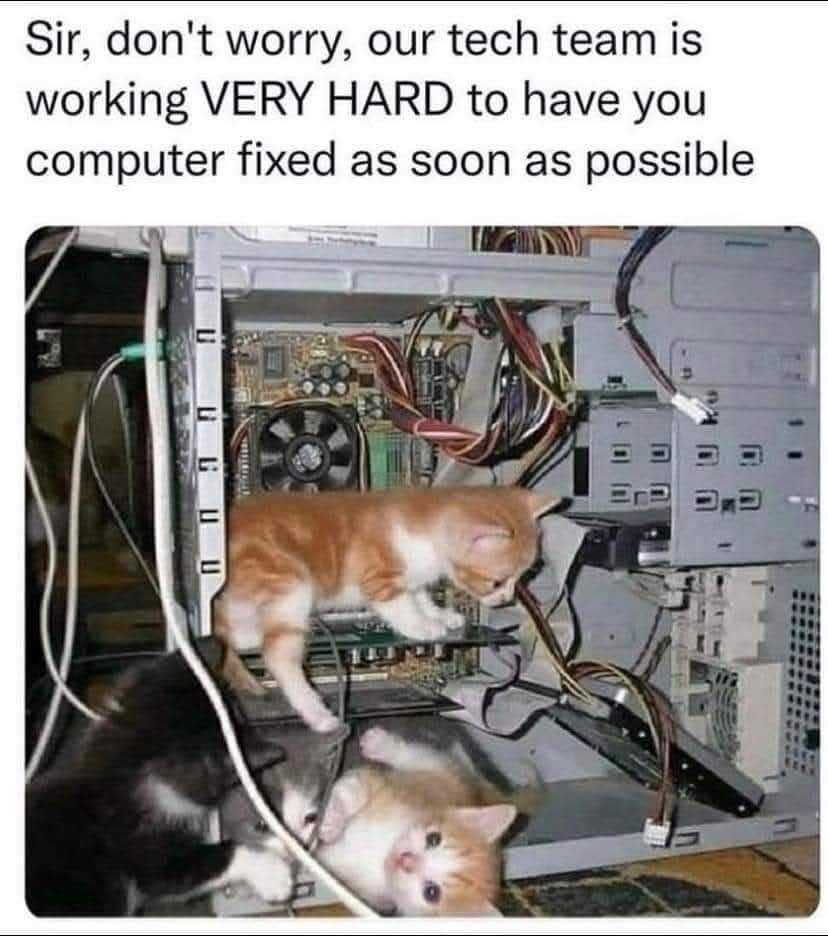
This is what happens when you outsource your IT department to the lowest bidder. The classic "we're working VERY HARD on your issue" while the tech team is literally just kittens playing inside your computer. No wonder your ticket has been "in progress" for three weeks! Those adorable little troubleshooters are probably chewing on your RAM while management assures you they've got their "best people" on it. Next time your computer crashes, just check if it's a hairball in the CPU fan rather than a memory leak.