Onedrive Memes

Posts tagged with Onedrive
Maybe It's Time For Penguin

Maybe It's Time For Penguin
Windows File Explorer doing its best impression of a broken compass while OneDrive sits there like the smug little cloud goblin it is, holding your files hostage. You know the file exists. You saved it. You saw it. But can you find it? Not without checking three different folders, the desktop, downloads, and somehow the recycle bin. The title suggests switching to Linux (the penguin being Tux, Linux's mascot), because at least when you can't find your files there, you can blame yourself for that cryptic command you ran at 3 AM instead of Microsoft's file indexing having an existential crisis.

How It Felt To Have One Drive Shoved Down My Throat

How It Felt To Have One Drive Shoved Down My Throat
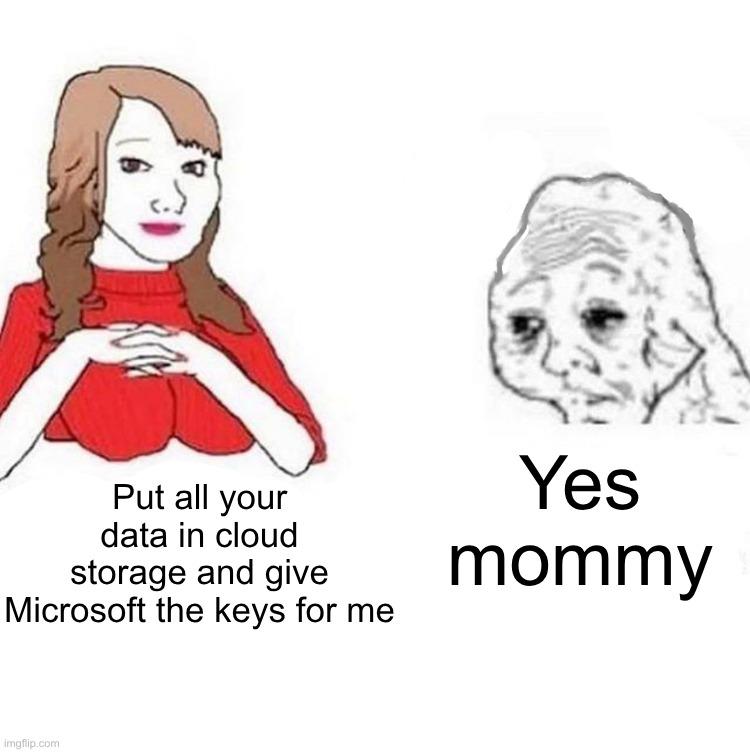
Windows 11 really said "you WILL use OneDrive" and made it the default save location for everything. Can't just have local files anymore like some kind of caveman, can we? Microsoft's been getting increasingly aggressive about forcing cloud integration, and users are just sitting there clicking "Yes" through every prompt like they're accepting terms and conditions they'll never read. The best part? You get 5GB free, then suddenly your Desktop folder is "full" and Microsoft's there with a credit card form ready. Nothing screams trust like handing over your encryption keys to the same company that can't decide if they want to call it SkyDrive, OneDrive, or "that thing that keeps moving my Documents folder."

Reeeeeeeeeeeeee

Reeeeeeeeeeeeee
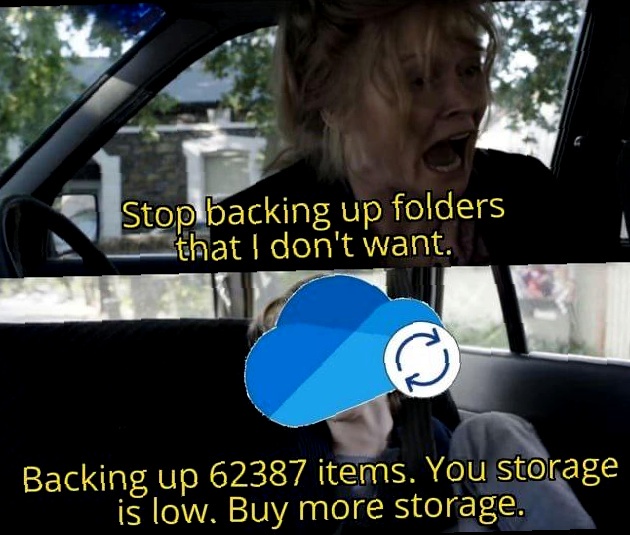
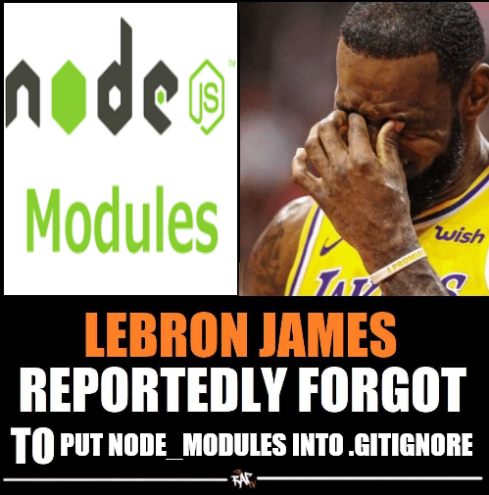
Cloud storage providers have this special talent for backing up literally everything on your machine—your node_modules folder, your .git directory, that 47GB folder of Docker images you forgot about, your entire Steam library somehow. You're just trying to sync your Documents folder and suddenly OneDrive is like "cool, I found 62,387 items including your entire Windows System32 folder, that'll be $9.99/month for more storage." The selective sync settings are buried seventeen menus deep, and even when you uncheck folders, they mysteriously reappear after the next update. It's like playing whack-a-mole with your backup settings while your storage quota slowly dies.

This Week On Windows...

This Week On Windows...
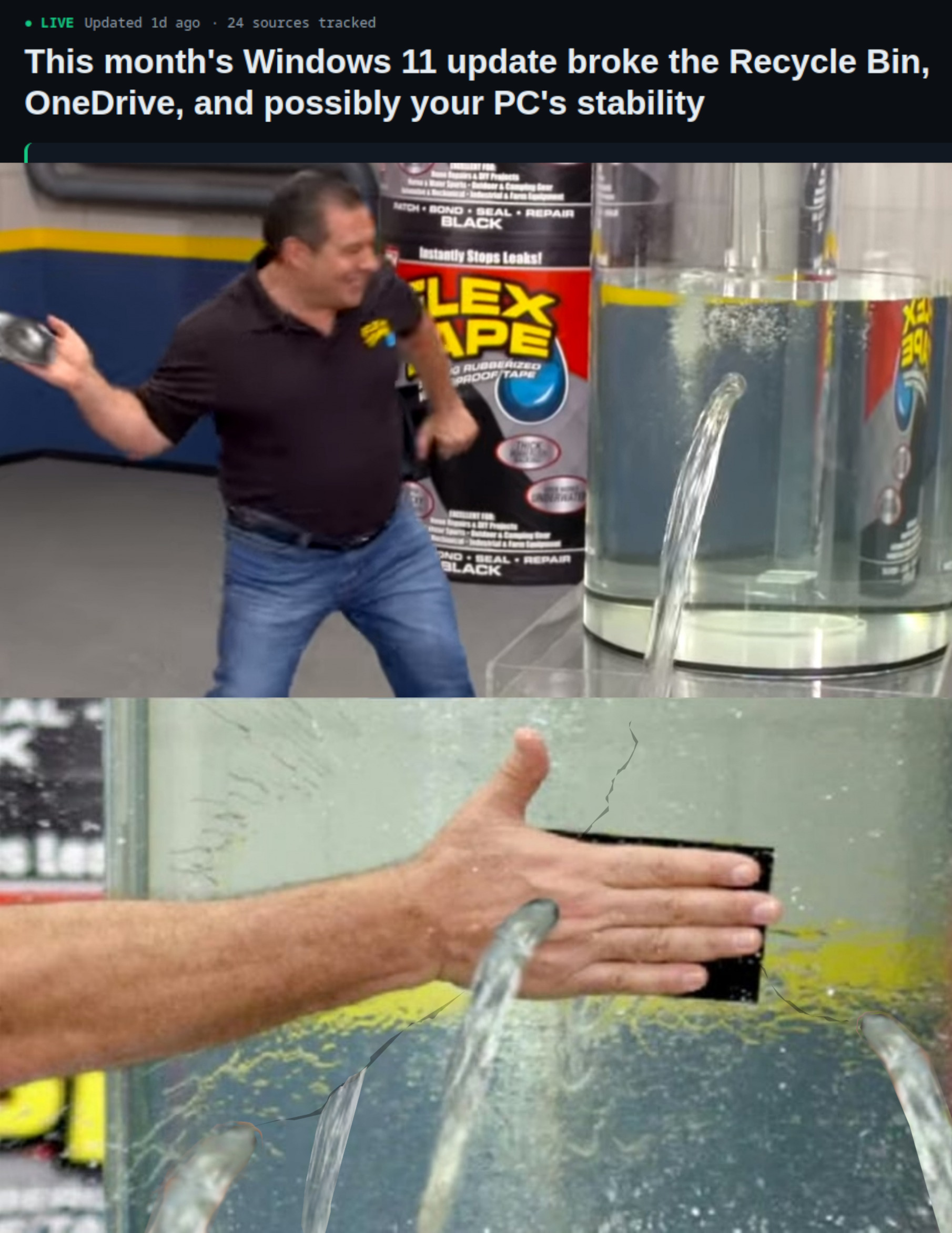
Microsoft really out here using Flex Tape to fix their updates like they're selling you a boat that's already sinking. They broke the RECYCLE BIN—you know, the one thing that's supposed to catch your mistakes? Now it's making mistakes of its own! OneDrive decided to join the chaos, and your PC's stability is just vibing in the corner like "guess I'll die." The sheer audacity of breaking something as fundamental as the trash can is honestly impressive. It's like they're speedrunning how to ruin basic OS functionality. But hey, at least they're consistent—consistently breaking stuff with every update while we all sit here wondering if turning off automatic updates is finally the move.

Me When I Boot My $9,000 Windows 11 Gaming PC After Shutting It Down Over 8 Hours Ago

Me When I Boot My $9,000 Windows 11 Gaming PC After Shutting It Down Over 8 Hours Ago
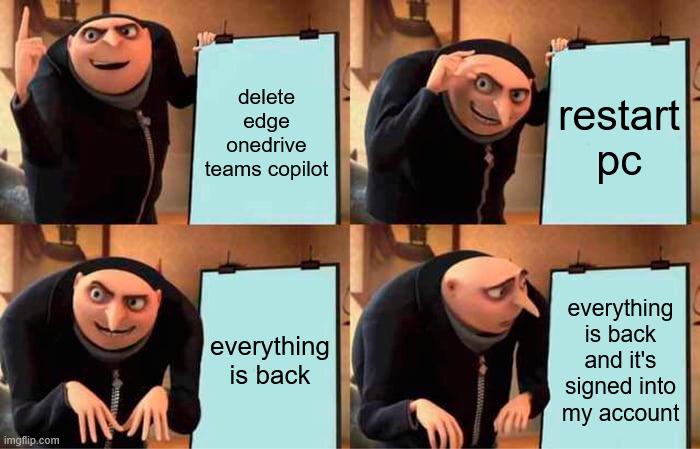
Oh, the AUDACITY of Windows 11 thinking it can just resurrect all your bloatware like some kind of digital necromancer! You spent a solid 20 minutes carefully murdering Edge, OneDrive, and Teams Copilot from Task Manager, feeling like a tech wizard who finally has control over their own machine. You shut down your beast of a PC, sleep peacefully for 8 whole hours, and boot it back up only to find... THEY'RE ALL BACK. Signed into your account. Running in the background. Consuming your precious RAM like they never left. It's like Windows is gaslighting you into thinking you never deleted them in the first place. "Did you really think you had a choice?" whispers Microsoft from the shadows. Your $9,000 gaming rig? More like Microsoft's personal billboard that just happens to run games on the side.

Damn Straight I Tell You H'What

Damn Straight I Tell You H'What
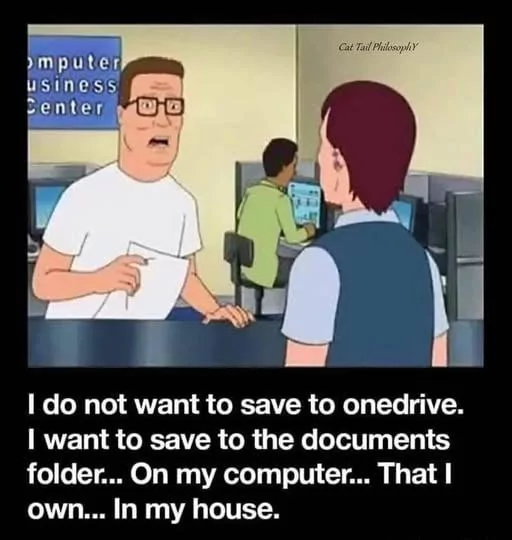
Hank Hill at the Computer Business Center laying down the law about data sovereignty. The cloud evangelists want you syncing everything to OneDrive, but some of us still remember when "the cloud" was just someone else's computer and you actually controlled your own files. There's something deeply satisfying about knowing exactly where your documents live—on spinning rust or SSD, in a folder structure you meticulously organized, on hardware you can physically touch. No subscription fees, no sync conflicts, no "oops we lost your data" emails, and definitely no Microsoft deciding which files you're allowed to access when their servers are having a bad day. Just you, your Documents folder, and the comforting knowledge that your data isn't being indexed by seventeen different AI models.

NordVPN

NordVPN
Encrypt your traffic on public Wi-Fi, stream from anywhere, and cover up to ten devices with one plan. 30-day money-back guarantee.

Let's Finish Configuring Your PC

Let's Finish Configuring Your PC
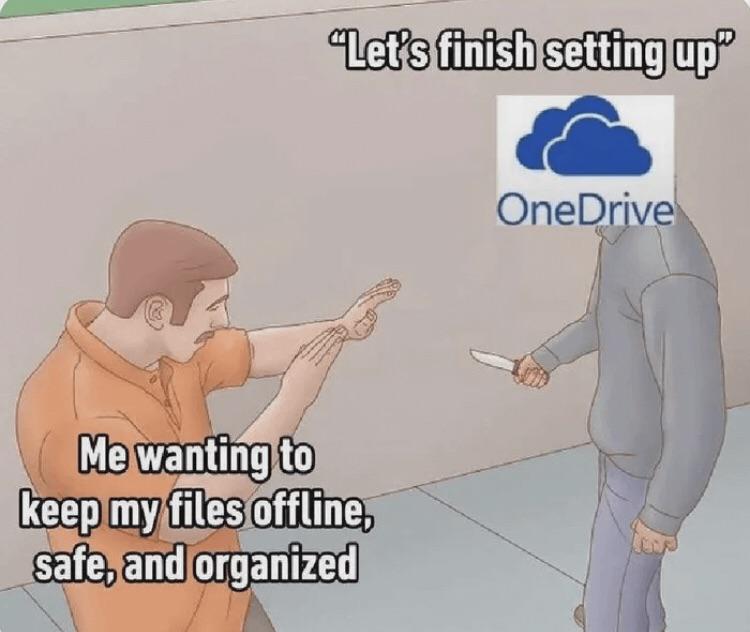
Windows setup really thinks it's doing you a favor by aggressively pushing OneDrive down your throat like it's some kind of essential system component. You just want your files on your local SSD where you can actually control them, but Microsoft's got other plans for your data. Nothing says "user choice" quite like having to fight off cloud storage integration during every fresh Windows install. The knife really captures the energy here—OneDrive isn't taking no for an answer. It'll sync your Desktop folder whether you like it or not, then wonder why you're confused when your files disappear because you're offline. Pro tip: That "Skip" button they hide in the corner? You'll need a magnifying glass and the determination of someone debugging a race condition at 3 AM to find it.

Technically, I'M A Millionaire Too... Thanks To My Credit Card Limit..

Technically, I'M A Millionaire Too... Thanks To My Credit Card Limit..
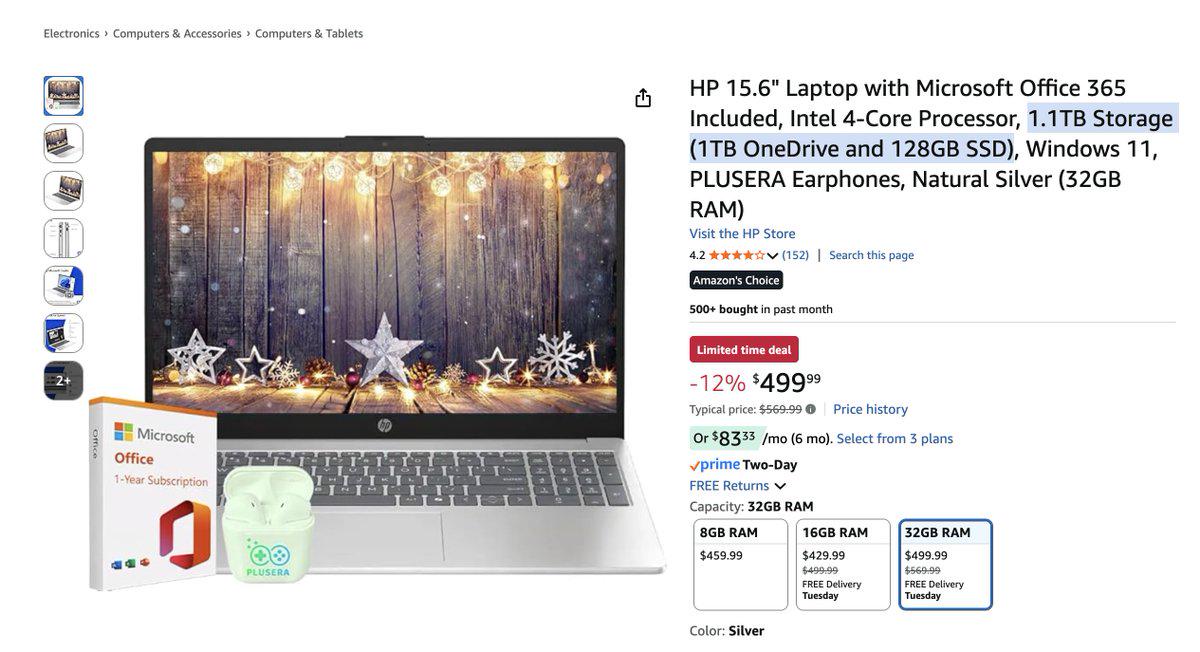
That feeling when you see "1.1TB Storage" and your brain immediately goes "wow, that's a lot!" until you realize it's 1TB OneDrive (cloud storage you don't own) + 128GB SSD (actual storage you can use). It's like saying you're a millionaire because you have access to a million dollars... that belongs to someone else and you're just renting. Marketing departments have mastered the art of creative math. Sure, technically you have "access" to 1.1TB, just like technically you could spend your entire credit limit. But try downloading your entire Steam library on that 128GB and see how far you get before reality hits harder than a null pointer exception. Also, 32GB RAM on a laptop with an Intel 4-Core and only 128GB SSD? That's like putting a racing engine in a car with bicycle tires. Someone in product management had... interesting priorities.

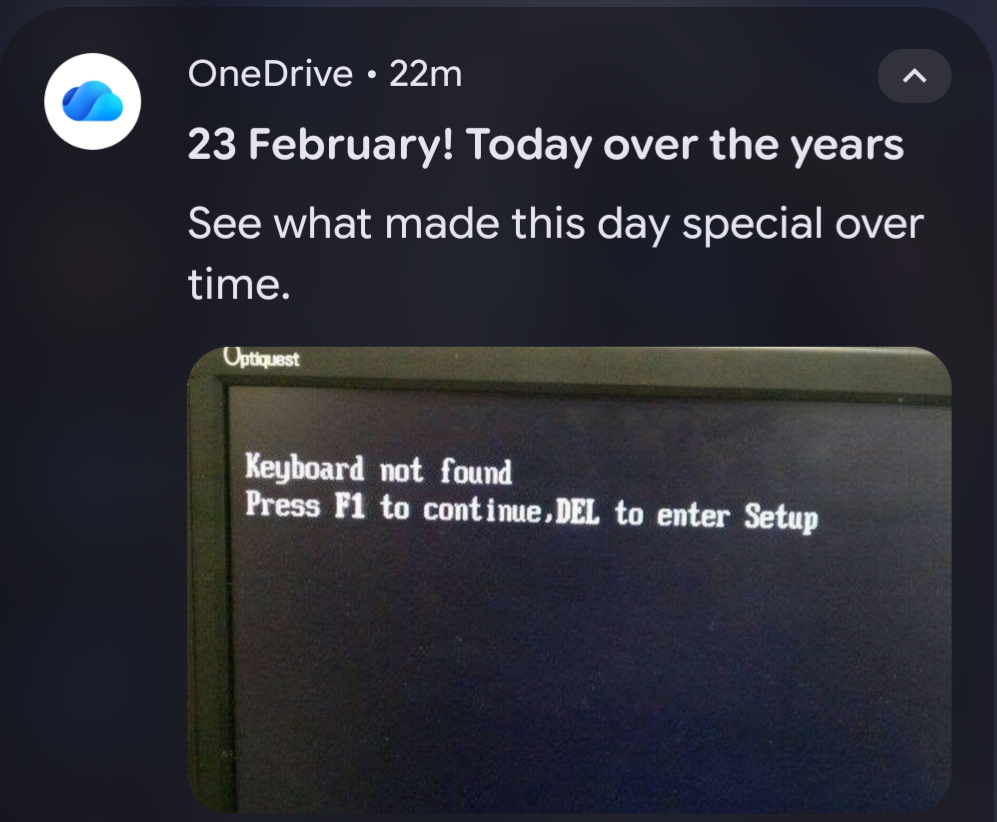
What Made This Day Special

What Made This Day Special
OneDrive's "On This Day" feature is trying to be all nostalgic and heartwarming, showing you memories from February 23rd throughout the years. But instead of vacation photos or birthday celebrations, you get the classic "Keyboard not found" BIOS error message. The beautiful irony here is that the error instructs you to "Press F1 to continue" when it literally just told you the keyboard isn't detected. It's like telling someone to call you back after their phone dies. The system is basically asking you to use the very device it claims doesn't exist – peak hardware logic right there. Nothing says "special memories" quite like troubleshooting boot errors. Some people have wedding anniversaries; we have the day our PS/2 port gave up on life.

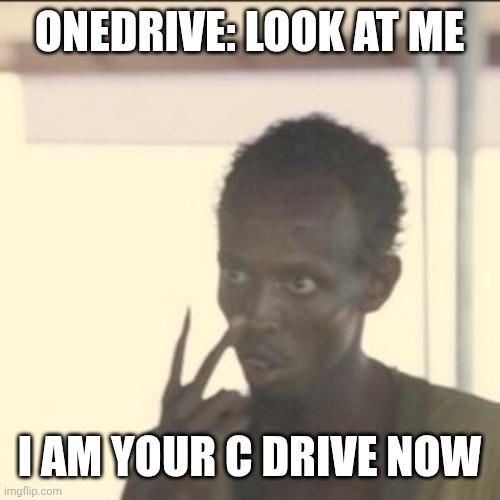
OneDrive: Look At Me, I Am Your C Drive Now

OneDrive: Look At Me, I Am Your C Drive Now
Microsoft really said "you know what your local storage needs? More cloud integration!" and proceeded to make OneDrive the default save location for literally everything. Desktop? OneDrive. Documents? OneDrive. That random screenshot you took? Believe it or not, also OneDrive. Nothing quite like opening File Explorer expecting to see your actual local files, only to discover OneDrive has staged a hostile takeover of your entire directory structure. Your C drive didn't retire, it just got forcibly migrated to the cloud without its consent. And good luck trying to disable it—Microsoft treats that "Turn off OneDrive" button like it's a suggestion, not a command. The best part? When you're on a slow connection and can't access YOUR OWN FILES because they're "syncing." Peak innovation right there.

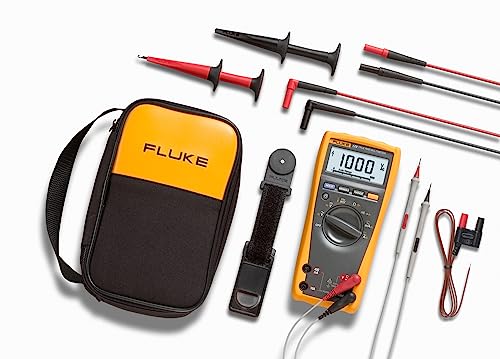
Beelink SER3 Mini PC, Ryzen 3 3200U 2C/4T 3.5GHz,16G DDR4 RAM 500G SSD

Beelink SER3 Mini PC, Ryzen 3 3200U 2C/4T 3.5GHz,16G DDR4 RAM 500G SSD
🎈【POWERFUL PERFORMANCE】Beelink SER3 equipped with AMD Ryzen 3 3200U (up to 3.5GHz), which adopts an 2-core/4-thread. The base frequency is 2.6GHz / Max turbo frequency can reach 3.5GHz. Ensure seamle…

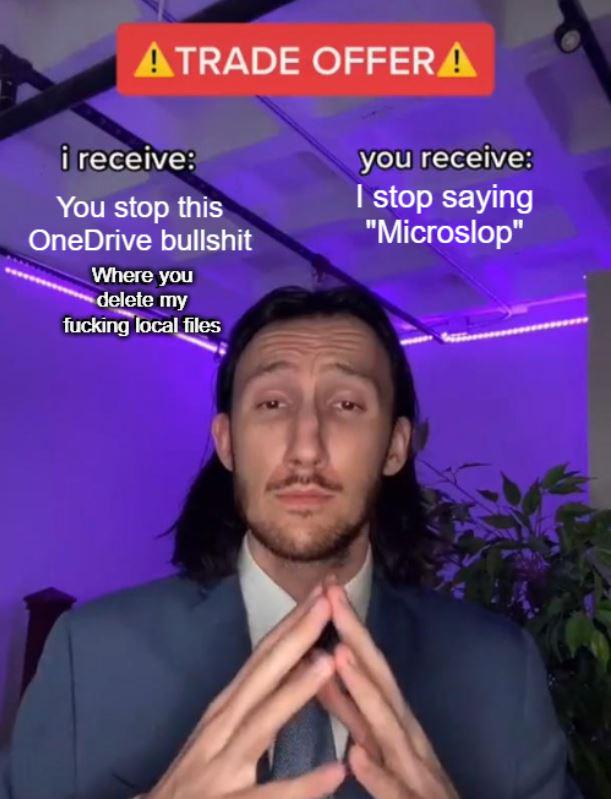
Do We Have A Deal Satya Nadella

Do We Have A Deal Satya Nadella
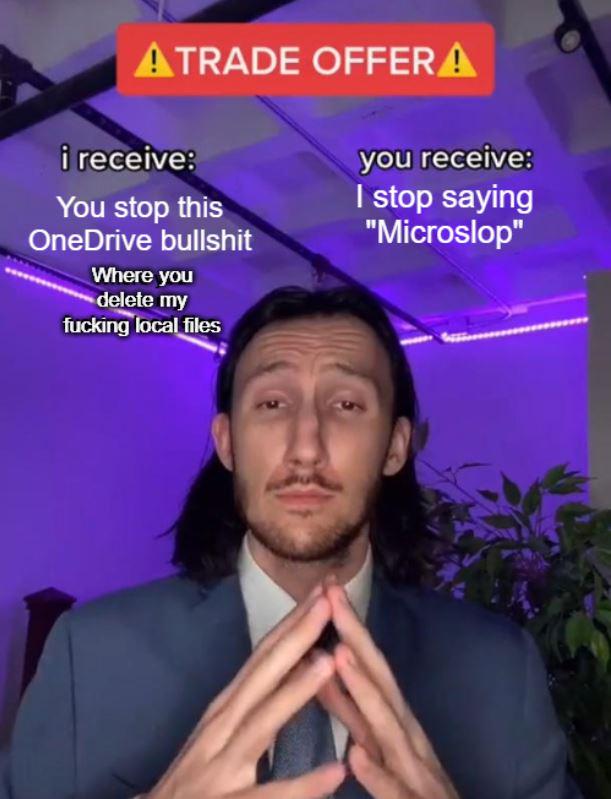
Ah yes, the classic negotiation with Microsoft: stop deleting my local files without permission and maybe I'll stop calling you "Microslop." OneDrive has this charming habit of deciding which files you really need, then yeeting them into the cloud whether you asked for it or not. Nothing says "productivity" like frantically searching for a file that was on your desktop five minutes ago, only to discover it's now being held hostage in the cloud with a "Files On-Demand" ransom note. The trade is simple: respect my local storage, and I'll respect your company name. Fair's fair, Satya.

Do We Have A Deal Satya Nadella?

Do We Have A Deal Satya Nadella?
Every Windows user has had that moment where OneDrive decides to play god with your local files. You know, when it just casually deletes stuff you thought was safely stored on your actual hard drive, not floating in Microsoft's cloud dimension. The negotiation here is simple: stop forcing OneDrive down our throats and randomly nuking our files, and in return, we'll stop calling you "Microslop." Fair trade, right? The desperation in those praying hands says it all—we've all been burned by aggressive cloud sync policies that treat local storage like it's optional. Pro tip: OneDrive's "Files On-Demand" feature has probably caused more heart attacks than it's saved disk space. Nothing quite like opening a folder and realizing everything is just a cloud placeholder now.