


Laptop Memes

Posts tagged with Laptop
No Agent Left Behind

No Agent Left Behind
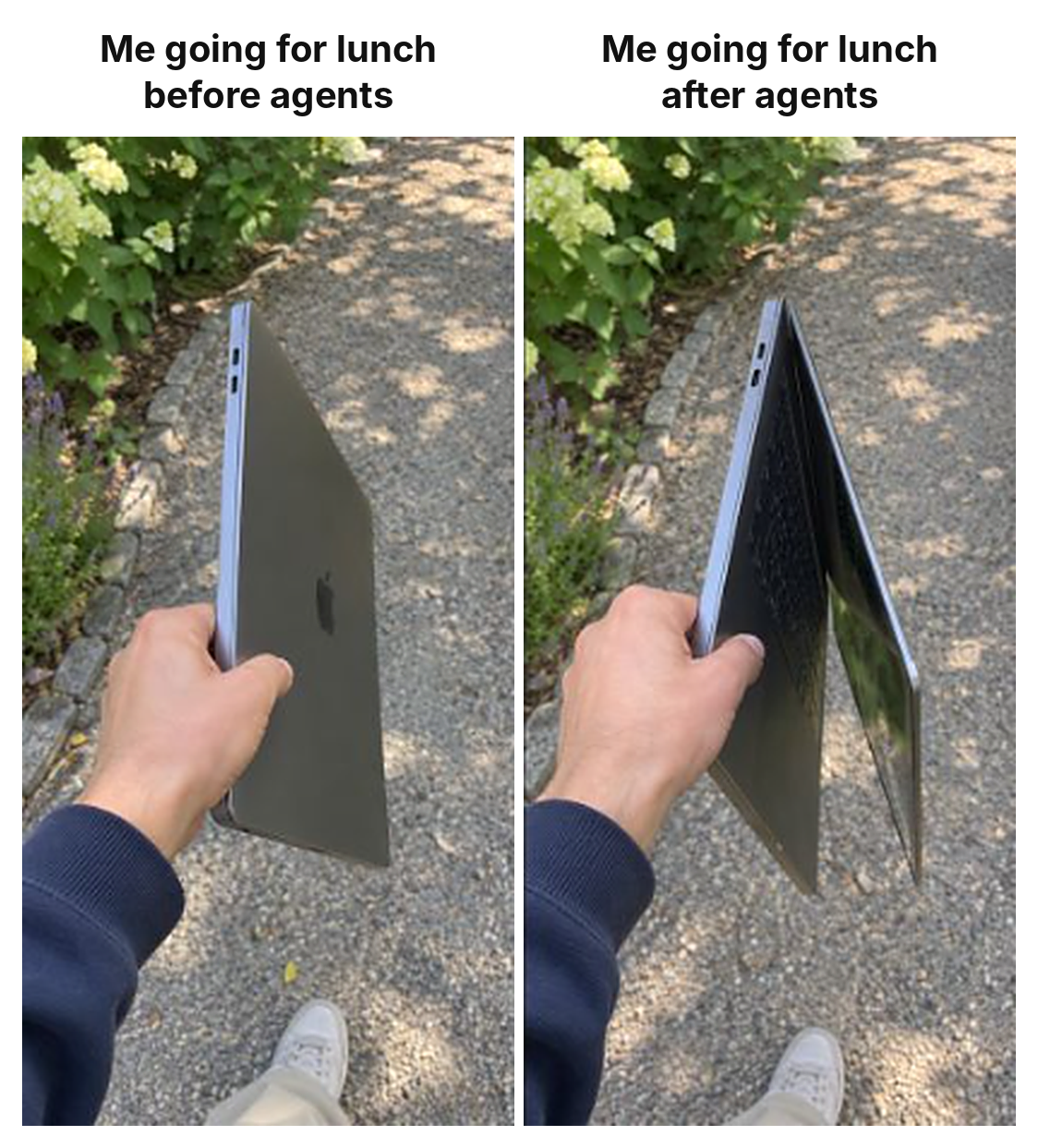
The AI coding assistant era has turned us all into digital shepherds. You leave for lunch with one laptop, you come back carrying an entire fleet. Can't just abandon Copilot, Cursor, or whatever LLM you've got running locally because "what if I need to debug something during my burrito run?" Pretty soon we'll need backpacks with dedicated laptop compartments labeled by AI agent. "Oh sorry, can't grab coffee, gotta bring my three machines because Claude is on this one, GPT-4 is on that one, and the third is running my local Llama model that I swear is totally necessary." The weight-to-productivity ratio is definitely not in our favor here.

What Do You Guys Think

What Do You Guys Think
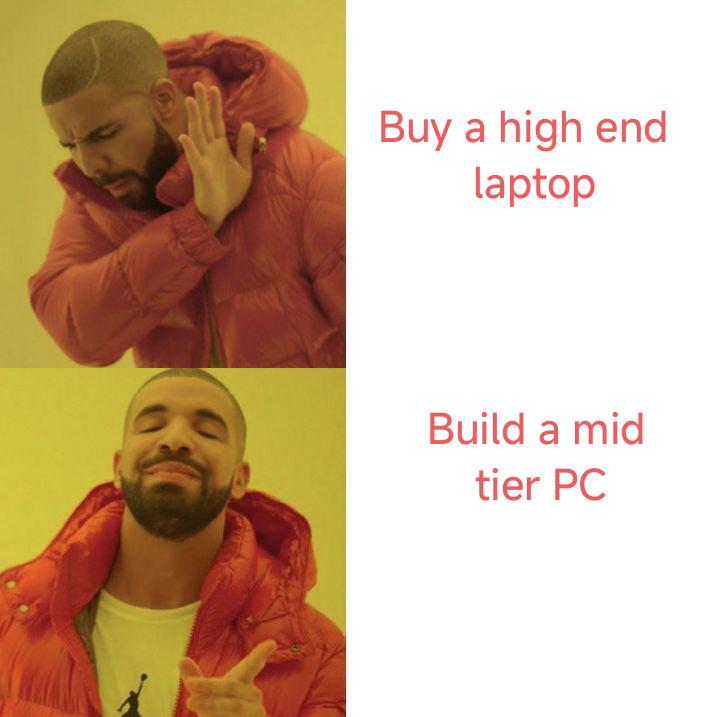
The classic developer dilemma: drop $3k on a MacBook Pro that'll thermal throttle while compiling, or spend half that building a PC that'll smoke it in benchmarks but make you look like you're gaming during standup when your RGB keyboard lights up the Zoom call. Plot twist: you'll end up with both. The laptop for coffee shop coding (let's be honest, showing off), and the PC for actual work. The mid-tier PC will outperform the high-end laptop every single time, but try explaining to your non-tech friends why you're lugging around a tower to the coworking space. Bonus points if you build the PC, realize you need portability, buy the laptop anyway, then use the PC as a glorified Docker host.

The Duality Of A Man

The Duality Of A Man
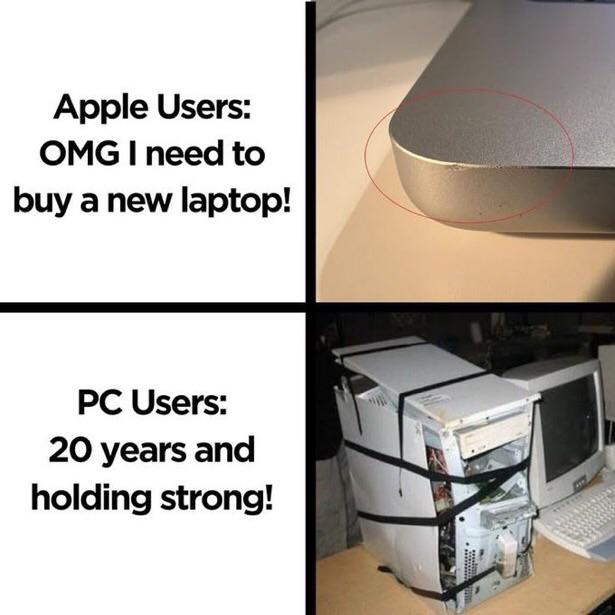
Apple users will declare a national emergency over a microscopic scratch that's only visible under a forensic microscope, meanwhile PC users are out here running rigs held together by duct tape, prayers, and what appears to be a structural violation of several physics laws. That PC tower looks like it survived a house fire and still boots into Windows XP faster than your MacBook can open Safari. The real flex? That Frankenstein PC probably cost $200 total over two decades and can still run Doom, while the MacBook needs a $2000 replacement because the aluminum got a tiny dent. Different philosophies, same destination: somehow getting work done.

I Hope You Have UPS, Guys...

I Hope You Have UPS, Guys...
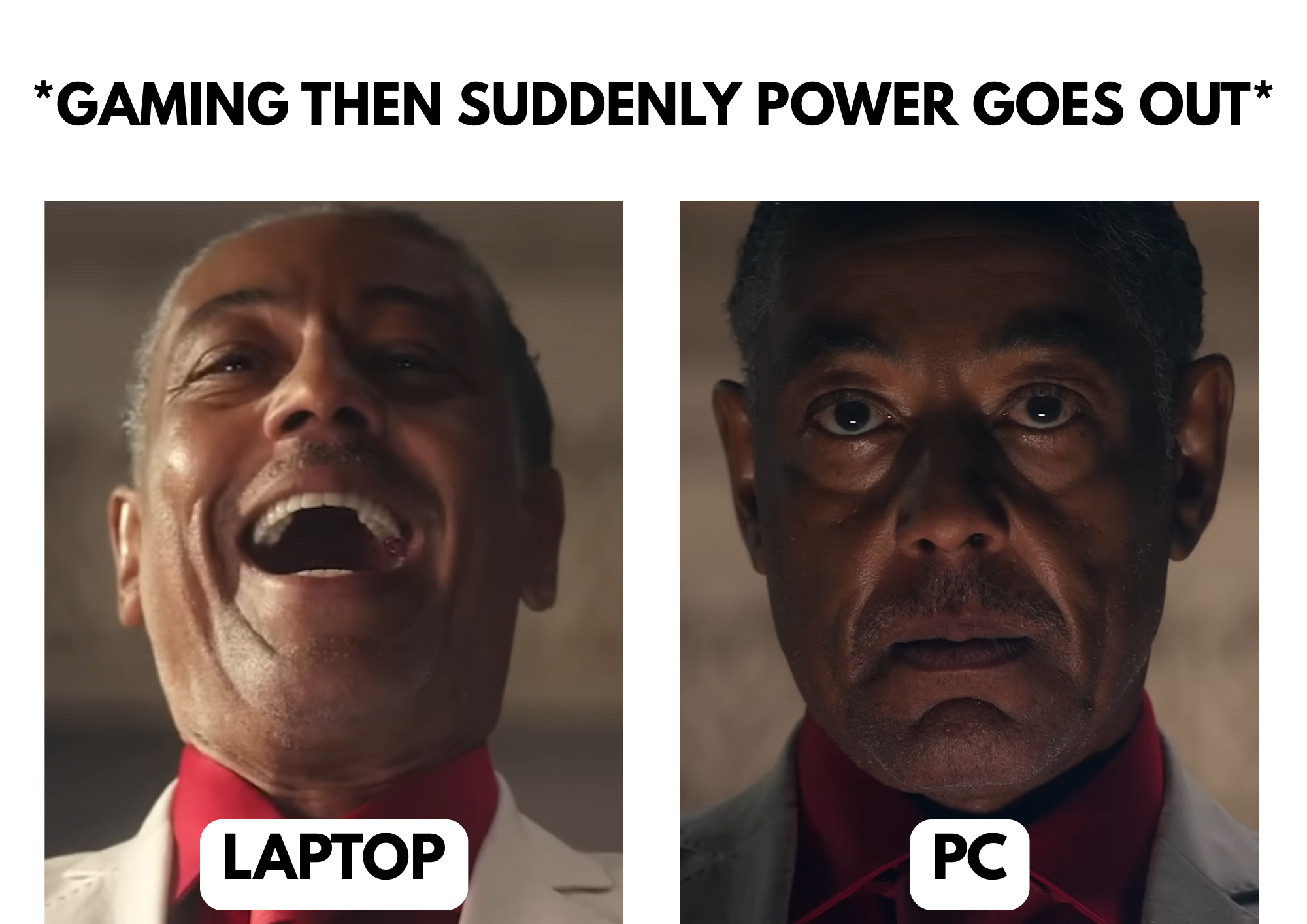
Your laptop is living its best life, running on battery power like the smug little portable king it is, completely unfazed by the apocalypse happening to the electrical grid. Meanwhile, your desktop PC just experienced the digital equivalent of sudden cardiac arrest—no warning, no goodbye, just straight to the void. All those unsaved files? GONE. That compile that was 99% done? OBLITERATED. Your PC is sitting there having a full existential crisis while your laptop is basically doing a victory lap around the room. This is why desktop users hoard UPS (Uninterruptible Power Supply) units like they're preparing for the end times. Because nothing—and I mean NOTHING—compares to the sheer terror of watching your screen go black mid-save. Battery privilege is REAL, people.

Reviving An Old Laptop

Reviving An Old Laptop
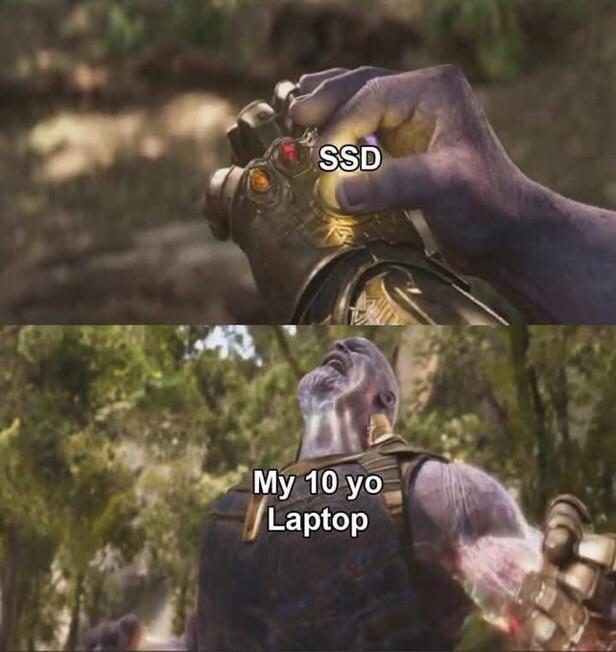
You know that dusty laptop from 2014 that takes 15 minutes to boot and sounds like a jet engine? Yeah, slap an SSD in that bad boy and suddenly it's like you've got the Infinity Gauntlet. The transformation is honestly magical – from "please kill me" to "I can run three browser tabs without crying" in one simple upgrade. It's the closest thing we have to actual necromancy in tech. That spinning rust HDD was literally the only thing holding it back from a semi-decent retirement as a Linux box or a dedicated Spotify machine.

Time Is Flying Really Fast…

Time Is Flying Really Fast…
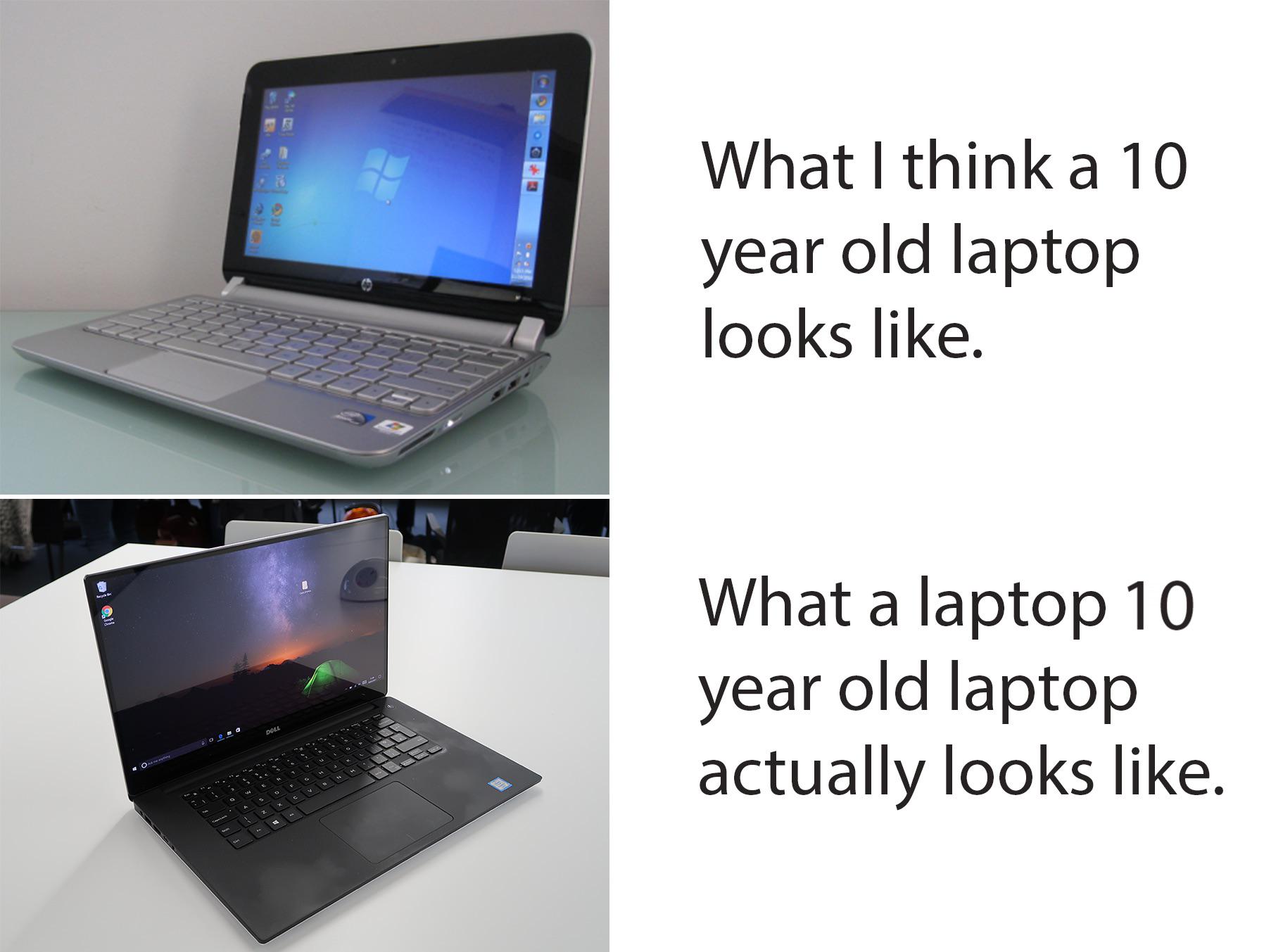
The existential crisis hits different when you realize that Windows 7-era laptop with its chunky bezels and glossy screen still feels like "modern tech" in your brain, but a decade has actually passed and now we're rocking sleek minimalist machines that look like they came from a sci-fi movie. That HP netbook on top? Yeah, that's what we thought cutting-edge portability looked like. Now the bottom one is technically a dinosaur too, but it aged like fine wine compared to its ancestor. Technology moves so fast that our perception of "old" is completely broken. Give it another 5 years and that sleek black laptop will look just as dated. The real kicker? Both are probably still running better than your company's production server that "we'll upgrade next quarter."

NordVPN

NordVPN
Encrypt your traffic on public Wi-Fi, stream from anywhere, and cover up to ten devices with one plan. 30-day money-back guarantee.

At Least It Won't Overheat Anymore...

At Least It Won't Overheat Anymore...
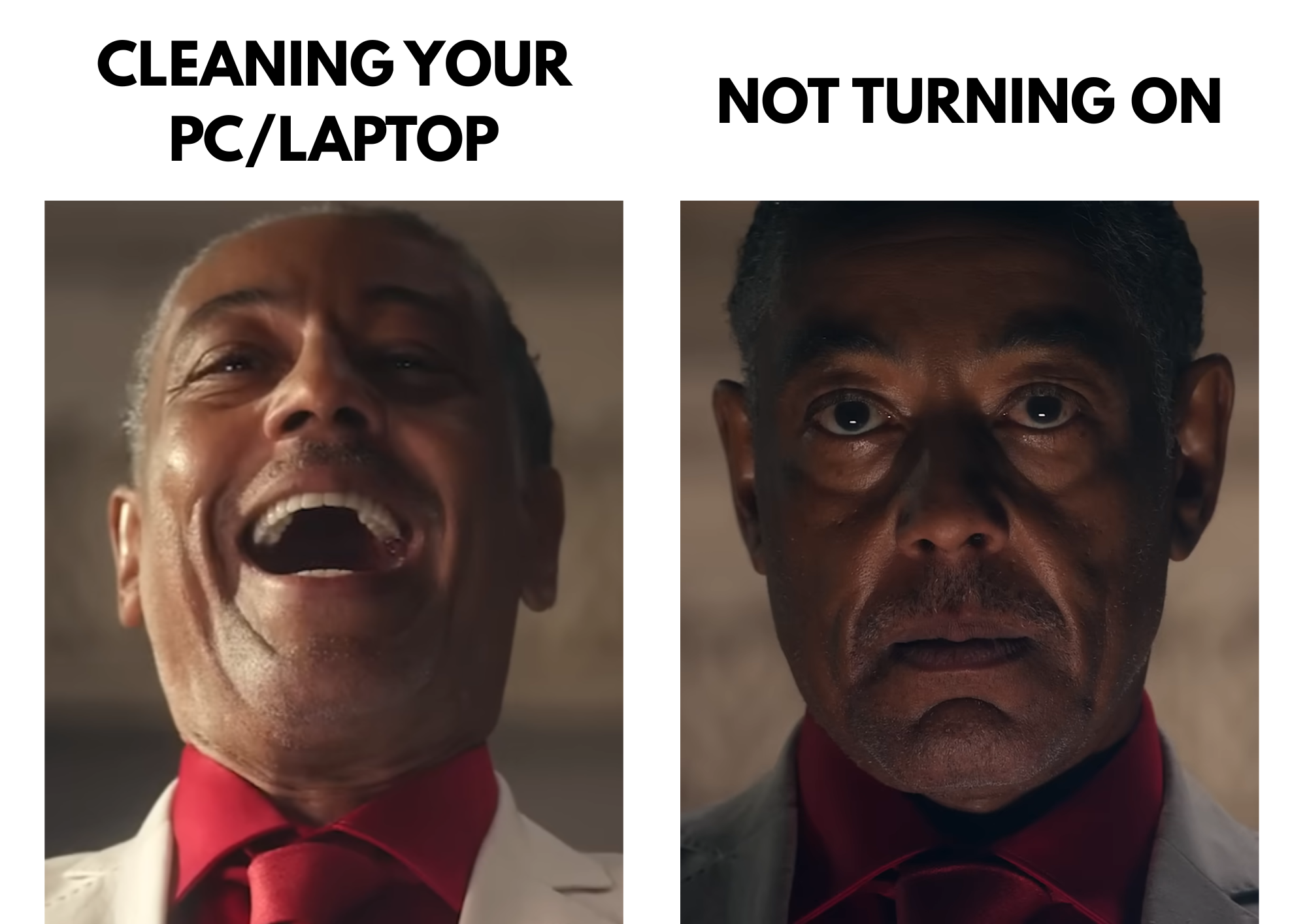
You know that feeling when you finally decide to clean out your crusty old laptop because it's been thermal throttling for months? You're all optimistic, armed with compressed air and a screwdriver, thinking you're about to resurrect this thing. Left side: pure joy. "Look at all this dust coming out! My temps are gonna drop 20 degrees!" Right side: the cold realization when you press the power button and... nothing. Absolute silence. Turns out you either disconnected something vital, stripped a screw, or just straight up angered the hardware gods. Now you're frantically Googling "laptop won't turn on after cleaning" at 2 AM. But hey, technically it won't overheat anymore. Can't overheat if it can't heat at all. Problem solved, ship it.

Except On The Asus Zephyrus M 15, You Don't Have A Camera...

Except On The Asus Zephyrus M 15, You Don't Have A Camera...
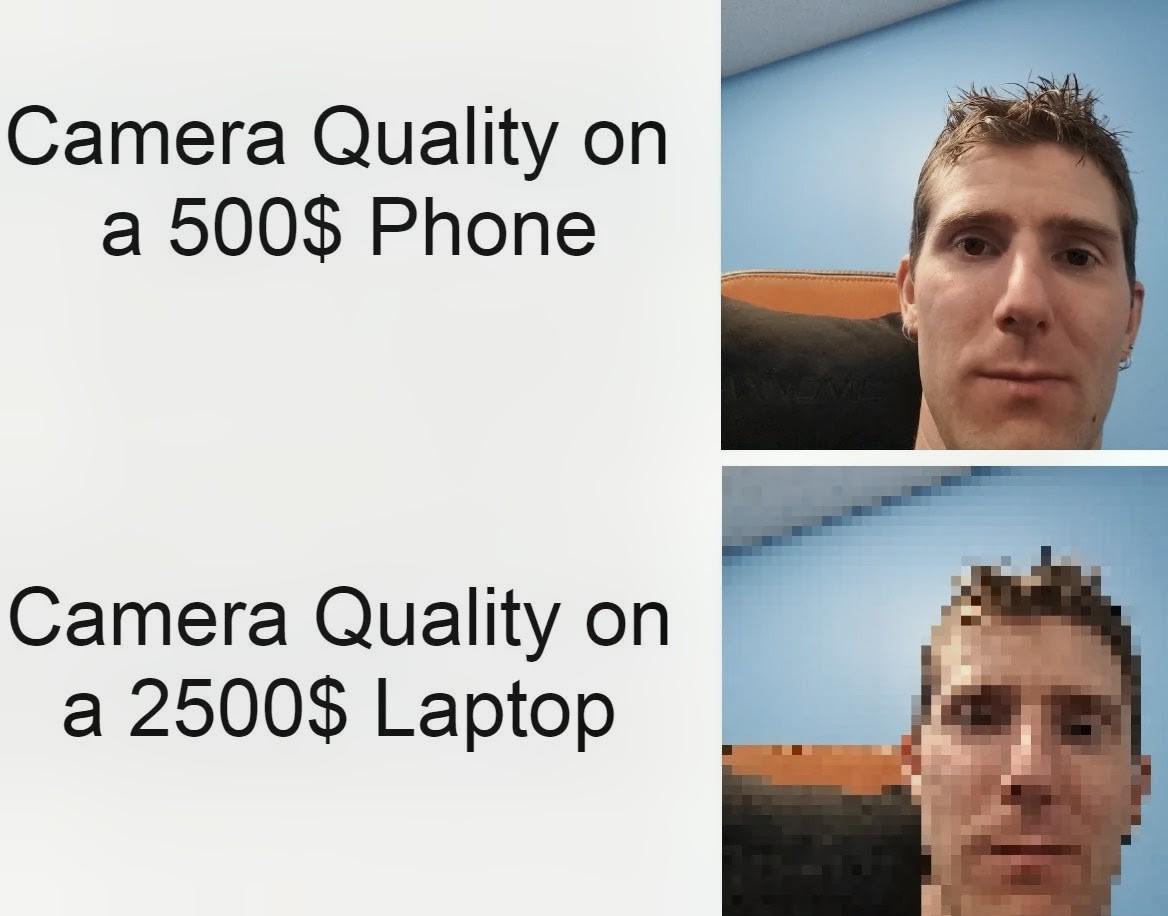
Gaming laptop manufacturers really said "let's spend $2500 on RGB lighting, a nuclear reactor GPU, and mechanical keyboard switches" but completely forgot webcams exist. Meanwhile your budget phone from 2019 is out here taking crystal clear selfies. The Asus Zephyrus M15 is notorious for this—it's a beast of a machine that can render entire universes but can't give you a decent webcam for your daily standups. You're literally better off using your phone camera, which is both hilarious and deeply embarrassing when you're trying to justify that laptop purchase to your significant other. Pro tip: If you own one of these, you've definitely done the "sorry, my camera isn't working" excuse at least once when you just didn't feel like turning on video. Silver lining, I guess?

Little Stick That Could

Little Stick That Could
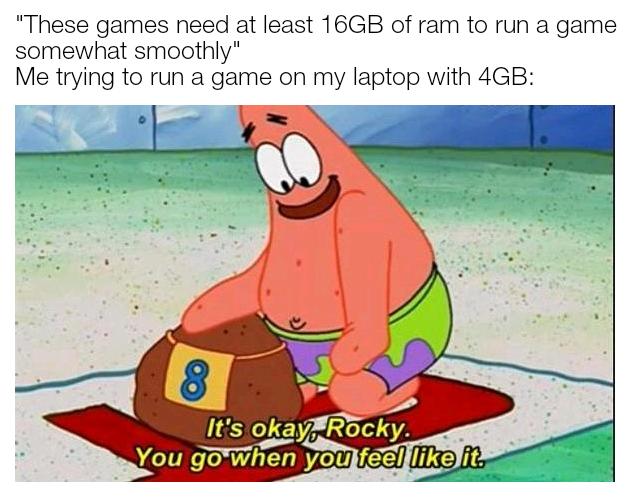
When game devs say "minimum 16GB RAM" but you're out here with 4GB like it's 2010, trying to convince yourself it'll be fine. Patrick comforting Rocky the snail is basically you patting your poor laptop on the head while it's already sweating through the boot screen. The optimism is admirable, the thermal throttling is inevitable. Spoiler alert: it won't go when it feels like it—it'll crash when the memory leak feels like it.

Ways To Place Mouse In Laptop

Ways To Place Mouse In Laptop
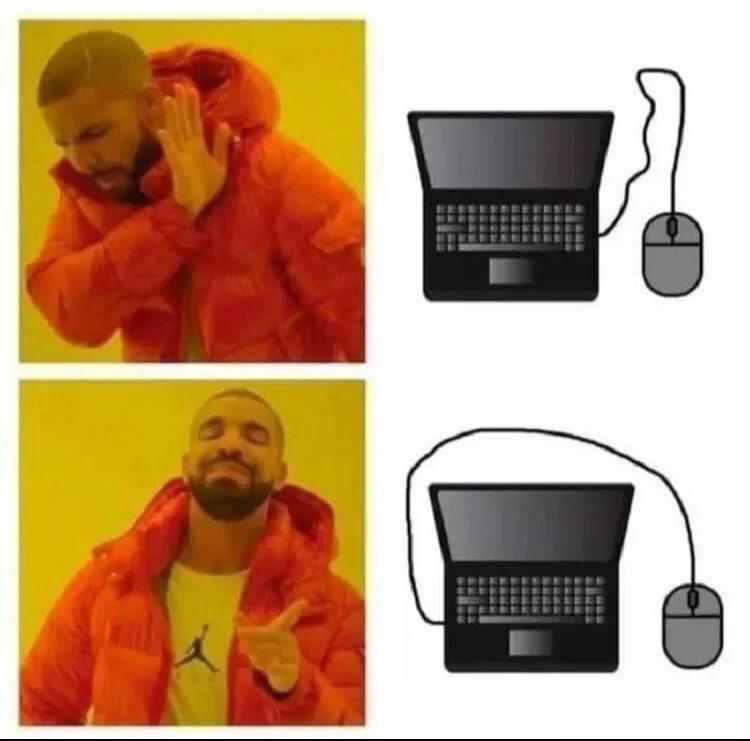
You know you've reached peak enlightenment when you discover that the mouse cable doesn't have to look like a deranged spaghetti strand doing parkour over your laptop screen. The first setup? Absolute chaos. The wire going OVER the laptop like it's trying to escape to freedom? Disgusting. Unacceptable. A crime against ergonomics. But then... *chef's kiss*... the second option reveals itself. The cable gracefully swooping AROUND the laptop, giving you that clean, unobstructed view of your screen while your mouse chills on the side like a civilized peripheral. It's the difference between a tangled mess of regret and a zen garden of productivity. Your wrists thank you, your eyes thank you, and honestly, your entire soul feels a little lighter. The Drake meme format perfectly captures that moment when you realize you've been living in the stone age of mouse placement and suddenly ascend to cable management nirvana.

Programmer Programming Code Pen Holder PU Leather Round Pencil Holder Desk Organizer Cute Pencil Cup Modern Pencil Organizer Luxury Makeup Brush Holder for Office Home Desk Accessories & Gift

Programmer Programming Code Pen Holder PU Leather Round Pencil Holder Desk Organizer Cute Pencil Cup Modern Pencil Organizer Luxury Makeup Brush Holder for Office Home Desk Accessories & Gift
Sleek Desk Organization: Keep your workspace neat with this Programmer Programming Code round pen holder. Its cylindrical design efficiently stores pens, pencils, scissors, and makeup brushes, turnin…

Laptop CPU Upgrade

Laptop CPU Upgrade
Someone bought a Core i9 processor box thinking they could upgrade their laptop that has a Core i3 soldered to the motherboard. Bless their heart. Here's the thing about modern laptops: the CPU is about as replaceable as your regrets. It's permanently attached to the board, sealed with the tears of people who thought "upgradeable" was still a thing in 2024. You can't just pop it out like it's 2005. This is either someone who genuinely didn't know (RIP that return), or a beautiful piece of performance art about the false promises of consumer electronics. Either way, that i9 box is going straight back to the store with a sheepish "yeah, I changed my mind" excuse.

Best Position To Use A Laptop

Best Position To Use A Laptop
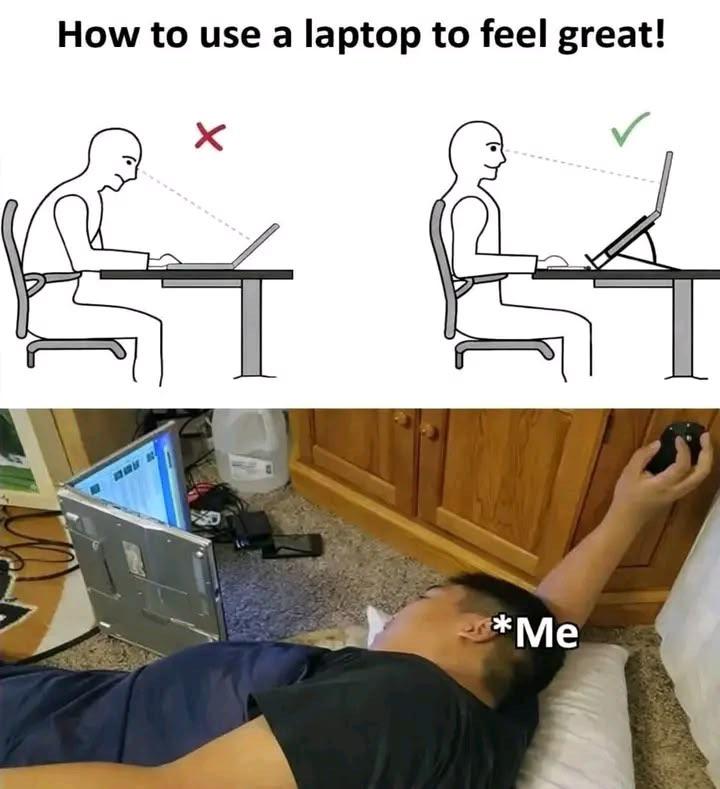
Ergonomics? Never heard of her. While corporate wellness programs are out here preaching about proper posture and laptop stands, developers have discovered the true optimal position: lying on the floor like a defeated NPC, laptop balanced at a 45-degree angle on your chest, staring up at the screen like you're reading ancient hieroglyphics on a cave ceiling. The top diagram shows you what society thinks you should do versus what chiropractors recommend. The bottom photo? That's the reality of debugging at 2 AM when your back already hurts, your chair is too far away, and you've achieved maximum comfort by becoming one with the ground. Bonus points for the kitchen floor location—truly the developer's natural habitat when the desk just isn't cutting it anymore. Pro tip: This position also doubles as the "my code finally compiled" victory pose and the "production is down" existential crisis stance.