Diy Memes

Posts tagged with Diy
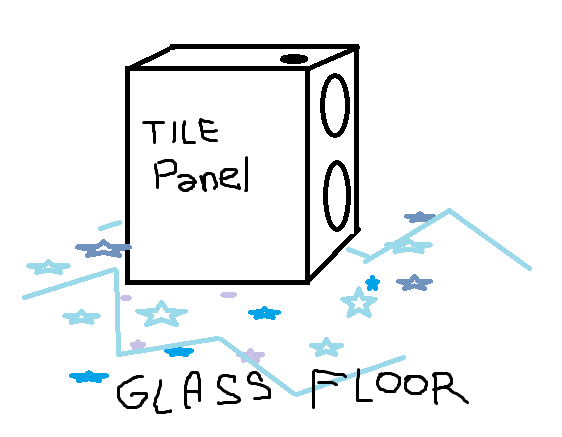
We've All Seen It A Million Times, But Has Anybody Tried Making A Tile Panel To Put On A Glass Floor? I Didn't Want To Use AI To Simulate It So I Just Used Paint.

We've All Seen It A Million Times, But Has Anybody Tried Making A Tile Panel To Put On A Glass Floor? I Didn't Want To Use AI To Simulate It So I Just Used Paint.
Someone finally asked the question nobody thought to ask: what happens when you put the classic "tile panel" texture on a glass floor? Spoiler alert: you get a beautifully hand-crafted MS Paint masterpiece that somehow captures both the essence of early 2000s game development and the "I'll do it myself" energy of a developer who's tired of waiting for AI to load. The commitment to using Paint instead of AI is *chef's kiss*. Why spend 30 seconds prompting an AI when you can spend 15 minutes wrestling with the polygon tool and flood fill? That's the kind of dedication that built Stack Overflow answers at 3 AM. Props for the transparent glass floor effect though—those little stars underneath really sell it. This is what game dev looked like before Unity asset stores existed, and honestly? Sometimes the jank is part of the charm.

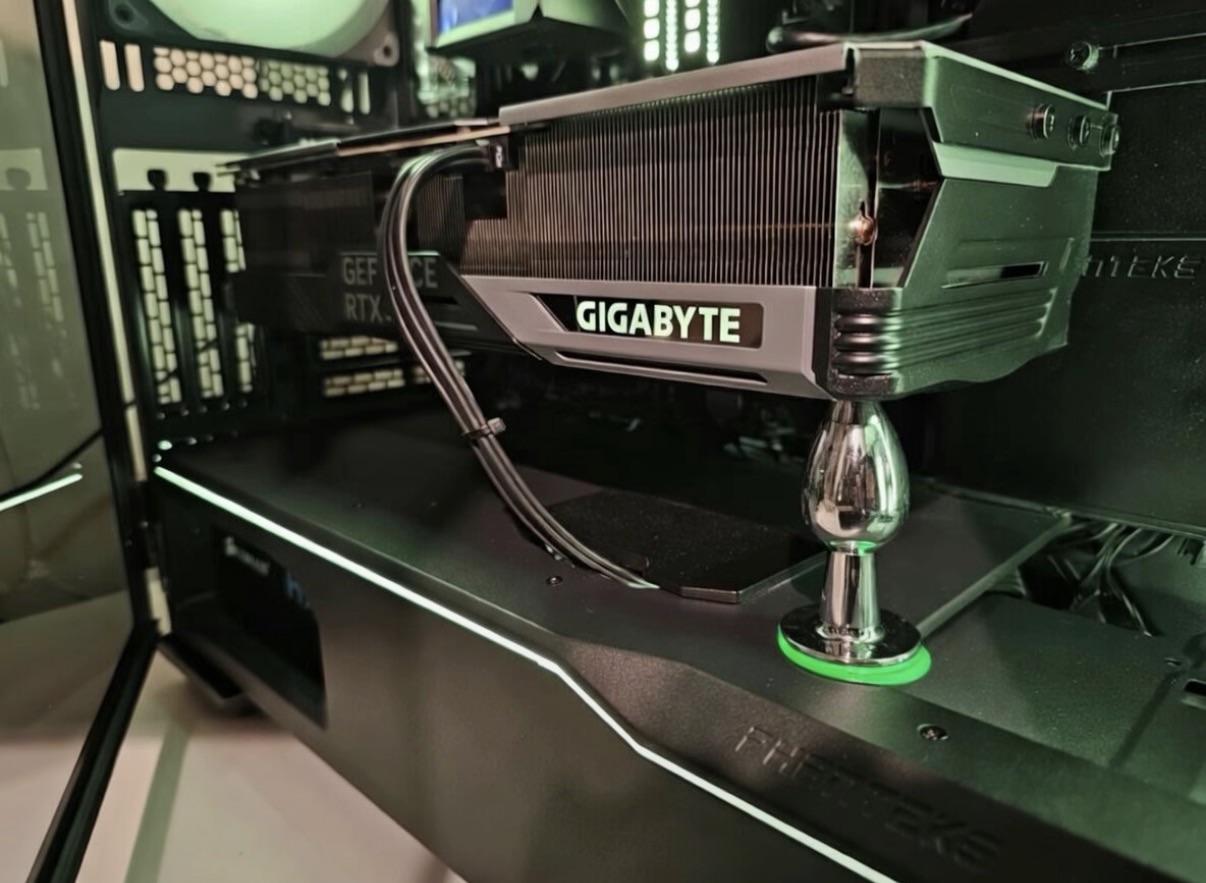
Improvised GPU Holder, Can't Afford It

Improvised GPU Holder, Can't Afford It
When you drop $800 on a GPU but suddenly a $15 support bracket feels like financial irresponsibility. The solution? A butt plug. Because nothing says "I make excellent life choices" quite like repurposing adult toys as PC hardware support. GPU sag is real—these chonky graphics cards can bend your PCIe slot over time. But instead of buying an actual GPU brace, our hero here went full MacGyver mode with what appears to be a chrome-finished "personal massager" doing structural engineering work. The green base really ties the RGB aesthetic together though. Props for creativity, but imagine explaining this to the repair technician when you bring your rig in for service. "Yeah, it's load-bearing."

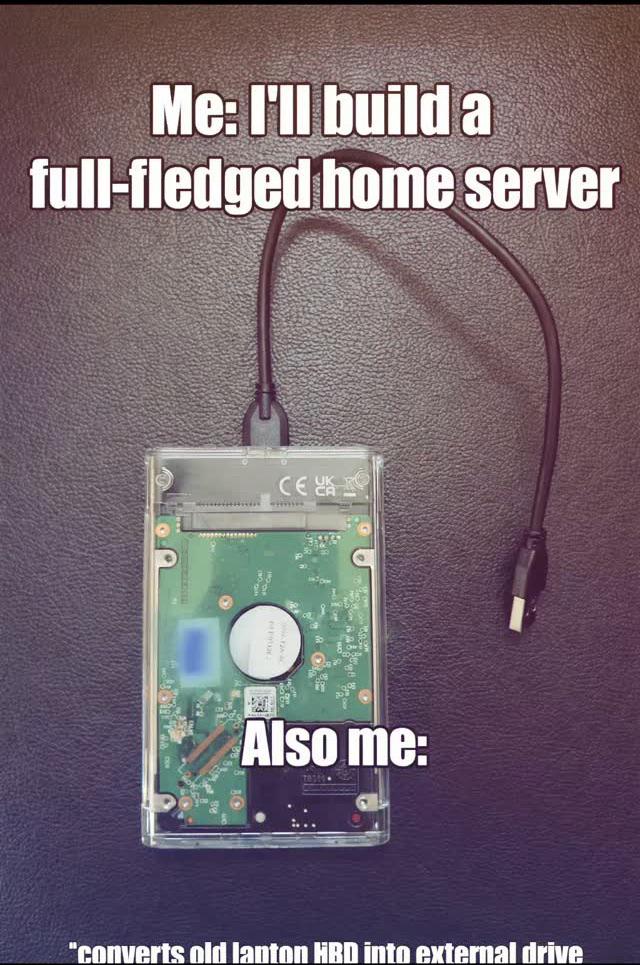
Home Server In This Economy

Home Server In This Economy
We've all been there. You start with grand visions of a proper homelab with enterprise-grade hardware, redundant power supplies, maybe some rack-mounted glory. Then you check AWS pricing, look at your electricity bill, remember that used server on eBay costs more than your car payment, and suddenly that dusty laptop hard drive in the drawer starts looking like a viable infrastructure solution. Slap it in a transparent case with a USB cable, and boom—you've got yourself a "full-fledged home server." Will it host your Plex library, run Docker containers, AND serve as your personal cloud? Probably not all at once. But it'll definitely make a concerning clicking noise at 2 AM to remind you of your life choices. The best part? You'll spend more time configuring it than you would've spent just paying for cloud storage. But hey, at least you own your data... and your regrets.

Guys

Guys...
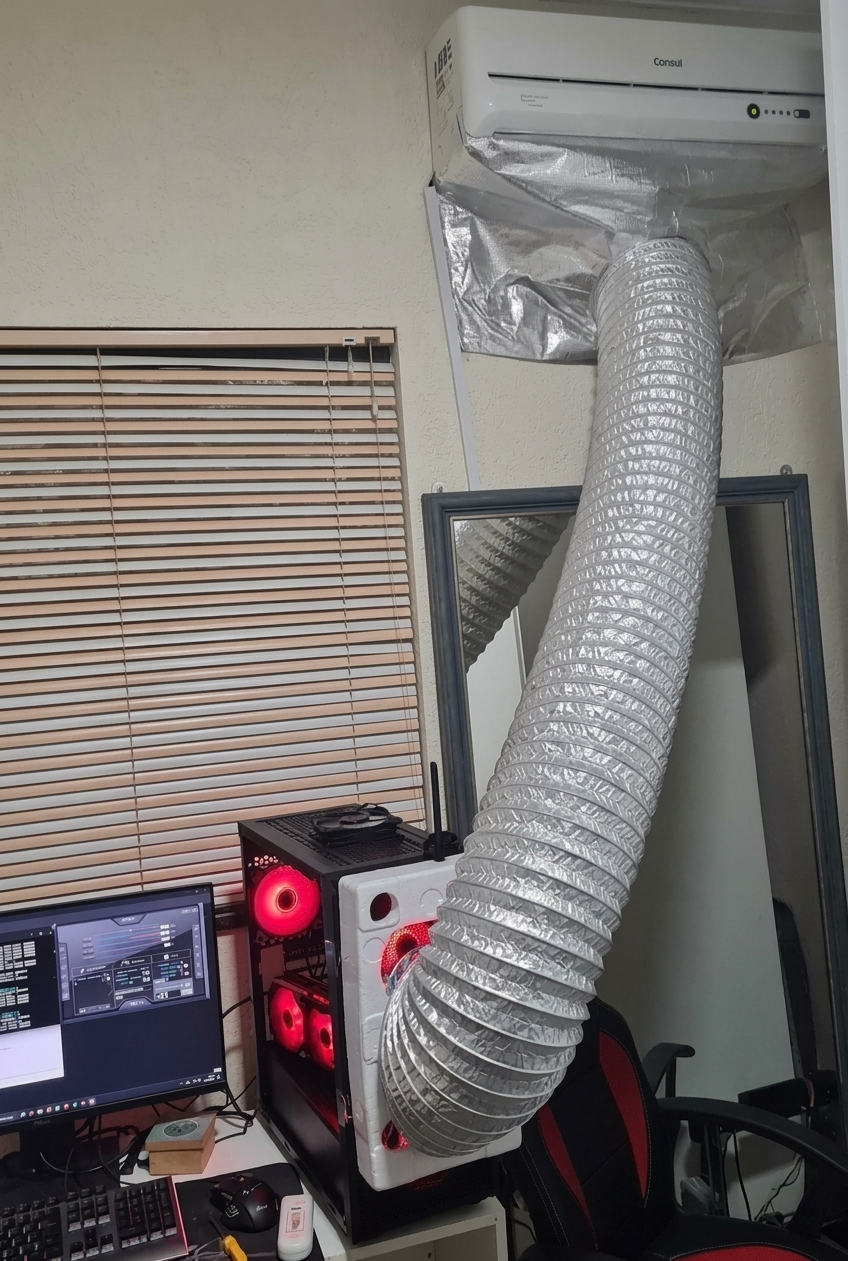
When your gaming rig runs so hot that you need to duct tape an entire AC unit's exhaust hose to it like you're performing emergency surgery. Nothing says "optimized cooling solution" quite like turning your setup into a scene from a low-budget sci-fi movie. Look, I get it. You've got those RGB fans glowing red like they're screaming for help, and your CPU is probably thermal throttling harder than a junior dev's first production deployment. But at some point, you gotta ask yourself: is running Cyberpunk at max settings really worth living in what's essentially a dryer vent? The best part? That AC is working overtime to cool a PC that's probably heating the room faster than it can compensate. It's like a thermodynamic paradox wrapped in aluminum foil and desperation. But hey, at least the frames are smooth.

Linux Users Btw

Linux Users Btw
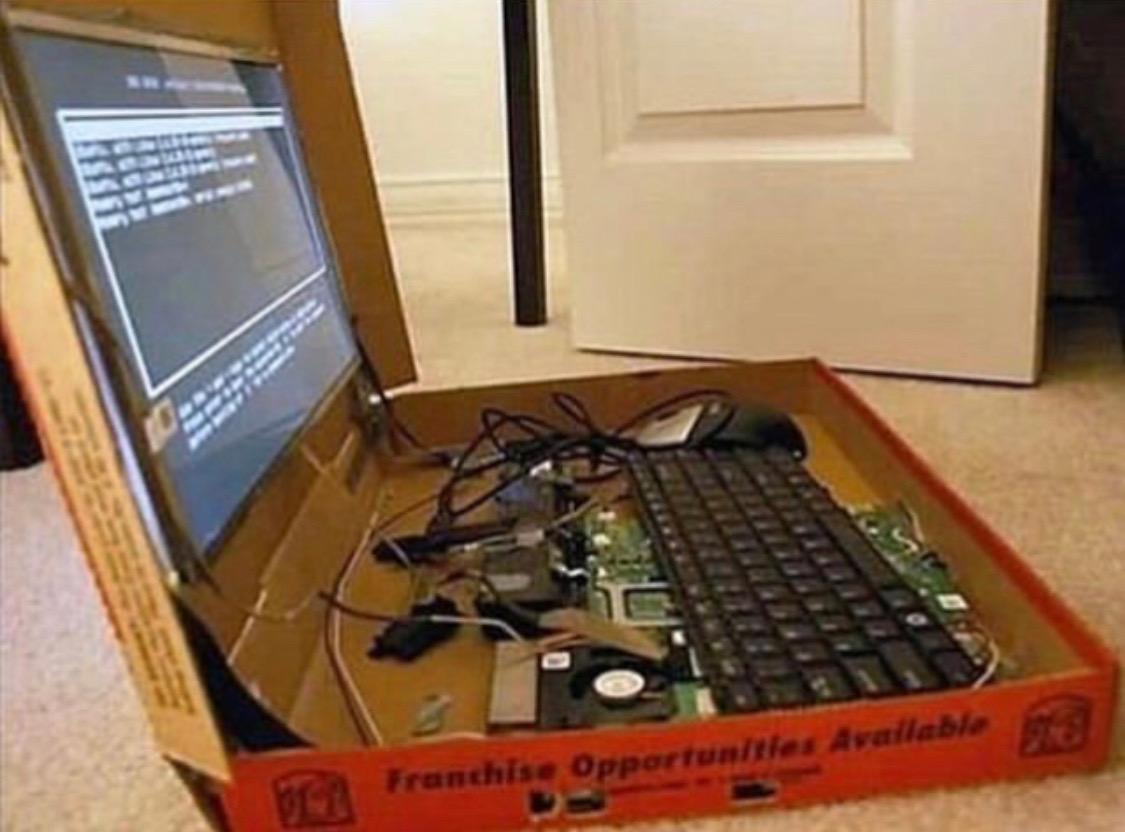
You know how some people order a pizza and just eat it like normal humans? Linux users disassemble the entire box, rewire the cheese distribution system, replace the crust with a custom-compiled sourdough kernel, and then spend three hours debugging why the pepperoni won't boot. And they'll tell you it's better this way. Because it is. Kind of. Maybe. Depends on your distro. The "btw" in the title is a beautiful reference to the Arch Linux meme where users can't go five minutes without mentioning they use Arch. "I use Arch btw" has become the vegan crossfitter of the programming world—except instead of kale smoothies, it's package managers and tiling window managers.

MOUNT PRO Dual Monitor Stand, Free-Standing Full Motion Monitor Desk Mount Fits 2 Screens up to 27 inches,17.6lbs with Height Adjustable, Swivel, Tilt, Rotation, VESA 75x75 100x100, Black

MOUNT PRO Dual Monitor Stand, Free-Standing Full Motion Monitor Desk Mount Fits 2 Screens up to 27 inches,17.6lbs with Height Adjustable, Swivel, Tilt, Rotation, VESA 75x75 100x100, Black
Ergonomically Designed Monitor Stand - it offers -90°to +70° tilt, -90° to +90° swivel, 360° rotation, and adjustable height up to 18.1" to easy find optimal view angle - increase productivity and co…

HP Will Stick An SSD Anywhere

HP Will Stick An SSD Anywhere
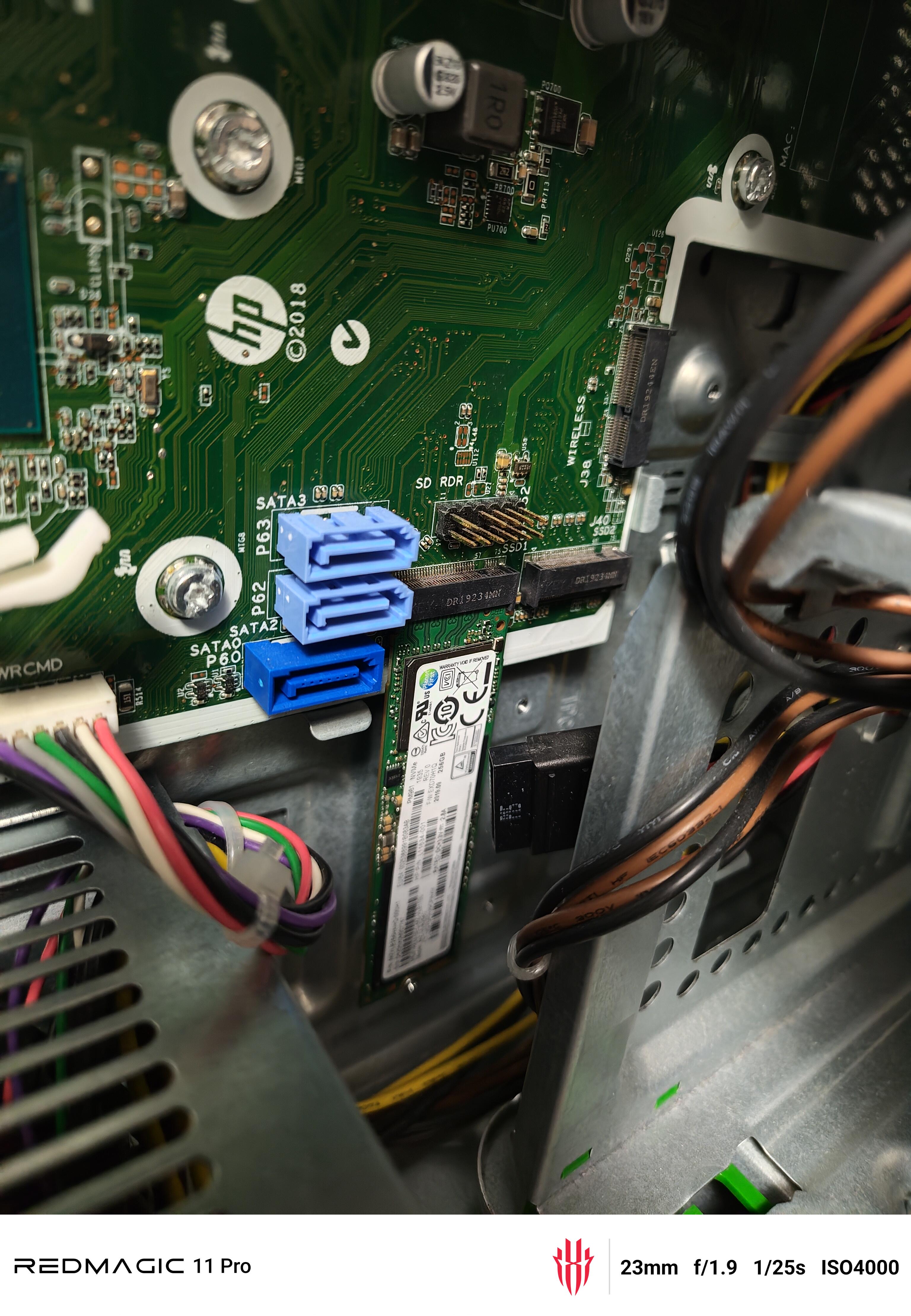
HP engineers really looked at their motherboard layout, saw they had three perfectly good SATA ports, and decided "nah, let's just dangle this M.2 SSD vertically like a Christmas ornament." Because why use standard mounting when you can create a gravity-defying installation that makes every tech support person question their career choices? The best part? There's literally an M.2 slot RIGHT THERE on the board, but HP said "too easy" and went with the aesthetic of a drive just... hanging out. It's like they're testing how much abuse an SSD can take before it files for workers' comp. Cable management? Never heard of her. This is what happens when your hardware design team is paid by the hour and really wants to stretch that budget.

Did You Build Your Own PC Setup?

Did You Build Your Own PC Setup?
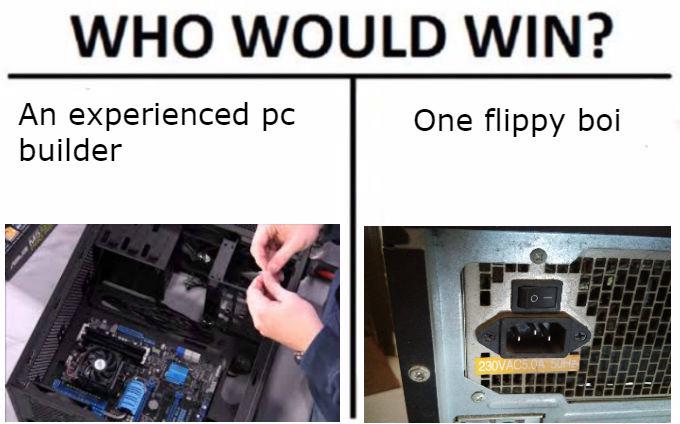
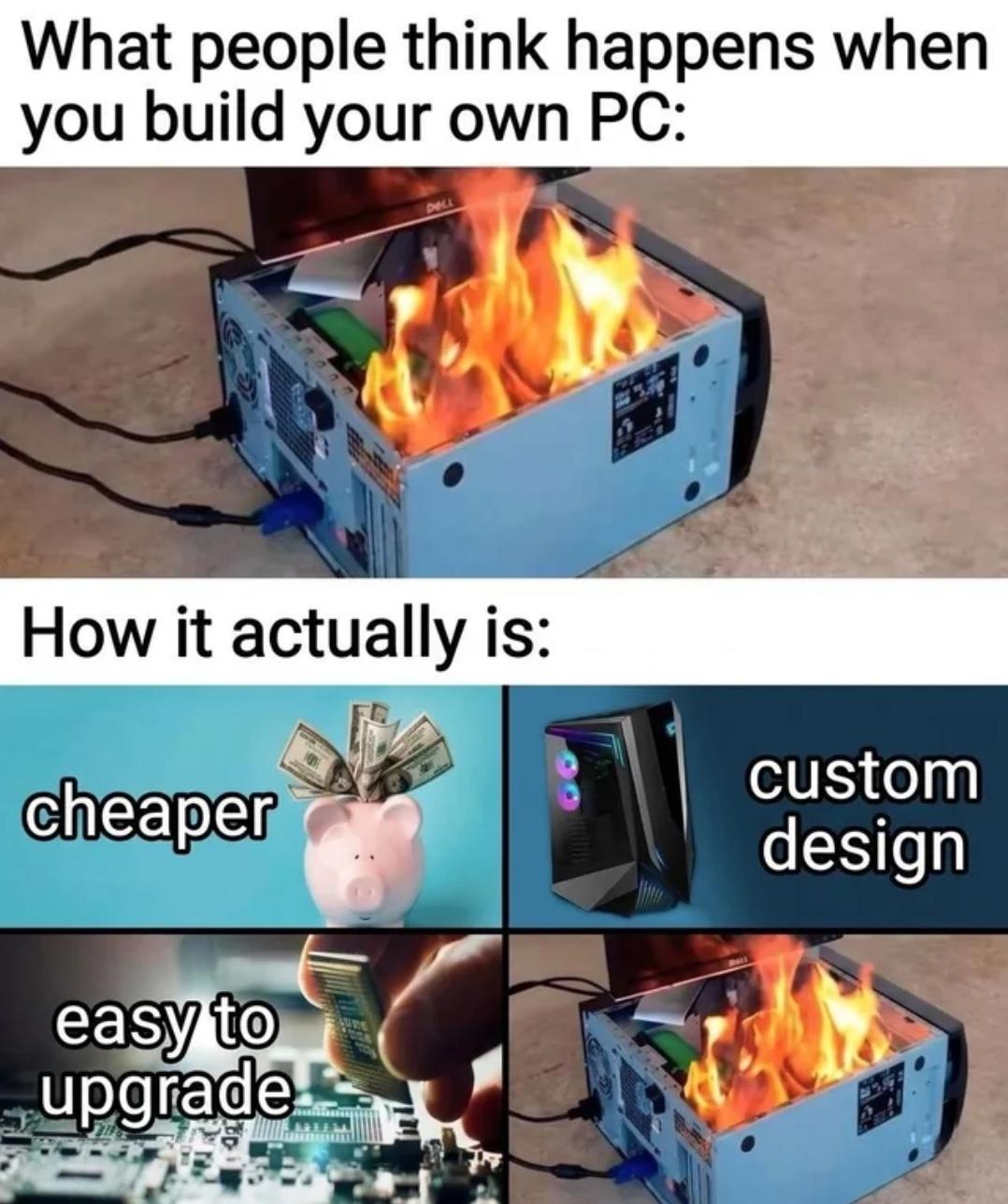
The classic expectation vs. reality of building your own PC. People think you're some kind of hardware wizard assembling a flaming death trap, but really you're just playing expensive adult LEGO that saves you money and looks sick with RGB. The "easy to upgrade" part is chef's kiss – just pop out the old GPU, slide in the new one, maybe shed a tear at your bank account, and you're done. Meanwhile prebuilt PC owners need to sacrifice their firstborn just to swap out RAM. The burning PC in the top panel is hilarious because that's literally what happens when you forget to remove the plastic film from your CPU cooler or plug your case fans into the wrong voltage header. But hey, at least you learned something, right? Right?

Does Anyone Want Ram Installed In Them

Does Anyone Want Ram Installed In Them
Someone took RAM sticks, heat pipes, and what appears to be a power button to craft the most terrifying weapon known to IT: a literal memory upgrade sword. Because when Chrome tabs get out of hand, sometimes you need to take matters into your own hands. The question "Does anyone want RAM installed in them?" hits different when you're holding a blade made of DDR4. It's the ultimate solution for when someone says "just download more RAM" – no, Karen, I'll STAB you with more RAM instead. Props to whoever built this absolute unit of hardware repurposing. Your computer might be dead, but at least it died with honor as a legendary weapon. Plus, that power button on the hilt is *chef's kiss* – because every good stabbing needs a proper boot sequence.

They Can't See The Truth...

They Can't See The Truth...
Building a PC? Non-techies imagine you're some elite hacker typing furiously in a dark room, pulling off cyber heists. Reality check: you're just playing adult LEGO with expensive blocks, praying you don't bend any pins. And picking parts? They think you casually stroll into a store, grab what looks cool, and you're done. Nope. You're actually solving a multi-variable optimization problem that would make mathematicians weep. Will this CPU bottleneck the GPU? Is this RAM compatible with the motherboard? Does the PSU have enough wattage? Will it all fit in the case? Can I afford to eat this month? The cable management nightmare in the middle is just chef's kiss—because no matter how much you plan, it always ends up looking like a spaghetti factory exploded inside your case.

Not A Single Misplaced Cable

Not A Single Misplaced Cable
You know you've reached peak enlightenment when you successfully migrate your entire PC to a new case without creating a rat's nest of cables or accidentally plugging your GPU power into the CPU header. It's like performing open-heart surgery on yourself and waking up with better abs. The real flex isn't the RGB or the specs—it's that everything boots on the first try. No POST errors, no mysterious beeps, no "why is my SSD not showing up" panic. Just pure, unadulterated cable management perfection. You're basically a hardware whisperer at this point. Meanwhile, the rest of us are over here with our case panels barely closing because there's a spaghetti monster living behind the motherboard tray.

I Had To Guys I Had To

I Had To Guys I Had To
So someone installed an entire operating system on their car's infotainment system and the specs read like a Pentium II from 1998. Single-core processor, "random overclocks" (which is code for "it thermal throttles whenever it feels like it"), zero multitasking capability, and it literally crashes into sleep mode. The cat's expression says it all. That perfect mix of pride and "I know this is terrible but I regret nothing." Running a full desktop OS on hardware that can barely handle a calculator app is peak engineer energy. Your car now boots slower than it accelerates. The "orange car OS" is likely a reference to installing Linux (probably Ubuntu or some custom distro) on automotive hardware that was never meant to do anything more complex than display a backup camera. Godspeed to whoever has to wait 45 seconds for their AC controls to load.

Beelink SEI Mini PC, AMD Ryzen 7 7735HS(up to 4.75GHz), 24GB LPDDR5 500GB PCIe x4, Radeon 680M Graphics Triple 4K Display, 2.5G LAN, Office Mini Desktop Computer

Beelink SEI Mini PC, AMD Ryzen 7 7735HS(up to 4.75GHz), 24GB LPDDR5 500GB PCIe x4, Radeon 680M Graphics Triple 4K Display, 2.5G LAN, Office Mini Desktop Computer
【Beelink SEI 7735HS】Model number: SEI, Brand: Beelink, Manufacturer: Shenzhen AZW Technology Co., Ltd.The Beelink mini pc is powered by 8C/16T AMD Ryzen 7 7735HS(3.2-4.75GHz, 16M Cache), resulting in…

3D Printed And Saved $800

3D Printed And Saved $800
Someone just 3D printed a RAM label that says "DDR4 228 pin" and slapped it on their memory stick. Because nothing screams "professional upgrade" like a piece of plastic filament pretending to be crucial system information. The actual RAM underneath is probably fine, but why spend $800 on new server memory when you can spend $0.15 in PLA and 20 minutes of print time to... label the RAM you already have? The entrepreneurial spirit of hardware enthusiasts knows no bounds. Next up: 3D printing a Threadripper heatspreader and claiming you saved $2000.