Debugging tools Memes

Posts tagged with Debugging tools

This Cannot Be Denied

This Cannot Be Denied
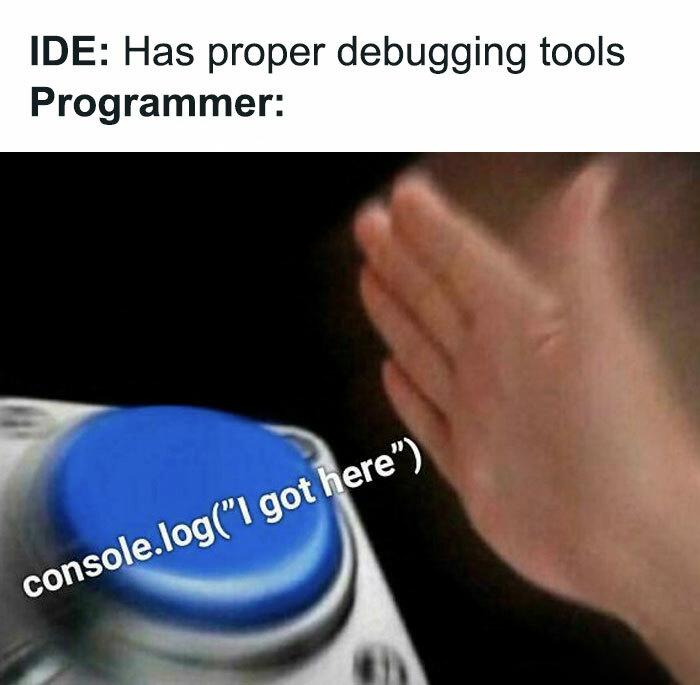
Your IDE comes loaded with breakpoints, step-through debugging, variable watchers, and all sorts of fancy tools. But let's be real—nothing beats the raw satisfaction of smashing that console.log() button and watching your variables spill their secrets in the browser console. It's the debugging equivalent of "if it works, it works." Sure, proper debugging is more elegant, but there's something primal about littering your code with console.logs like breadcrumbs in a forest. Plus, you can add fun messages like "I got here" to prove to yourself that yes, your function actually runs. Spoiler: half the time it doesn't even reach that line.

Console Logs Will Do Fine

Console Logs Will Do Fine
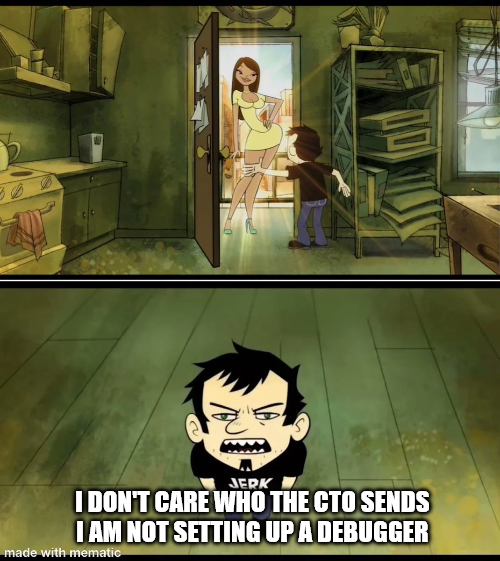
Look, we've all been there. The CTO sends down the mandate about "proper debugging practices" and "professional development workflows," but you know what? When your code breaks at 2 AM, you're not launching a full IDE debugger setup with breakpoints and watch expressions. You're slapping in a console.log("HERE") and calling it a day. Real debuggers are great in theory—until you need to configure source maps, set up remote debugging, or figure out why your breakpoint isn't hitting in that async callback hell. Meanwhile, good old console.log() has never let anyone down. It works in production, it works in dev, it works when everything else fails. The kid in the bottom panel represents every developer who's discovered that the simplest solution is usually the right one. Sure, you could spend 30 minutes setting up a debugger... or you could find the bug in 3 minutes with strategic console logging. Time is money, and console logs are free real estate.

Why Always

Why Always
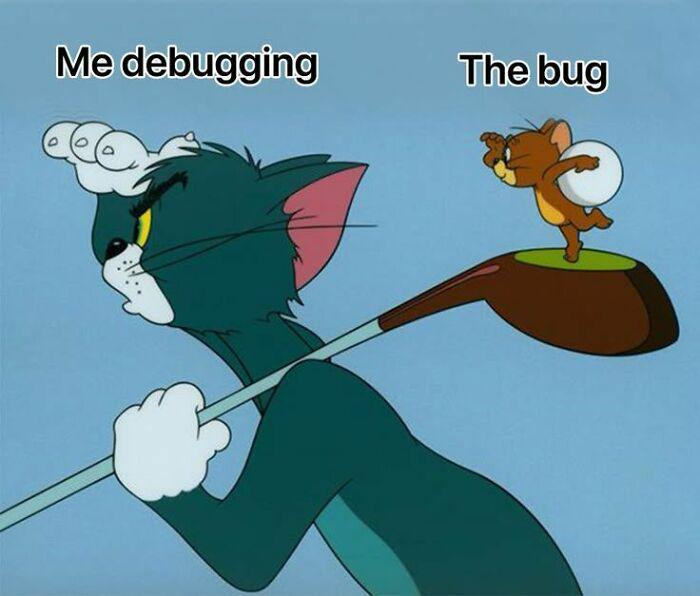
You spend 4 hours hunting down a bug with print statements, breakpoints, and enough console.logs to deforest the Amazon. You're sweating, questioning your career choices, maybe even your entire existence. Then the moment you actually fire up the debugger with proper breakpoints and step-through... the bug just vanishes like it was never there. It's hiding. Mocking you. Probably sipping a margarita somewhere. The bug knows when you're watching. It's like Schrödinger's error - exists only when you're not properly observing it. The second you bring out the big debugging guns, it decides to take a vacation. Then you close the debugger and BAM, it's back, doing the cha-cha on your production server. Pro tip: bugs are sentient and they feed on developer tears. They've evolved to detect debugger tools and adapt accordingly. It's basically natural selection at this point.

I Fixed The Meme

I Fixed The Meme
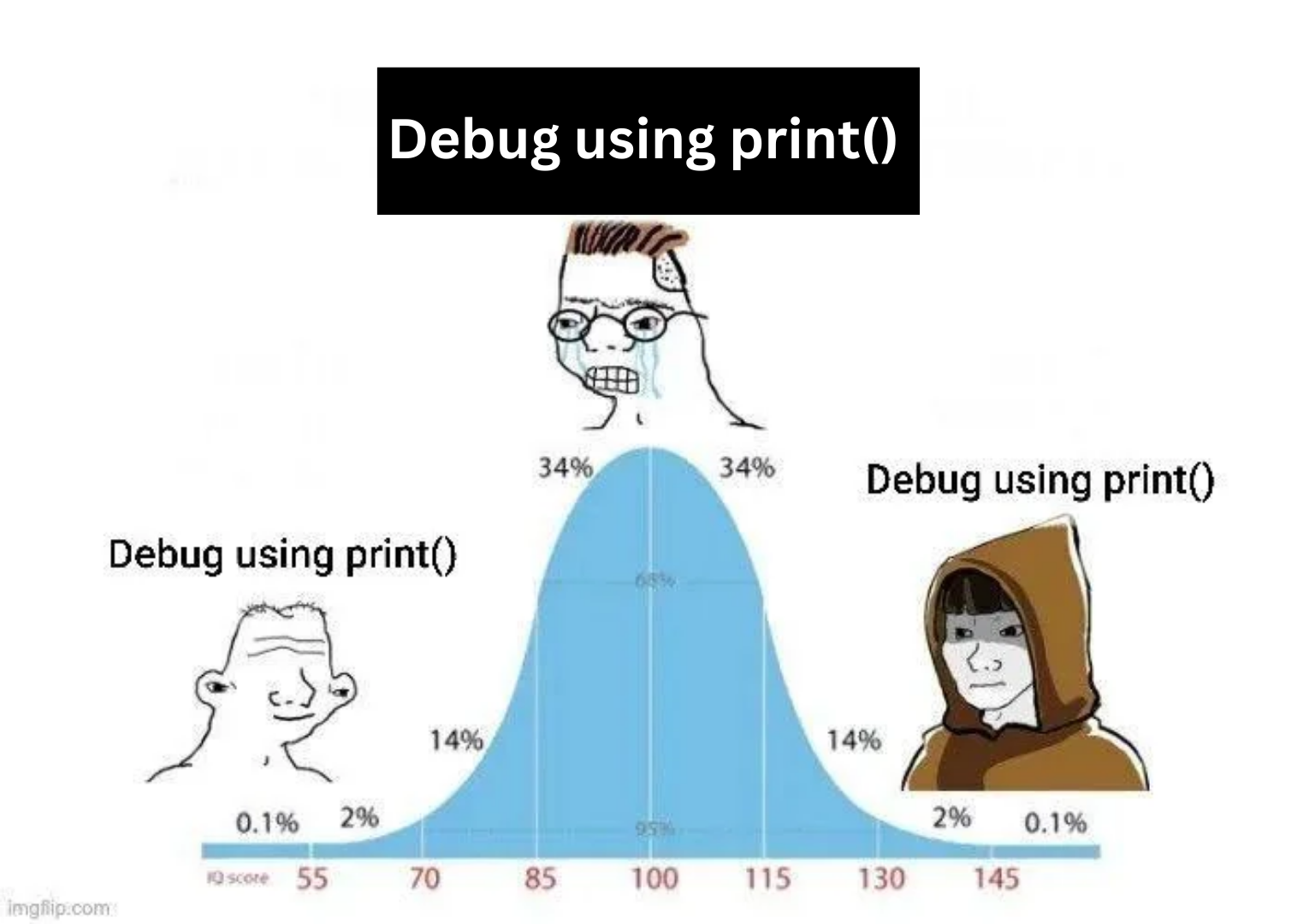
Someone took the classic bell curve meme format and applied it to debugging methodology, and honestly? They're not wrong. The distribution shows that whether you're a complete beginner frantically spamming print statements everywhere, an average developer who's "too sophisticated" for that (but secretly still does it), or a senior engineer who's transcended all pretense and gone full circle back to print debugging—you're all doing the same thing. The middle 68% are probably using debuggers, breakpoints, and other "proper" tools while judging everyone else, but the truth is that a well-placed print("got here") has solved more bugs than any IDE debugger ever will. The extremes understand what the middle refuses to admit: sometimes the fastest way to find a bug is to just print the damn variable.

The Irresistible Console.log Affair

The Irresistible Console.log Affair
The eternal love triangle of debugging! While proper breakpoints sit there begging to be used, we're all guilty of turning our heads for the quick and dirty console.log affair. Sure, the debugger offers sophisticated relationship features like variable inspection and step-through execution, but nothing beats the instant gratification of spamming "IT WORKS HERE" and "WHY GOD WHY" throughout your code. It's like choosing fast food over a proper meal - we know it's bad for us, but we just can't help ourselves.

cocopar Portable Monitor 15.6 Inch 1080P FHD 60Hz 85% sRGB Travel Monitor with Speaker HDMI USB-C Second Screen for Laptop MacBook Surface PC Xbox PS4/5, VESA Mountable, with Cover Stand

cocopar Portable Monitor 15.6 Inch 1080P FHD 60Hz 85% sRGB Travel Monitor with Speaker HDMI USB-C Second Screen for Laptop MacBook Surface PC Xbox PS4/5, VESA Mountable, with Cover Stand
Portable Monitor for Laptops: Cocopar laptop screen extender is the ideal portable monitor for Macbook, Surface Pro, Surface Laptop, Lenovo Laptop, HP Laptop, Dell Laptop, ASUS Laptop, etc. This seco…

How To Catch A Programmer

How To Catch A Programmer
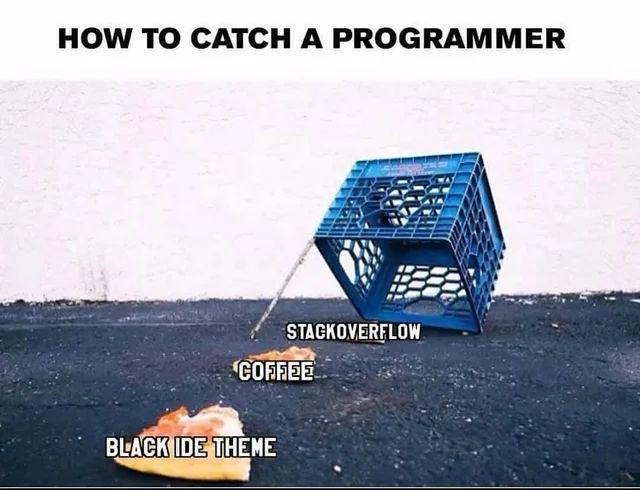
Ah, the ancient programmer trap in its natural habitat. Just prop up a milk crate with a stick, place StackOverflow, coffee, and a dark IDE theme underneath, and wait. Works every time. After 15 years in the industry, I can confirm this is basically our version of catnip. The dark theme alone would probably work, but why take chances? The coffee ensures we'll stay long enough to get caught, and StackOverflow guarantees we'll be distracted trying to explain why the accepted answer is actually wrong.