Menu
Whitespace: Programming with just spaces and tabs.
Home
Hot
Random
Search
Browse
AI
AWS
Agile
Algorithms
Android
Apple
Backend
Bash
C++
Cloud
Csharp
All Categories
HTTP 418: I'm a teapot
The server identifies as a teapot now and is on a tea break, brb
HTTP 418: I'm a teapot
The server identifies as a teapot now and is on a tea break, brb
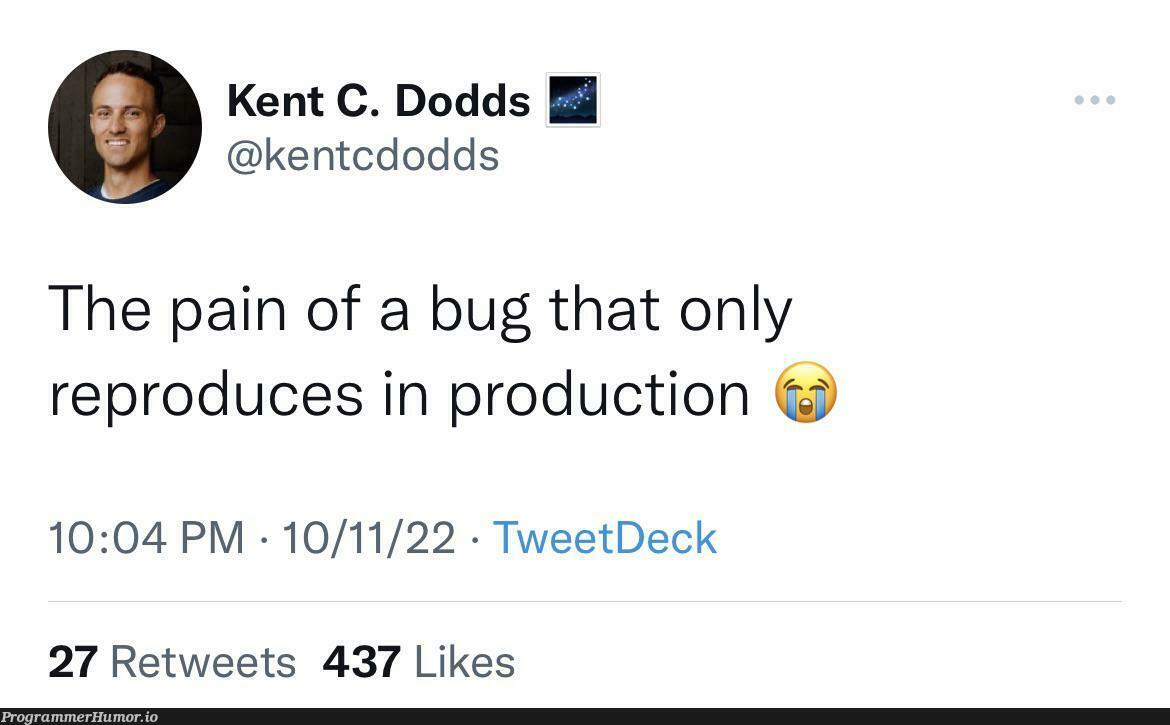
For debugging legacy code
bug
Debugging
1 year ago
40,885 views
0 shares
code-memes, debugging-memes, bug-memes, debug-memes | ProgrammerHumor.io
Content
How lay Home
Try SoundLeaf, the go-to audiobook player for Audiobookshelf for those who value privacy. With customizable controls. The updates keep making it better. SoundLeaf: Built by audiobook lovers, for audiobook lovers.
More Like This
De-bugging my code
Debugging
3 years ago
42.4K views
0 shares
Content
I Am Not Worried About AI
Debugging
Programming
AI
Agile
Backend
1 year ago
376.0K views
0 shares
The iceberg metaphor is painfully accurate. After 15 years in the industry, I can confirm that typing out the actual code is the easy 10% that everyone sees. The other 90%? That's the soul-crushing existential void of figuring out what to code in the first place. AI can generate syntax all day long, but good luck getting it to understand the business logic buried in 47 conflicting Slack messages, 3 outdated Jira tickets, and that one crucial requirement your PM mentioned offhandedly during a coffee break last Tuesday.
Trust Me Bro: It's Expected Behavior
Debugging
Testing
Programming
Agile
9 months ago
382.2K views
2 shares
DARLING, the AUDACITY! 💅 Developer swoops in with the classic "it's expected behavior" defense while making intense eye contact with the tester who's basically BEGGING for proof. The tester's face is SCREAMING "citation needed" while the dev is serving "trust me bro" realness. It's that magical moment when documentation is nowhere to be found and requirements are apparently written in invisible ink! The ultimate developer escape hatch - if you can't prove it's wrong, I'll just declare it right by divine coding intervention!
If It Gets The Job Done, It's Not Foolish
Debugging
Programming
StackOverflow
Webdev
7 months ago
251.8K views
0 shares
DARLING, the AUDACITY of comparing formal education to the chaotic NIGHTMARE that is programming! While lawyers and doctors spend YEARS in prestigious institutions memorizing boring facts, we developers are out here living on the EDGE—frantically copy-pasting from Stack Overflow at 3 AM, fueled by nothing but energy drinks and sheer desperation! Our education system? Google University, baby! Our diploma? That miracle moment when the code FINALLY works and you have NO IDEA WHY. The modern programmer's battle cry isn't "I studied for this"—it's "I just keep Googling stuff and it keeps working" *dramatic hair flip* And honestly? That's the most beautiful disaster I've ever seen.
Ducky One 3 Mini Aura 60% Mechanical Keyboard: Quack Mechanics Dampening, Hot-Swappable Cherry MX Red Switches, High-Density PBT Tripleshot Keycaps, RGB, US, White
Affiliate
Mechanical Keyboards
Ducky
Featuring Ducky's QUACK Mechanics design philosophy · Dual layer hotswap PCB w/ exclusive Kailh yellow hotswap sockets · Equipped with dual-layer high-grade silicone and EVA foam sound dampeners · Th…
Throw It For The 2026
Debugging
Programming
Backend
Java
Csharp
4 months ago
453.6K views
0 shares
Someone asked for the worst tech advice and honestly, this is peak developer wisdom right here. Just wrap everything in a try-catch block and throw it into the void. Error handling? Never heard of her. Stack traces? Who needs 'em when you can just silently fail and pretend nothing happened. This is basically the programming equivalent of sweeping dirt under the rug and calling it cleaning. Your app crashes? Try-catch. Database connection fails? Try-catch. Existential crisis at 2 AM? Believe it or not, also try-catch. The catch block stays empty though—because acknowledging problems is for people who have time for proper error handling. Production bugs will love you for this approach. Future you will definitely not be cursing past you while debugging why the application just... stops working with zero logs or error messages. Ship it!
You Never Know When This Could Save Your Life
Debugging
Windows
Microsoft
Programming
1 year ago
275.0K views
0 shares
The true wisdom of the ages isn't passed down in ancient texts—it's shared through keyboard shortcuts. Nothing says "I care about your future" like teaching someone to access their clipboard history with Win+V. That moment when you realize your entire programming career could've been saved from countless "where did I copy that snippet from?" panic attacks. The real parental guidance we needed wasn't about life choices or financial planning, but about how to recover that perfect code snippet you copied 5 items ago. The clipboard history feature might just be the most underutilized lifesaver in Windows—right up there with actually reading error messages.
Loading more content...
Today's picks
Logitech Ergo M575S Wireless Ergonomic Trackball Mouse, Black/Blue (910-007026)
Affiliate
$39.95
GearScouts.com
Sponsored
Power stations
That's why I don't make opensource
Programming
65.2K views
4 years ago