Print-debugging Memes

Posts tagged with Print-debugging

I Fixed The Meme

I Fixed The Meme
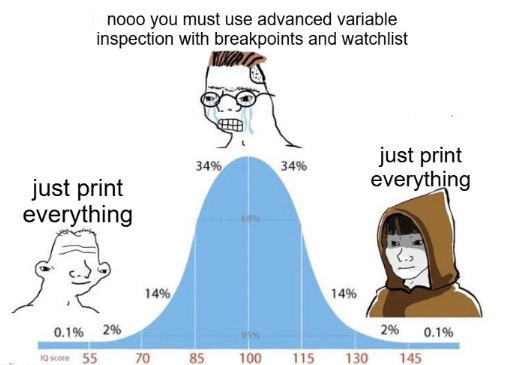
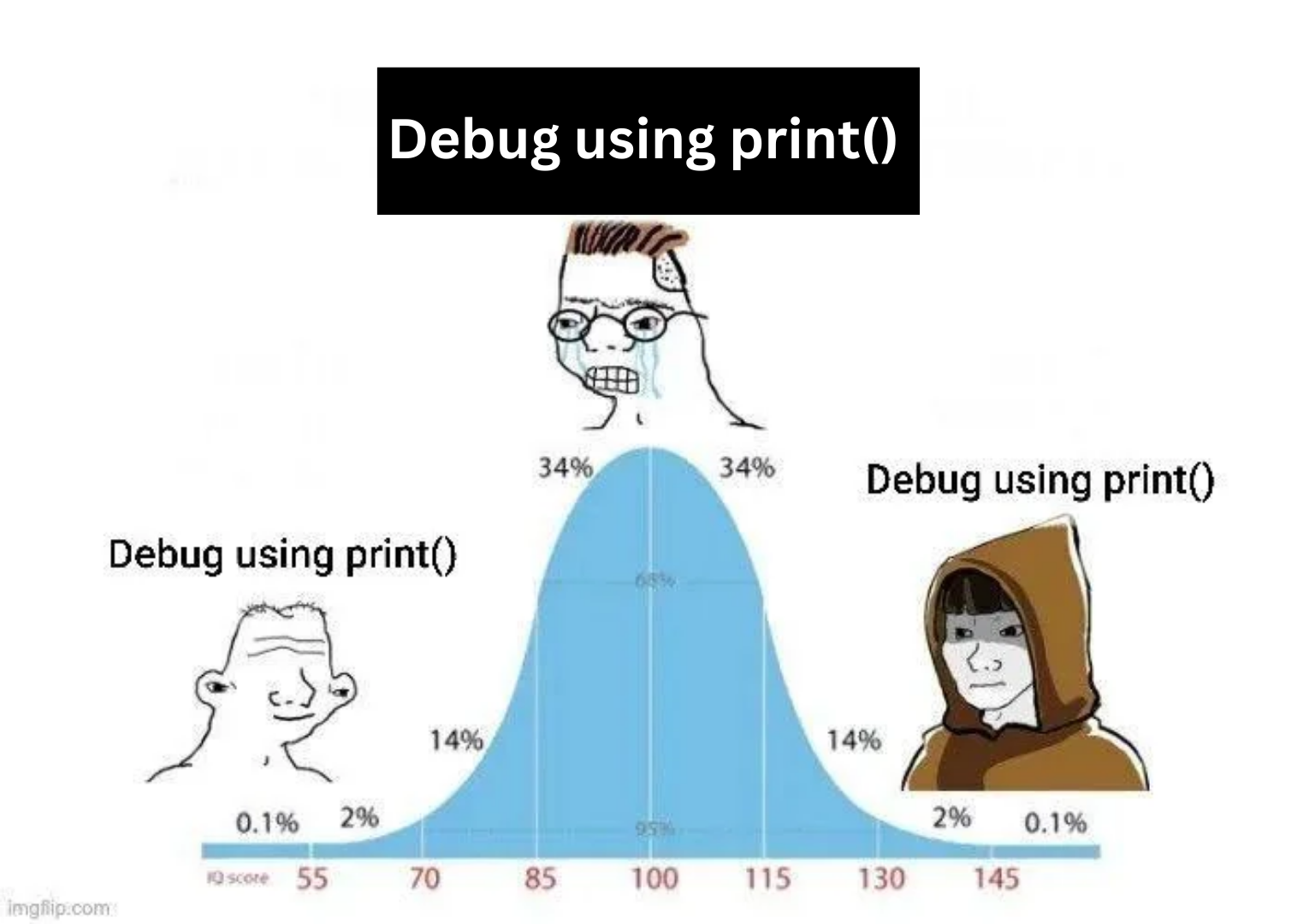
Someone took the classic bell curve meme format and applied it to debugging methodology, and honestly? They're not wrong. The distribution shows that whether you're a complete beginner frantically spamming print statements everywhere, an average developer who's "too sophisticated" for that (but secretly still does it), or a senior engineer who's transcended all pretense and gone full circle back to print debugging—you're all doing the same thing. The middle 68% are probably using debuggers, breakpoints, and other "proper" tools while judging everyone else, but the truth is that a well-placed print("got here") has solved more bugs than any IDE debugger ever will. The extremes understand what the middle refuses to admit: sometimes the fastest way to find a bug is to just print the damn variable.

The Best Way To Debug

The Best Way To Debug
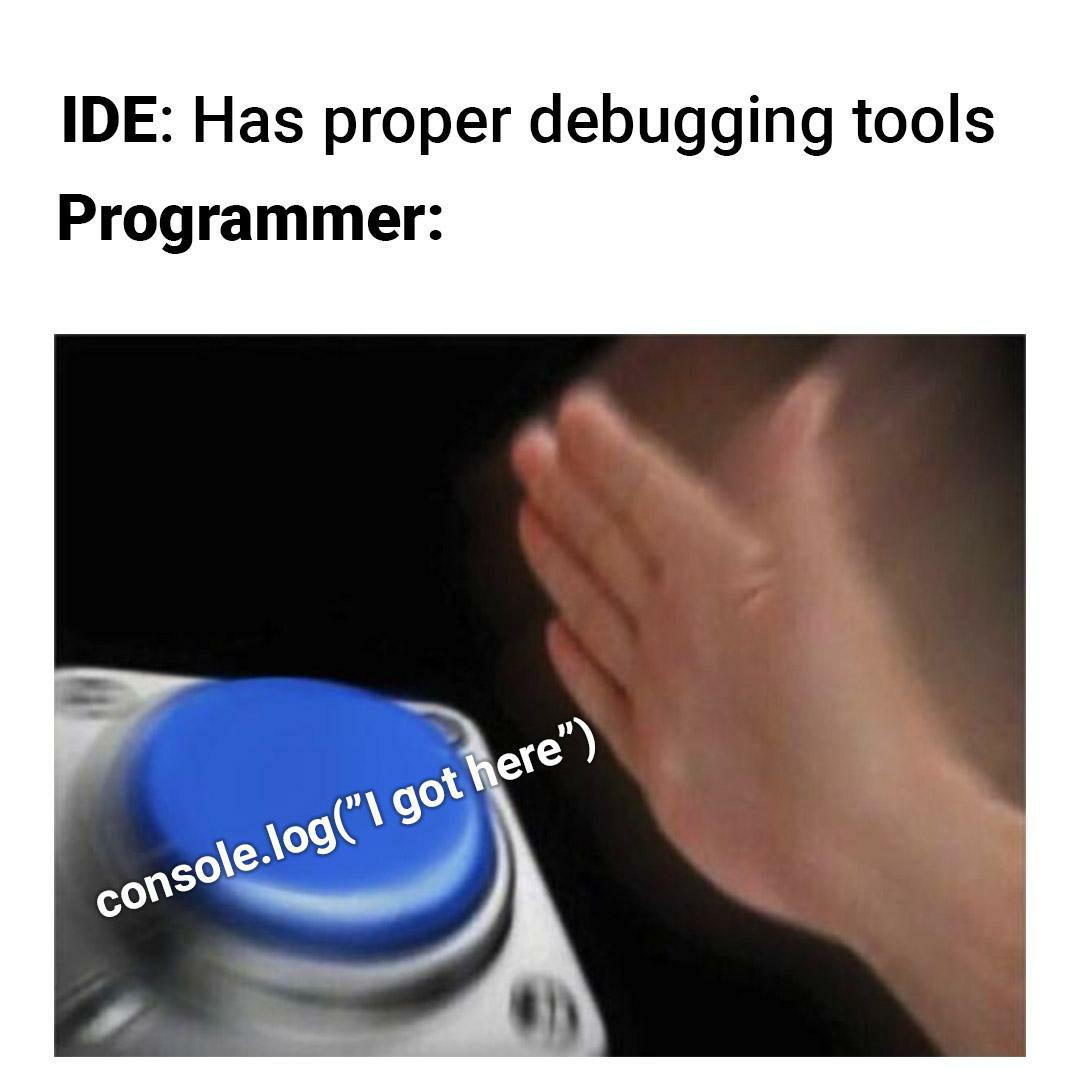
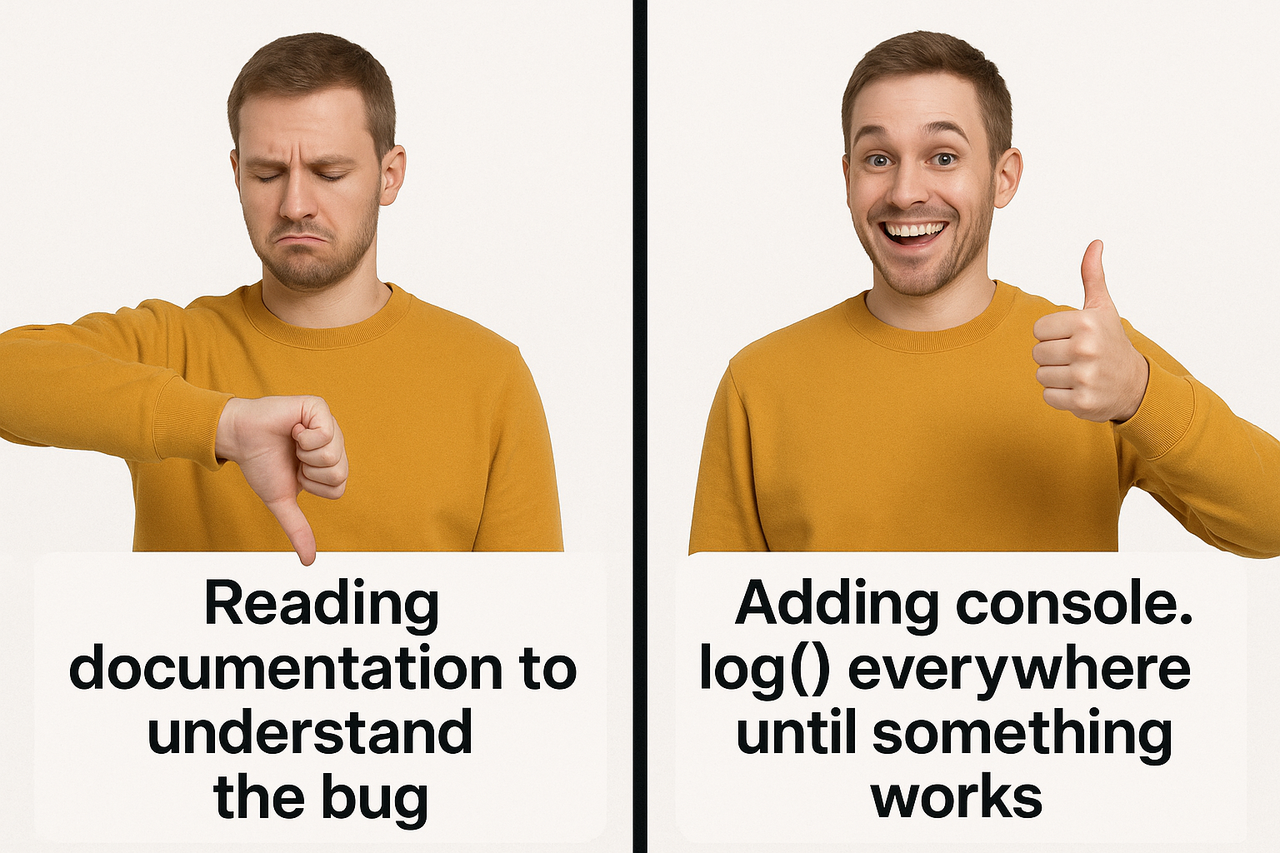
Who has time to READ DOCUMENTATION? Are you KIDDING ME?! Life's too short to understand WHY something broke when you can just carpet bomb your entire codebase with console.log("HERE") , console.log("WHY GOD WHY") , and the ever-eloquent console.log("AAAAAAAHHHHH") ! The sheer ECSTASY when one of your 47 random debug statements finally reveals the problem is practically BETTER THAN CAFFEINE. Documentation is for people with patience and dignity—two things I sacrificed to the coding gods YEARS ago! 💅

Better Than Conventional Debuggers

Better Than Conventional Debuggers
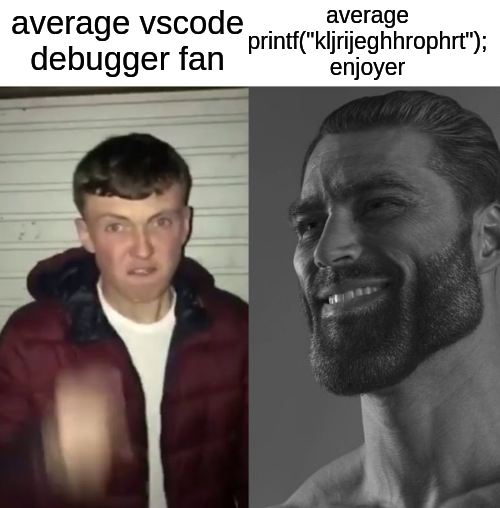
Left side: The poor soul who actually tries to use VS Code's built-in debugger, setting breakpoints, watching variables, and stepping through code like some kind of responsible developer. Right side: The enlightened being who just dumps random gibberish to the console and somehow triangulates the bug's location through pure chaos. No time for proper debugging when you can just print("kljrijeghrophrt"); and ctrl+F your way to salvation. After 15 years in this industry, I've learned that proper debugging tools are for people with deadlines that aren't "yesterday." The rest of us are just out here keyboard-smashing our way through production issues while the senior architect is in another meeting about agile transformation.

Debugger I Just Met Her

Debugger I Just Met Her
When your debug statement has served its purpose, there's only one thing left to do: bid it farewell with a dramatic console.log. That "hereeeeeeeeeee" is the digital equivalent of a cowboy riding off into the sunset – it's done its job tracking down that elusive bug that was making your code behave like it was written after a three-day caffeine bender. And just like Woody, you know deep down you'll be adding another one two minutes later when the next bug appears. The circle of debugging life continues.

Print Everything

Print Everything
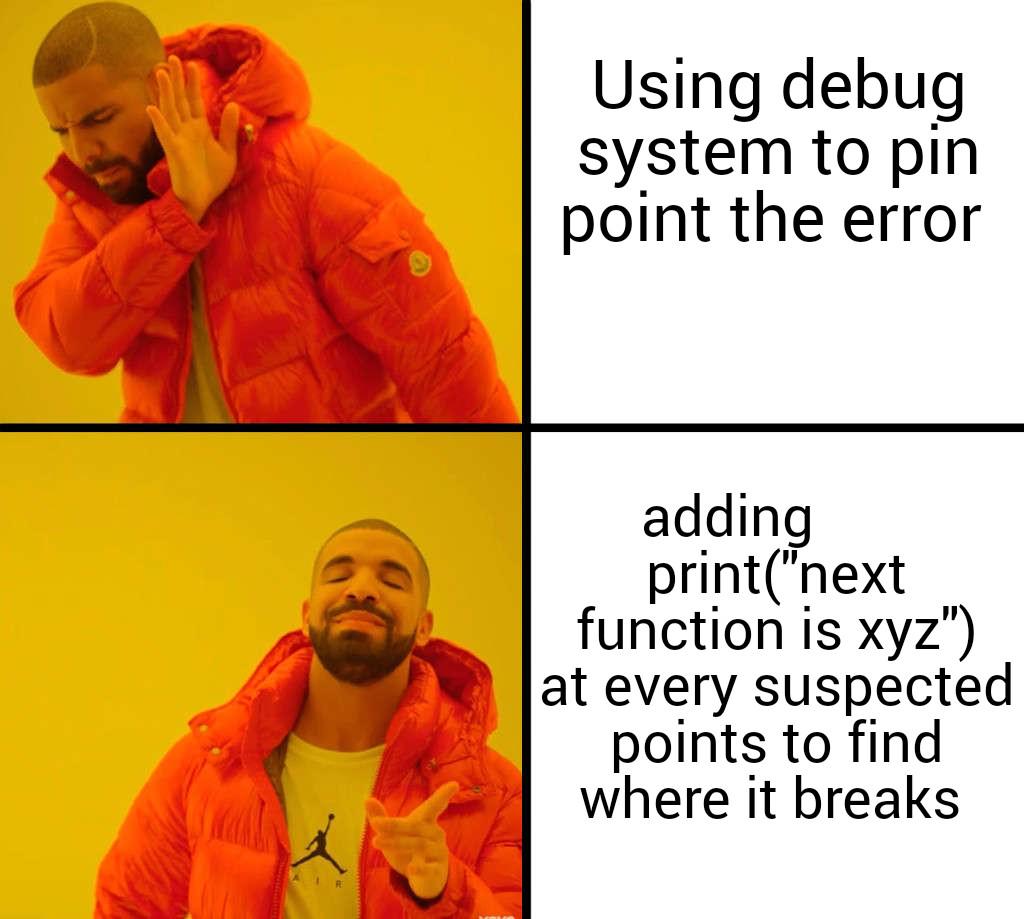
Oh sweetie, you think I'm going to use a sophisticated debugging system when I can just LITTER MY CODE with print statements like some kind of digital breadcrumb trail?! 💅 The AUDACITY of proper debugging tools expecting me to learn how they work when I can just sprinkle print("MADE IT HERE!!!") and print("WHY ISN'T THIS WORKING OMG") throughout my code like some deranged fairy godmother of troubleshooting! And don't you DARE judge me when I forget to remove them before pushing to production! That's just my signature, darling! ✨

Printf For The W

Printf For The W
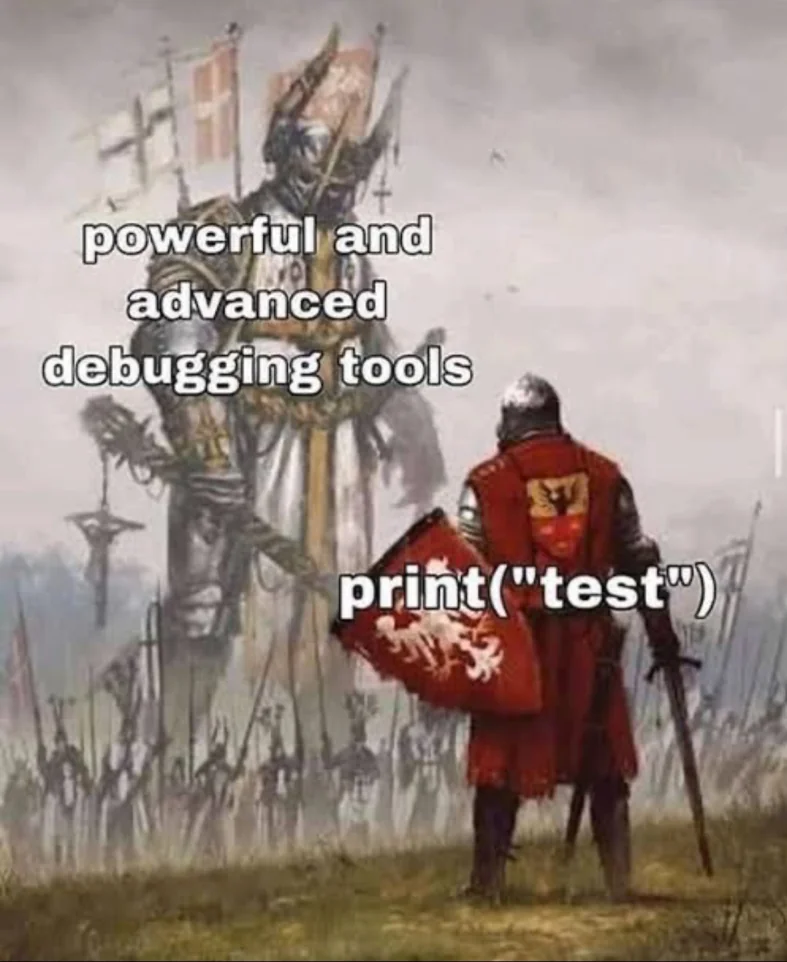
The eternal battle between sophisticated debugging tools and the humble print statement. When faced with a complex bug, we all pretend we'll use those fancy debuggers with breakpoints and stack traces. Then reality hits and we're just throwing print("test") statements everywhere like a medieval knight charging into battle with nothing but a shield and pure audacity. Sure, IDEs offer us the programming equivalent of nuclear weapons, but sometimes you just want to stab the problem with a pointy stick and see what leaks out. The simplest solution is often the most reliable—especially when you're on your 5th coffee and deadline was yesterday.