monitor Memes

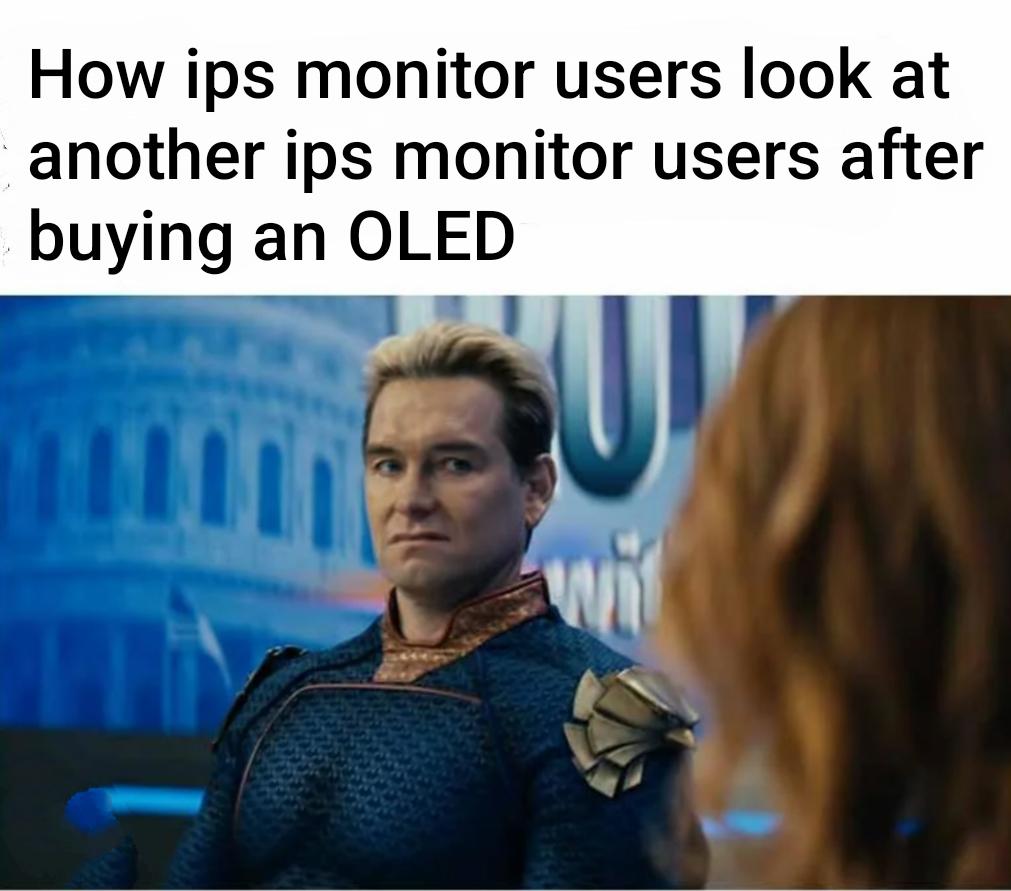
OLED Users

OLED Users
IPS monitor users finally upgrading to OLED and looking down on their fellow IPS peasants with that smug superiority complex is peak tech elitism. You spent years defending your "accurate colors" and "better viewing angles" but the moment you see those infinite blacks and instant pixel response times, you become Homelander – pretending to be friendly while internally feeling like a god among mortals. The burn-in anxiety hasn't kicked in yet, so right now you're just basking in that 0.1ms response time glory and those perfect contrast ratios. Give it six months when you're paranoid about leaving your IDE open too long with a static taskbar.

I Cried When I Opened My Site On 720 P Monitor

I Cried When I Opened My Site On 720 P Monitor
Content DEVELOPER WITH A HIGH DPI MONITOR WAS HERF HOW CAN YOU TEL? mOoc

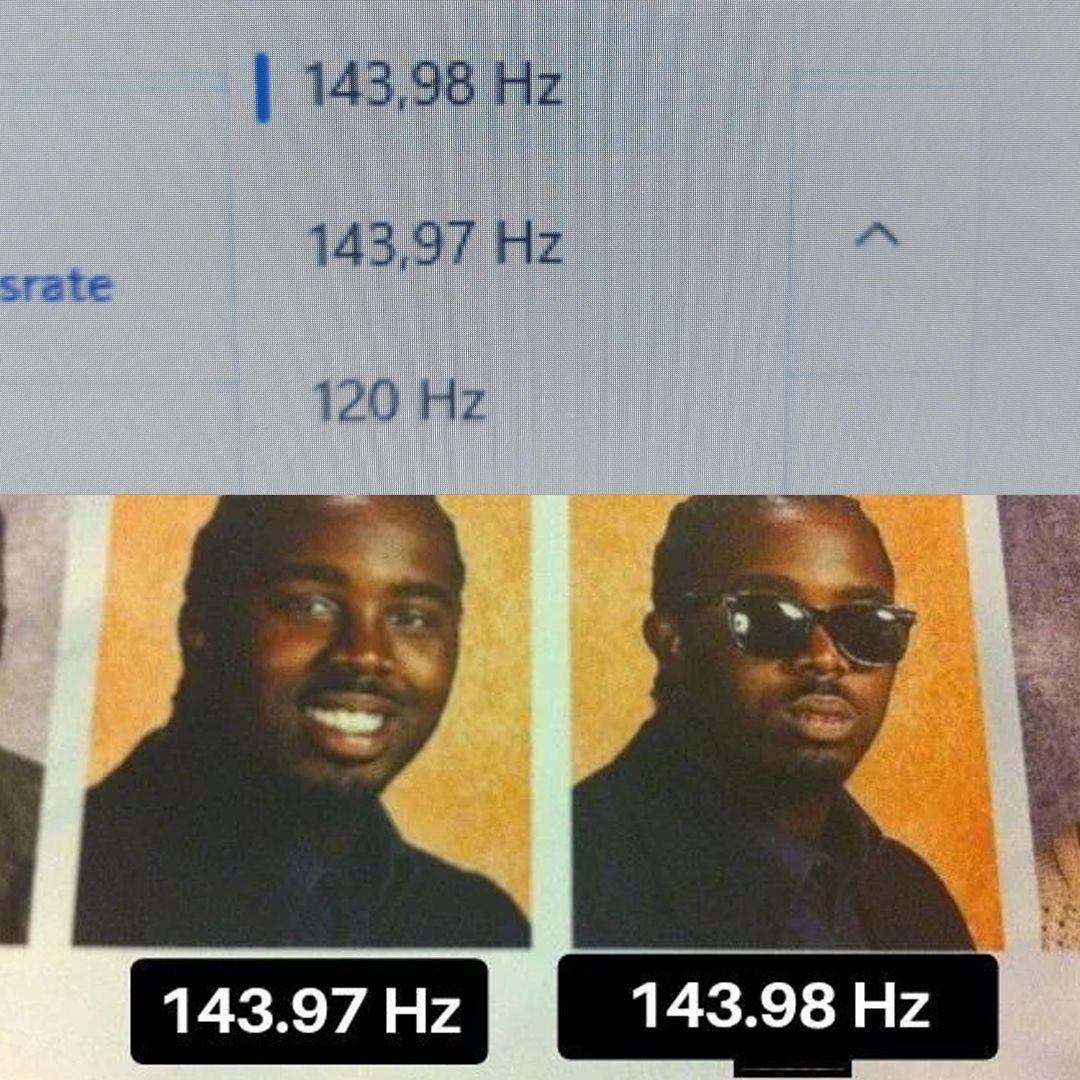
That's Refreshing

That's Refreshing
When you finally upgrade your monitor's refresh rate from 143.97 Hz to 143.98 Hz and suddenly feel like you've ascended to a higher plane of existence. That extra 0.01 Hz is basically the difference between peasant and royalty. Your eyes can definitely perceive that 0.007% improvement. Worth every penny of that settings adjustment. Hardware enthusiasts will spend 3 hours tweaking display settings to squeeze out microscopic gains while their code still runs at O(n³). Priorities.

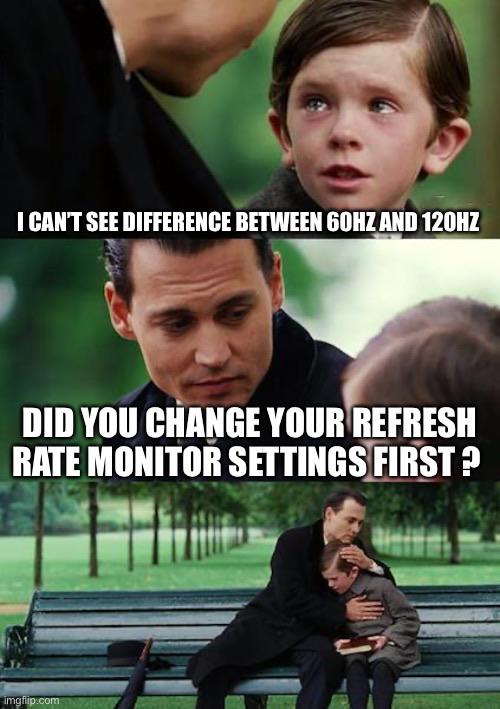
60 Hz Vs 120 Hz In A Nutshell

60 Hz Vs 120 Hz In A Nutshell
You know how gamers swear they can see the difference between 60Hz and 120Hz? Well, turns out most people can't actually tell until someone asks the magic question: "Did you change your monitor settings first?" Because yeah, your fancy 120Hz monitor has been running at 60Hz this whole time since Windows defaults to that. It's like buying a sports car and leaving it in eco mode for three years. The real kicker? Once you actually enable 120Hz in your display settings, suddenly you become one of those insufferable people who can't use anyone else's computer because "the cursor feels laggy." Welcome to the club.

Imagine Having 60 Hz

Imagine Having 60 Hz
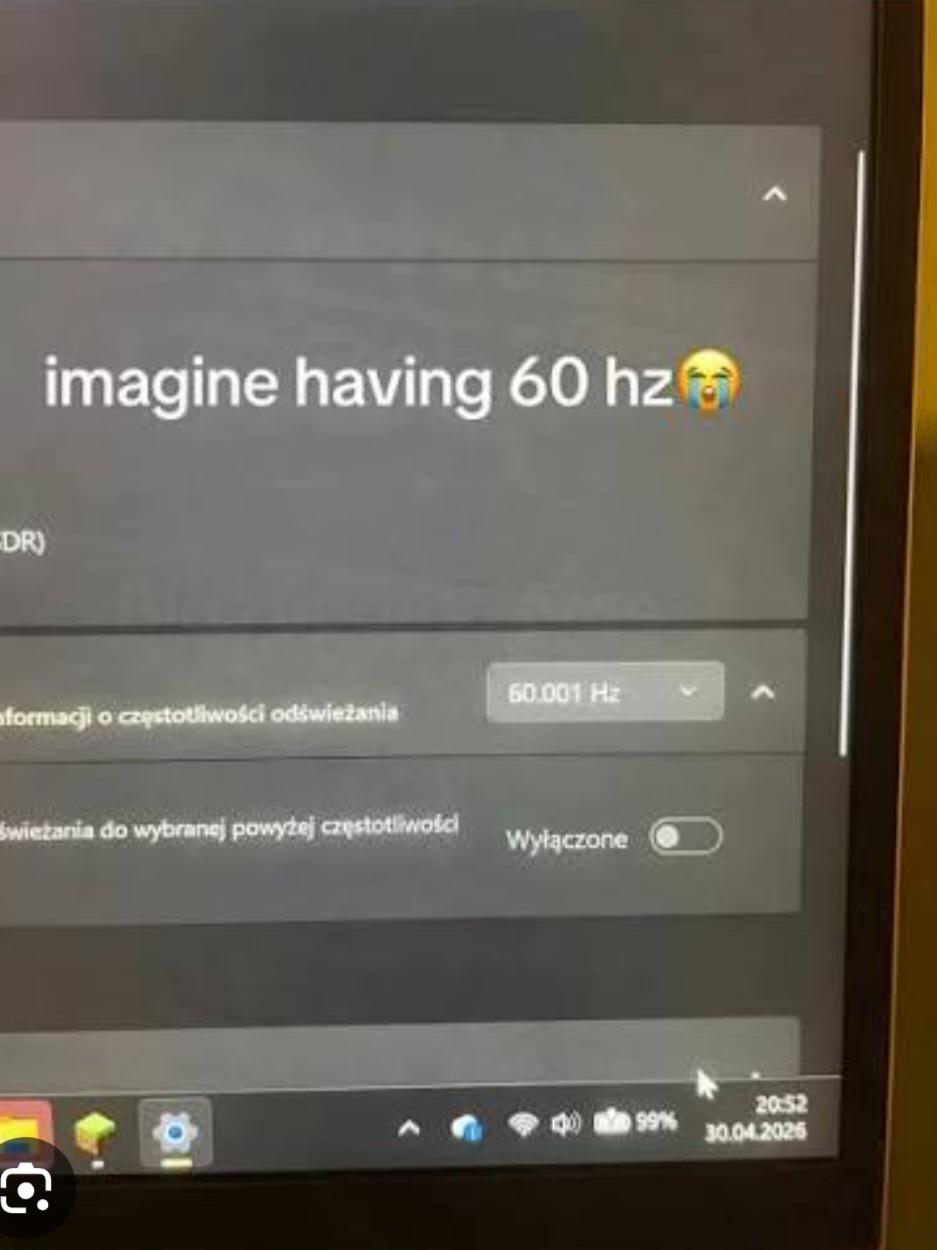
When your monitor refresh rate is so precise it needs three decimal places to distinguish itself from peasant 60 Hz displays. The dropdown showing "60.001 Hz" is basically your hardware flexing with the technical equivalent of "I'm not like other monitors, I'm 0.001 Hz better." That crying emoji really captures the emotional devastation of being stuck at exactly 60 Hz. Because nothing says "my life is complete" like that extra 0.001 Hz of refresh rate superiority. Your GPU worked overtime for that fraction, show some respect.

Even If You Don't Have A High End System, This Is A Good Time To Get A Better Monitor

Even If You Don't Have A High End System, This Is A Good Time To Get A Better Monitor
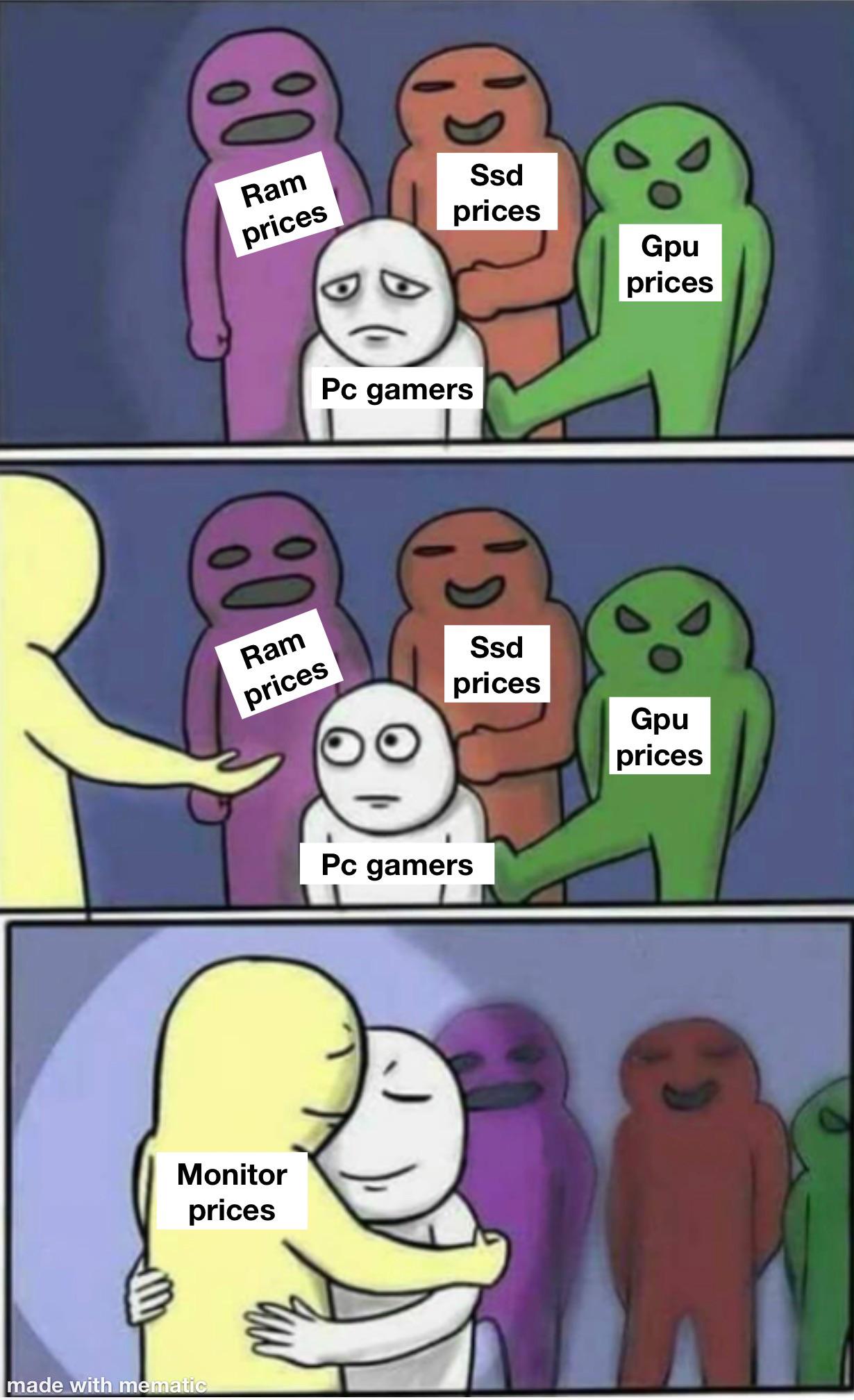
PC gamers watching RAM, SSD, and GPU prices stay stubbornly high while monitor prices finally decide to be reasonable. It's like being stuck at a party where everyone's fighting except that one chill dude who just wants to give you a hug. The silver lining of not being able to afford a GPU upgrade? At least you can watch your potato PC struggle in glorious 4K OLED now. Your frames-per-second might be embarrassing, but hey, at least those stutters will look crisp . Honestly though, a good monitor outlasts like three GPU generations anyway. Future you will thank present you when you finally scrape together enough cash for that RTX 6090 in 2027.

Bose QuietComfort Headphones (2nd Gen) - Wireless Headphones, Active Over Ear Noise Cancelling and Mic, Immersive Audio, USB-C Charging and Lossless Audio, Up to 24 Hours of Play time, Black

Bose QuietComfort Headphones (2nd Gen) - Wireless Headphones, Active Over Ear Noise Cancelling and Mic, Immersive Audio, USB-C Charging and Lossless Audio, Up to 24 Hours of Play time, Black
MODERN, UPDATED DESIGN: A sleek, streamlined take on the original noise cancelling headphones. All-new pill-shaped earcups and an adjustable sliding headband hit on contemporary design trends and mod…

I Don't Think It's The Monitor

I Don't Think It's The Monitor
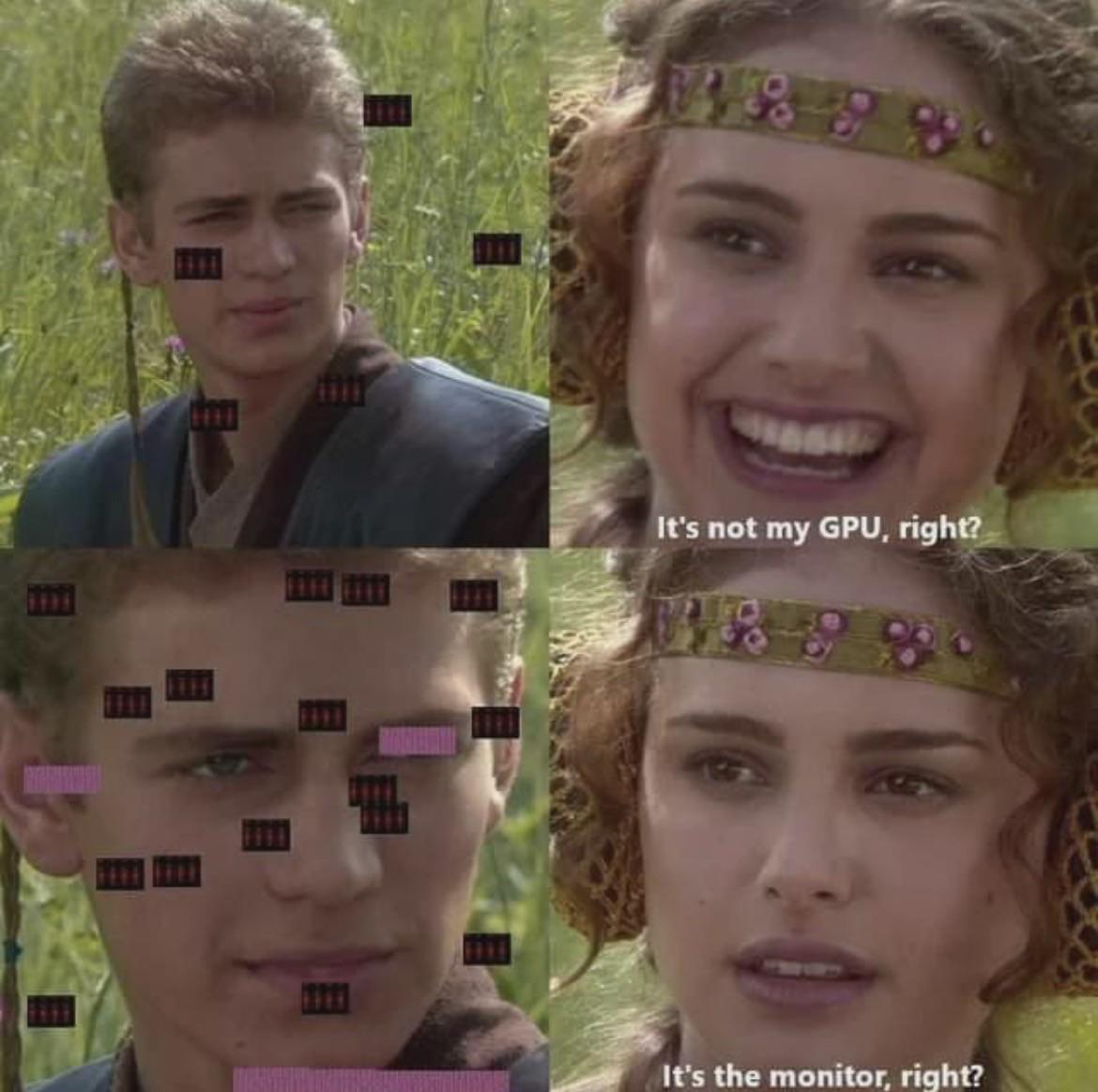
When your screen is absolutely covered in dead pixels and artifacts but you're still desperately trying to convince yourself it's a GPU issue. Sure, buddy. Those random colored squares floating all over your display? Totally the graphics card. The denial is strong with this one. We've all been there—your monitor starts looking like a glitchy mess from a corrupted JPEG, but you'd rather blame literally any other component because replacing a monitor means admitting you need to spend money. "Maybe if I update my drivers..." No. Your monitor is dead. Accept it and move on.

All These People Talking About Curved Monitors, If You Look Closely My Screen Is Curved Too!!

All These People Talking About Curved Monitors, If You Look Closely My Screen Is Curved Too!!
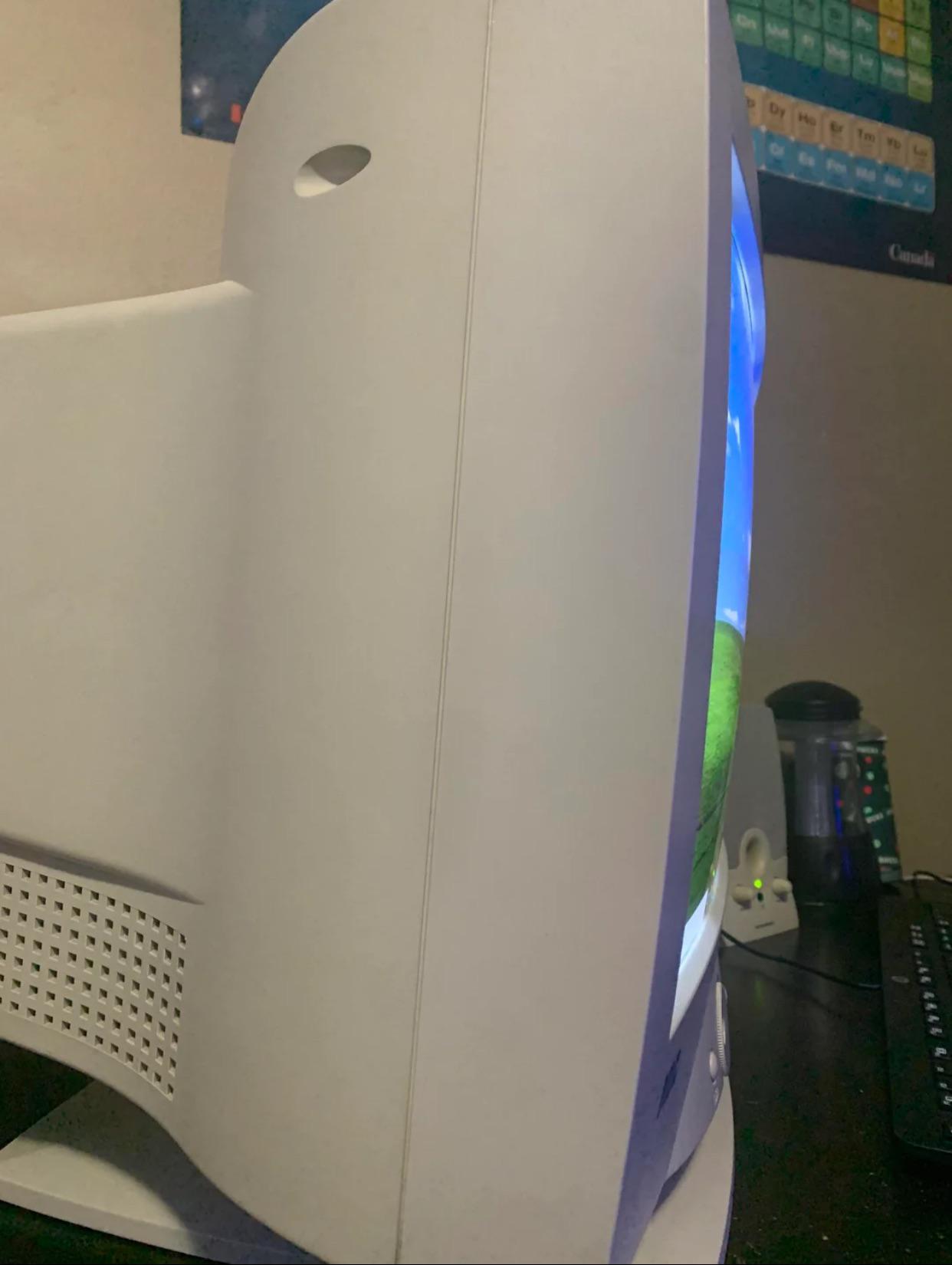
When your CRT monitor from 2003 is technically curved, but not in the flex-worthy way everyone's posting about on Reddit. Yeah buddy, that's not the immersive gaming experience they're talking about – that's just the natural bulge of cathode ray tube technology. While everyone's dropping $800 on their sleek ultrawide curved displays, you're out here representing the OG curve that came standard with a 60Hz refresh rate and enough electromagnetic radiation to warm your coffee. The best part? That thing probably weighs more than a small car and takes up half your desk, but hey, at least you can say you've been on the curved monitor trend since before it was cool. Sometimes the budget doesn't match the ambition, and that's okay – we've all been there with our hand-me-down hardware.

Sorry, Uh... Everyone.

Sorry, Uh... Everyone.
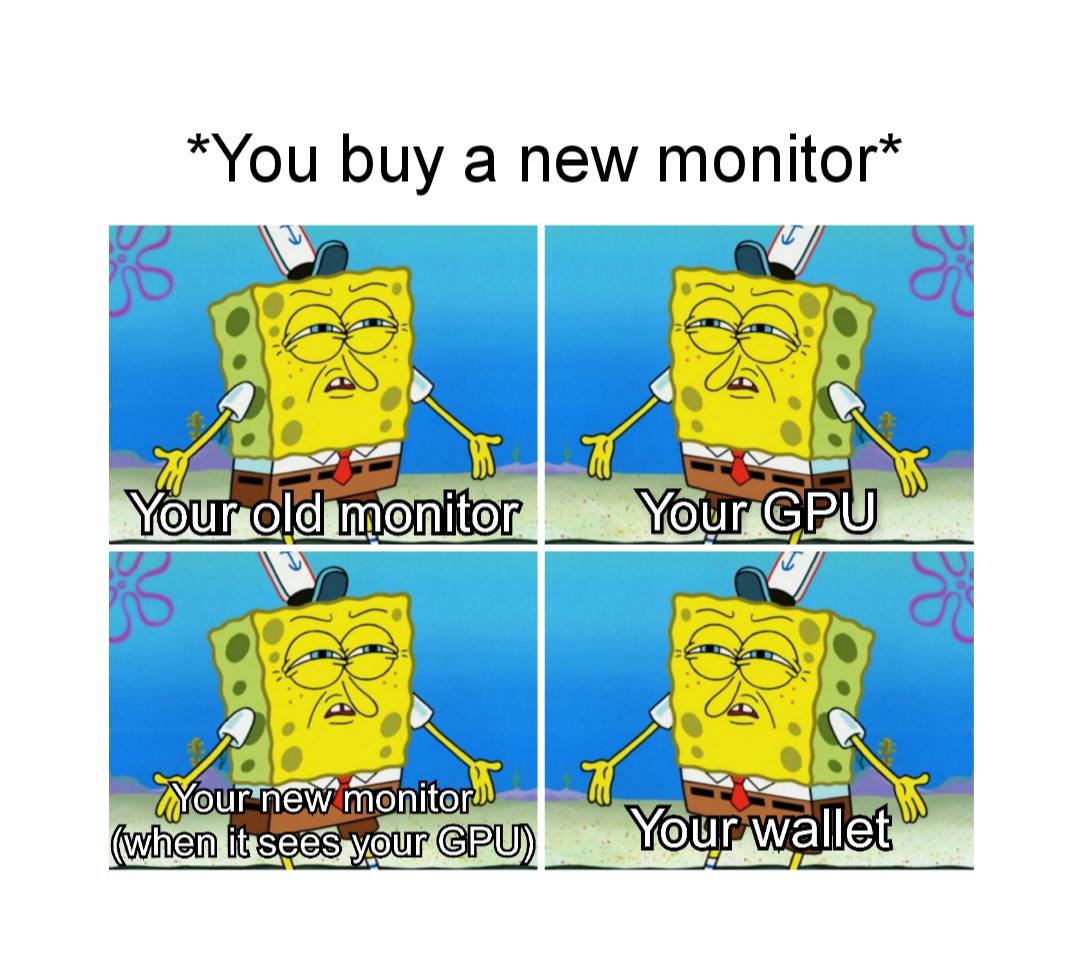
When you finally splurge on that fancy new monitor, your GPU looks at it like "oh, so NOW I gotta work overtime?" Meanwhile, your old monitor is giving you the stink eye, and your wallet just straight up died on the spot. The betrayal is REAL. Your GPU thought it was cruising through 1080p like a retired accountant playing golf, but now it's gotta push 1440p or 4K like it's training for the Olympics. The new monitor is absolutely TERRIFIED because it knows what's coming – lag, stuttering, maybe even some thermal throttling. It's like buying a Ferrari and realizing you can only afford regular gas. RIP to everyone who upgraded their display without checking if their GPU could handle it. We've all been there, living that 30fps cinematic experience life.

When GPU Isn't The Only Problem Anymore

When GPU Isn't The Only Problem Anymore
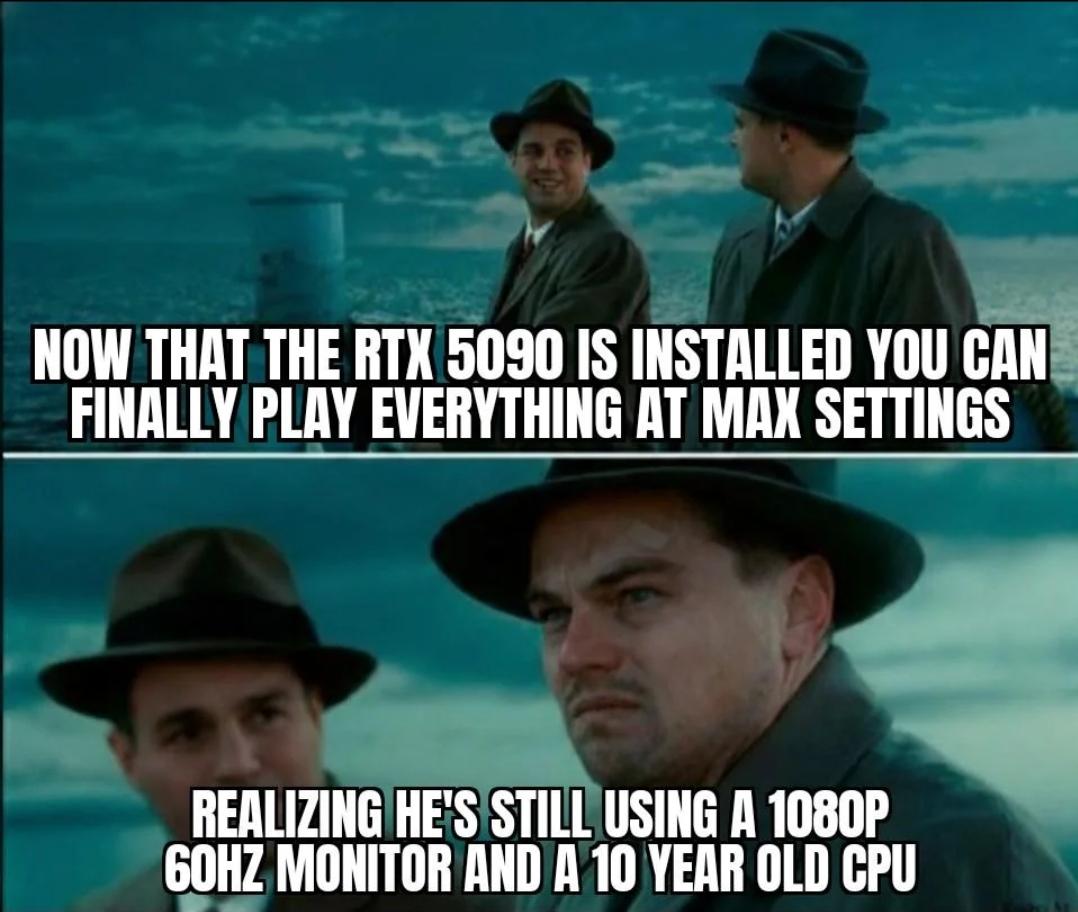
Dropped $2000 on an RTX 5090 thinking you've ascended to gaming nirvana, only to discover your entire setup is held together by decade-old components running at peasant specs. Your shiny new flagship GPU is basically a Ferrari engine strapped to a horse-drawn carriage. That 1080p 60Hz monitor? It's like buying a telescope and looking through a toilet paper roll. And that CPU from the Obama administration? Yeah, it's bottlenecking harder than merge day with 47 unresolved conflicts. The 5090 is just sitting there, using about 12% of its power, wondering what it did to deserve this life. Classic case of optimizing the wrong part of the system. It's like refactoring your frontend to shave off 2ms while your backend is running SQL queries that would make a database admin weep.

IPS Vs. OLED Explained For The Car Enthusiasts *After 5 Years Of Productivity Use

IPS Vs. OLED Explained For The Car Enthusiasts *After 5 Years Of Productivity Use
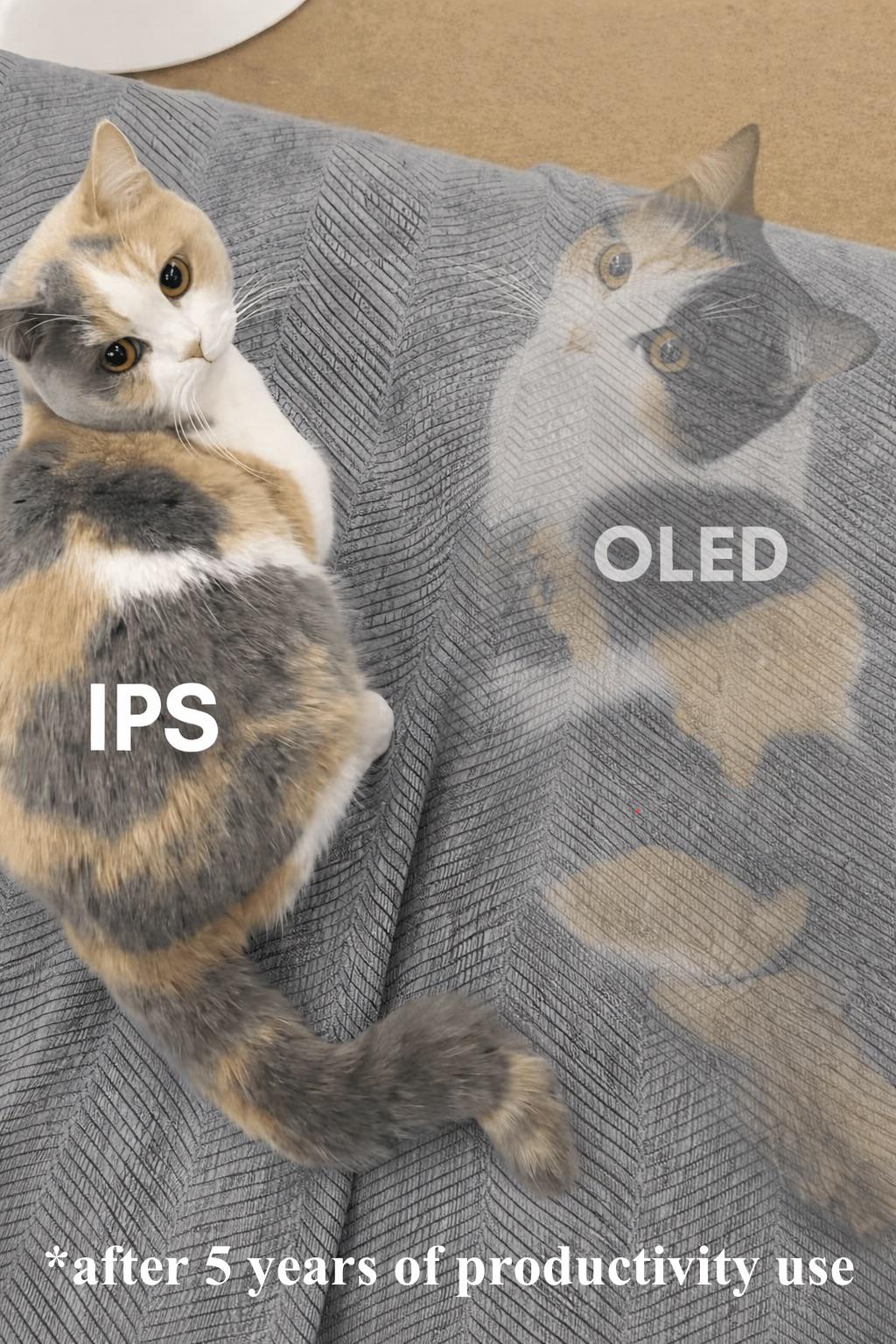
So you bought that fancy OLED monitor for the "infinite contrast" and "true blacks," thinking you'd be living your best life. Plot twist: after 5 years of staring at the same IDE layout, your OLED now has a permanent ghost of your text editor burned into the screen like a cursed tattoo. Meanwhile, your trusty IPS panel is sitting there looking fresh as day one, slightly washed out but ZERO burn-in drama. It's the monitor equivalent of choosing reliability over flashiness—like buying a Toyota instead of a Ferrari that needs repairs every month. Sure, the IPS doesn't have those chef's-kiss blacks, but at least it won't immortalize your VS Code sidebar into its very soul. The real tragedy? You paid premium price to essentially screen-print your taskbar onto a $1000+ display. Slow clap for that investment decision.

Now You Have To Overclock Your Eyeballs...

Now You Have To Overclock Your Eyeballs...
Someone just upgraded their monitor to a ridiculous refresh rate and now the dropdown is basically flexing on them. 11kHz? That's not even a thing for displays—pretty sure that's radio frequency territory. But 360Hz, 240Hz, and 165Hz? Those are real gaming monitor specs, and they're absolutely overkill unless you're a professional esports player or just really enjoy burning money on diminishing returns. The joke here is that once you go high refresh rate, there's no going back. Your eyes literally adapt to buttery smooth motion, and suddenly 60Hz looks like a PowerPoint presentation. You've essentially overclocked your visual perception, and now you're stuck needing hardware that matches your newly acquired superhuman standards. Your wallet is crying, but your eyeballs are living their best life at 360 frames per second.

VIVO Black 29 inch Single Top Standing Desk Converter, DESK-V000U

VIVO Black 29 inch Single Top Standing Desk Converter, DESK-V000U
Sit to Stand: This adjustable workstation allows you to find that needed healthy balance between sitting and standing throughout the long work day for increased alertness and productivity. The sturdy…