Hard drive Memes

Posts tagged with Hard drive
Partitions Explained

Partitions Explained
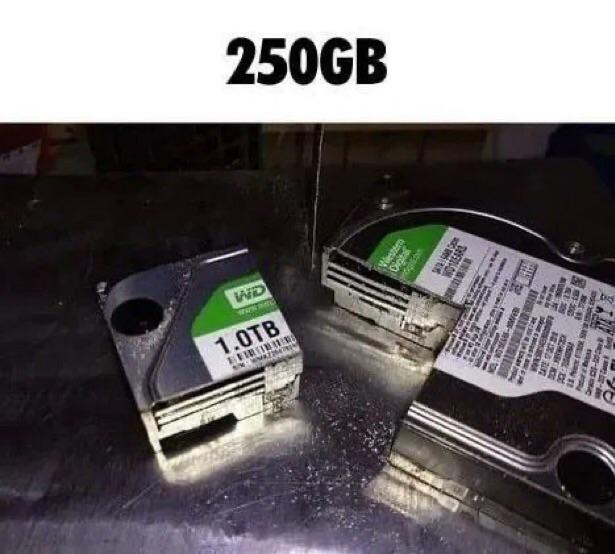
You bought a 1TB drive thinking you'd have all that glorious storage space, but then you decide to partition it and suddenly you've got multiple smaller chunks that somehow feel more cramped than before. The physical metaphor here is *chef's kiss* – literally sawing a hard drive into pieces to create partitions. Because that's exactly what it feels like when you're trying to dual-boot Linux and Windows, and you realize you gave Windows 200GB but your `/home` partition only got 50GB and now you can't install that one game you wanted. The best part? No matter how you slice it (pun absolutely intended), you'll always regret your partition sizes three months later. Should've given more to `/var`. Should've made that EFI partition bigger. The grass is always greener on the other partition.

Writing Data Or Something I Don't Know I'm Not Good With Computers

Writing Data Or Something I Don't Know I'm Not Good With Computers
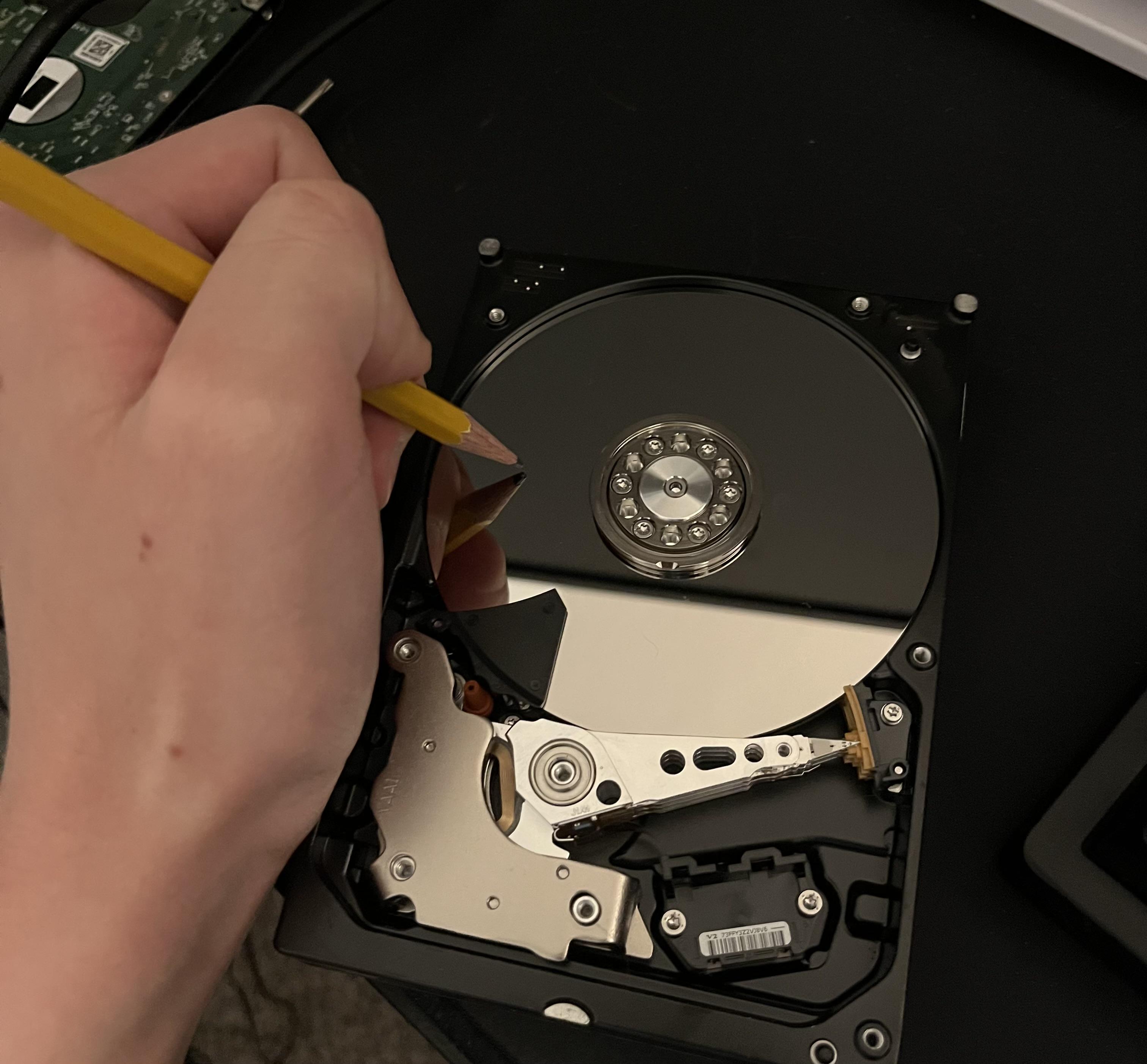
When someone asks you to explain how databases work but you took the term "write to disk" a bit too literally. Nothing says "persistent storage" quite like literally etching data onto the platter with a pencil. The magnetic read/write head is shaking in the corner watching this absolute war crime against hardware. But hey, at least this data won't be affected by electromagnetic interference, right? It's basically blockchain but analog. Revolutionary stuff. Fun fact: This is still more reliable than storing your production database credentials in a .txt file on your desktop named "definitely_not_passwords.txt".

These File Sizes Are Insane

These File Sizes Are Insane
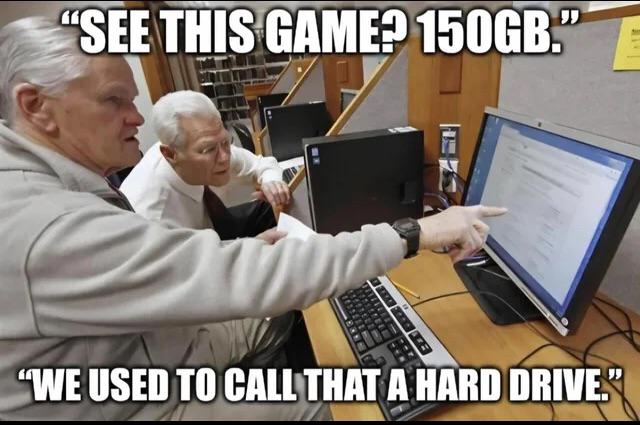
Remember when a 150GB game would've required an entire server farm? Now it's just Tuesday's download while you grab lunch. Modern AAA games casually demand more storage than entire operating systems from the 2000s, and we've all just... accepted it. The generational gap here hits different. These folks lived through an era where you could fit your entire digital life on a 40MB hard drive, and now a single Call of Duty update is larger than the total storage capacity of every computer they owned combined. We went from carefully managing every kilobyte to developers shipping 4K textures for menu backgrounds that nobody asked for. Fun fact: The original Doom (1993) was 2.39MB. Today's games use more space for their launcher than the entire game used to be. Progress, baby.

Finally Got It Out Now How Do I Extract The Data?

Finally Got It Out Now How Do I Extract The Data?
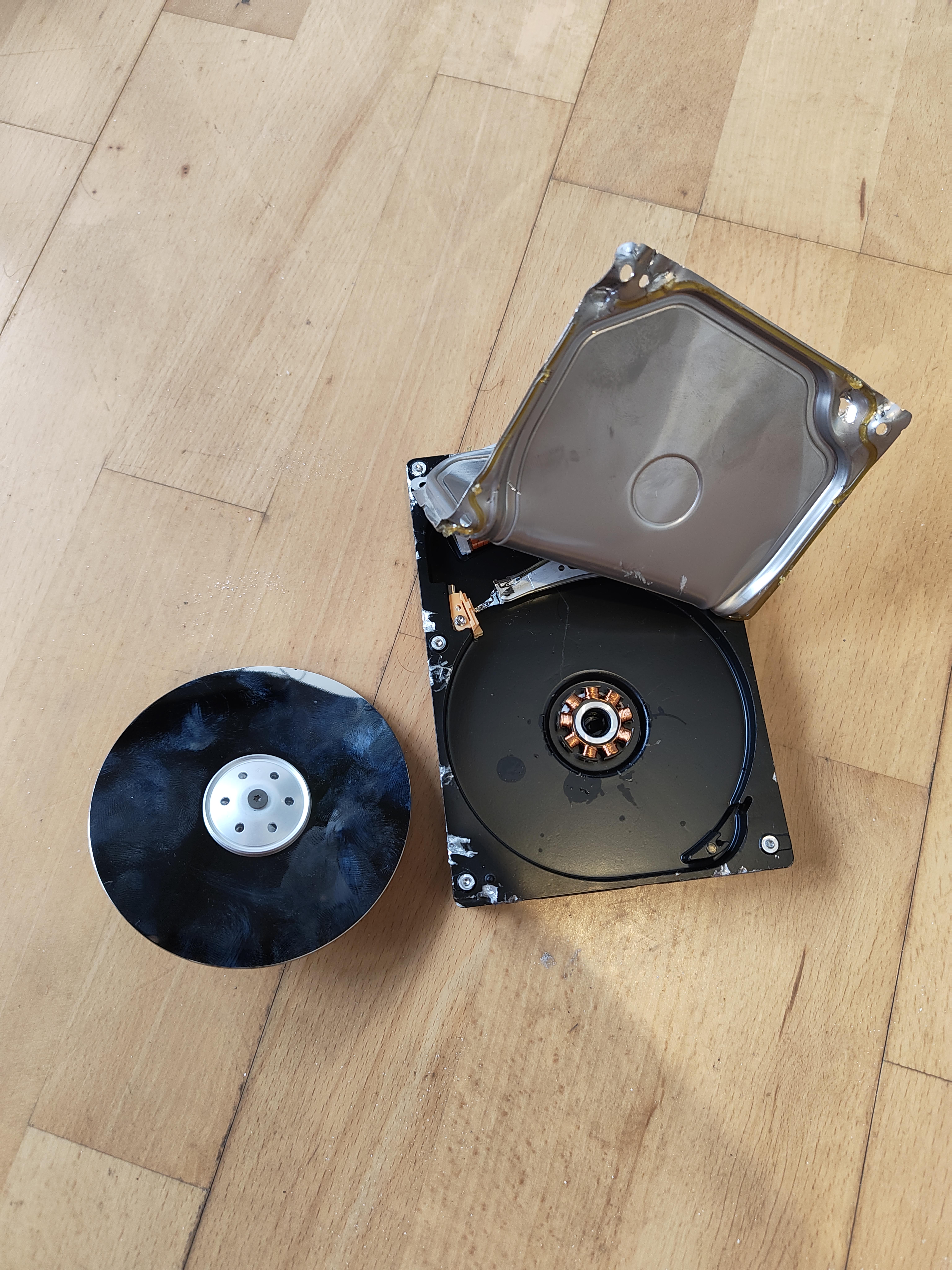
When data recovery gets a little too literal. Someone actually disassembled a hard drive and removed the platter—you know, the shiny disc where your data physically lives. The problem? You can't just slap that thing into a CD drive and call it a day. Hard drive platters store data as microscopic magnetic patterns that require extremely precise read/write heads hovering nanometers above the surface. Once you've cracked it open in your dusty bedroom, congratulations—you've just contaminated it with enough particles to make it unreadable. Even clean rooms can't save you now. But hey, at least you got a cool coaster out of it. That'll be $2000 for the professional data recovery service you should've called in the first place.

Who Remembers Running Defrag Just To Watch Your Files Physically Move Across The Screen?

Who Remembers Running Defrag Just To Watch Your Files Physically Move Across The Screen?
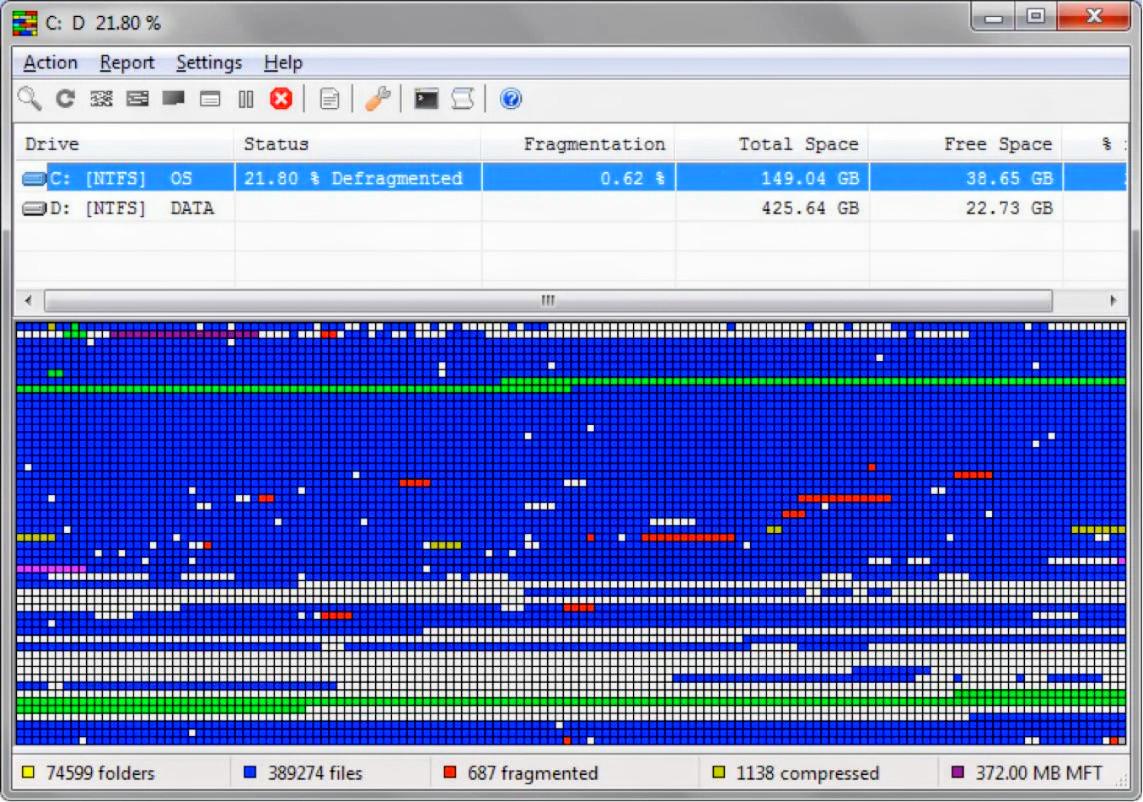
Back when computers were slow enough that you could actually see them thinking. Running defrag wasn't about optimizing disk performance—let's be real, you just wanted to watch those colorful blocks shuffle around like the world's most boring Tetris game. You'd leave it running for hours, occasionally checking in like "oh nice, that red cluster moved three pixels to the left." The best part? Your drive would go from 21.80% fragmented to maybe 0.62%, and you'd feel like you just gave your PC a spa day. Meanwhile, modern SSDs are sitting there laughing because fragmentation doesn't even matter anymore. Kids today will never know the simple joy of watching 687 fragmented files slowly organize themselves while you pretend you're being productive. Fun fact: This was basically the Windows XP/Vista era's version of a screensaver, except it made your computer sound like it was about to achieve liftoff.

It's Been 24 Weeks. Where's My HDD Failure?

It's Been 24 Weeks. Where's My HDD Failure?
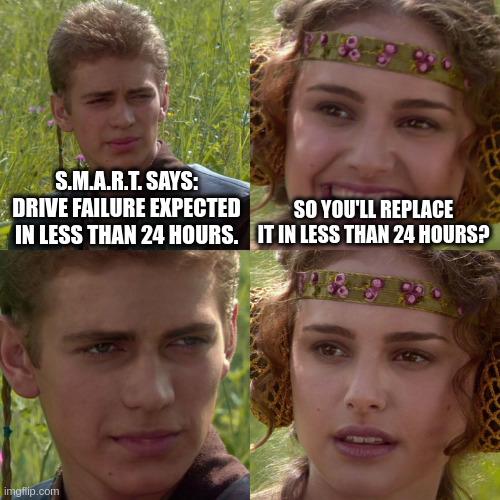
S.M.A.R.T. (Self-Monitoring, Analysis and Reporting Technology) is that built-in hard drive diagnostic system that's supposed to warn you about imminent drive failures. The spec says it'll give you at least 24 hours notice before your drive kicks the bucket. But here's the twist: when S.M.A.R.T. actually throws a warning, you better treat it like a bomb countdown timer. "Less than 24 hours" doesn't mean "sometime this week when you feel like it." It means DROP EVERYTHING and start backing up your data RIGHT NOW. The girl's naive optimism—thinking she's got time to casually schedule a replacement—is exactly how people lose years of work, family photos, and that one config file they forgot to commit to git. The guy's horrified expression? That's the face of someone who's learned this lesson the hard way. Fun fact: S.M.A.R.T. has about a 64% accuracy rate for predicting failures, which means there's a solid chance your drive will either fail without warning or keep chugging along for years despite doom-and-gloom predictions. It's basically the weatherman of hardware diagnostics.

Furmax 55 Inches Electric Height Adjustable Standing Desk Home Office Desk

Furmax 55 Inches Electric Height Adjustable Standing Desk Home Office Desk
【Health Office Style】Sitting for long periods of time at the office puts a huge strain on your bodies, leading to back and neck problems. This standing desk will bring a healthy way of working,allow …

Linux Users Be Like

Linux Users Be Like
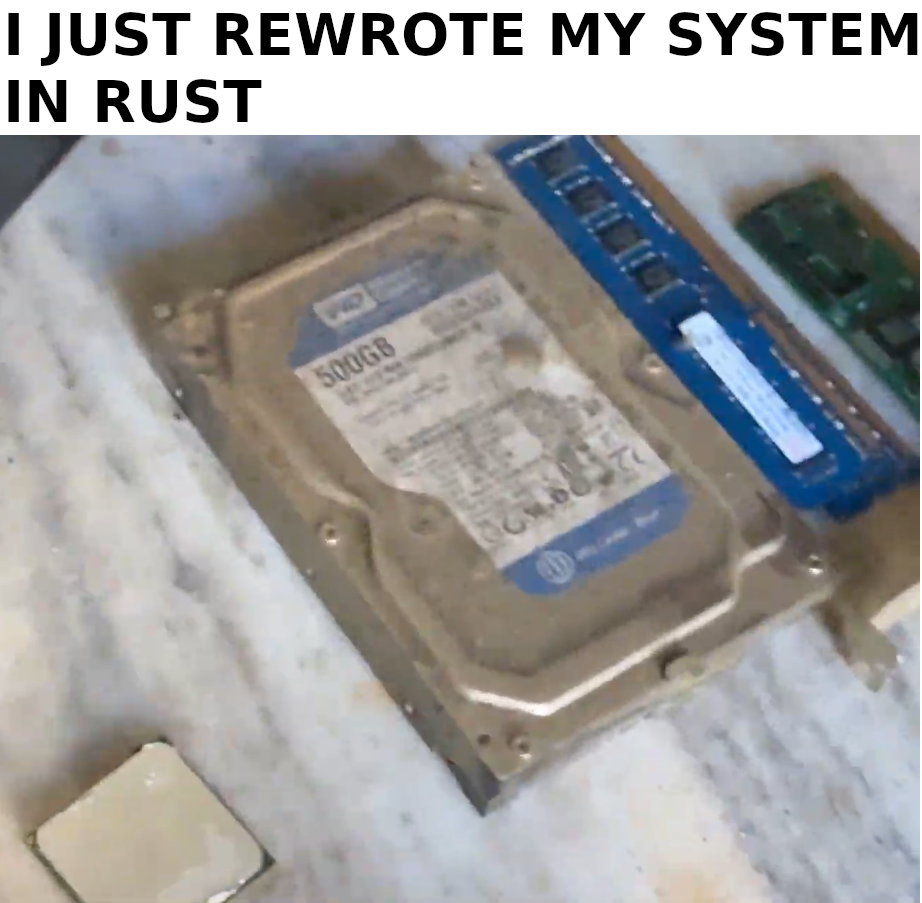
When you rewrite your entire system in Rust for "memory safety" and "performance gains" but forget that your hard drive is literally corroding from the inside out. The hardware has more rust than your codebase ever will. Classic Linux user priorities: spend 40 hours rewriting a perfectly functional bash script in Rust to save 2 milliseconds of execution time, but can't be bothered to replace that dying HDD from 2008. The filesystem might be btrfs but the physical disk is just... rust. At least your code is blazingly fast and memory-safe while it writes to a drive that's one power cycle away from becoming a paperweight.

Please I'm Begging

Please I'm Begging
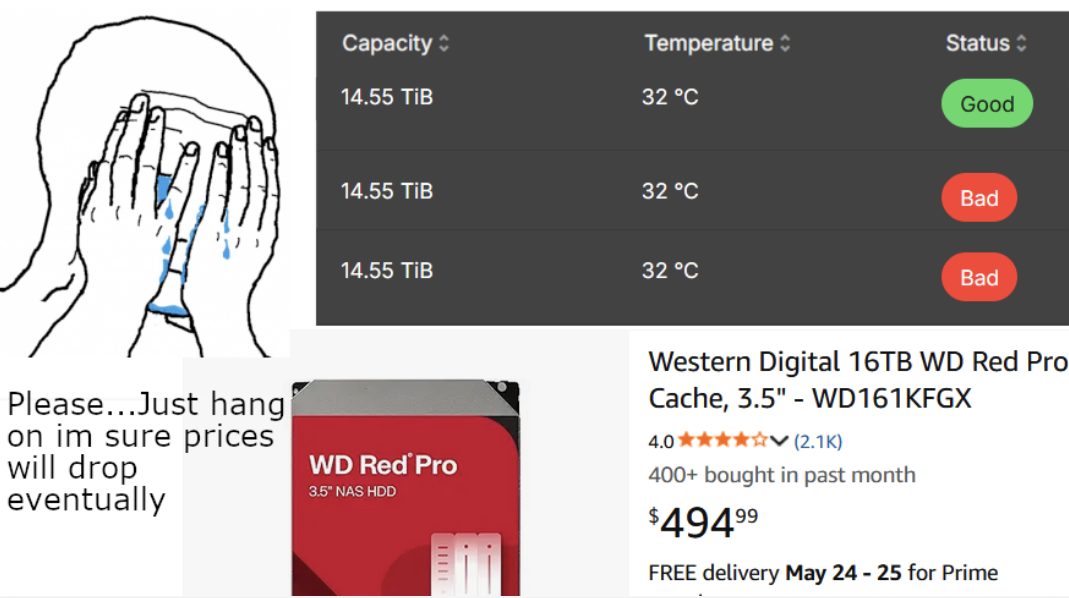
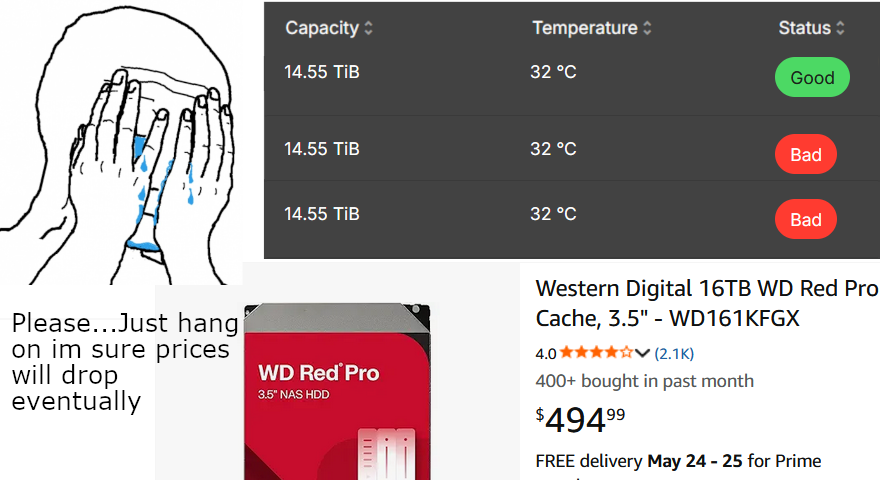
Three identical drives. Same capacity, same temperature, same everything. Yet two decided to embrace chaos and mark themselves as "Bad" while one smugly sits there with "Good" status. The desperation is real—staring at a $495 replacement cost while praying to the tech gods that maybe, just maybe, those drives are having a bad day and will magically recover. Spoiler: they won't. But hey, denial is cheaper than a new WD Red Pro, so might as well refresh that status page a few hundred more times. The "400+ bought in past month" is particularly haunting—like a reminder that hundreds of other people are also experiencing this exact nightmare. Welcome to the hard drive lottery, where your data's fate is determined by microscopic mechanical failures you can't see or fix.

Please I'm Begging

Please I'm Begging
When your hard drive is literally screaming at you with two "Bad" status warnings but you're desperately hoping it'll just... hold on a little longer. Sure, the first drive is "Good" but those other two? They're one power surge away from taking your entire life's work to the digital graveyard. But hey, $495 for a new drive is expensive, right? Maybe if we just ignore the problem and pray to the tech gods, those red badges will magically turn green. Spoiler alert: they won't. And that 400+ people bought this in the past month stat? Yeah, they probably ignored the warnings too until it was too late. Back up your data, folks. RAID is not a backup, and hope is not a storage strategy.

What Happens If You Bend A Hard Drive?

What Happens If You Bend A Hard Drive?
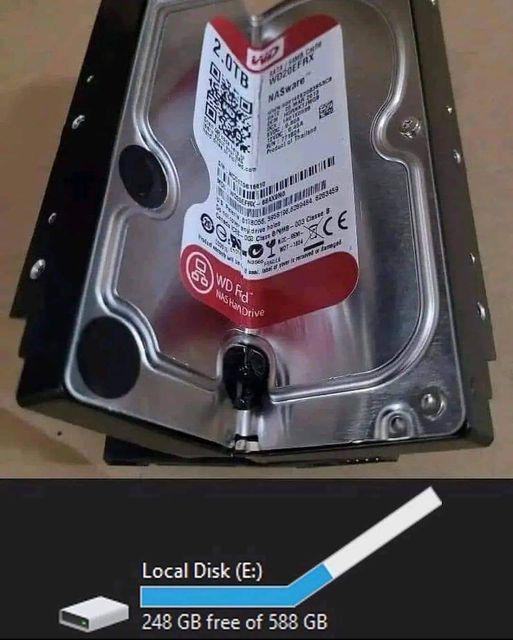
When your hard drive starts looking like it's doing yoga, suddenly Windows thinks you've got way more free space than you actually do. The platters are literally warped but the OS is like "hey, 248GB free out of 588GB, you're good bro!" That physical damage has corrupted the file system so badly that it can't even read what's actually stored anymore. It's just making up numbers at this point. The disk is essentially screaming in pain while Windows cheerfully reports everything is fine. Pro tip from someone who's seen too many "I dropped my laptop" tickets: if your hard drive looks like it went through a trash compactor, those free space numbers are lies. All lies. Time to grab that backup you definitely made, right? ...Right?

So Many Levels

So Many Levels
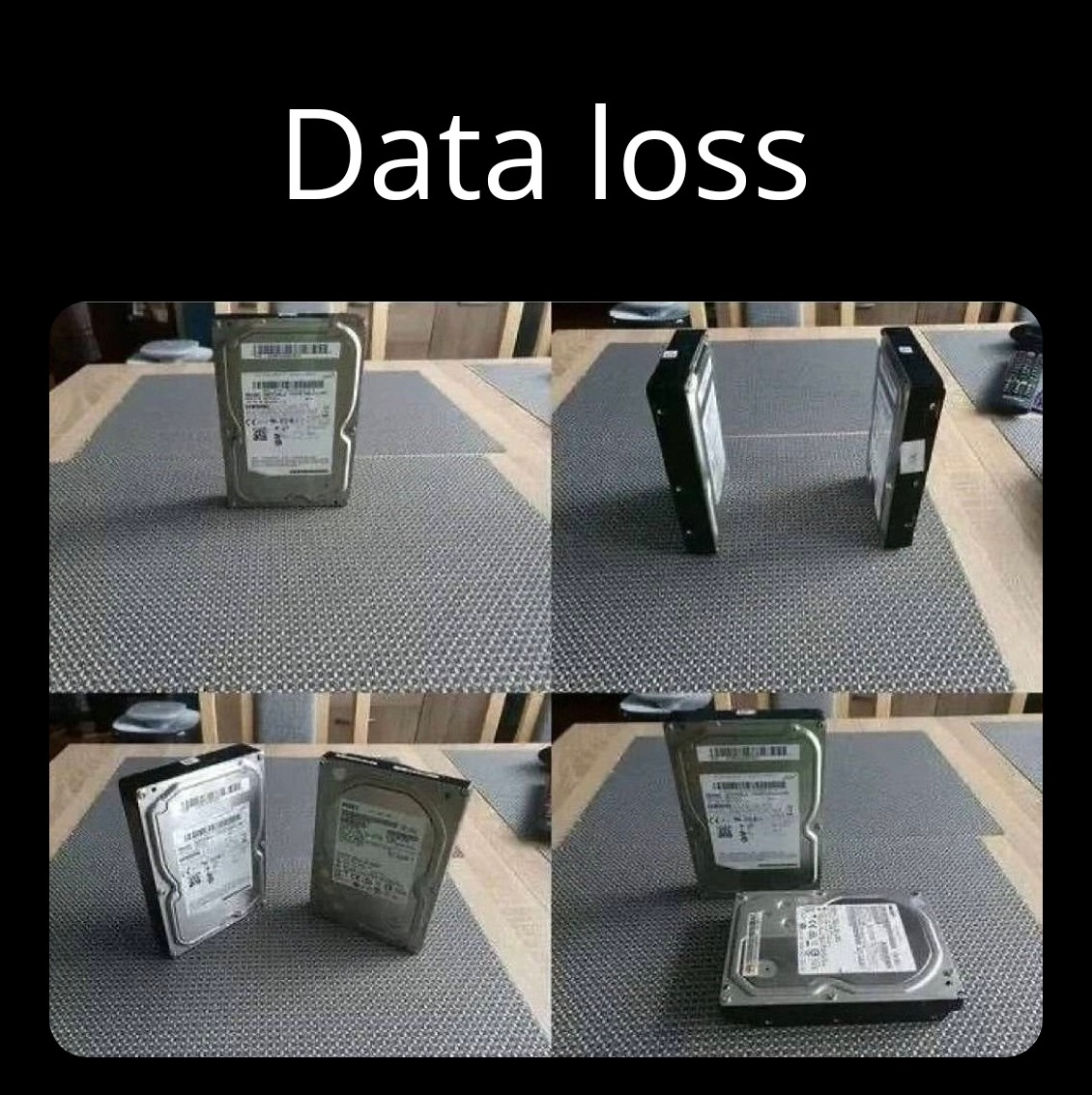
The five stages of grief, but make it hardware failure. Someone's hard drive went from "perfectly fine" to "abstract art installation" real quick. What starts as a normal HDD standing upright gradually transforms into increasingly creative interpretations of what a hard drive could be. First it's standing, then lying flat, then someone thought "what if we bent it a little?" and finally achieved the ultimate form: a hard drive sandwich with extra platters. The title "So Many Levels" is chef's kiss because it works on multiple levels itself (pun absolutely intended). Physical levels of the drive's position, levels of destruction, and levels of desperation when you realize your backup strategy was "I'll do it tomorrow." Fun fact: those shiny platters inside spin at 7200 RPM, which is roughly the same speed your heart rate reaches when you hear that clicking sound. RAID stands for Redundant Array of Independent Disks, but after seeing this, it clearly stands for "Really Avoid Inadequate Disaster-planning."

Me Choosing Which Game To Delete To Install A New One

Me Choosing Which Game To Delete To Install A New One
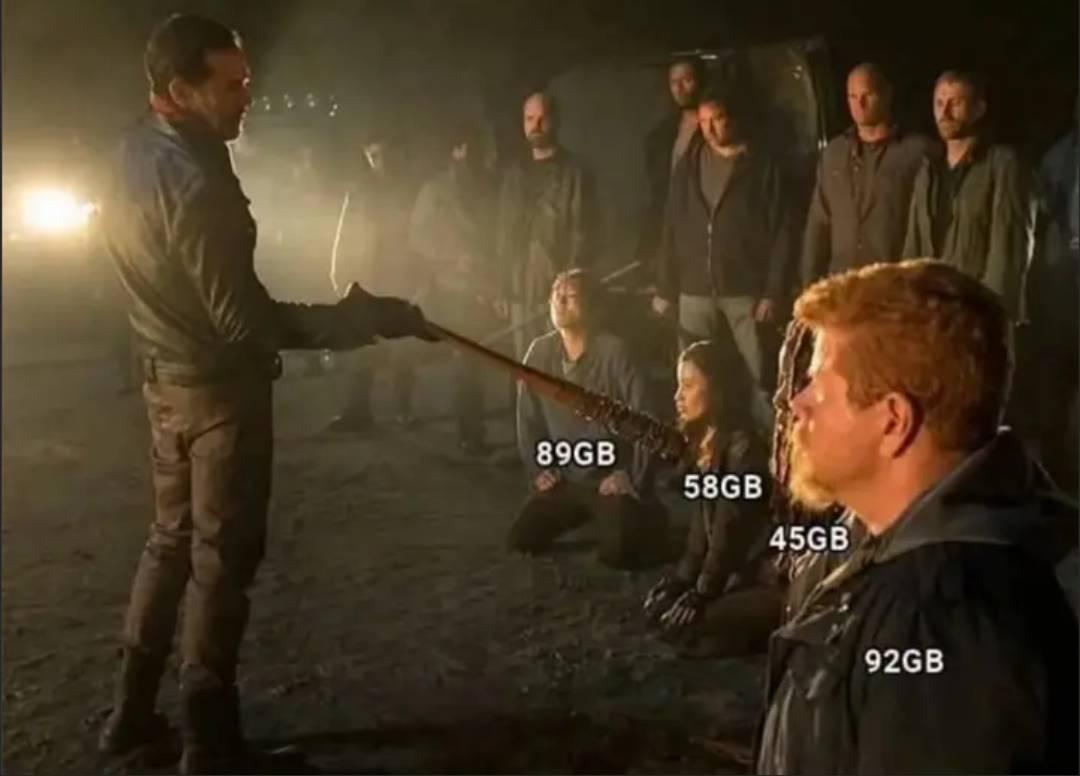
The dreaded "storage execution" scene! That moment when your SSD is at 99% capacity and you need to install a 60GB game. Suddenly you're Negan from The Walking Dead, bat in hand, deciding which of your precious game installs gets the digital axe. The 45GB game is sweating bullets while the 92GB behemoth is practically begging to be spared. "But I'm only 30% through the campaign!" Meanwhile, the 58GB and 89GB games are silently accepting their fate, knowing they haven't been launched in 8 months. Bonus pain: after deleting 200GB worth of games, you realize the new one needs another 50GB for the day-one patch.

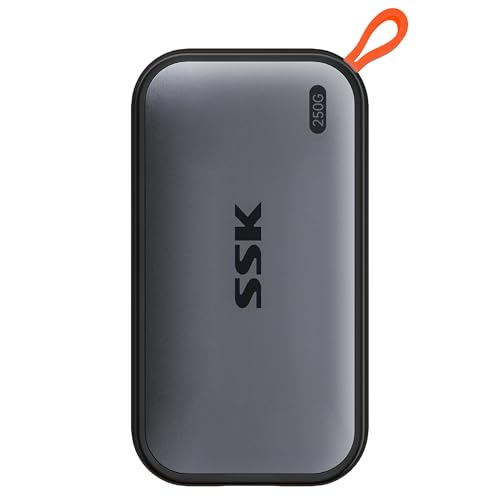
SSK Portable SSD 250GB External Solid State Drives, up to 1050MB/s USB C SSD External Hard Drive USB 3.2 Gen2 for iPhone 15/16/17Pro, Windows, Mac, Android Phones and Tablets

SSK Portable SSD 250GB External Solid State Drives, up to 1050MB/s USB C SSD External Hard Drive USB 3.2 Gen2 for iPhone 15/16/17Pro, Windows, Mac, Android Phones and Tablets
Capacity Reminder: Display capacity of 250GB SSD often appears as around 232GB on Windows. MacOS typically shows full 250GB. This display capacity reduction of 7% to 10% from SSD actual capacity is f…