First world problems Memes

Posts tagged with First world problems
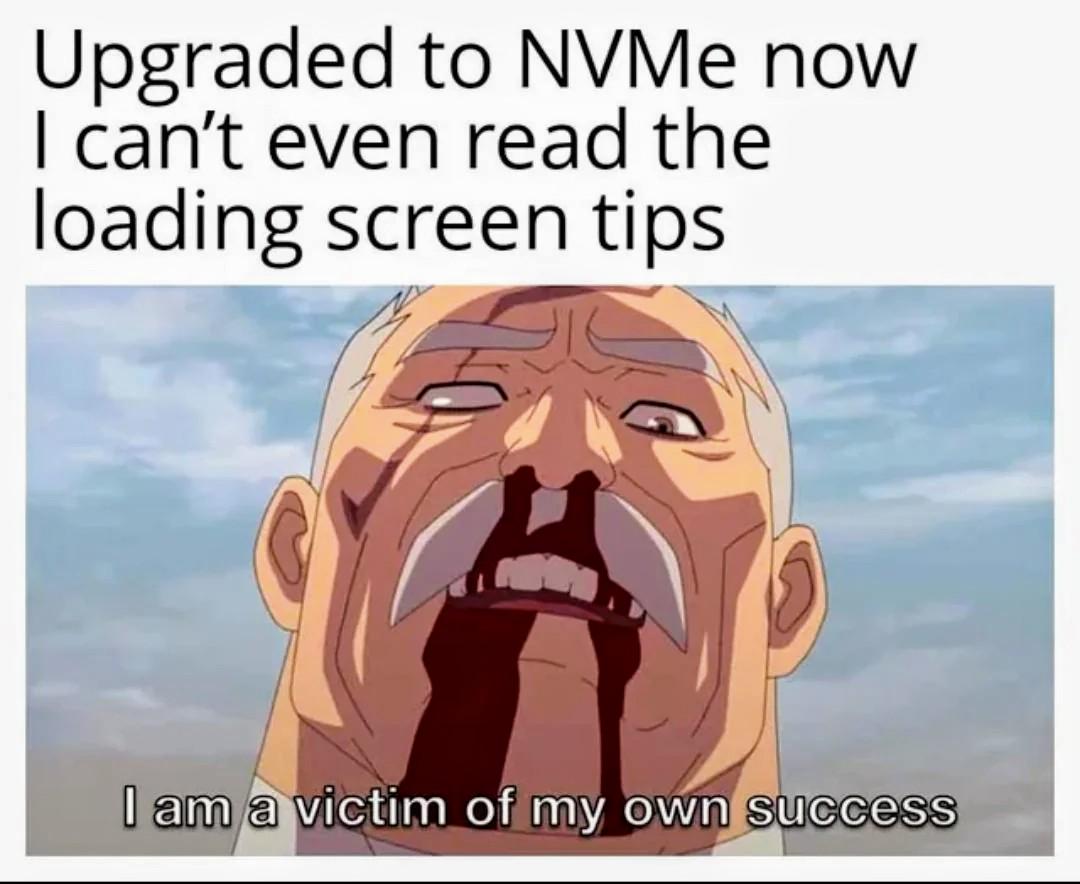
Suffering From Success

Suffering From Success
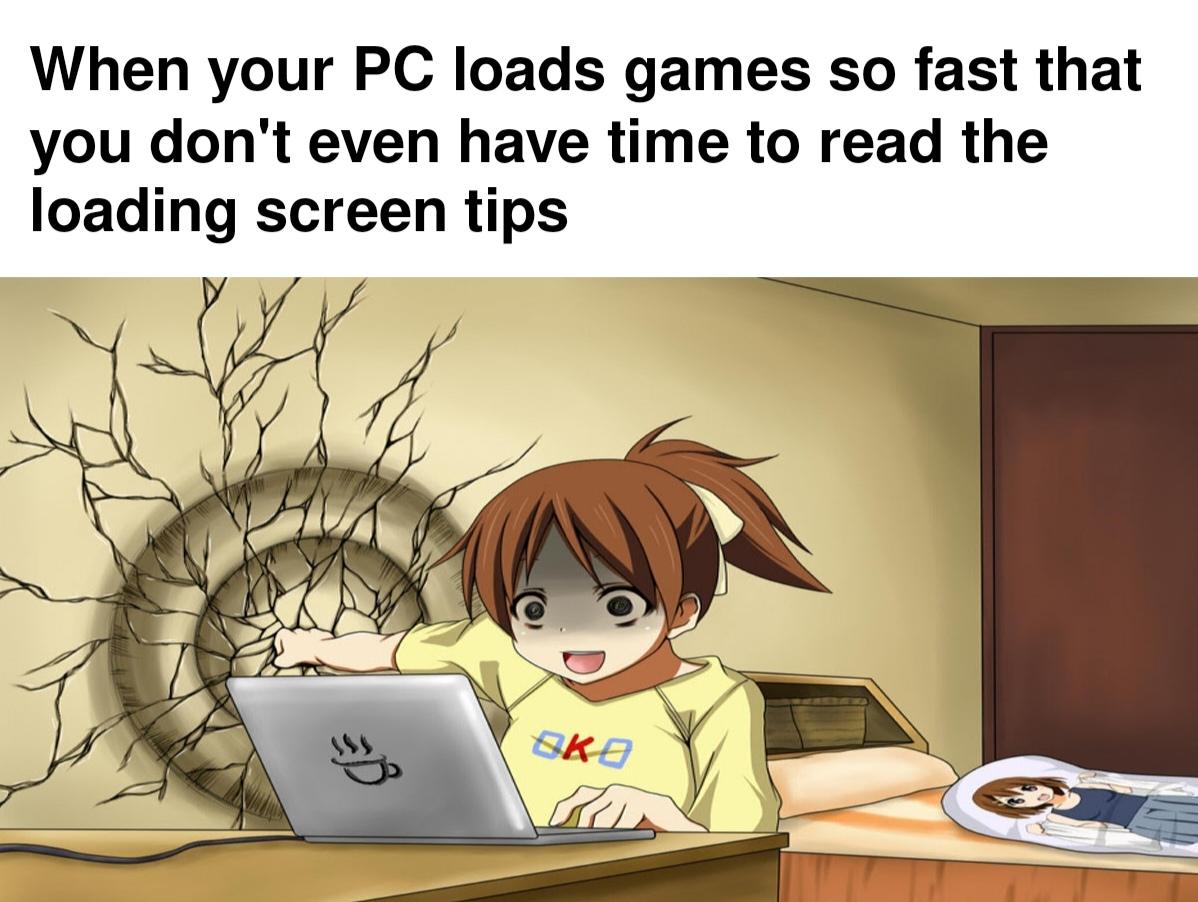
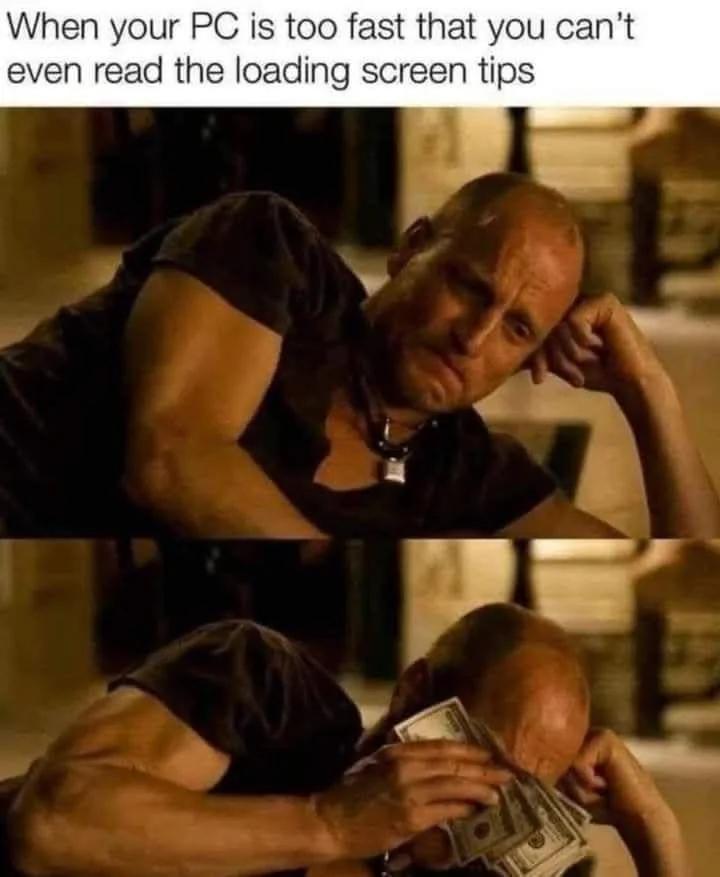
Oh, the TRAGEDY of having a beast gaming rig! You finally drop thousands on that RTX 4090 and NVMe SSD setup, and now you're being ROBBED of those precious loading screen tips like "Press W to move forward" or "Did you know you can jump?" Your PC loads so obscenely fast that you're basically speedrunning through content you were SUPPOSED to absorb during those leisurely 30-second loading screens. How will you ever learn that you can crouch by pressing C? How will you discover that fire is hot? The absolute AUDACITY of high-end hardware depriving you of essential gaming wisdom. First world problems have reached their final form, and honestly? We're all victims of our own success here.

I'm A Traitor For Posting In This Sub

I'm A Traitor For Posting In This Sub
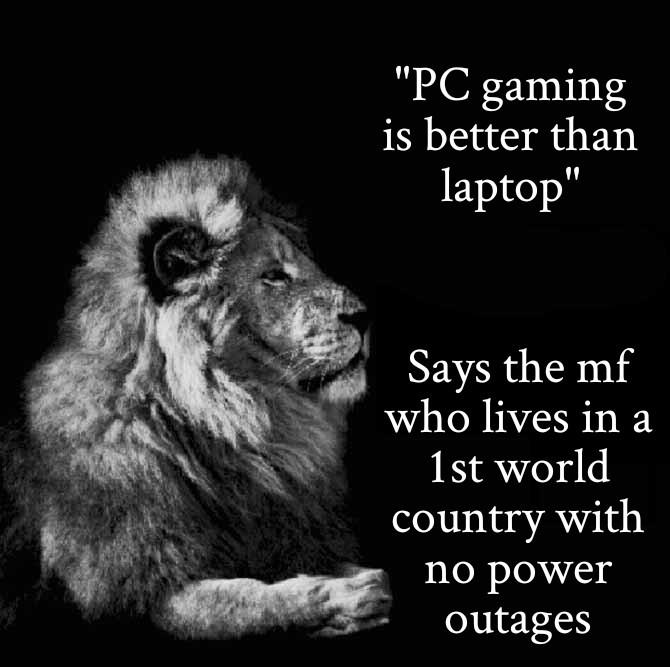
Oh honey, imagine flexing about PC gaming superiority when you're literally coding on a laptop that's plugged into a wall socket like it's on life support. The audacity! The hypocrisy! Here we have someone preaching about desktop supremacy while their entire development career depends on a portable machine that would shut down faster than a null pointer exception if the electricity hiccupped for 0.2 seconds. Meanwhile, laptop users in developing countries are out here running on battery backup, UPS systems, and pure determination, keeping their code compilations alive through power outages like absolute champions. Tell me again how your RGB gaming rig is superior when it can't survive a light breeze knocking out your power grid, bestie.

Has This Happened To Anyone?

Has This Happened To Anyone?
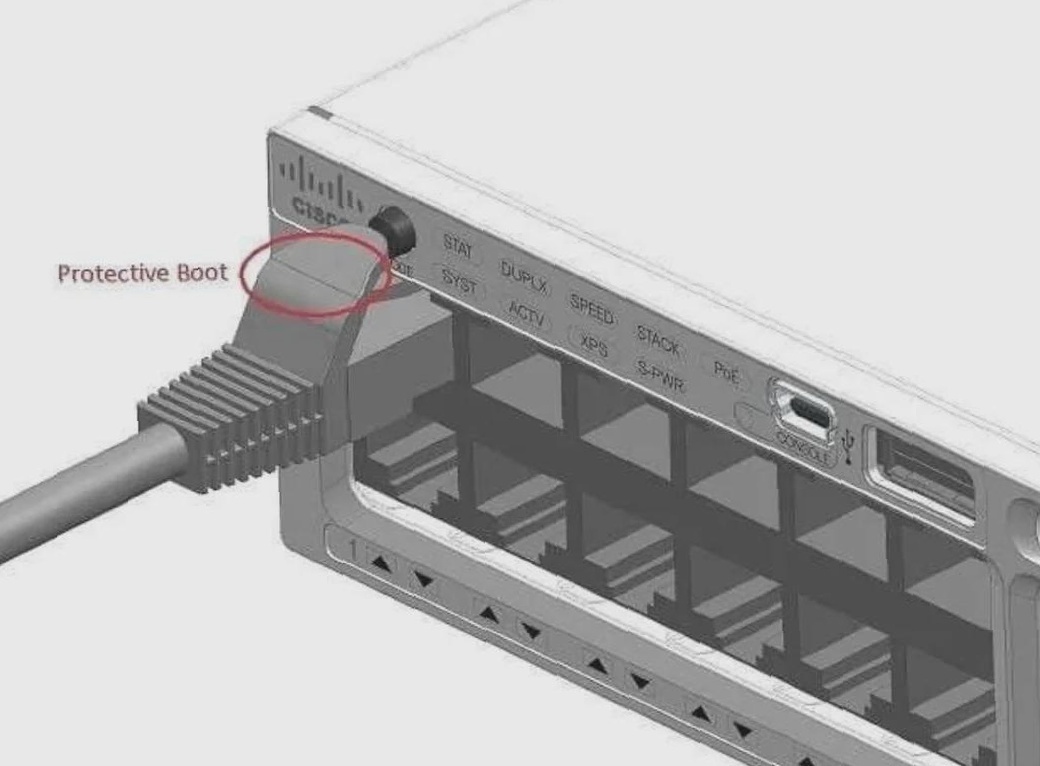
You know that little rubber boot on Ethernet cables that's supposed to protect the clip? Yeah, it's doing its job a little too well here. Instead of sliding back to let you plug in the cable, it's decided to become a physical barrier between you and network connectivity. The clip is completely covered, rendering the cable about as useful as a chocolate teapot. It's like the cable is wearing a turtleneck that's too tight. You can either spend 10 minutes wrestling with it, cut it off in frustration, or just grab a different cable and pretend this one doesn't exist. Most of us choose option three because life's too short to fight with rubber boots when there's actual code to debug. Fun fact: These boots exist because someone, somewhere, kept breaking the fragile plastic clips. Now we have an unbreakable clip that's completely inaccessible. Progress!

If You Think That's Bad, Just Try Pressing F2 To Get To The BIOS Before Windows

If You Think That's Bad, Just Try Pressing F2 To Get To The BIOS Before Windows
Congratulations, you played yourself! You upgraded to an NVMe drive for those sweet, sweet millisecond boot times, and now your computer boots so UNGODLY fast that you can't even finish reading "Press F2 for BIOS" before Windows is already loading. You literally succeeded so hard that you failed. Your reward for investing in blazing-fast storage? The privilege of mashing F2 like a caffeinated woodpecker the moment you hit the power button, praying to the tech gods you'll catch that 0.3-second window. It's like trying to pause a YouTube video at the exact right frame, except the stakes are "do I get to change my boot order or do I have to restart and try again?" Welcome to the future, where your hardware is TOO good and you're stuck there sobbing because you just wanted to enable XMP in the BIOS.

Boii So Glad They Gave Me That Option

Boii So Glad They Gave Me That Option
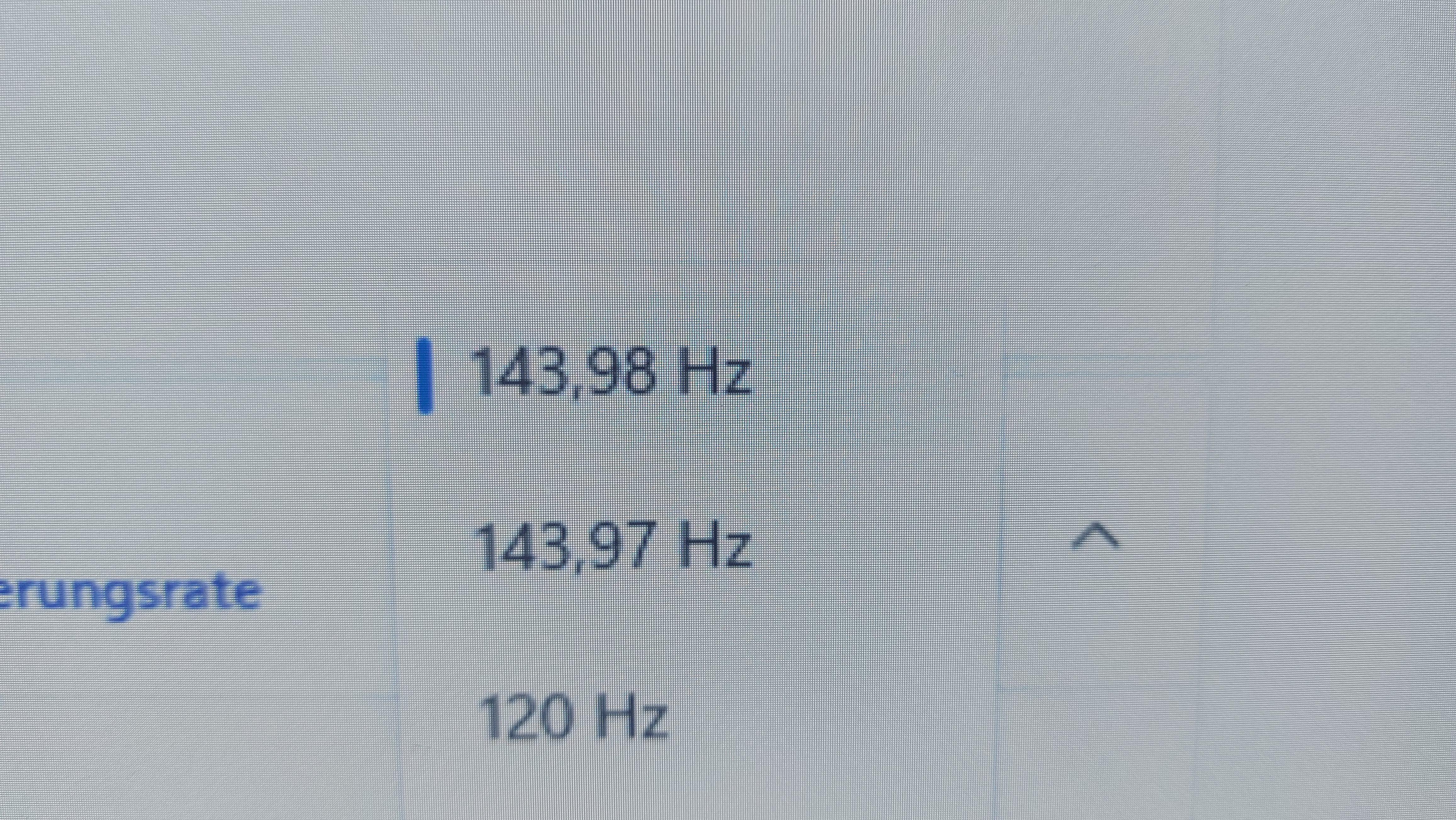
When your monitor gives you the choice between 143.98 Hz and 143.97 Hz, it's like asking if you want your coffee at 98.6°F or 98.5°F. The difference is so microscopically irrelevant that even your GPU is laughing at you for spending 5 minutes deciding. But hey, you're obviously going with 143.98 Hz because that extra 0.01 Hz is clearly going to be the competitive edge you need to finally rank up. Totally not placebo effect, right?

Display Pain

Display Pain
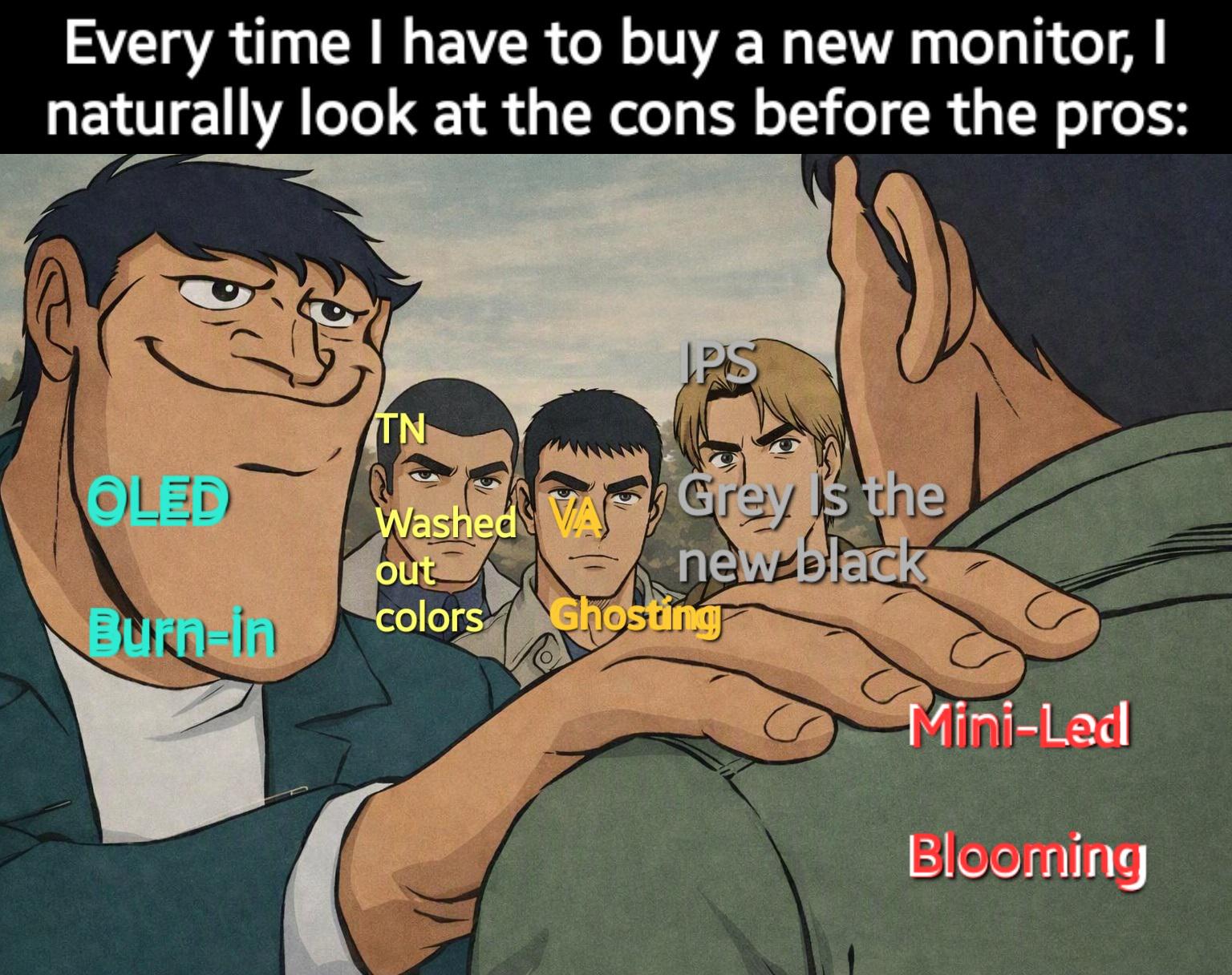
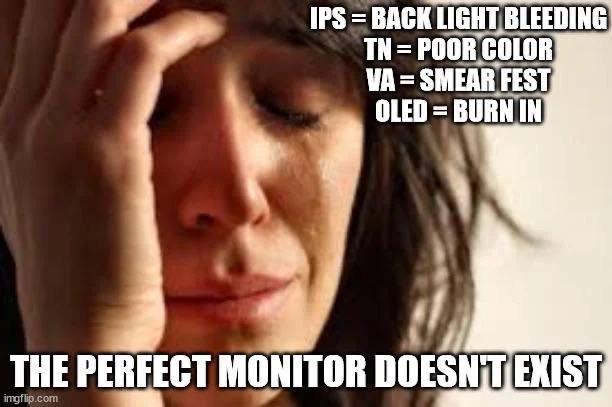
Every monitor technology is basically a "pick your poison" situation. IPS gives you backlight bleeding that makes dark scenes look like someone's shining a flashlight behind your screen. TN panels have color accuracy so bad you'll think your GPU is dying. VA displays turn into a smear fest the moment anything moves faster than a PowerPoint transition. And OLED? Sure, it looks gorgeous until you get permanent burn-in of your IDE's sidebar after six months. The eternal struggle of trying to find a monitor that doesn't suck in at least one critical way. You either pay $2000 for something that still has compromises or accept that your display will betray you in some fundamental manner. Choose your suffering wisely.

WEP 926LED V3 Soldering Station 130W MAX Soldering Iron Kit with Solder Wire, 5 Soldering Tips, Tweezers, Solder Sucker, Tip Cleaner, Temperature Control, Sleep Mode, C-F Conversion

WEP 926LED V3 Soldering Station 130W MAX Soldering Iron Kit with Solder Wire, 5 Soldering Tips, Tweezers, Solder Sucker, Tip Cleaner, Temperature Control, Sleep Mode, C-F Conversion
Full Soldering Kit: This soldering kit comes with a spool of solder wire, 5 extra soldering tips, tweezers, desoldering pump. The accessories included covers a wide range of soldering tasks, and you …

All That RGB, Just To Illuminate The Power Supply Around

All That RGB, Just To Illuminate The Power Supply Around
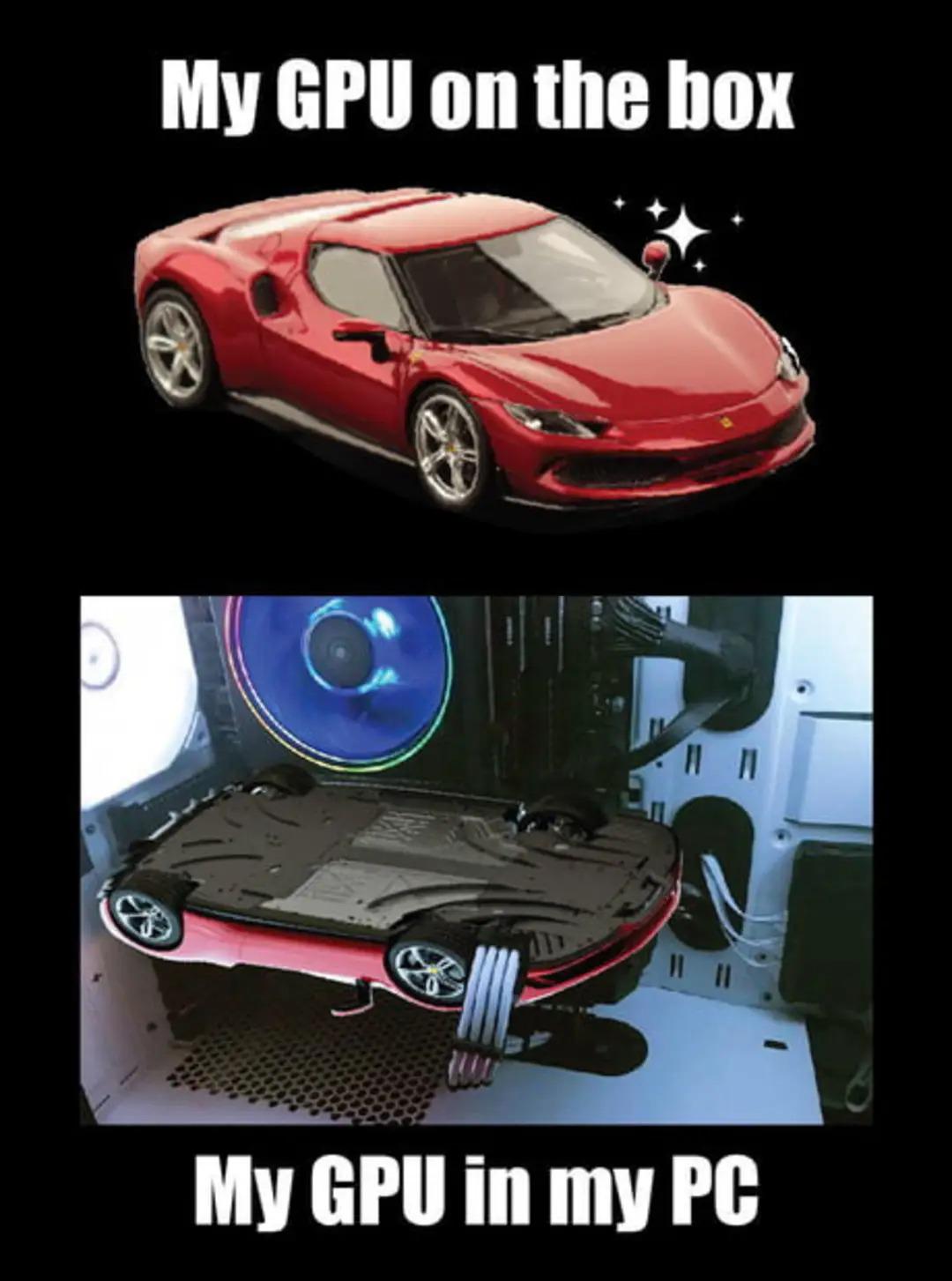
You drop $1,200 on a flagship GPU that looks like a Ferrari on the product page, promising ray-traced glory and 4K gaming nirvana. Then you install it in your case and realize the only thing you can actually see is the backplate—a glorified metal slab that does absolutely nothing except reflect the sad glow of your RGB fans. The irony is delicious: manufacturers spend millions on industrial design, slap racing stripes and aggressive vents on the shroud, maybe even RGB accents... and then you mount it horizontally where none of that matters. What you get to admire through your tempered glass panel is basically the GPU equivalent of a car's undercarriage. Meanwhile, that beautiful cooler design? Facing your motherboard in eternal darkness. At least vertical GPU mounts exist now, so you can finally justify why you paid extra for the "gaming" model instead of the reference design. Because let's be honest, performance is identical—you're just paying for aesthetics you can't even see.

I'm A Victim Of My Own Success

I'm A Victim Of My Own Success
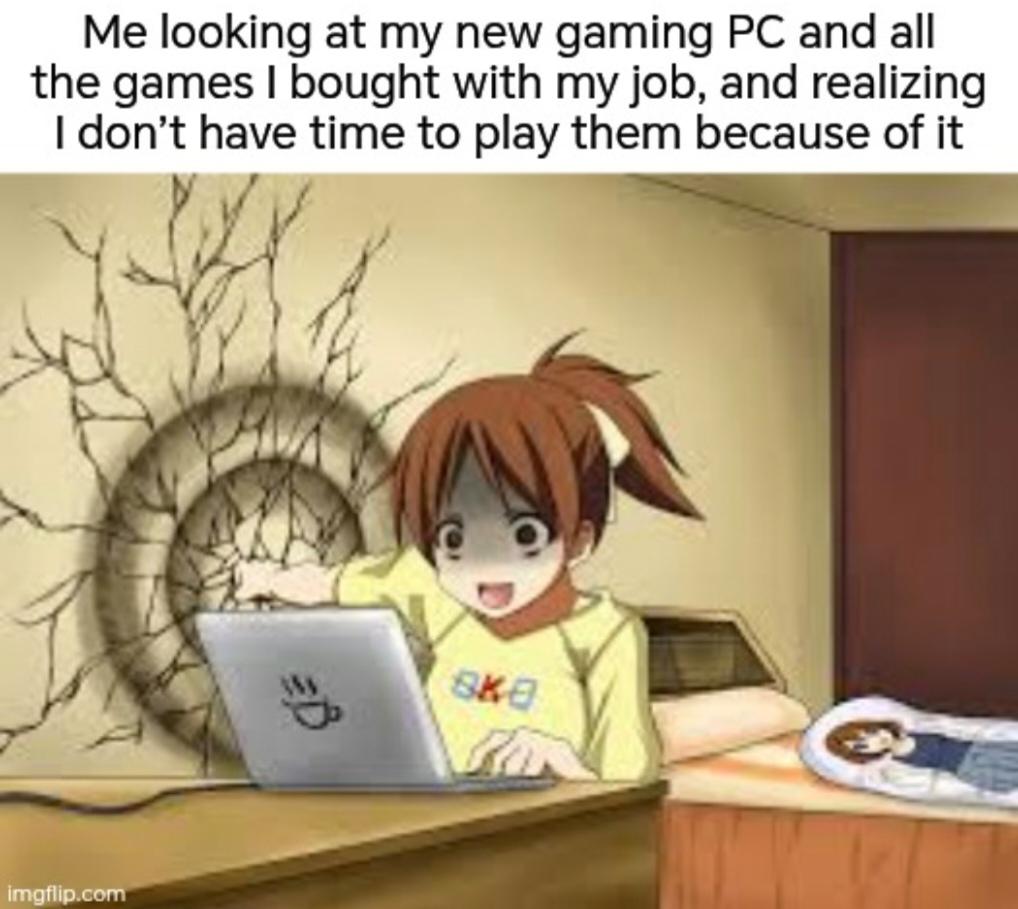
The classic programmer's paradox: you grind through years of learning, land that sweet dev job with actual money, finally afford the beast gaming rig you've been dreaming about since your college ramen days... and then promptly have zero time to use it because you're too busy writing code that makes OTHER people money. Your Steam library becomes a digital graveyard of unplayed titles, each one a monument to your financial success and temporal bankruptcy. The gaming PC just sits there, RGB lights mocking you, while you're stuck debugging production issues at 10 PM. At least your laptop gets plenty of action though—just not the fun kind.

Always The Worst Part

Always The Worst Part
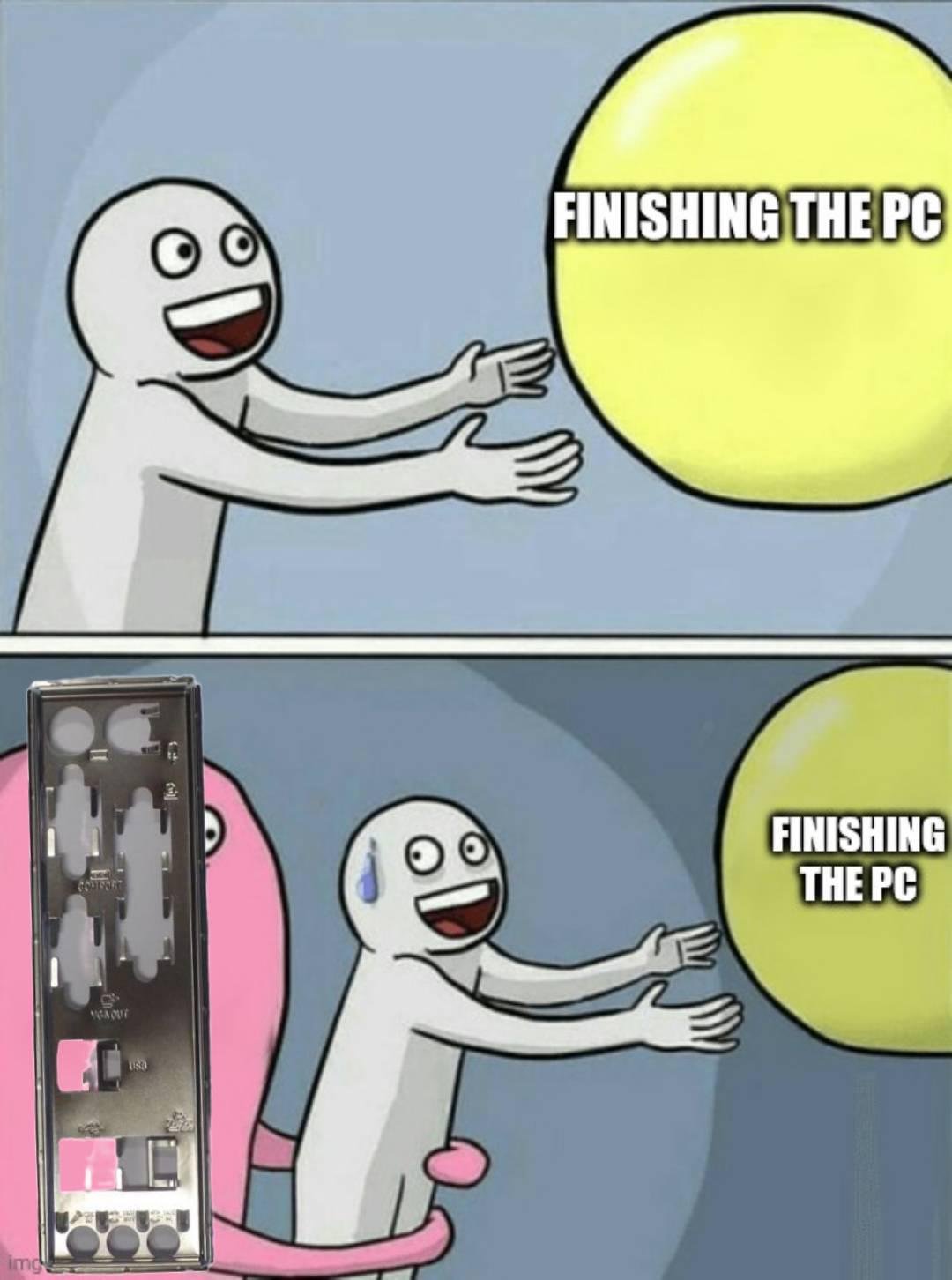
You spent three hours cable managing, another two debugging why the RAM wasn't seated properly, and finally got everything running. Now comes the moment of truth: installing the I/O shield. You know, that piece of metal you were supposed to install before mounting the motherboard. The one that's now mocking you from across the room while your fully assembled PC sits there, complete and beautiful. Time to disassemble everything. Again. Some say the I/O shield is PC building's way of keeping you humble. Others say it's a cruel joke by motherboard manufacturers. Either way, you're taking that cooler off now.

The Betrayal Is Real

The Betrayal Is Real
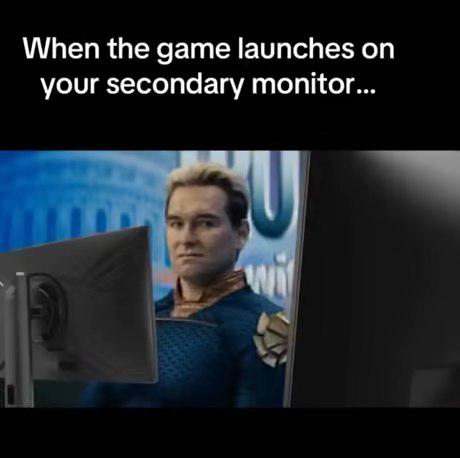
You spent three hours tweaking your display settings, making sure your primary monitor is perfectly calibrated, positioned just right in your OS settings, and then some game decides it knows better. Launches straight onto your secondary monitor like it's challenging your authority. Now you're sitting there looking at your main screen like a disappointed parent while your game is over there living its best life on the wrong display. The disrespect is palpable. Bonus points when it's a fullscreen game and you have to Alt+Tab through seventeen windows to find the settings, change the display, restart the game, and then it still launches on the secondary monitor. Some games just want to watch the world burn.

When The Game Launches On Your Secondary Monitor

When The Game Launches On Your Secondary Monitor
Nothing quite captures the existential dread of frantically craning your neck to see your game launch on the wrong monitor while your main screen sits there mocking you with its emptiness. You click the executable, hear the startup sound, but your primary monitor just... does nothing. Meanwhile, your secondary monitor—the one you've strategically positioned at a 45-degree angle for "optimal multitasking"—is now hosting your full-screen game at the worst possible viewing angle. The worst part? You can't even Alt+Tab properly because the game is now convinced it's on the primary display, and your mouse cursor is trapped in a dimensional prison between two screens. Time to dive into the settings menu while contorting your spine like you're debugging production code at 3 AM. Fun fact: Windows has remembered your monitor preference from that ONE time you moved the game window 6 months ago and will never, ever forget it.

I Got Your Monitors Missing 0.01 Hz And I'm Not Giving It Back

I Got Your Monitors Missing 0.01 Hz And I'm Not Giving It Back
You know that feeling when you set up dual monitors and one is running at 200.01 Hz while the other is stuck at 200.00 Hz? Yeah, the GPU is basically holding that extra 0.01 Hz hostage. It's like having two perfectly matched monitors, same model, same specs, bought on the same day... and somehow the universe decided one deserves slightly more refresh rate than the other. The NVIDIA driver just sits there smugly, refusing to sync them up. You'll spend 45 minutes in display settings trying to manually set them to match, only to realize the option simply doesn't exist. That 0.01 Hz difference? It's the GPU's now. Consider it rent for using dual monitors. And yes, you absolutely WILL notice the difference. Or at least you'll convince yourself you do.