

Dhcp Memes

Posts tagged with Dhcp

Static IP Address

Static IP Address
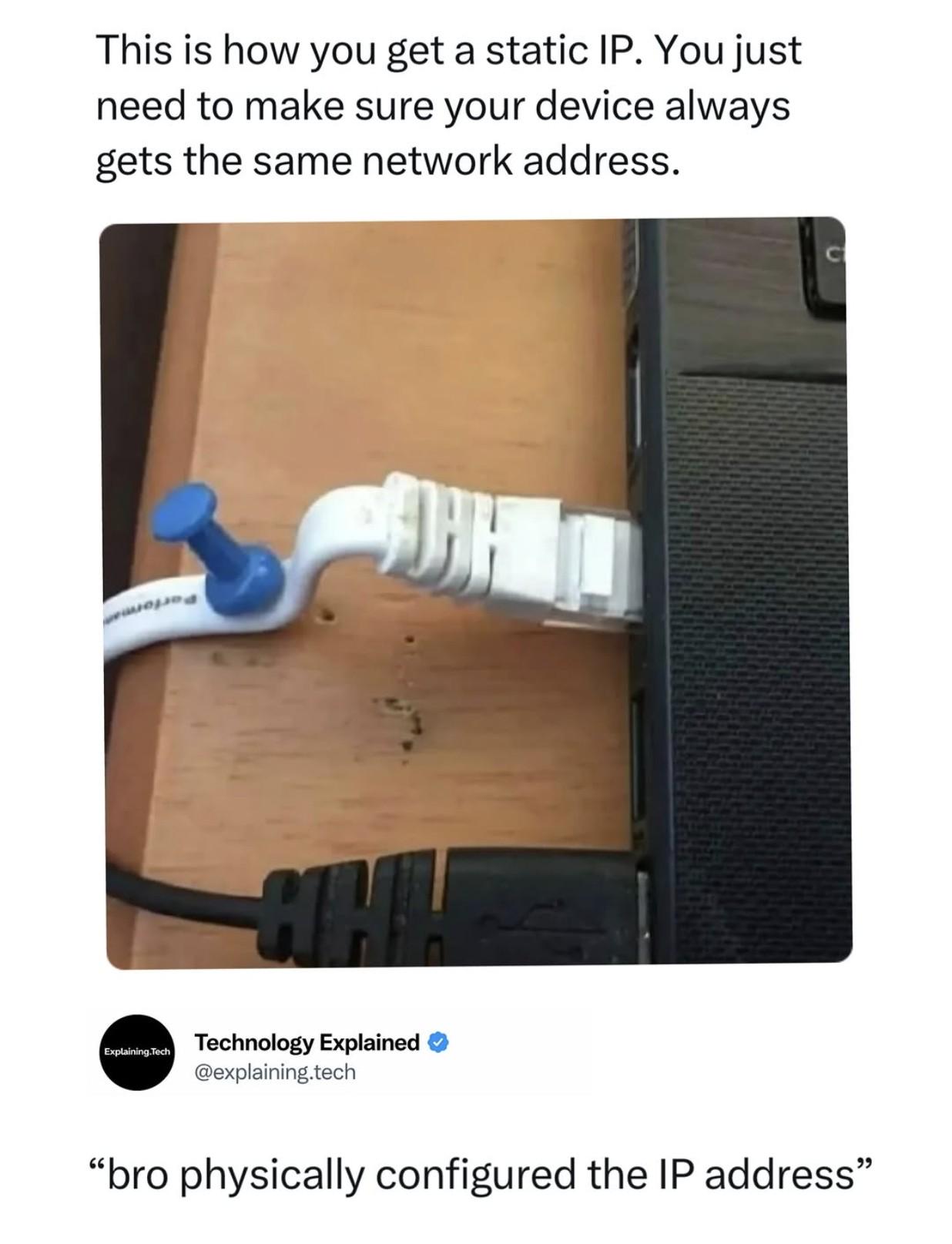
Someone took the concept of "static IP" way too literally and pinned an ethernet cable to their wrist with a thumbtack. Because apparently, the best way to ensure your device always gets the same network address is to physically attach it to your body. No DHCP reservation needed when you've got medical tape and commitment issues with your network configuration. The caption "bro physically configured the IP address" really drives home the absurdity – like they're treating network infrastructure as if it's a hardware mod. Forget editing /etc/network/interfaces or messing with your router settings, just grab some office supplies and become one with the LAN. Maximum uptime guaranteed, or at least until you need to shower.

Ip Man Fixing Ip Again....

Ip Man Fixing Ip Again....
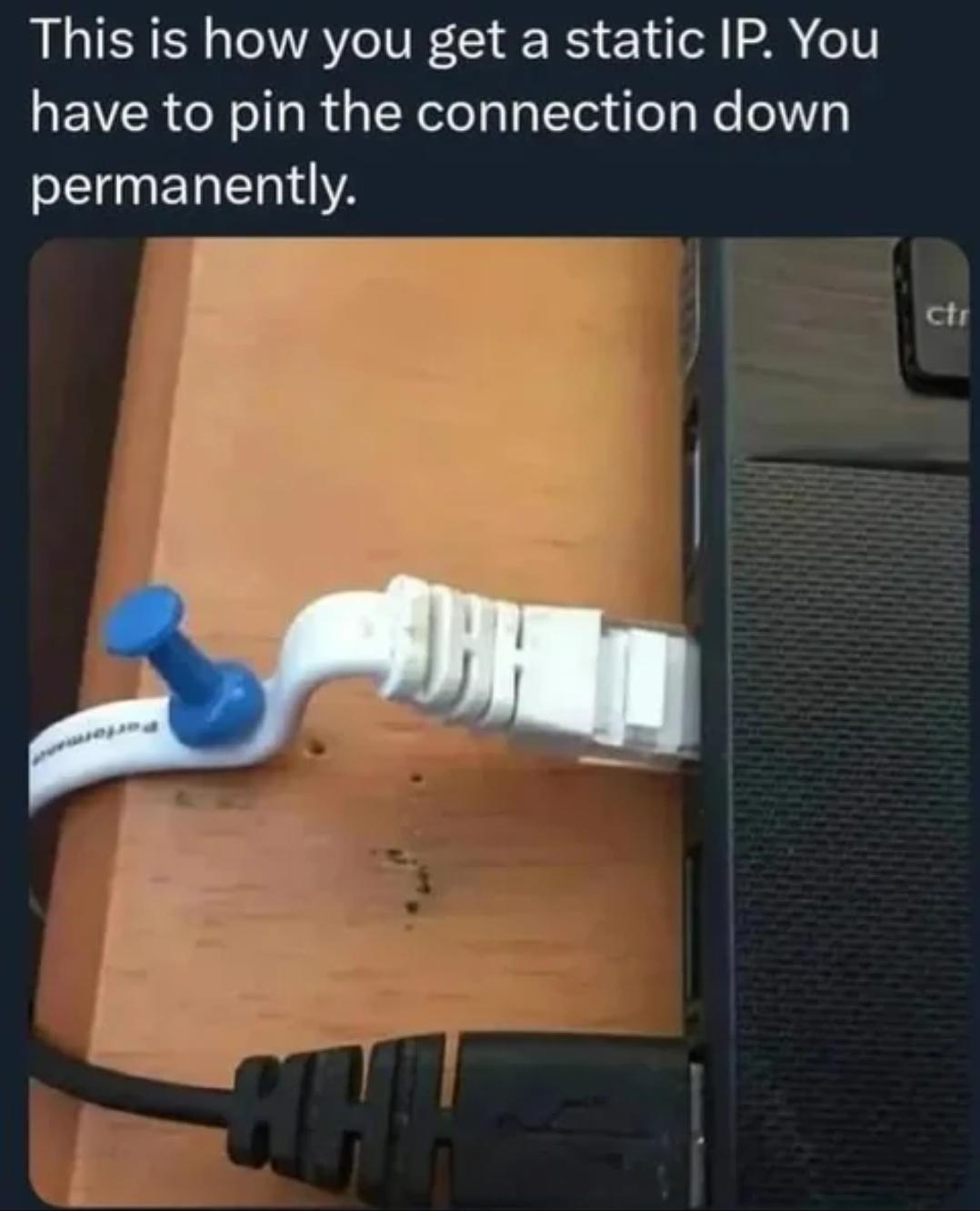
When your router keeps pulling a new IP address from DHCP and you need that server reachable, sometimes the most elegant solution is just... a thumbtack. Who needs proper network configuration when you can literally pin your connection down? The IT equivalent of duct tape. Your network admin just shed a single tear and they don't know why.

The Secret Handshake Of Port 67

The Secret Handshake Of Port 67
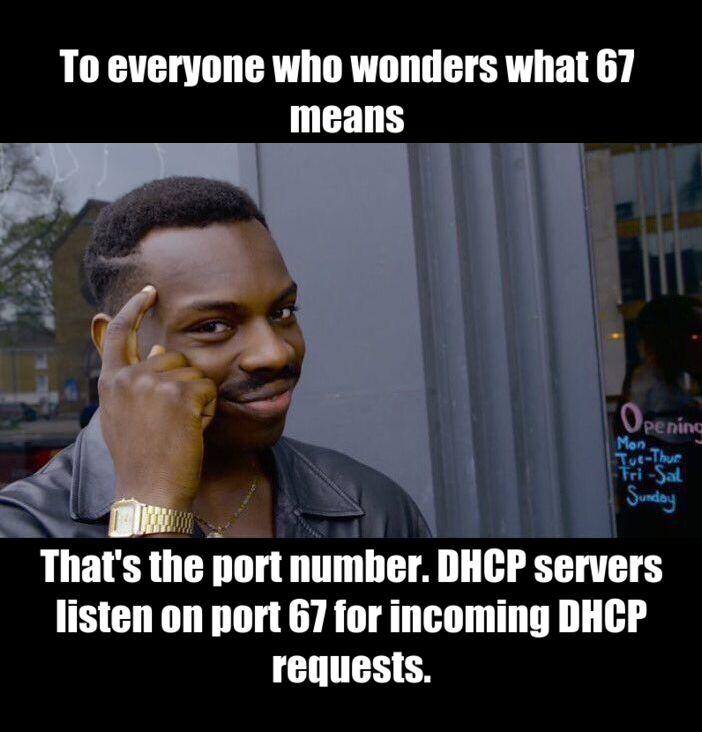
The number of people who know that DHCP servers listen on port 67 is inversely proportional to the number of people who've ever had to manually configure network settings. For most folks, networks just "work magically" until they don't. Meanwhile, the networking veterans are tapping their temples because they've debugged enough connection issues to know that port 67 is where all your IP address begging happens. It's like knowing the secret handshake at the exclusive club called "I've actually read an RFC."

Stop Setting Static IP Addresses In DHCP Range

Stop Setting Static IP Addresses In DHCP Range
The networking equivalent of watching someone park in a reserved spot. That brave soul is fighting the good fight against the network admins who've spent hours debugging why devices keep dropping off the network, only to discover some rogue developer assigned themselves 192.168.1.100 because "it's easier to remember." Nothing like the sweet chaos of two devices fighting over the same IP while DHCP watches helplessly from the sidelines. The real network troubleshooting drinking game: take a shot every time someone says "but it was working yesterday!"