Workstation Memes

Posts tagged with Workstation
Ready For Anything. Except Reality.

Ready For Anything. Except Reality.
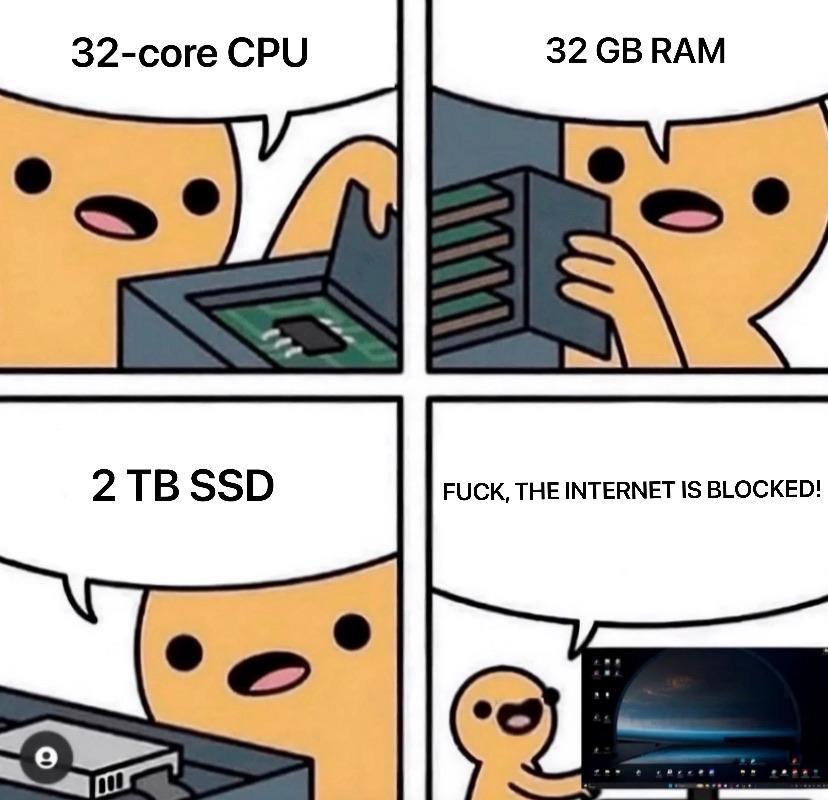
You've got a beast of a development machine—32-core CPU for those parallel builds, 32 GB RAM to run Docker, your IDE, Slack, Spotify, and 47 Chrome tabs simultaneously, plus a 2 TB SSD because you're a professional who needs space for all those node_modules folders. But then the Wi-Fi drops for 3 seconds and suddenly you're just a person staring at a very expensive paperweight. Can't pull from git, can't Google that error message, can't even pretend to look busy on Stack Overflow. Your $3000 workstation reduced to uselessness by a $50 router having an existential crisis. The real bottleneck was never the hardware. It was Comcast all along.

My Programming Setup

My Programming Setup
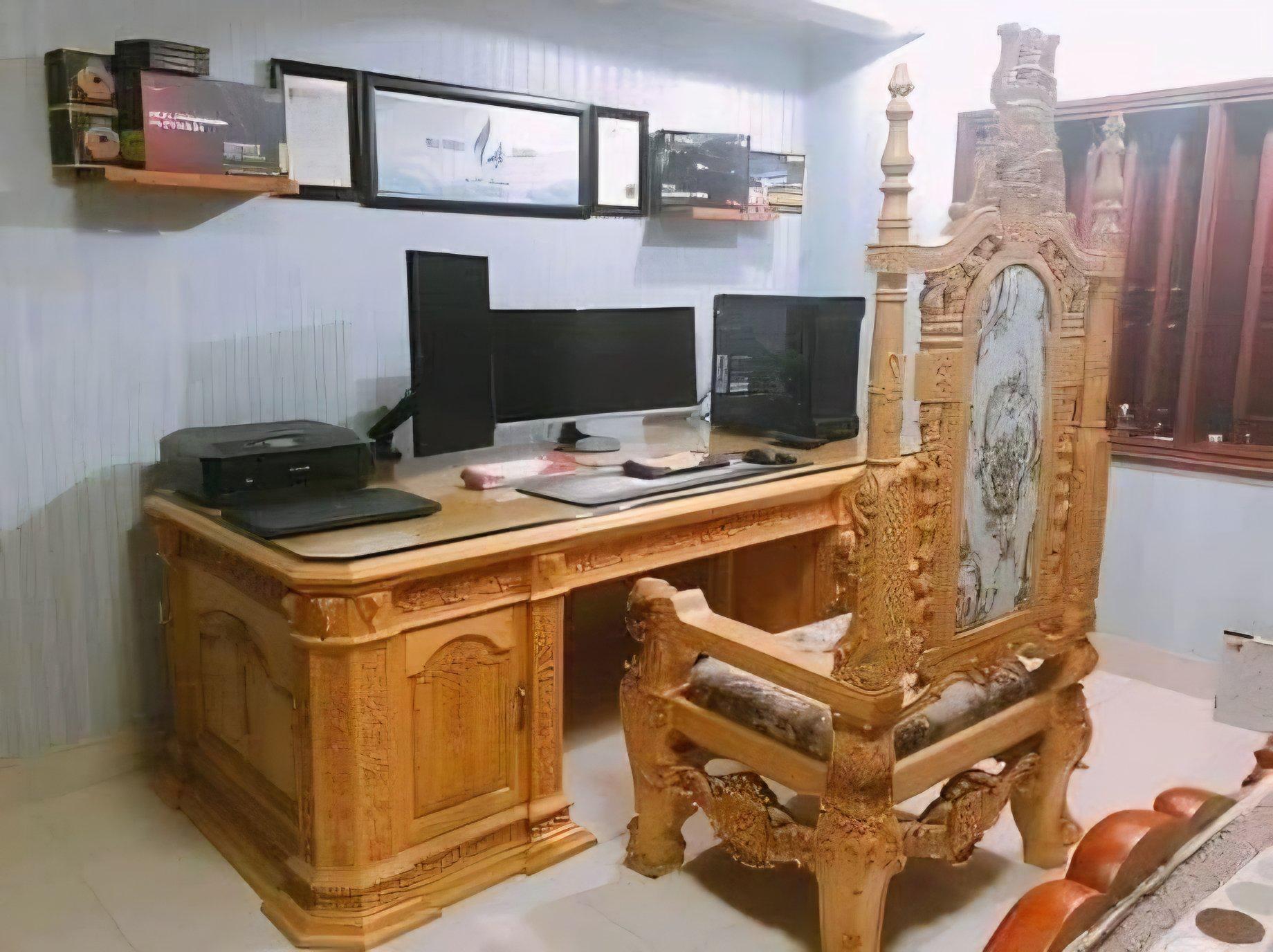
Nothing says "I take my craft seriously" quite like coding on a throne that looks like it was carved by Baroque artisans during a fever dream. Multiple monitors? Check. Ergonomic seating? Well, technically it's got lumbar support if you count those ornate wooden carvings digging into your spine. The desk looks like it belongs in Versailles, the chair screams "I am royalty," and yet you're probably debugging CSS padding issues or arguing with npm dependencies. The duality of modern software development: feeling like a god while your code runs, feeling like a peasant when it doesn't compile. Real talk though—your posture is gonna be absolutely wrecked sitting in that thing for an 8-hour sprint. But hey, at least you'll look majestic doing it.

Recently Sold My PS5 And Got A High End Gaming PC...

Recently Sold My PS5 And Got A High End Gaming PC...
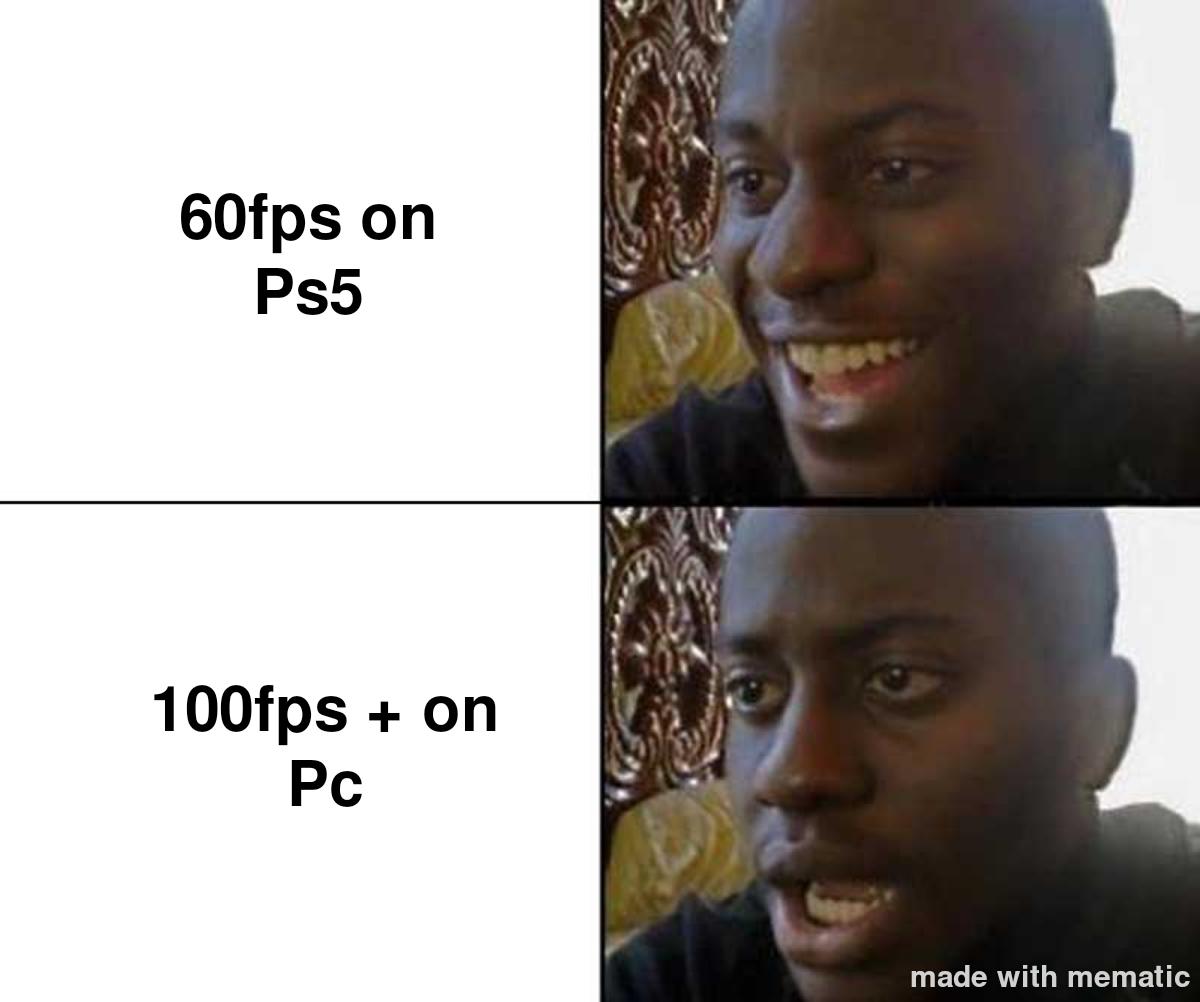
Congratulations, you just spent $2000 to realize you'll never actually game on it. Instead, you'll spend your weekends configuring Docker containers, setting up WSL2, installing 47 different IDEs "just to try them out," and compiling code at the speed of light while your PS5-owning friends are actually having fun. That high-end GPU? Yeah, it's mining cryptocurrency in the background while you debug why your localhost isn't working. Welcome to the club where your "gaming PC" becomes a glorified development machine that occasionally runs Cyberpunk at 200fps for exactly 10 minutes before you alt-tab back to VS Code.

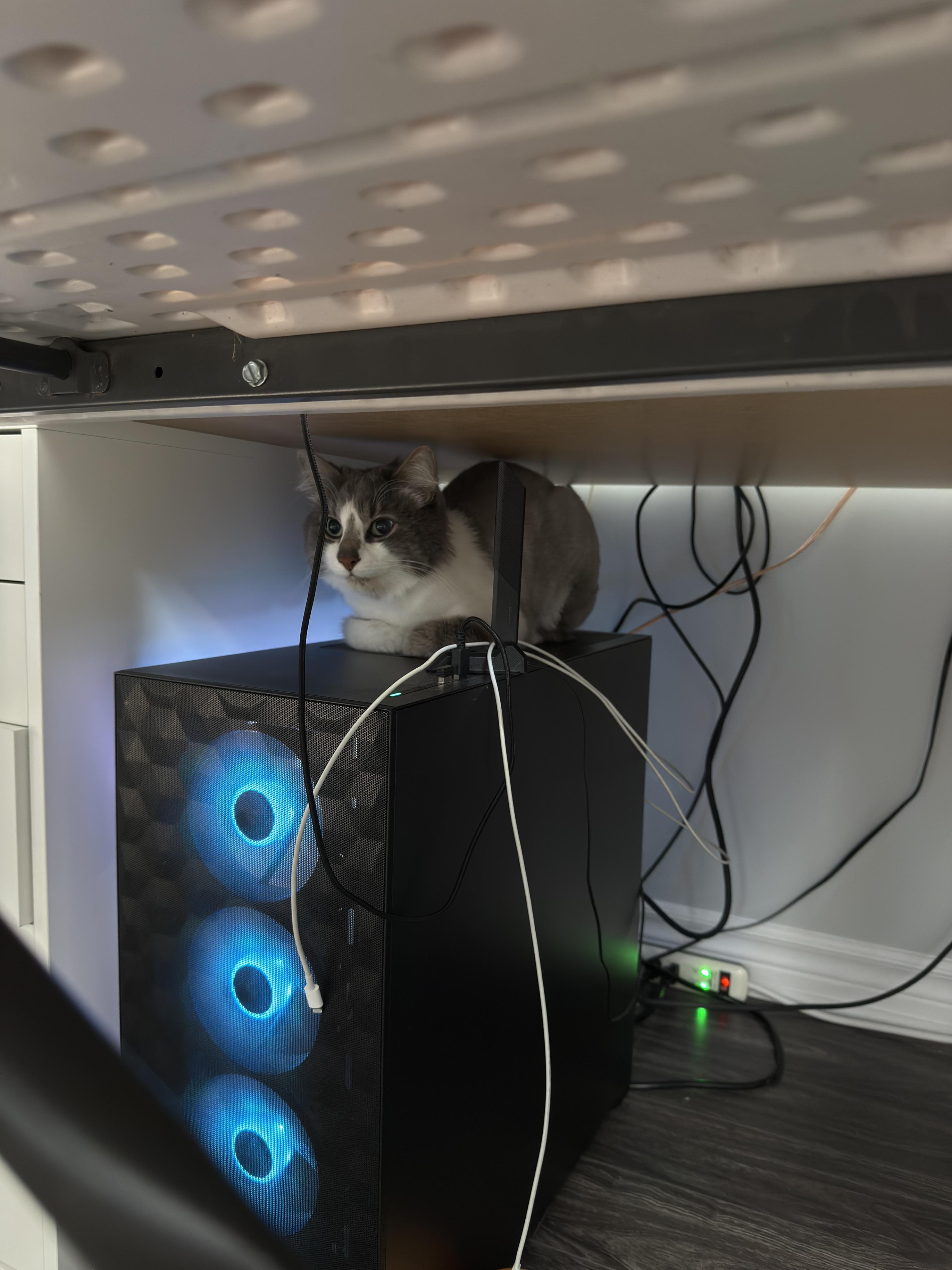
Thoughts On My Pc? Ignore The Cat.

Thoughts On My Pc? Ignore The Cat.
"Ignore the cat" they said, as if anyone could possibly focus on RGB fans when there's a sentient furball perched on top of the setup like a server admin monitoring their production environment. The cat's literally positioned as if it's overseeing the entire operation—probably judging your cable management harder than any code reviewer ever could. That gaming PC with its glowing blue fans is nice and all, but let's be honest: the real hardware upgrade here is the biological heat sensor sitting on top. Cats have this uncanny ability to find the warmest spot in any setup, which means your PC is either running hot or the cat's just claiming dominance over your entire workstation. Either way, that's a feature, not a bug. Also, those cables in the back? Chef's kiss. Nothing says "professional developer setup" like a nest of wires that would make even spaghetti code jealous. But sure, let's pretend we're here to rate the PC and not acknowledge the superior life form supervising your compile times.

Apple 2026 MacBook Pro Laptop with Apple M5 Max chip with 18-core CPU and 40-core GPU: Built for AI, 16.2-inch Liquid Retina XDR Display, 48GB Unified Memory, 2TB SSD, Wi-Fi 7; Space Black

Apple 2026 MacBook Pro Laptop with Apple M5 Max chip with 18-core CPU and 40-core GPU: Built for AI, 16.2-inch Liquid Retina XDR Display, 48GB Unified Memory, 2TB SSD, Wi-Fi 7; Space Black
FAST RUNS IN THE FAMILY — The 16-inch MacBook Pro with the M5 Pro or M5 Max chip brings next-generation speed and powerful on-device AI to personal, professional, and creative tasks. With all-day bat…

"Gaming Laptops Are A Scam" Mfs When They Have To Travel And They Want To Bring Their Desktop Setup

"Gaming Laptops Are A Scam" Mfs When They Have To Travel And They Want To Bring Their Desktop Setup
Oh, the DELICIOUS irony! Those desktop purists who spend hours ranting about how gaming laptops are "overpriced garbage" and "thermal throttling nightmares" suddenly discovering the harsh reality of physics when they need to travel. Look at them now, literally strapping their entire RGB-infested battle station to their back like some sort of Death Stranding protagonist carrying the weight of their own hubris. Sure, your desktop has better price-to-performance ratio and superior cooling, but good luck fitting that triple-monitor setup, mechanical keyboard, and tower the size of a mini fridge into a carry-on. Meanwhile, the gaming laptop users are already at their destination, sipping coffee and compiling code while you're still figuring out how to convince TSA that your liquid cooling system isn't a bomb. The real kicker? They'll STILL insist it was worth it because "at least I'm getting proper framerates" while their chiropractor bills skyrocket faster than their CPU temps ever did.

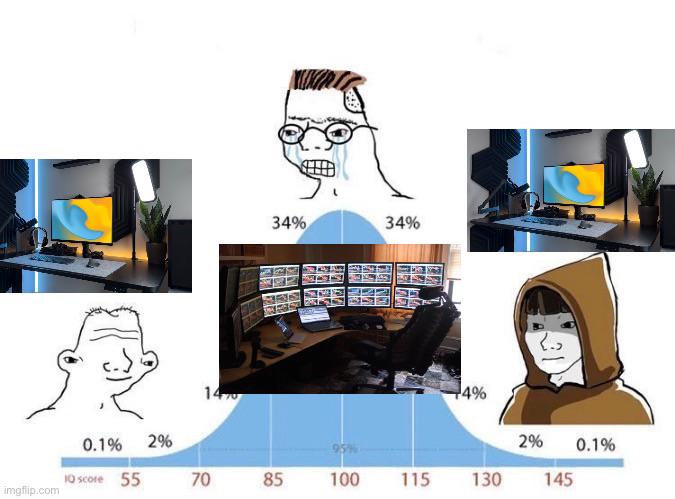
No Offense But

No Offense But
So apparently your IQ is directly proportional to the number of monitors you own, and I'm here for this TOTALLY scientific chart. Single monitor peasants are chilling at 70 IQ, dual monitor users are flexing at 85 with their "balanced" setup, but BEHOLD the galaxy brain with 6+ monitors scoring a cool 100 IQ! But wait—there's a twist in this dramatic saga! The 34% of people rocking the gritted-teeth meme face? They're the dual monitor warriors DESPERATELY defending their setup choice. Meanwhile, the ultra-rare 0.1% with single monitors and the 0.1% with ALL THE MONITORS are just vibing in their respective dimensions, completely unbothered by this chaos. The real kicker? We ALL know that guy with the NASA mission control setup is just using 5 of those screens to display Stack Overflow tabs while one monitor actually does the work. But hey, at least they LOOK smart, right? 💀

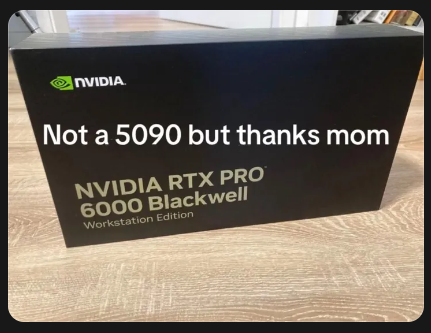
Not A 5090 But Thanks Mom

Not A 5090 But Thanks Mom
When you ask for the latest gaming GPU but mom comes through with a $10,000 professional workstation card instead. The RTX 6000 is literally more expensive and powerful than the 5090, but gamers gonna game and nothing else matters. It's like asking for a sports car and getting a Lamborghini tractor—technically superior engineering, but where's the street cred? The Blackwell architecture RTX 6000 is an absolute beast for AI training, 3D rendering, and professional workloads, but you can't exactly flex it in your Discord gaming setup channel. Mom basically handed you the keys to a data center and you're upset you can't run Cyberpunk at 500fps.

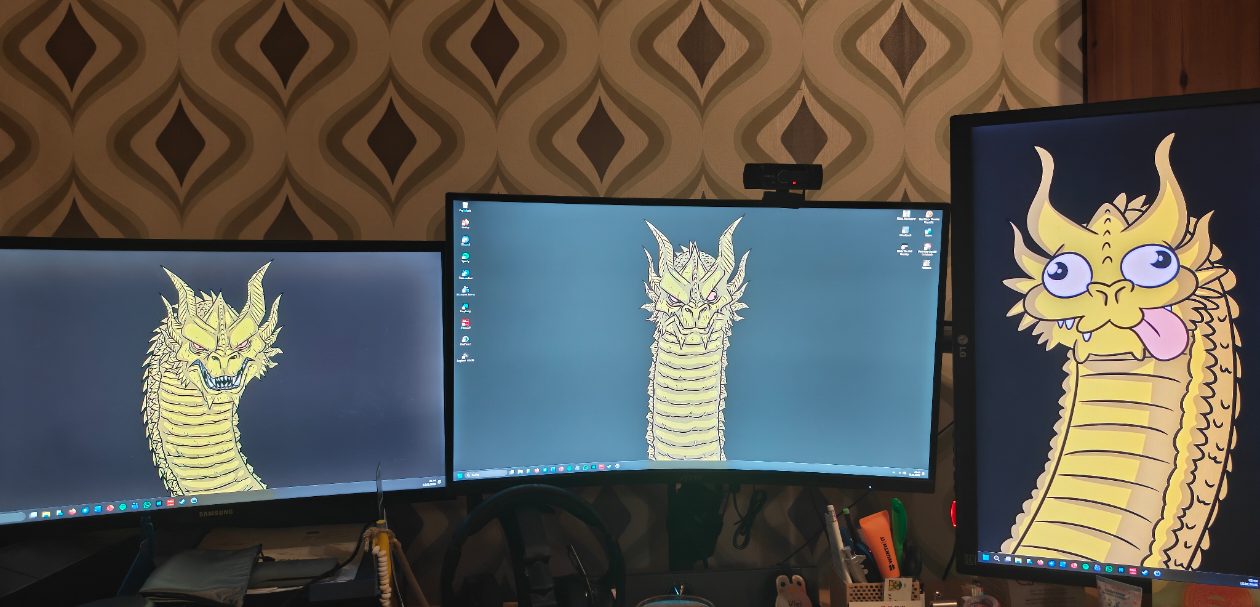
Saw This Major Monitor Post And Thought My Setup Deserves An Extra Spot

Saw This Major Monitor Post And Thought My Setup Deserves An Extra Spot
When you're working on a serious project and decide that three monitors just isn't enough screen real estate. Left monitor: the serious work version. Middle monitor: the "let me zoom in and pretend I'm being productive" version. Right monitor: when your code finally compiles and you've lost your damn mind. The progression from intimidating dragon to derpy dragon with googly eyes and its tongue out is basically the journey every developer goes through during a coding session. You start off fierce and focused, then by hour 6 you're just happy to be alive and your brain has turned to mush. Also, respect for actually using all that screen space instead of just having Stack Overflow tabs open on two of them like the rest of us.

It's Not A 'Gaming Laptop,' It's A 'High-Performance Portable Workstation'

It's Not A 'Gaming Laptop,' It's A 'High-Performance Portable Workstation'
Nothing says "business necessity" quite like justifying an RTX 4090 and 64GB of RAM for checking Outlook and occasionally firing up Corel Draw. The accountant's face says it all—she's seen this exact pitch three times this quarter, and she knows full well that "mission critical" translates to "I need to maintain a 240fps competitive edge in Valorant during lunch breaks." The beauty of this expense report is the technical specificity. Nobody questions the RAM requirements when you throw around professional software names. Sure, Corel Draw could run on a potato from 2015, but try explaining that your current laptop can't handle the "complex rendering workflows" without breaking a sweat. The RGB lighting? That's for better visibility in low-light office conditions, obviously. Pro tip: Always mention "Docker containers" and "virtual machines" in your justification. Works every time. Well, almost every time.

Dual Monitor Setups Be Like

Dual Monitor Setups Be Like
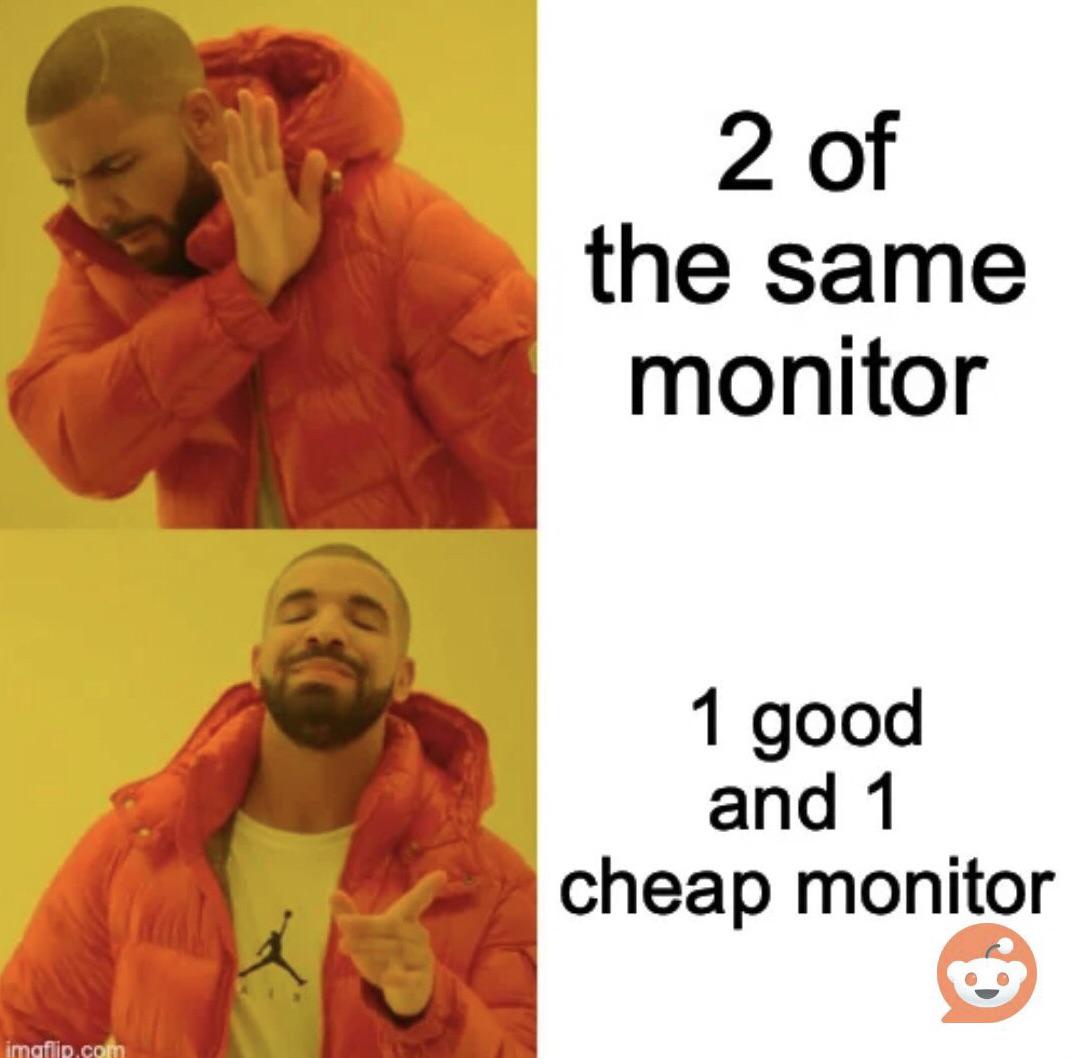
You spend $800 on a fancy ultrawide with perfect color calibration for your main display, then grab that dusty 1080p TN panel from 2009 with the dead pixel and 60Hz refresh rate for the second monitor. The color temperature doesn't match, the bezels are different sizes, and one sits 2 inches higher than the other. But hey, at least you can keep Stack Overflow open on the garbage monitor while you pretend to code on the good one. Budget optimization at its finest.

ErGear Height Adjustable Electric Standing Desk, 48 x 24 Inches Sit Stand up Desk, Memory Computer Home Office Desk, Vintage Brown

ErGear Height Adjustable Electric Standing Desk, 48 x 24 Inches Sit Stand up Desk, Memory Computer Home Office Desk, Vintage Brown
Outstanding Stability: This electric standing desk has a sturdy solid steel frame with aerospace-grade lifting column connectors (still stable & secure after testing 100,031 times). It's a firm found…

I Don't Mean To Brag, But...

I Don't Mean To Brag, But...
Nothing quite like the moment you realize your "development machine" now meets the minimum requirements for a gaming PC. Congratulations, you've successfully downgraded from professional workstation to potato-tier gaming rig. Your Docker containers are probably crying in 16GB of RAM while gamers are out here running Cyberpunk on ultra with 64GB. But hey, at least you can finally relate to those Steam forums complaining about performance issues.

The Keyboard Throne

The Keyboard Throne
Behold, the Iron Throne for developers—forged from the fallen warriors of a thousand code battles. Each keyboard represents a different project where someone rage-quit after the 47th merge conflict, or that one time someone spilled coffee during a production hotfix. The senior dev who sits upon this throne has earned their stripes through countless Ctrl+Z's, survived the great Tab vs Spaces war, and probably still has PTSD from that legacy codebase written in PHP 4. Notice how they're all membrane keyboards too—the true mark of corporate suffering. Not a single mechanical keyboard in sight, which means this throne was built from the keyboards of developers who worked in open offices and weren't allowed to bring their clicky-clacky Cherry MX Blues from home. The armrests wrapped in keyboards are a nice touch though—maximum ergonomic dysfunction for that authentic developer posture.